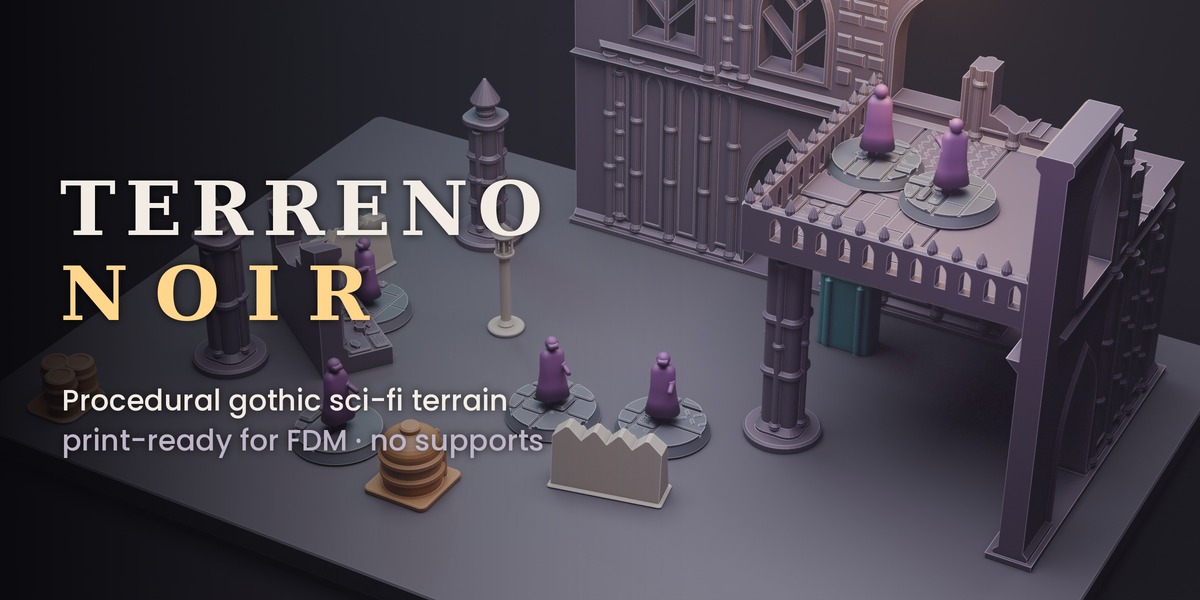
Terreno Noir, Procedural Gothic Sci-Fi Terrain, Print Ready for FDM
 Eron Lumbre
Installation
- Download terreno_noir-1.2.0.zip. Do not unzip it.
- In Blender 4.5 or newer, drag the zip into the Blender window, or go to Edit > Preferences > Get Extensions > Install from Disk.
- Open the 3D Viewport sidebar (press N) and click the Terreno Noir tab.
The add-on sets the scene to millimetres automatically. Tested on Blender 5.1 and 5.3.
Quick start: a whole board
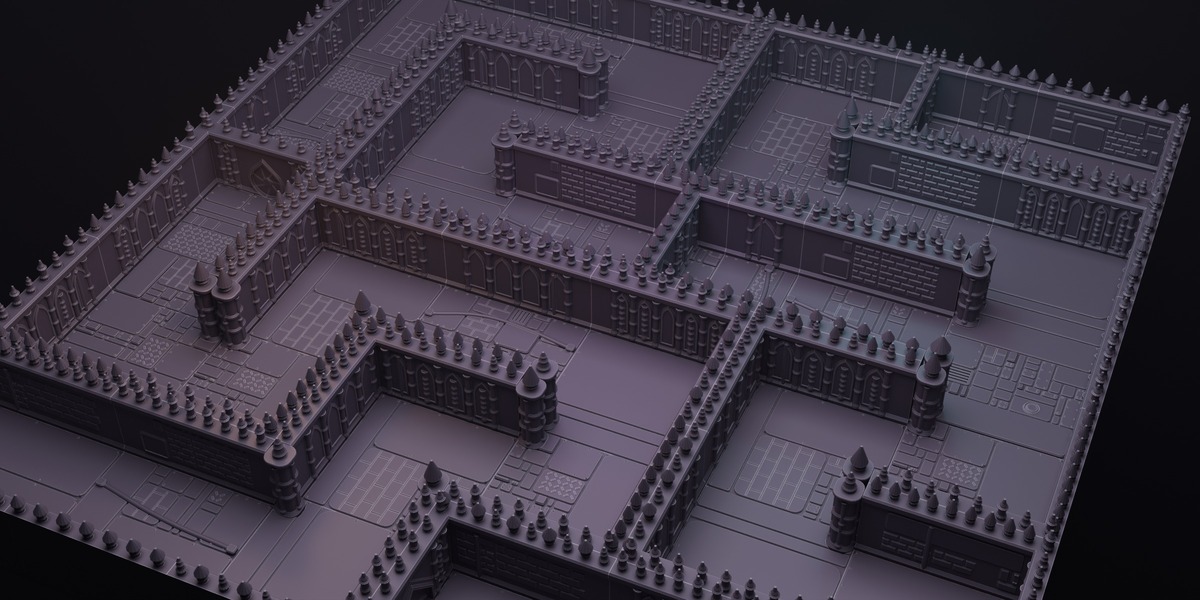
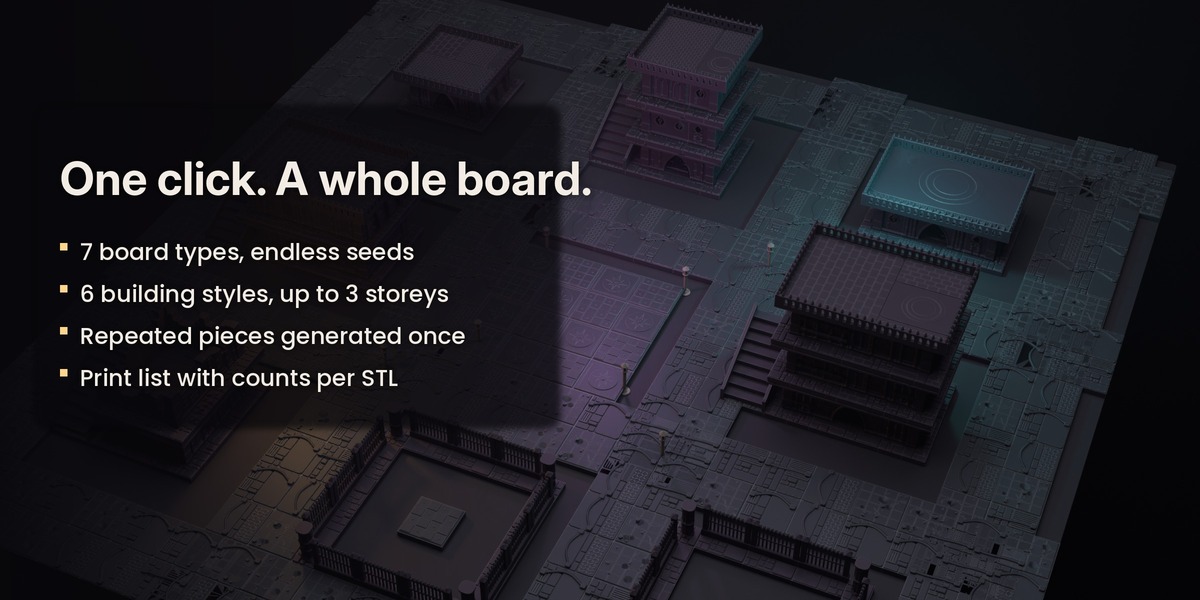
- In Full board, choose a Board type and a Board seed.
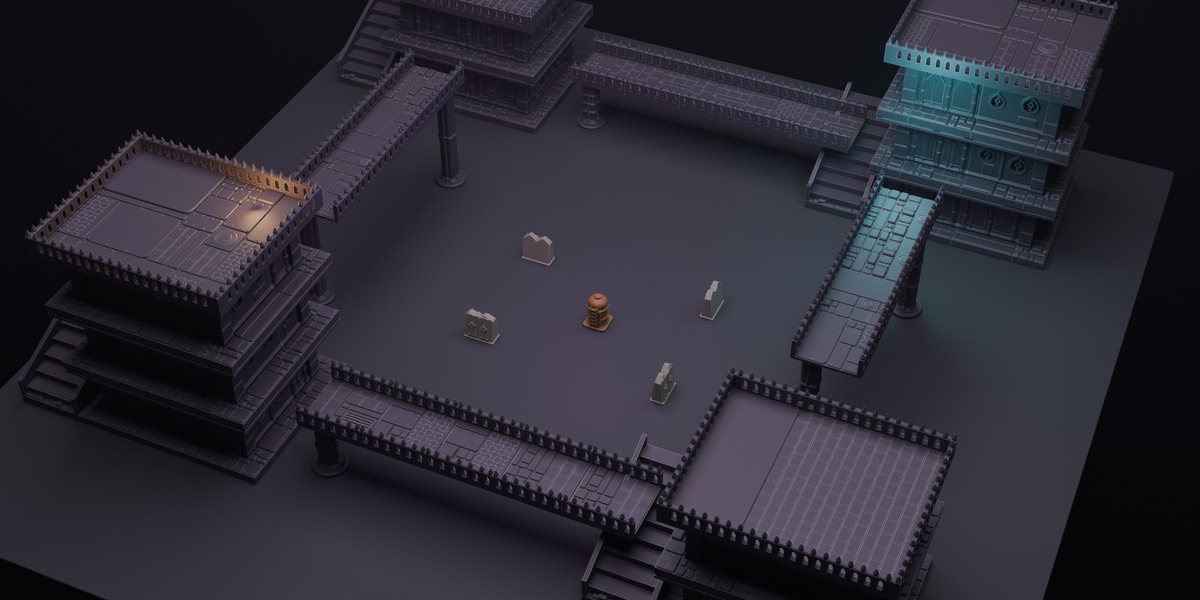
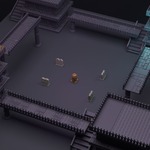
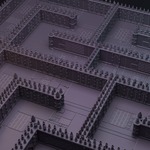
- Click Generate full board. A collection with the whole board and a base plate appears.
- With the board selected, click Export unique pieces + print list.
- Open the export folder: one STL per distinct piece, sorted into folders (walls, floors, props…), plus print_list.txt.
Change the seed and generate again for a different board.
Quick start: a building
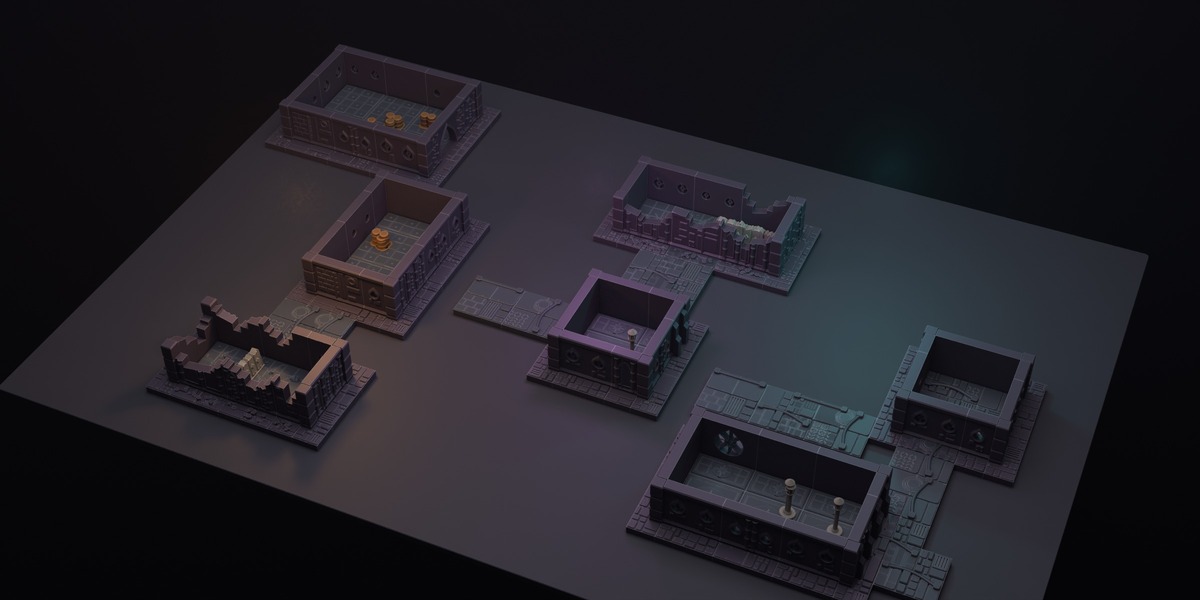
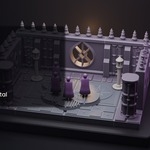
- In Building, choose the style, width and depth (in 1" cells) and the number of storeys.
- Click Generate building.
Quick start: single pieces
- Choose a Piece and a Seed, then click Generate piece.
- Batch of variations makes several seeds side by side.
- Full kit generates one of every main piece.
Panel reference
- Game preset / Apply game rules – sets wall height, door size, cover height and level height for the chosen game style. Pack for game preset generates a ready set.
- Door width / height, Barricade height, Level height – fine-tune measurements.
- Engraved 1" grid – engraves a 1" grid on floors (RPGs).
- Pinnacles on top – turns the crest pinnacles on wall tops on or off.
- Piece / Seed – what to generate and its variation.
- Cells X / Y, Length, Height, Thickness – size of floors and walls (1 cell = 1" = 25.4 mm).
- Damage – how ruined walls, corridors and barricades are.
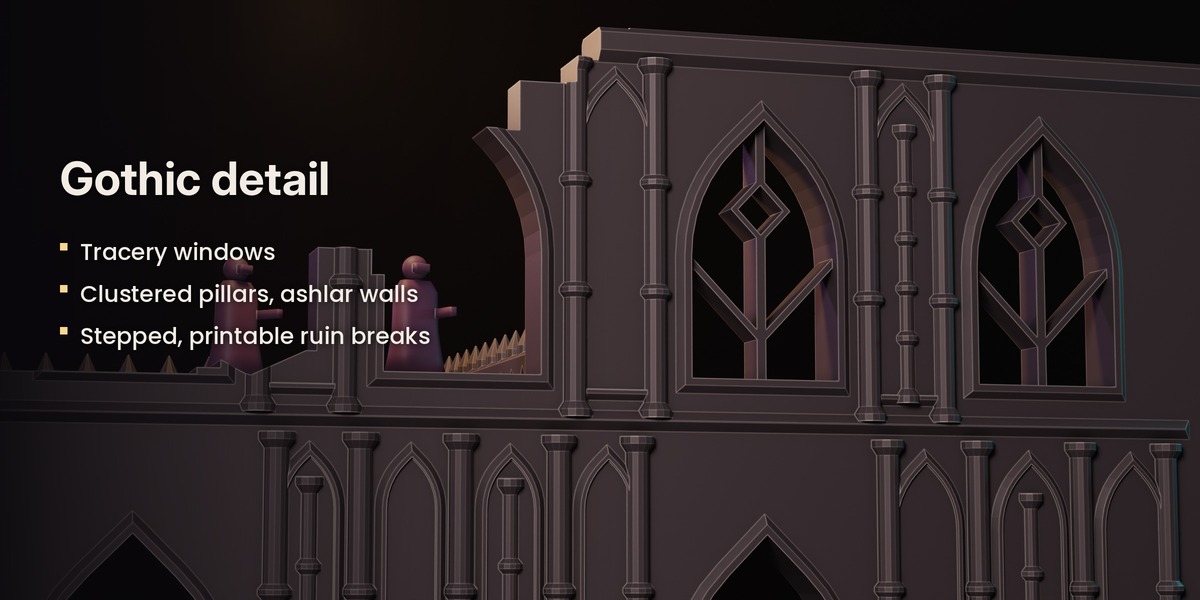
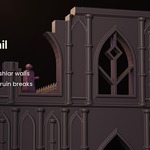
- Style: Subdivision density, Organic, Gothic ornament – amount of panel detail, rounded shapes and gothic decoration (arcades, tracery, pinnacles, ashlar).
- Floor plates – weights for each floor plate type.
- Connector – None, Magnets (choose size, perimeter only) or a Clip cutter object of your own.
- Check printability – reports non-manifold edges, loose bodies and overhang area for the selected pieces, plus the game-rule traits.
- Export STL (by category) – one STL per selected object, sorted into folders.
- Export unique pieces + print list – one STL per distinct mesh with its count.
Printing guide
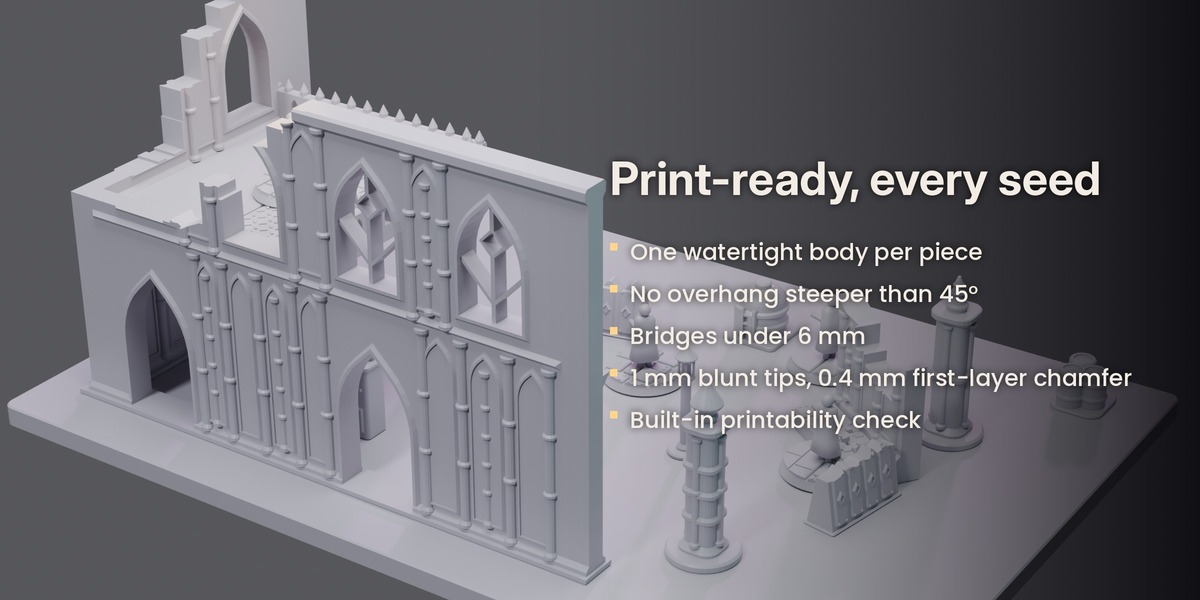
- FDM, 0.4 mm nozzle, 0.2 mm layers, 3 perimeters, 10–15 % infill.
- No supports needed. Print pieces flat, as exported.
- Door leaves print lying flat and slide into the wall pocket.
- Floor slabs (platforms) rest on the wall tops of the storey below.
- Glue magnets in after printing.
Performance
A skirmish board takes seconds. A 44x44" city with around 600 pieces can take one or two minutes. Pieces that repeat share one mesh, so the scene stays light.
Troubleshooting
- The tab does not appear: make sure the extension is enabled in Preferences > Add-ons, then press N in the 3D Viewport.
- A piece reports a warning in Check printability: generate it again with another seed. The generator already retries automatically if a boolean operation fails.
- STL looks 1000x too small or too big: the STL is in millimetres; set your slicer units to mm.
Support
Message me through Superhive. I answer within 72 hours.
Have questions about this product?
Login to message
| Blender Extension Compatible | Yes |
| Published | about 2 hours ago |
| Blender Version | 3.0 - 3.5 |
| Extension Type | Add-on |
| Render Engine Used | Arnold, Blender-Internal, Cycles, Eevee |
| License | GPL |

Discover more products like this
tabletop 3d printing fdm grimdark gothic procedural wargaming Generator miniatures terrain sci fi STL