 Skava
Skava

TexelMaster — texel density management
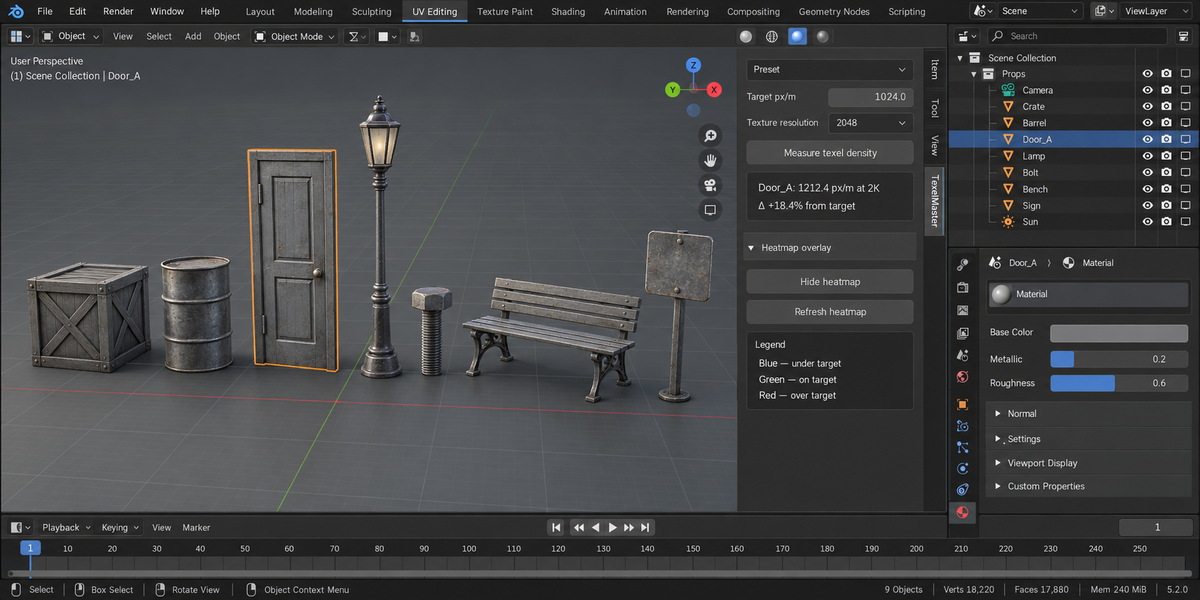
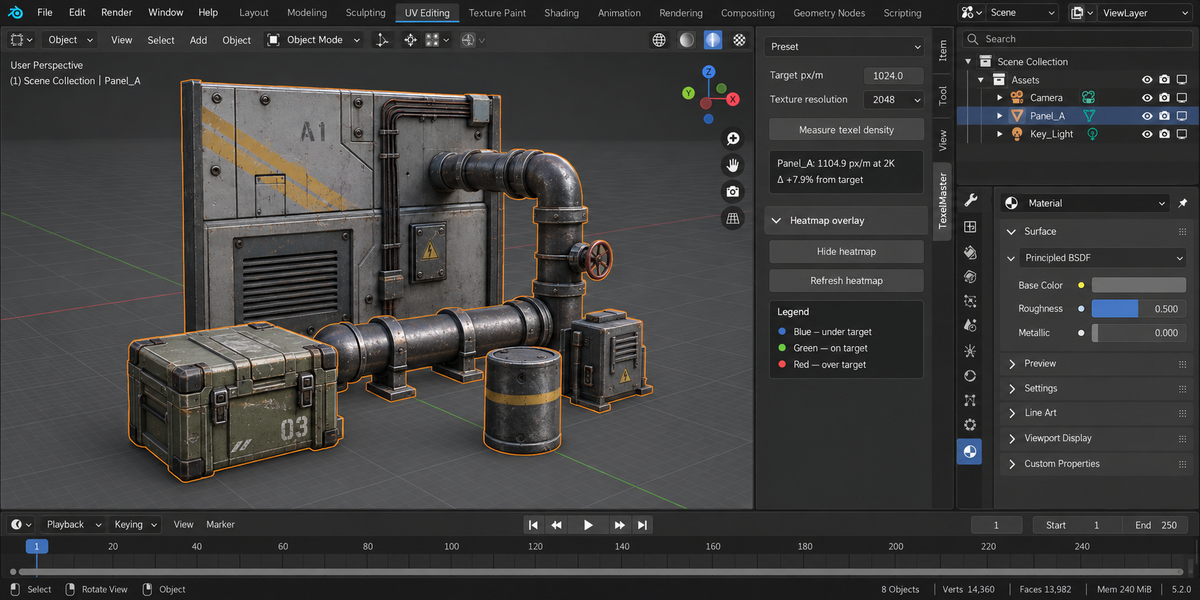
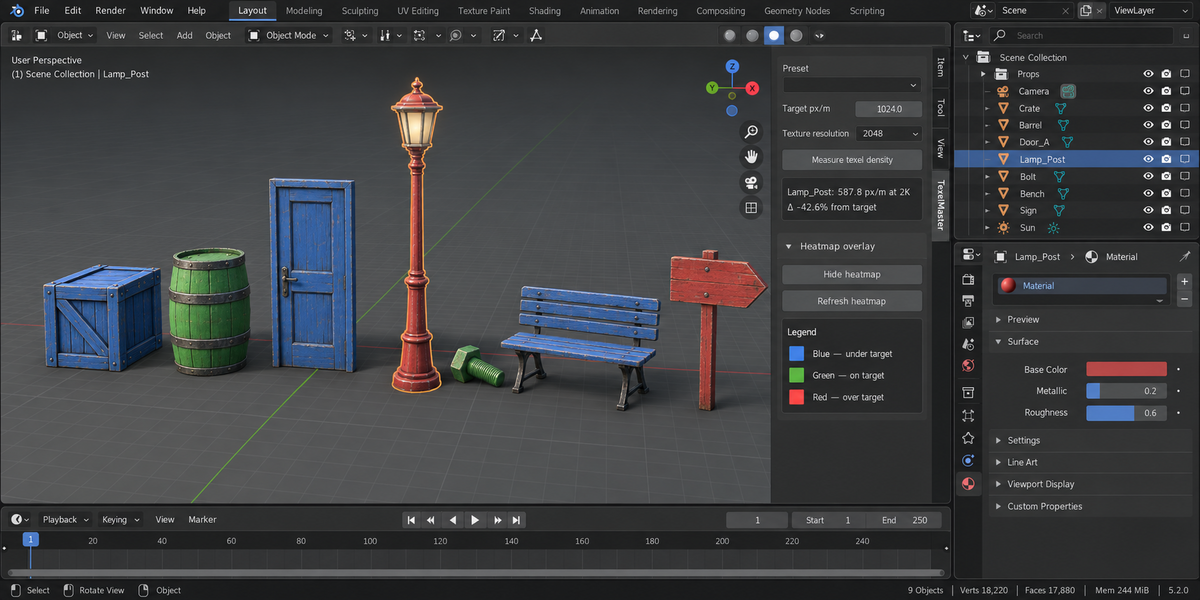
Stop guessing whether your assets ship at the right resolution. TexelMaster gives you a live heatmap in the viewport, per-engine presets, one-click normalisation across an entire selection, and validation reports you can paste into a code review.
What it solves
In any real game pipeline a "1024 px/m" rule means every prop needs measured, scaled, and verified. Without tooling that's a manual maths exercise on every object. With TexelMaster it's a button.
Headline features
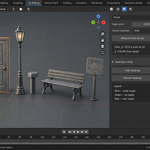
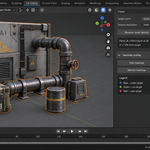
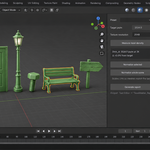
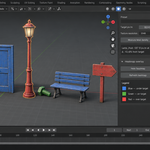
- Live heatmap overlay. Selected meshes get coloured per face: blue = under target, green = on target, red = over target. The thresholds are configurable in preferences.
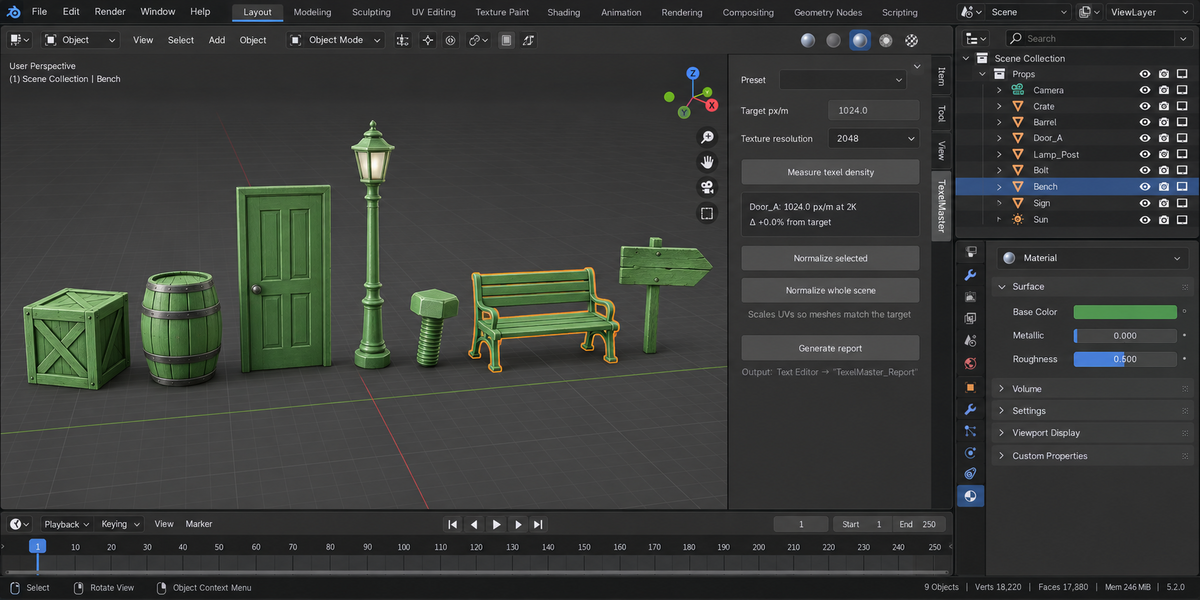
- One-click normalize. Select 50 props, hit Normalize — every object's UVs are rescaled so its texel density matches the target. Per-object or per-island modes.
- Engine presets. Mobile (256 px/m), PC Low (512), PC Standard (1024), PC High (2048), Hero (4096), Archviz (5120), Custom. Switch in one click.
- Validation reports. Generate a text report listing every selected object's current TD, deviation from target, and OK / UNDER / OVER verdict. Stored in the Text Editor — paste into reviews.
- Tolerance band. "On target" is ±20 % by default (configurable). Real pipelines aren't pixel-perfect; reports flag the actual outliers, not noise.
Engine reference
| Preset | Target px/m | Typical use |
|---|---|---|
| Mobile | 256 | Mobile / VR / Switch |
| PC Low | 512 | Indie PC, last-gen consoles |
| PC Standard | 1024 | Current-gen AAA standard |
| PC High | 2048 | High-end / cinematic shots |
| Hero | 4096 | Hero props in close-up |
| Archviz | 5120 | Architectural visualisation |
Why not the existing Texel Density Checker
The classic Texel Density Checker addon is a measurement tool. TexelMaster is a workflow tool. The heatmap shows where the problem is, normalize fixes it in one click across a whole selection, the report ships acceptance criteria to your team.
Compatibility
Blender 4.2 LTS and later on Windows / macOS / Linux. The viewport overlay is tested on 4.2, 5.1 and 5.2.
License
GPL-3.0. No telemetry, no online activation.