 Bala
Bala


Use Coupon TD25 for 25% OFF
Features
After Installation What Should you Do
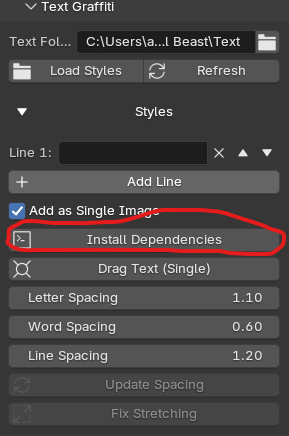 |
First time when you install the addon,You will have to install Dependencies,For the Add as Single Image Option to Work,It Uses a Python Library,So it needs to be Installed. |
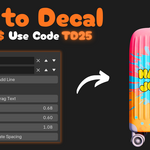
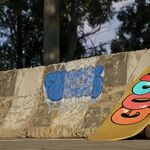
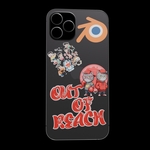
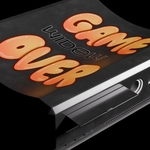
Convert your words into decal and instantly drop on any object with live preview
You can also Use single line or Multiline Decal
Multiline Decal
Single Line Decal
Add Wear and Tear and Grunge
Change Decal Color
Move the layering of added Decal
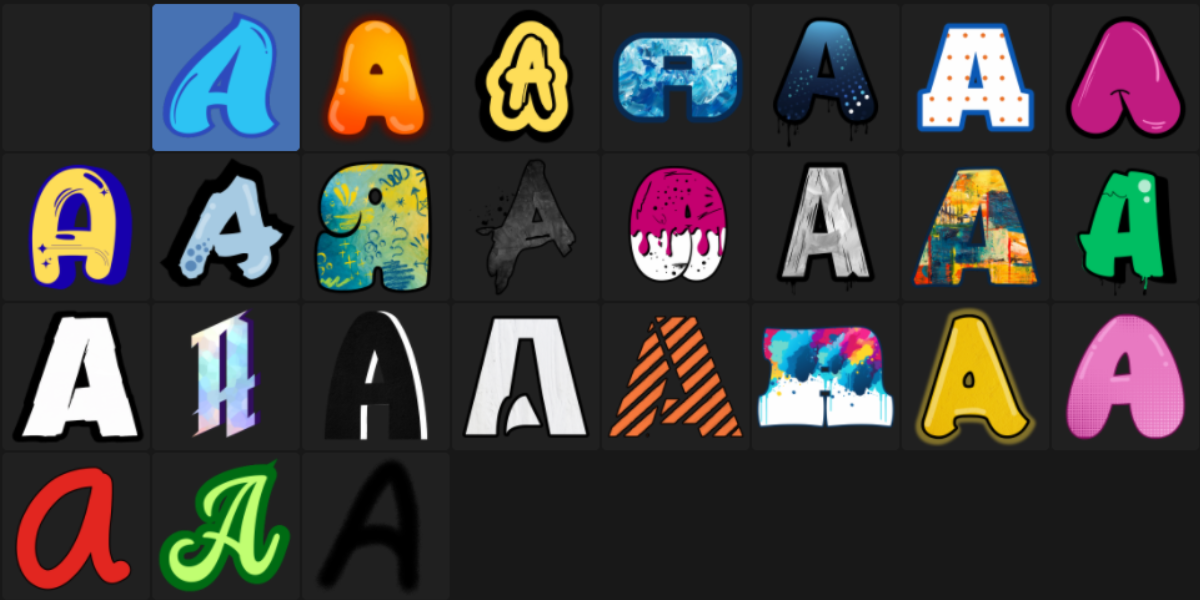
Available Fonts
Decal Beast
Decal Beast is the full version of Text to Decal — including Normal Decals, Baking, and Animation.
Want more power and speed? Check out Decal Beast.
Get Decal BeastA one‑stop solution for decals. Designed to solve common 3D workflow pain points and make decal placement, editing, and baking fast and efficient.
How to Add Your Own Decals
Creating Decals and Baking Tutorial
How to Use Decal Beast
Core Features
A non‑destructive, layer‑based system designed to streamline your decal workflow:
✓ Instantly drag and drop decals onto any mesh — supports objects with multiple materials.
✓ Drag and drop the same decal onto multiple objects at once.
✓ Change the color and roughness of your decals with ease.
✓ Type your own words to create custom graffiti with a variety of fonts.
✓ Use a layer-based workflow to move decals forward or backward, just like in Photoshop.
✓ Slide decals on the surface of any object after placement.
✓ Add grunge and aging for realistic wear and tear.
✓ Animate the aging and grunge effects for stunning timelapse scenes.
✓ Bake decals onto your mesh with one click, freeing up GPU memory.