 Nodes and noodles



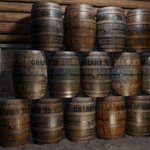
TexTexture is Blender's Text shader node!
Not a shader node for text, text for shader nodes!
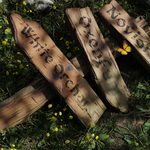
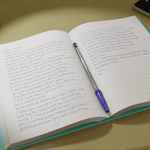
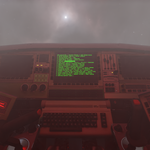
Bring text into your Blender materials with a single node which works like any other texture node in the shader editor.

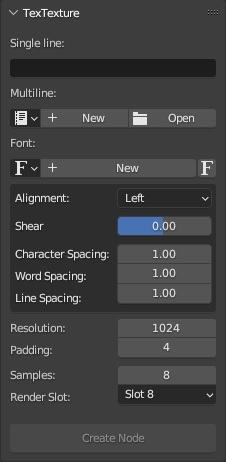
Enter a single line of text straight into the UI panel or use a text file for multiline text. Choose the font, alignment, shear, and spacing for the text and click Create Node. A new TexTexture node will be added to your material.
Alternatively, with a TexTexture node selected, you can click Update to change the output of the node.
| Left alignment: |
|
| Center alignment: |
|
| Right alignment: |
|
| Shear: |
|
| Character spacing: |
|
| Word spacing: |
|
| Line spacing: |
|






