Textexture
 Nodes and noodles


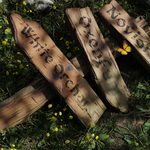
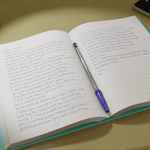

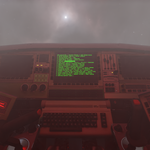
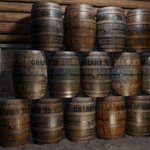
The TexTexture panel appears in the N Panel of the Shader Editor.
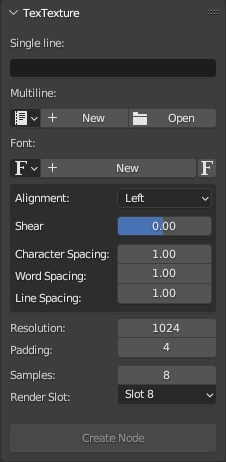
The UI panel.
Input text
- Single line: Use this text field if your text is a single line.
- Multiline: Choose a text file from the .blend file, create a new one, or open a file on your hard drive.
- Font: Select a font from the .blend file, open a new one from your hard drive, or load Blender's built-in Bfont.
Text options
- Alignment: Left, center, and right alignment as well as justified and flush.
- Shear: Italicize the text by adding a forward or backward slant.
- Character spacing: horizontal space between letters.
- Word spacing: horizontal space between words.
- Line spacing: vertical space between lines of text.
Render options
- Resolution: Horizontal size in pixels for the generated texture.
- Padding: space in pixels to add around the edges of the texture.
- Samples: number of samples to use for rendering the texture.
- Render slot: slot to use for rendering the texture
$5
Have questions about this product?
Login to message
| Blender Extension Compatible | Yes |
| Sales | 10+ |
| Published | about 1 year ago |
| Blender Version | 3.6 - 5.2 |
| Extension Type | Add-on |
| Render Engine Used | Cycles, Eevee |
| License | GPL |