TextTools
 Picto Filmo
|
In data parameters of Text object, select which content type you want to use: Multi Text or Numerical Text or None |

Multi Text:

|
Index of texts list |
|
Text body |
|
Add / remove Text |
|
Change Texts order |
|
Animate Text apparition by Index |


Num Text:
|
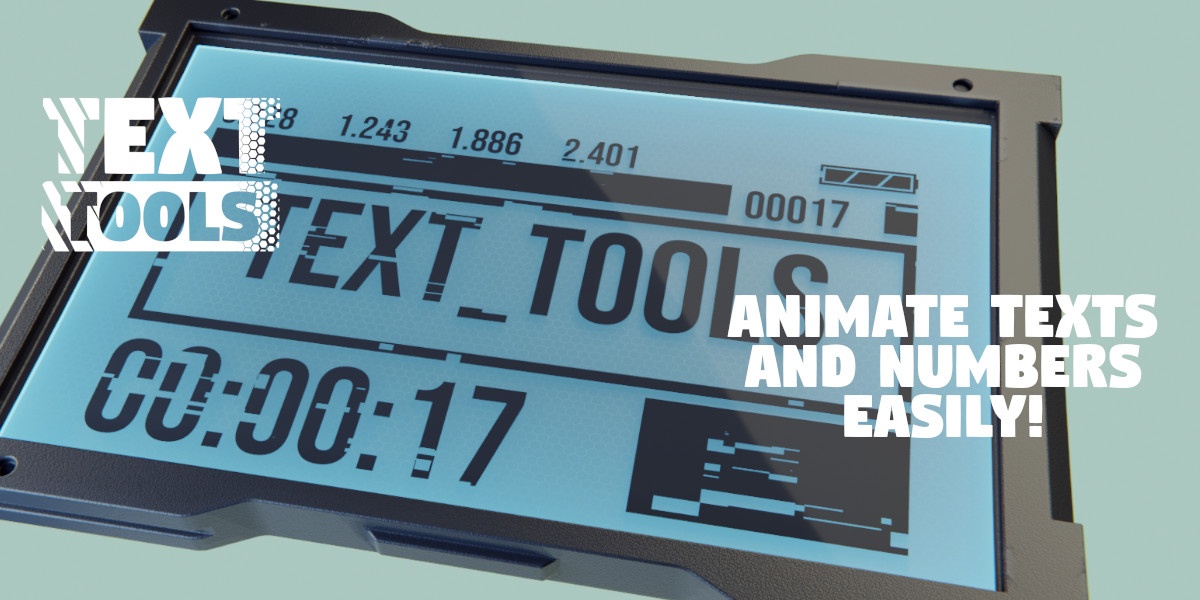
Num Type : Integer, Float or Time Code |

Integer:

|
Padding: number and character used for non numerical: ex: ###120 ---> Pad character is '#' and number is '6' |
|
Animating value of the integer text |

Float:

|
Number of characters after the dot |
|
Animating value of the Float text |

Time Code:

|
Enable / Disable : Hours / Minutes / Secondes / Frames |
|
Character separator |
|
Custom Frame Rate |
|
"Auto value" use rendering parameters and real animation frames. You can add an offset of the frames |
 |
If no 'auto-value', you can animate the time code with this value |


Viewport:
In the 'Animation' Panel, you retrieve all you need to animation the text contents:


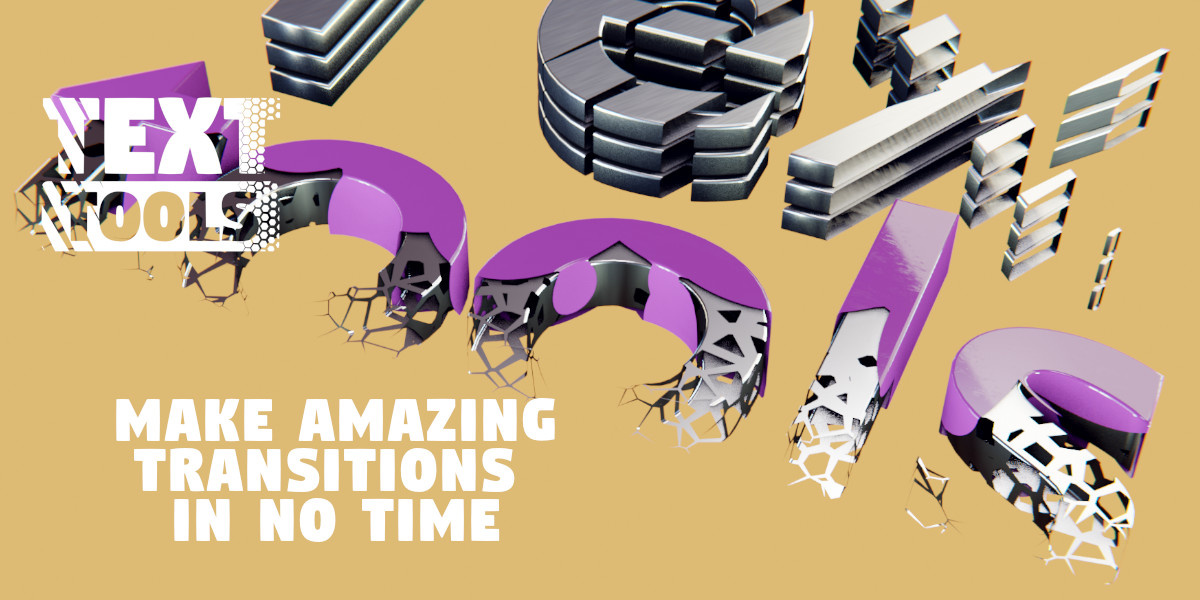
Automask:

 |
Activate Automask to selected Object |
|
Mapping: Projection Axis and |
|
select Mask Motif |
|
|
|
|
|
Negativ Alpha |

 : select UV manipulator

 : Solid or Smooth Alpha
 : Progressiv Apparition
  : Progressiv Bande witdh
 : Change Progress Sens
Discover more products like this
alpha countdown numerical text motion graphics apparition Motion design animation blender text animation 3D text Motion design animation Timecode blender motion graphics counter text tome-code time