 P2_limit_sadge


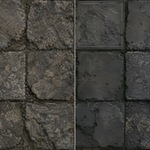

Early user price.
Price may increase with future updates and examples.
# WHAT IS TEXTURE AI UPSCALER
Price may increase with future updates and examples.
# WHAT IS TEXTURE AI UPSCALER
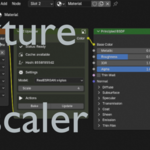
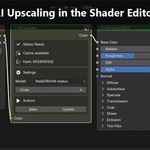
Texture AI Upscaler is a Blender add-on that adds a bake-oriented AI Upscaler node to the Shader Editor.
Connect an image texture, choose a Real-ESRGAN model, bake the result, and the generated texture is cached and wired back into the material workflow.
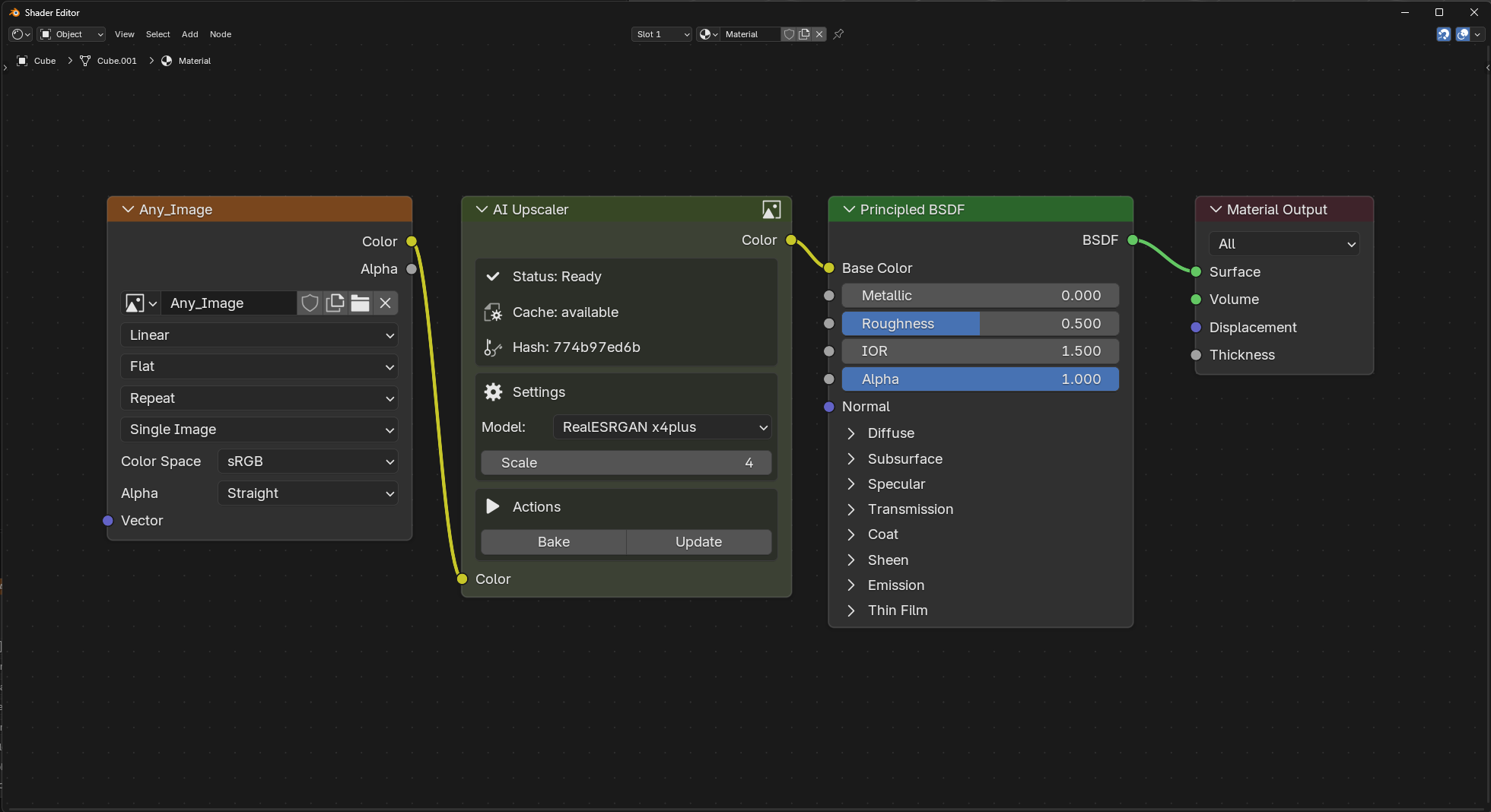
# NODE-BASED TEXTURE UPSCALING
Use it when you want to improve low-resolution source textures while staying inside a Blender shader workflow.
The add-on runs locally through Real-ESRGAN-ncnn-vulkan and does not send textures to a cloud service.
# BAKE AND REUSE GENERATED TEXTURES

Generated outputs are cached for repeatable material work.
Use the node actions to bake, update, and reconnect the generated result in the material.
# FEATURES
- Shader Editor node workflow for texture upscaling
- Local Real-ESRGAN-ncnn-vulkan backend
- General and anime/stylized model presets
- Bake and update actions directly on the node
- Cached generated outputs for repeatable material work
- Add-on preferences for backend install folder and cache folder
- Backend download/install button with user confirmation
- Windows x64 focused release package
# WHY BUY TEXTURE AI UPSCALER
- Texture upscaling inside the Blender material workflow
- Local processing through Real-ESRGAN-ncnn-vulkan
- Node-based bake workflow
- Cached generated image outputs
- Useful for material artists working with low-resolution image textures
# HOW TO USE
1. Install and enable the add-on in Blender
2. Open the add-on preferences
3. Install the backend after user confirmation
4. Open the Shader Editor for a material
5. Add Texture > AI Upscaler
6. Connect an image texture color output to the AI Upscaler Color input
7. Select a model and click Bake
# NOTES
This release is Windows x64 focused because it installs the upstream Windows Real-ESRGAN-ncnn-vulkan package.
The marketplace zip contains the add-on code and installer logic. The backend and models are downloaded from the upstream Real-ESRGAN release after user confirmation.
This first release focuses on one node/input at a time. Batch or PBR-set upscaling is not part of the first-release workflow.