 Sing Zheng
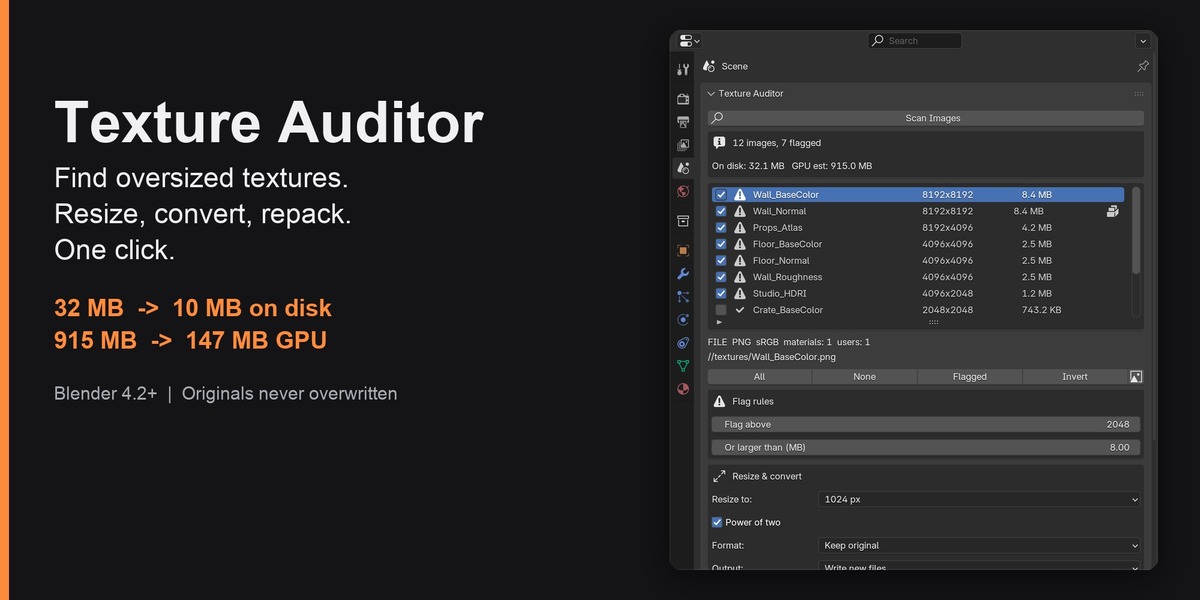
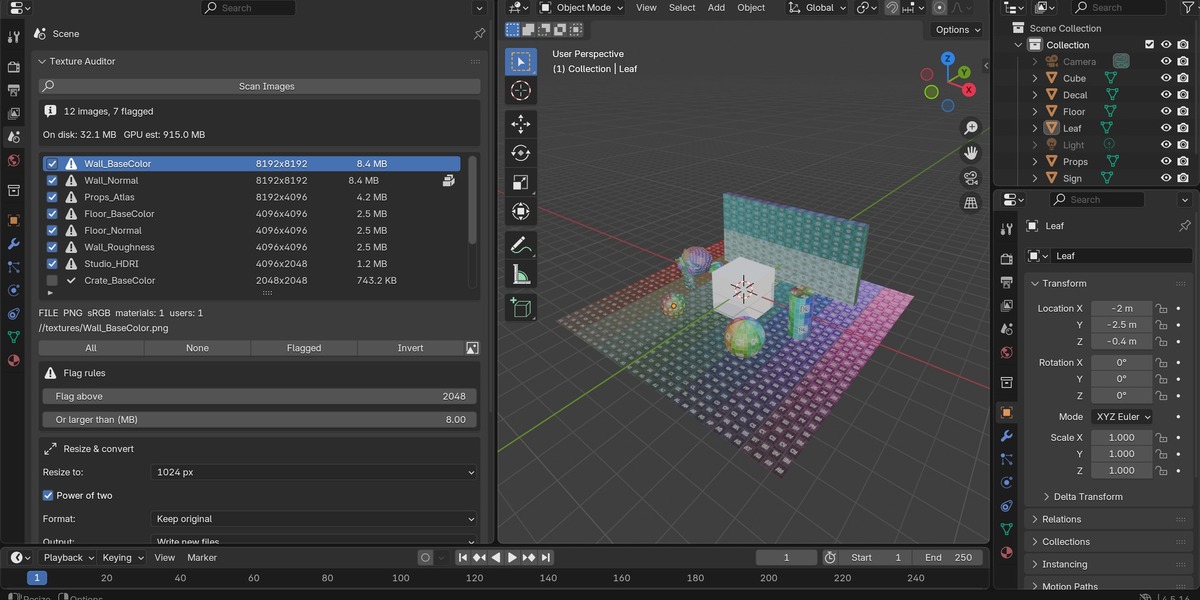
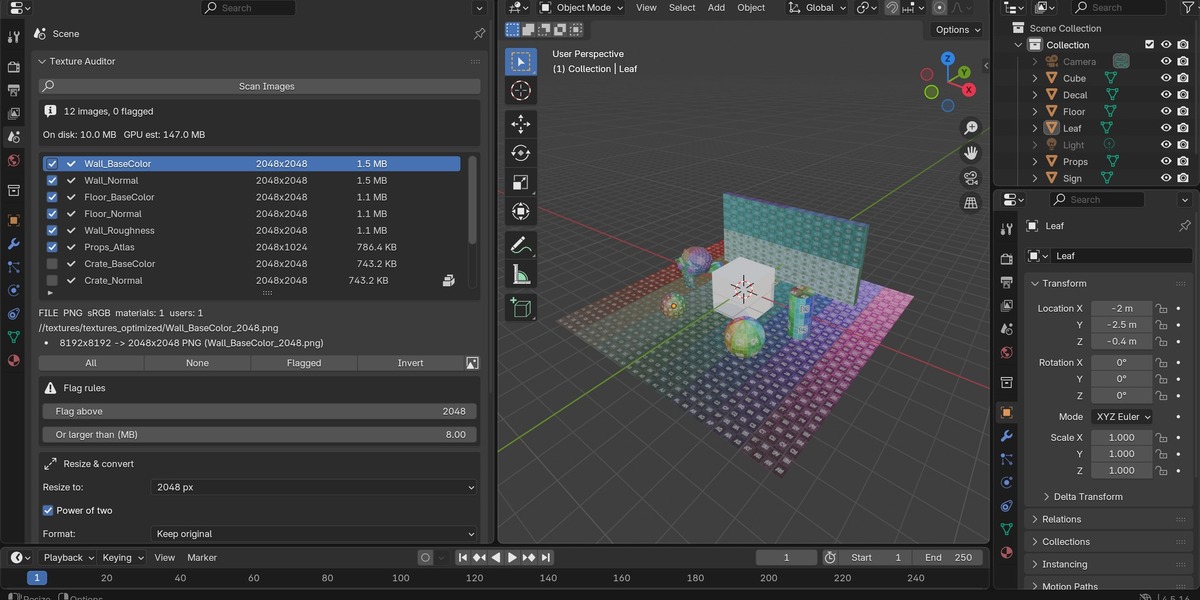
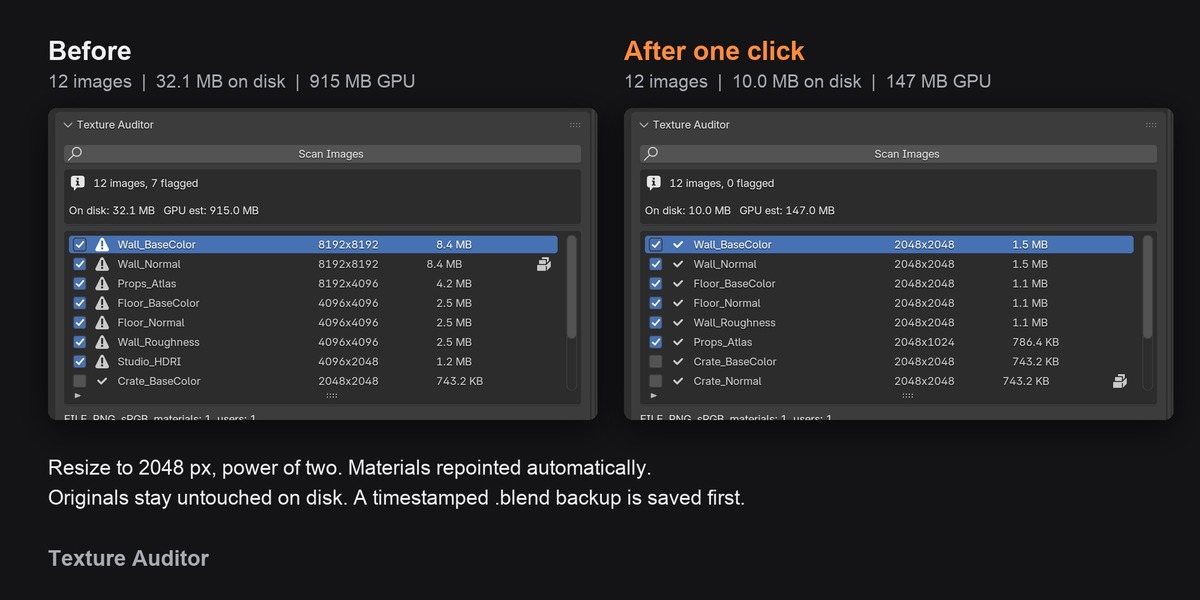
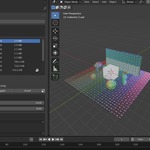
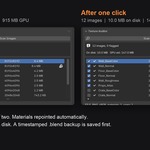
Your .blend is 900 MB and the viewport crawls? Texture Auditor lists every image in the file, flags the oversized ones, and shrinks them to 1K or 2K in one click. Originals are never touched.
Why
Most bloated .blend files are bloated by textures: 8K albedo maps on props that fill 40 pixels, packed PNGs that should be JPEGs, three copies of the same normal map. Finding them by hand means clicking through every material. Texture Auditor does it in one scan.
What you get
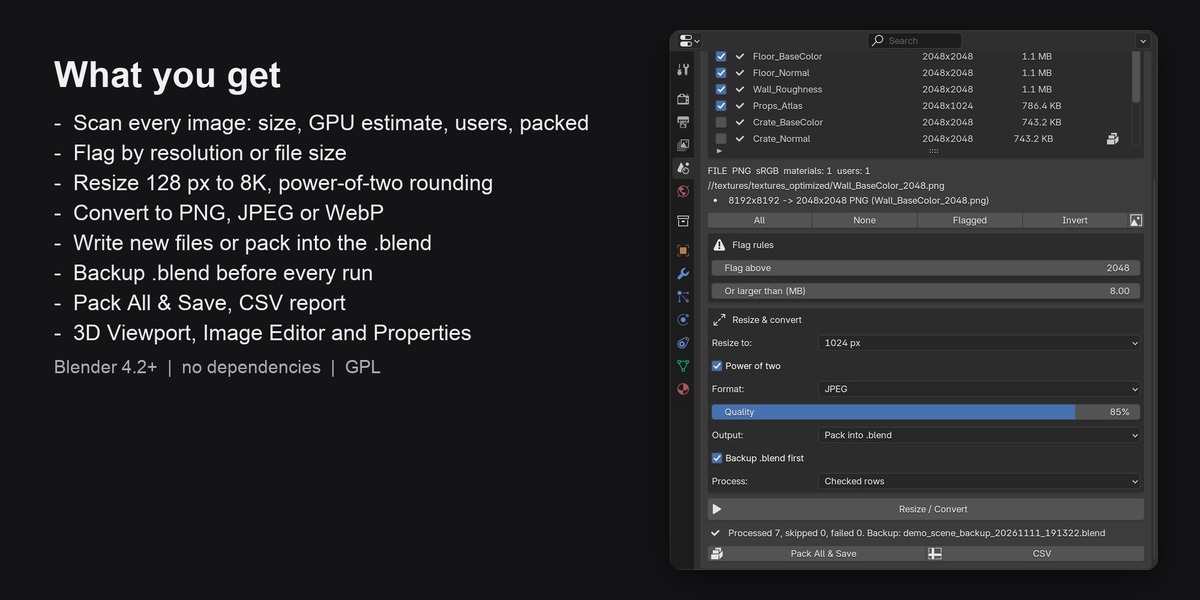
- One-click scan: resolution, size on disk, estimated GPU memory, material users, format, colour space, packed or not. Sorted largest first.
- Flag rules: longest side over N pixels, or file over N MB.
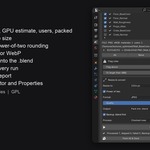
- Batch resize to 128 px up to 8K, aspect ratio kept, optional power-of-two rounding for game engines.
- Convert to PNG, JPEG or WebP with a quality slider.
-
Write new files to a
textures_optimizedfolder next to each original, or pack straight into the .blend. Materials are repointed automatically. - Timestamped .blend backup before every run.
- Pack All & Save and a CSV report for hand-off.
- Works from the 3D Viewport sidebar, the Image Editor sidebar, and Properties > Scene.
Safe by design
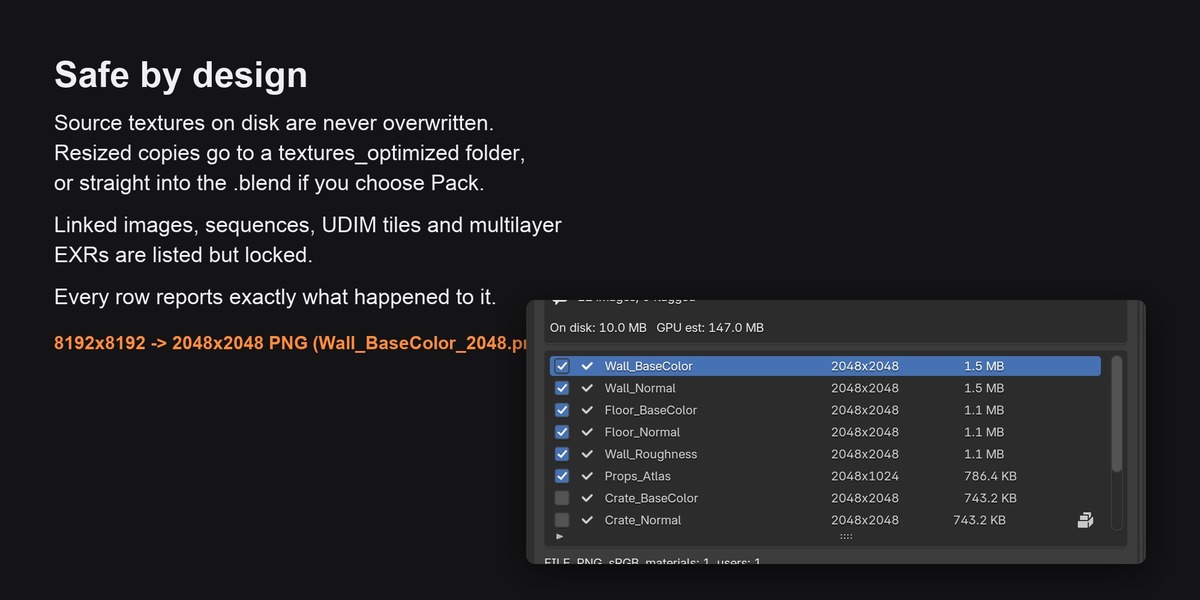
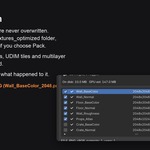
Source textures on disk are never overwritten. Linked images, sequences, UDIM tiles and multilayer EXRs are listed but locked. Every row shows exactly what happened to it.
Compatibility
Blender 4.2 LTS and newer, including 4.5 LTS. Windows, macOS, Linux. Installs as a Blender Extension. No external dependencies, no internet access.
License
GPL-3.0-or-later, as required for Blender add-ons. Buying supports updates for future Blender releases.
