Texture Auditor – Find, Resize & Repack Oversized Textures
 Sing Zheng
What about normal maps and non-colour data?
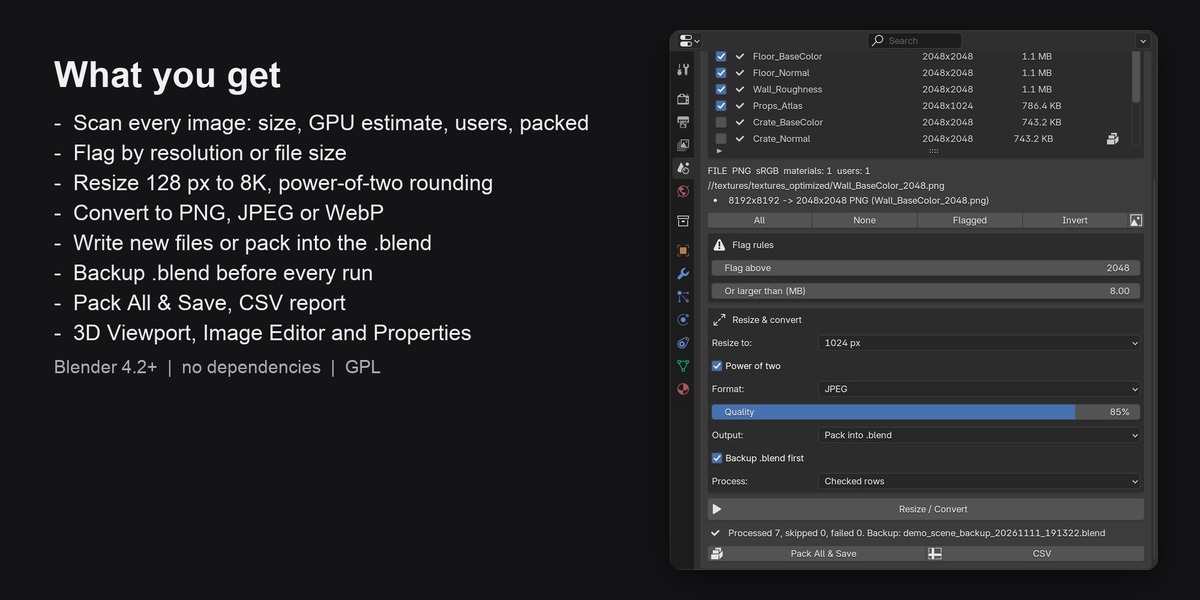
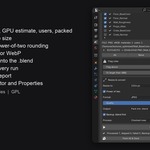
Resizing keeps the colour space setting of each image. Keep such images as PNG; converting them to JPEG is allowed but lossy, and the row status warns when alpha is dropped.
Does it need internet or any other software?
No. It runs entirely inside Blender with no external dependencies and never connects to the internet
Can it resize linked, UDIM or image-sequence textures?
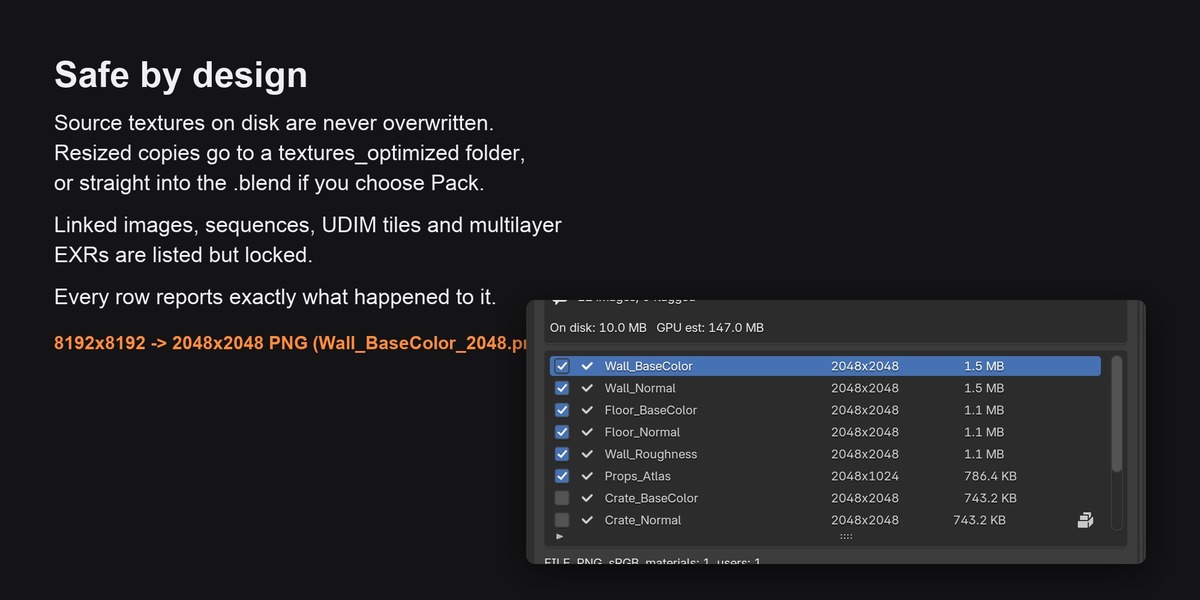
No. Linked library images, UDIM tiles, image sequences, movies and multilayer EXRs are listed with a lock icon and skipped, so nothing shared or tiled is damaged.
Does it work with packed textures?
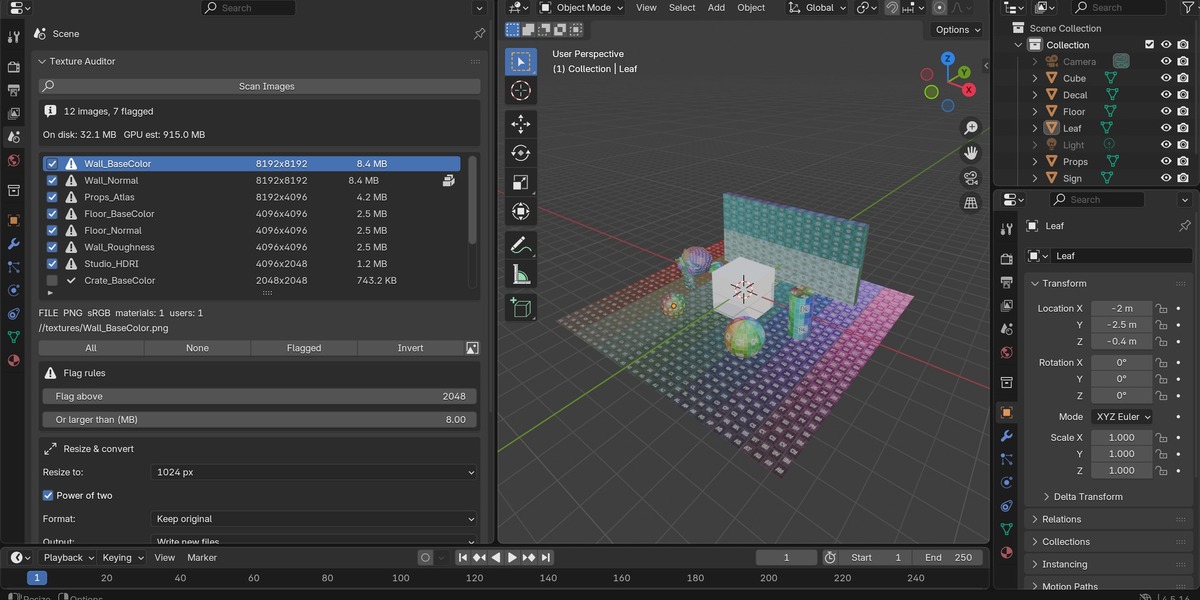
Yes. Packed images are scanned, resized and either repacked or written out as files, depending on the Output setting.
Which Blender versions are supported?
Blender 4.2 LTS and newer. It is tested on 4.5 LTS. It is built as a Blender Extension, so install it from Preferences > Get Extensions > Install from Disk or by dragging the zip into Blender.
Will this overwrite my original texture files?
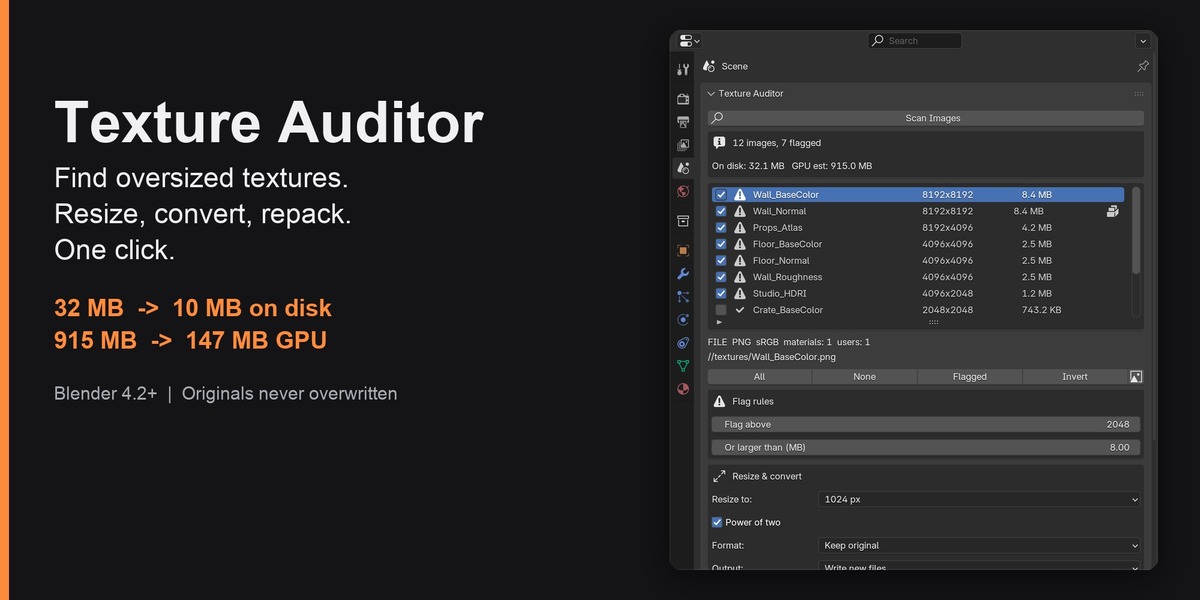
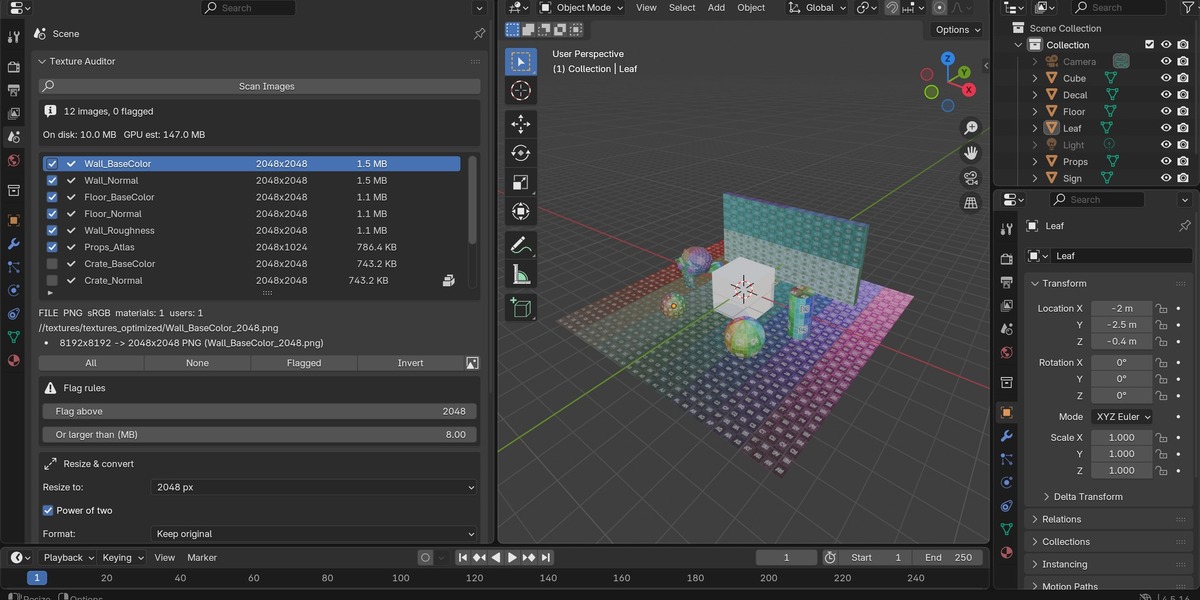
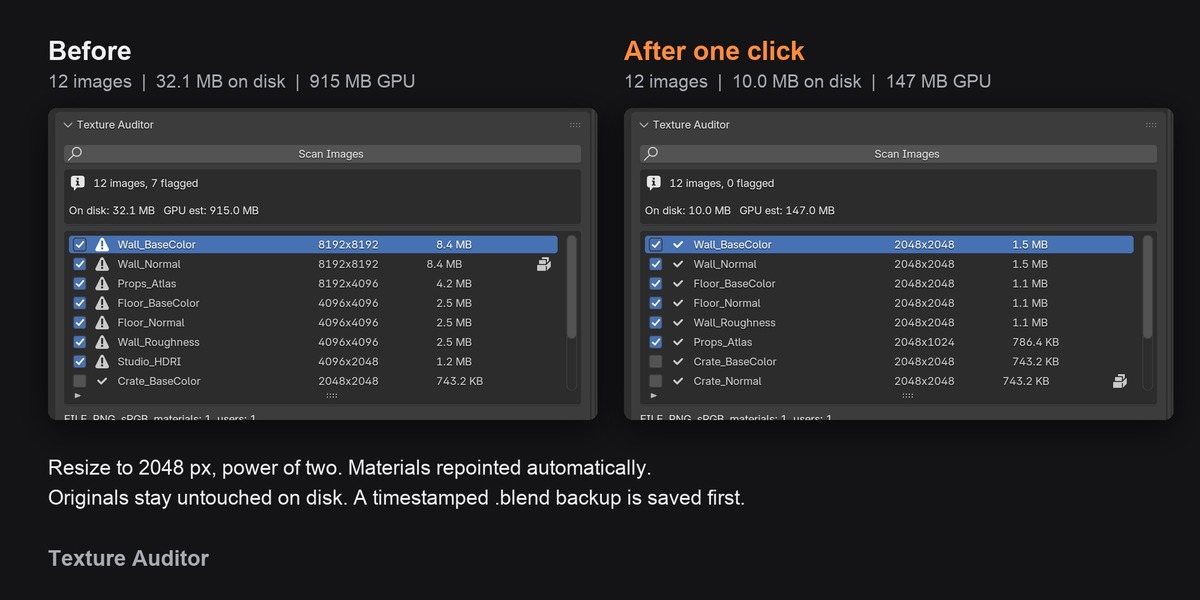
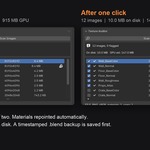
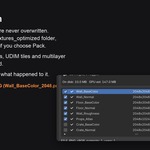
No. Resized images are written as new files in a textures_optimized folder next to the original, or packed into the .blend. Source files on disk are never modified, and a timestamped .blend backup is saved before every run when the backup option is on.
Have questions about this product?
Login to message
| Blender Extension Compatible | Yes |
| Published | 44 minutes ago |
| Blender Version | 4.2 - 4.5 |
| Extension Type | Add-on |
| Render Engine Used | Cycles, Eevee |
| License | GPL |

Discover more products like this
texture optimization cleanup Image Converter pack textures textures optimize scene memory downscale reduce-file-size pipeline game assets resize textures