 CGHawk



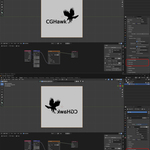

🔁 Texture Axis Flipper for Blender
Instantly Flip Textures on X & Y Axis — Non-Destructive & Fast
Texture Axis Flipper is a lightweight Blender add-on that lets you flip textures horizontally or vertically with a single click.
Perfect for artists who want quick UV fixes without editing image files or rebuilding shader graphs.
Whether you’re working on game assets, architectural materials, decals, or procedural textures, this tool saves time and keeps your workflow clean.
✨ Key Features
✅ Flip Texture X Axis
✅ Flip Texture Y Axis
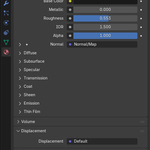
🎛️ Simple checkbox controls in the Material Properties panel
🧩 Uses Blender’s Mapping Node (non-destructive)
⚡ Instant results — no reloading textures
📦 Lightweight & performance-friendly
🔁 Works with existing materials and UVs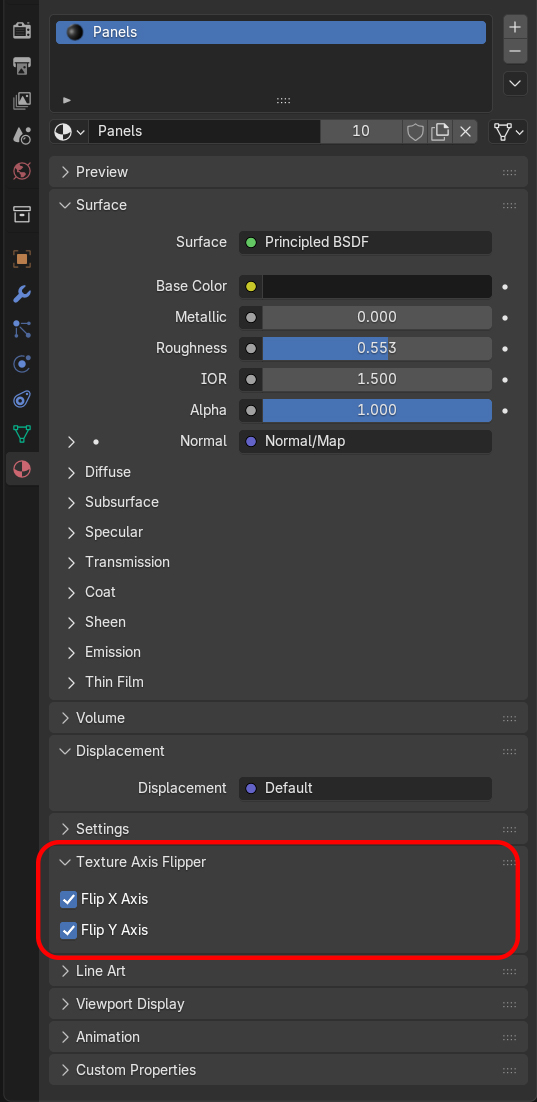
🧠 Why Use Texture Axis Flipper?
Flipping textures manually often means:
-
Editing image files externally
-
Rebuilding node setups
-
Re-exporting textures
-
Breaking procedural workflows
Texture Axis Flipper eliminates all of that.
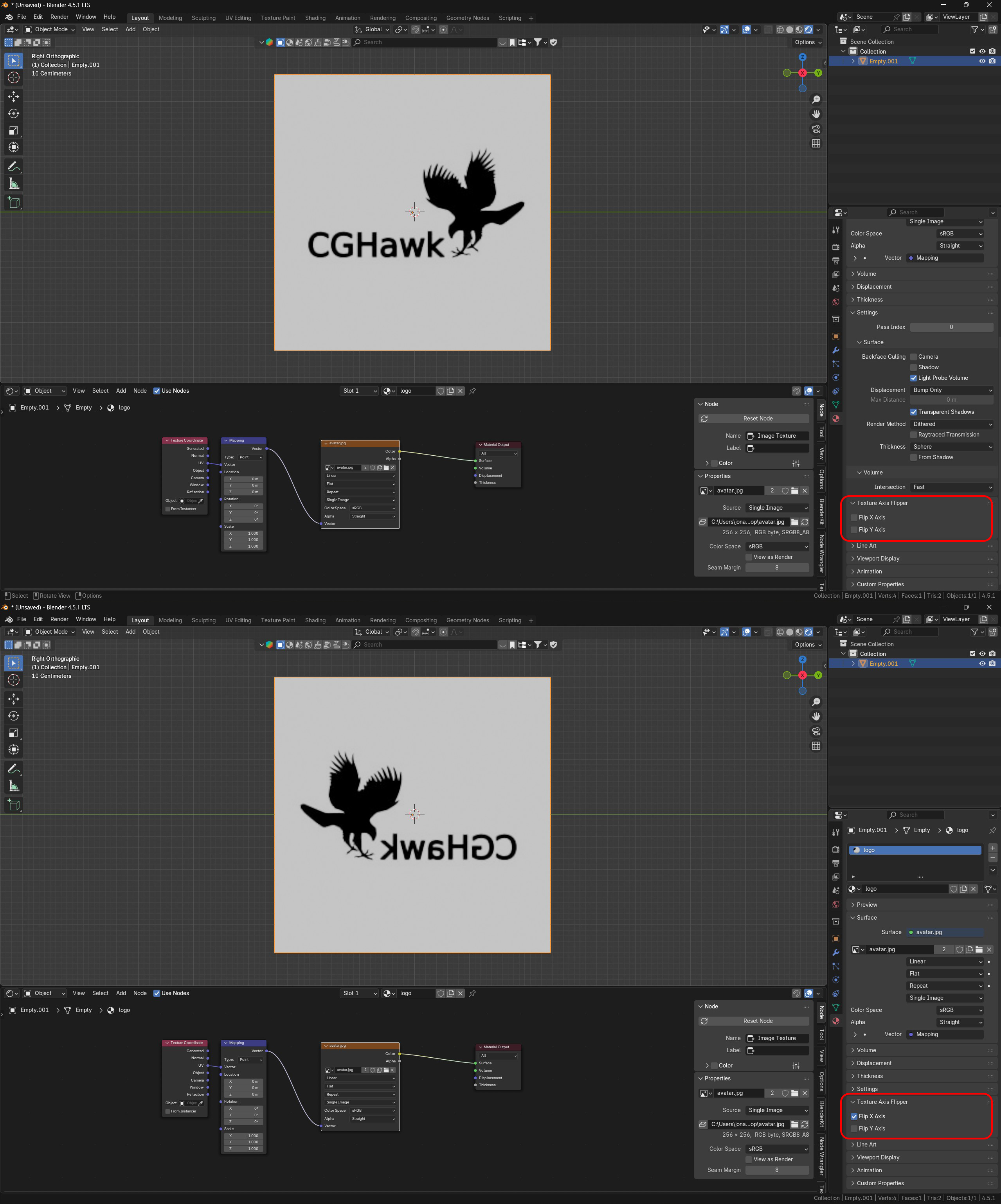
Just toggle Flip X or Flip Y and your texture updates instantly — without touching the original image.
🖥️ How It Works
-
Automatically uses a Texture Coordinate → Mapping → Image Texture setup
-
Flips texture orientation using negative scale values
-
Fully reversible at any time
-
No destructive changes to materials
🎯 Ideal For
🎮 Game Developers
🏗️ Archviz Artists
🧱 Environment & Prop Artists
🖌️ Texture & Material Artists
⚙️ Anyone working with UV-mapped textures in Blender
🔧 Compatibility
-
Blender 3.0+
-
Cycles & Eevee
-
UV-mapped Image Textures
-
Windows, macOS & Linux
🚀 Lightweight. Simple. Powerful.
If you frequently need to mirror textures, fix UV orientation issues, or iterate fast on materials, Texture Axis Flipper will quickly become a must-have in your Blender toolkit.
#blender
#blendermarket
#blenderaddon
#blender3d
#gamedev
#archviz
#texturetools
#uvmapping
#materialworkflow
#shadernodes
#proceduralmaterials
#blenderartist
#blendertools
#3dassets