 INSDesign
Current release: Texture Baking Assistant 1.7.9
Requires Blender 5.0.1 or newer; baking uses Cycles. Installation and regression checks passed in Blender 5.2.2 LTS.
Download texture_baking_assistant-1.7.9.zip and install it without extracting it via Edit > Preferences > Install from Disk.... Save your work before updating and restart Blender afterward. Older downloads are intended for their respective Blender versions.
Saved preset changes now persist across projects. If an older version already reset your preset, configure it and use Update/Save once more after updating.
Mesh-part isolation and material bindings
Isolate Mesh Parts is available in all bake modes and separates disconnected geometry during projection. Distant parts share passes when Max Ray Distance and Cage Extrusion make it safe. Max Ray Distance 0 means unlimited rays, so parts stay isolated.
For Selected to Active with different topology, use matching Integer Face values in Part Match Attribute. Custom cage objects are unsupported with isolation; use Cage Extrusion or disable isolation. Isolation uses evaluated geometry.
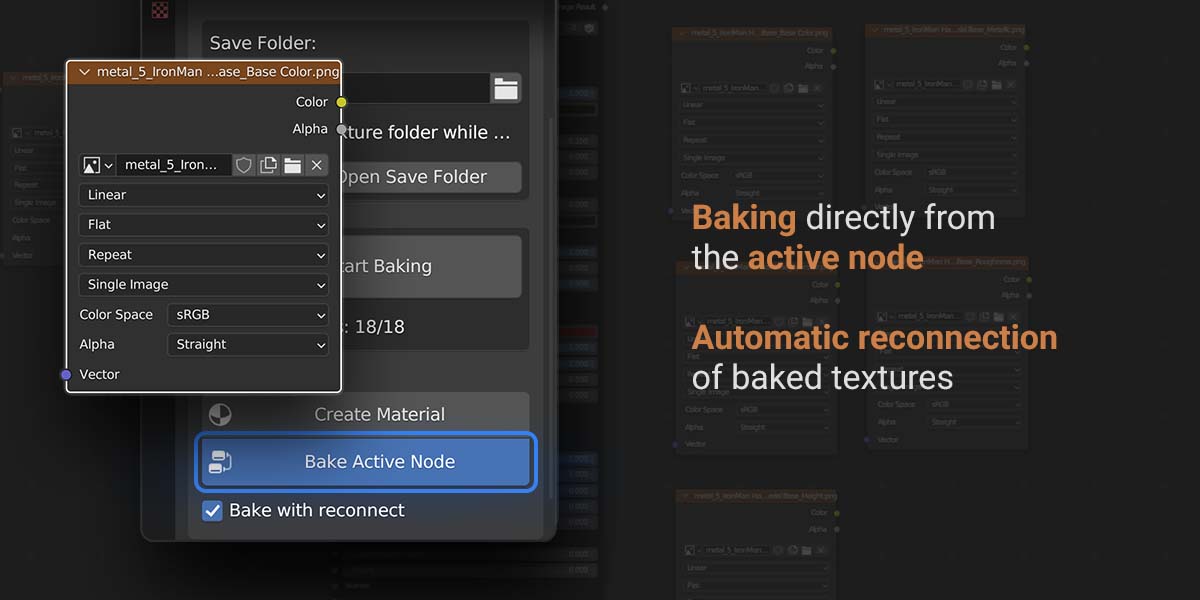
Texture-role bindings are stored inside the .blend and survive image renaming, packing and reopening. Legacy filenames and paths remain fallbacks. These bindings are not embedded into standalone PNG/EXR files. Export through Blender normally, including glTF.
The UV Settings section now owns Smart UV Project and packing controls. Duplicate controls have been removed. Complex-material panel checks are faster.
Demo Images and Videos:
Texture Baking Assistant: User Guide and Documentation
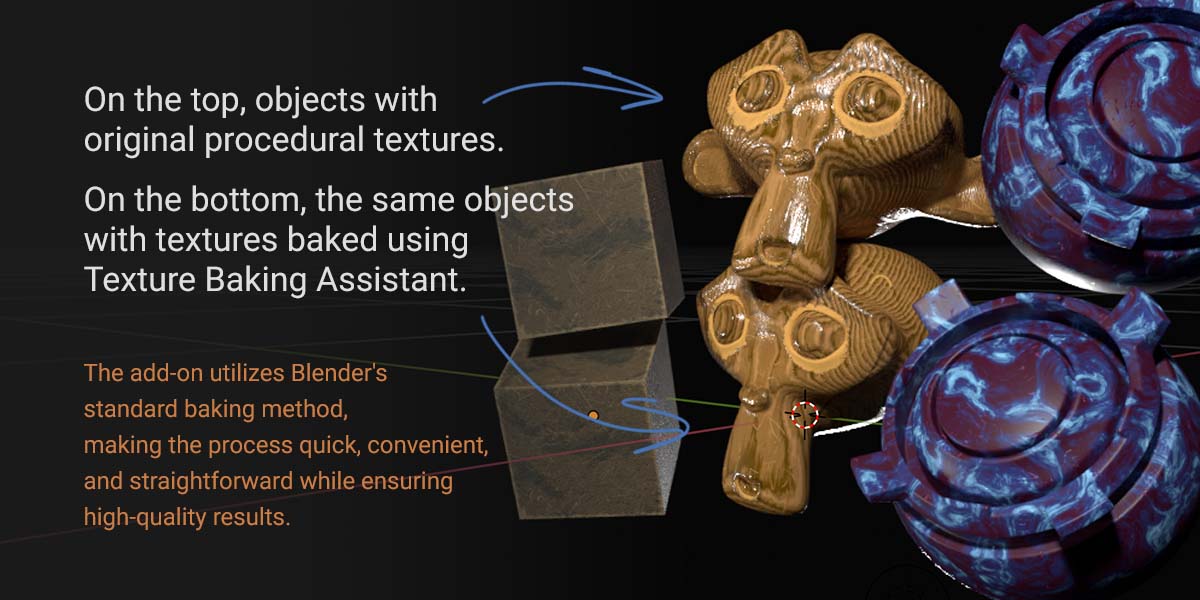
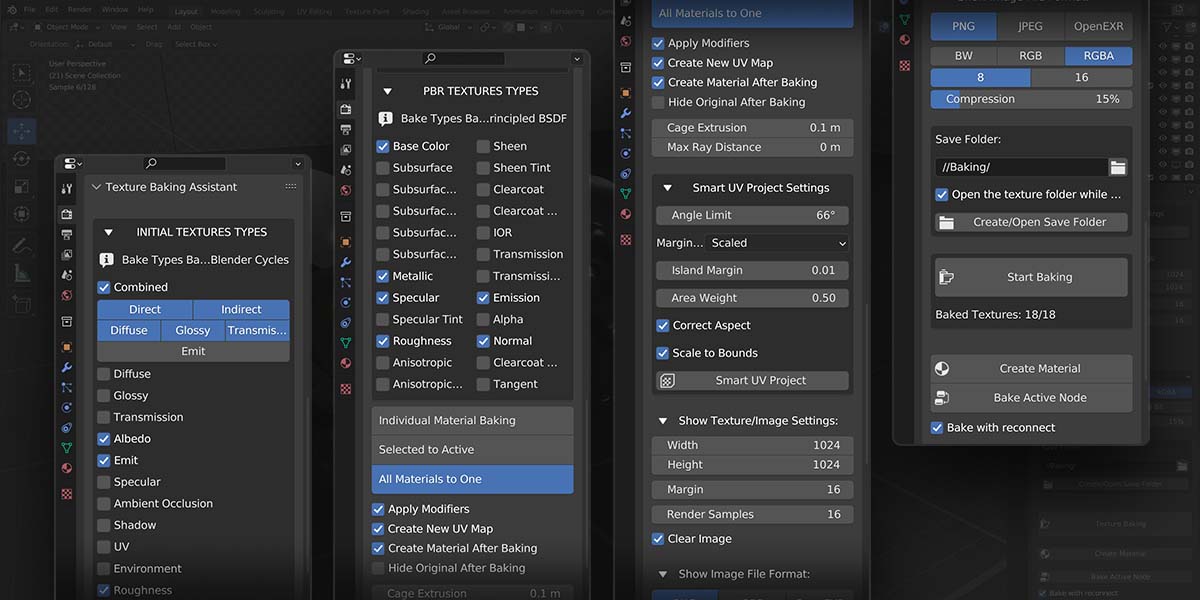
The Texture Baking Assistant is a Blender add-on designed to streamline and simplify the texture baking process within Blender. It's perfect for users who primarily use Blender's built-in texture baking but find the process inconvenient. This add-on automates the process, making it fast and easy with just a few clicks.
Installation:
- Download the .zip file containing the Texture Baking Assistant add-on.
- Open Blender and navigate to Edit > Preferences > Add-ons.
- Click the Install button and locate the downloaded .zip file.
- Enable the add-on by ticking the checkbox next to it.
Usage:
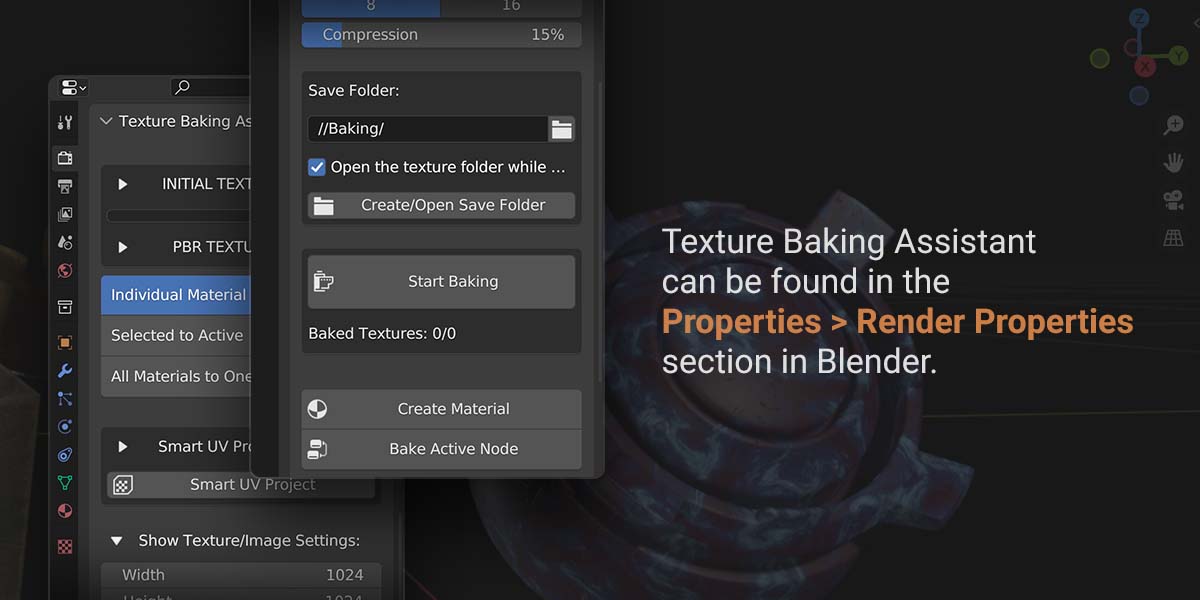
- In Blender, switch to the Render Properties tab in the properties panel.
- Locate the Texture Baking Assistant panel.
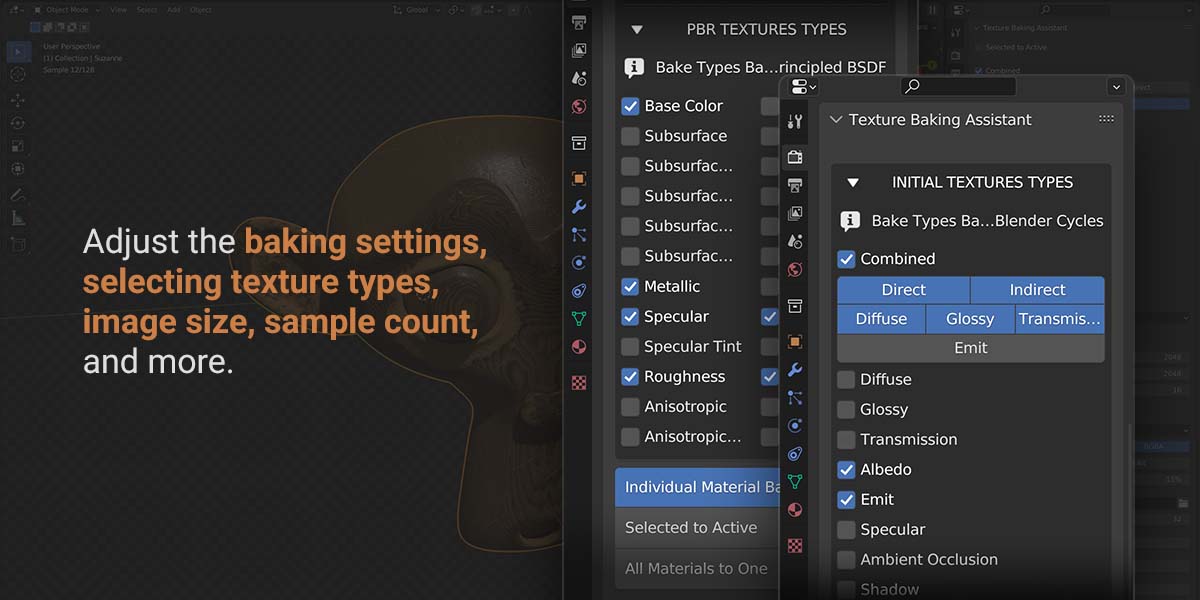
- Set your desired baking options:
- • Bake Mode: Choose the bake type, such as Combined, Diffuse, Glossy, etc.
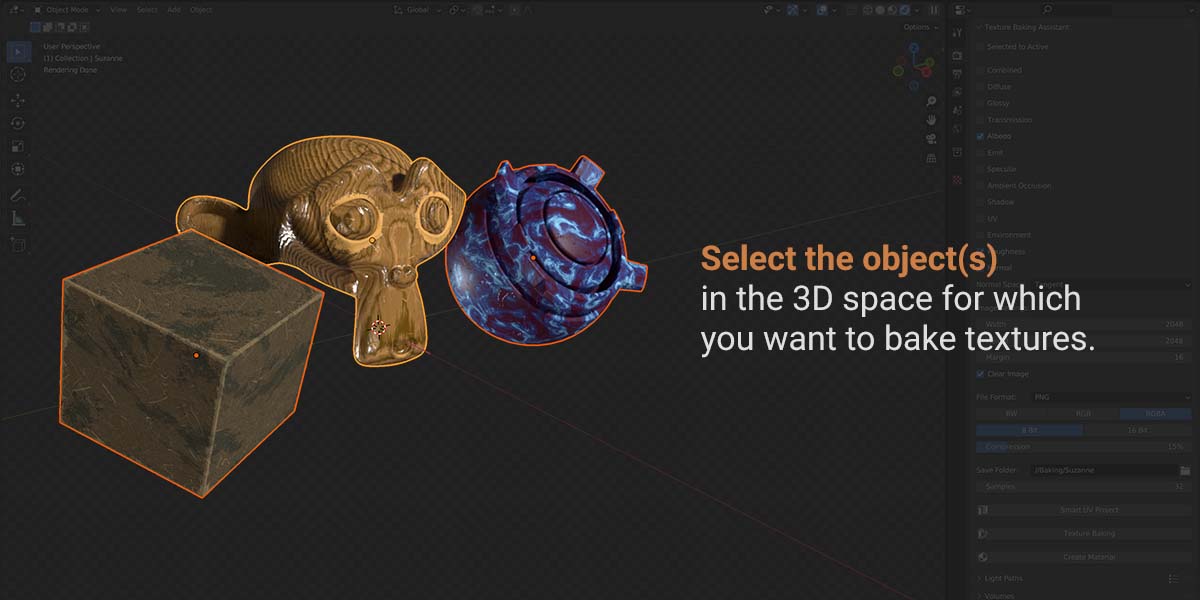
- • Selected to Active: Enable this option to bake textures from selected objects to the active object.
- • Cage Extrusion: Set the distance to extrude the cage object along its normals (used when 'Use Cage' is enabled).
- • Use Cage: Enable this option to use a cage object for baking.
- • Cage Object: Specify the object to be used as a cage for baking.
- • Samples: Set the number of samples to use for baking.
- • Margin: Set the distance in pixels between the texture and its border.
- • Width & Height: Set the size (in pixels) of the baked texture image.
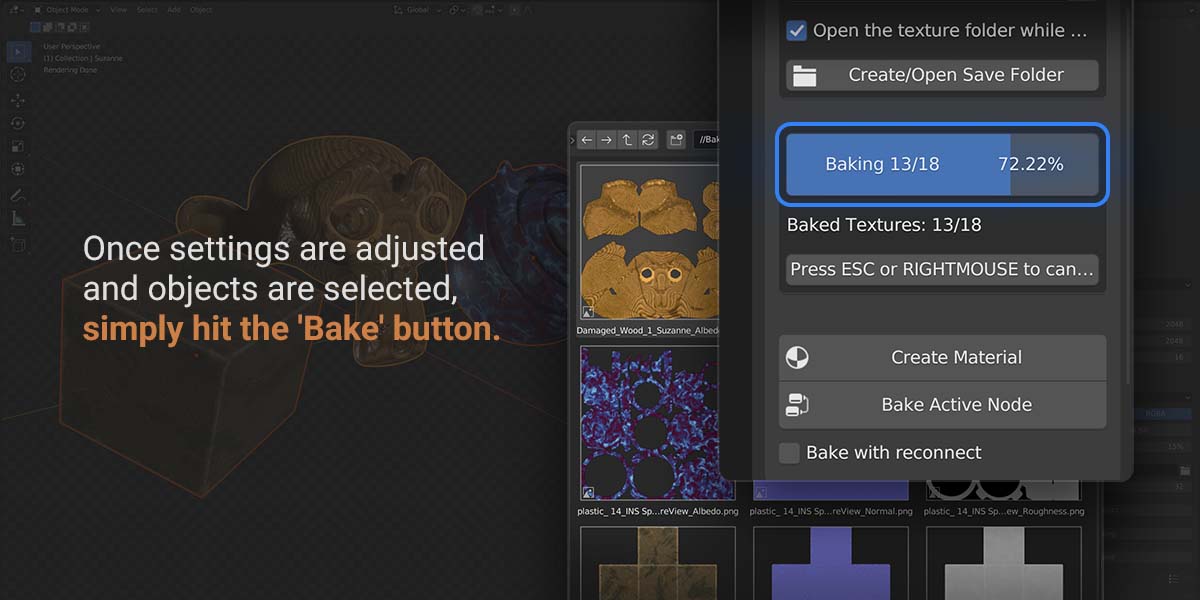
- Click the Start Baking button to start the baking process.
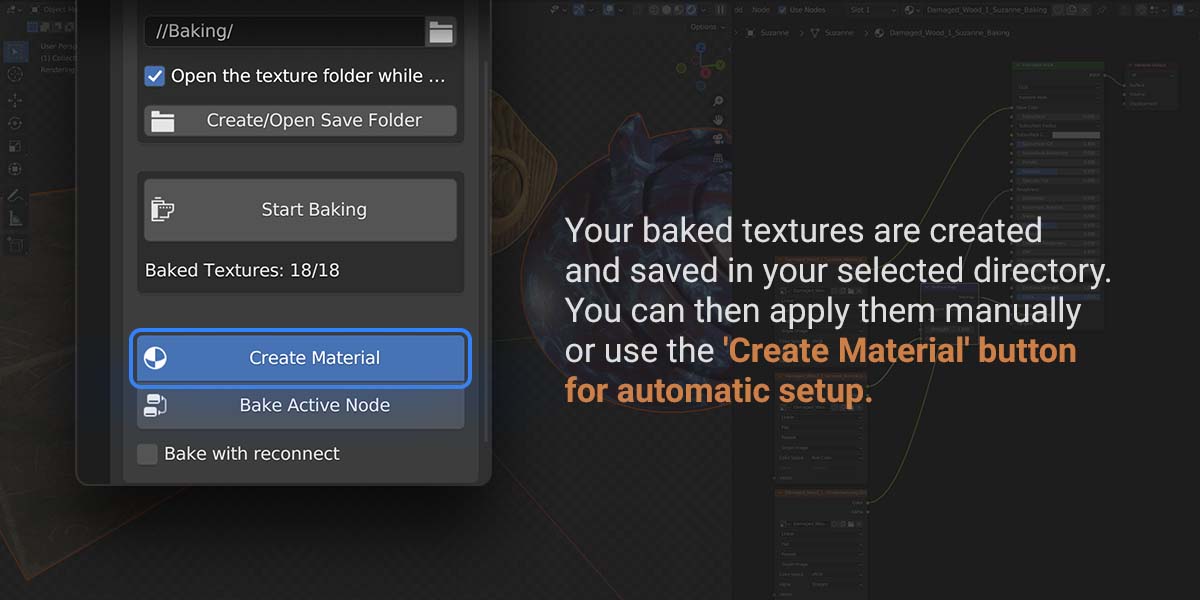
- After the baking is complete, you can click the Create Material button to automatically generate a material using the baked textures.
Tips and Recommendations:
- • Ensure your objects are properly set up and configured for baking. For example, pay attention to proper UV unwrapping.
- • Save your project before using the add-on to avoid any potential loss of data due to unexpected issues.
- • The quality of the baked texture may depend on various factors, including render settings, lighting setup, and more.
- • Experiment with different settings and parameters for the best results.
The Texture Baking Assistant add-on is developed to make the texture baking process in Blender more convenient. However, as with any tool, the best results come when the user fully understands the process and uses the appropriate settings. Always check your settings and results to achieve the desired effect.

Discover more products like this
materials baking automation texture-baking bake-tools pbr-textures texture tools texture-workflow Cycles material-baking pbr-baking blender addon selected-to-active