Texture Extractor
 Tyler Dobson
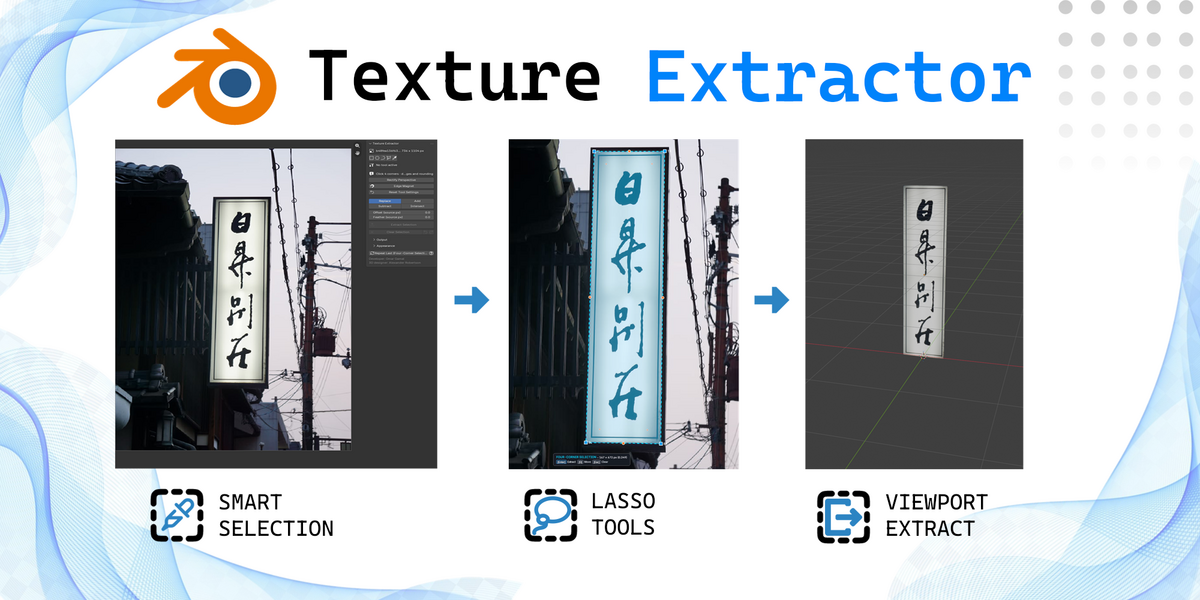
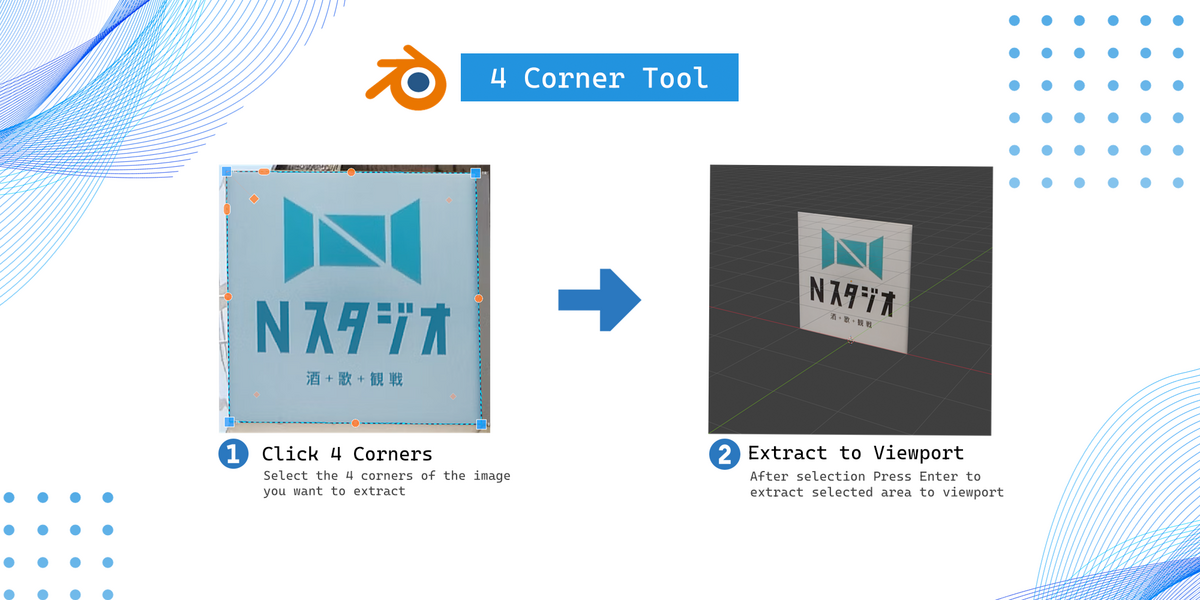
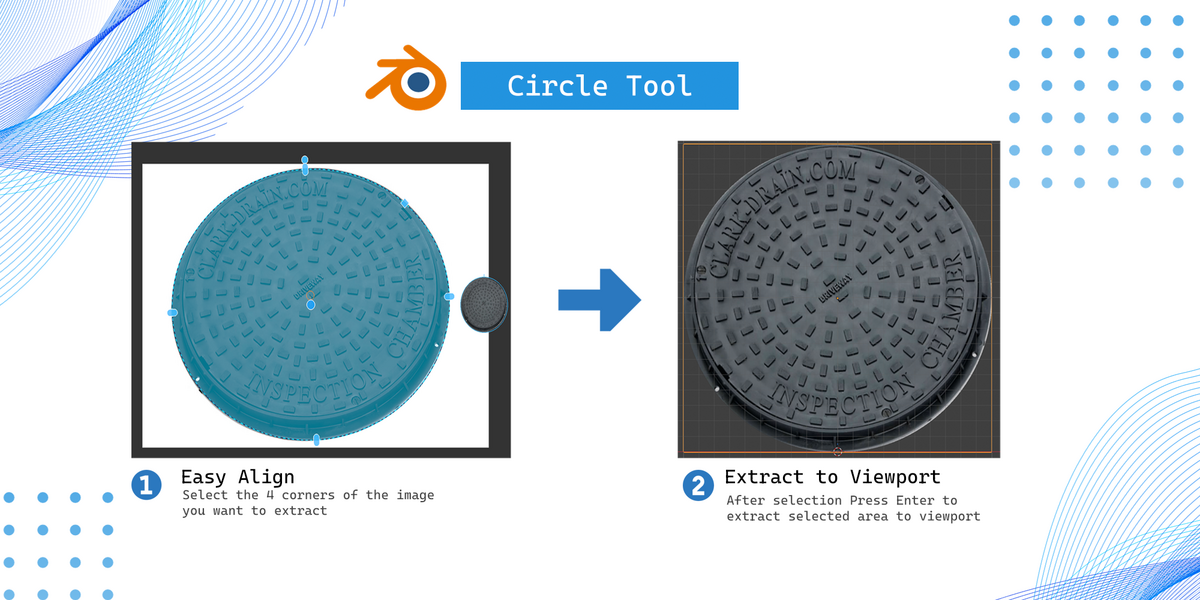
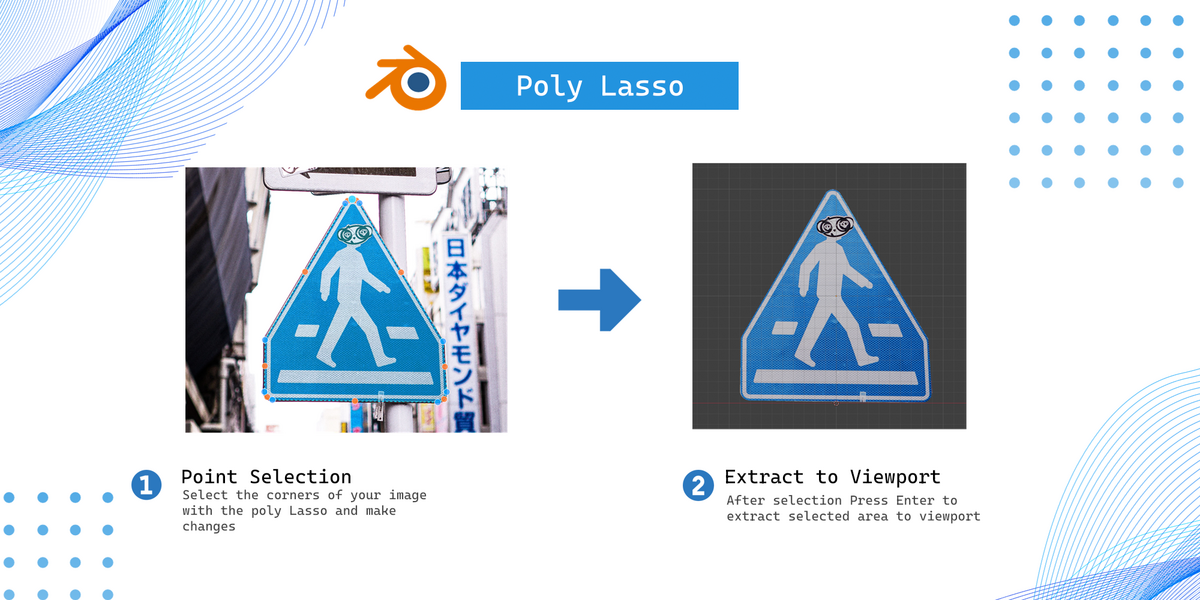
How to install the addon
Install the addon like any other through the 'Prefrences' tab and install from disk or drag and drop into the viewport
There are multiple verison for different system types from Winows, Linux and MacOS pick the zip that corresponds to your system (Pick One)
How to start using the addon after install
After installing and enabling the addon open the image editor workspace and open the N panel and click the texture extractor tab. Add an image to the image editor workspace and you will see different options to extract elements.
How do I extract a texture from an image?
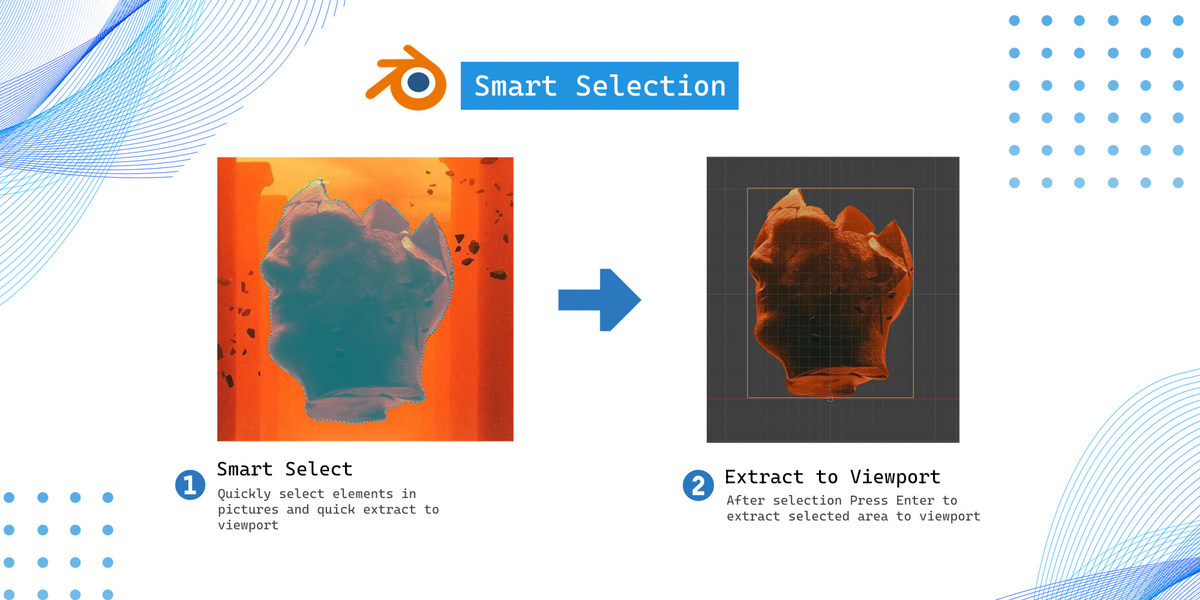
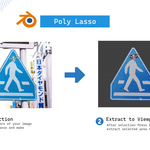
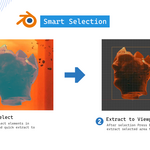
load an image into Blender's Image Editor, choose a selection tool, and mark the area you want to extract. Once your selection is complete press enter and it will extract the section to your viewport.
What selection tools are available?
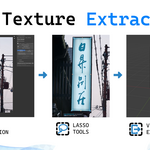
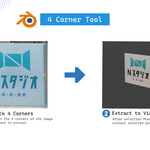
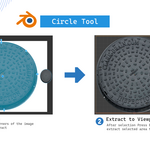
The addon includes several selection methods to suit different types of images and shapes, including Four-Corner Selection, Circle / Oval Cutout, Lasso, Polygonal Lasso and Smart Select
Can I save extracted textures outside Blender?
Yes. The addon provides an Export PNG option, allowing you to export extracted images as PNG files for use in other applications or projects.
Have questions about this product?
Login to message
| Blender Extension Compatible | Yes |
| Published | 38 minutes ago |
| Blender Version | 4.5 - 5.2 |
| Extension Type | Add-on |
| Render Engine Used | Cycles, Eevee |
| License | GPL |
Discover more products like this
extractor ripper extract 2d-3d 2d-blender image 3DStockImages texture #360Image