 Jessy Leite


Blender 4.2 to 5.x
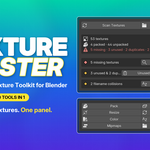
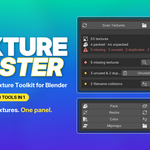
Texture Master
All-in-One Texture Toolkit for Blender
Blender has no texture manager. Texture Master is it.
Scan, Resize, Convert, Backup. Plus 6 more tools in one panel.
 | |

New version out (25/05/2026): Filter by collection and selected objects
You moved a project folder and 30 textures are missing. You need to downscale 4K textures for a web build. You have duplicates everywhere and no idea which ones are actually used. Blender has no real texture management. This addon adds it.
It supports UDIM, Image Sequence, Linked Library. AVIF is available since Blender 5.1.
Organize
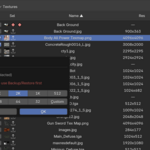
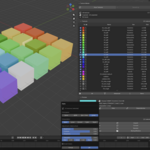
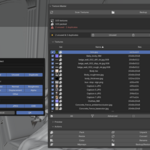
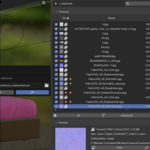

Scene texture inventory
Resolution, format, file size, colorspace, user count, pack status. One sortable row per texture.
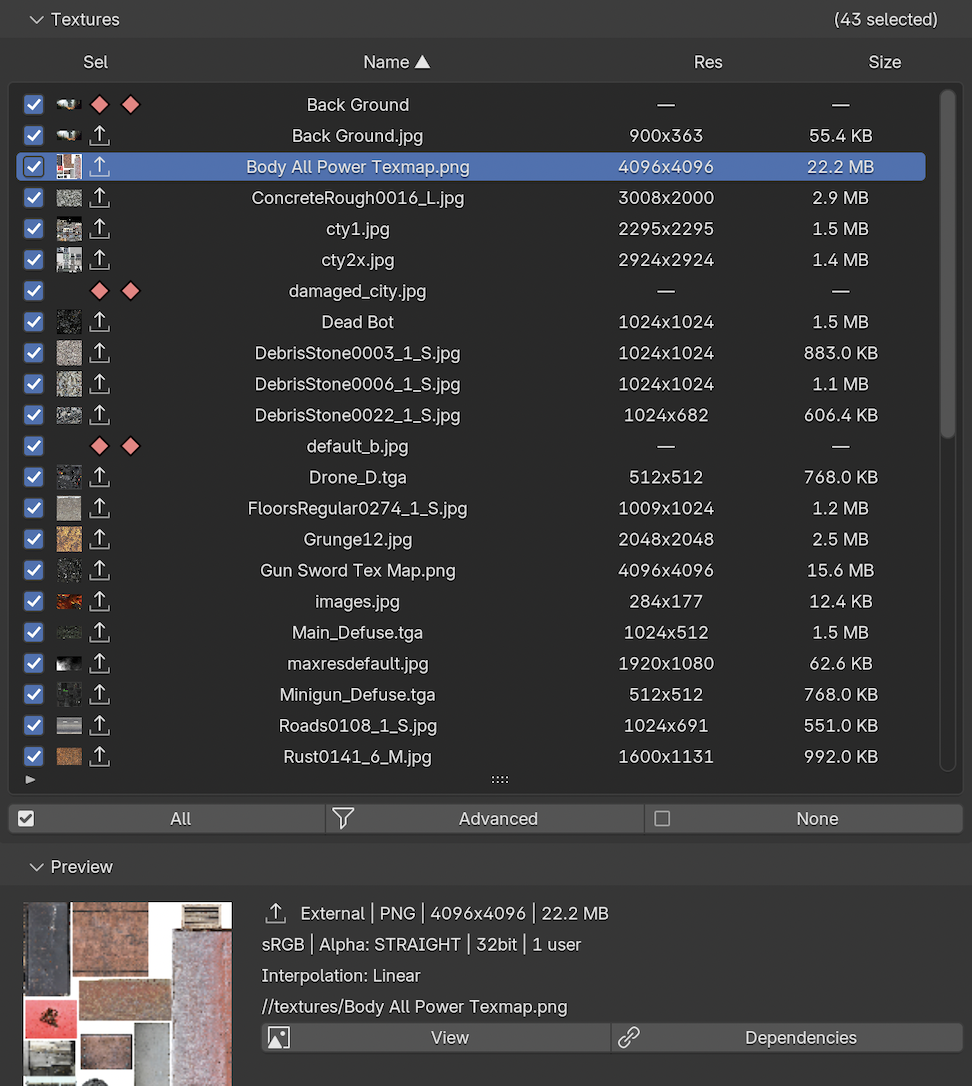
Channel classification
Auto-detect Base, Normal, Roughness, Metallic, and other shader roles.
Filters and sorting
Filter by channel, status, or format. Sort by name, resolution, or size.
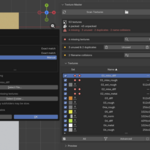
Dependency graph
Shows which materials and objects use each texture. Click to select in viewport.
Collision detection
Finds images that share the same output filename. One-click fix by folder suffix.
Batch selection
Checkbox per row. Select All, Deselect All. Selection drives every batch action.
Fix and clean
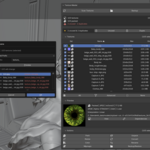
Smart relink
Search any folder for exact or name-only matches when textures go missing. Manual file picker per texture.
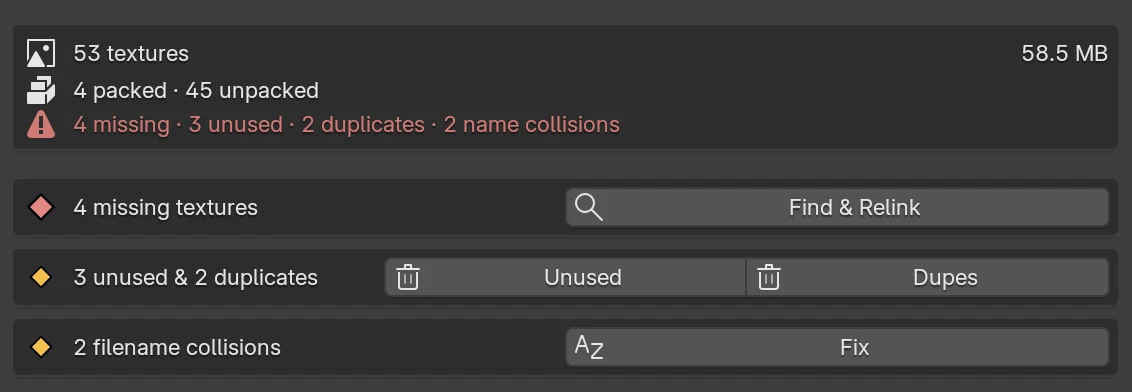
Missing texture detection
Flag broken paths inline with an error icon, ready to fix in one click.
Purge unused
Detect unused textures, unassigned materials, and disconnected nodes. Remove them in one click.
Merge duplicates
Detects identical textures by comparing the pixels. Merges them and relinks nodes automatically.
Pack / Unpack
Toggle individually or in batch. Unpack moves every texture into one folder.
Transform
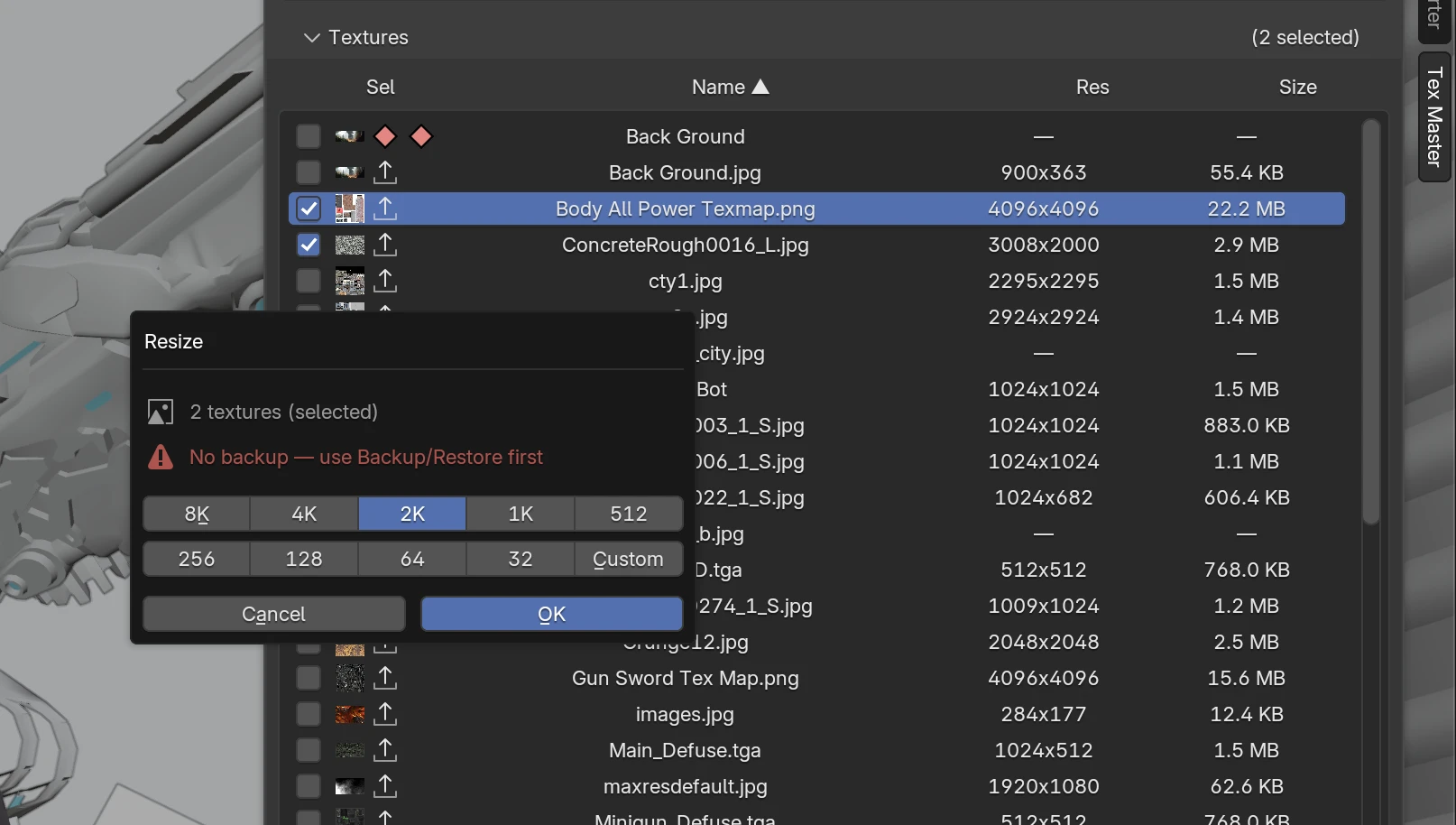
Batch resize
Any target resolution with high-quality downscaling. Works on external, packed, and embedded textures.
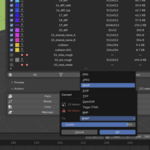
Format conversion
PNG, JPEG, WebP, AVIF, TIFF, OpenEXR, Targa, BMP, HDR. Alpha and color conversion handled automatically.
Batch rename
Prefix, suffix, find/replace, sequential numbering. Rename both the texture in Blender and the file on disk.
Mipmap generation
Downscale chains for game engines. Three naming modes, configurable min size.
Colorspace batch set
sRGB, Non-Color, Linear, or any other colorspace across selected textures.
Protect
One-click backup
Copy every texture to a backup folder. Fast even with hundreds of textures.
Manifest-based restore
Restore textures from a backup folder, even if you renamed or moved things since.
Full walkthrough
Built for
Game dev Archviz Product viz Web3D / glTF Studios
Compatibility
Blender 4.2 LTS to 5.x · Platforms macOS, Linux, Windows