 mashud008


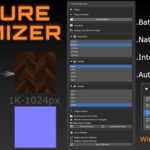
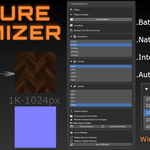
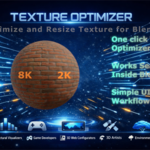
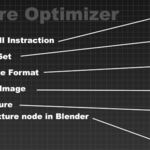
Texture Optimizer
Ultimate Texture Downscaler & Node
Linker
Don't
let unoptimized 4K, 6K, or 8K textures tank your viewport frame rate or crash
your render engine!
Texture
Optimizer 1.0.0 is a powerful, production-ready Blender add-on
engineered specifically for 3D artists, ArchViz professionals, and game
developers. It automates the tedious process of resizing, compressing, and
re-linking high-resolution textures, giving you instant VRAM relief and massive
speedups in just a single click.
Key Features & Capabilities
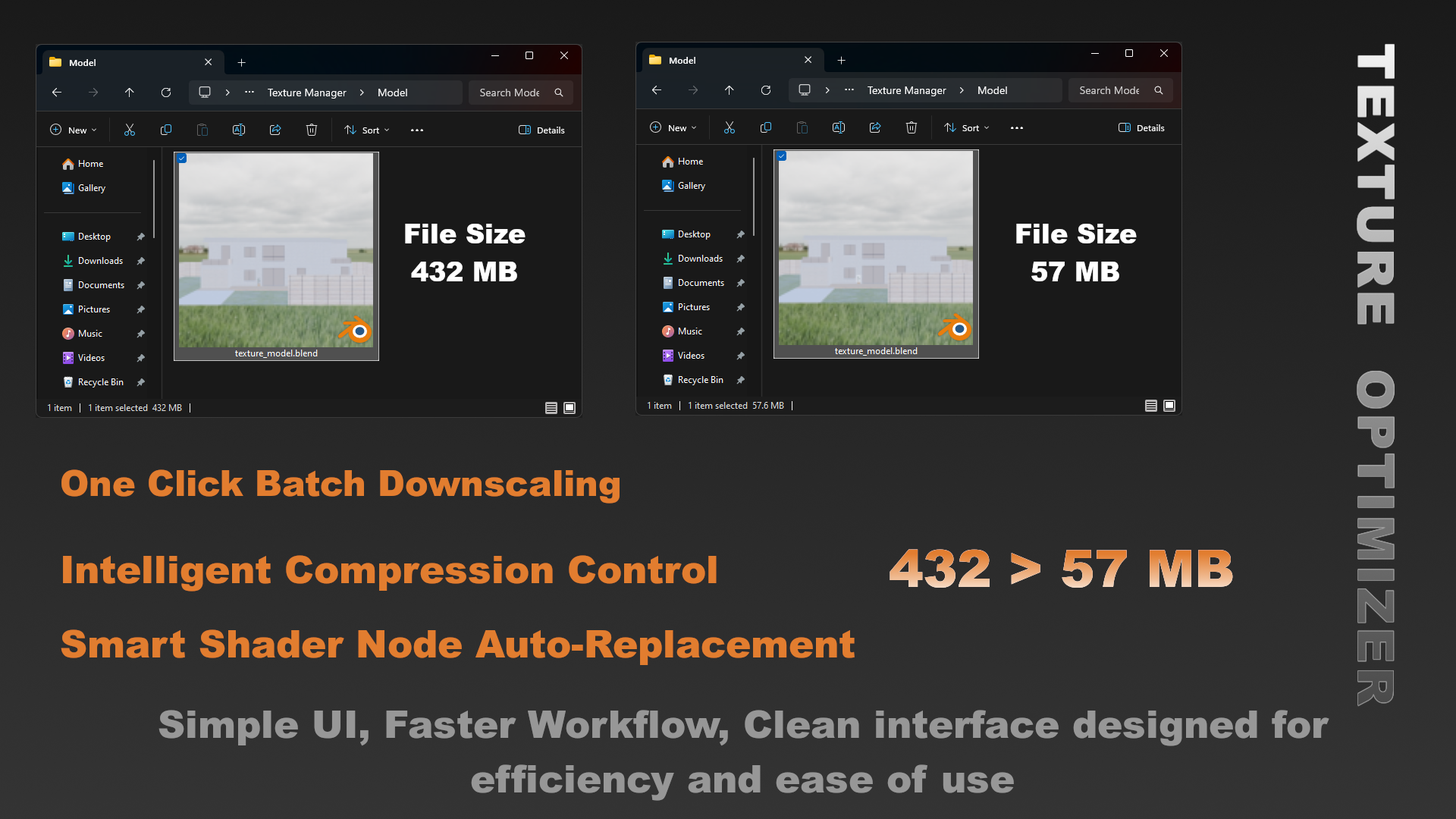
- 1-Click
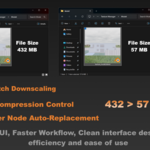
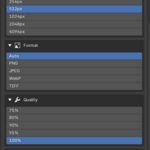
Batch Downscaling: Instantly scale down massive textures across your
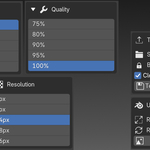
entire project to clean, optimized presets (256px, 512px, 1024px, or
2048px).
- Intelligent
Compression Control: Choose your target quality (100%, 90%, 80%, or 75%)
to heavily reduce file sizes while maintaining stunning visual fidelity.
- Smart
Shader Node Auto-Replacement: Zero manual work! The add-on automatically
scans your materials and swaps the old, heavy image textures with the
newly converted ones inside the Shader Editor.
- Flexible
Dual-Workflow:
- In-Blender
Mode: Convert and update textures internally on the fly.
- Export
& Pack Mode: Save the downscaled textures into a dedicated directory
or pack them directly into your .blend file for clean, portable asset
sharing.
- Non-Destructive
Safety: Keeps your original high-resolution source files completely safe
and untouched.
- Simple UI, Faster Workflow, Clean Interface design for Efficiency and ease of use.
How to Texture Optimizer?
Texture Optimizer
Ultimate Texture Downscaler & Node Linker
Don't let unoptimized 4K, 6K, or 8K textures tank your viewport frame rate or crash your render engine!
Texture Optimizer 1.0.0 is a powerful, production-ready Blender add-on engineered specifically for 3D artists, ArchViz professionals, and game developers. It automates the tedious process of resizing, compressing, and re-linking high-resolution textures, giving you instant VRAM relief and massive speedups in just a single click.
Key Features & Capabilities
- 1-Click
Batch Downscaling: Instantly scale down massive textures across your
entire project to clean, optimized presets (256px, 512px, 1024px, or
2048px).
- Intelligent
Compression Control: Choose your target quality (100%, 90%, 80%, or 75%)
to heavily reduce file sizes while maintaining stunning visual fidelity.
- Smart
Shader Node Auto-Replacement: Zero manual work! The add-on automatically
scans your materials and swaps the old, heavy image textures with the
newly converted ones inside the Shader Editor.
- Flexible
Dual-Workflow:
- In-Blender
Mode: Convert and update textures internally on the fly.
- Export
& Pack Mode: Save the downscaled textures into a dedicated directory
or pack them directly into your .blend file for clean, portable asset
sharing.
- Non-Destructive
Safety: Keeps your original high-resolution source files completely safe
and untouched.
- Simple UI, Faster Workflow, Clean Interface design for Efficiency and ease of use.
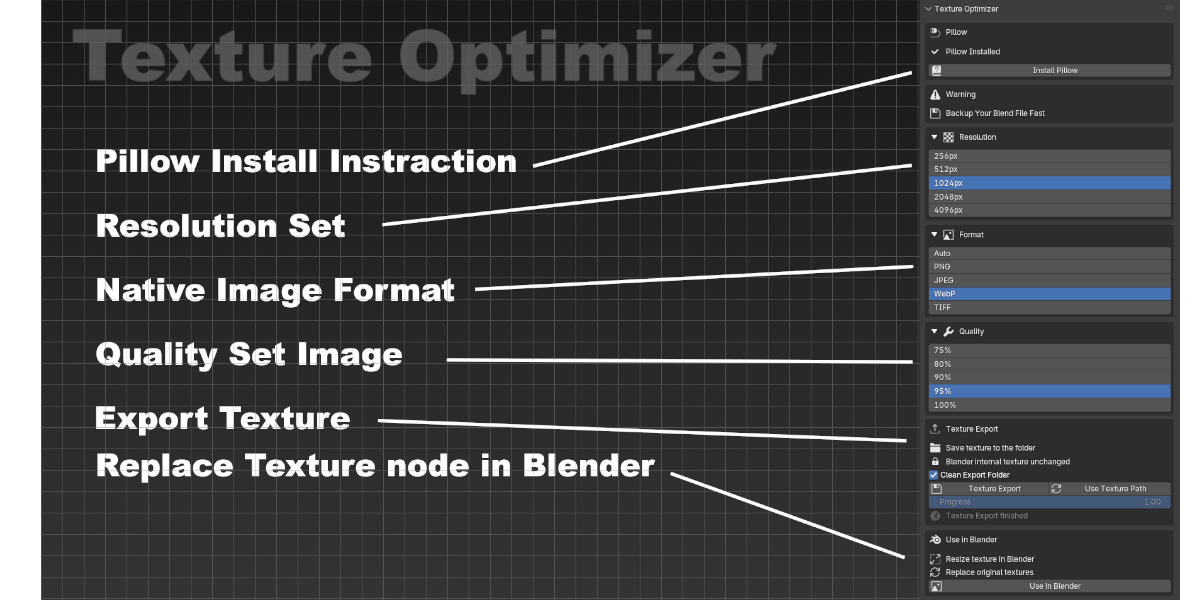
How to Texture Optimizer?
Important Notice Regarding Advance Formats (Pillow Dependency)
To keep the add-on lightweight and
fully compliant with Blender's strict native environment, advanced
formats like WebP require the standard Python Pillow library.
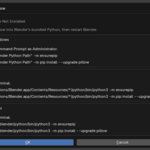
How to install Pillow ?
Important Notice Regarding Advance Formats (Pillow Dependency)
To keep the add-on lightweight and fully compliant with Blender's strict native environment, advanced formats like WebP require the standard Python Pillow library.
How to install Pillow ?
Another way to install-
Another way to install-
Go to Blender
Script Editor > Create New Script and Paste this
import subprocess
import sys
subprocess.call([sys.executable,
"-m", "pip", "install", "pillow"])
print("Done! Restart Blender
now.")
And Run this script.........
Massive Viewport & Render Performance Boost
When working on massive scenes with hundreds of assets,
VRAM becomes a critical bottleneck. By switching your distant background
objects or secondary assets from 8K to optimized 1K/2K textures, you will-
-Reduce VRAM usage by up to 80-90%.
-Eliminate "Out of Memory" render crashes in
Cycles and EEVEE.
-Achieve a buttery-smooth viewport frame rate while
navigating complex scenes.
-Achieve a buttery-smooth viewport frame rate while
navigating complex scenes.
-Pure In-Blender Workflow: Convert and swap
textures entirely inside your current .blend file. No messy file
paths, no external exports everything stays contained and organized within
Blender.
Compatibility
Blender Versions: 4.2, 4.3, 5.0, to 5.1
Operating Systems: Windows, macOS, Linux
Who is this Add-on Best For?
-
3D
Artists & ArchViz Freelancers: Quickly downscale heavy
textures on secondary assets to keep your viewport frame rate smooth
without messing up your project directories.
-
Laptop
& Budget PC Creators: Speed up your cycles or EEVEE viewport
rendering on hardware with limited GPU VRAM (4GB–6GB) by shrinking
textures internally.
-
Anyone
Seeking Simplicity: If you don't need complex export features and
just want a fast, one-click solution to fix heavy textures inside Blender,
this is your go-to basic add-on.
Stop fighting memory limits and
optimize your scene workflow today! Click "Buy This" to get instant
access.
Go to Blender Script Editor > Create New Script and Paste this
import subprocess
import sys
subprocess.call([sys.executable,
"-m", "pip", "install", "pillow"])
print("Done! Restart Blender
now.")
And Run this script.........
Massive Viewport & Render Performance Boost
When working on massive scenes with hundreds of assets, VRAM becomes a critical bottleneck. By switching your distant background objects or secondary assets from 8K to optimized 1K/2K textures, you will-
-Reduce VRAM usage by up to 80-90%.
-Eliminate "Out of Memory" render crashes in
Cycles and EEVEE.
-Achieve a buttery-smooth viewport frame rate while
navigating complex scenes.
-Achieve a buttery-smooth viewport frame rate while
navigating complex scenes.
-Pure In-Blender Workflow: Convert and swap
textures entirely inside your current .blend file. No messy file
paths, no external exports everything stays contained and organized within
Blender.
Compatibility
Blender Versions: 4.2, 4.3, 5.0, to 5.1
Operating Systems: Windows, macOS, Linux
Who is this Add-on Best For?
-
3D
Artists & ArchViz Freelancers: Quickly downscale heavy
textures on secondary assets to keep your viewport frame rate smooth
without messing up your project directories.
-
Laptop
& Budget PC Creators: Speed up your cycles or EEVEE viewport
rendering on hardware with limited GPU VRAM (4GB–6GB) by shrinking
textures internally.
-
Anyone
Seeking Simplicity: If you don't need complex export features and
just want a fast, one-click solution to fix heavy textures inside Blender,
this is your go-to basic add-on.
Stop fighting memory limits and optimize your scene workflow today! Click "Buy This" to get instant access.