Texture Paint Layers – Non-Destructive Layer-Based Texture Painter
 blenderustad
Requirements
Blender 4.2 or newer. Works with Blender 5.x's unified paint settings and linked asset brushes, and with the legacy Blender 4.x paint APIs. Uses only bpy, Python's standard library, and Blender's bundled NumPy, no external dependencies.
Installation
- Download
texture_paint_layers-1.0.5.zipand leave it zipped. - In Blender, open Edit > Preferences > Add-ons, click the dropdown in the top right, and choose Install from Disk.
- Select the ZIP and confirm. Make sure Texture Paint Layers is enabled, and disable any older legacy copy first.
Quick start
- Select a UV-unwrapped mesh and switch to the Texture Paint workspace.
- Open N sidebar > Layers in the Image Editor, or N sidebar > Tool in the 3D View while the mesh is in Texture Paint mode.
- Click + and choose Add Paint Layer or Add Fill Layer.
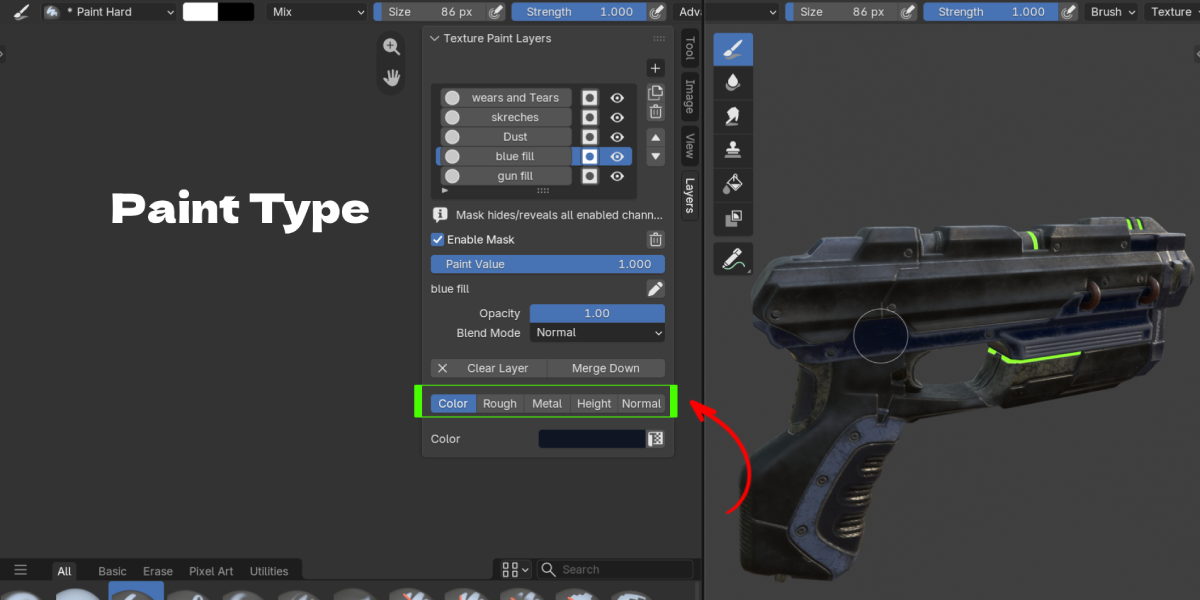
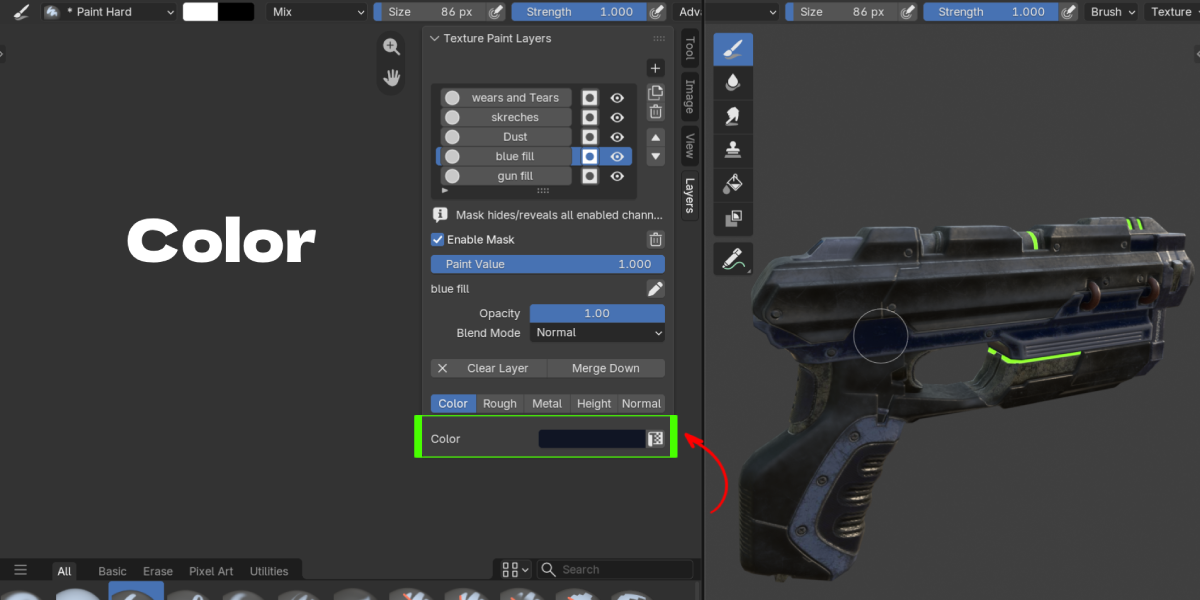
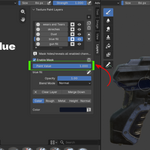
- Toggle the channels that layer should use (Color, Rough, Metal, Height, Normal) and set their values.
- Paint with Blender's normal brush tools. If the object is still in Object or Edit mode, use Enable 3D Painting in the Layers panel first.
- Use the row's mask button instead of the layer body when you want to paint a mask.
- Save the
.blendfile. Layer, channel, and mask images are packed automatically on save.
Layer panel controls
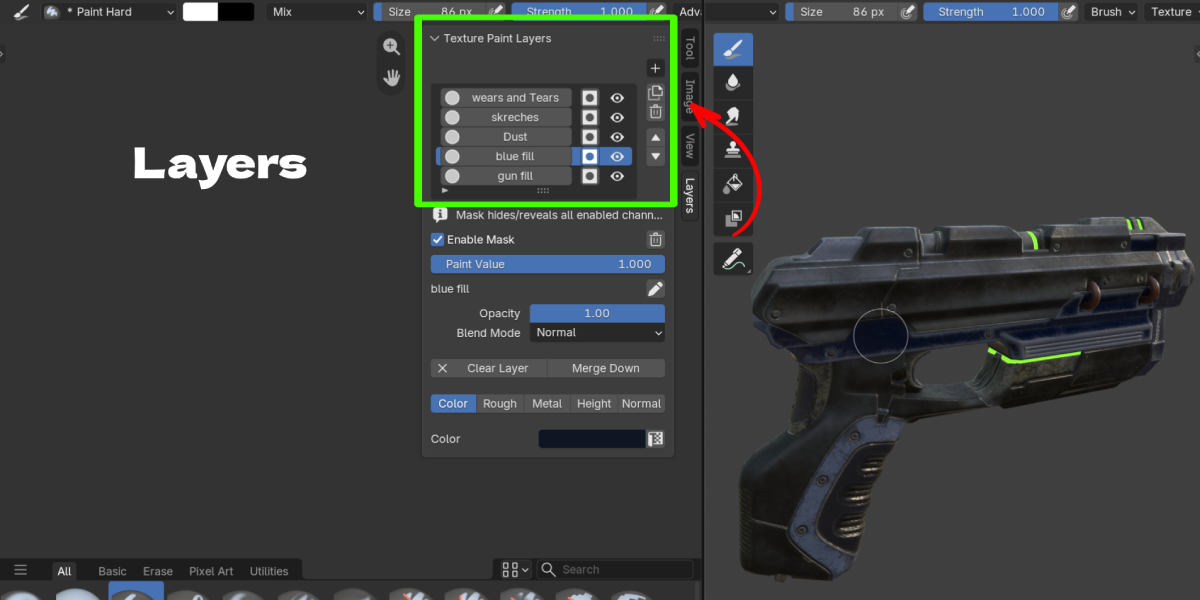
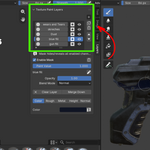
- + adds a new Paint or Fill layer. The duplicate and trash icons beside it copy or delete the selected layer.
- The up and down arrows reorder the stack; order in the list matches compositing order.
- The circle icon toggles a layer's own visibility; the eye icon toggles mask visibility for that row.
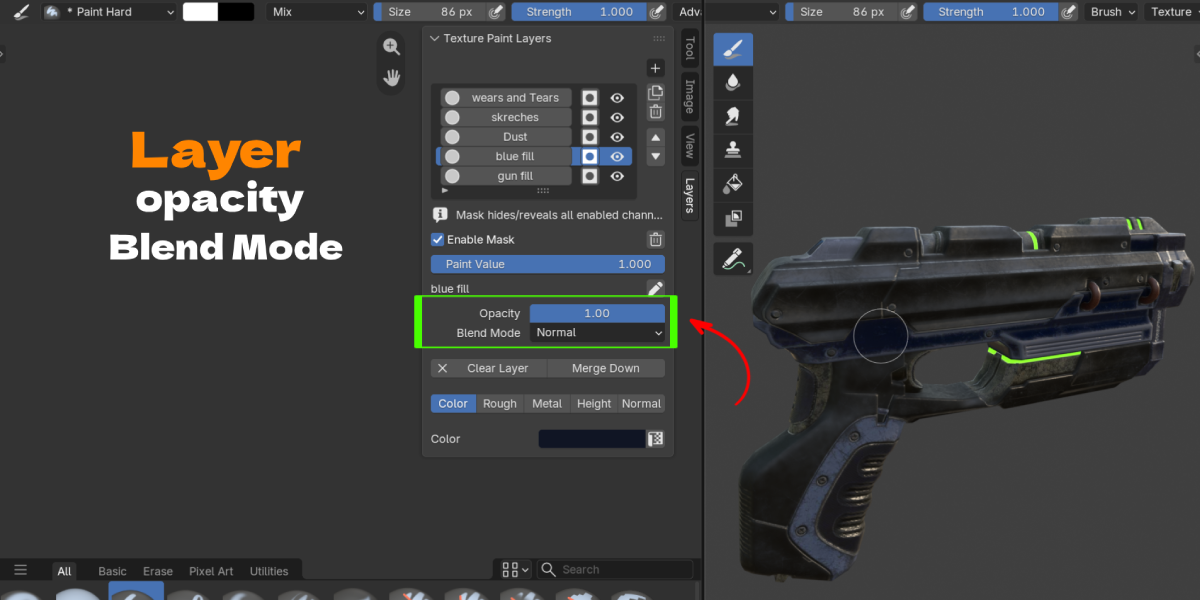
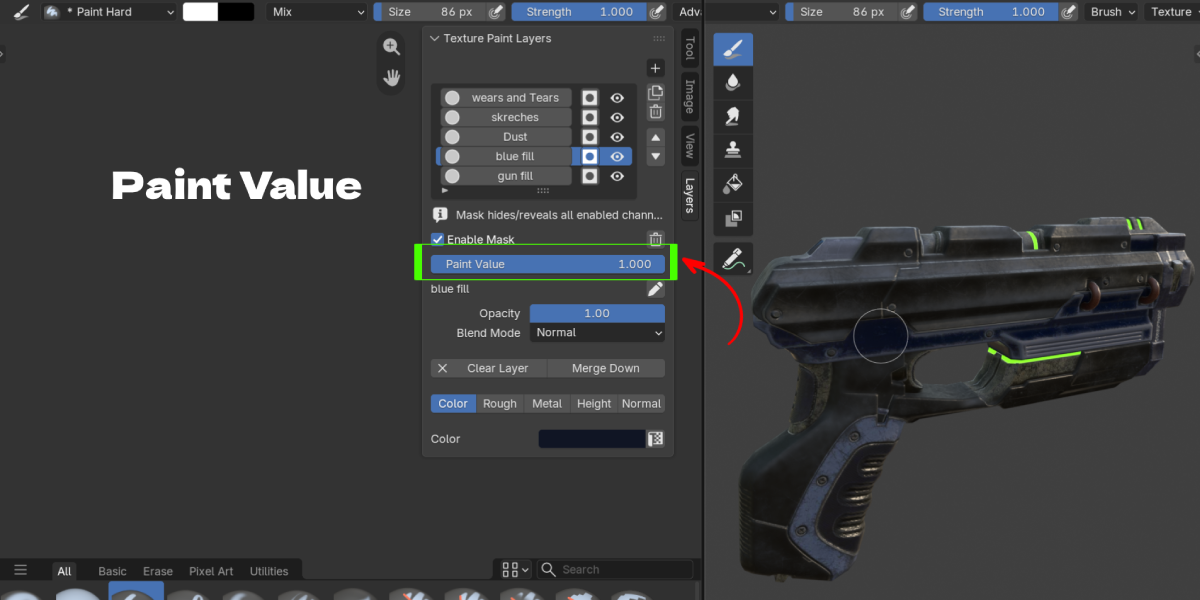
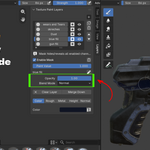
- Enable Mask, Paint Value, Opacity, and Blend Mode sit below the list for the selected layer.
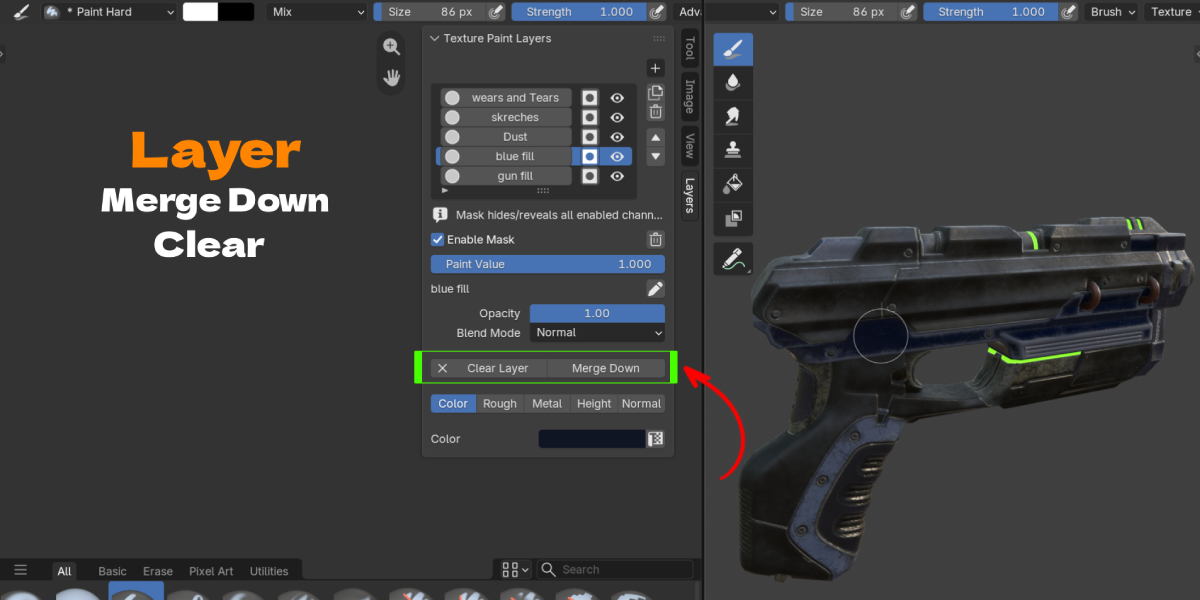
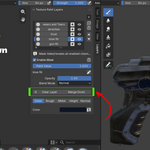
- Clear Layer empties every channel on that layer while keeping its mask and settings; Merge Down bakes it into the layer below.
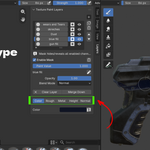
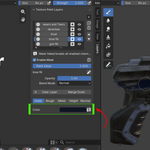
- The Color / Rough / Metal / Height / Normal row toggles which channels are active for painting and reveals that channel's settings, including its UV Transformations section.
Migration from older versions
Files created with versions that used a protected Base Texture row are migrated automatically on open. A Base row that has an image becomes a normal, editable Paint Layer at the bottom of the stack; an empty Base row is removed. Either way, the visible result stays the same.
$29
Have questions about this product?
Login to message
| Blender Extension Compatible | Yes |
| Published | 1 day ago |
| Blender Version | 3.3 - 5.2 |
| Extension Type | Add-on |
| Render Engine Used | Cycles, Eevee |
| License | GPL |
