Texture Paint Layers – Non-Destructive Layer-Based Texture Painter
 blenderustad
Do I still need Substance Painter to get a proper layer workflow in Blender?
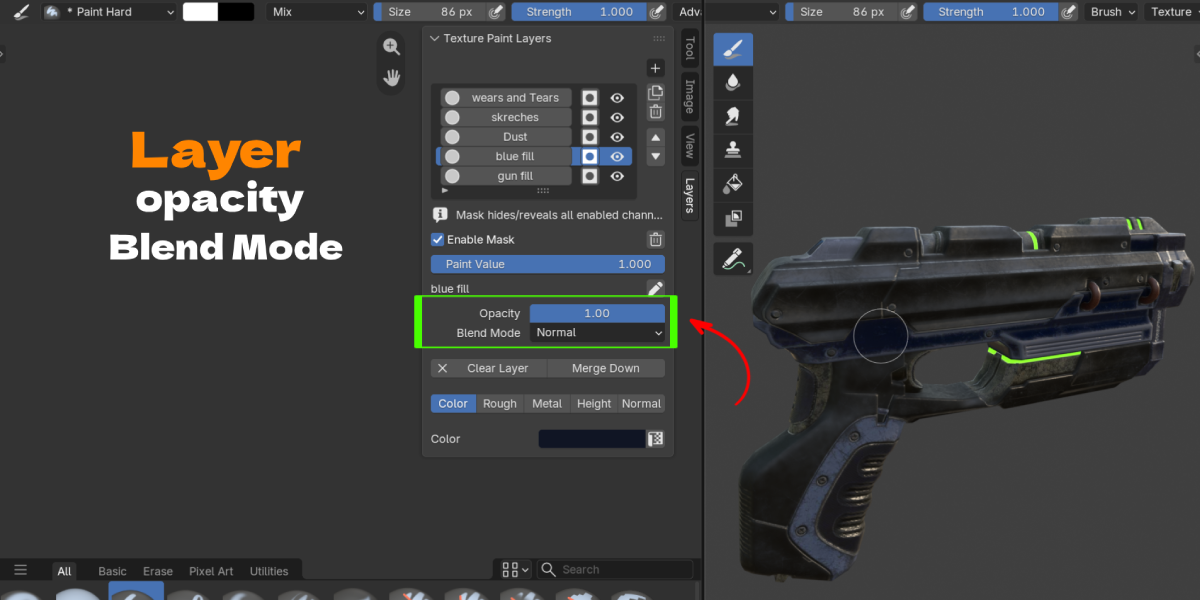
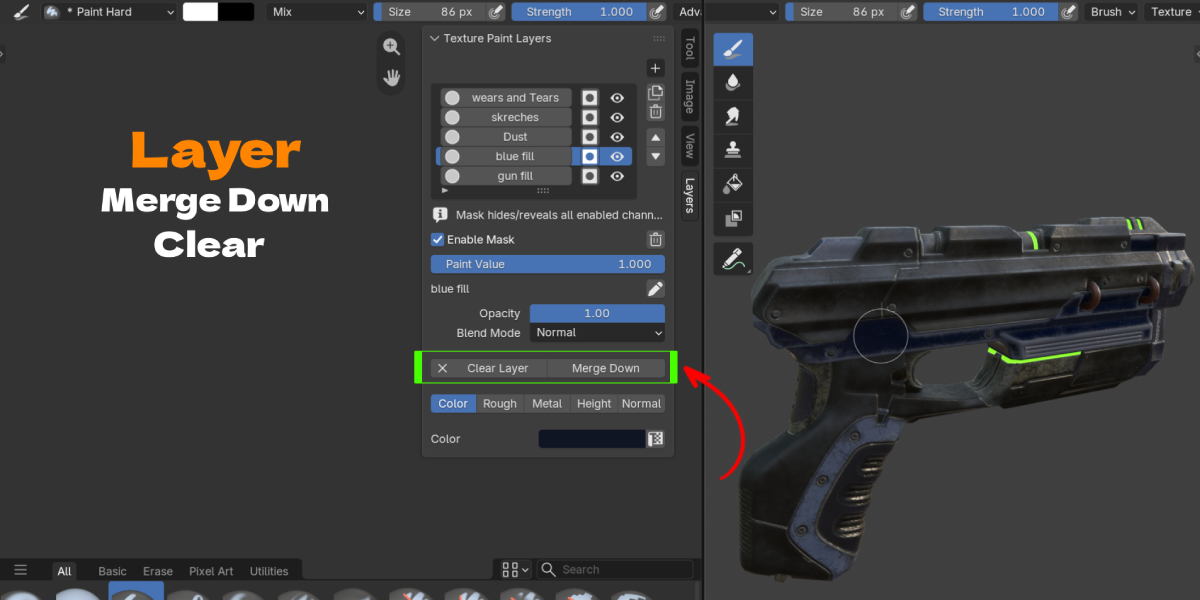
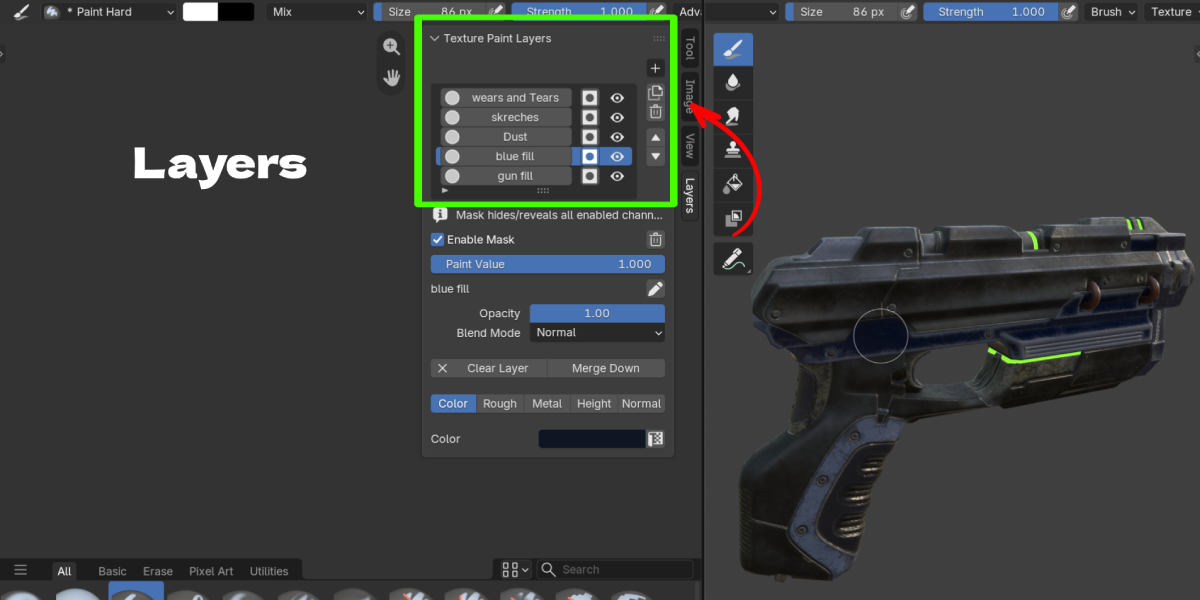
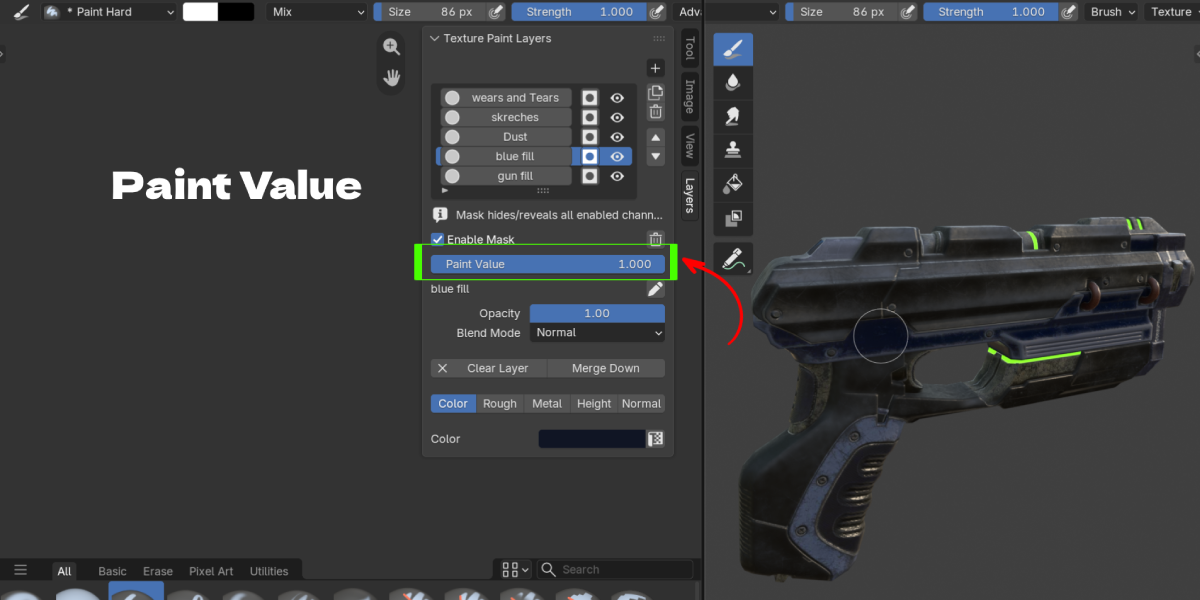
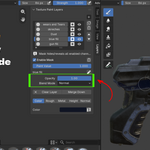
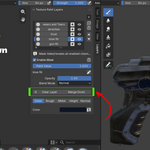
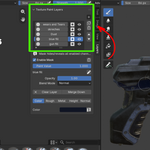
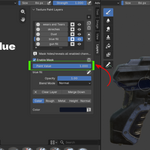
No. Texture Paint Layers adds a full non-destructive layer stack, masks, and blend modes directly inside Blender's own Texture Paint mode, so you can build up color, roughness, metallic, height, and normal detail in layers without exporting to another program and re-importing baked maps.
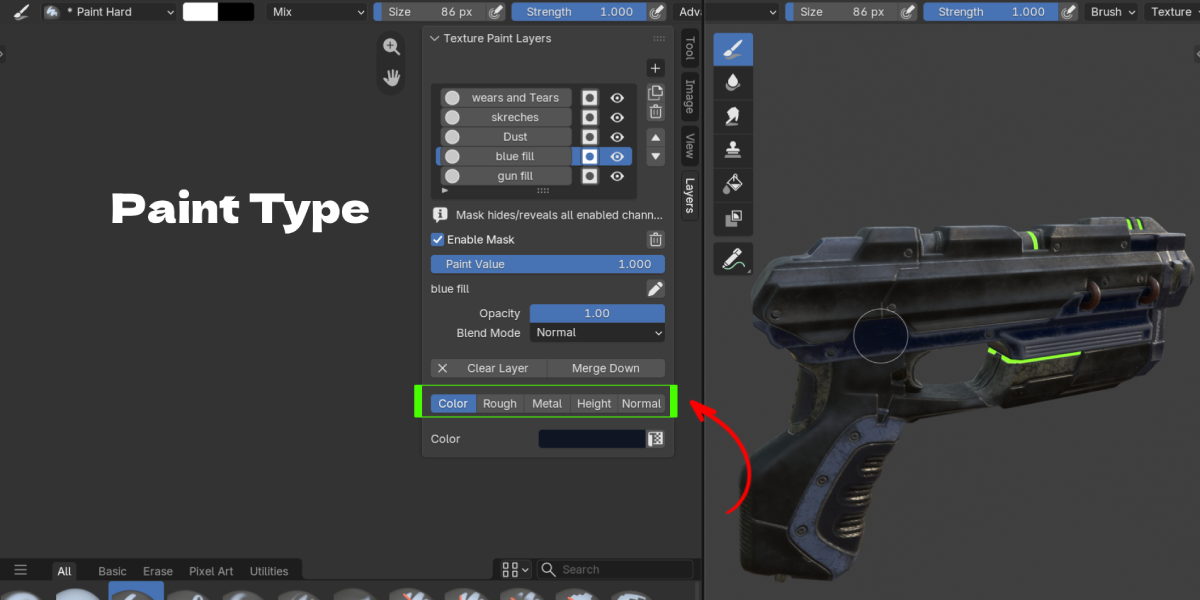
Can I paint Roughness, Metallic, Height, and Normal, or is this just a color layer plugin?
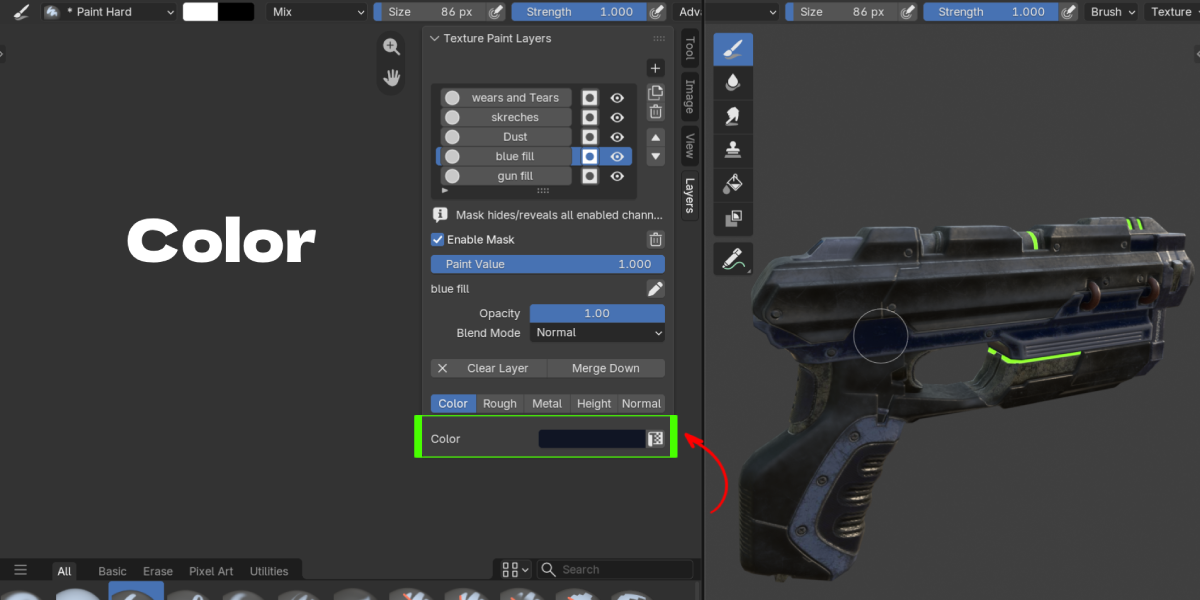
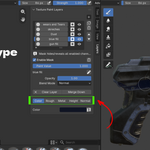
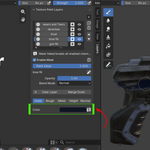
All five channels, Color, Roughness, Metallic, Height, and Normal, are independent per layer. You toggle on whichever channels a layer needs, and one brush stroke commits to every enabled channel at once.
Does the Height channel actually displace or sculpt my mesh?
No. Height contributes bump shading through a Bump node. It changes how the surface reads under light, not the geometry itself. If you need real displacement, you'll still need a separate displacement or sculpting workflow.
Why does only one channel change when I use certain brush tools?
Shared, all-channel painting works with the Draw tool and the solid Fill tool using Mix blending. Other brush tools, or tools with modified mouse shortcuts, paint onto the active layer's native canvas only, which is normally its Color channel.
Will my layers, masks, and channel images actually save with my .blend file?
Yes. The add-on packs the working layer, channel, and mask images into the .blend file when you save, so a single file carries the full layer stack with it.
I have an old file from an earlier version with a locked Base Texture layer. Will it still work?
Yes. On opening, a Base row with an image is converted automatically into an ordinary, fully editable Paint Layer at the bottom of the stack. An empty Base row is simply removed. The visible result stays the same either way.
Why can't I paint at all after adding a layer?
Check three things: the mesh needs UVs for 3D painting, at least one channel must be enabled on the selected layer, and the material needs a top-level Principled BSDF for the composite to show correctly in Eevee or Cycles.
