Texture Rescue Lite
 Yuezhou Tools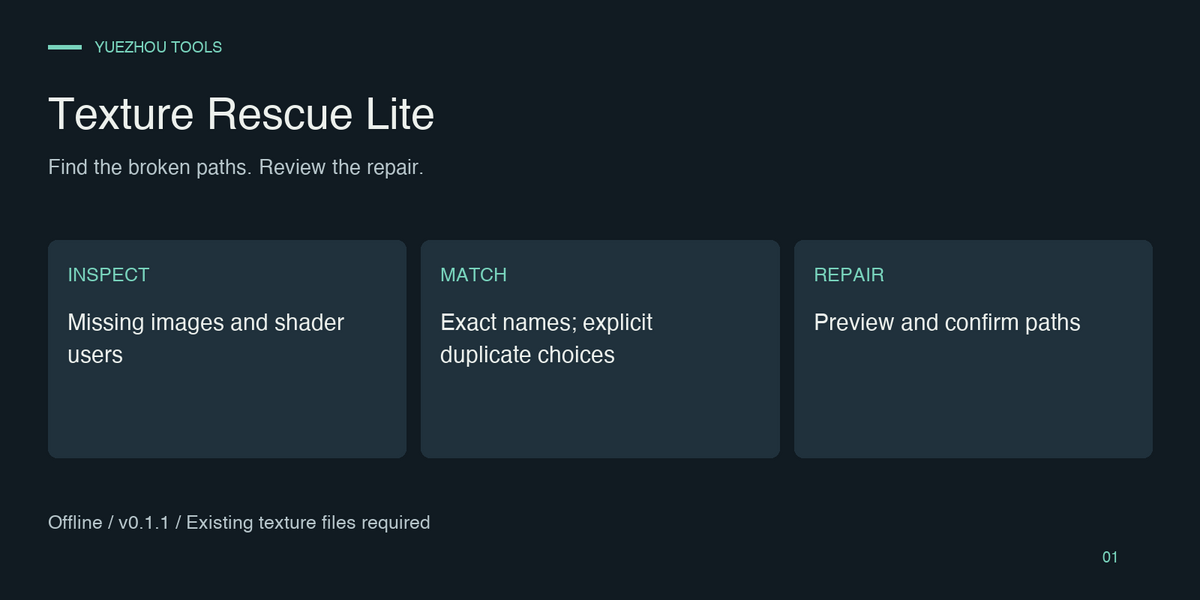
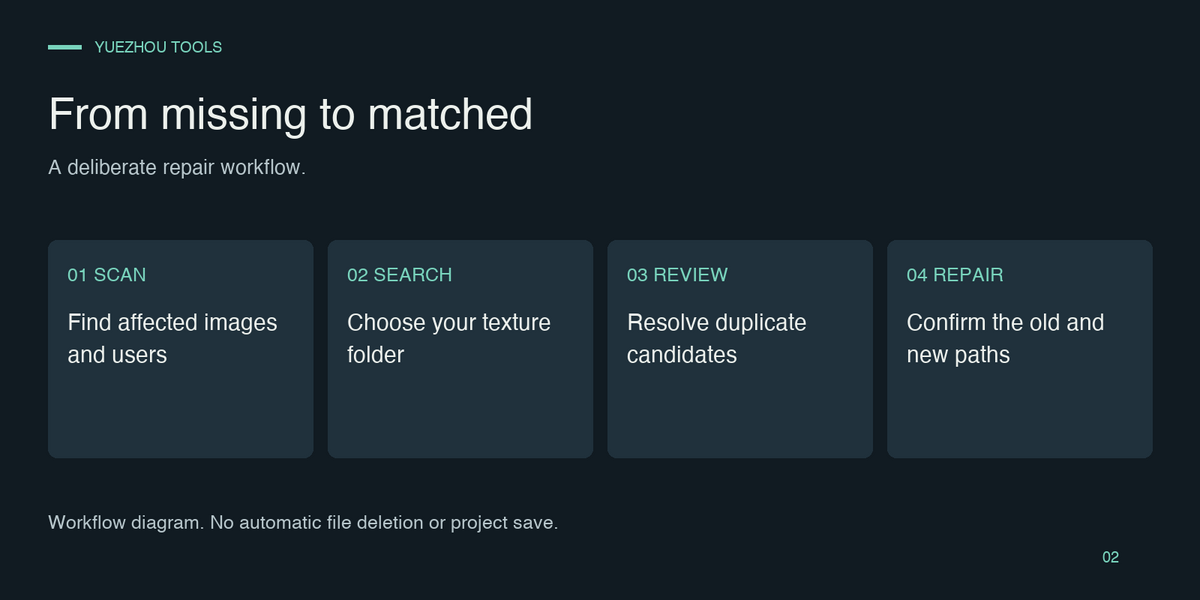
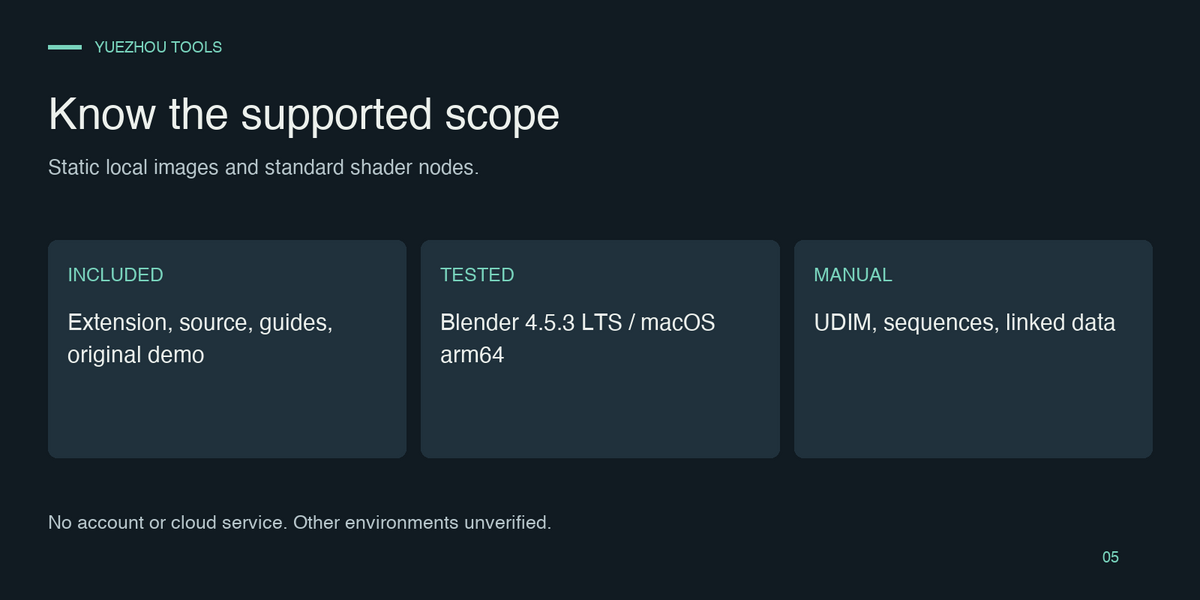
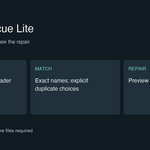
1. Extract the buyer bundle and install the inner texture_rescue_lite-0.1.1.zip using Install from Disk.
2. Scan the project and inspect missing images and detected material/world users.
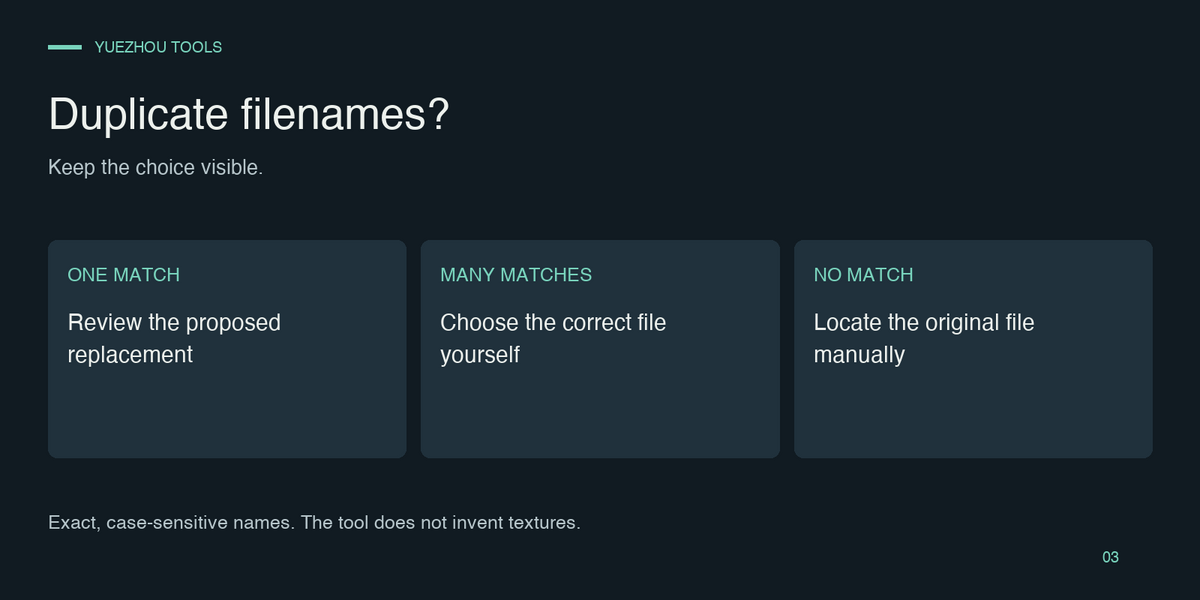
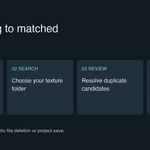
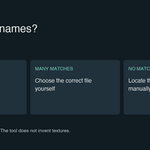
3. Choose a local texture folder. Review exact-name candidates; choose ambiguous duplicates yourself.
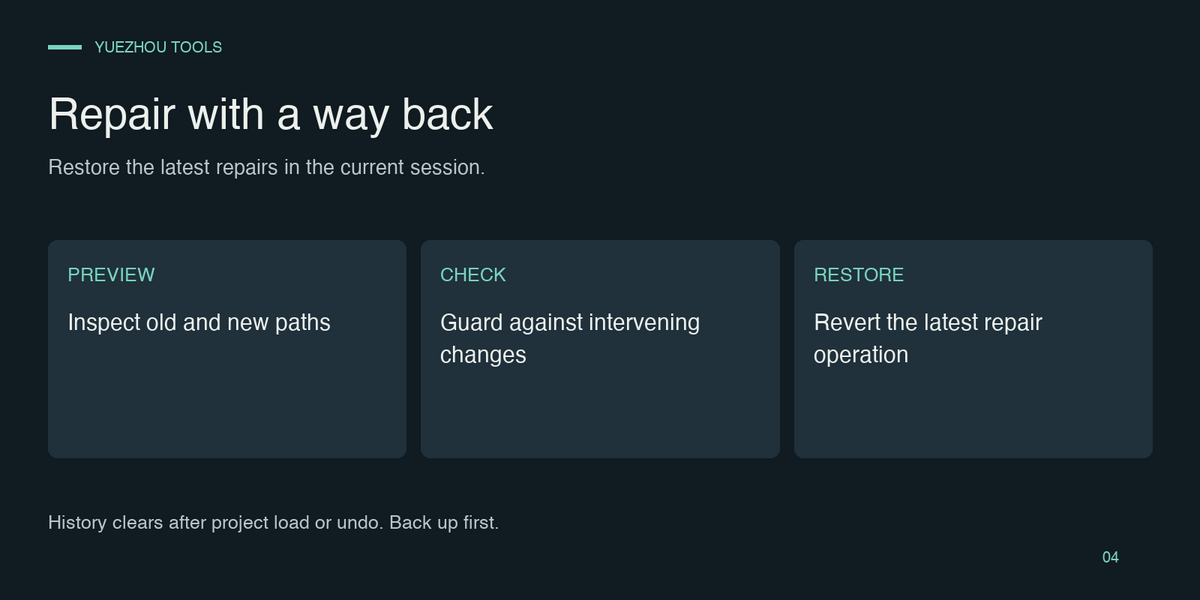
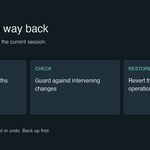
4. Preview and confirm the old/new paths, inspect the result, and save manually. Restore last repairs only within the current session.
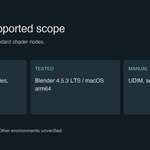
Use the original included practice project before your own files. Back up first. Tested only in Blender 4.5.3 LTS / macOS arm64. Static local FILE images only; UDIM, sequences, movies, linked or read-only images require manual handling. Detailed English and Chinese guides are included in the buyer bundle.
2. Scan the project and inspect missing images and detected material/world users.
3. Choose a local texture folder. Review exact-name candidates; choose ambiguous duplicates yourself.
4. Preview and confirm the old/new paths, inspect the result, and save manually. Restore last repairs only within the current session.
Use the original included practice project before your own files. Back up first. Tested only in Blender 4.5.3 LTS / macOS arm64. Static local FILE images only; UDIM, sequences, movies, linked or read-only images require manual handling. Detailed English and Chinese guides are included in the buyer bundle.
Have questions about this product?
Login to message
| Published | about 5 hours ago |
| Blender Version | 4.5 |
| Extension Type | N/A |
| Render Engine Used | Cycles |
| License | GPL |
