Texture-Tools | Ultimate Bundle

Thatimster in Surfacing


Item Rating

This item has an average rating of 5 from 9 ratings by the community.

89%
0%
0%
12%
0%

Purchase this item to leave a review!

  • Keith Seymour
    over 1 year ago

    I can't even tell you how many texture addons, packs, etc I have bought over the past couple of years. From clever algorythms to AI, I've tried them all. But this is really one of the best. It does such a good job of what iit's supposed to do and is simple and straight forward to use.

    The roughness intensity is my favourite new variable. Love that.

  • Silvermannik
    about 2 years ago

    Simple and Effective...Just how i like it!

  • Mattt
    almost 3 years ago

    Using Anti Tile only - works perfect and it couldn't be easier to use.

  • Nirupam Saren
    almost 3 years ago

    great boost in work

  • Salvador J. Gutierrez
    almost 3 years ago

    Fantastic bundle. Fast and easy way to get rid of tiling.

  • Stella
    over 4 years ago

    Very useful and well taken care by the developer, many many thanks!

  • Frank Hilton
    over 5 years ago

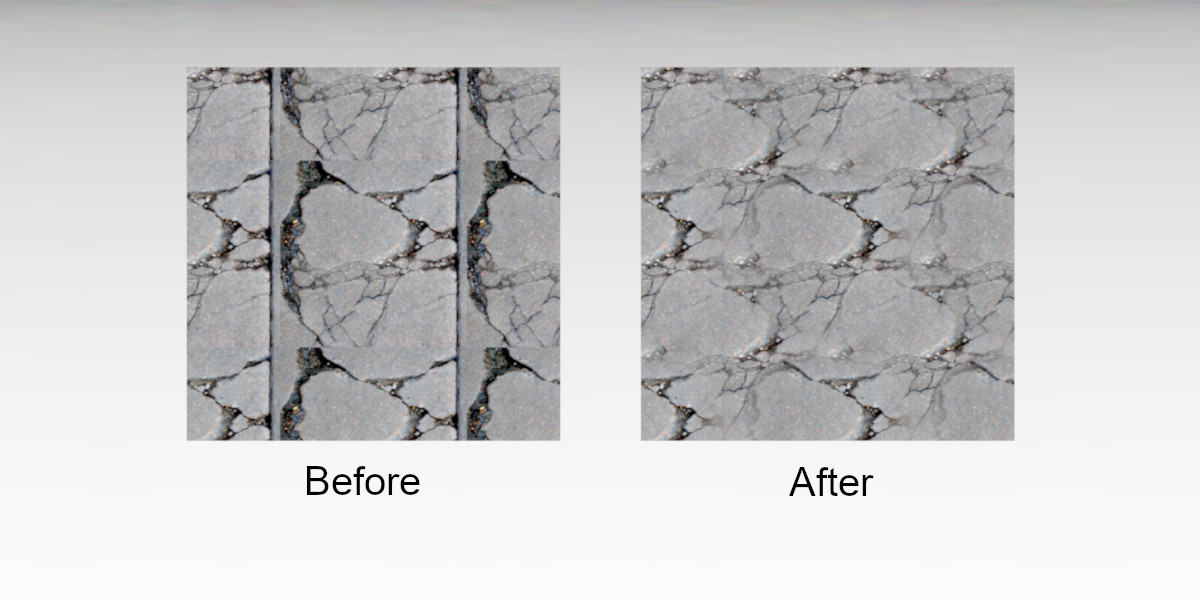
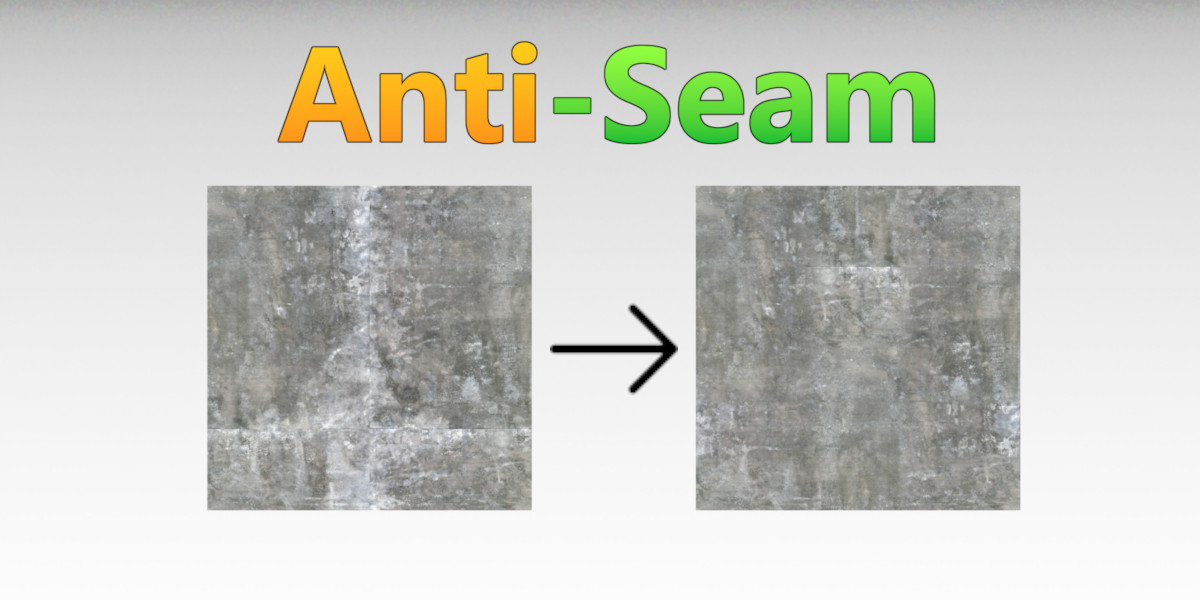
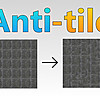
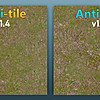
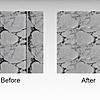
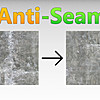
    One frustrating thing I deal with is textures that are supposed to be seamless but are not. This add-on provides something that should be built into Blender. From my initial test, I used a dirt texture that has a hard edge on two side. I then applied the Anti-Seam option to the texture.... AMAZING!! It hid that hard edge almost to perfection. You can still see a pattern, but only because you know its there. It is totally an expectable result!!! I love it! Seam BE GONE!

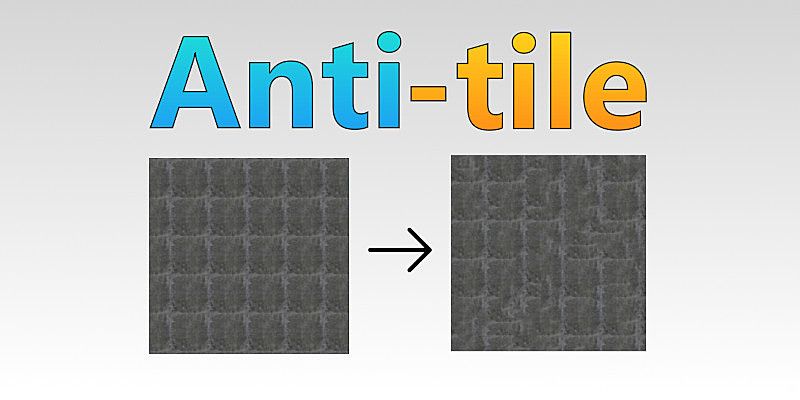
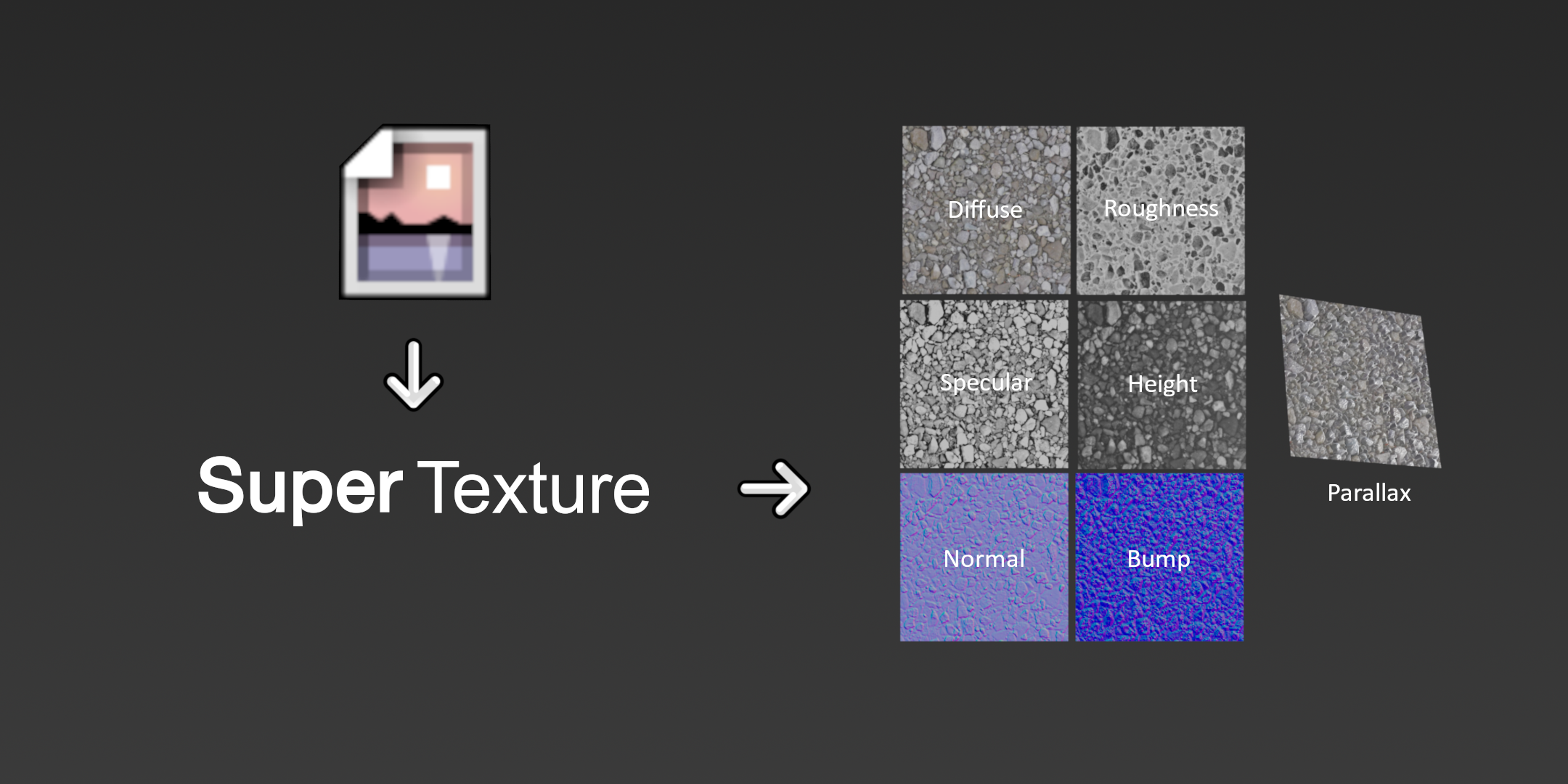
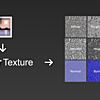
    This add-on is located in the Shading Editor (N-Panel) and the way it works is you select a texture Node in the node editor, click one of the Seam, Tile or Texture buttons (depending on what you are wanting). Then it adds a specific node that offers several options to optimize the look.

    One tip I suggest is be sure to get the size and orientation set in the UV Editor before applying the node functions. It will just help with the experience.

    I contacted support and they responded very quickly. I like that in a developer. Shows he cares about his customers and product.

    Overall, I am impressed so far. I still have more exploring to do, but my first initial test was amazing. It is about time there is a way to fix unwanted tiling of textures!!! Glad I bought it!!

  • Scott Lissard
    over 6 years ago

    This is a huge timesaver and a great bundle of useful texturing tools to deal with the ever present tiling artifacts. I especially love the debug output that allows you to see exactly how the mapping is scaled. Genius!

    Also, if anyone is wondering, it plays well with the Extreme PBR plugin.

  • kimhyunsoec
    10 months ago

    When applying Anti Seam and Anti Tile sequentially and then Super Texture, the normal map does not work properly. This part needs to be updated.

    • Thatimster

      10 months ago

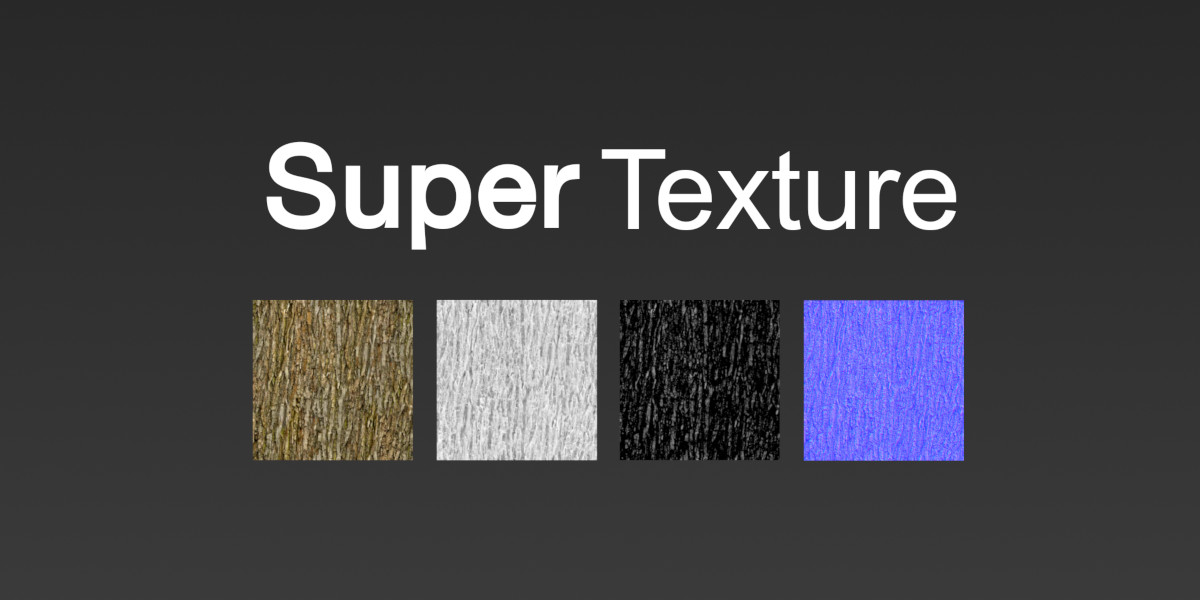
      This works for me in Blender 5.0, however as mentioned in the documentation, compounding all 3 at once adds more than 256 nodes which can lead to stability issues. I recommend baking out the Anti-Seam texture first, then applying Anti-Tile + Super-Texture, you'll get better performance and better results :)

  • Displaying 9 ratings
$24

Have questions about this product?
Login to message

Details
Sales 400+
Rating
9 ratings
Dev Fund Contributor
Published over 6 years ago
Blender Version 5.2
License GPL