 Adriflex


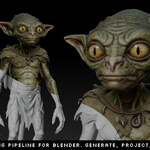
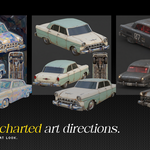
I built Texture Diffusion v2 because I wanted AI texturing to stay inside Blender: no export loop, no separate web app, and enough control to actually adjust the result on the model.
Not as a one-click replacement for texturing, but as a way to generate, project, paint and iterate faster while still keeping my hands on the workflow.
Generate, project, paint, refine
Texture Diffusion takes a capture from your Blender viewport, sends it to a cloud image model, then projects the generated image back onto your mesh.
You choose the provider: Replicate, Google Gemini or fal.ai. The generation happens in the cloud, then the result comes back as a texture you can keep editing in Blender.
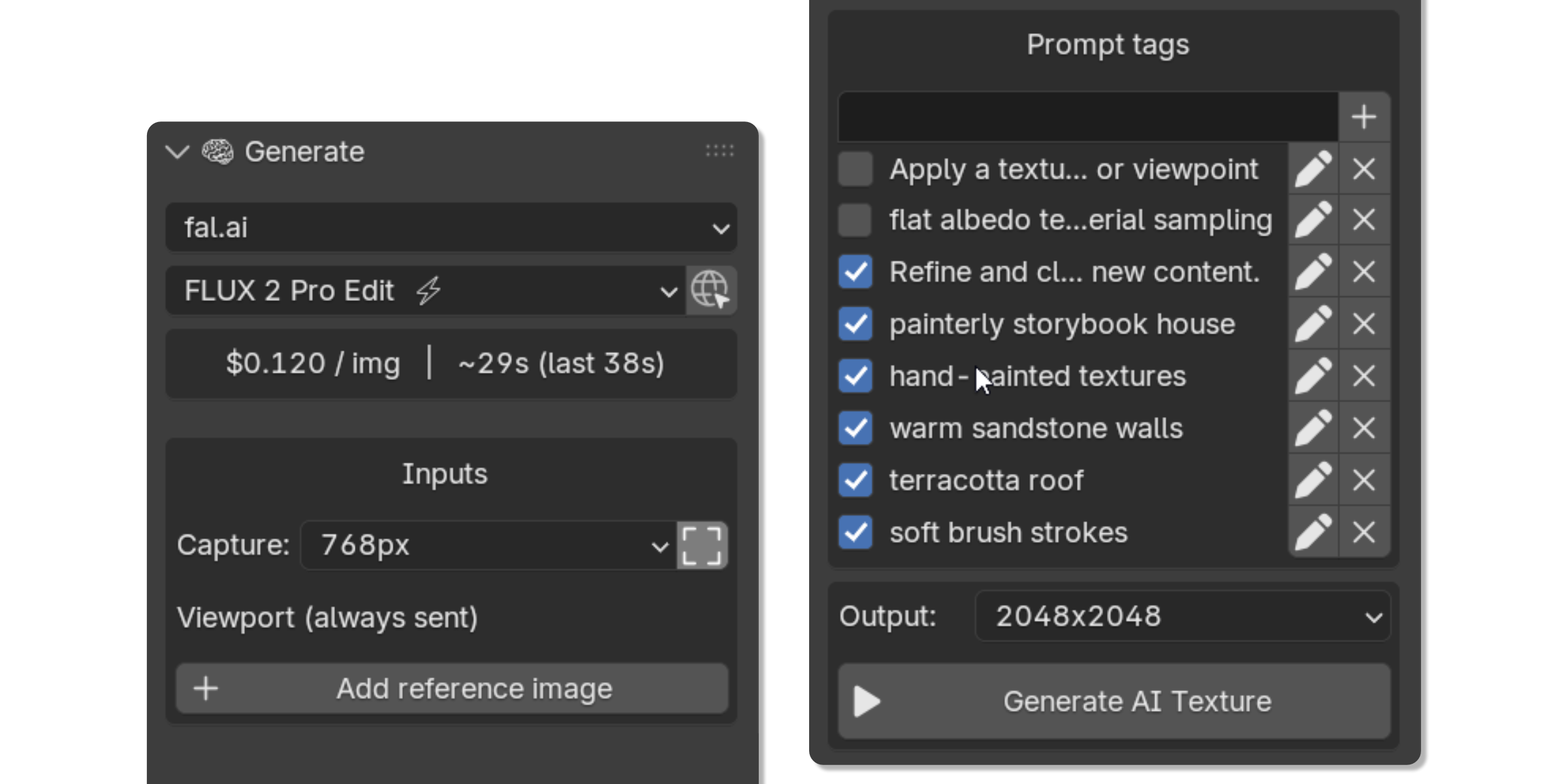
Pick a provider, frame the viewport, write a prompt, generate.
Texture the whole object
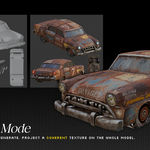
Global Texture is for building a first pass across the full model.
You place the object from several angles inside one camera frame, generate one image, then let the addon assemble the projections back onto the original mesh. It gives you a coherent base before manual cleanup or detail work.
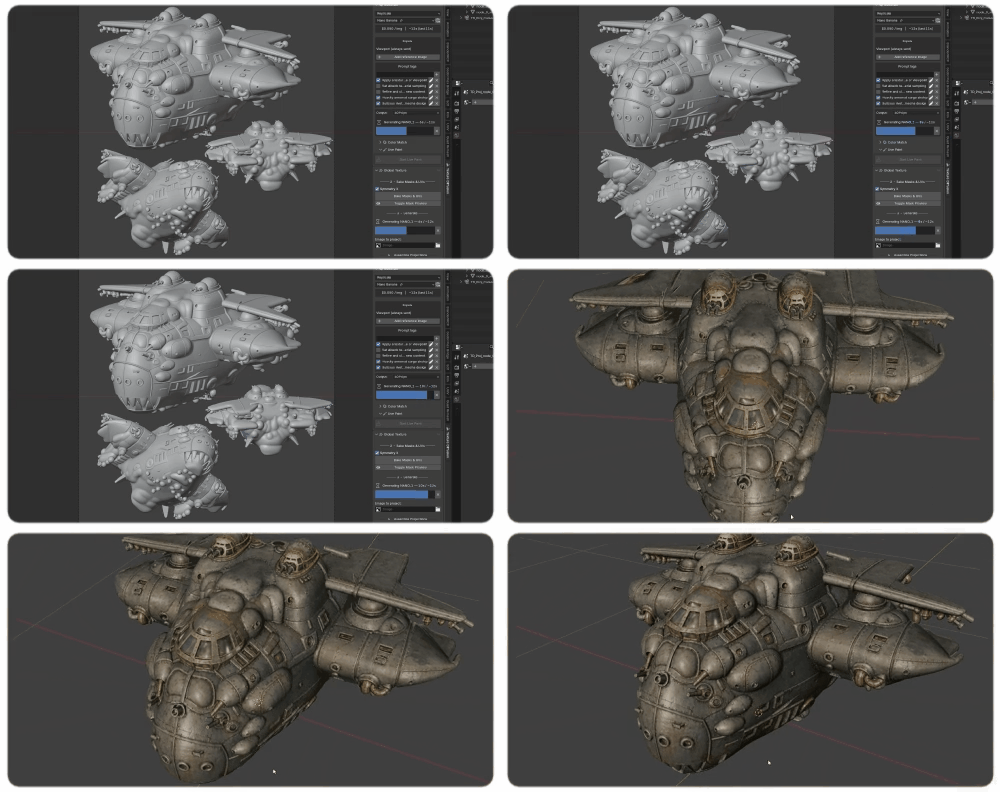
A full-object pass from one composed camera frame.
Paint generated details where you need them
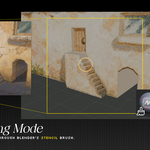
Live Paint is for local details.
Frame an area, generate an image, then paint it onto the model using Blender's stencil brush. I use it to add details, patch rough spots, or push one zone further without redoing the whole texture.
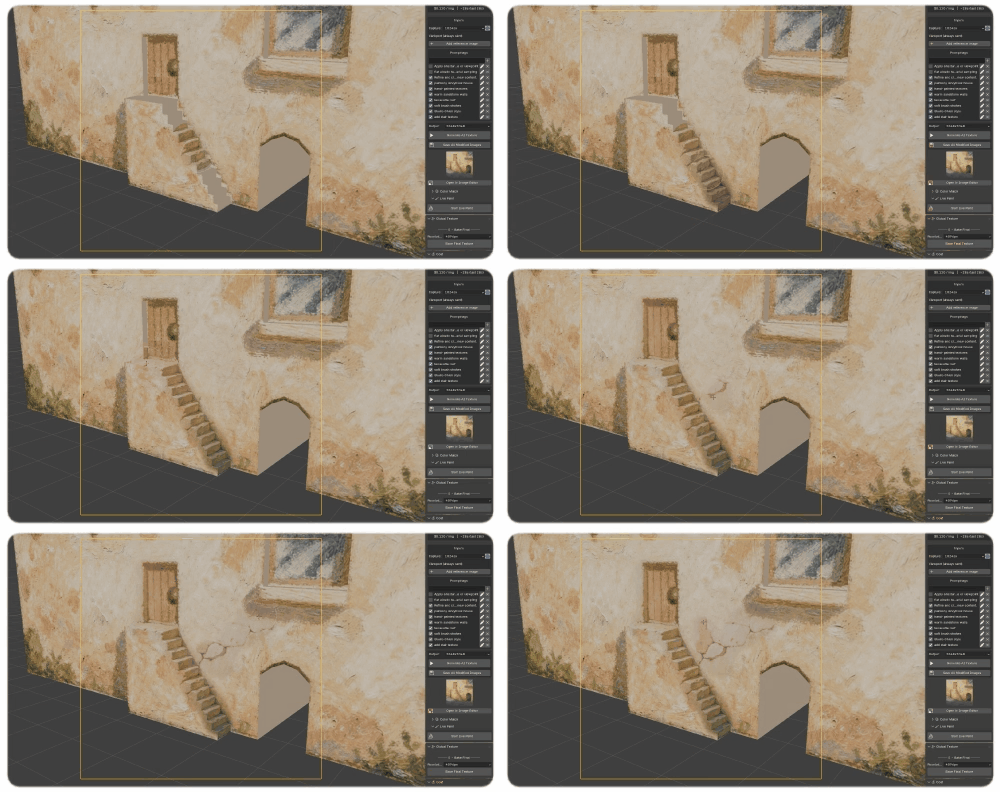
Generate a detail pass, then paint it directly on the mesh.
A few honest notes
- Your model needs UVs.
- It generates diffuse/albedo textures, not full PBR materials.
- You need an API key from at least one provider: Replicate, Gemini or fal.ai.
- Each generation is billed by the provider, usually a few cents per image.
- AI results vary. You guide the process with the view, prompt, masks and references, but it is still an iterative tool.
Best fit
Texture Diffusion is most useful for concept texturing, quick lookdev, stylized assets, game props, first texture passes and local detail work.
It is not meant to replace a full production texturing pipeline on its own. I see it as one more tool in the box: fast, visual, and useful when you keep your hand on the workflow.
A note from me
This is a one-person addon, built from my own artist workflow. If something feels off, if a model behaves weirdly, or if you have an idea for a better workflow, send me a message. I read everything myself.