Texture Smith Auto Pbr Creator
 Creative Collections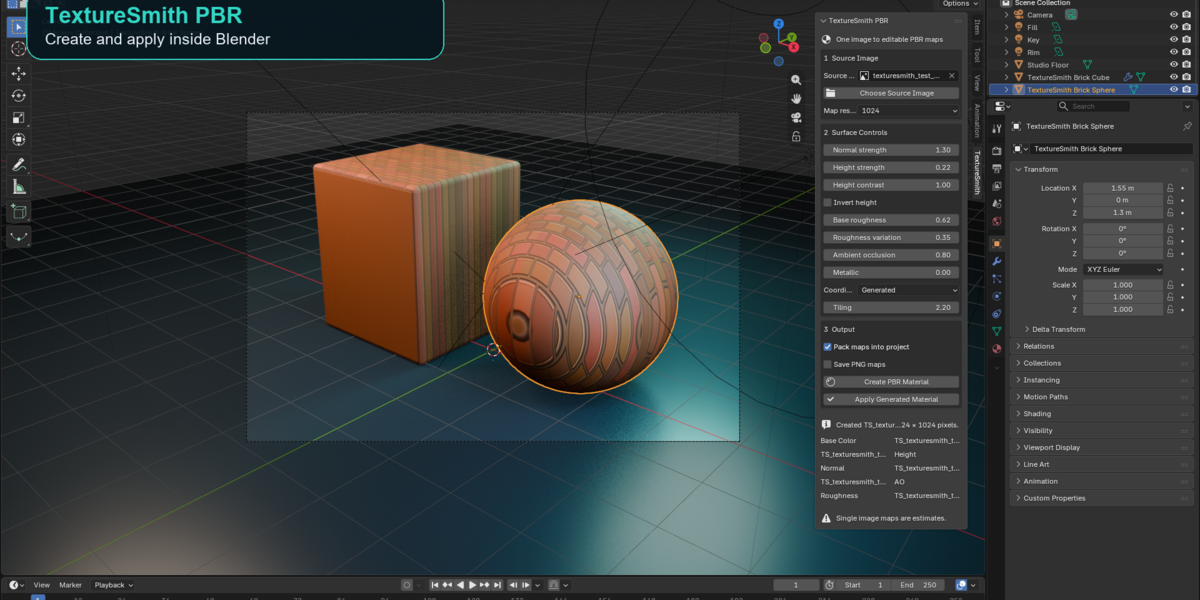
TextureSmith PBR 1.0
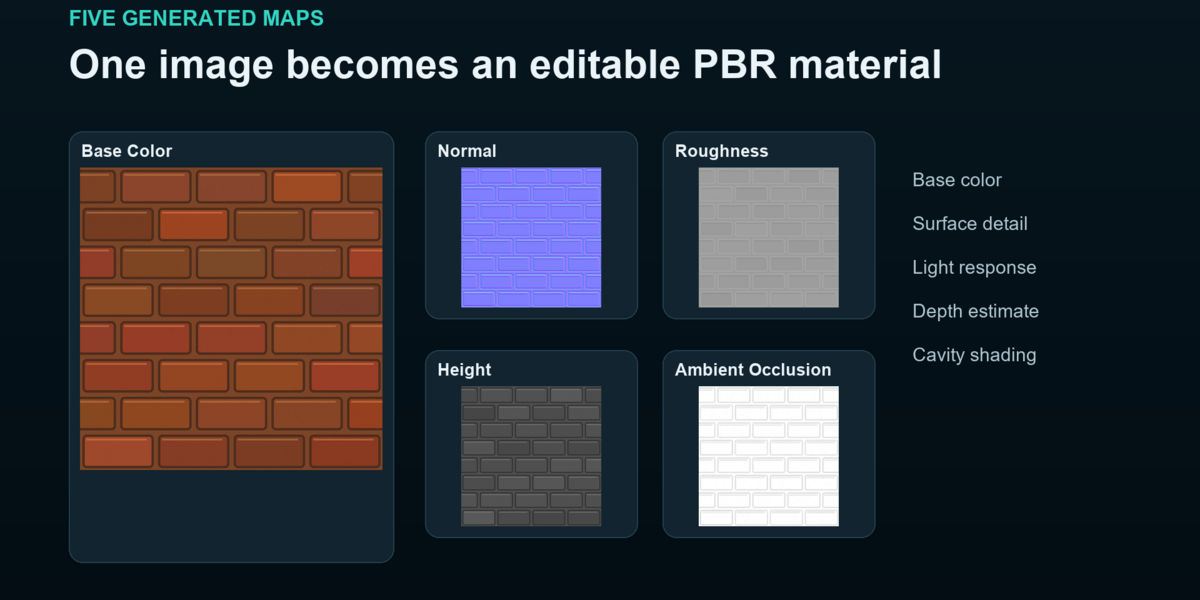
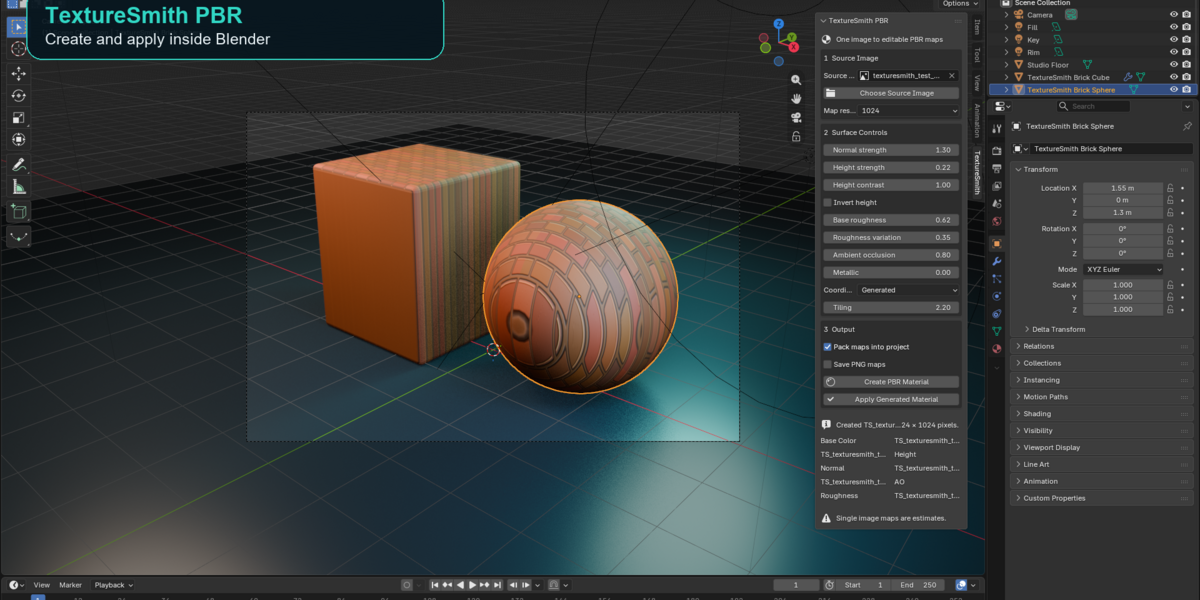
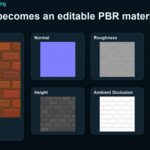
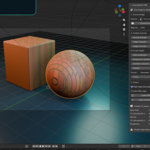
TextureSmith PBR turns one source image into an editable Blender material with generated base color, normal, roughness, height and ambient occlusion maps. The material is applied automatically to the active mesh and can be applied to other selected meshes with one click.
The generated maps are practical visual estimates derived from image brightness and local contrast. A single photograph does not contain physically measured roughness, depth or hidden surface information. Use the controls and generated maps as a strong starting point and refine them when exact material capture is required.
## Install
Open Edit then Preferences then Add ons. Use the menu at the upper right and choose Install from Disk. Select TextureSmith_PBR_1.0.0.zip without unpacking it. Enable TextureSmith PBR.
Open the 3D View or Shader Editor sidebar and choose TextureSmith.
## Create a material
1. Select the mesh that should receive the material.
2. Choose a source image from Blender or click Choose Source Image.
3. Choose the map resolution.
4. Adjust the surface controls when needed.
5. Click Create PBR Material.
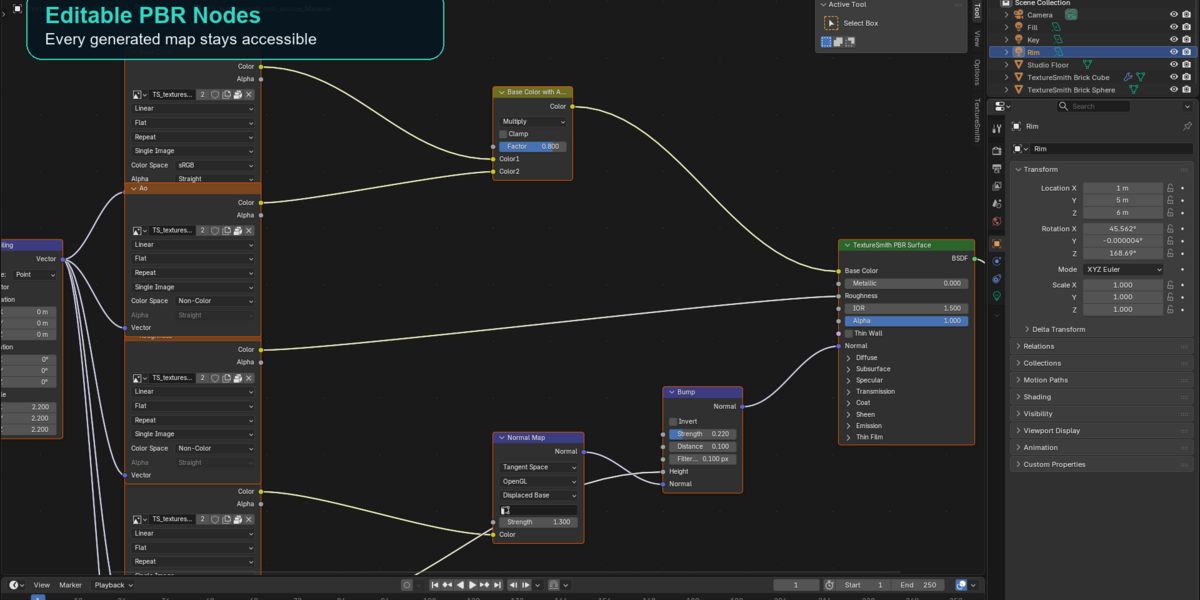
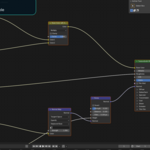
TextureSmith creates five editable image maps, builds a Principled BSDF material and applies it to the active mesh.
## Apply the material to another object
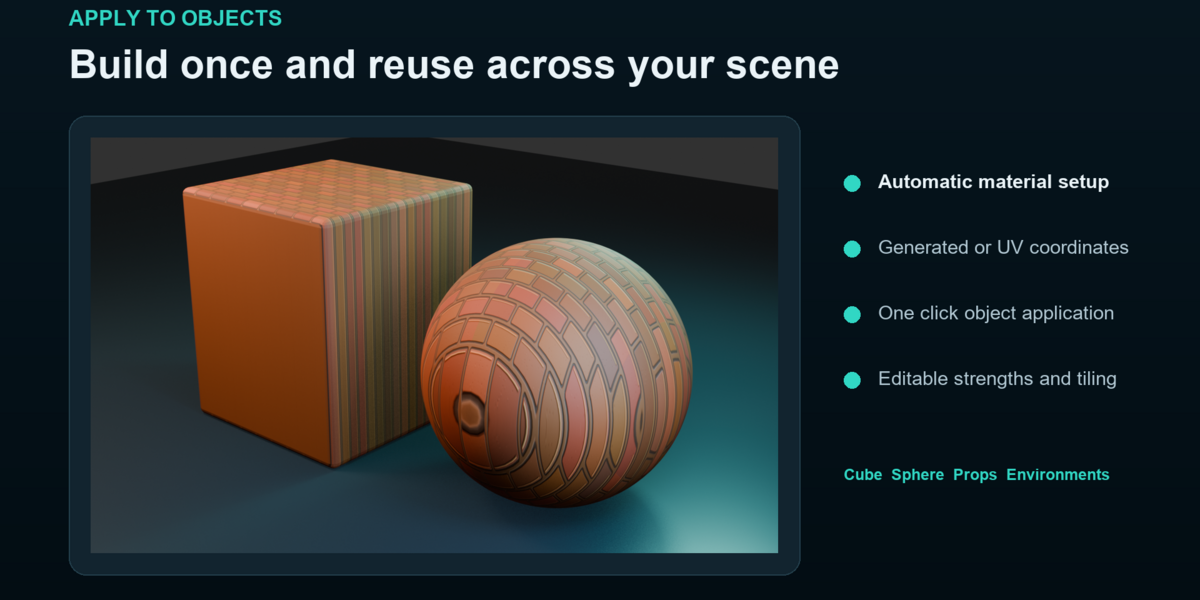
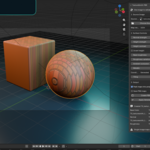
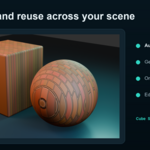
Select another mesh and click Apply Generated Material. The latest TextureSmith material replaces the first material slot or creates a slot when the object has none.
## Controls
Normal strength controls the direction detail generated from brightness changes.
Height strength controls the displacement illusion added through the Bump node.
Height contrast expands or reduces the estimated height range.
Invert height swaps raised and recessed areas.
Base roughness sets the overall surface response.
Roughness variation controls how strongly image brightness changes roughness.
Ambient occlusion controls the estimated cavity darkening mixed into base color.
Metallic sets the Principled BSDF metallic value. Leave it at zero for stone, wood, fabric, plastic and most painted surfaces.
Tiling controls the Mapping node scale for every generated map.
Coordinates controls how the image is placed on objects. Generated works immediately on ordinary objects. UV uses the active UV map for art directed placement.
## Map output
Pack maps into project stores the generated maps inside the blend file.
Save PNG maps writes the maps to the selected folder. Save the Blender project first when using the default relative folder.
Generated maps use the source image aspect ratio. The selected resolution describes the longest image side.
## Recommended source images
Use an evenly lit image taken straight toward the surface. Avoid strong shadows, bright reflections, perspective distortion, text and objects that should not repeat. Crop the image to the material region before importing it when possible.
Have questions about this product?
Login to message
| Published | 2 days ago |
| Blender Version | |
| Extension Type | N/A |
| Render Engine Used | Cycles, Eevee, Octane, Vray |
| License | GPL |

Discover more products like this
3D wood texture PBR 1K textured pack image textures 4k asphalt pbr textue 3D PBR Model 4k 4Ktextures 2kPBR PBR