 John
John

Jhon Cabezas
about 1 year ago
thanks!!


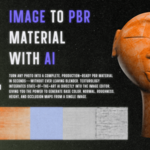
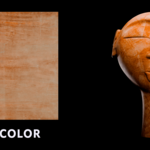
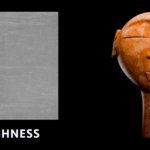
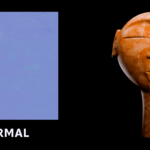
This item has an average rating of 3 from 2 ratings by the community.
Purchase this item to leave a review!
Jhon Cabezas
about 1 year ago
thanks!!
Jhon Cabezas
about 1 year ago
Tony, thank you for your feedback. You don't know how important it is for me to hear about your experience. However, in order to improve, I would like you to elaborate on that experience with me.
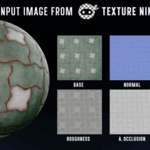
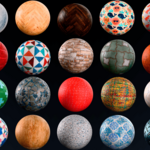
I'm not sure exactly what you mean when you say that the resulting textures are “muddy, blurry, distorted.” I would like to see a visual representation of your results and a comparison with what you expected, as your use case is most likely unique. As I mention in the add-on description, the results cannot be compared to a PBR texture scanned using photogrammetry, as is done, for example, by Poliigon or Grayscalegorilla. On the other hand, as I say in the documentation, I do not recommend upscaling textures using traditional methods such as the one I offer because most of the time it ends up damaging the details of the texture. For this use case, it is always necessary to upscaling textures using Krea, Magnific AI, or the new Photoshop beta upscaling, These not only increase the size but also add detail to the image, as they are powered by diffusion models. For example, the series of textures I show in the documentation was the result of entering a resized image from Texture Ninja without applying upscaling. That image already had enough resolution to achieve something decent, and as you can see, the adjectives you used could not be applied to it. Although I don't deny the fact that the architecture (and perhaps the data) with which the AI that powers the add-on was trained is not state of the art, that is, they are not diffusion models, they are pix2pix GAN models. Could you write to my email to expand on your feedback? I would be concerned that it could also simply be a bug when manipulating the image. My email is [email protected].
Substance Alternative Photo to Material advanced shading 2025 materials AI Texture Generator Inpainting 3D AI tool blender ai addon Texturing AI Upscaler addon
 Tony Grant