 aPOP
aPOP



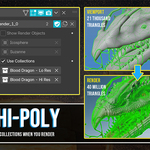


Swap on Render:
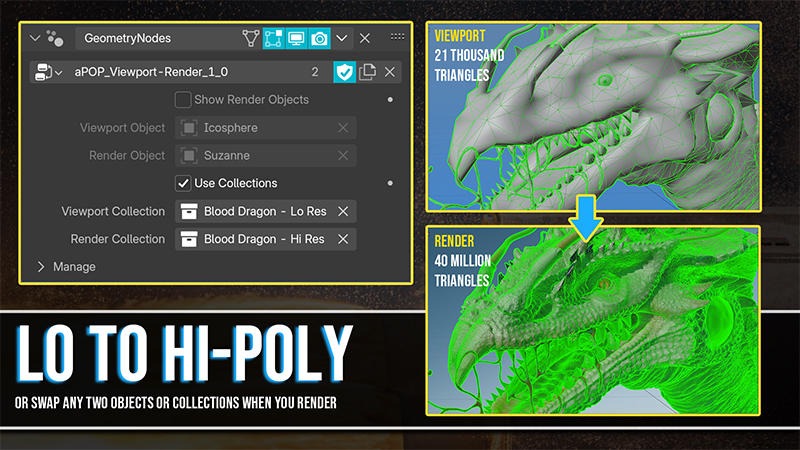
- Automatically replaces object or collection on render!
- One click switch to preview the render version in the viewport.
These nodes allow you to switch out the object when you start a render. This functionality is commonly used to optimize the performance of your viewport. If you have too many hi-poly objects in your scene, animation playback speed will drop and get very laggy. With these nodes you can use a low poly version of your hi poly geometry automatically being rendered instead of the low poly.
Low poly versions of anything can easily be created in Blender by using a 'Decimate' Modifier.
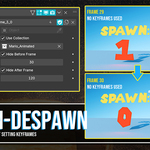
Easy Spawn/Despawn:
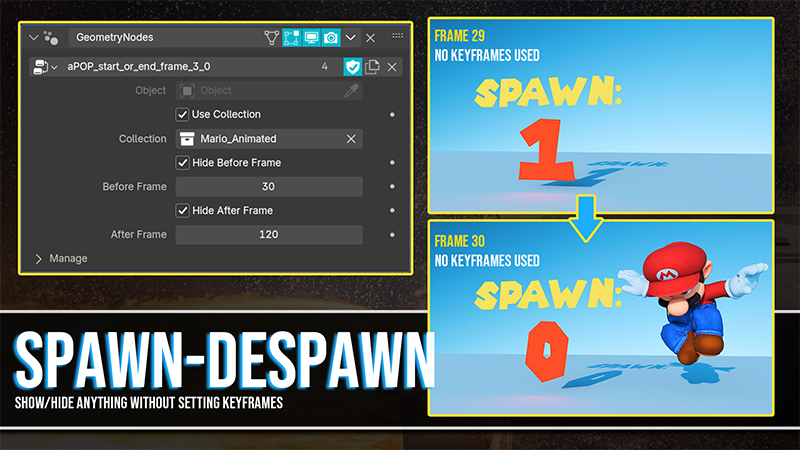
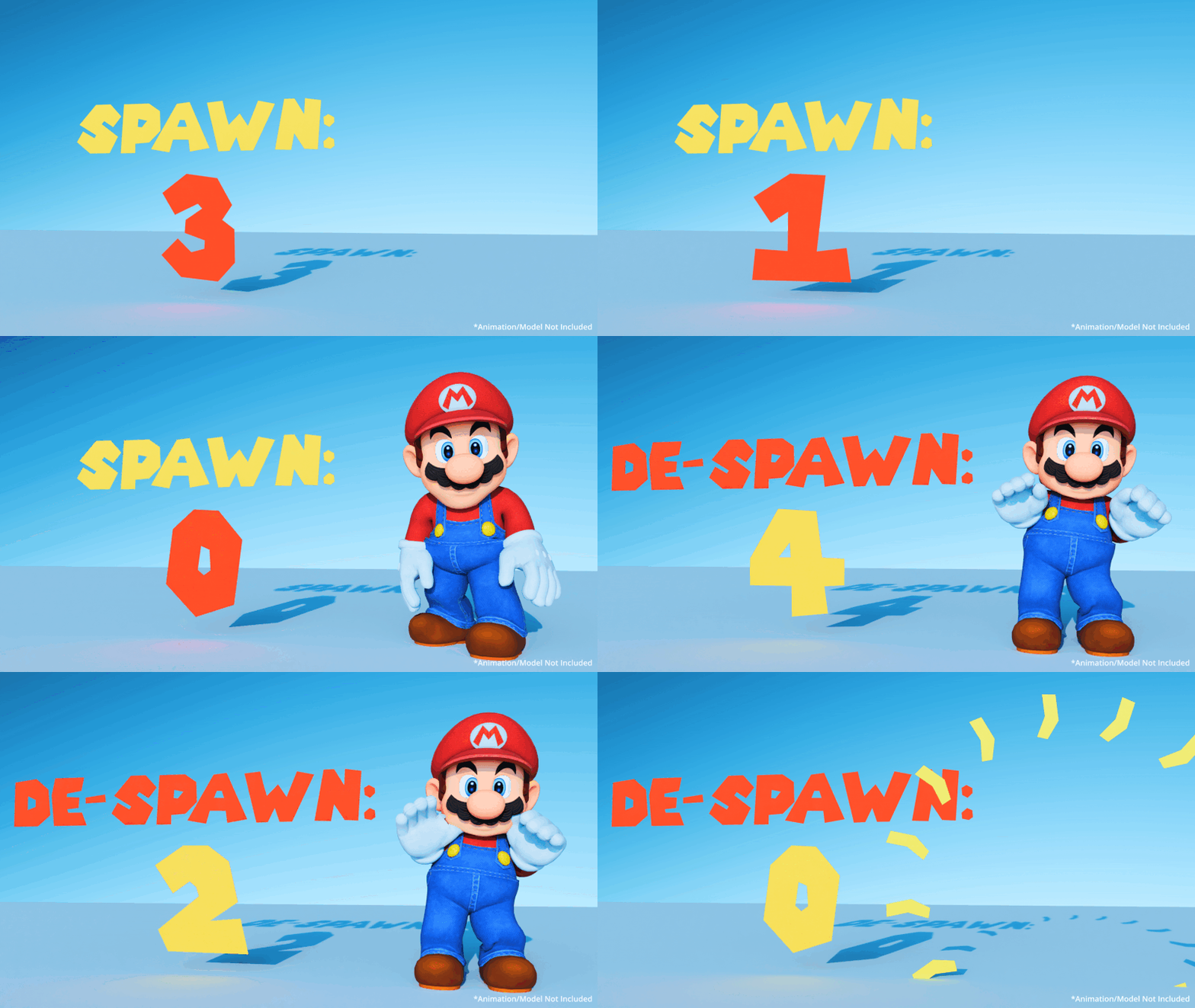
A better way to hide and show objects during animations.
Without these nodes: The original way requires you to keyframe both the render visibility and viewport visibility in order to hide it within the viewport. This also causes you to lose the ability to see the object when it isn't spawned. This means you cannot manipulate it's keyframes or select it and edit it's properties. You have to show it in order to operate on it.
With these nodes: you can still edit the object's properties, keyframes, and select the object and move it around. You will see a single vertex representing it's position. Parent it to an 'empty' object in order to have a handle.
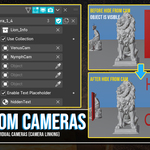
Hide From Camera/Link To Camera:
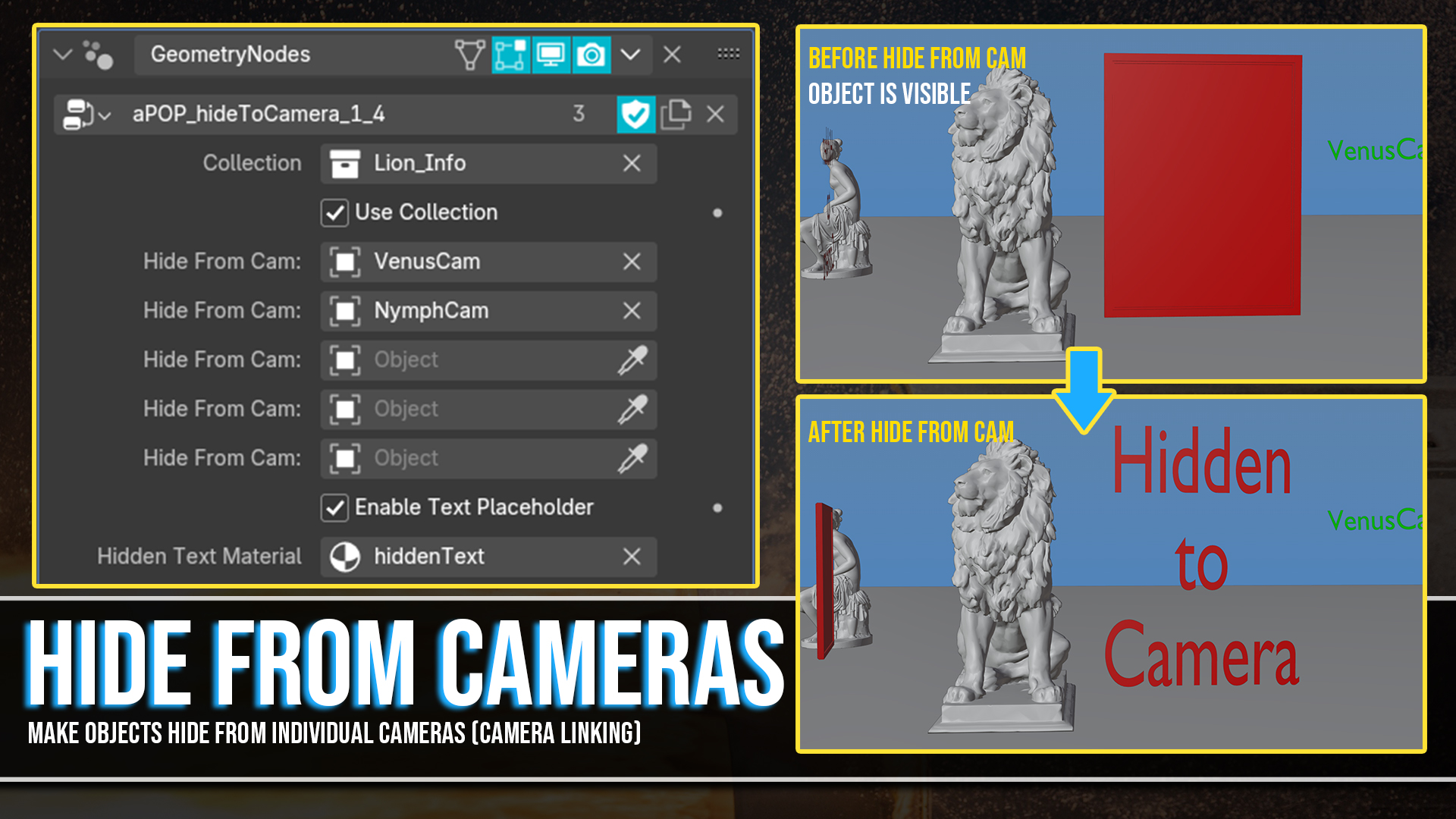
VIEWPORT:
*The red objects are automatically hidden in the background as the active camera switches.
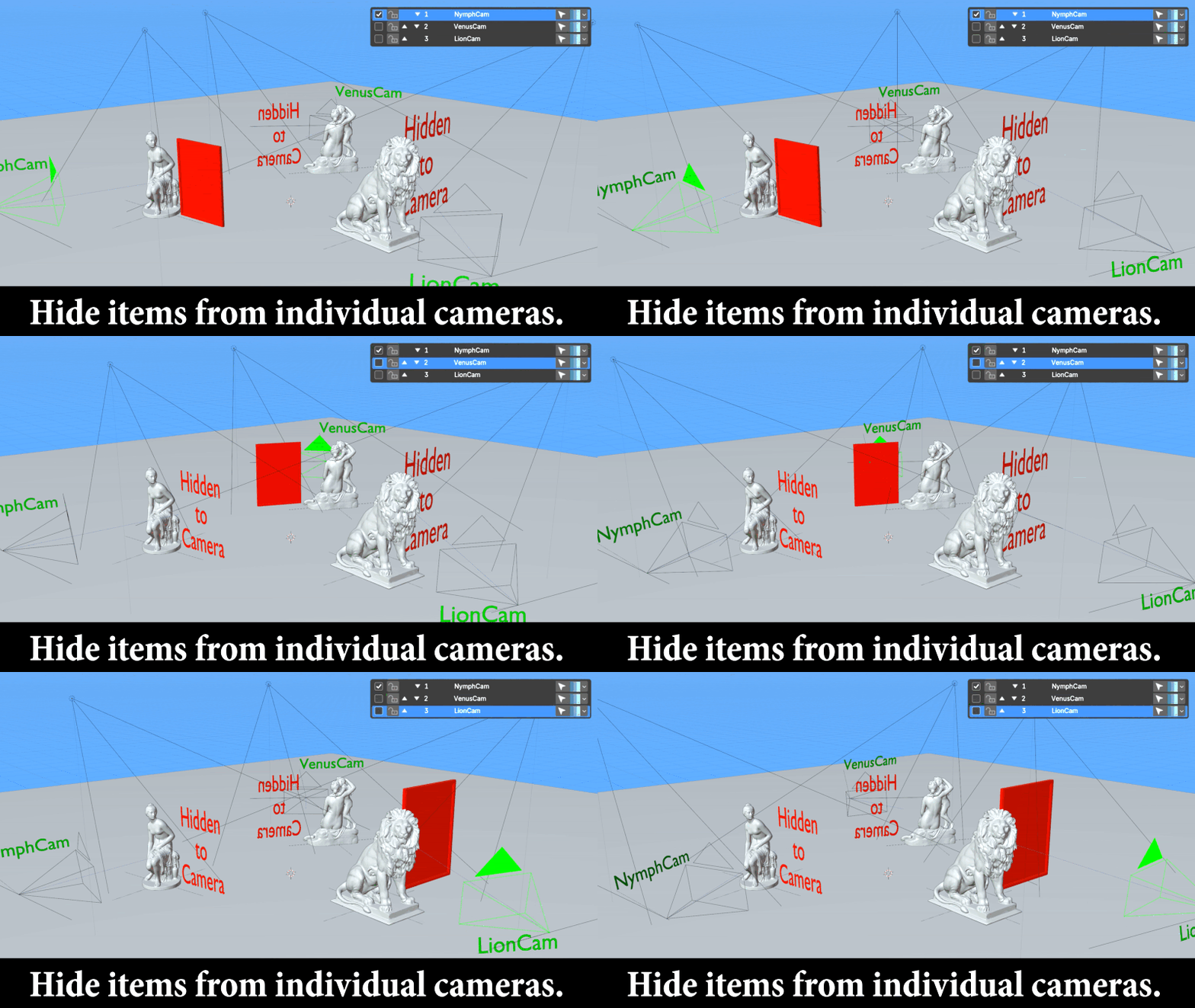
FINAL RENDER:
*The plaques are automatically hidden in the background from the current camera view.
- Easily hide an object or collection from specific cameras.
- Choose any number of individual cameras to hide from
- Items are also hidden from viewport, but still selectable
- Optional "Hidden to Camera" message can be displayed while object is hidden (shown above)
*NEW* - I have added two new nodegroups to this pack and will continue to grow it as I need to make new tools for myself.
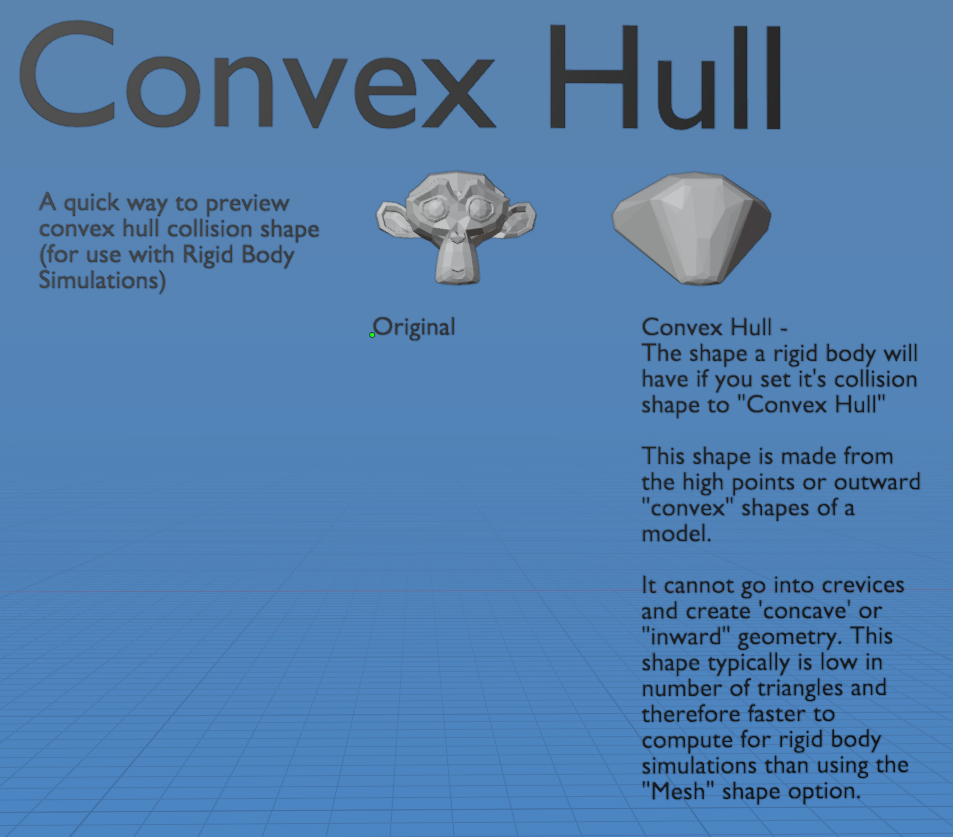
Convex Hull:
- A quick way to preview convex hull collision shape (for use with Rigid Body Simulations)
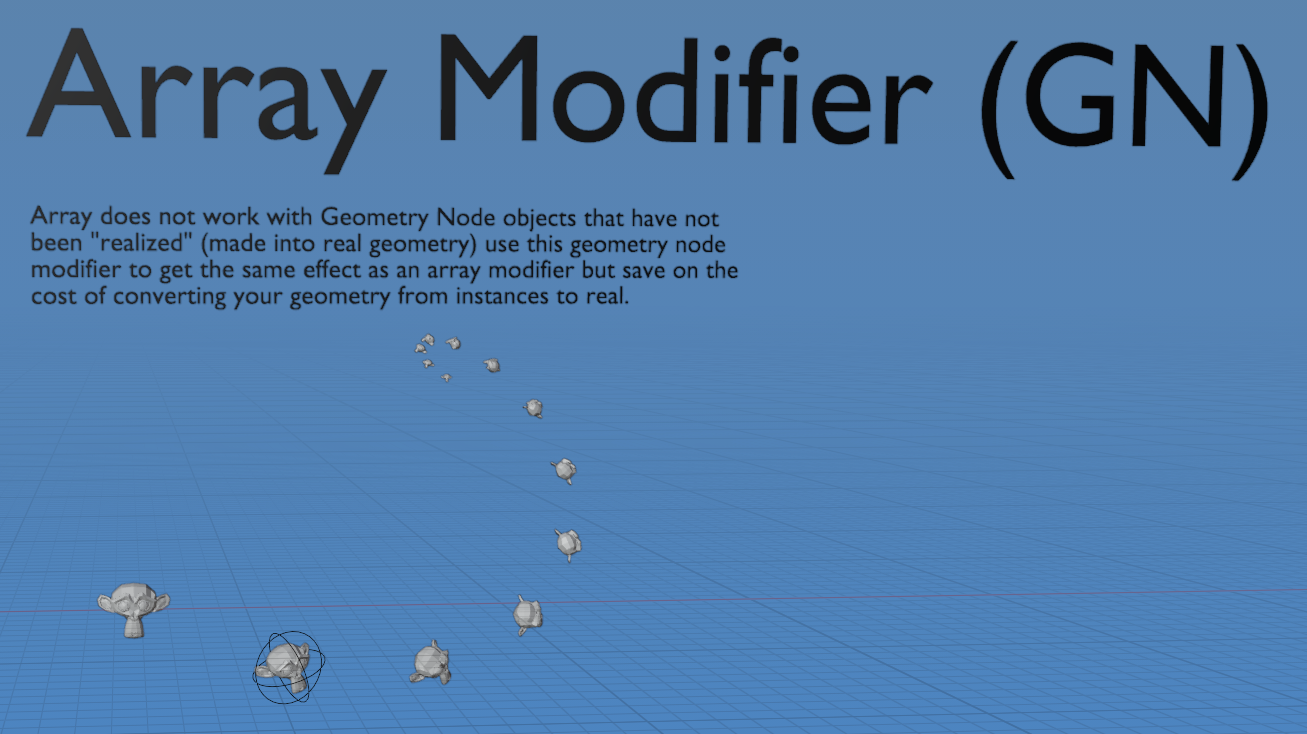
Array Modifier in Geometry Nodes:
- The array modifier in blender is great, but sometimes you really need it to be within geometry nodes to accomplish your goals. This Array Modifier includes the "object" offset functionality, where you can rotate and move the instances based on another object.