 Nick Sayce Designs


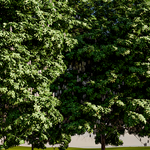
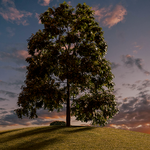
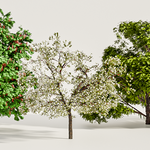
The Infinite Tree Builder Addon Demo
The Infinite Tree Builder Addon Installation
ITB Sapling Guide Video
The Infinite Bark Builder Guide
Building Tips & Tricks (new leafing technique)
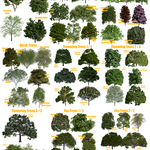
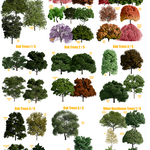
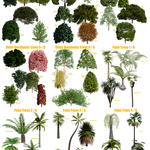
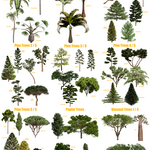
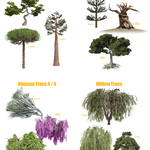
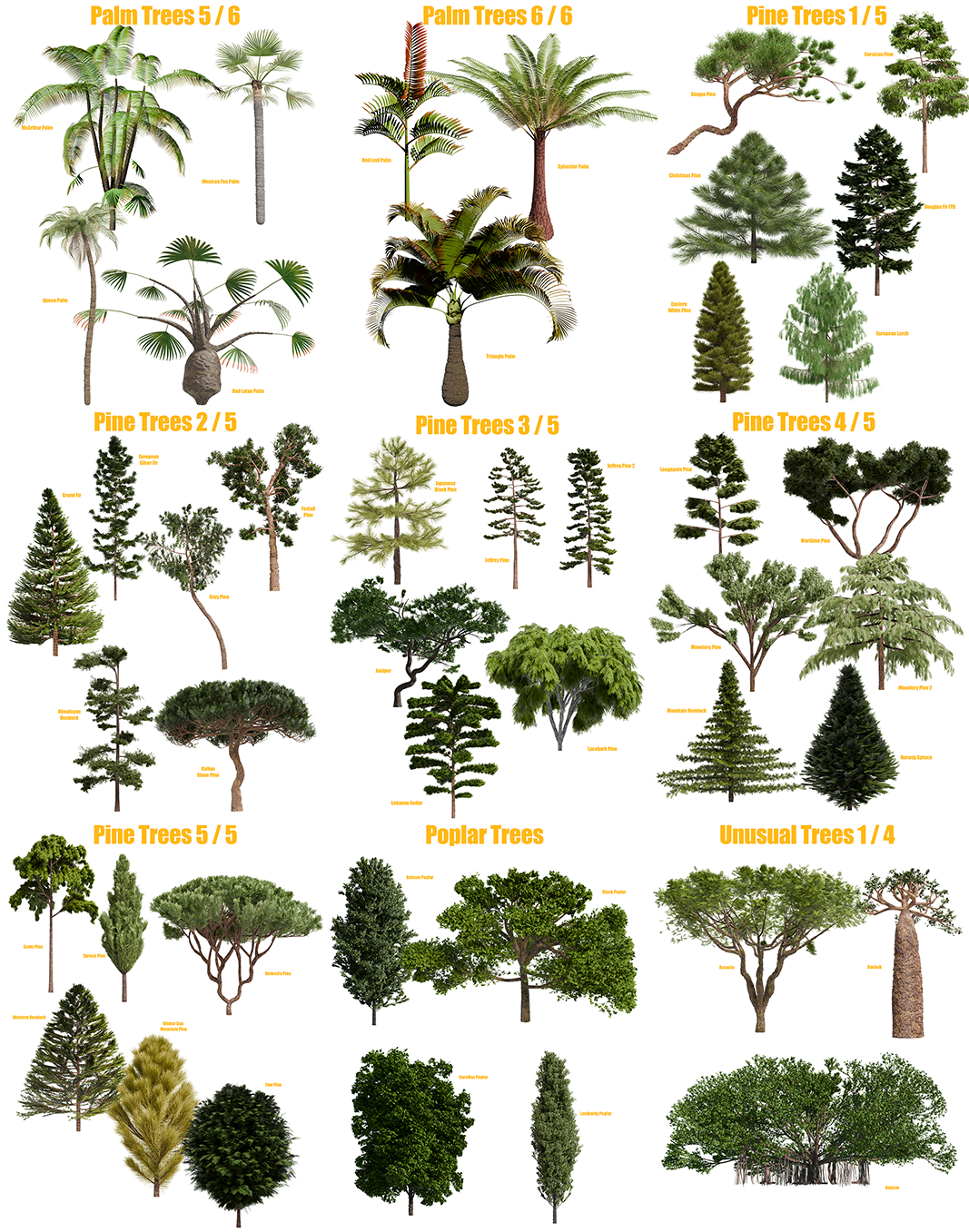
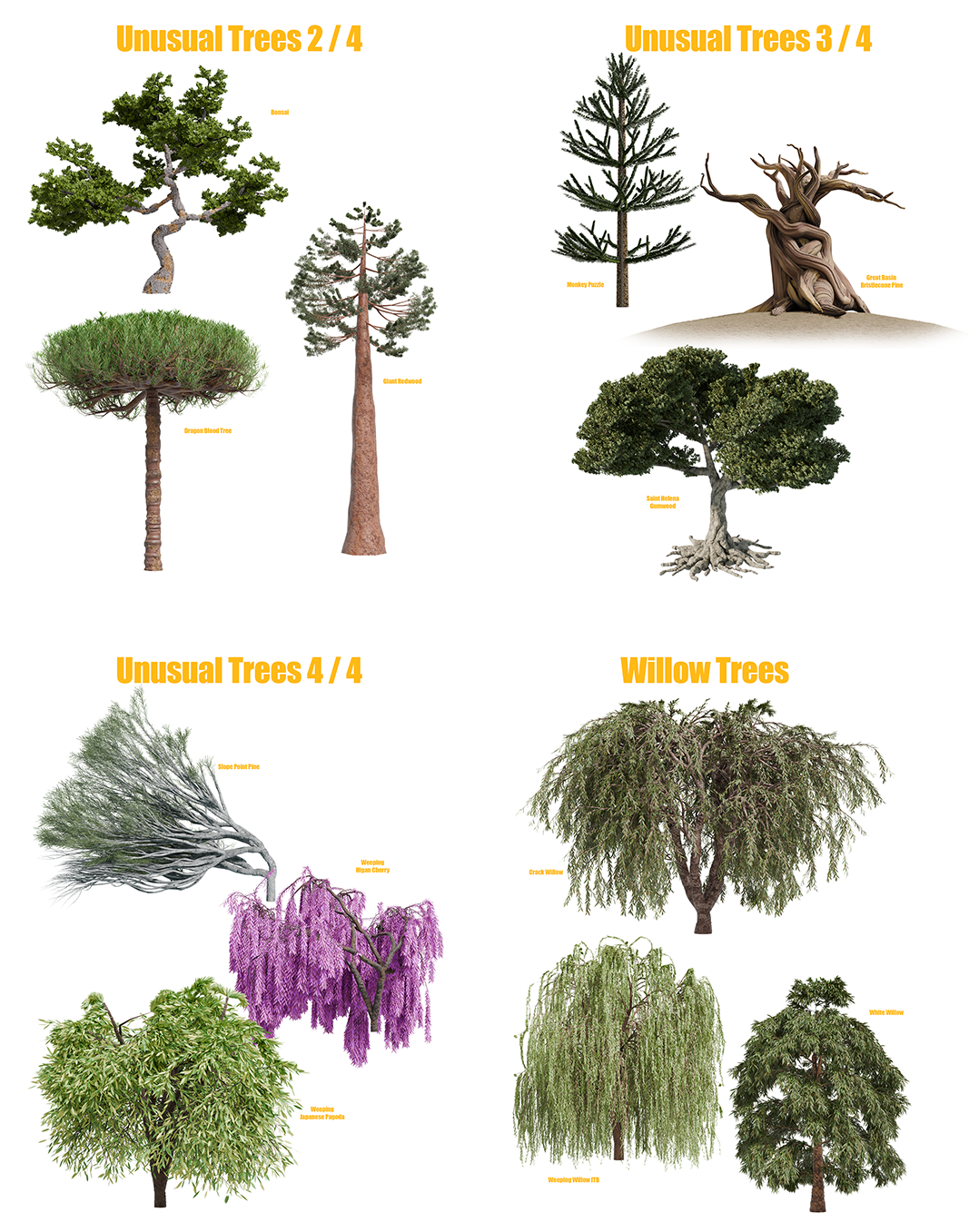
All trees in this package;
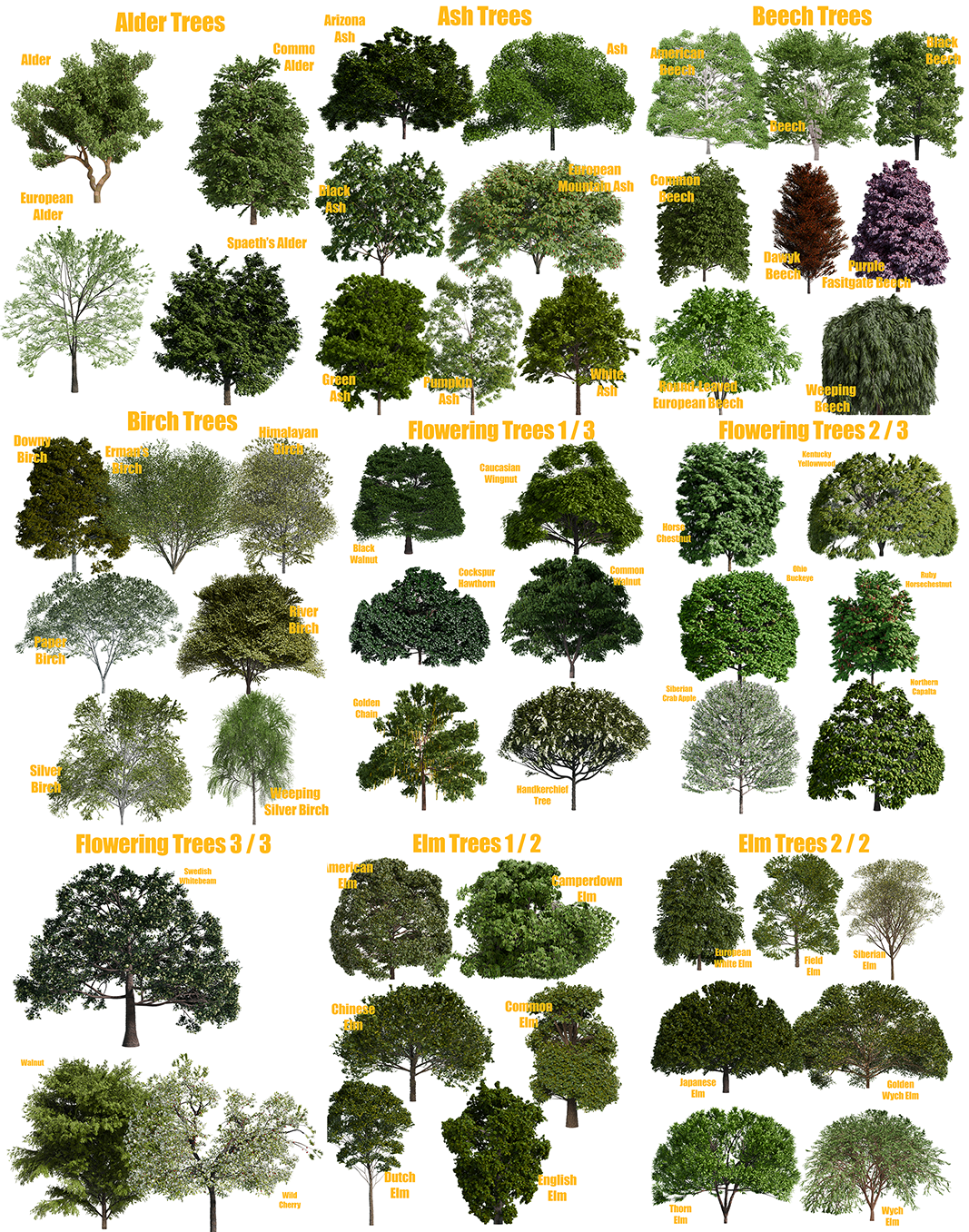
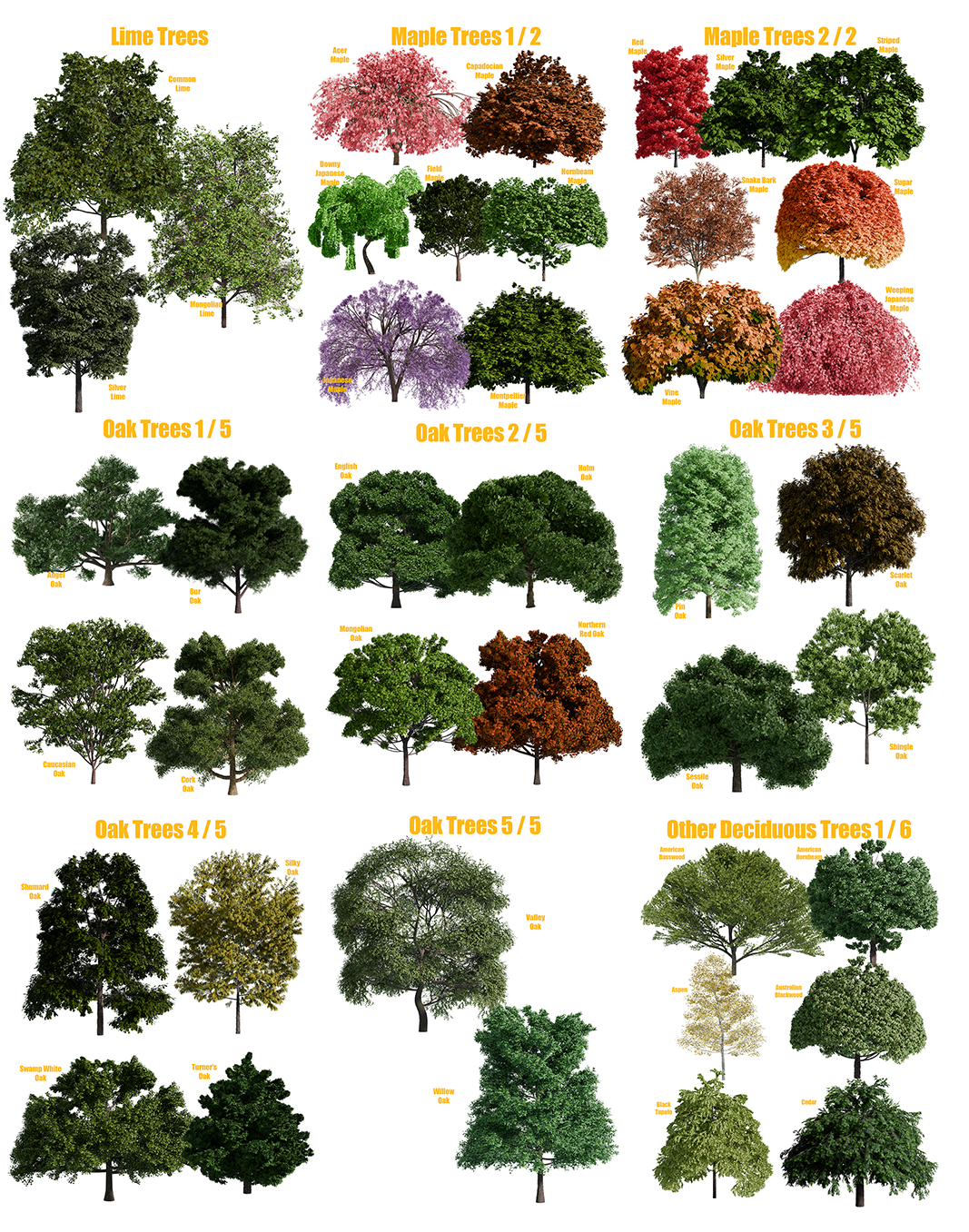
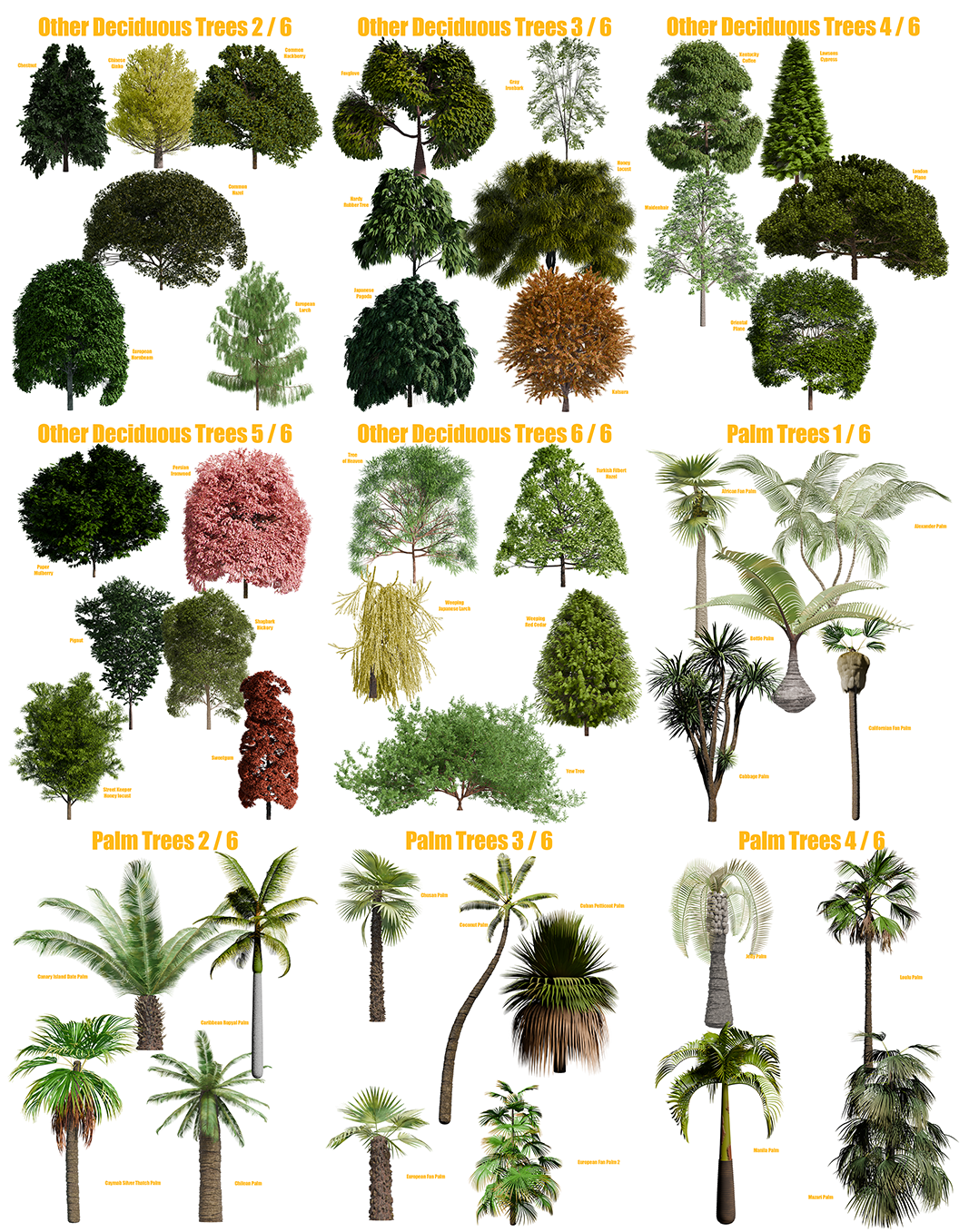
THE INFINITE TREE BUILDER
The Infinite Tree Builder is now an addon!
Add a tree with a single click!
After many, many revisions, The Infinite Tree Builder is finally ready to release in addon form!
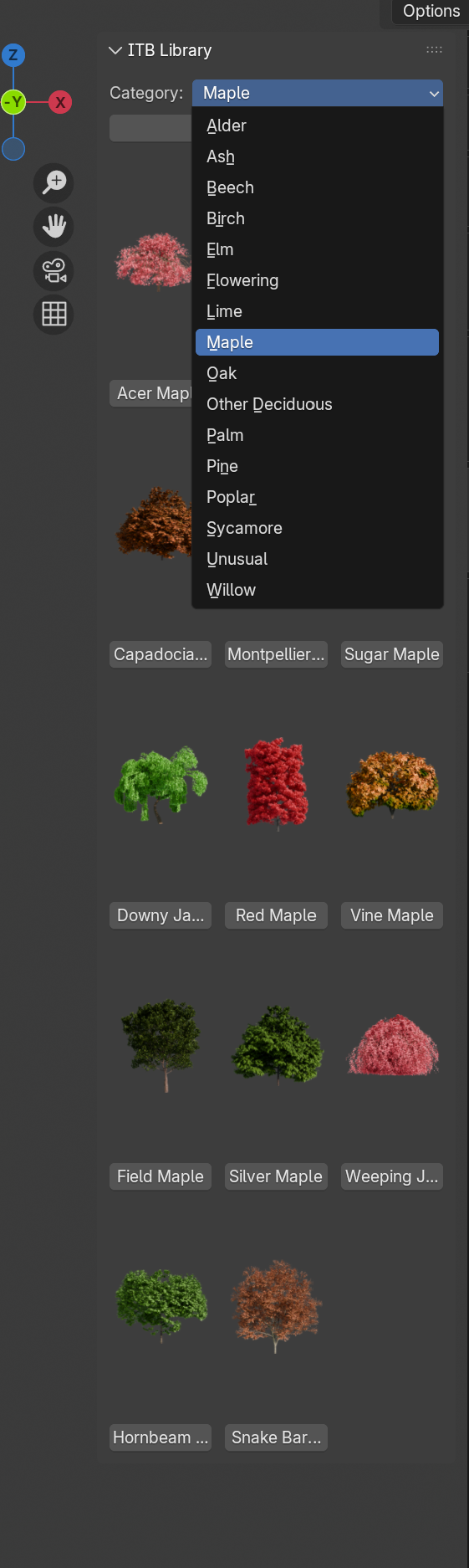
Simply click the button under the tree and the tree will instantly append into your project!
The installation of the addon is incredibly simple, it's just a case of downloading the 4-part library and the leaves, extracting them into the same folder, installing the addon and pointing it to that folder, job done!
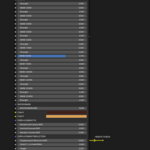
Now, when you open the sidebar where your addons are, there'll be one labelled 'ITB Library' where you can find all the trees with their preview thumbnails. I'm working on adding the ability to load either the mesh or it's Sapling preset with a button, watch this space!
That's it, now it's just a much simpler way to use The ITB catalogue, I hope you enjoy!
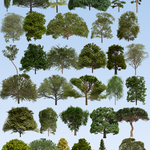
200 individual trees!
Make your own with 178 Sapling presets!
When you purchase The Infinite Tree Builder, you're not just getting a large and continuously growing library of highly detailed and realistic trees with at the latest count, 178 new Sapling Presets and 200 textured trees to choose from, you're also getting The Infinite Bark Builder, a procedural shader for changing pretty much anything about the bark. Add moss, cracks, lumps, colour effects, displacement effects, the list goes on. Simply append your tree from the downloadable library, edit the bark as and when you need and you're done! All of the trees pictured from the library are textured using the same shader in various configurations, The Infinite Bark Builder.
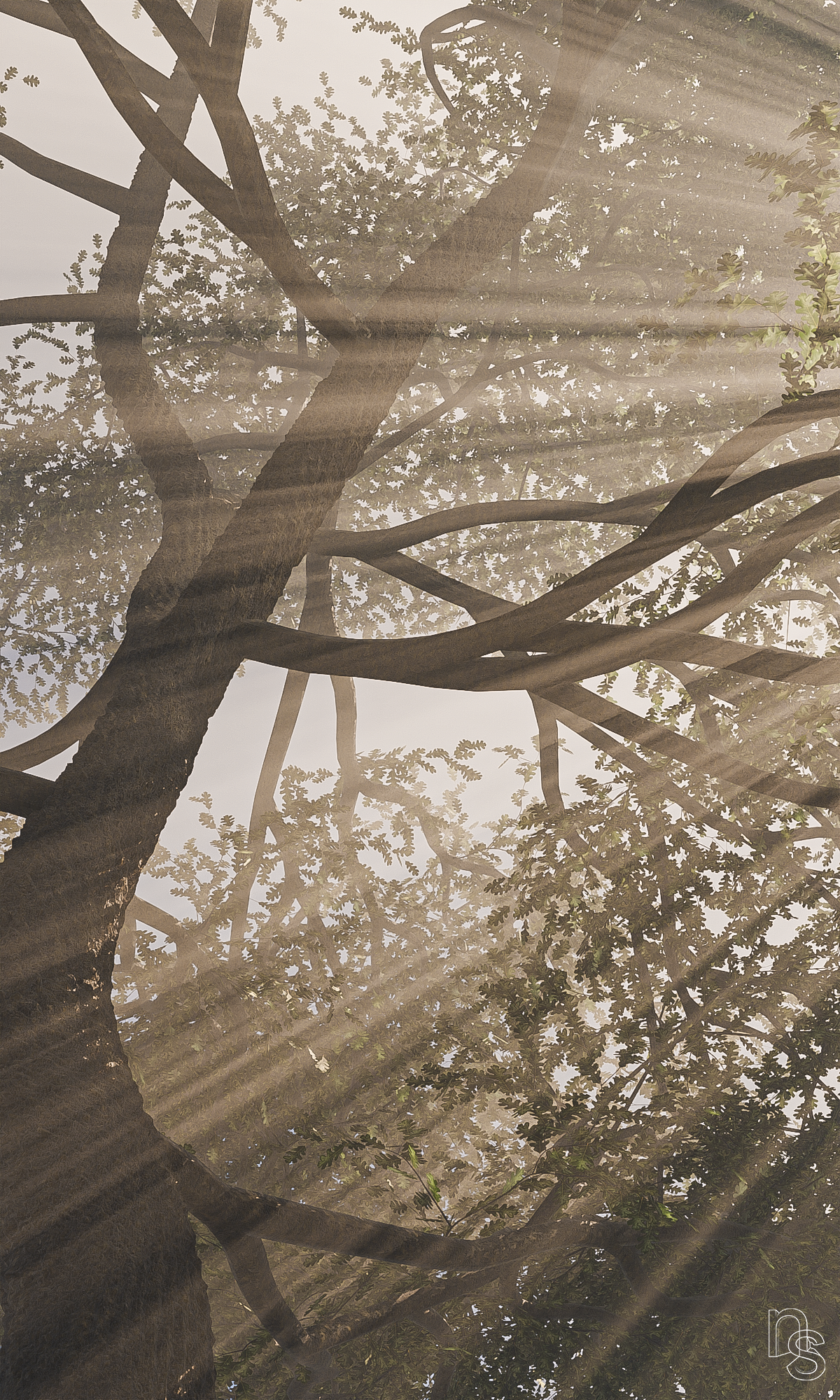
The Infinite Tree Builder comes as half of a package containing 178 new Sapling Presets along with the meshes already textured with real leaf textures for close up detail and the other half is The Infinite Bark Builder, which is a procedural shader for texturing the wood of the trees for maximum detail and maximum choice.
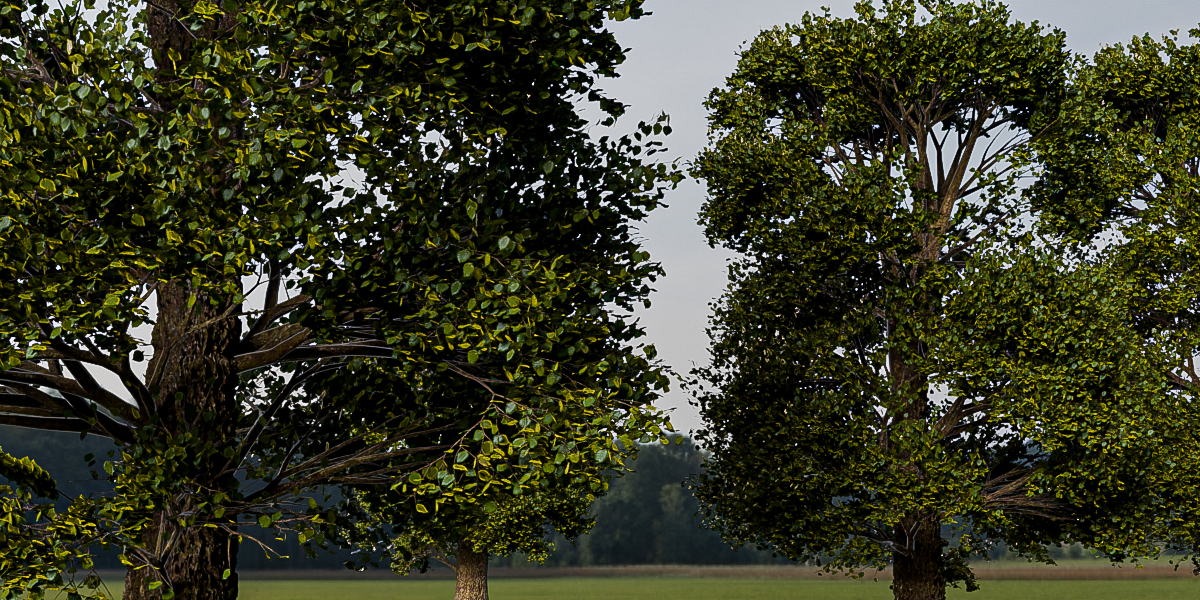
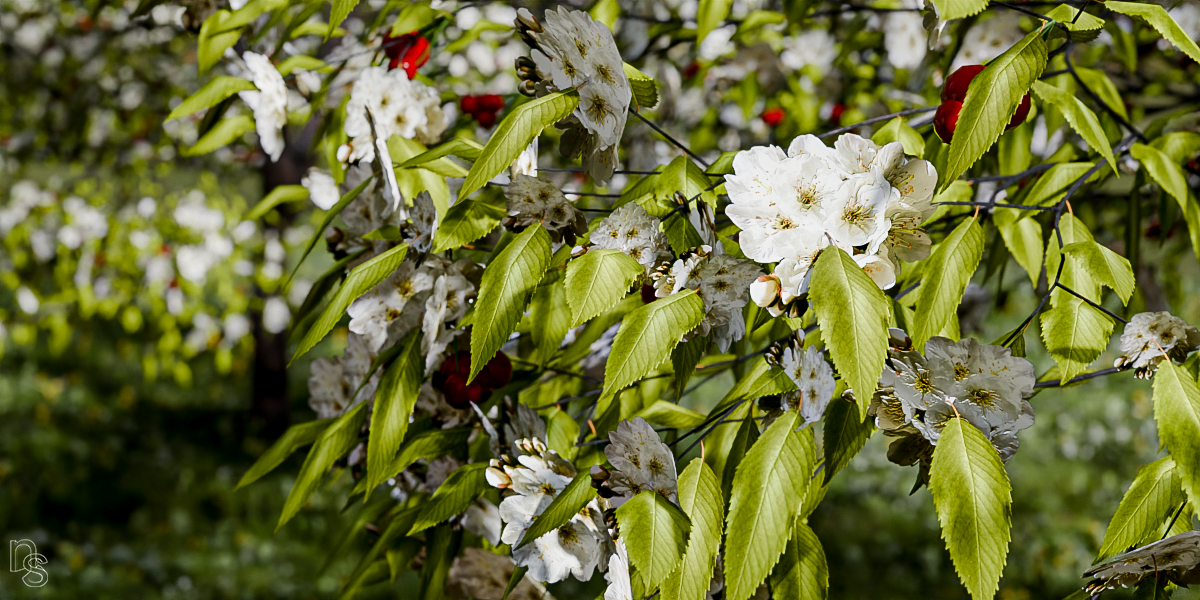
If you're new to Blender, that's perfect, you can just append one of the trees from the library into your project as they're already set up, separated and textured ready to go. No searching for RGB textures, no UV mapping issues, no displacement problems, there are many benefits!
The controls for The Infinite Bark Builder may look intimidating if you've not much experience in the Shader Editor, but you don't need any to use it. Everything is clearly labelled and moving sliders or putting in a few different numbers to see what happens is about the most input you need to give it. As with all of The Infinite Builders, experimentation is where the fun lies, seeing what types of material you can create just by changing a few values.
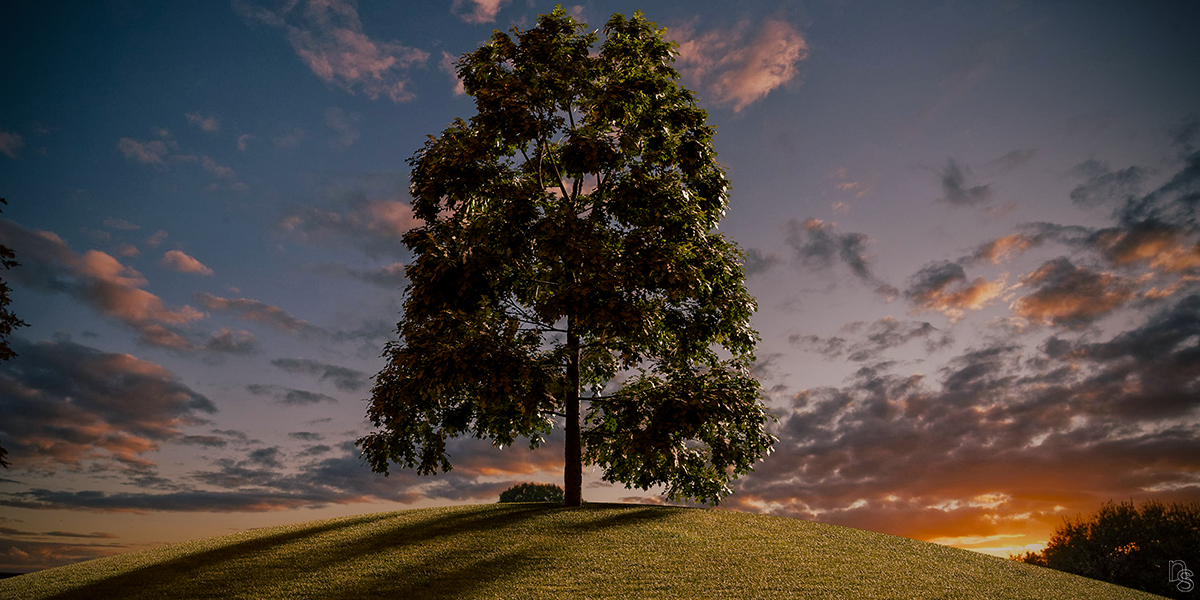
The new ITB Sapling presets (which I will continue to add to and plan for many, many more), comes with Chestnuts, Oaks, Willows, Pines and even some exotic trees, plus, with The Infinite Bark Builder, you have complete control of the bark. You can change the shape, add moss or weathering, edit the colours, add some colour FX or some displacement FX, there's a huge amount of control that, coupled with the ITB, will make some incredibly realistic trees.
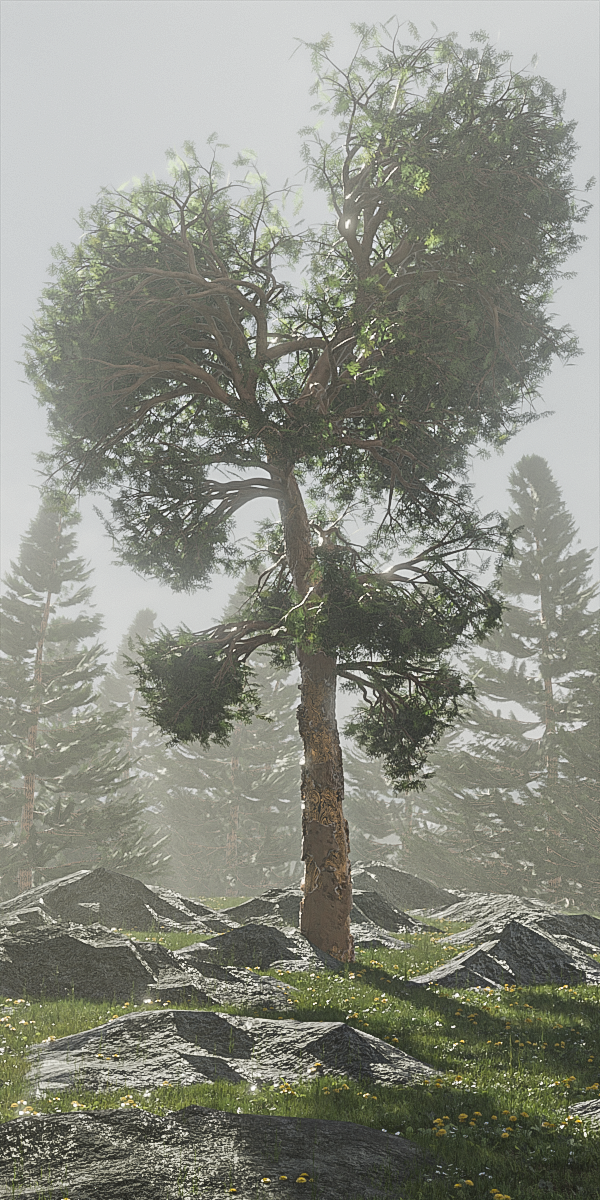
With the new presets and the Infinite Bark Builder, you have complete control of the tree and can tweak the look and shape as much as you like until you've got the perfect tree for your project.
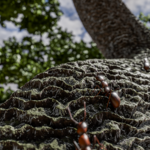
For the close up shots, The Infinite Bark Builder more than holds its own in the detail stakes and with its huge amount of control, you can tweak the shape and colour to your hearts content.
What you'll get...
- A simple addon with a dropdown list for each species and thumbnails of every tree
- 200 fully textured trees
- 178 new Sapling presets
- The Infinite Bark Builder, which is part of The Infinite Builder Series and gives you controls specifically for infinite variations of tree bark.
- ITB Tree catalogue pdf
- Free updates for life.
ITB Catalogue reaches 200! 19.03.26
After a few years and many trees later, I've finally completed the catalogue, which is now up to a nice rounded 200 trees! I realised there were plenty more pine tree species to make so I made another 14. I was annoyed to leave it at 186, so very glad to have finally hit my original target of 200.
If I do make any more trees, which I probably will, there'll be a bonus package, rather than add to the ITB catalogue again.
The new trees are;
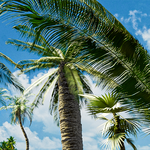
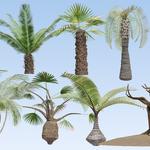
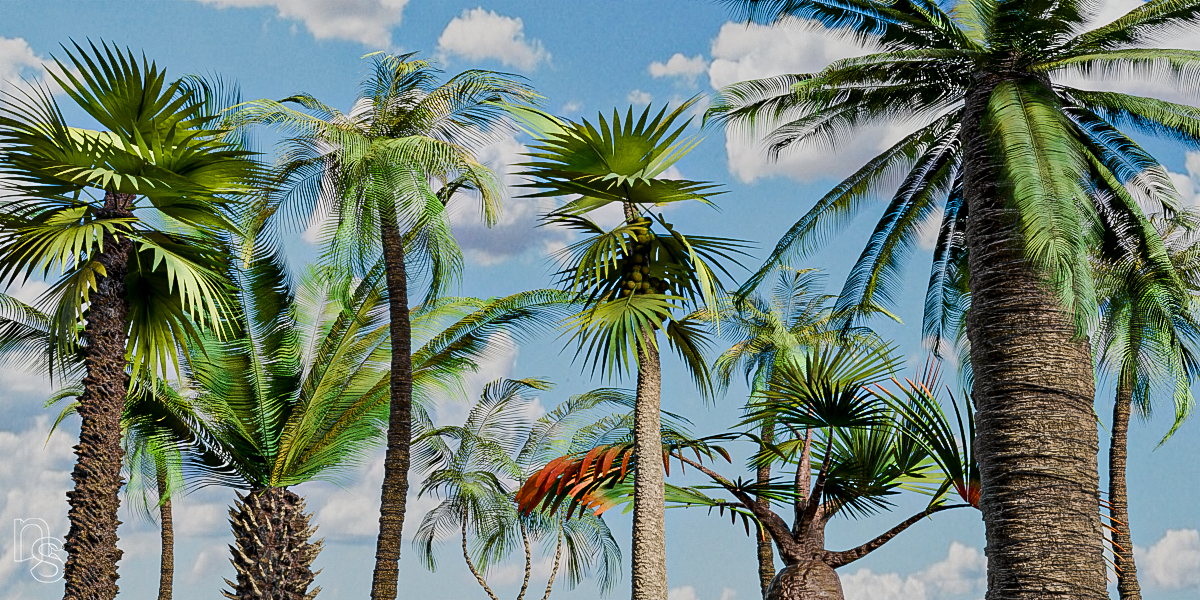
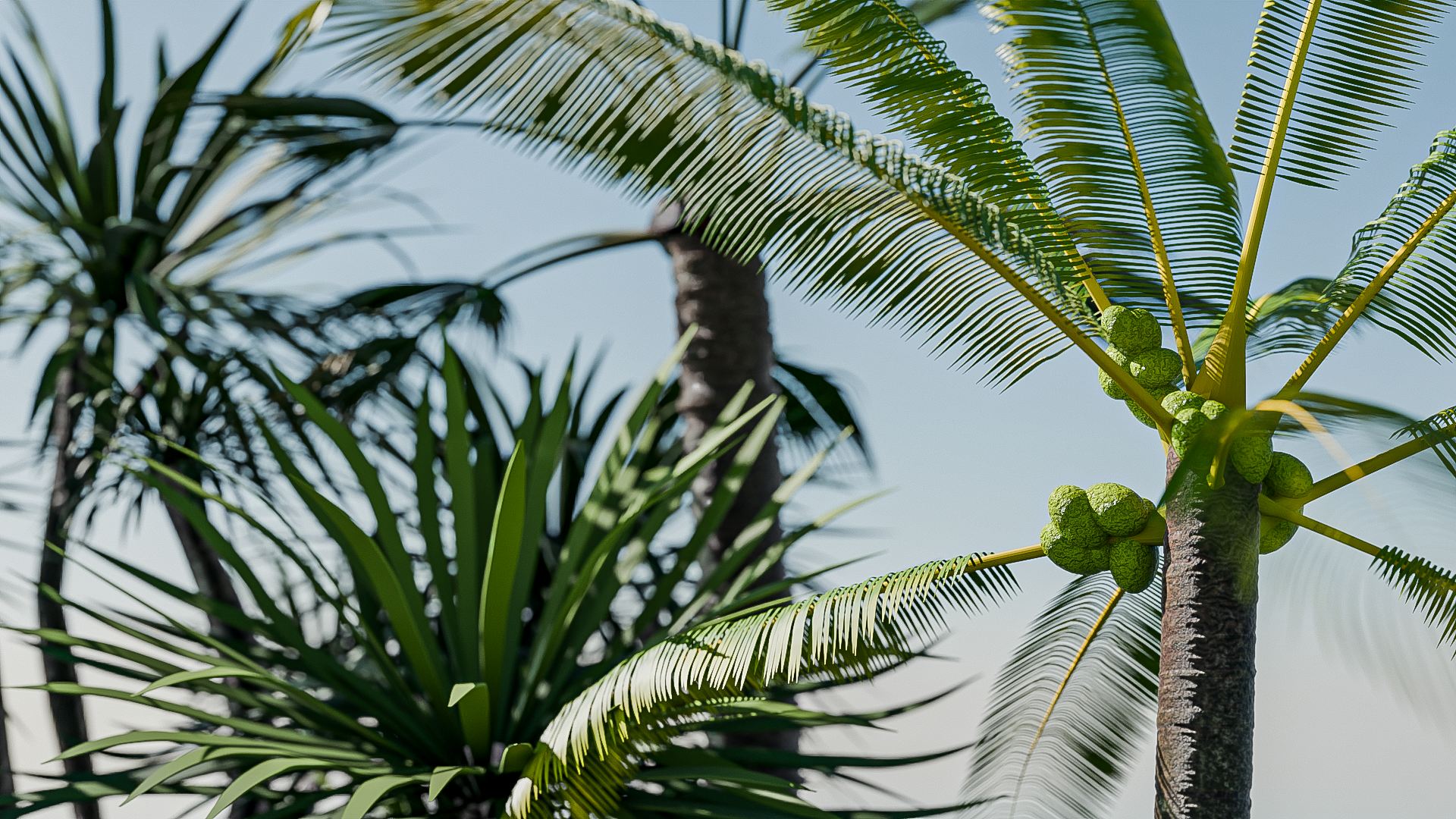
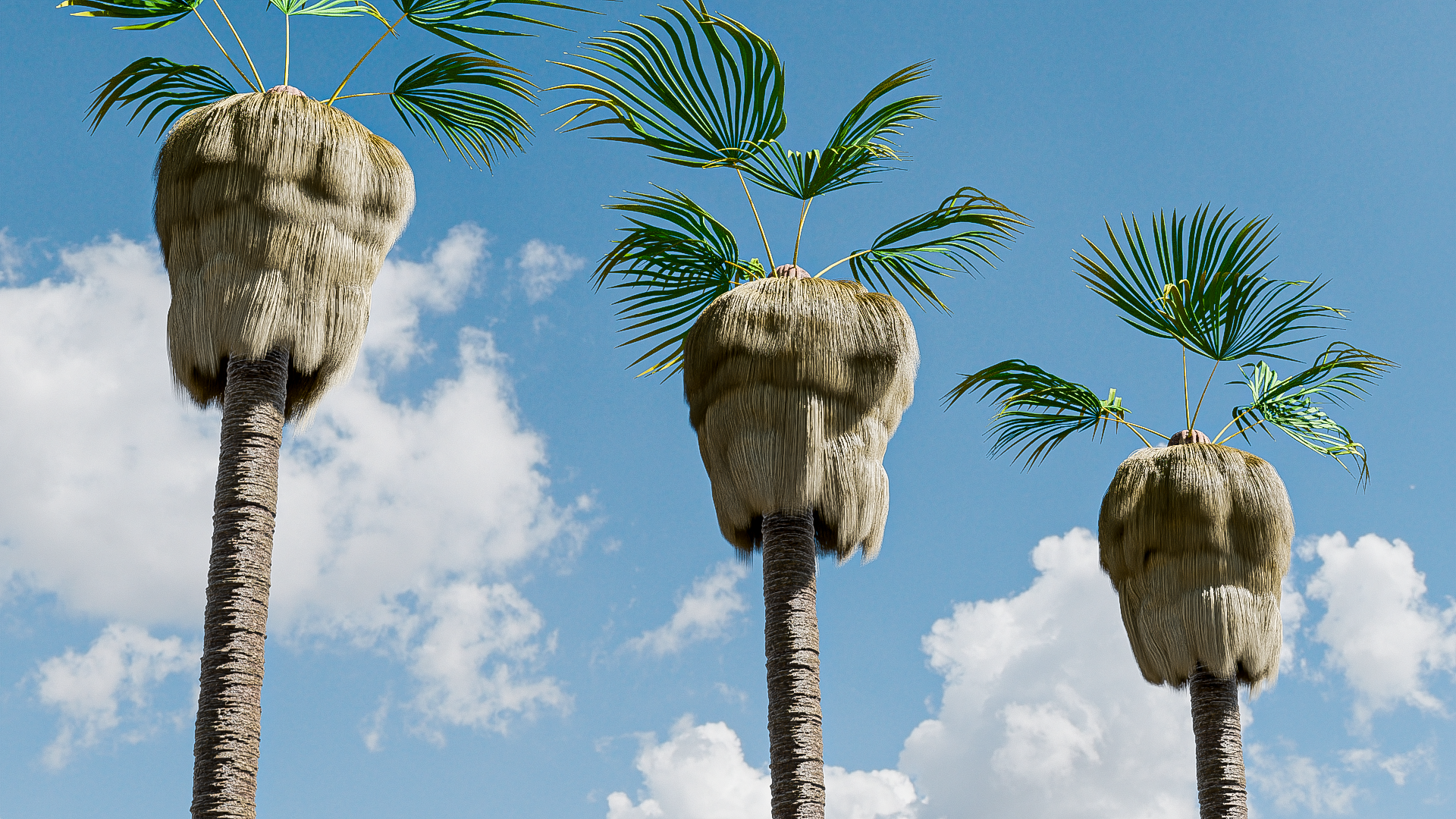
Cabbage Palm, California Fan Palm, Caribbean Royal Palm, Cayman Silver Palm, Coconut Palm, Cuban Petticoat Palm, European Fan Palm 2 (it's quite different!), Loulu Palm, Manila Palm, Mazari Palm, McArthur Palm, Red Leaf Palm, Sylvester Palm and finally a Triangle Palm.
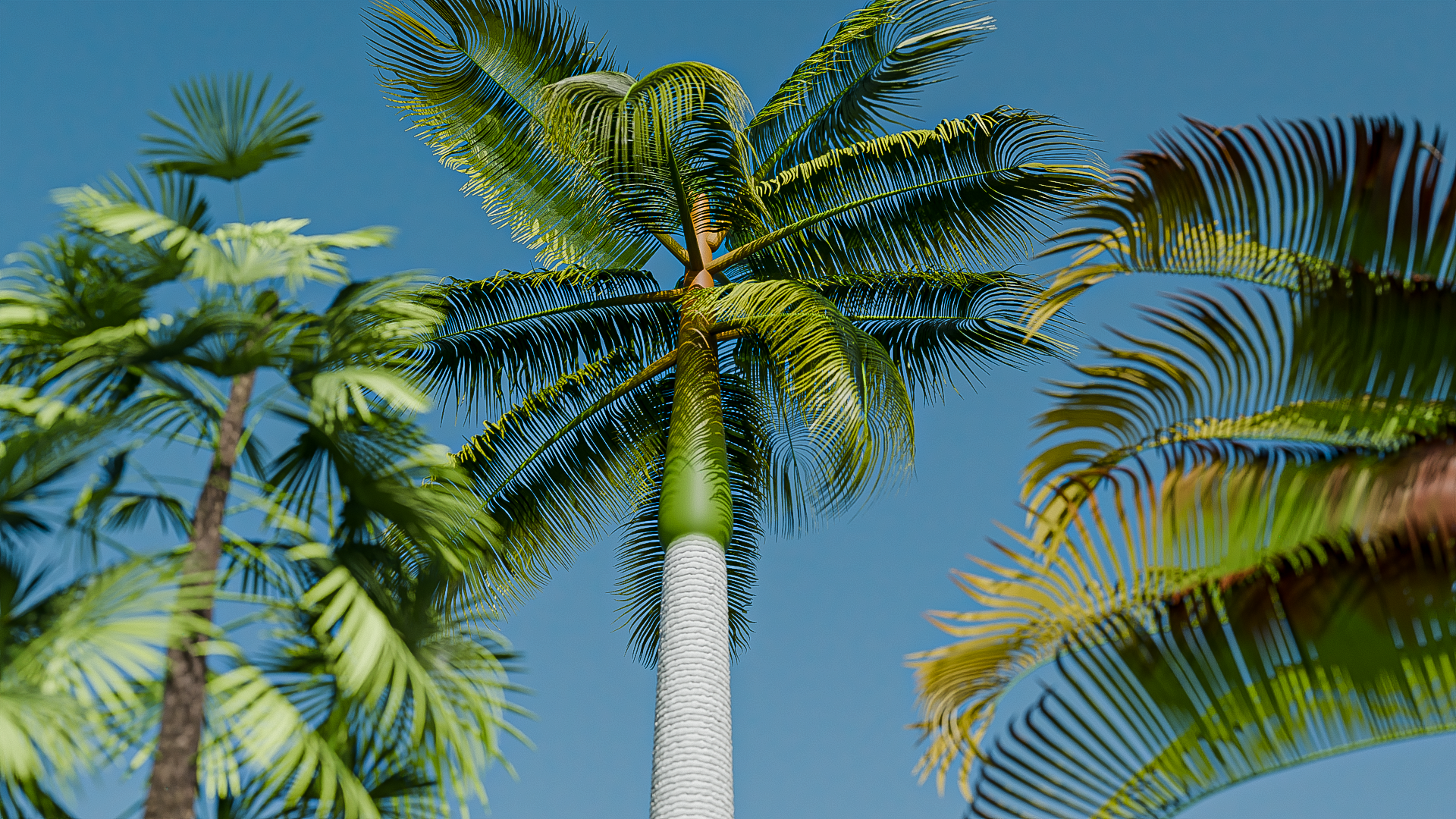
 UPDATE TO PALM TREES 06.10.25
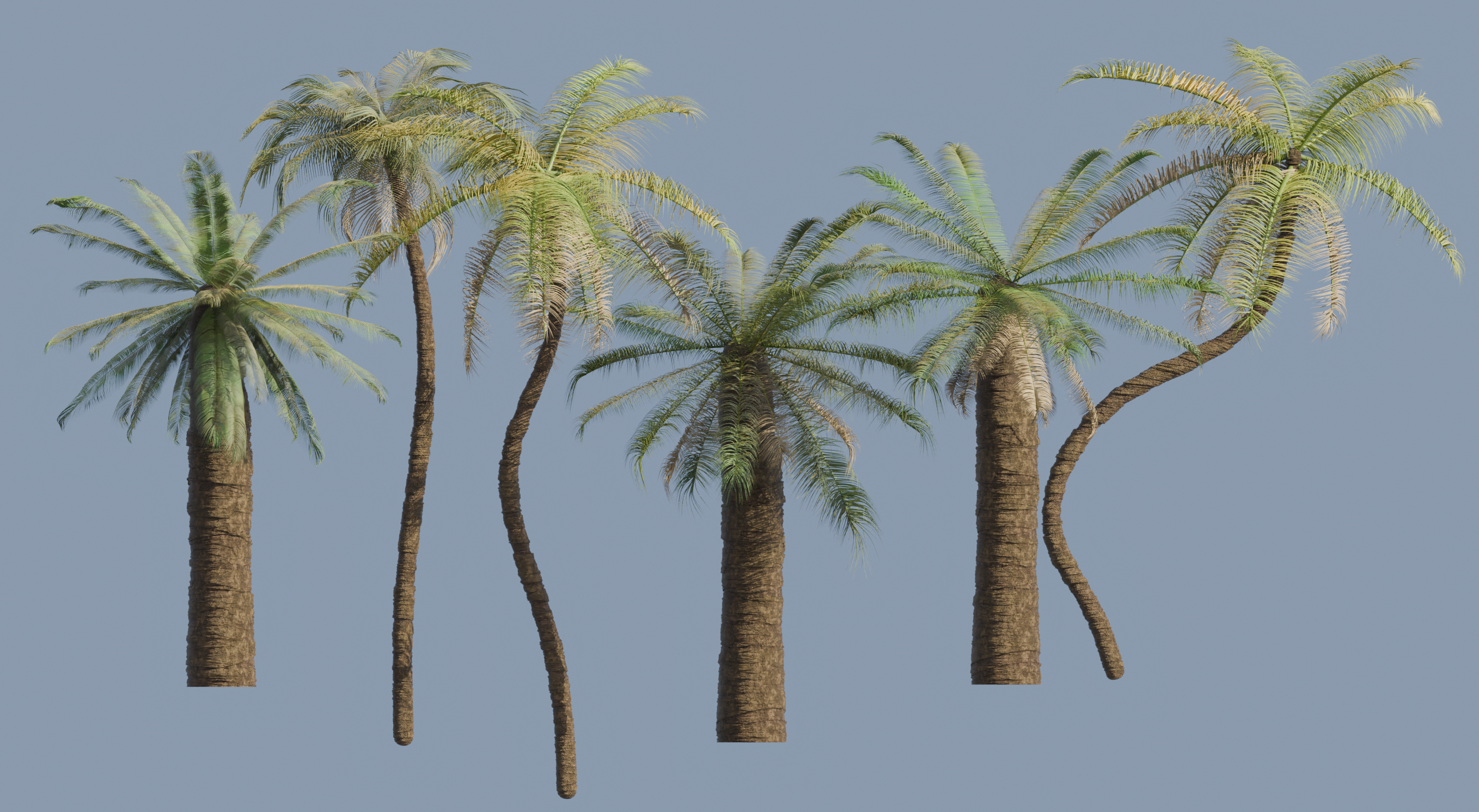
I've added two variations for both the Chilean Palm and the Queen Palm, so another 4 trees. They're each in the main blend file, so within the Chilean Palm, there's now Chilean Palm 1, 2 & 3. and the same for the Queen Palm.
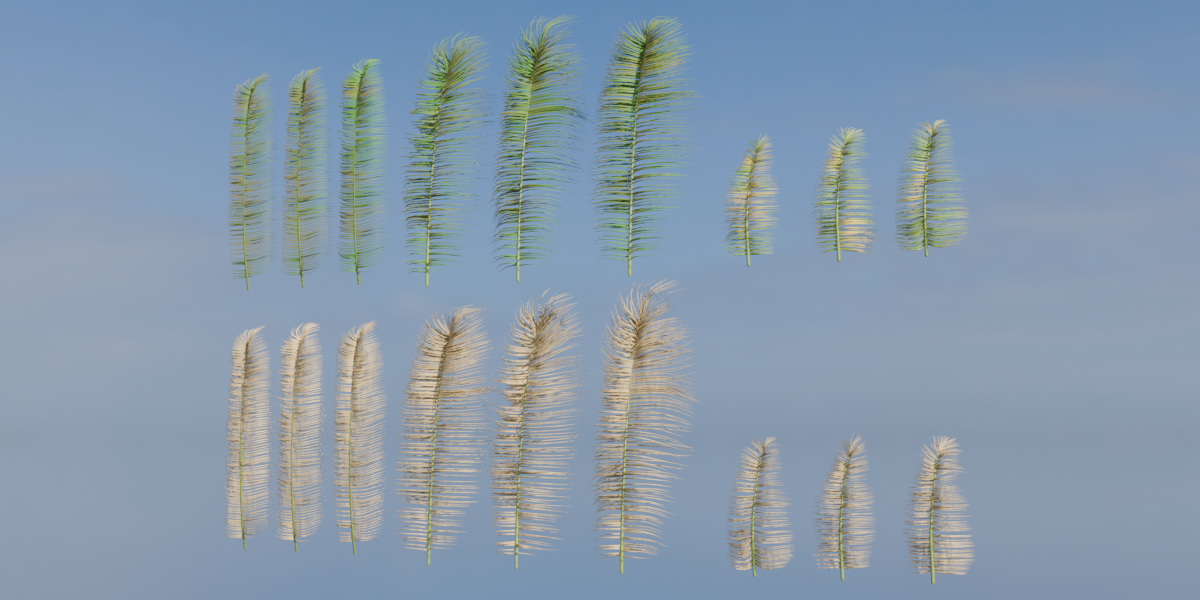
I've also added a file called Palm Leaves.blend to the Palm Trees.zip, where if you were to build your own, the leaves are available in there to duplicate and attach as you like. There's also the original template of each leaf, which is a stork with a hair system already attached and arranged. The templates are there just in case you wanted to create your own almost from scratch, it's just a case of using the particle edit system to brush, comb, cut and add strands then add geometry using curves.
I'm going to make a video soon explaining the process in more detail, but for now, the trees and leaf variations are all in the Palm Trees.zip, so replace your old one with that one.
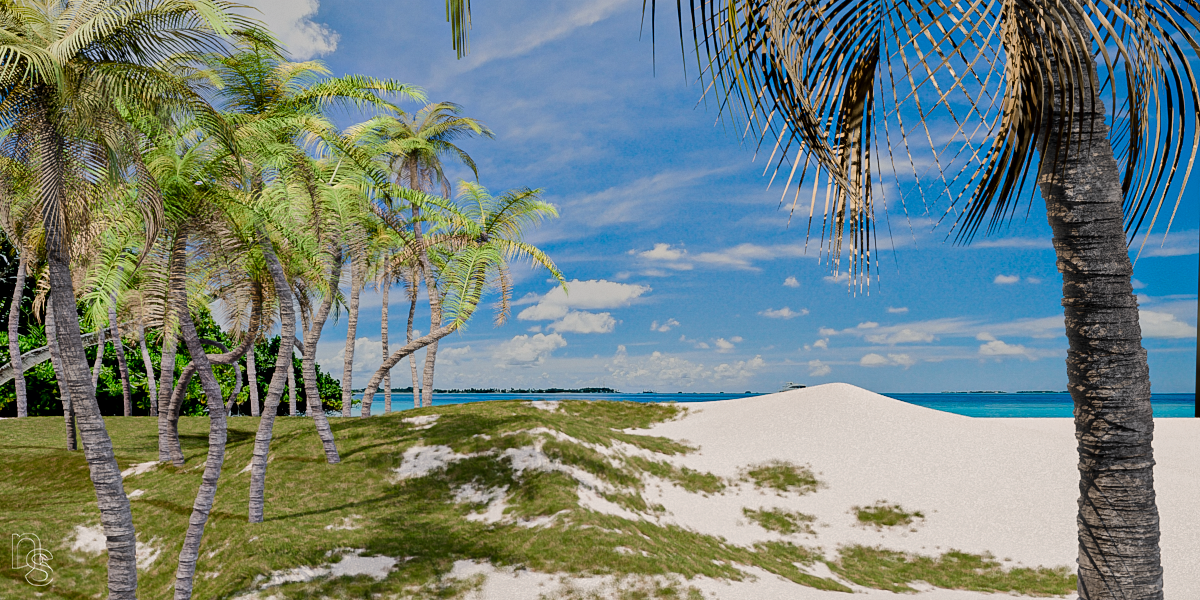
Have fun!
Nick
UPDATE TO TREE CATALOGUE - ANOTHER 36! 04.09.25
Hi all!
Having added another 36 trees to bring the total to 186, I'm struggling to find more to build so that may be the final catalogue. Unless some new species turn up on Earth! Here's a few;
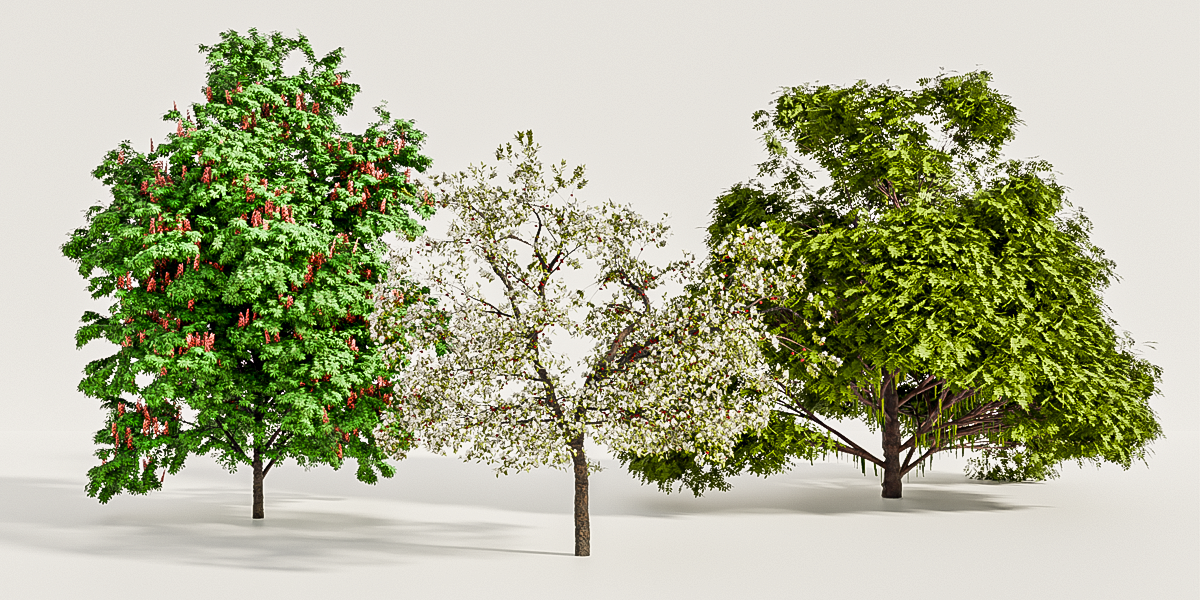
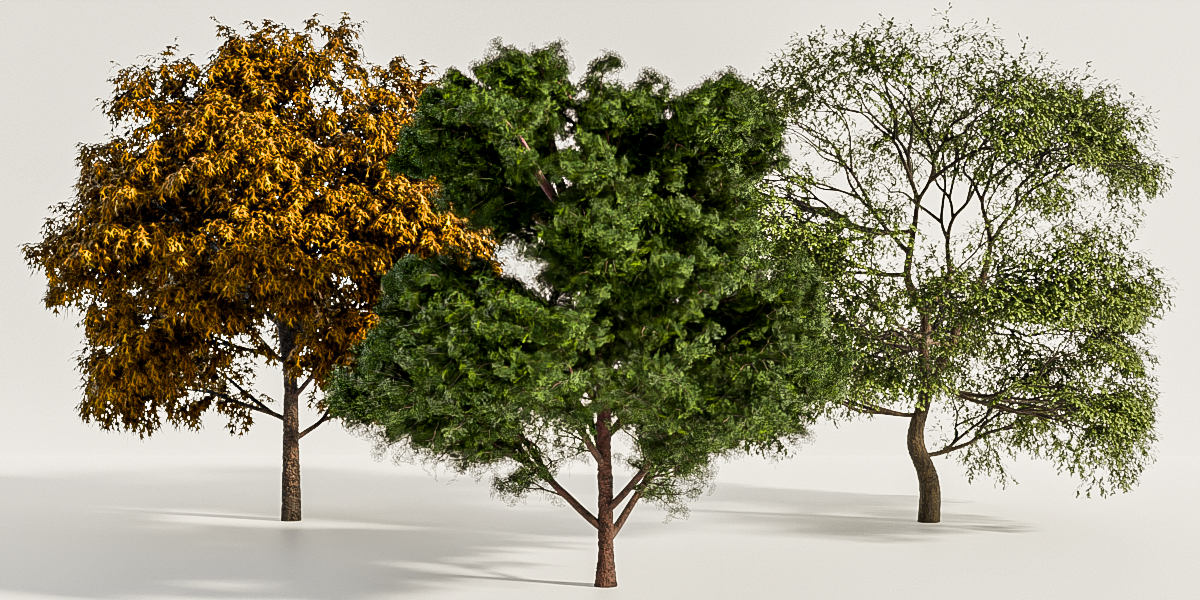
I've organised the trees better by Zipping individual Species together. In the downloads, you'll find Alder trees, Ash trees, Beech, Birch, Elm, Flowering, Lime, Maple, Oak, Palm, Pine, Poplar, Sycamore and Weeping trees. There's also an 'Other Deciduous Trees' zip containing a large number I couldn't categorise so well and finally an Unusual Trees zip.
In each of the Species folder, there's also all of their Sap[ling Presets, so if you don't want to add all presets at once, you can add them from there. Although there is an 'All Sapling Presets' zip as well if you just wanted to add the lot.
There's also an updated Tree Catalogue, organised again by species.
That's the lot! Enjoy!
UPDATE TO TREE CATALOGUE - ANOTHER 25! 13.08.25
Having finished another 25 trees, the ITB library has now grown to 150 trees! Again, some of them required a bit of simple building, but with the tips video on my Youtube, youtube.com/nicksayce, you'll be able to create variations of your own. Here's a few shots of the new trees;
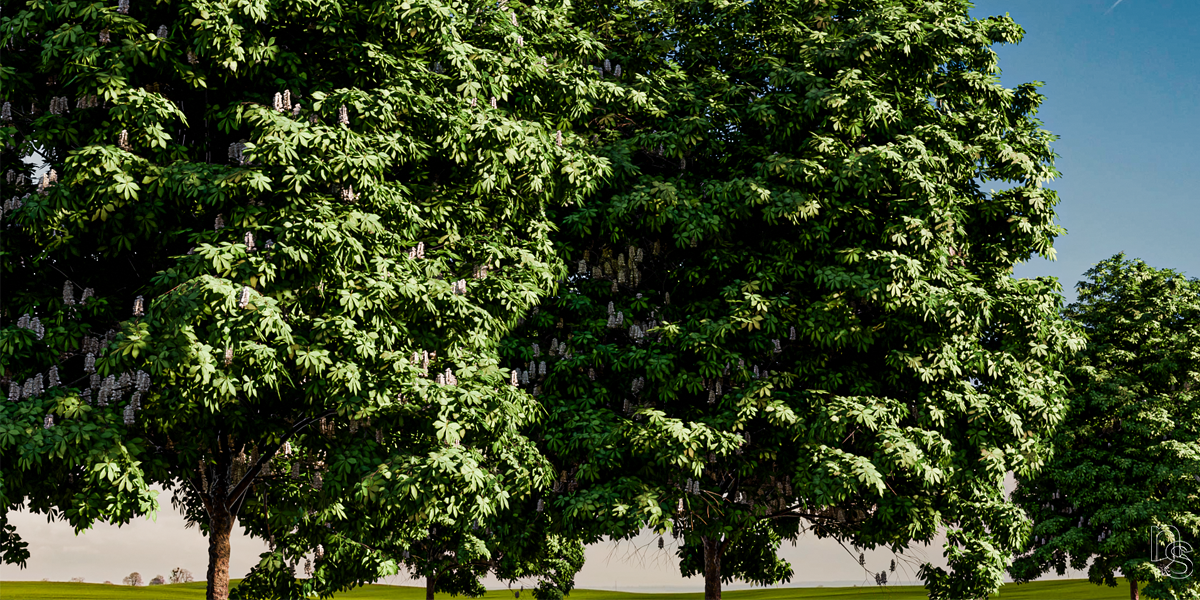
A couple of Horsechestnuts.
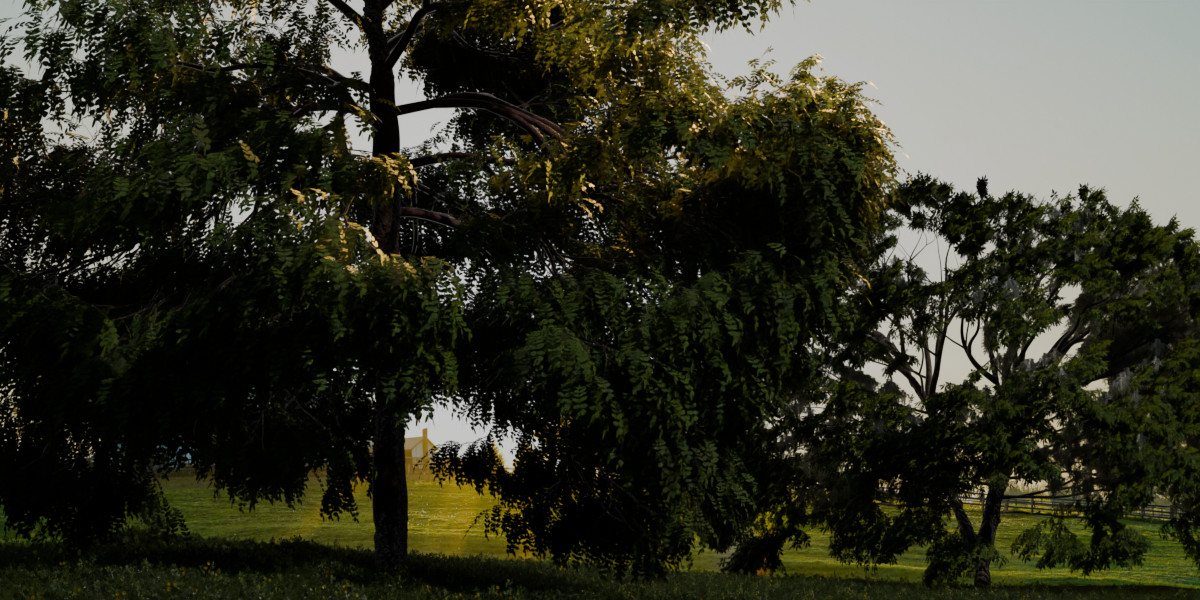
The left is a Kentucky Coffee and the right is a Kentucky Yellowwood.
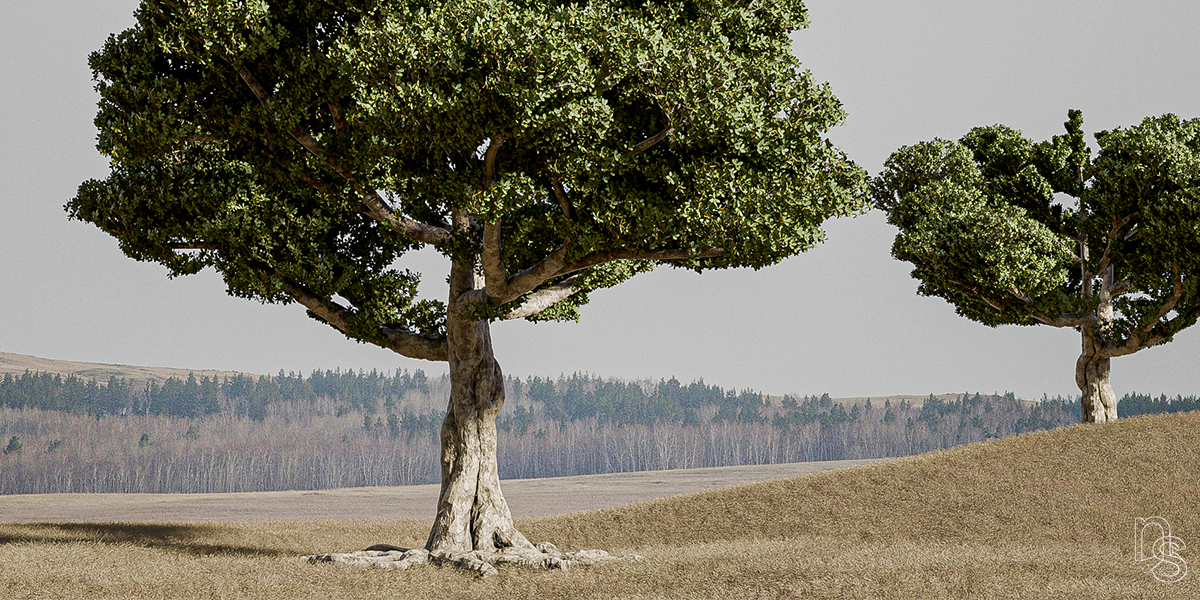
And these are two Saint Helena Gumwoods.
I've still got more trees to make, though I'm not sure there's enough left in the world to get to 200! I'll do my best though!
UPDATE TO TREE CATALOGUE & LEAVES 04.08.25
I've been having a joyous time making trees and have added another 20 to the ITB library! There's going to be many more to come, as you'll see I'm adding alphabetically and am only up to species beginning with C!
I'll need to say a few things about the new additions, so please read on and watch the video at the link at the end.
The majority of the new trees are using a new leafing technique, which I've also applied to a few I felt needed it in the catalogue. It's fluffed up some of the trees that I felt looked a little barer than they should've, but this has also had a bit of a performance hit in the viewport, which if it becomes an issue, you can just select the leaves and hide them in the viewport whilst you work.
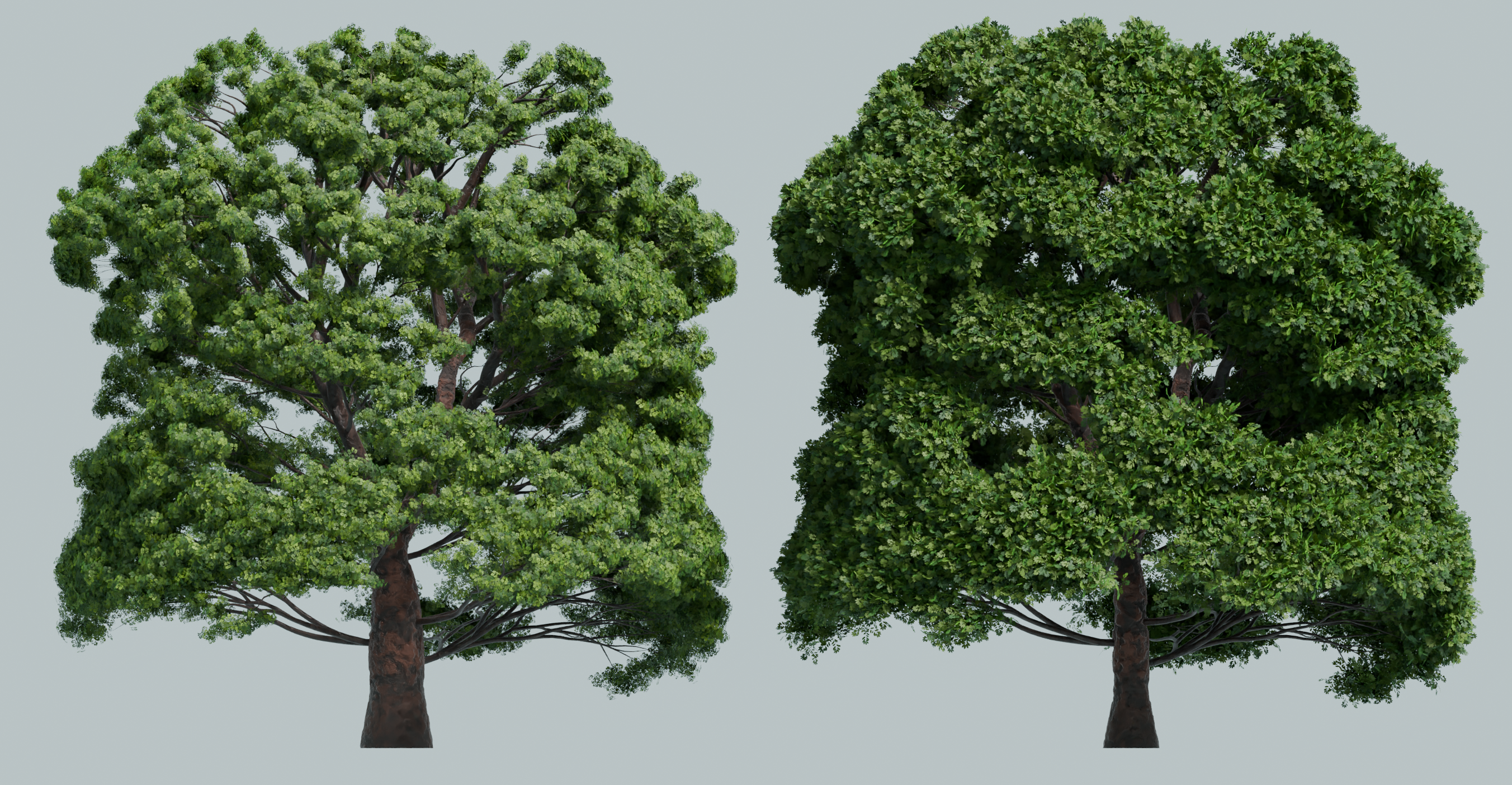
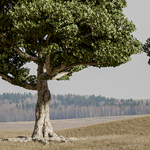
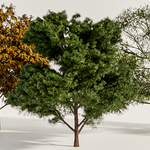
As you can see in this image of an English Oak, the new leafing technique has had a significant affect on the outer canopy, making it look much fluffier!
Here are all the new trees;
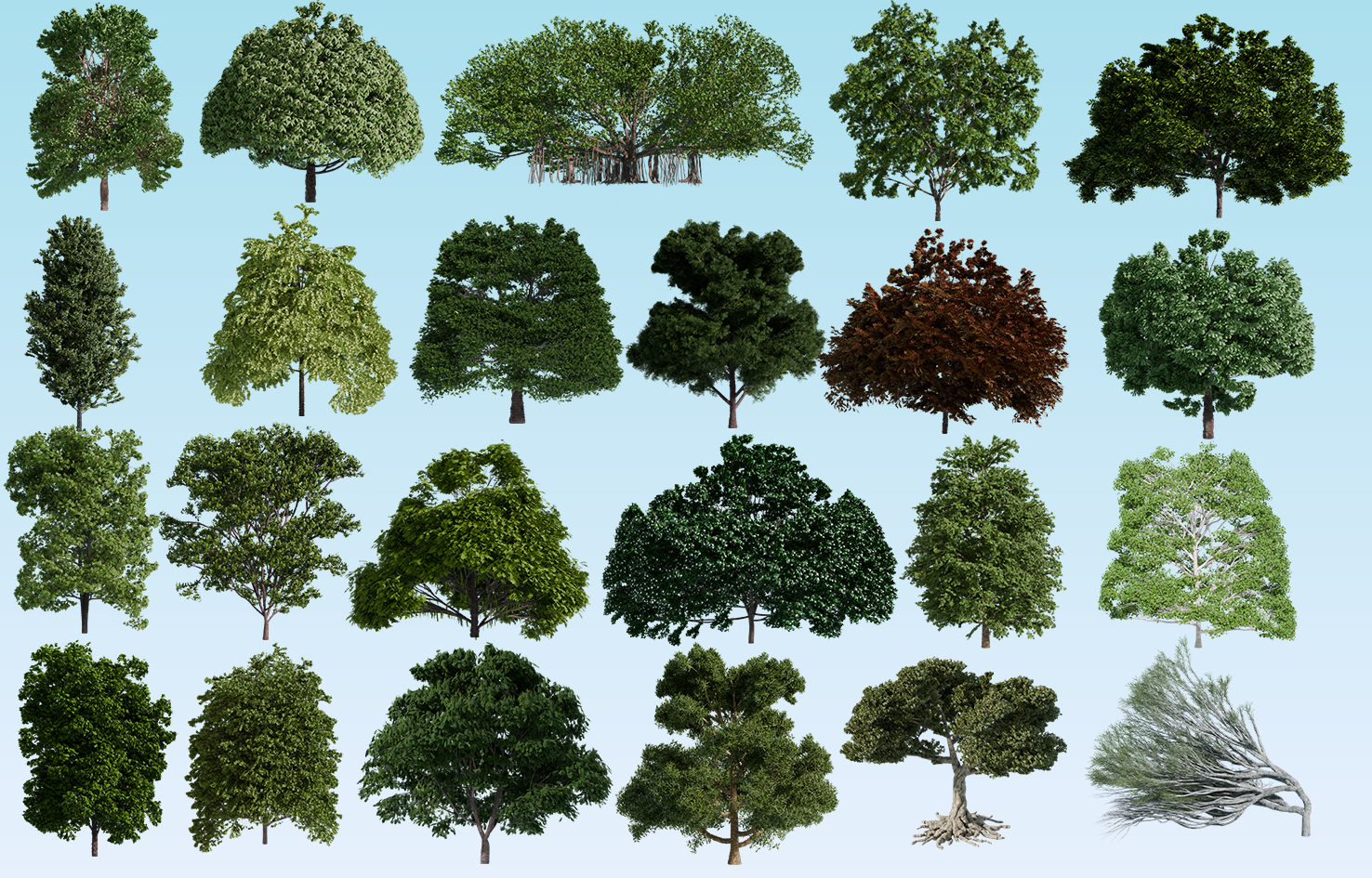
There's a Common Alder, a Common Beech, Saint Helena Gumwood, Slope Point Pine, Banyan, American Beech, American Hornbeam, American Linden, Arizona Ash, Australian Blackwood, Balsam Poplar, Black Ash, Black Tupelo, Black Walnut, Bur Oak, Capadocian Maple, Caucasian Oak, Caucasian Wingnut, Cockspur Hawthorn, and a Common Walnut.
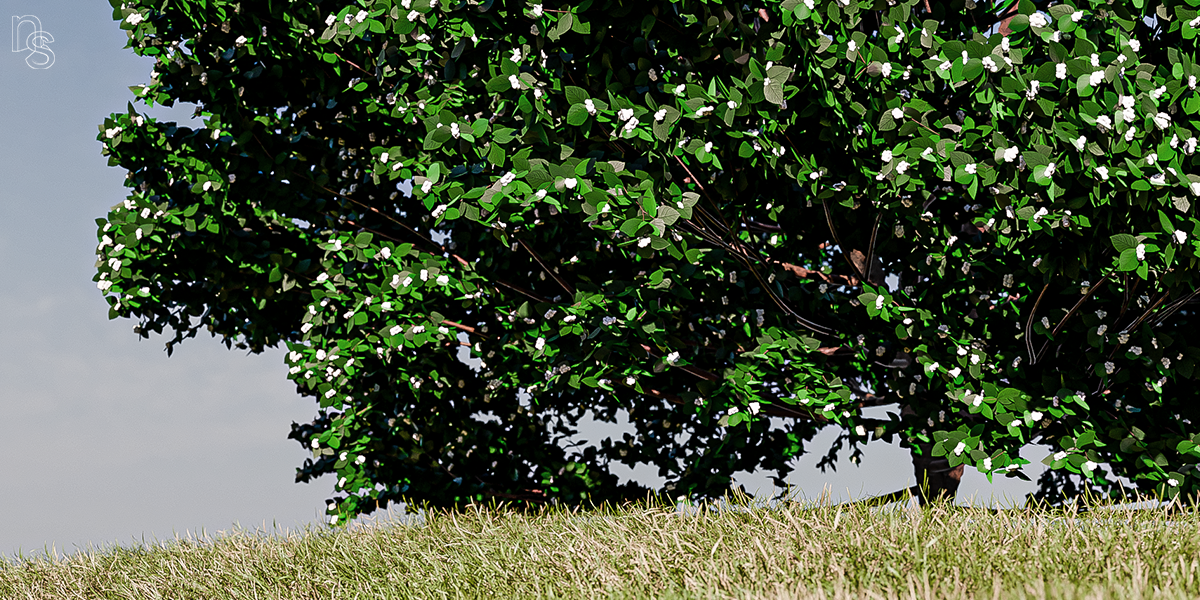
There are several new trees, like the Hawthorn and Walnuts that have flowers and nuts attached to the branches for more realism!
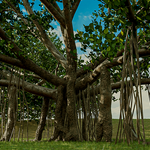
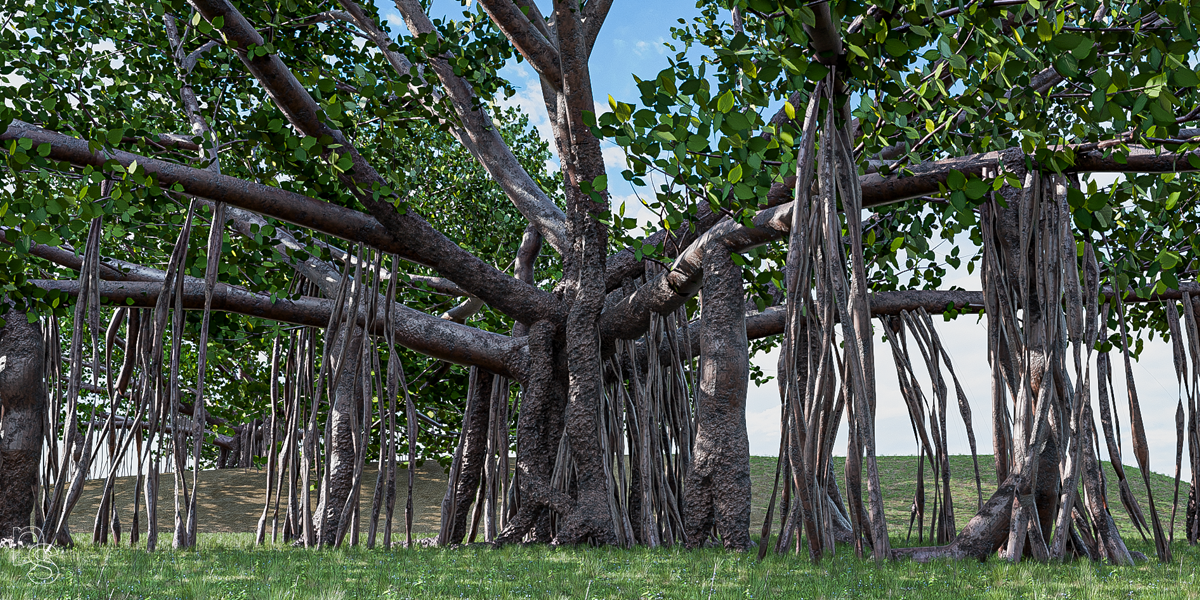
The biggest tree of the bunch is the new Banyan tree, which comes with all it's dangling branches and twigs attached!
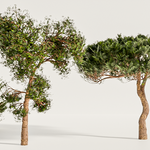
The most unusual trees are the Slope Point Pines;
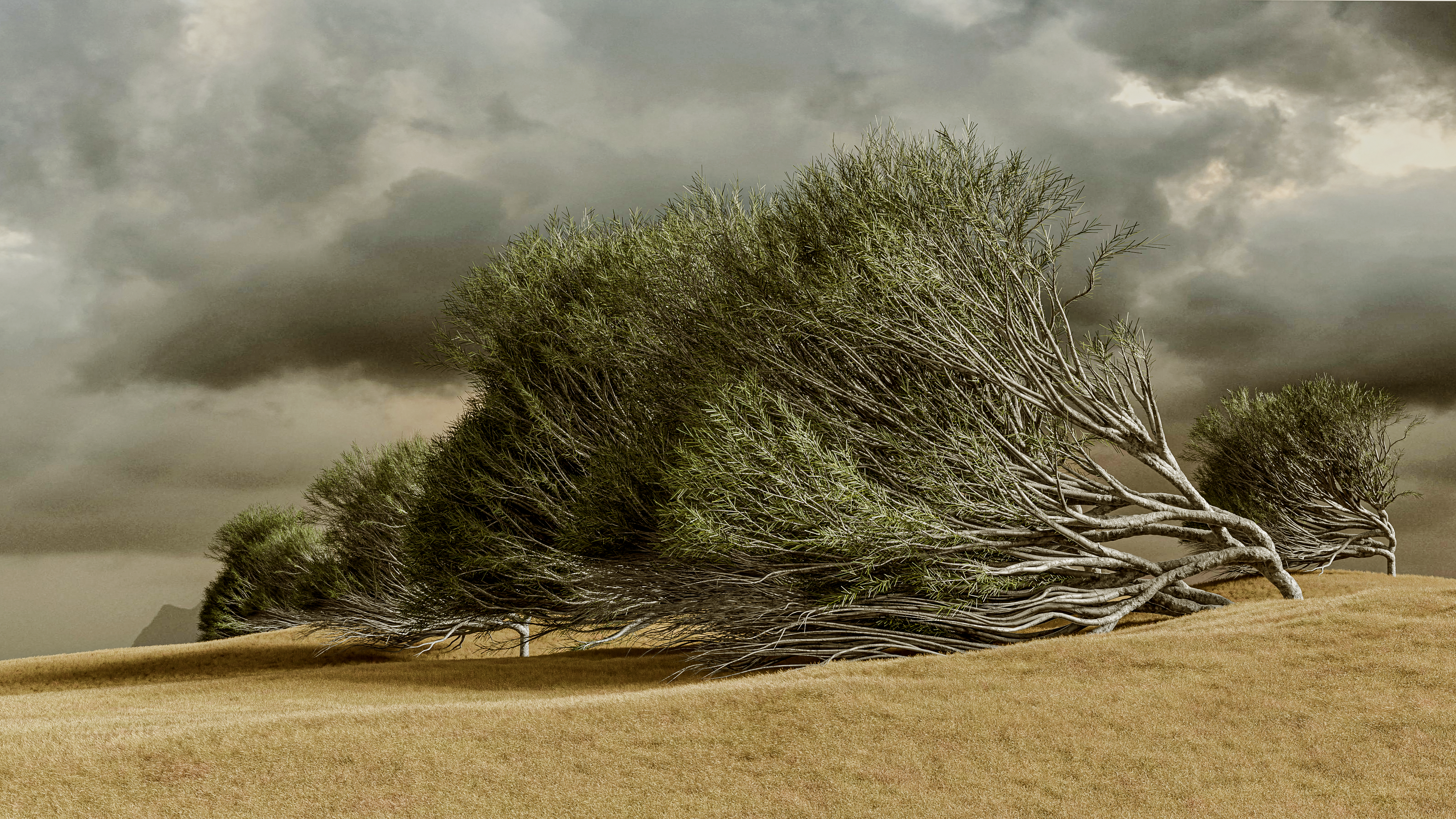
They only grow in one part of the world, Slope Point in New Zealand and they're relentlessly battered by crazy winds, hence their shape. Again, this isn't possible to make purely in Sapling, so there's 3 different, ready-made versions to play with.
I explain all the new stuff in the video below, it's as short as possible, but I'd recommend you watch as the new trees work slightly differently when making or duplicating;
Have fun!
UPDATE TO TREE CATALOGUE 21.07.25
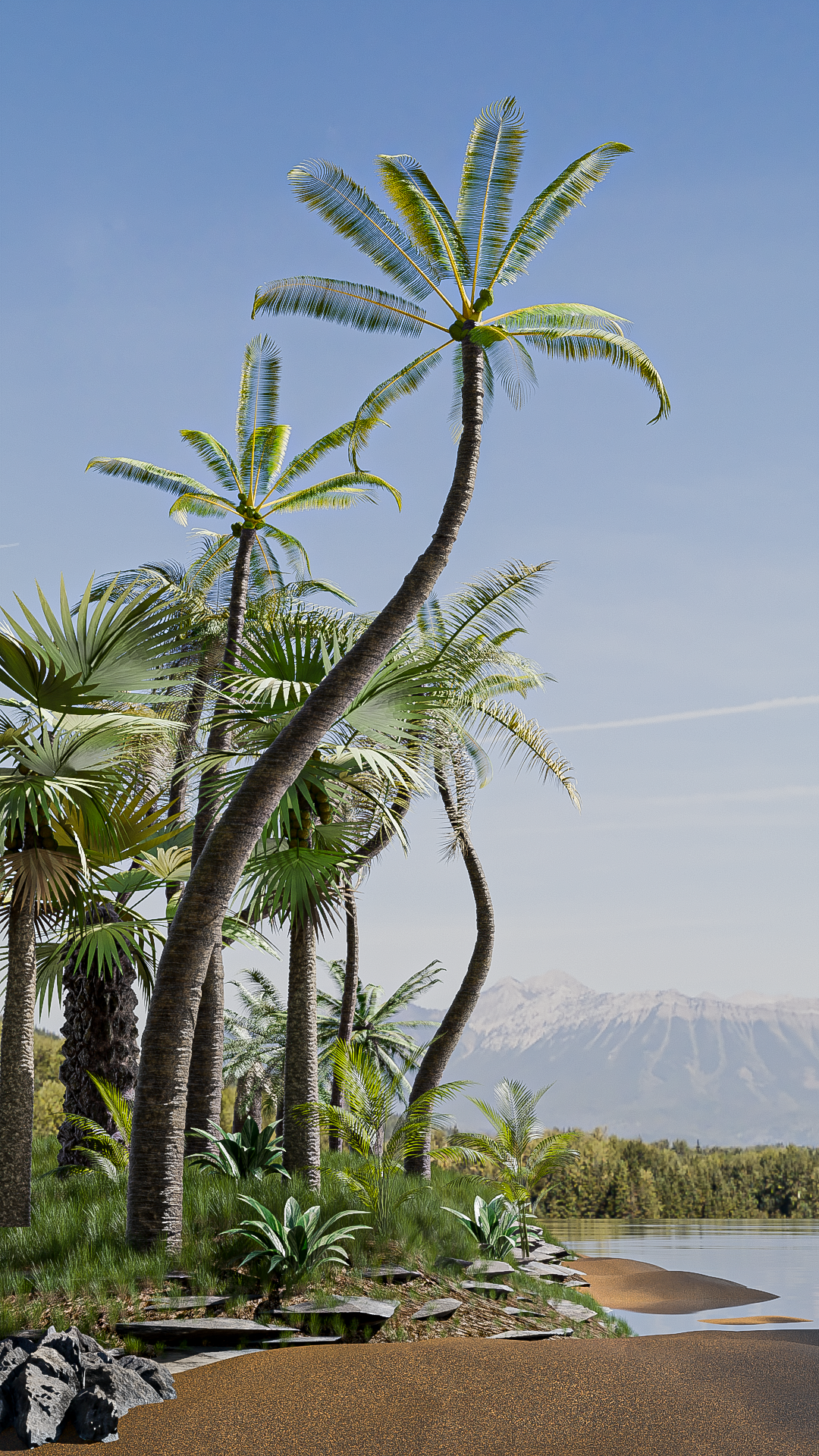
One thing the catalogue has been missing is palm trees, mainly because they can't really be created using only Sapling. The large Palm leaves are something that wouldn't look good as a texture on a flat plane so I got to work figuring out a way to make them. And along the way I made a few more fun trees too!
The new trees are;
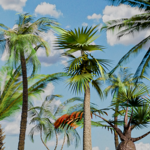
African Fan Palm, Alexander Palm, Bottle Palm, Canary Island Date Palm, Chilean Palm, Chusan Palm, European Fan palm, Great Basin Bristelcone Pine, Jelly Palm, Mexican Fan Palm, Monkey Puzzle, Queen Palm and Red Latan Palm.
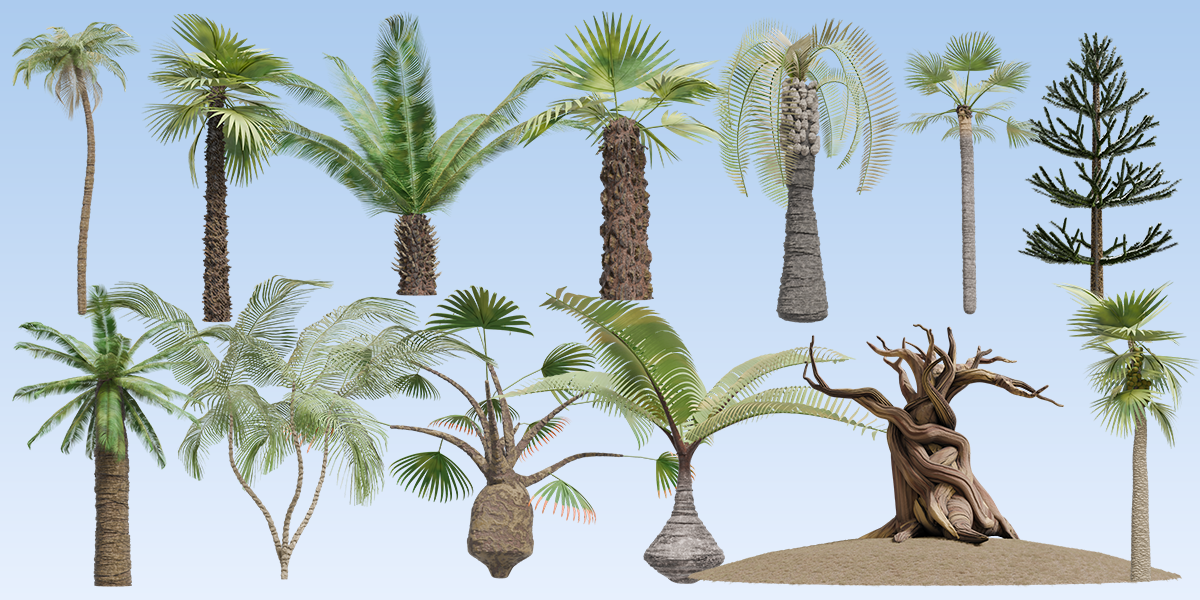
With 13 new additional trees, the ITB catalogue is now up to 105 trees, which I'm very happy about!
Here's a couple of pics using the new trees;
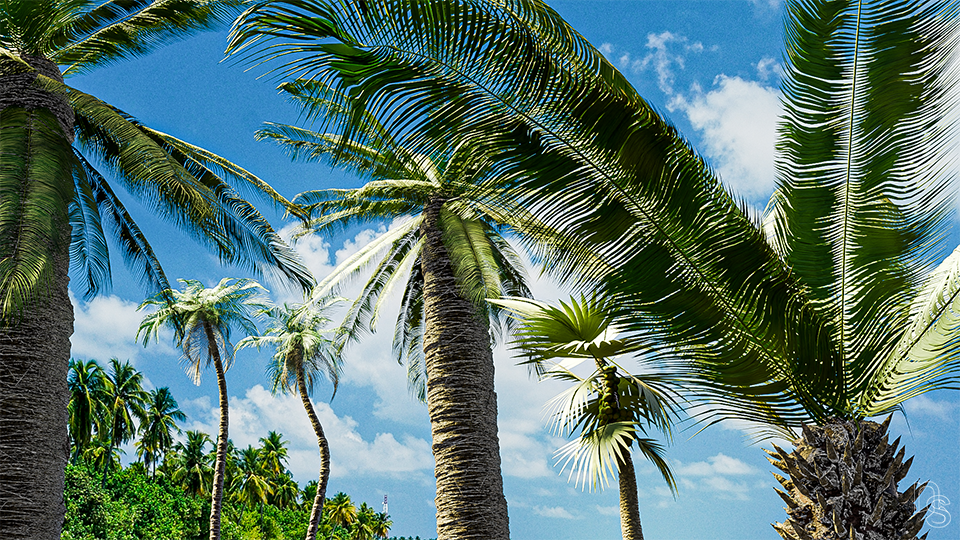
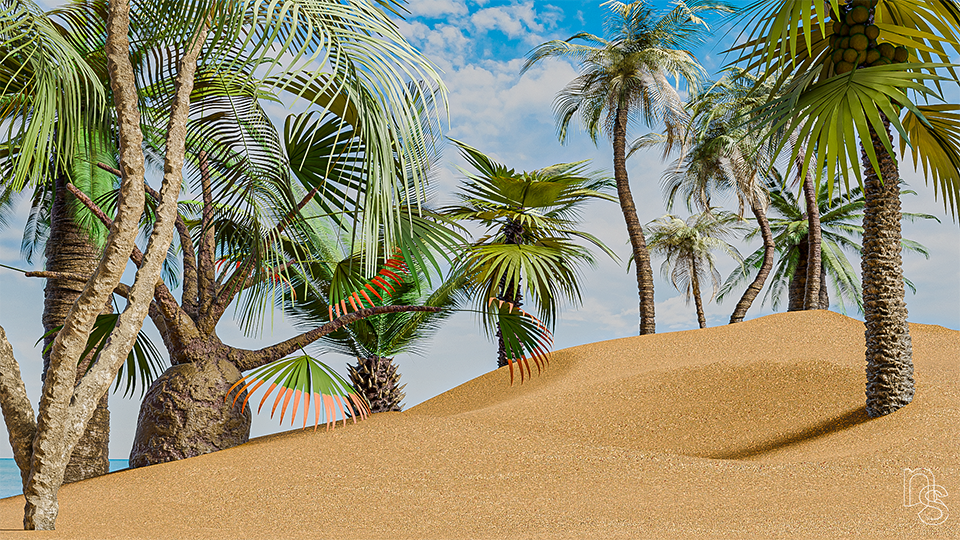
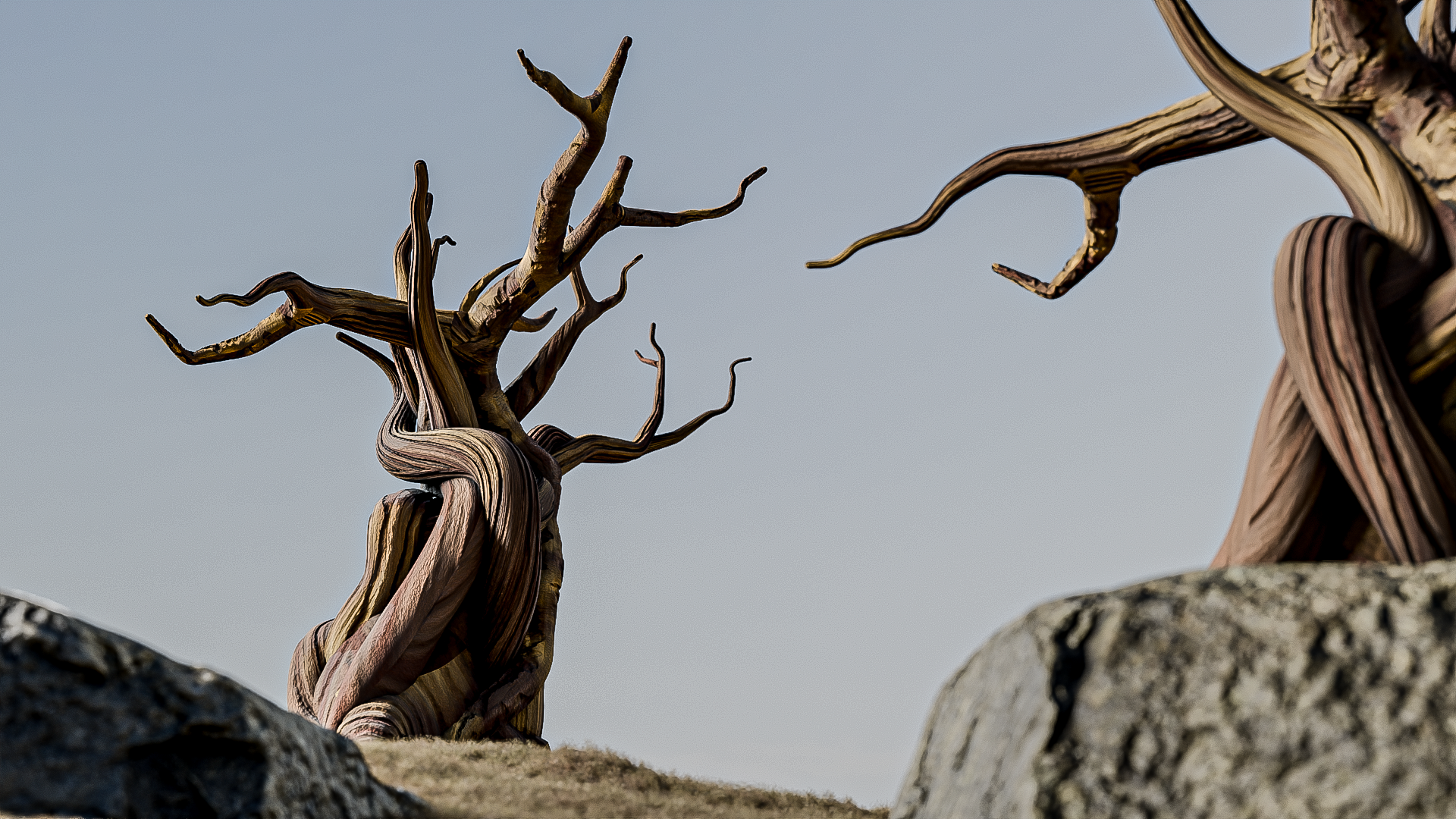
Only the Monkey Puzzle tree comes with an associated Sapling preset as the others were either made manually or not easily possible to make in Sapling. The Queen Palm has been left with the trunk as a curve, which makes it far quicker and easier to change the shape, as these types of trunk can bend wildly!
As the catalogue is now up to 105 trees, I've decided to separate them in the downloads into individual ZIP files for each tree category. So now there's a Decidious, Pine, Palm, and Unusual ZIP files, the unusual trees being things like The Dragon Blood or Boabab. It also means you don't need to download everything if you only need Pines etc.
UPDATE TO TREE CATALOGUE 14.07.25
It's been sometime since I last updated the trees of the ITB and having delved deep for the last couple of weeks, I've created 22 brand new trees and have significantly changed some of the 70 original meshes, mostly ones I felt could be improved. I've also added to the Sapling preset library taking it up to 92!
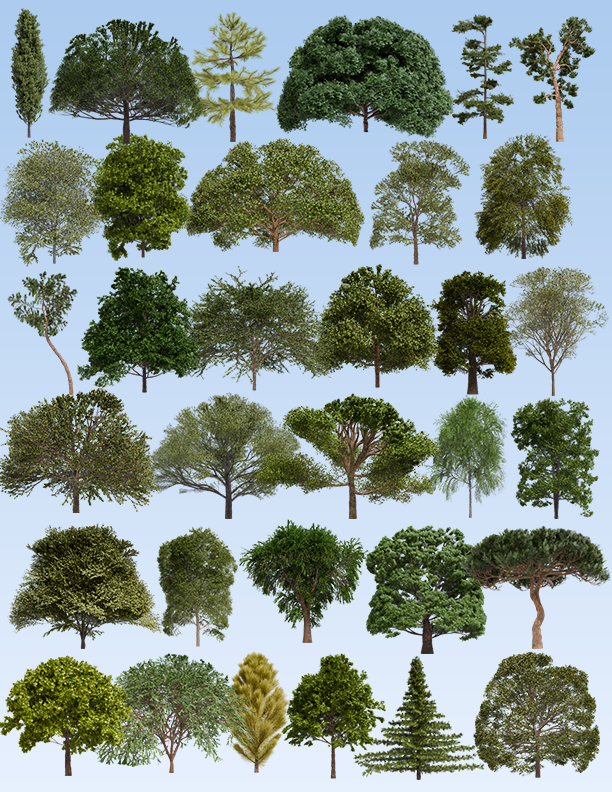
This image shows the 22 new trees mixed in with the 11 meshes I've updated and improved, which takes the total catalogue to 92 trees! I also removed a few trees as I just couldn't get them right and wasn't happy with the original meshes.
Enjoy!
UPDATE TO v4.0 23.06.25
it's been a while since the last update and having come across some unforeseen issues, I took a look at not only the trees, but also the Infinite Wood Builder.
Firstly, I have made some significant changes to the shader that came with every tree and renamed it The Infinite Bark Builder. I basically tore the whole thing to pieces and rebuilt it all with some significant changes, which I'll detail below.
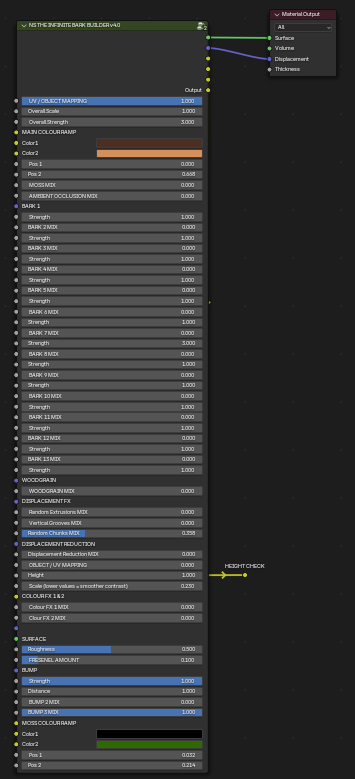
This is how the main group looks now. The changes;
- I removed all the Wooden Planks controls from the shader because if the shader was on a tree, there'd be no use for the planks and if the shader was on the floor, there'd be no use for the barks, hence the new name. Fear not, if you used the wooden planks, it's now a separate shader available in the downloads called 'NS Wooden Planks Shader'.
- Previously, there were normal and vector barks, with a slider to switch between the two. I felt this distinction was unnecessary so now all the barks run through the same displacement and there are now 14 barks to choose from (including a woodgrain).
- Instead of having separate colours for each individual bark texture, all the colour is controlled via one colour ramp, which is at the top of the main control group. This allowed me to clean up the main control group significantly by removing all the additional colour ramps and makes it far quicker to experiment with colour and barks.
- In the same way the Infinite Rock Builder functions, all of the barks are accessible with each individual strength underneath each bark mixer. This way you can quickly tab through for speed and makes it far easier to mix the barks together for even more bark textures.
- Moss and Ambient Occlusion Mixers are easily accessible at the top of the shader with a simple slider for each. The Colour Ramp for the moss is at the bottom of the main control group and is being mixed using screen, so it only sees the green and ignores the black.
- The displacement reduction is now simpler to use as there is now a pip labelled 'Height Check' so you can easily see where the displacement will be affected, by the gradient; black lowering displacement and white leaving it as is. I have found that if it's not in the right place, sliding the 'height' slider to the right usually brings the black into view. CTRL+SHIFT+CLICK the main group to get back to the main output.
- Woodgrain used to be the default bark texture with the IWB, now with the Infinite Bark Builder, it has it's own slider, which will add colour and bump, whilst removing the displacement.
- There are now 3 different types of bump to utilise and mix, all of them available to mix on the lower part of the main control group.
- I've moved all the intricate controls to within the main control group, so simply pressing tab will enter the group where you'll see these additional controls;
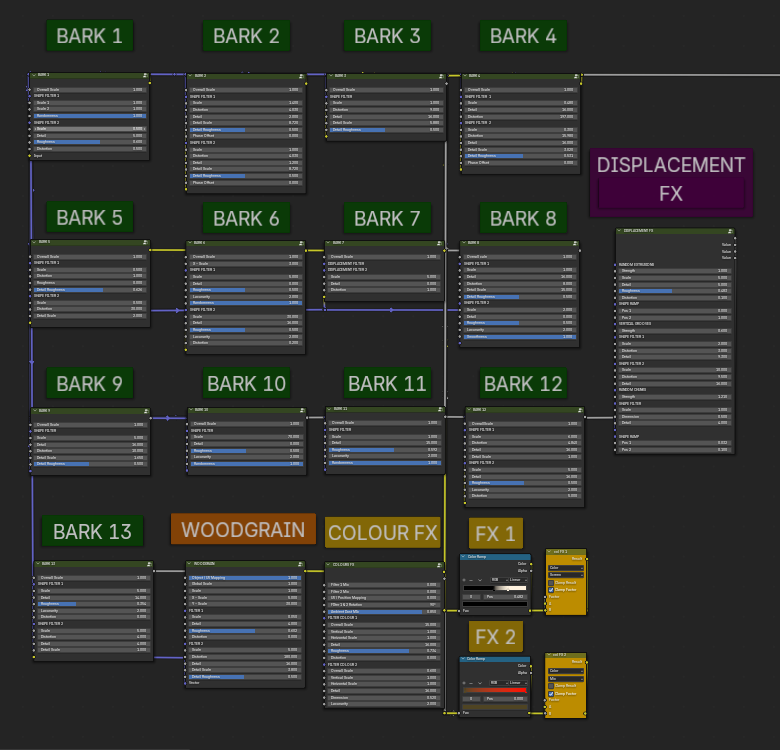
- All of the barks still have their individual control groups, but now without the displacement being separated, it's now much clearer which bark you're using.
- The Colour FX 1 & 2 MIX sliders are on the main control group and their individual filters are accessible on the Colour FX group. The 2 mixers on the right control the mixing mode of each filter.
- The Displacement FX sliders are also on the main control group and tabbing inside gives you access to all their individual controls.
The second overhaul is for the leaves on all of the trees. Having recently used a Monterey Pine from the ITB collection and for the first time needing to put the sun directly behind the tree, suddenly the leaves looked awful, dark and weird. From the front and side, I didn't see the problem , I only noticed it when I directed the sun to the back of the tree. The image below displays this problem more clearly, the ones with a green tick have had the leaves updated and the ones with the red cross were before the update;
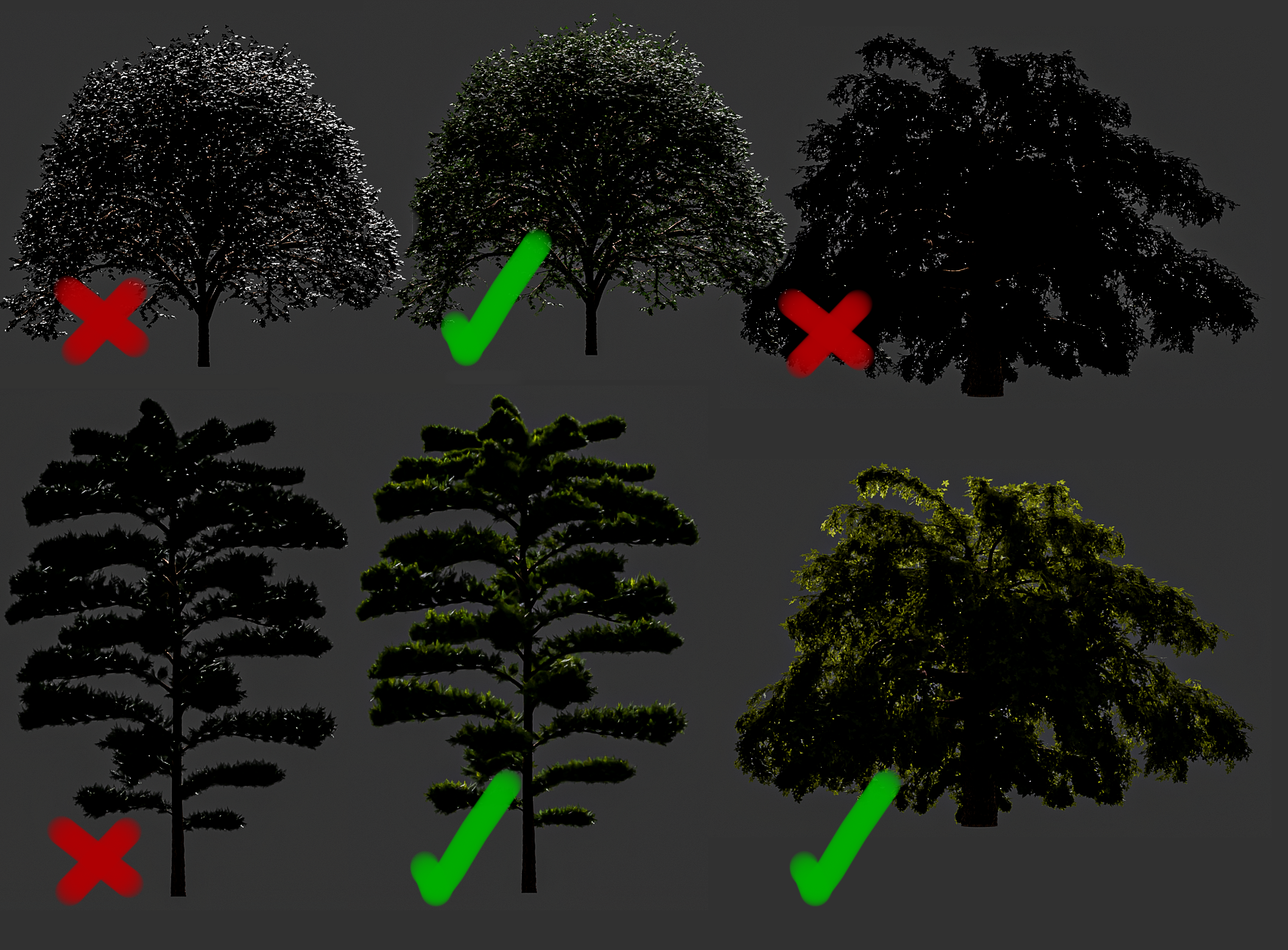
As you can see, it makes quite a difference when the sun is at that particular angle, allowing some of the light to shine through the outer edge leaves. I was shocked I hadn't seen this before so I'm glad to have fixed it now!
The fix was very simple, though took quite a bit of experimentation until I found one. By making the simple changes, displayed in the below image, the leaves now deal with light in a more much more realistic way. By adding roughly 0.2 to Transmission and Sheen on each Principled BSDF of the leaves and adding an appropriate colour for the sheen, the leaves look much better.
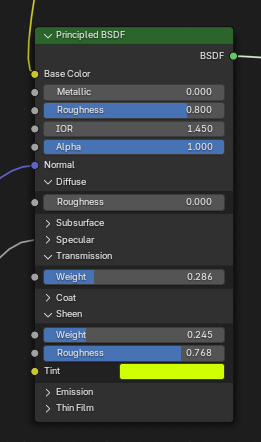
You could make these changes to the trees in the catalogue you've already downloaded, but it took me some time to go through all 70, so the quickest would be to download the new ITB Meshes zip.
I also updated the entire catalogue to have a preview image as a thumbnail in Blender's file browser. If you select the thumbnail view, when you enter a file to append a tree, you'll see a thumbnail of it.
So, in summary, there's a new ITB Meshes v4.0.zip in the downloads with all the updated leaves, each tree is now using the Infinite Bark Builder v4.0, the Wooden Planks shader is now a separate shader and The Infinite Wood Builder has been replaced with the Infinite Bark Builder v4.0.
With the change to The Infinite Bark Builder, these are how the barks look now;
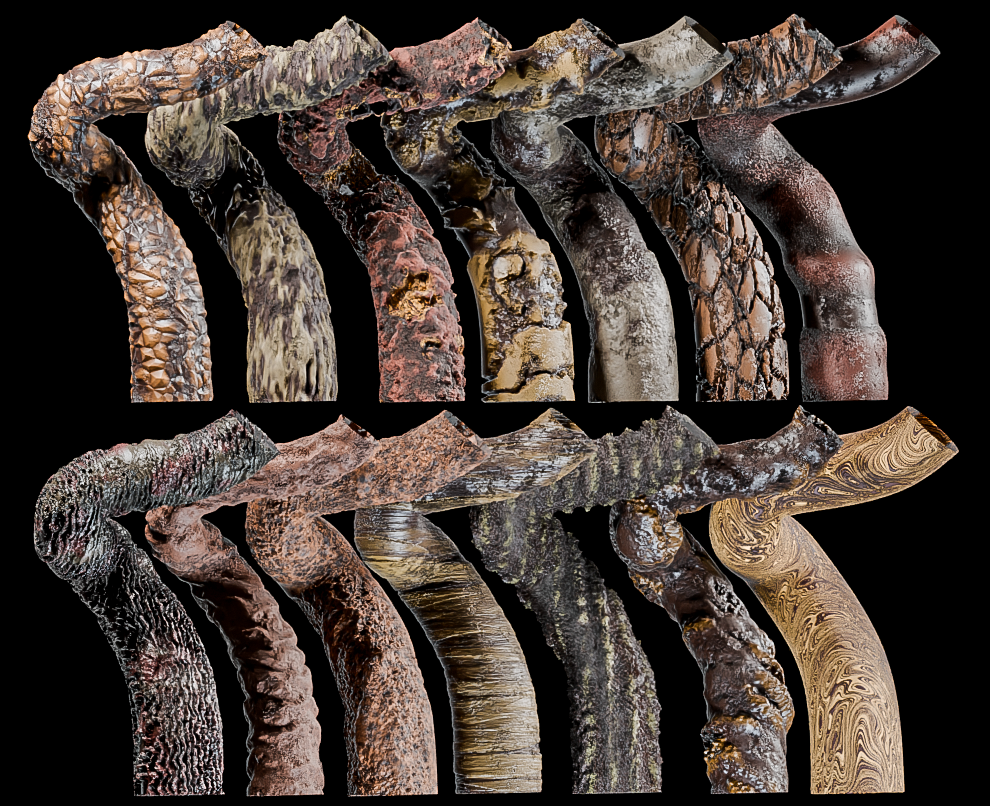
Though of course, now that it's quick and easy, you can mix the barks together for even more variation!
That's the lot, I hope that's all clear and that you find it much quicker and easier to use!
ITB Catalogue Update
25.01.22
It's been a while, but I've added 14 more pines to the catalogue. Enjoy!
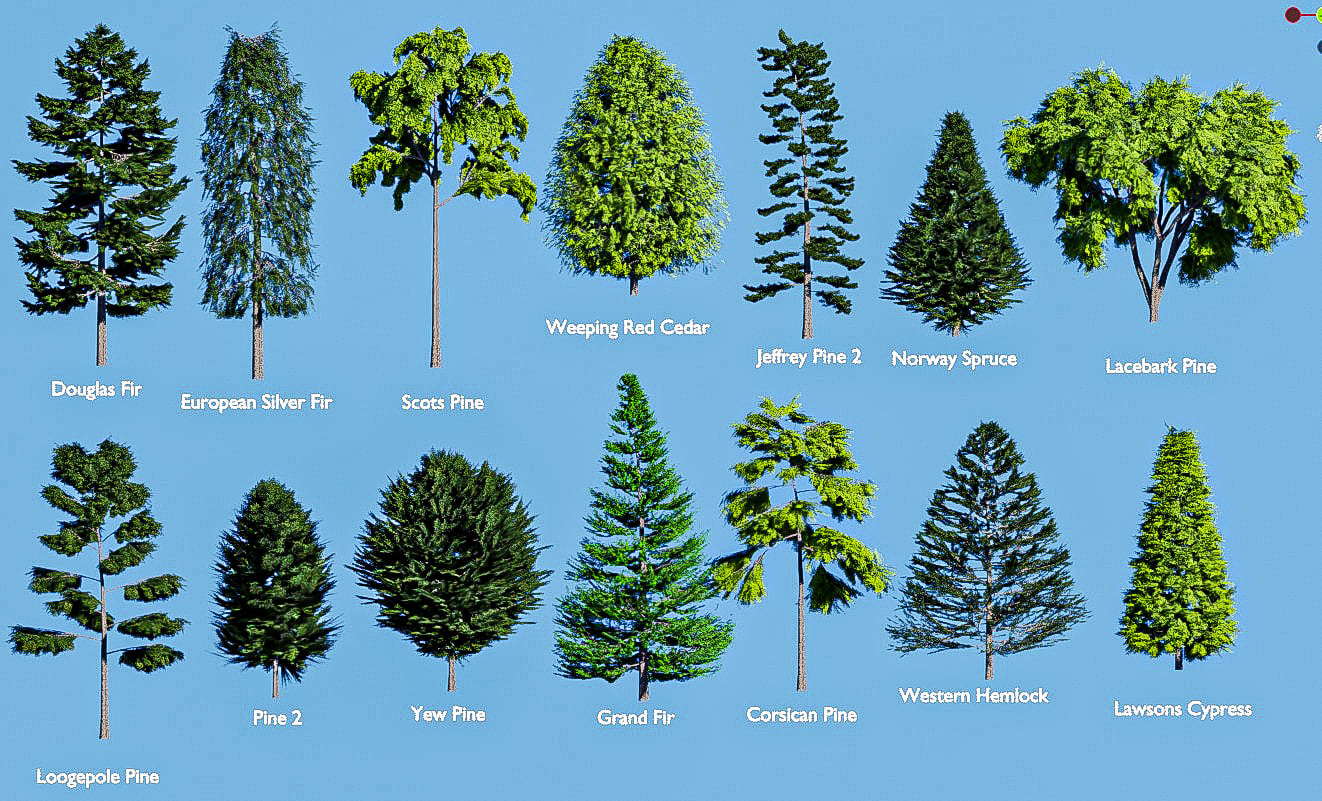
ITB Catalogue Update
17.02.22
And another 12 to add to the library!
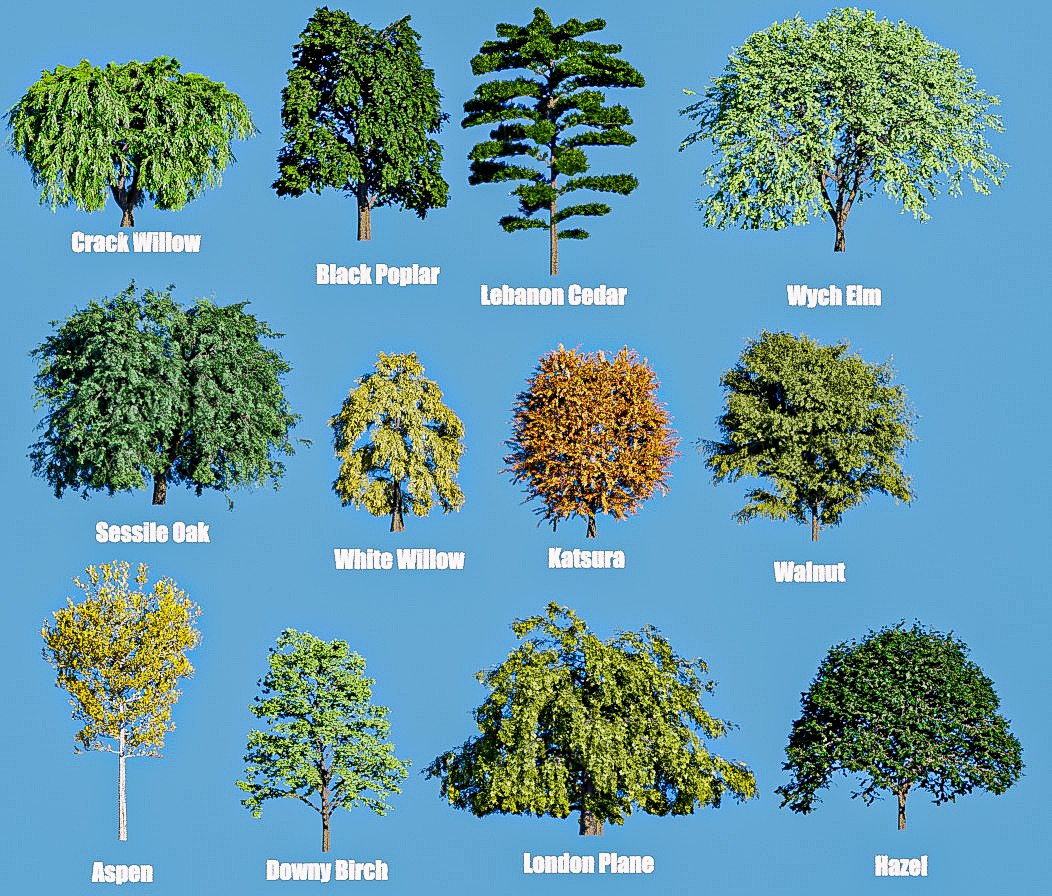 \
\
NEW TREES UPDATE!
31.10.20
Hi all!
As promised, here's the first batch of new trees. There's 10 new trees to add to the collection and there'll be more to come as and when I finish them. They're available in the downloads now!