 codesignprojects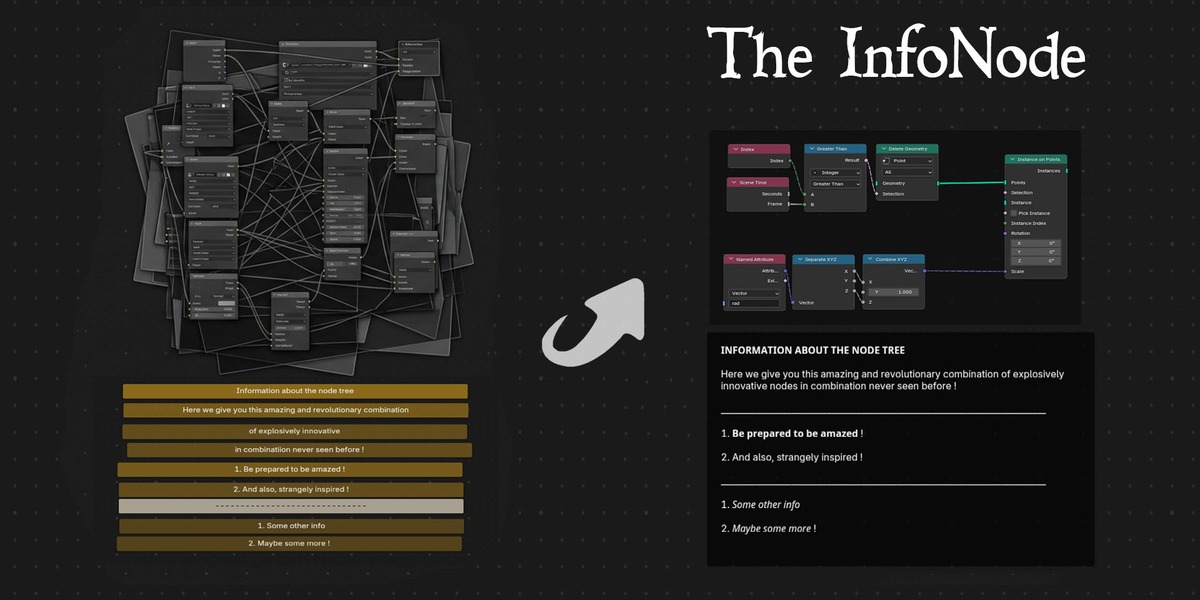


The Info Node Addon
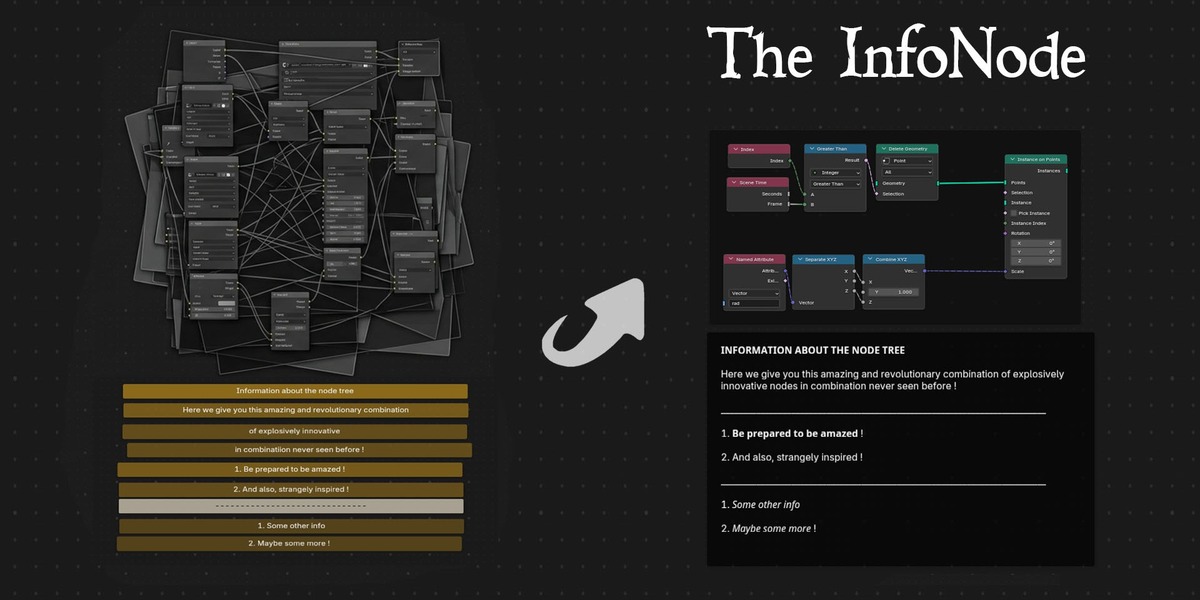
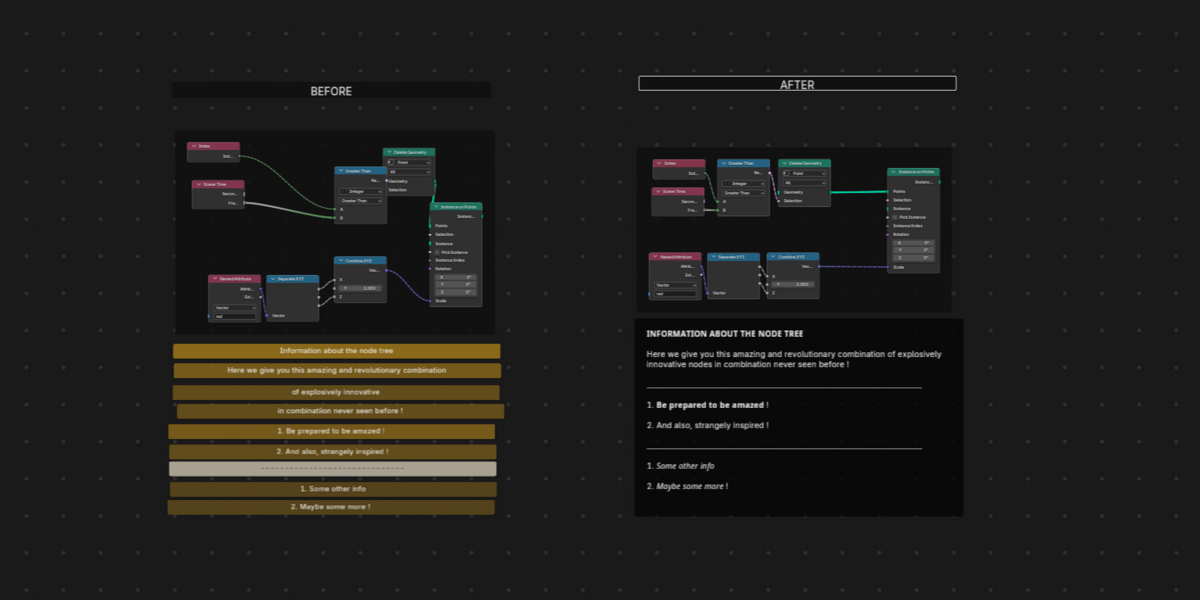
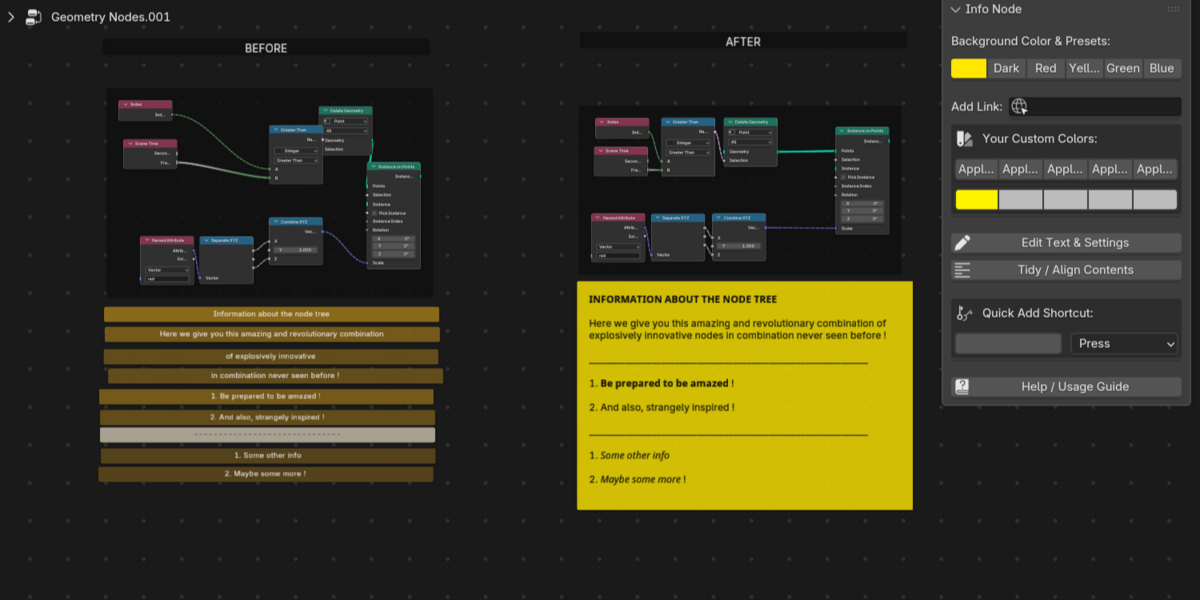
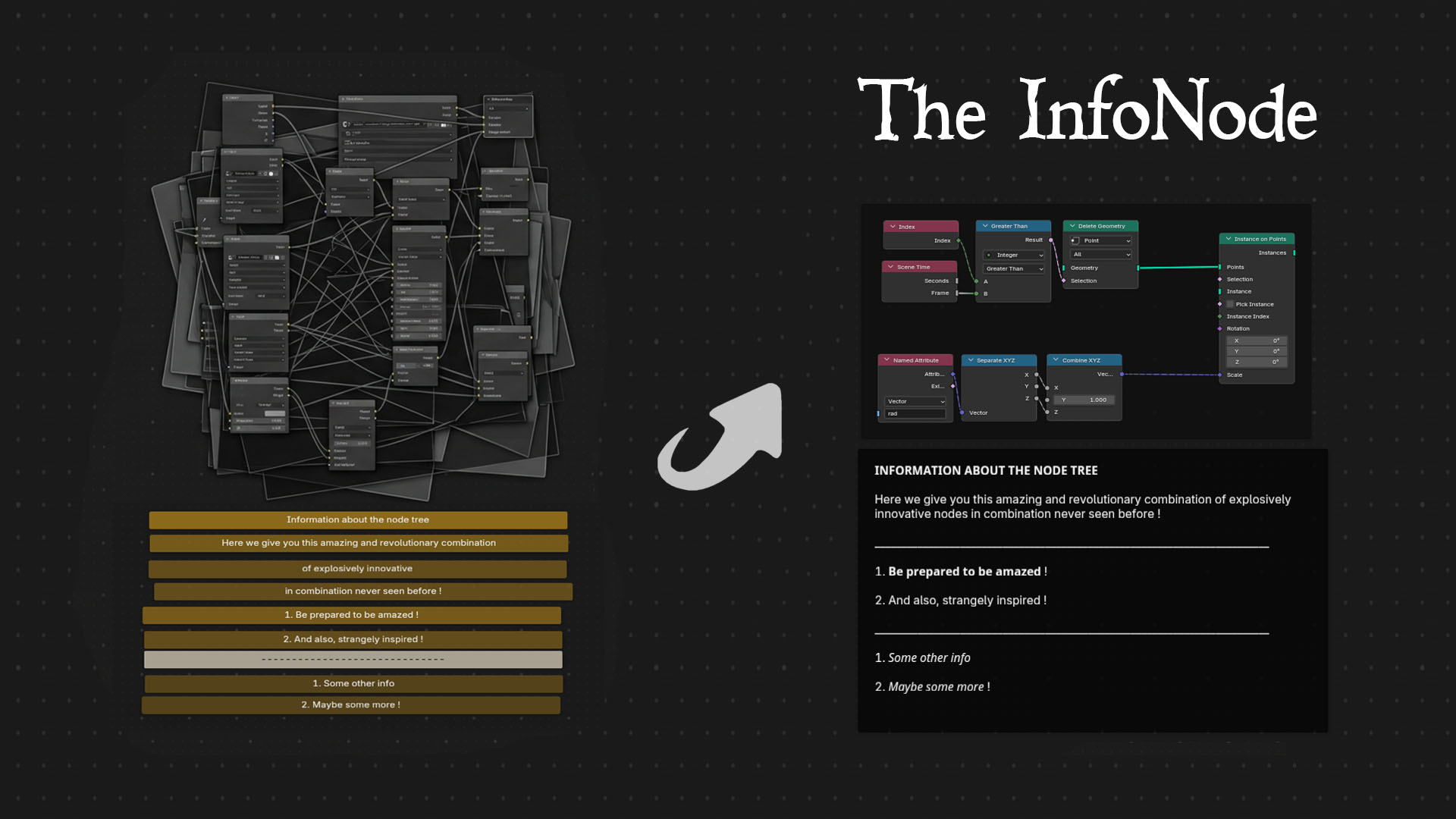
Documenting complex Geometry Nodes setups is often a tedious process involving overlapping frames, manual line-by-line positioning, and visual workarounds.
The Info Node provides a streamlined, native solution for commenting and organizing your node trees. Designed for clarity, it acts as a unified multiline text container to explain complex logic to collaborators, clients, or your future self.
The goal is to provide a fast, structured, and entirely native documentation tool for Blender node editors.
Features
-
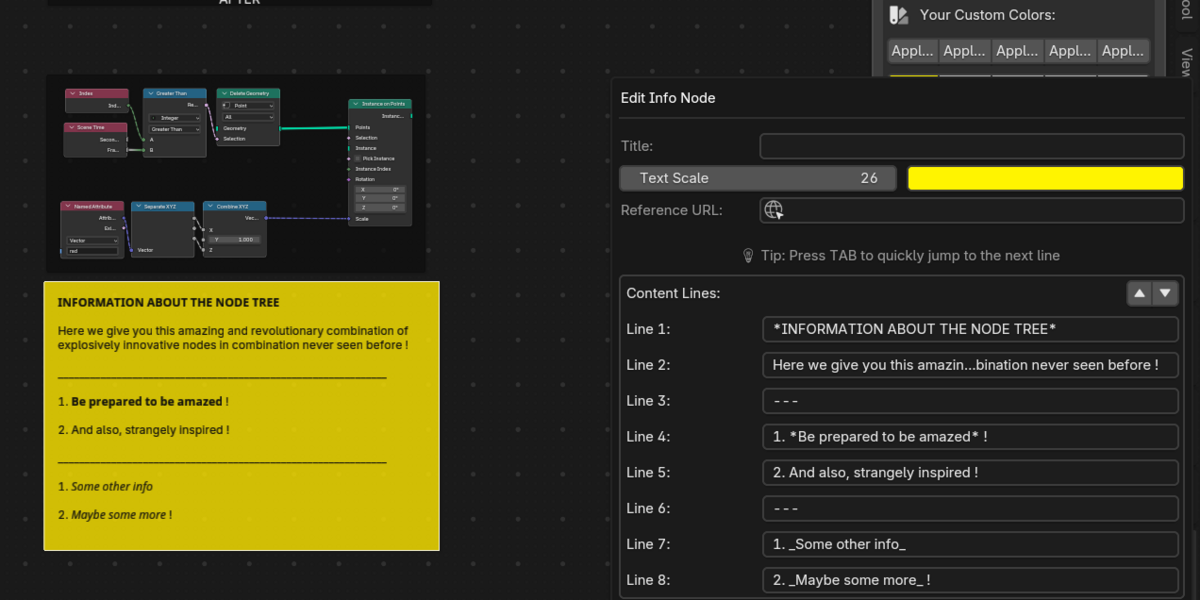
Structured Multiline Text: Write clear explanations with a dedicated title and automatic word-wrapping. Type
---on an empty line to instantly generate an elegant horizontal divider. - Smart Node Wrapping: Select an existing cluster of nodes before adding an Info Node. The add-on automatically wraps them, mathematically calculating the bounding box to place your text neatly above the logic.
- Tidy Container Layout: A single-click layout tool in the side panel that instantly auto-aligns messy wrapped nodes into a perfectly spaced horizontal row.
- Reference Links: Embed URLs directly into the node. A clickable button appears in the side panel for instant access to external documentation or resources. You can redirect the user to your sites directly from the node tree !
- Global Color Coding: Organize your logic visually. Use standard color presets or save up to 5 custom colors globally across all your Blender projects.
-
100% Native Compatibility: Built entirely using native Blender elements. Anyone who opens your
.blendfile can read your documentation perfectly, even without the add-on installed. You only need the addon to be installed to add your own notes and comments !
Update arrives regularly. Works in Blender 4.4 - 5.2.
Enjoy !
---
⚙️ How to Install
- Download the provided
.zipfile. (Note: You do not need to unzip it!) - Open Blender and go to Edit > Preferences.
- Select the Add-ons tab on the left side.
- Click the Install... button in the top right corner.
- Locate and select the downloaded
.zipfile, then click Install Add-on. - A new entry named
Node: Info Node for Geometry Nodeswill appear. Check the small box next to it to enable the add-on. - Open any Geometry Nodes workspace, press Shift+A, and you will find your new Info Node ready to use!
🔄 How to Update to a Newer Version
Because the Info Node uses 100% native Blender elements, updating will never break your older project files! All existing nodes will remain perfectly intact.
- Download the newest version of the
.zipfile. - Open Blender and go to Edit > Preferences > Add-ons.
- Search for "Info Node" and uncheck the box to disable the current version.
- Click Install... and select the newly downloaded
.zipfile. Blender will automatically overwrite the old files behind the scenes. - Check the box to enable the add-on again. You are now running the latest version!