 codesignprojects
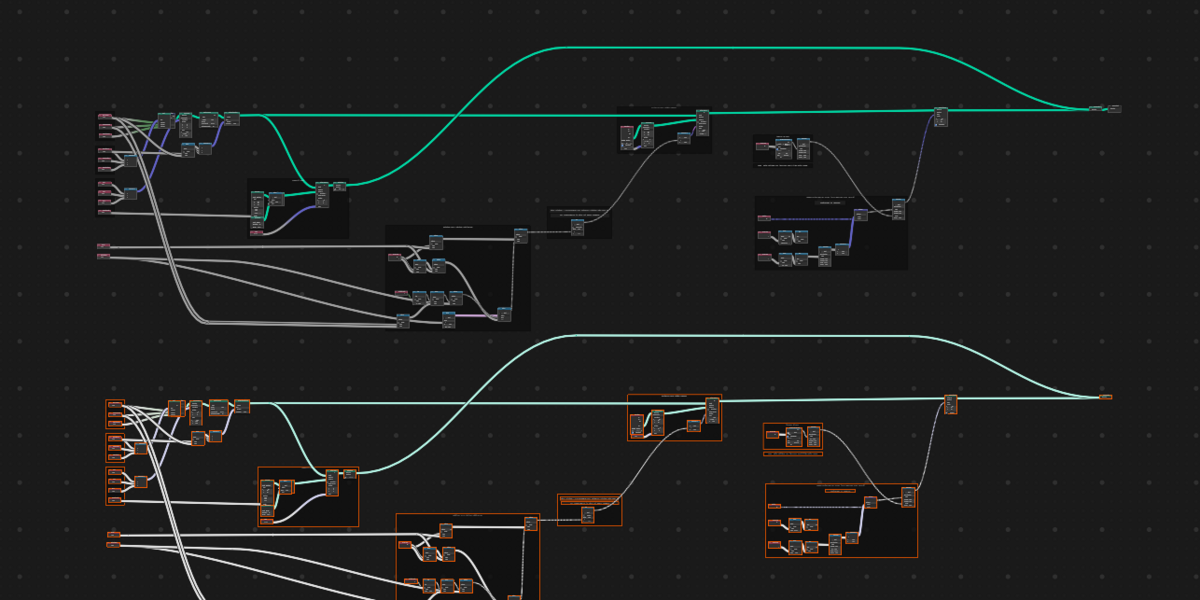
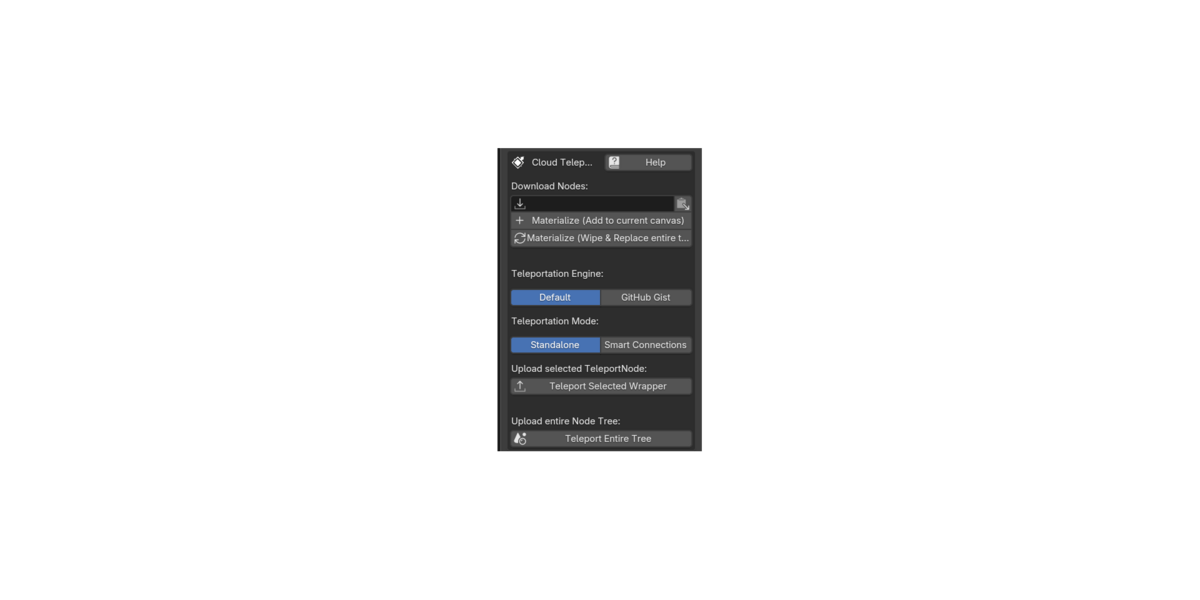
The Teleport Node Addon - Instant node sharing directly from and into the node editor
Sharing complex Blender node setups is often a tedious process involving saving .blend files, uploading them to file-sharing sites, navigating the append menu, or squinting at low-res screenshots to rebuild trees line-by-line.
The Teleport Node provides a frictionless, cloud-based solution. Think of it as a digital "shipping box" for your node editor. It allows you to package your selected nodes—or your entire workspace—and instantly send them across the internet using a simple shortcode.
The goal is to make sharing and receiving Blender node groups instantly and directly in the node editor as fast and easy as sending a text message.
Video demo here !
NOTE - The Receiver Edition is available, download that free lite version here.
Features
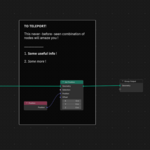
- Instant Node Materialization: Sharing is effortless. Wrap your selected nodes into the TeleportNode, click "Teleport", and get the generated shortcode to share it online. Anyone with the addon can paste it directly into their node tree. With one click, your nodes will instantly materialize and snap directly to their mouse cursor!
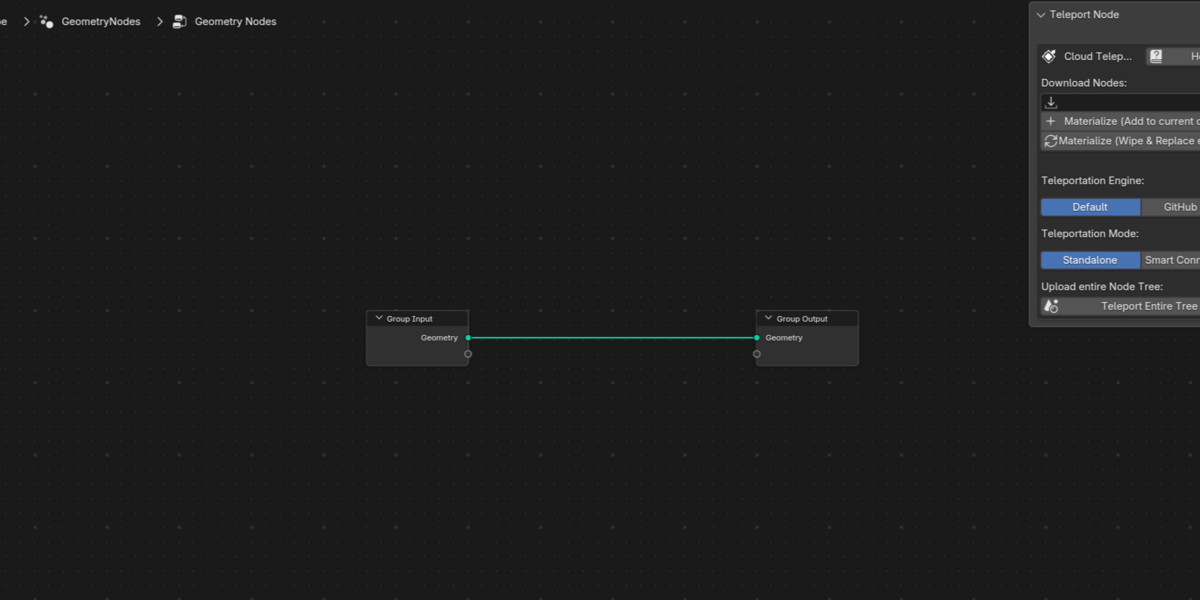
- Teleport Entire Trees: Want to share your whole node tree? Package and share it with a single click. The receiver can use the dedicated "Materialize Entire Tree" button to explicitly wipe a fresh canvas and securely paste your complete setup with layout preservation.
- Smart Connections Engine: When wrapping a group of nodes, the addon intelligently traces your routing and preserves incoming and outgoing wires, mapping them to automatically labeled interface dots on the borders of your materialized TeleportNode.
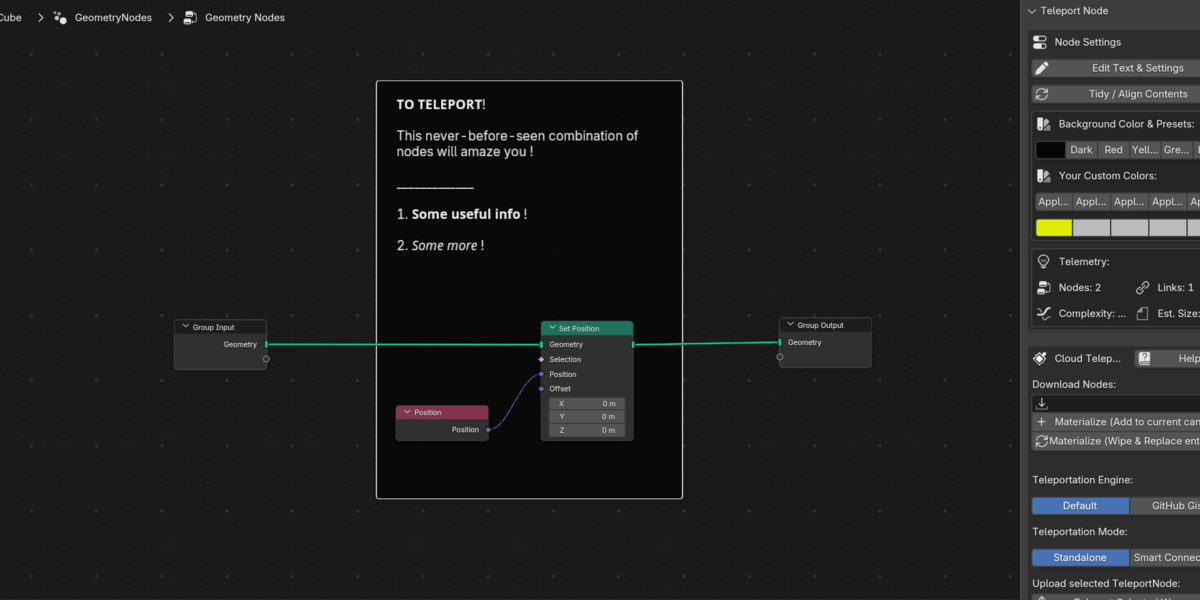
- Native Documentation & Comments: It doubles as a powerful comment node. Add multi-line rich text, bold/italic formatting, dividers, and clickable reference web links directly to your wrapper. Because it uses 100% native Blender elements, anyone who materializes your nodes can read your notes perfectly—even if they don't have the addon installed!
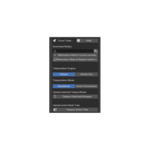
- Dual Cloud Engine: Choose the Default engine for lightning-fast, anonymous, registration-free sharing (codes expire after ~30 days, perfect for quick forum or Discord help). Or, securely link your free GitHub account for Permanent share codes stored directly in your own Gists. Shared codes using this engine will be permanent!
Enjoy !
---------------------------------------------------------------------------------------------
🎯 Who is Teleportnode for? (Use Cases)
The Solo Artist (Your Universal Cloud Clipboard)
Stop messing with the Append menu or cluttering your Asset Browser with "dummy" materials just to move loose nodes around. Treat Teleportnode as a cloud clipboard: copy a raw, ungrouped node tree from yesterday's .blend file and materialize it perfectly into today's project in seconds.
The Educator & Content Creator No more forcing your viewers to recreate massive trees from a blurry YouTube video or zip files. Drop a 6-digit shortcode in your video description, Patreon post, or course materials so your students can instantly snap your exact lesson setup to their cursor.
The Forum Troubleshooter Stop squinting at messy Discord or Reddit screenshots. When someone asks for help, instantly send the fixed node tree back to them. You can even use the Native Comments feature to write formatted text explaining exactly what you changed, right there in the node editor!
The Procedural Modeler & Technical Artist Share and preserve entire, raw workspaces with your team or community. Bypass Blender's native limitation that forces you to group nodes or attach them to objects just to save them. Keep your exact layout, flow, and framing perfectly intact across the internet.
---------------------------------------------------------------------------------------------
⚙️ How to Install
Download the provided .zip file. (Note: You do not need to unzip it!)
Open Blender and go to Edit > Preferences.
Select the Add-ons tab on the left side.
Click the Install... button in the top right corner.
Locate and select the downloaded .zip file, then click Install Add-on.
A new entry named Node: Teleport Node will appear. Check the small box next to it to enable the add-on.
Open any Node Editor workspace, press Shift+A, and you will find your new Teleport Node ready to use!
🔄 How to Update to a Newer Version
Because the Teleport Node uses 100% native Blender elements to build its shipping boxes, updating will never break your older project files or shared links! All existing wrapped nodes will remain perfectly intact.
Download the newest version of the .zip file.
Open Blender and go to Edit > Preferences > Add-ons.
Search for "Teleport Node" and uncheck the box to disable the current version.
Click Install... and select the newly downloaded .zip file. Blender will automatically overwrite the old files behind the scenes.
Check the box to enable the add-on again. You are now running the latest version!
