The Modeller's Journey: Think Your Way Through Any Model in Blender
 CG Cookie

What's in the download
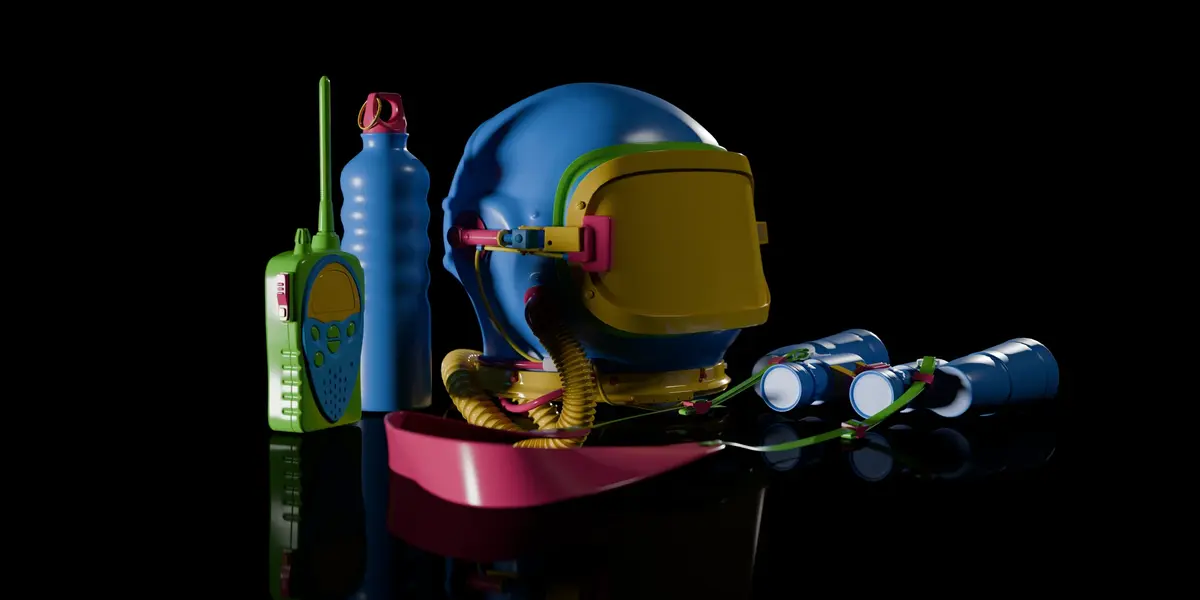
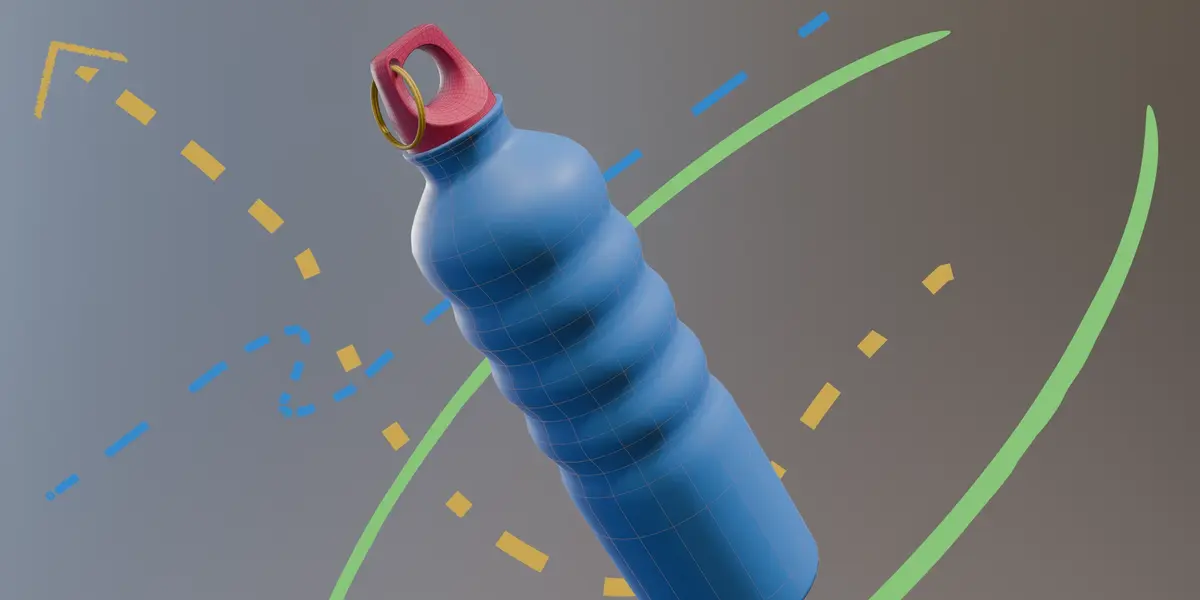
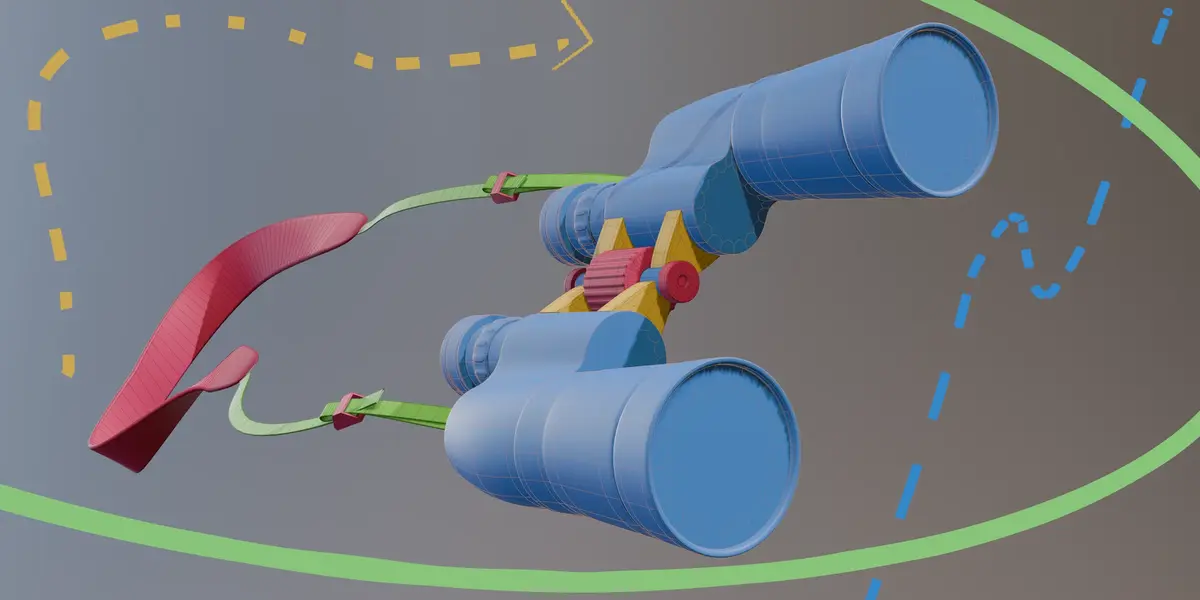
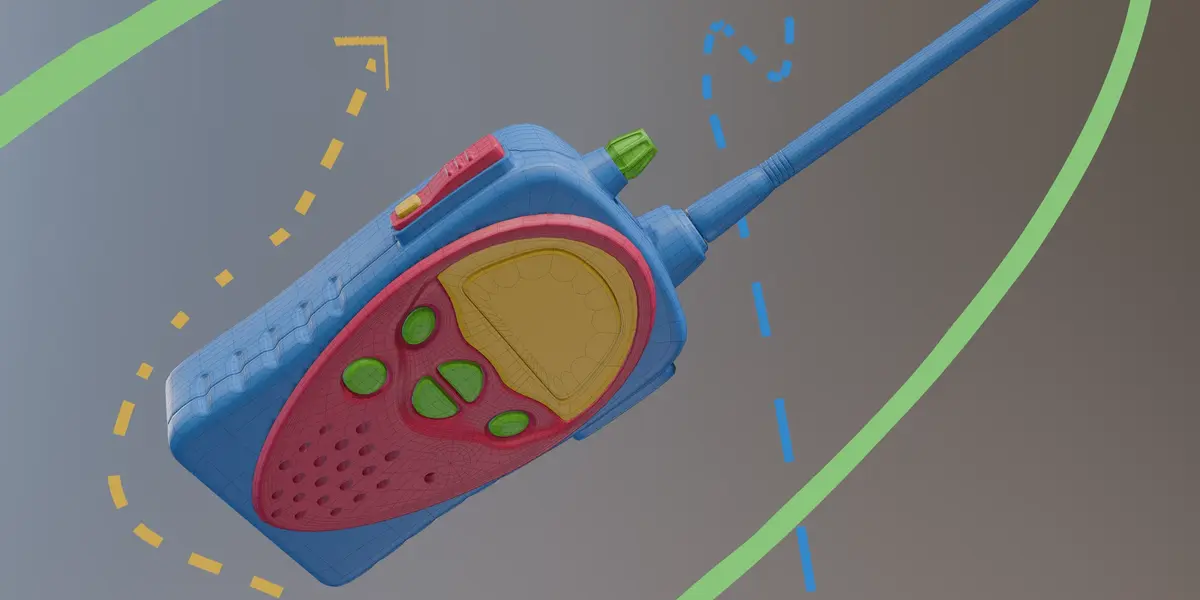
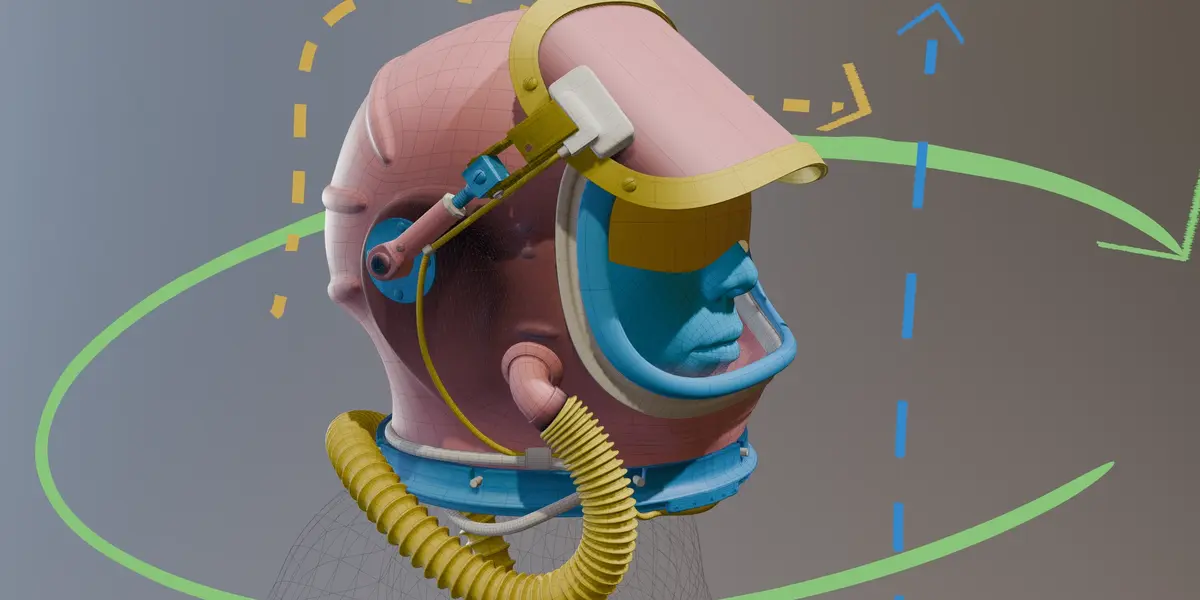
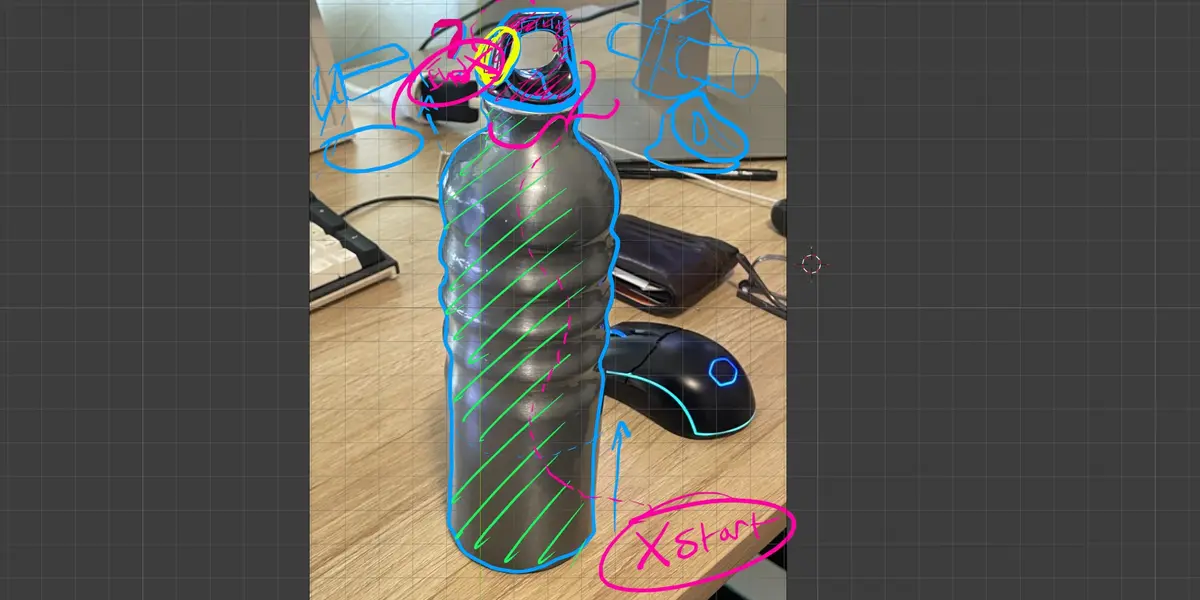
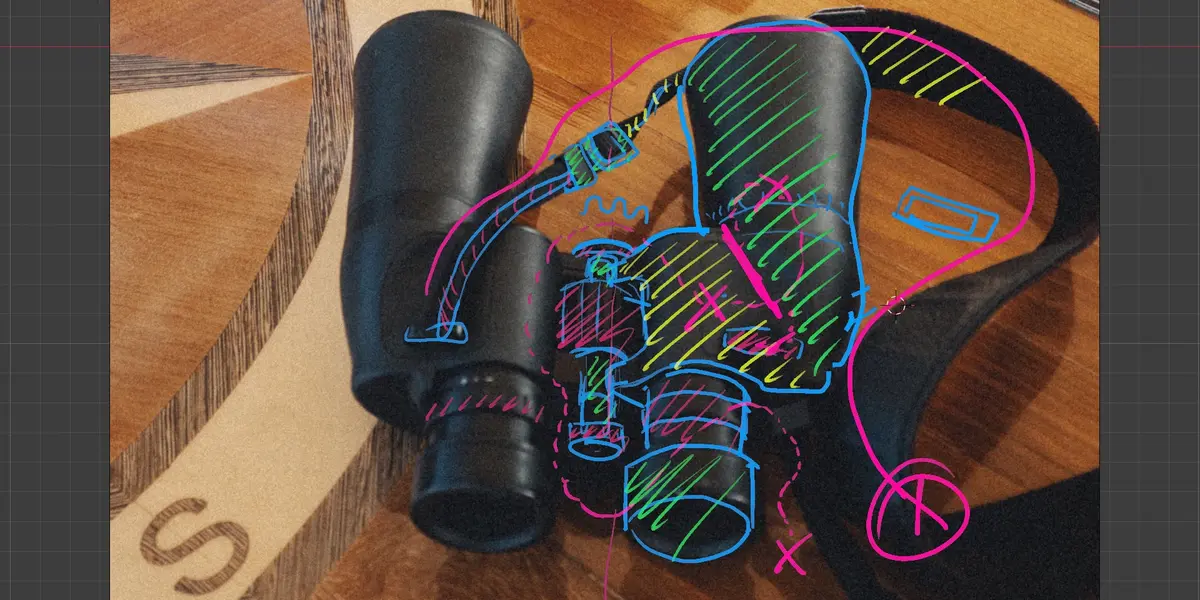
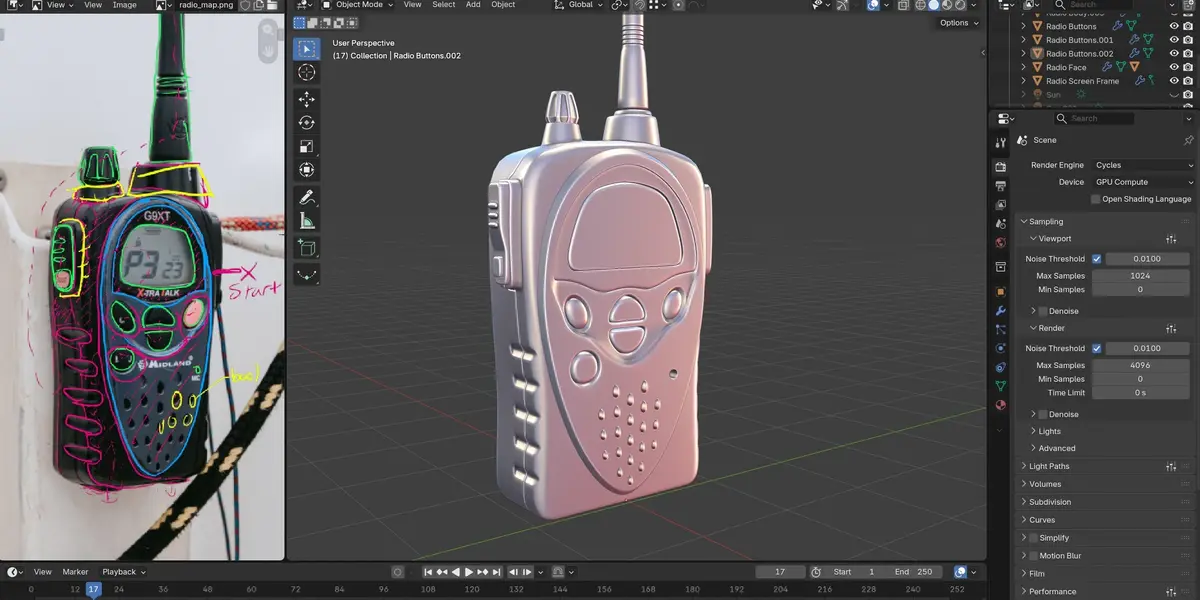
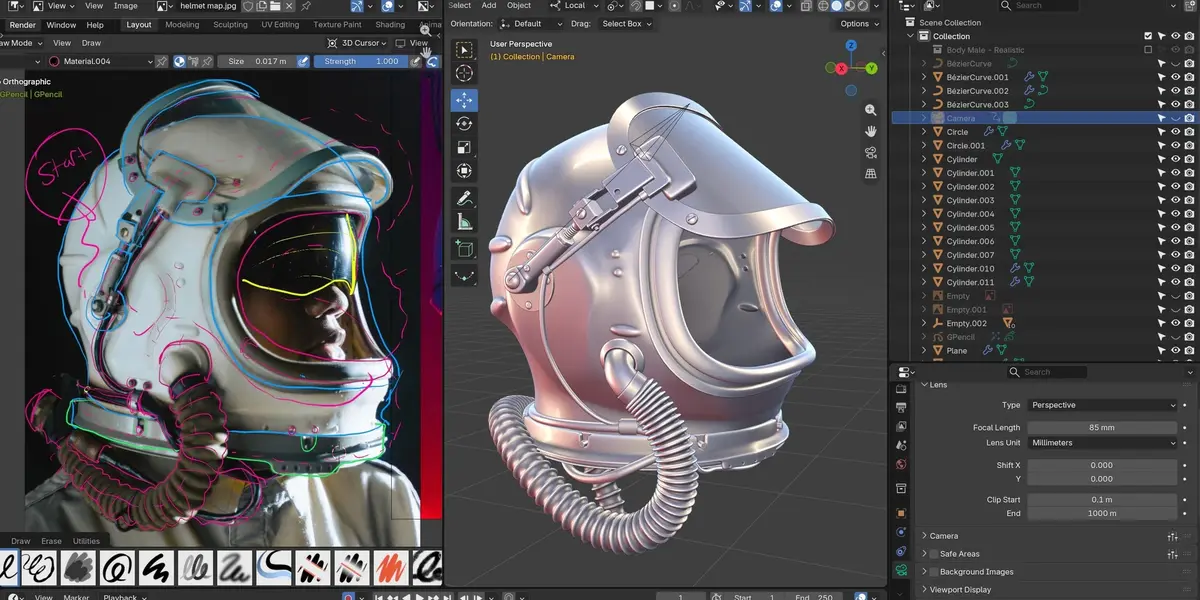
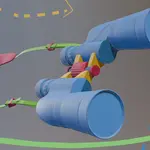
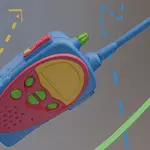
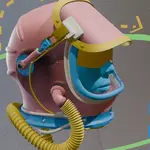
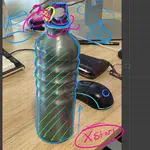
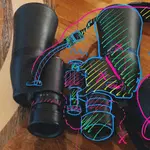
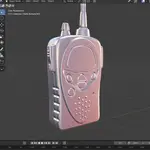
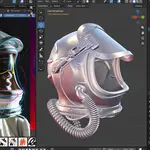
- Video lessons for all four objects: the water bottle, the binoculars, the handheld radio and the Soviet helmet.
- A project files zip for each object with the reference photos, Chris's map, .blend files saved at stages along the way, and the license.
Using the project files
- Open the .blend files in Blender 5.2 LTS or newer.
- The .blend files are numbered in the order they were saved (_01, _02 and so on). Open the one closest to where you are in the lessons to check your work or jump in partway.
- Drop the reference photo and the map into Blender's Image Editor, the same way Chris does at the start of the water bottle, so they sit next to your viewport instead of inside your scene.
Suggested order
Start with the water bottle and work toward the helmet. Each object begins with a map lesson, so if you jump ahead, start there.
Need help?
Message CG Cookie through the Contact the creator link on the product page.
Have questions about this product?
Login to message
| Dev Fund Contributor | |
| Published | about 4 hours ago |
| Blender Version | 5.2 |
| License | Royalty Free |
Discover more products like this
topology blender modeling chris bailey hard surface edge flow modeling workflow hard surface modeling subdivision modeling