The Nature Generator
 Andreas Dürr


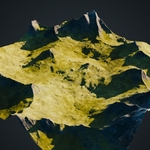
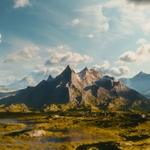
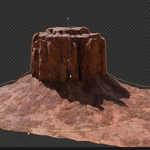
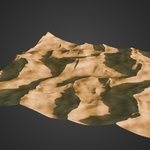
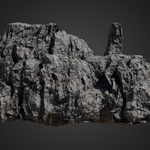
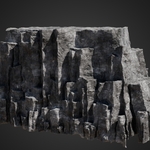
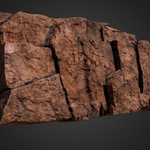
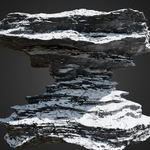
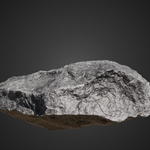
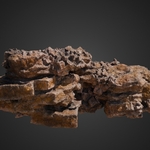
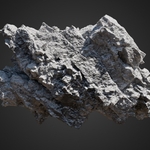
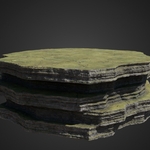
Nature Generator – Documentation
Author: Andreas Dürr (Cinematic Cookie)
1. Introduction
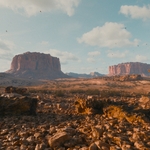
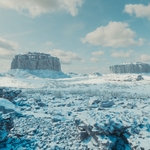
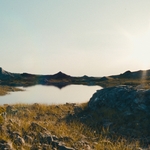
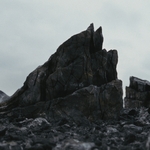
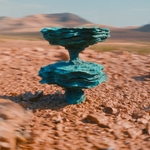
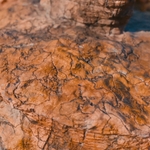
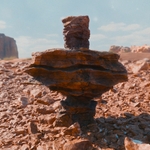
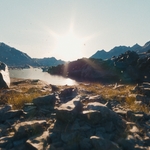
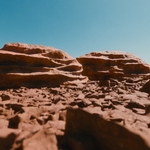
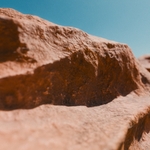
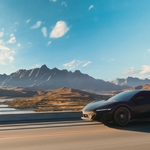
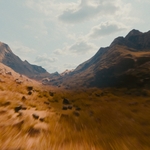
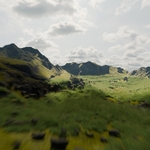
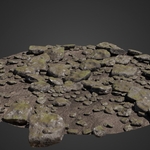
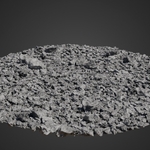
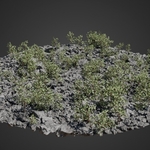
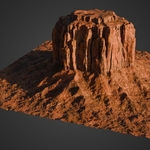
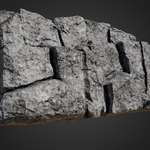
The Nature Generator is a fully procedural asset library for Blender. It allows you to create rocks, terrains, plants, water, and other natural elements directly inside Blender, with infinite variations and full customization.
Unlike static asset packs, every element is generated procedurally, giving you flexibility to adjust geometry, scattering, and shaders without leaving Blender.
Requirements:
- Blender 4.1 or higher
- A modern GPU (NVIDIA, AMD, or Apple Silicon).
- Optional texture pack (1K / 2K / 4K resolutions).
2. Installation
- Download the
.zipfile from your purchase. - In Blender, go to Edit → Preferences → Add-ons → Install…
- Select the
.zipand click OK. - The Nature Generator panel will appear in the side panel (N key) and the Asset Browser will show the asset library.
- (Optional) Download and extract the Textures Pack. Place it on a fast local drive (SSD recommended). In the add-on’s panel, set the texture path and desired resolution (1K / 2K / 4K).
3. Quick Start
- Open the Asset Browser and drag an asset into your scene.
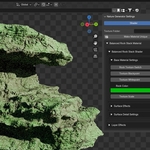
- With the asset selected, open the Nature Gen panel (press N).
- Use the tabs to adjust:
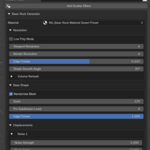
- Geometry → control resolution, shape, scatter effects.
- Shader → control materials, surface effects, layer effects.
- Work in 1K or 2K textures for speed. Switch to 4K before final renders.
4. Geometry Controls
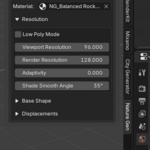
- Resolution: Adjust viewport vs render resolution independently. Warning: can be set infinitely high → Blender may crash if pushed too far.
- Base Shape: Primitive-based meshes (planes, curves, or custom topology) adapt procedurally.
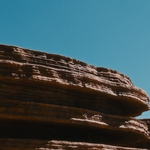
- Displacement: Control noise patterns, cracks, stratification lines, etc.
- Adaptivity, Crease, Smooth Angle: Fine-tune mesh smoothness and detail.
5. Scatter Effects
Click Add Scatter Effect to populate your object with:
- Rocks
- Grass
- Moss
- Shrubs
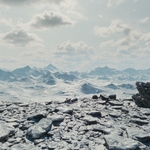
- Snow
- Custom collections
Scatter options include:
- Density, slope-based masks, altitude masks, noise masks.
- Scatter zones (controlled by empties with viewport gizmos).
- Scale & rotation randomization.
- Rock-specific procedural controls (resolution, distortion, ratio).
- Snow particle detail for realistic foamy snow (requires higher transparency bounces).
Multiple scatter layers can be stacked and removed individually.
6. Shader Controls
Base Material Settings
- Choose image textures
- Adjust contrast (black/white point)
- Change color via palette
- Scale texture
Surface Effects
- Color variation (noise-driven hue/saturation/brightness)
- Ambient occlusion tweaks
- Edge wear
- Imperfection maps
Surface Detail
- Normal and bump displacement
- Noise, cracks, stratification patterns
Layer Effects
- Add moss, snow, wetness, grass, or ground layers
- Each has masks: slope, altitude, noise
- Each has its own surface & detail controls
Materials are shared by default — use Make Material Unique to break links. Use Revert to return to defaults.
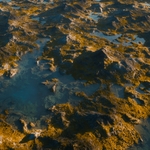
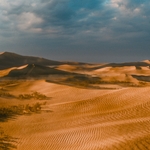
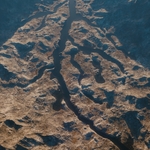
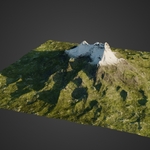
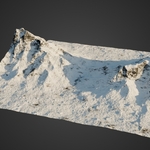
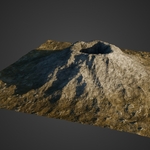
7. Terrain & Water Systems
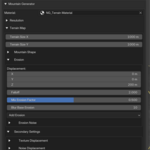
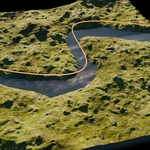
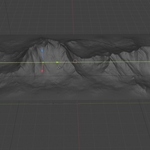
Terrains & Mountains add:
- Separate X/Y resolution (affects erosion shapes)
- Procedural terrain maps with random seeds
- Custom shapes via gradient or curve objects (for valleys, rivers, mountains)
- Noise displacement (XYZ influence, seed, settings)
- Texture displacement for rock detail
- Erosion settings (height, falloff, inverted valleys)
- Boundary falloff to flatten edges
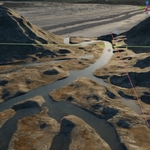
Water Effects:
- Adds procedural water shader
- Control height, depth, rivers via curves
- Shader includes animated noise for water motion (speed X/Y)
- Works layered with terrain shaders (base rock, grass, snow, etc.)
8. Performance Tips
- Start with low geometry resolution; increase only when ready to render.
- Use 1K or 2K textures while working. Switch to 4K at render time.
- Keep scatter previews disabled if viewport slows down (Blender shows instances as cubes).
- Place texture pack on an SSD.
9. Troubleshooting
Pink Materials
- This is not caused by the addon.
- On a small number of systems, Blender’s OpenGL backend fails to compile the shaders.
- Fix: Go to Edit → Preferences → System → Display → Graphics Backend → set Vulkan, restart Blender.
Textures missing (pink or gray objects)
- Extract the Texture Pack.
- Use File → External Data → Find Missing Files… and point Blender to the root texture folder.
- Then use Make All Paths Relative and save.
Assets look too heavy / viewport lagging
- Lower viewport resolution in Geometry tab.
- Use bounding-box scatter preview.
- Switch textures to 1K.
10. About the Author
I’m Andreas Dürr (Cinematic Cookie) — filmmaker, VFX and 3D artist, with extensive Blender experience. I share tutorials and insights on YouTube, Instagram, ArtStation, and Patreon.
-
$99
Nature Generator Add-on| Future Updates | If you don't plan to make money with this product.
-
$169
Nature Generator Add-on | Future Updates | If you plan to make money with this product.
-
$259
Nature Generator Add-on| Future Updates | Studio License
Have questions about this product?
Login to message
| Sales | 600+ |
| Rating | 8 ratings |
| Dev Fund Contributor | |
| Published | about 1 year ago |
| Blender Version | 4.1 - 5.0 |
| Render Engine Used | Cycles, Eevee |
| License | Royalty Free |
Discover more products like this
landscapes 3d asset library #nature geonodes-environment 3D Generator advanced-procedural