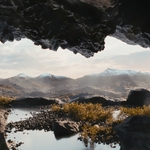

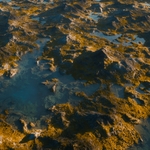
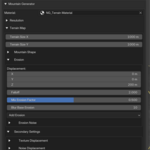
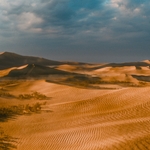
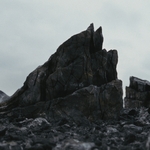
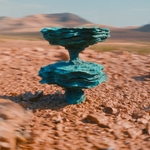
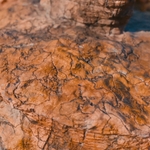
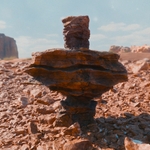

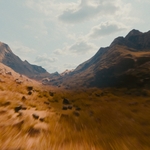
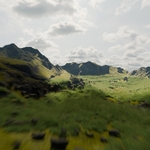
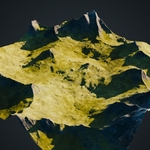
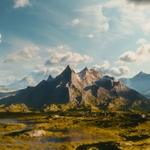
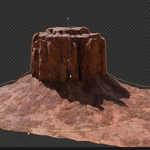
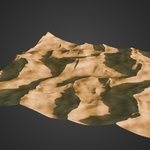
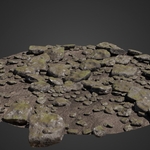
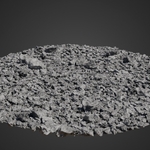
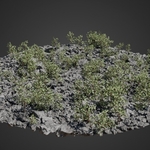
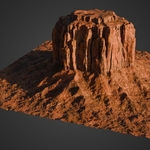
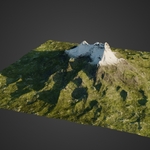
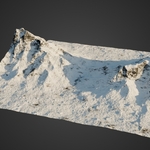
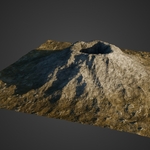
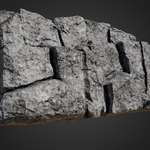
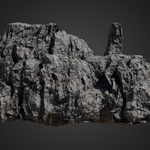
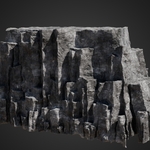
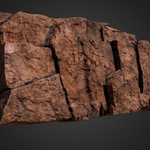
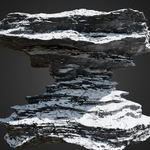
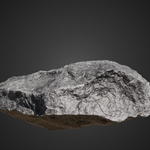
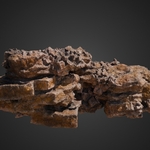
The Nature Generator

Andreas Dürr in Simulations & Effects


Item Rating

This item has an average rating of 4 from 8 ratings by the community.

75%
0%
0%
25%
0%

Purchase this item to leave a review!

  • Tony Grant
    8 months ago

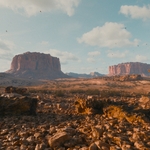
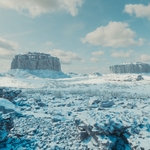
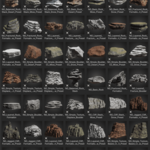
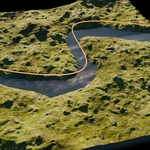
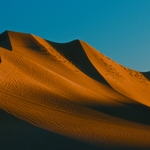
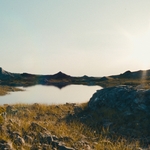
    This is the best, most creatively intuitive Terrain add-on on the Blender Market. The reason why I rate this the best, is because its a fully, functioning add-on with assets, not a blend file with nodes clogging up the UI. The way Andreas has this set up makes it simple for lower end PC's and high end as well. This doesn't freeze my UI like True Terrain or have loading problems. The presets, rocks, snowy mountains, grassy landscapes and scatter features are beauitful, high quality and the customizations are endless. I mean no disrespect to any other developer on Superhive and do not want to detract business away from them--But Nature Generator is the BEST, most robust and beautiful Terrain add-on yet. I FINALLY have the snowy mountains I've been looking to customize. Nothing is beating this. It's worth the money and investment.

  • Roger Harris
    11 months ago

    Absolutely brilliant! Every time I use this I get a silly grin on my face! It's just so good. Super fast, intuitive and with stunning results every time. Far and away my new favourite addon.

  • Oliver Beck
    12 months ago

    Great addon. I love the assets and how versatile they are. This helps me speed up my workflow with natural scenes.

  • Stephen May
    about 1 year ago

    Excellent addon! A pleasure to use with outstanding results. Needs a little more documentation for those things you can't quite figure out for yourself but overall very easy to use and extremely satisfying results.

  • Paul
    about 1 year ago

    This is a superb add on, easy to use, and the results and detail are amazing!

  • thegreattank
    about 1 year ago

    Outstanding addon ! Works as advertised out of the box.

  • Mark Weiss
    3 months ago

    I bought this because I was impressed with a previous add on for Blender by this author, City Generator. However, Nature Generator, though it has great potential, crashed my Blender 5.1.1, and left it in a non functional state. I simply tried to switch to Material Preview mode and Blender froze. I was forced to close the application by choosing "close the non responsive application and report to Microsoft." By non-functional, I mean that the render image function broke. I can press F12 and the focus now goes away from the Blender window, but no render window opens. I can see a second Blender process on the Taskbar, but I cannot raise it.
    I ended up deleting my Blender preferences to get F12 rendering back, but I lost ALL of my add ons! I had to hunt down every extension and add on I could remember, and reinstall them one by one, which took HOURS.
    Now I'm afraid to use this Nature Generator because of the crash doing damage like that.
    Reason I bought Nature Generator was because I'm working with large terrains for a music video in which a spacecraft flies over miles of alien terrain. My terrain isn't very realistic. When I saw the demo videos, I thought "finally, I can create realistic terrains!" and I bought it. But I can't figure out how to get high res terrain. In order to fly at the right altitude over the terrain, the textures look super low resolution. Even though I pointed the Texture dialogue to the 4K texture in the optional pack. Terrains only look good above 1000' altitude, but then I can see the four corners of the terrain limits, so that's no good.
    I was really upset that I lost an entire evening rebuilding my Blender setup after that crash. I've never had Blender become corrupted before. It rarely ever crashed during normal use.
    Use it at your own risk. And back up everything before you do anything.

  • Nicholas
    9 months ago

    stopped working all i get is purple textures

    • Andreas Dürr

      9 months ago

      Purple (pink) textures are not caused by the addon. This is probabaly a known Blender issue that happens on some systems when OpenGL fails to compile complex shaders.

      Fix (takes 30 seconds):
      Go to Edit → Preferences → System → Display → Graphics Backend
      Switch from OpenGL to Vulkan, then restart Blender.

      This is a Blender-side rendering backend problem and has affected many users across different addons and projects. Once Vulkan is enabled, the materials work normally again.

      If you had contacted support first, this could have been resolved before writing a review.

  • Displaying 8 ratings
  • Nature Generator Add-on| Future Updates | If you don't plan to make money with this product.

    $99
  • Nature Generator Add-on | Future Updates | If you plan to make money with this product.

    $169
  • Nature Generator Add-on| Future Updates | Studio License

    $259
$99

Have questions about this product?
Login to message

Details
Sales 600+
Rating
8 ratings
Dev Fund Contributor
Published about 1 year ago
Blender Version 4.1 - 5.0
Render Engine Used Cycles, Eevee
License Royalty Free