 Astopia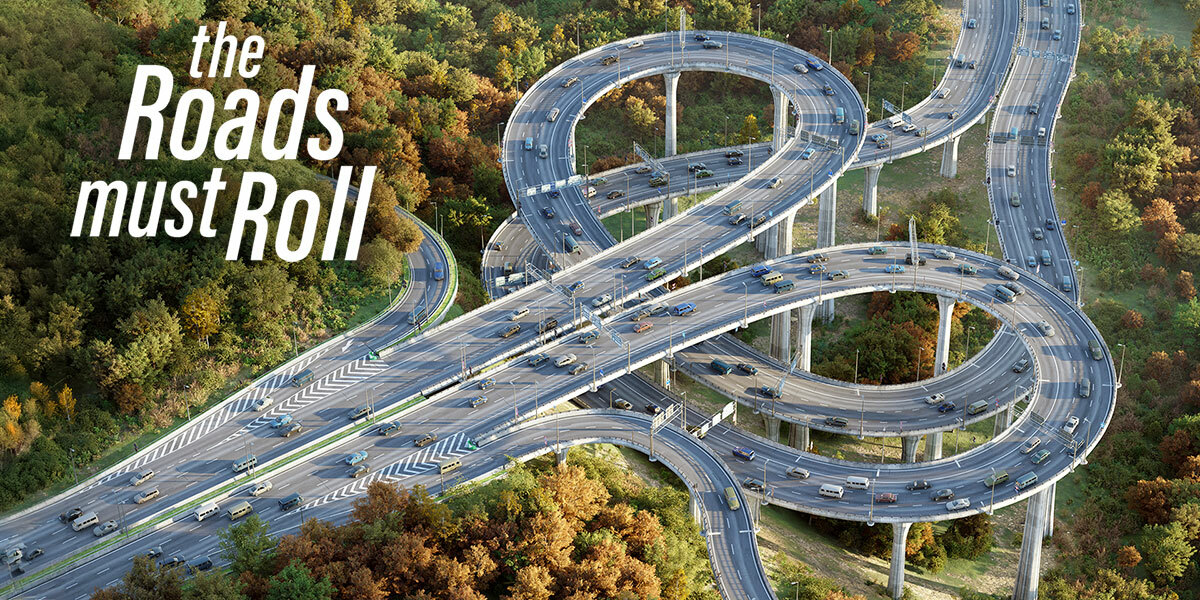

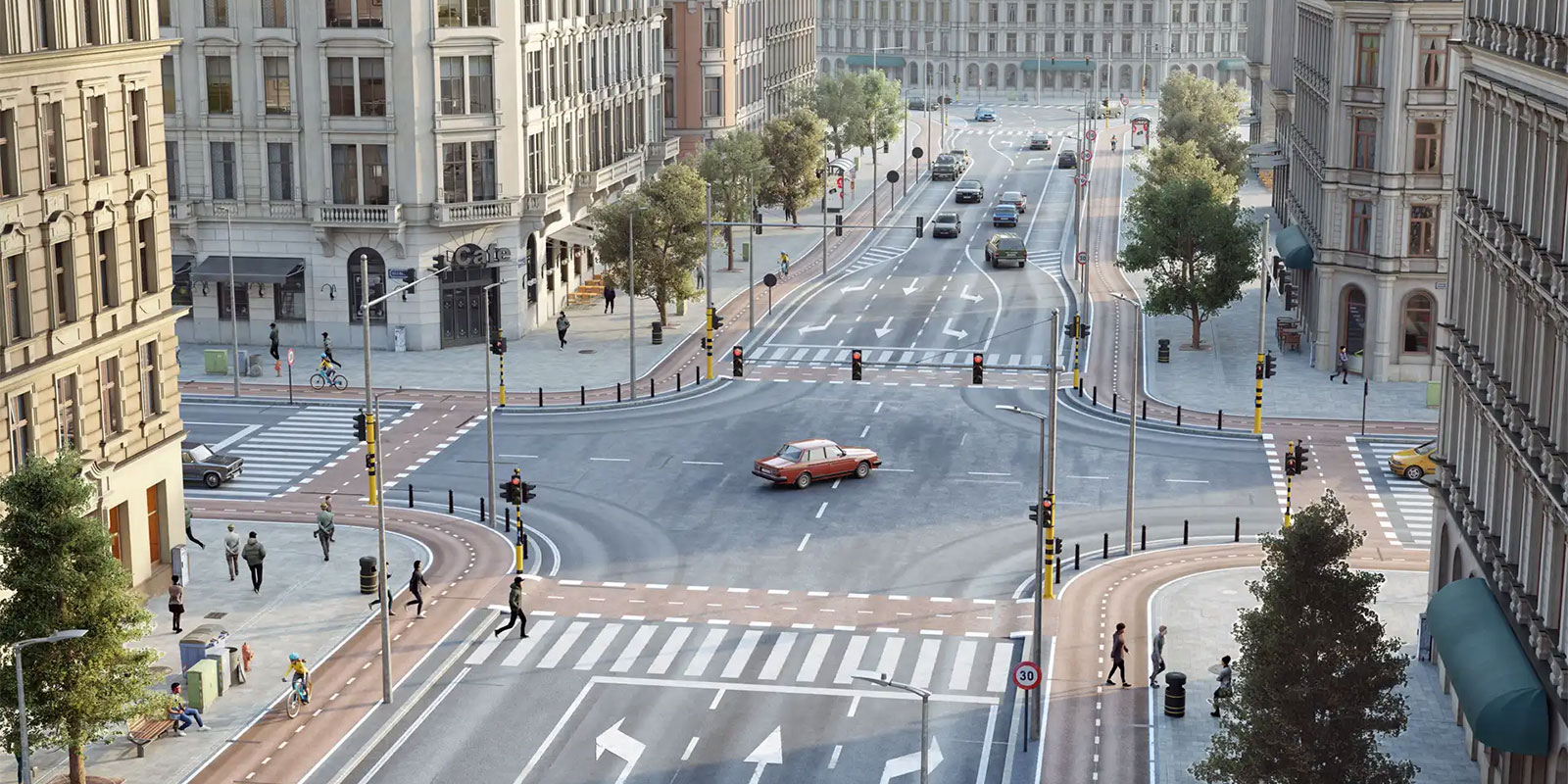









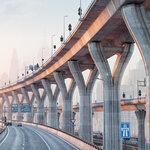
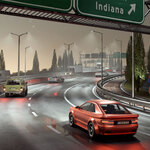
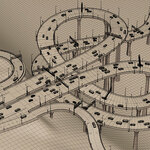
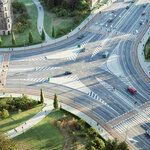
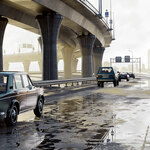
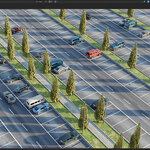
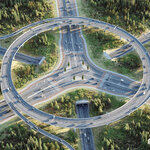
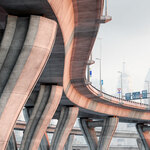



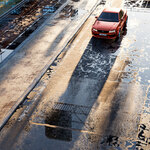
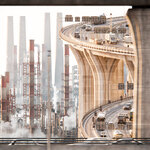
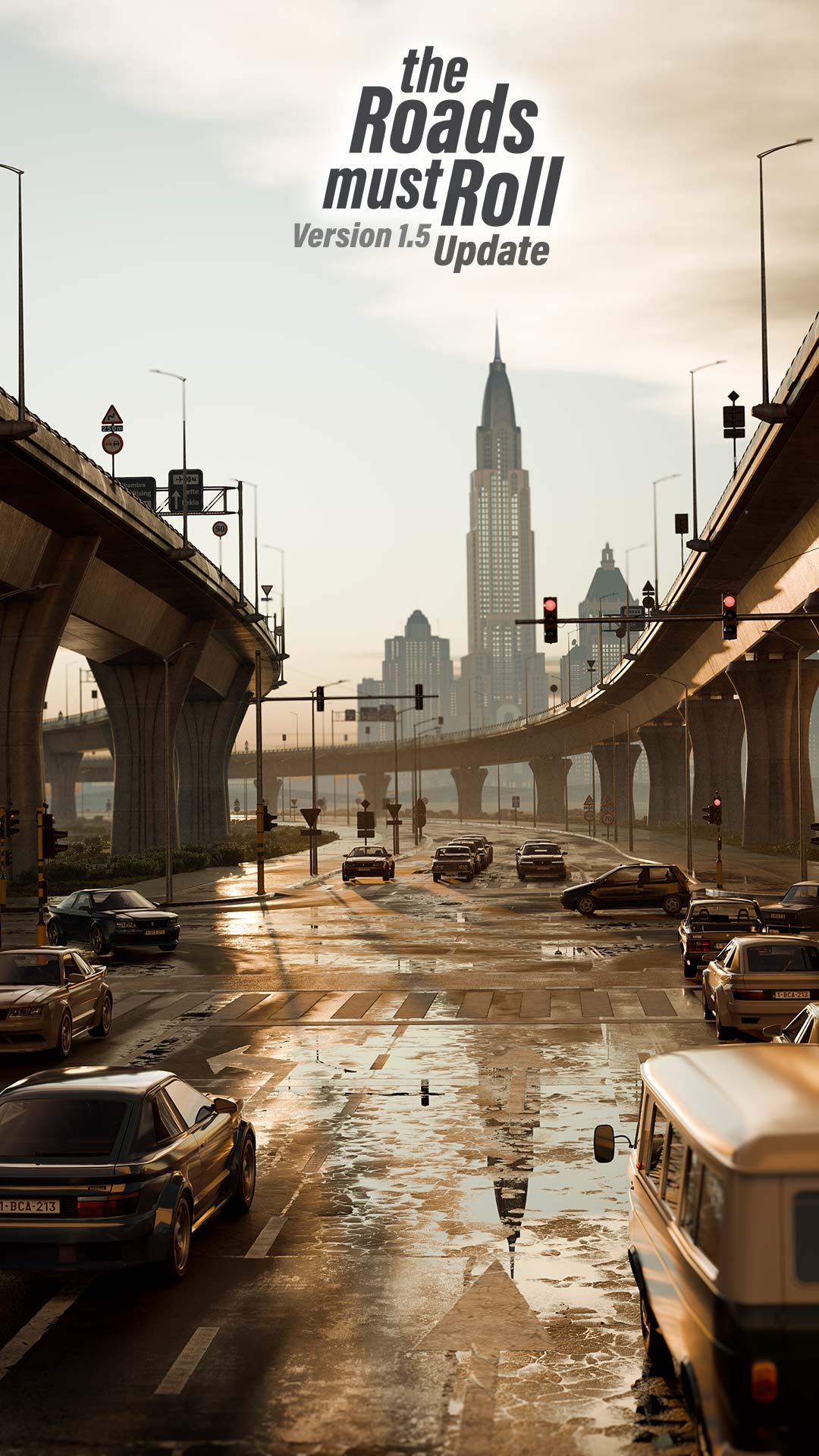
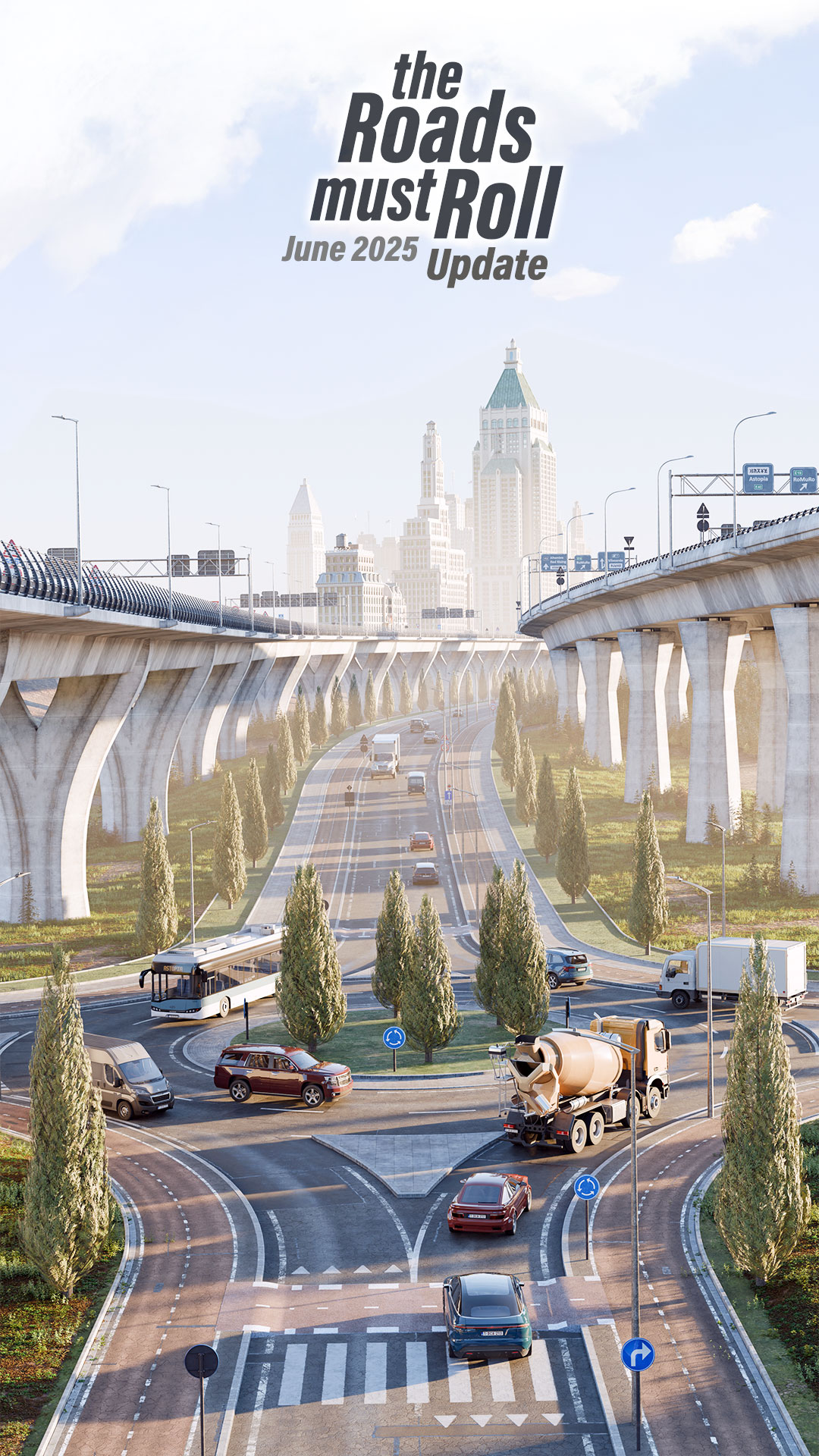
A new road generator that allows you
to create photo-real streets, bridges
and intersections in minutes, not days.
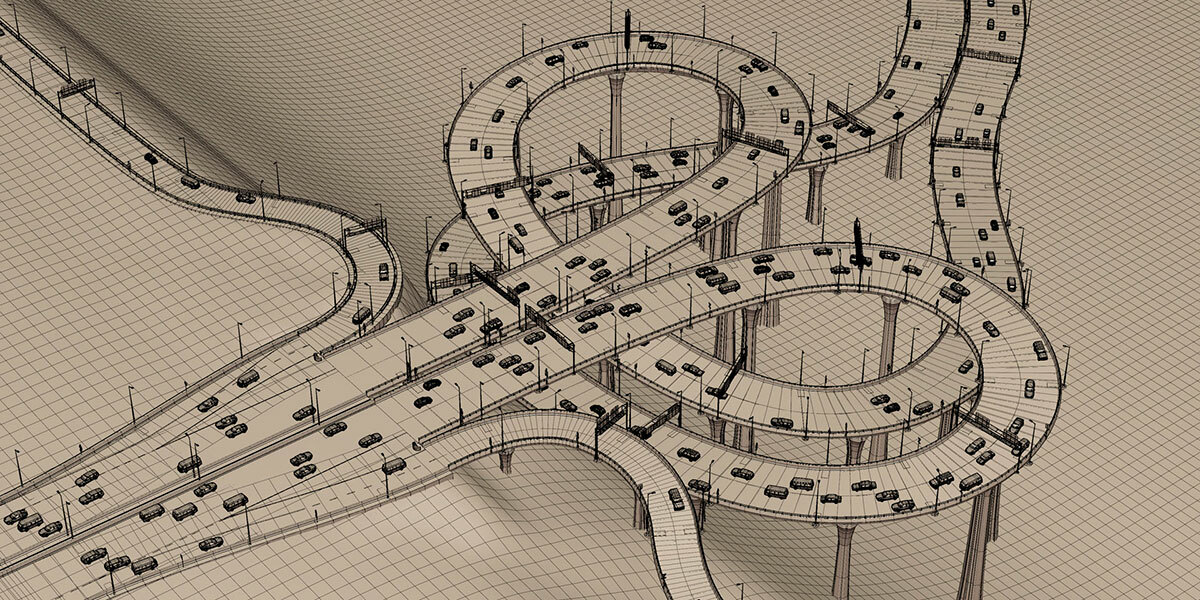
Everything is procedural and based on curves.
Made for Cycles.
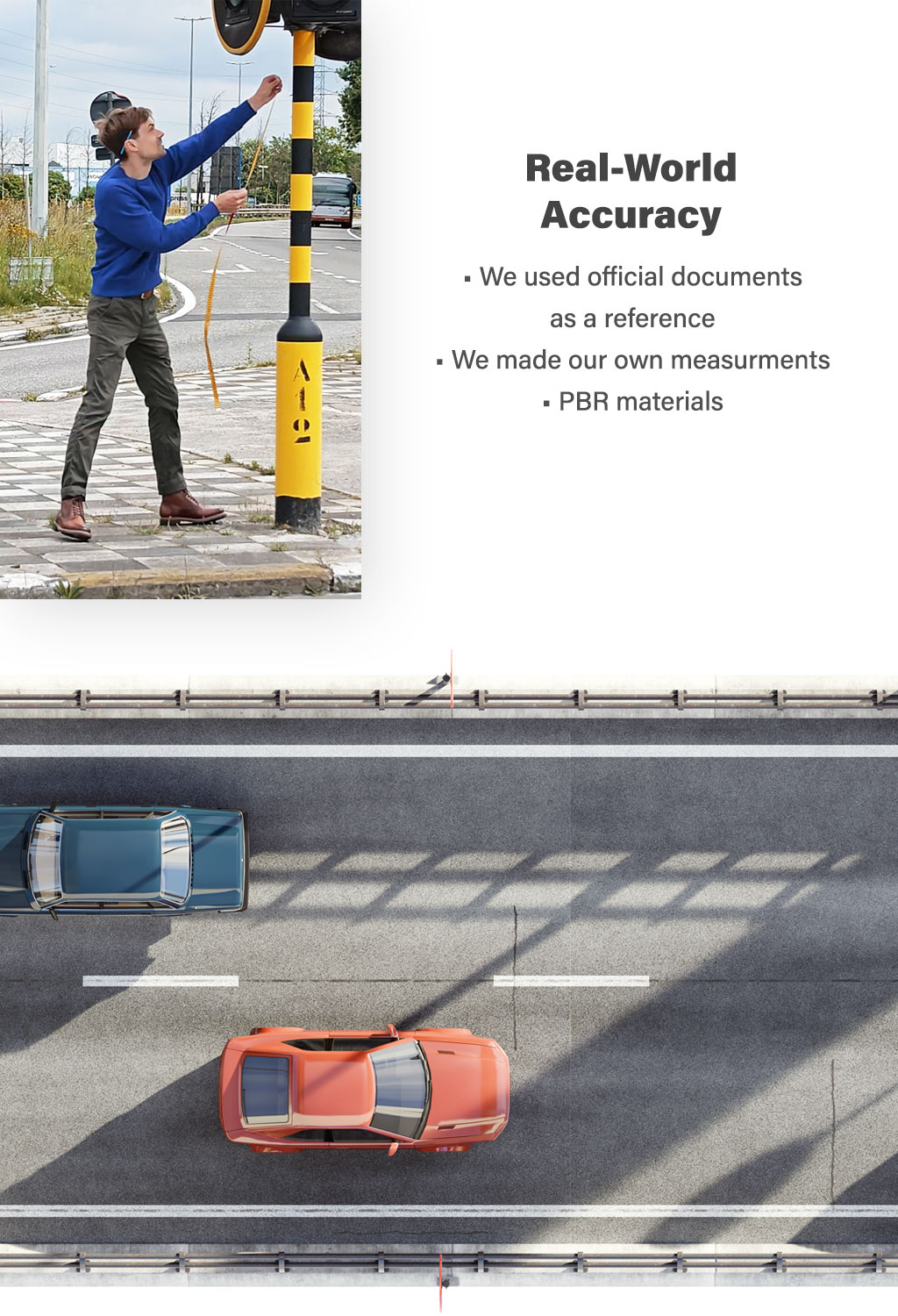
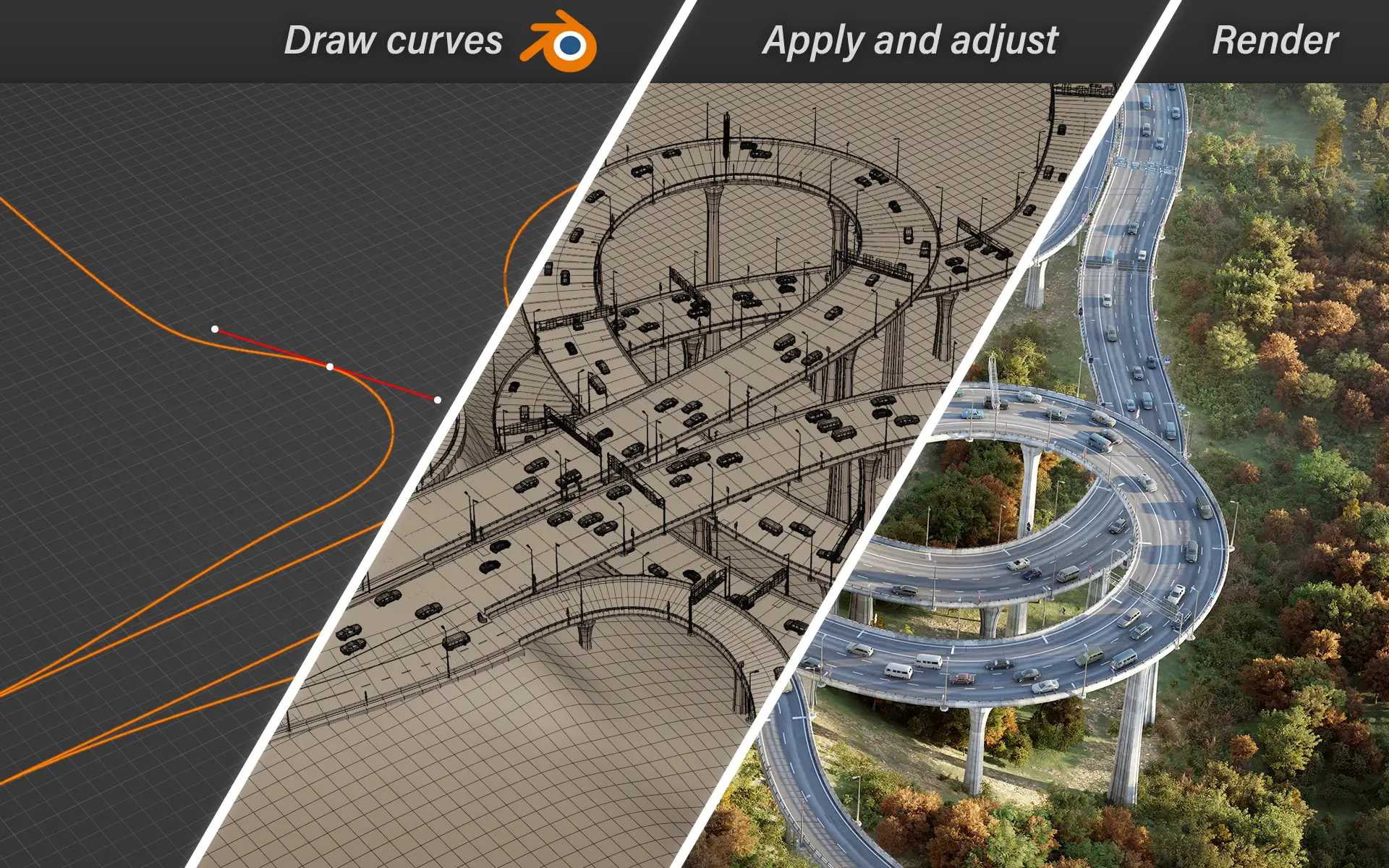
Based on curves
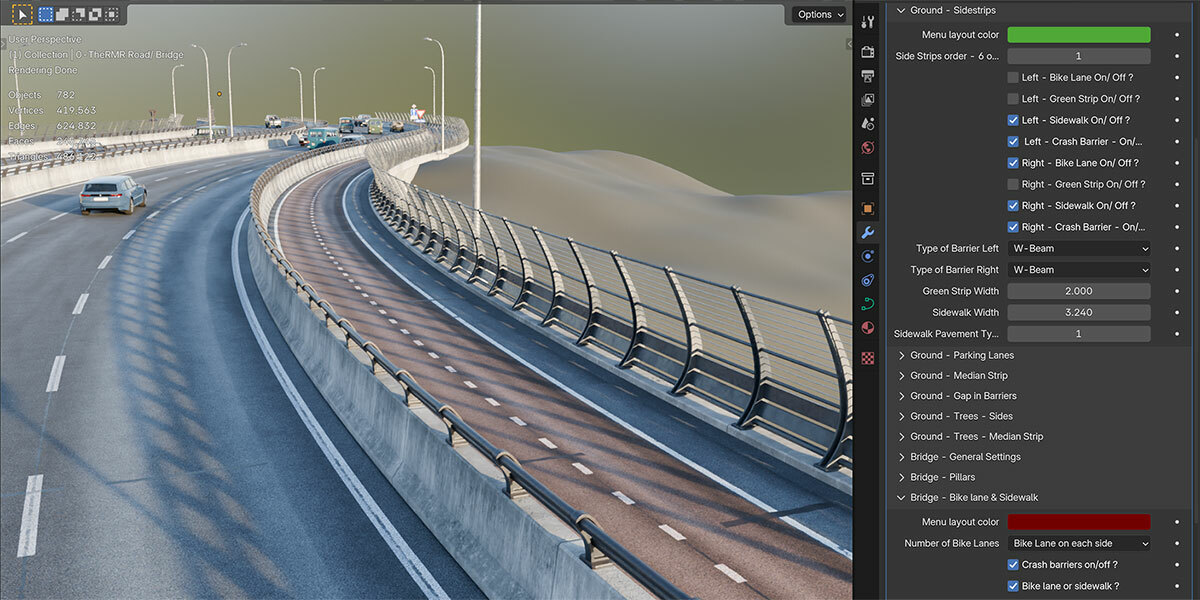
170+ configurable settings at your fingertips.
One tool, many Roads
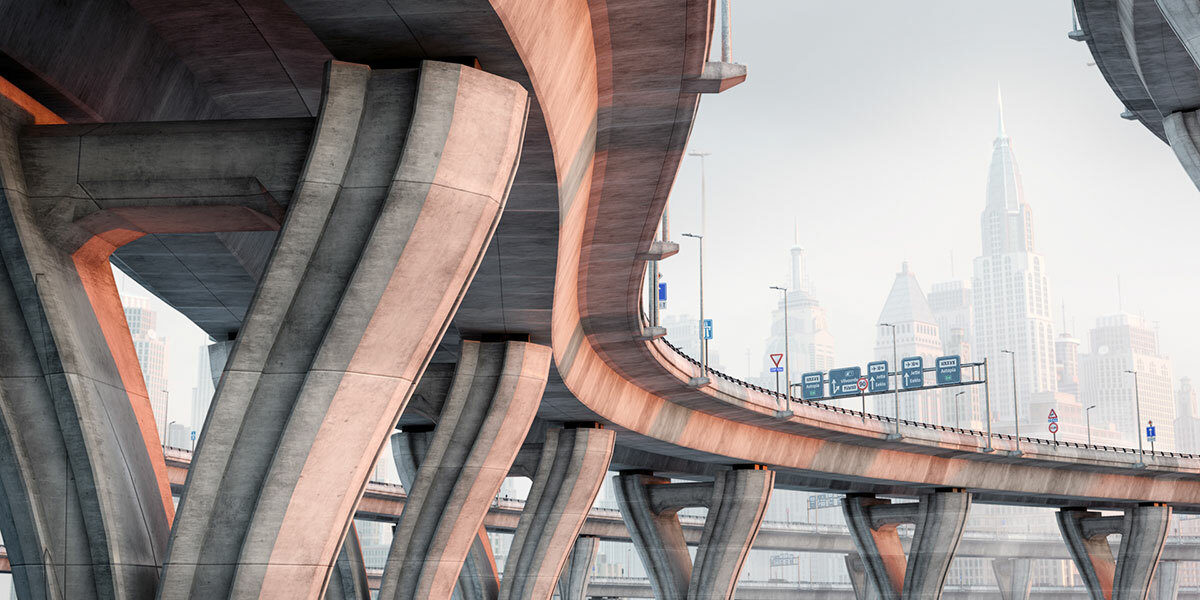
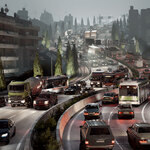
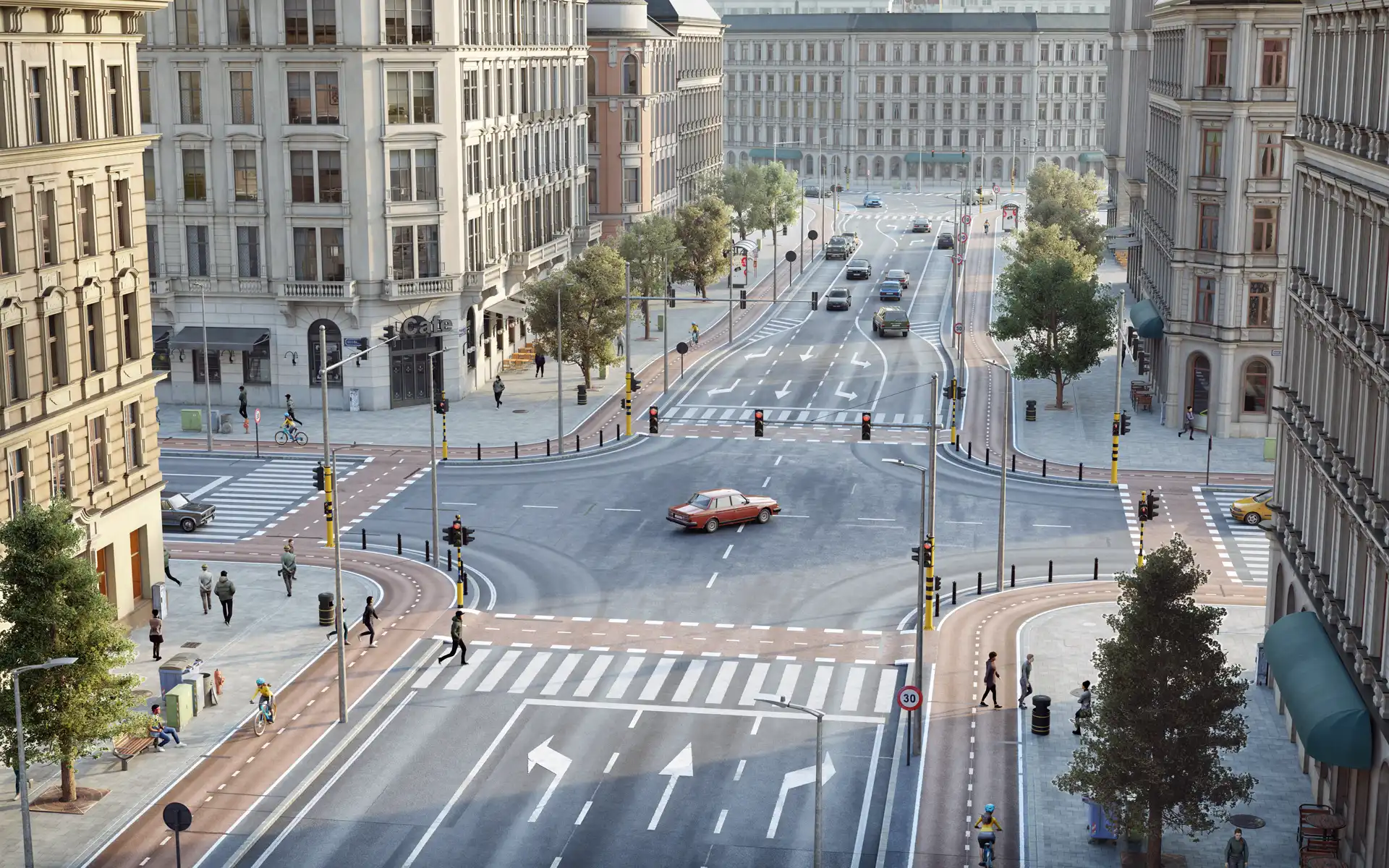
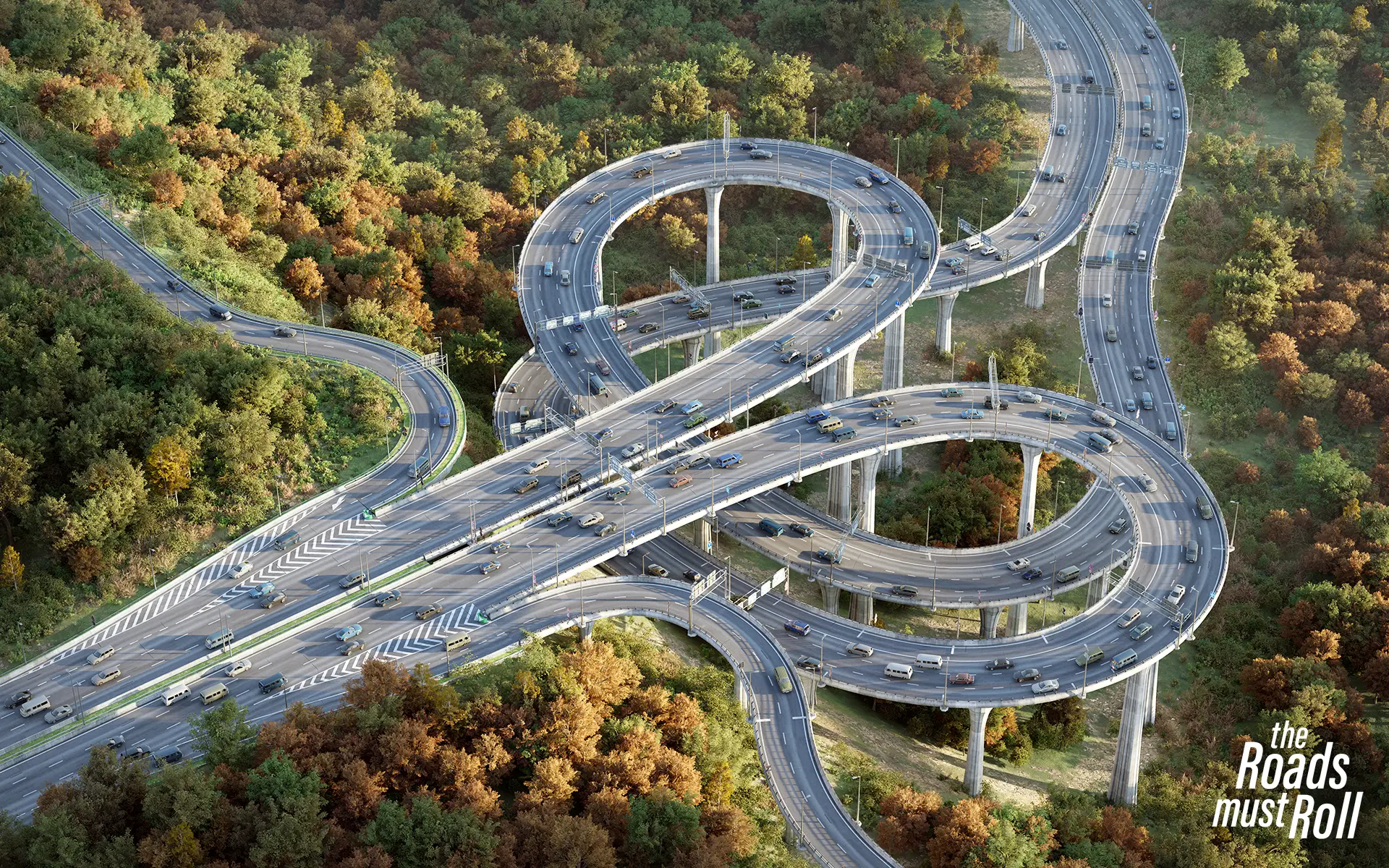
A city street, highway, bridge, traffic junction, ... the choice is yours.
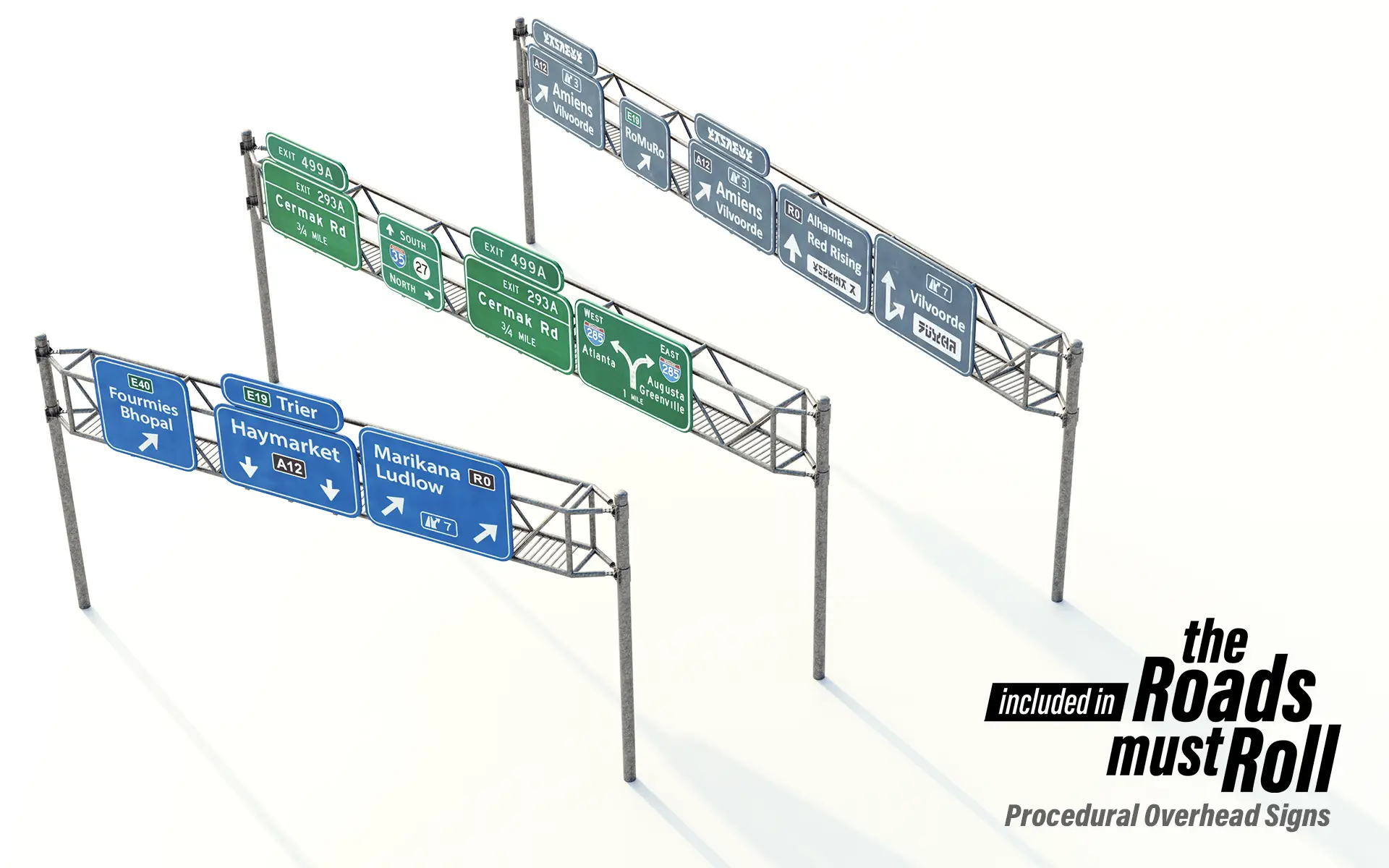
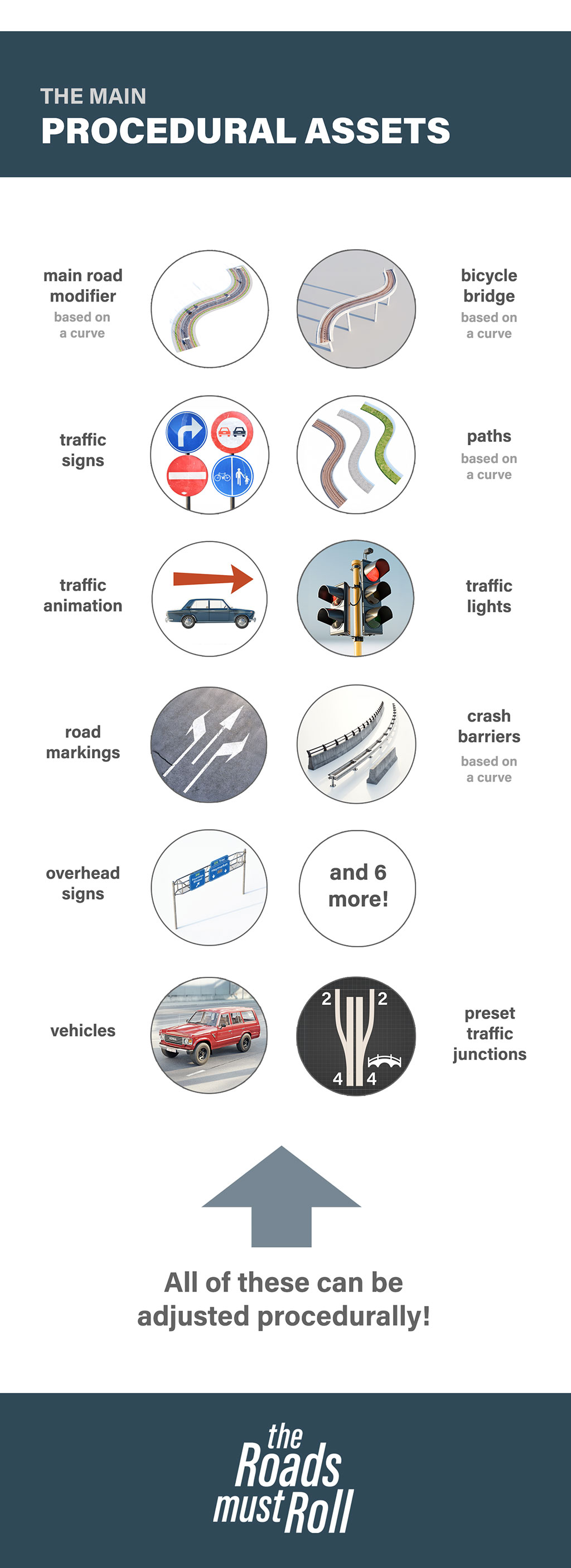
15 Procedural Assets
From bicycle bridges to traffic lights and road markings, we've got you covered.
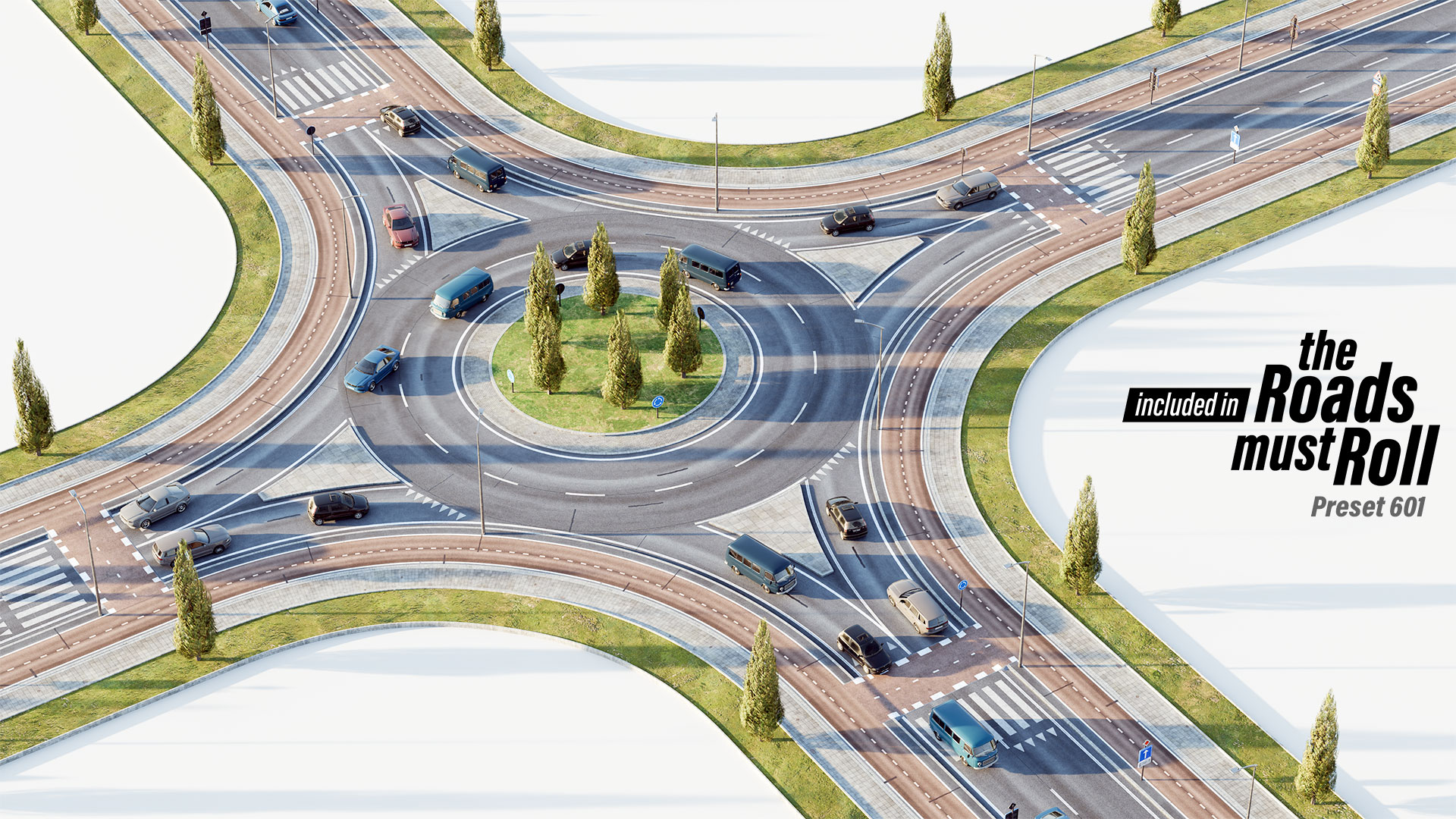
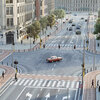
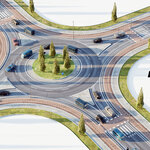
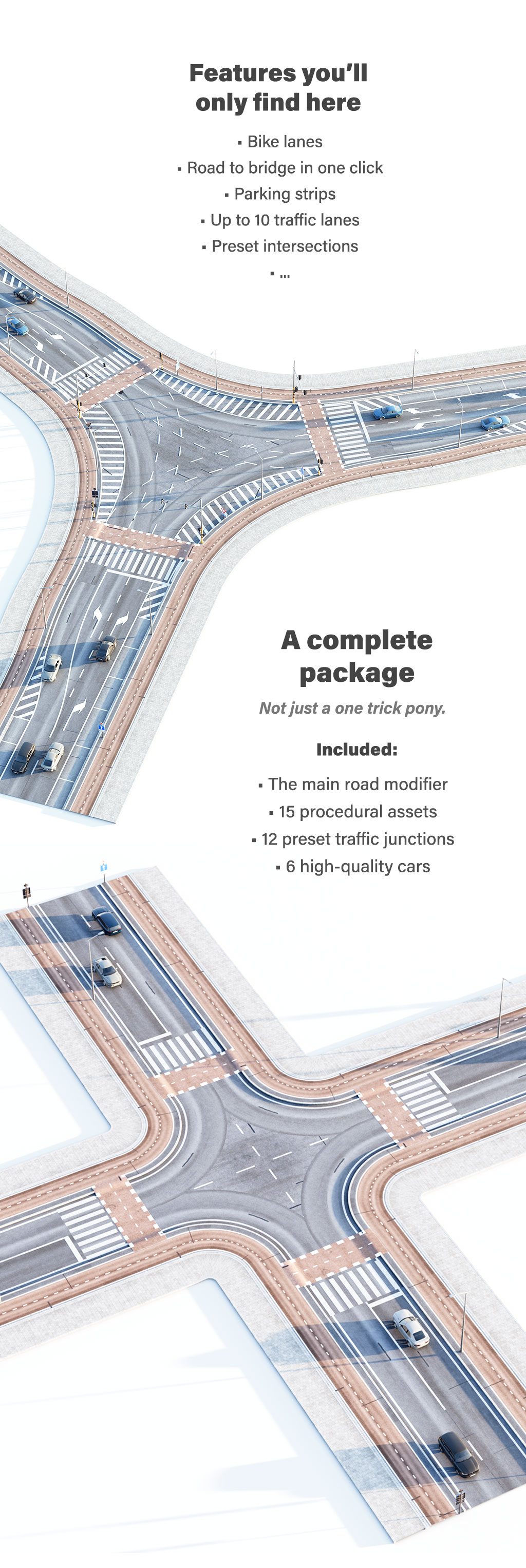
12 Preset Intersections
A collection of pre-made intersections, so you can get started right away.
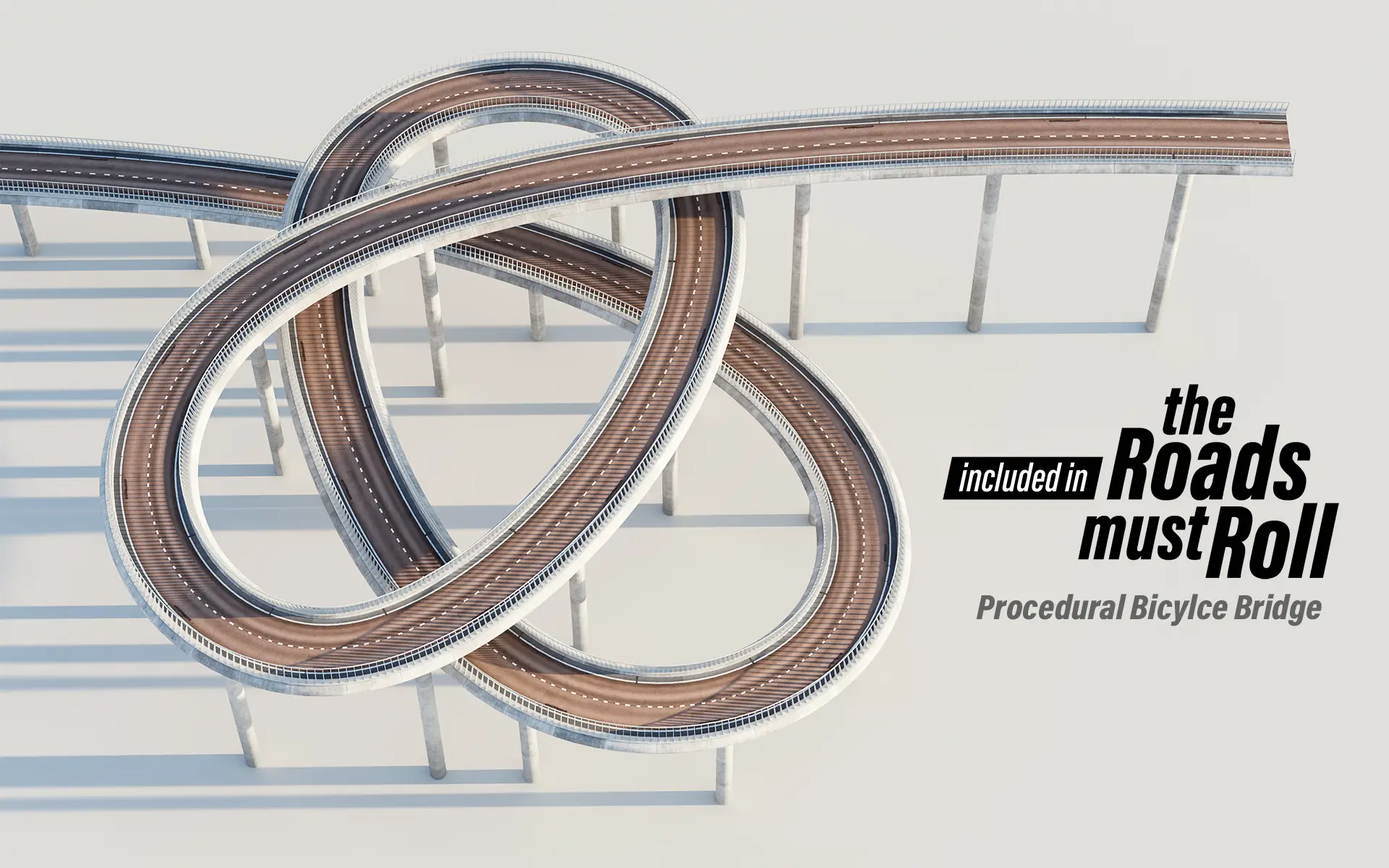
Procedural Everything
Customize every prop with ease -
just head to the modifier panel to personalize your scene.
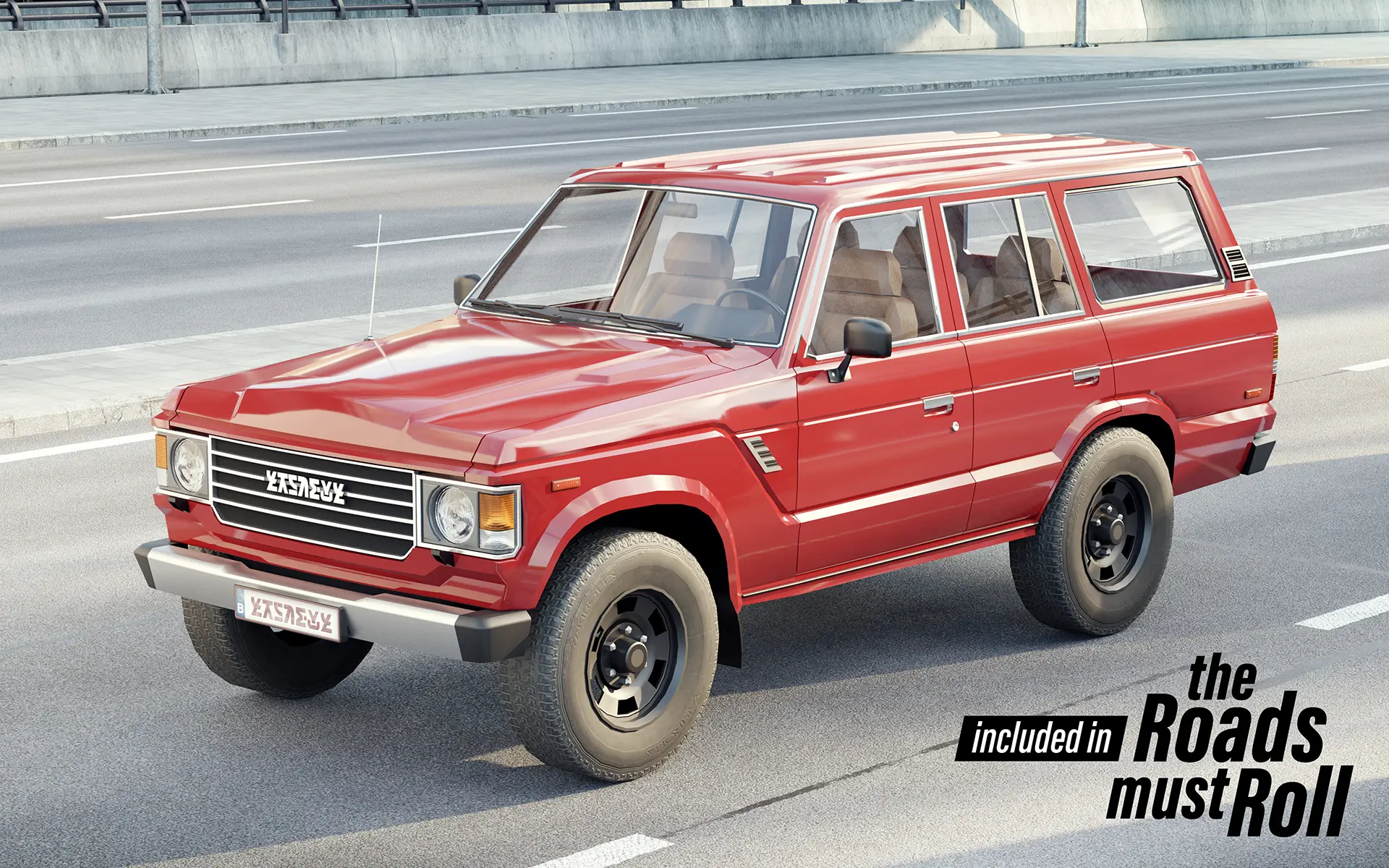
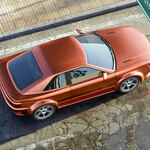
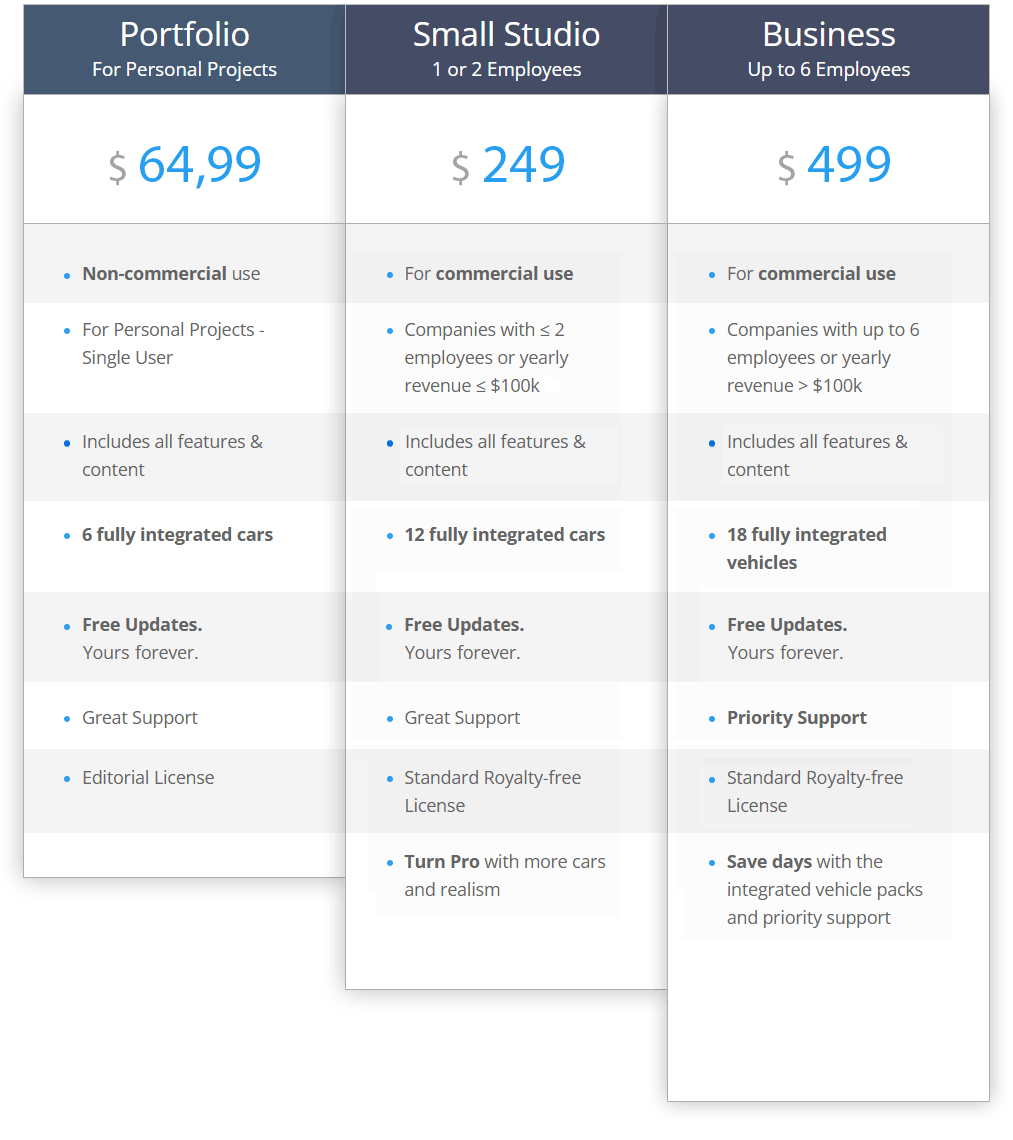
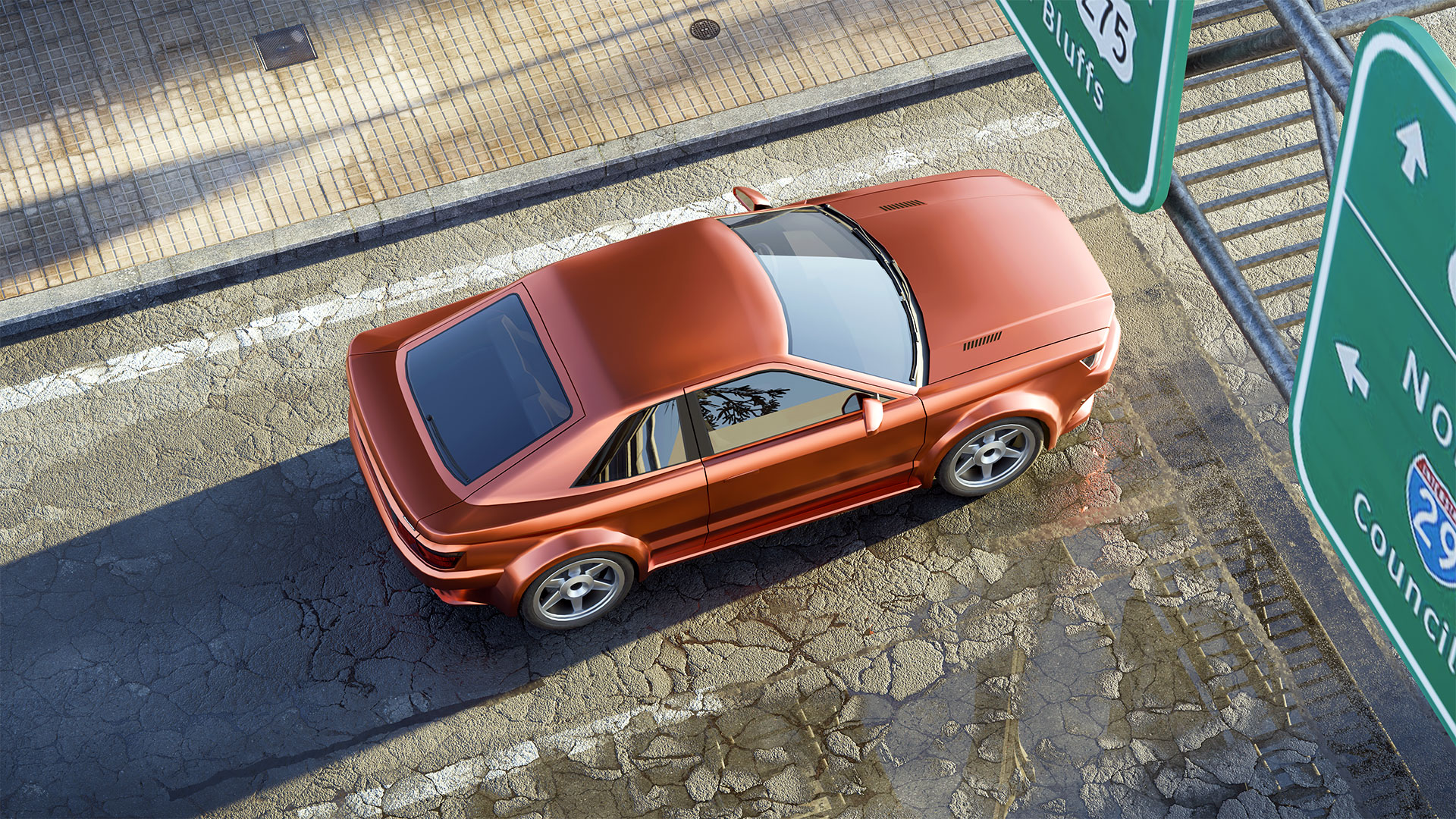
All Licenses – 6 Cars Included
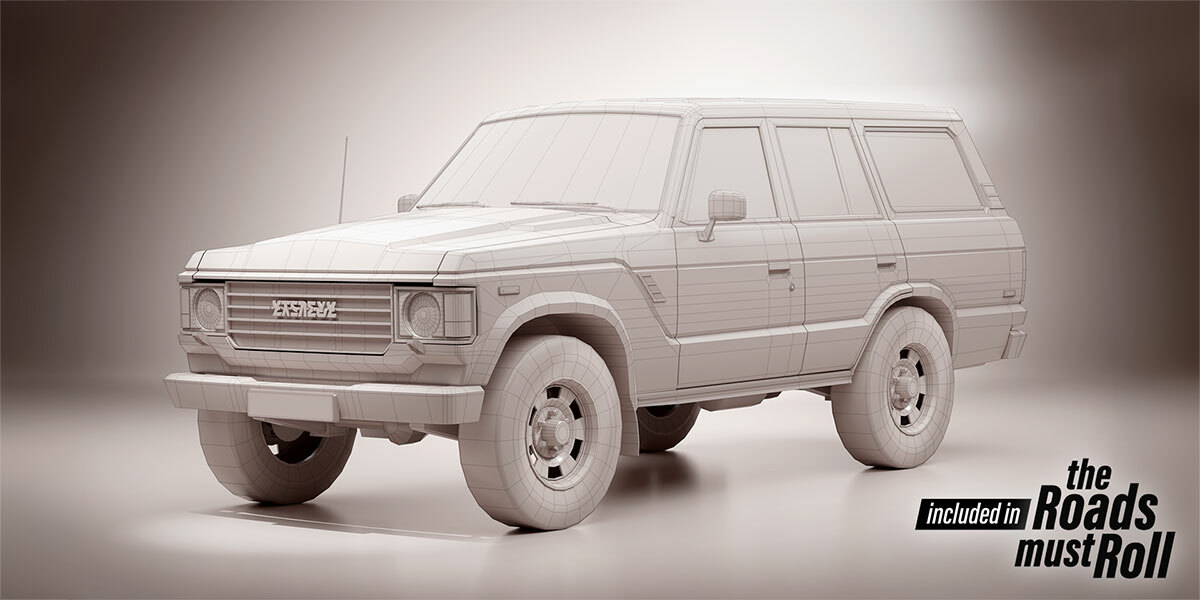
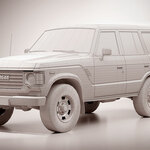
Meticulously hand-modeled with performance in mind.
✧ Optimized geometry: only 20–40k triangles per model for excellent performance
✧ Additional low-poly (1-2k) variants integrated for use as proxies
✧ Optional low-poly drivers
✧ Rotating wheels
✧ Adjustable headlights and taillights
✧ Randomized colors
Easily use your own vehicles too!
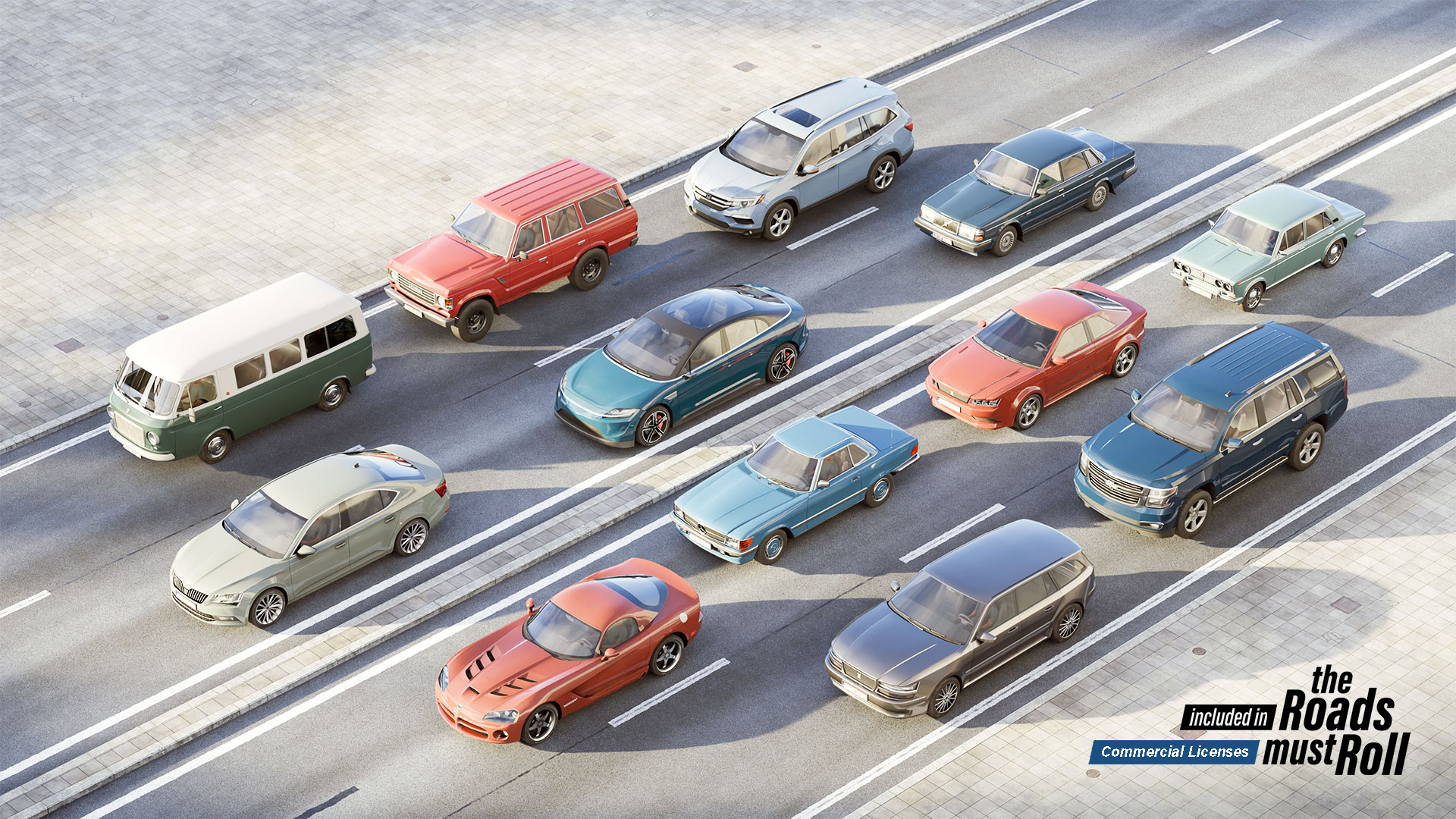
Small Studio License – 12 Cars
Includes 6 additional fully integrated cars, bringing the total to 12 cars.
Visit the gallery page on our website to explore high-resolution renders of each model.
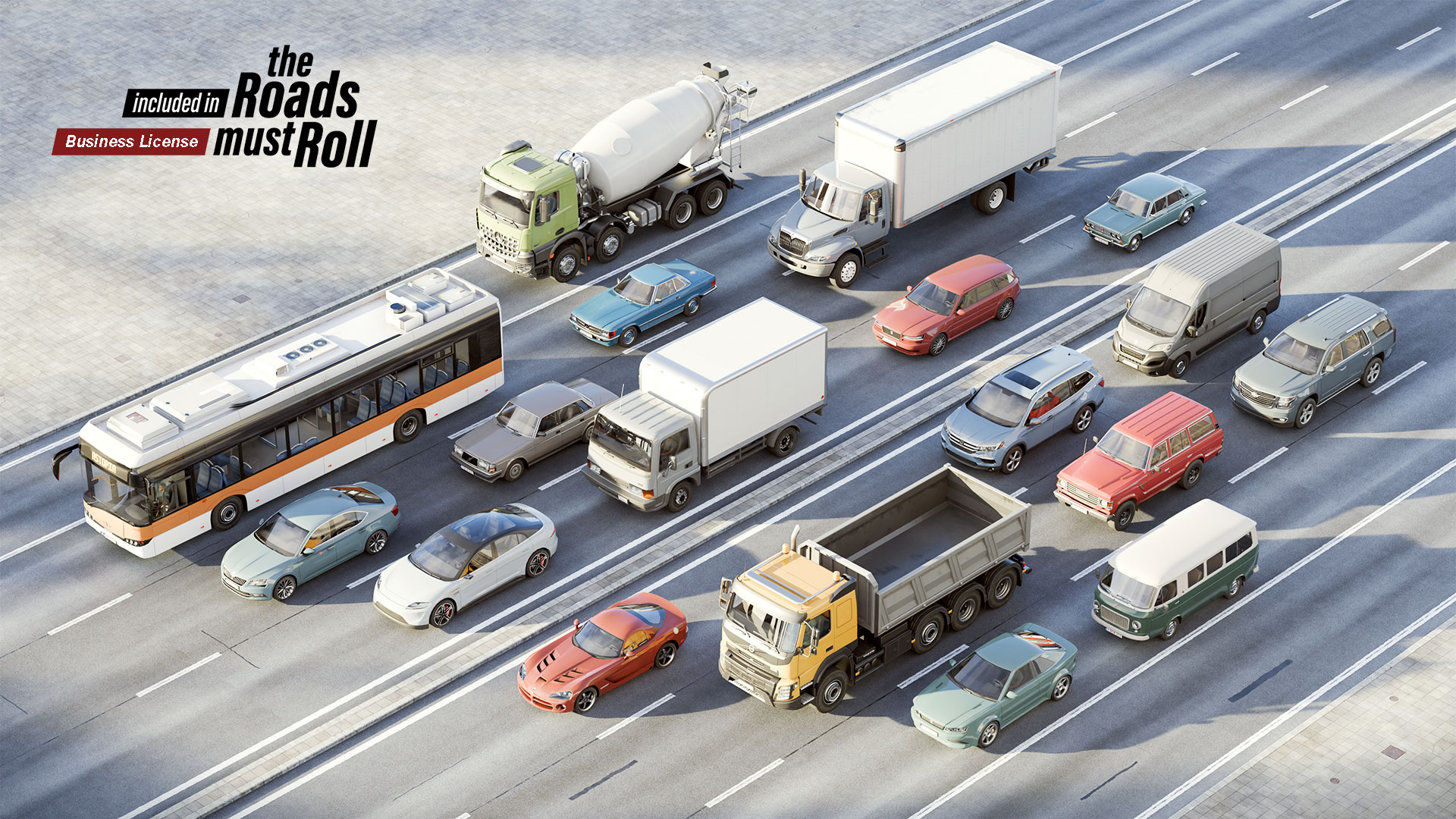
Business License – 18 Vehicles
Includes 6 additional fully integrated large vehicles on top of the 12 cars provided with Small Studio License, bringing the total to 18 vehicles.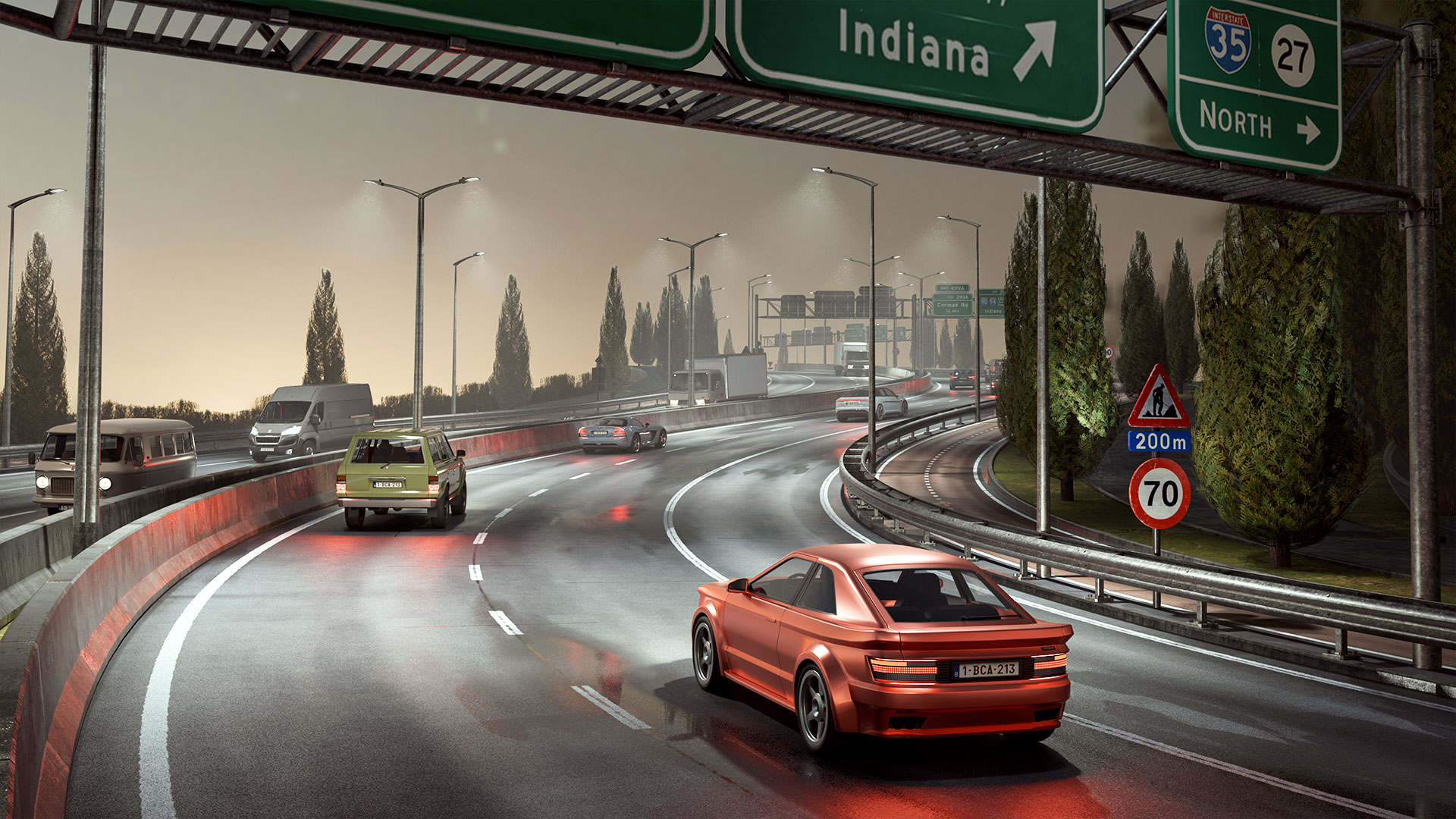
Night time is the right time?
Turn on the lamppost lights and vehicle lights with just one click.
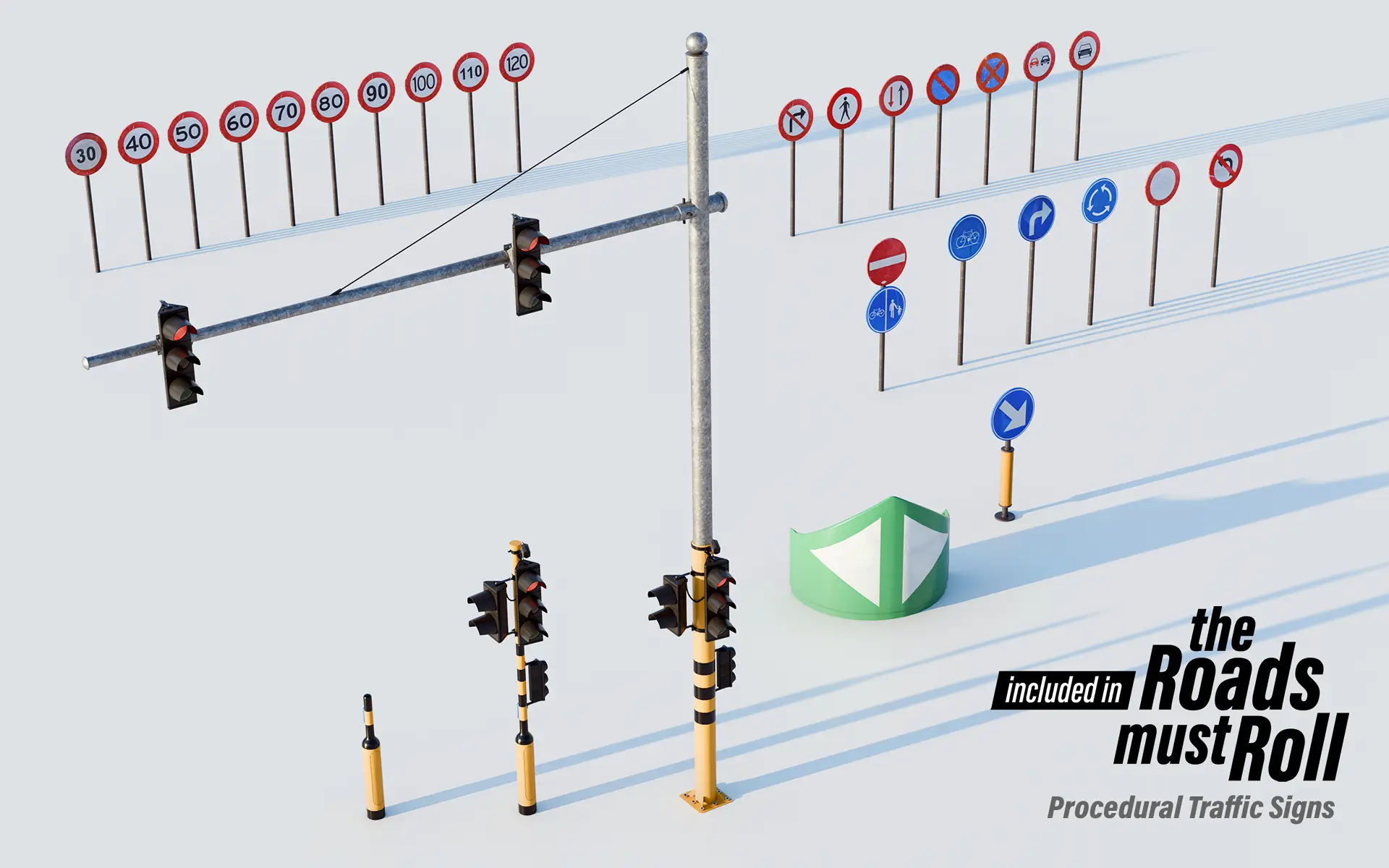
Based on the real world
3D models based on the real world just look better.
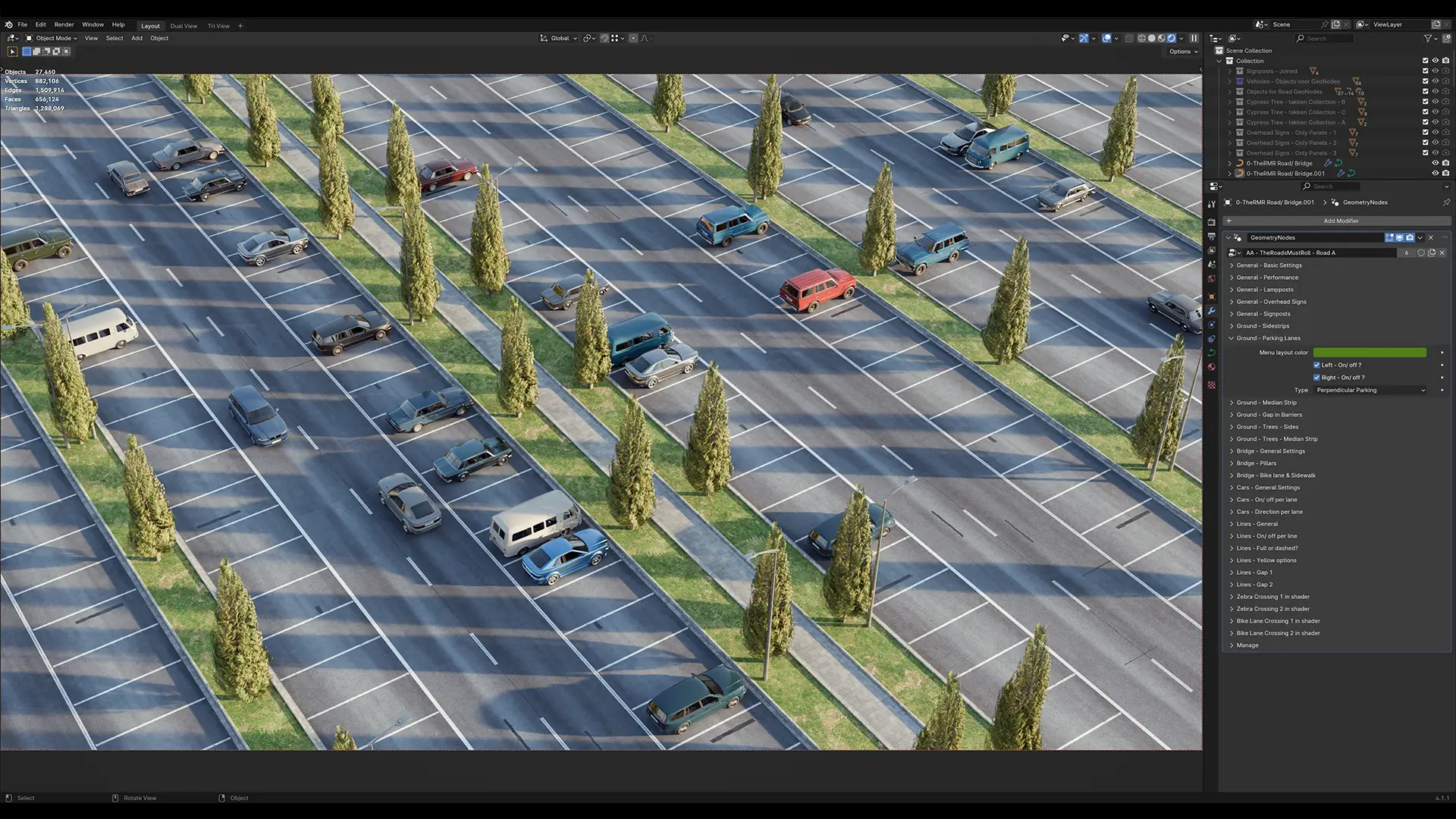
Parking made easy
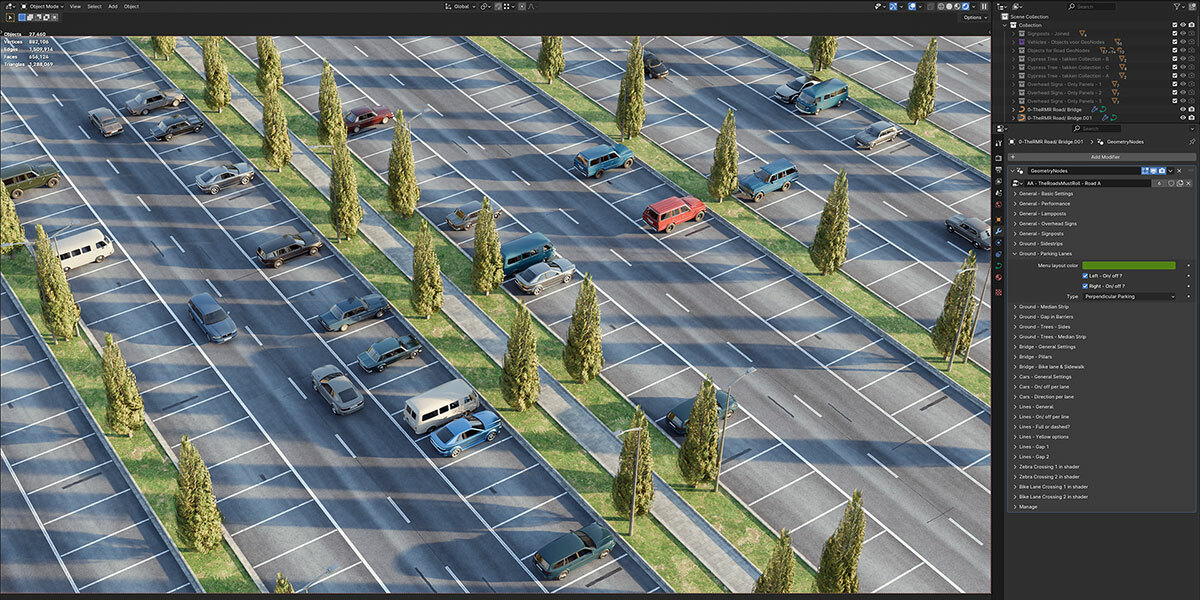
Choose from six different types of parking strips to park your cars just right.
Performance options
✧ Choose less resource intensive textures for your materials for use as proxies in the 3D viewport
✧ Optional low poly trees for use as proxies
✧ Optional low poly cars for use as proxies
✧ And more!
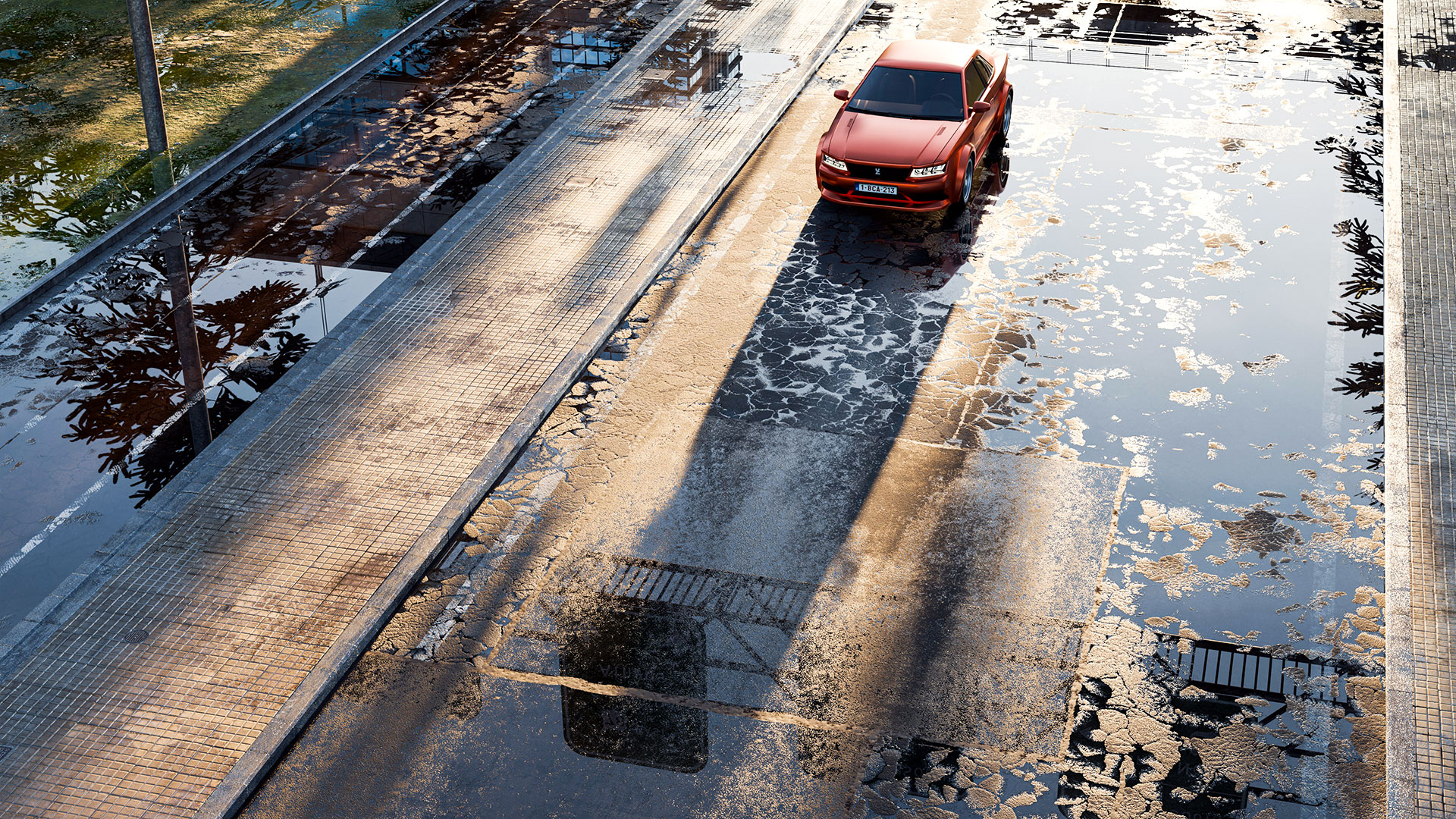
High quality materials
Our materials are ready to render
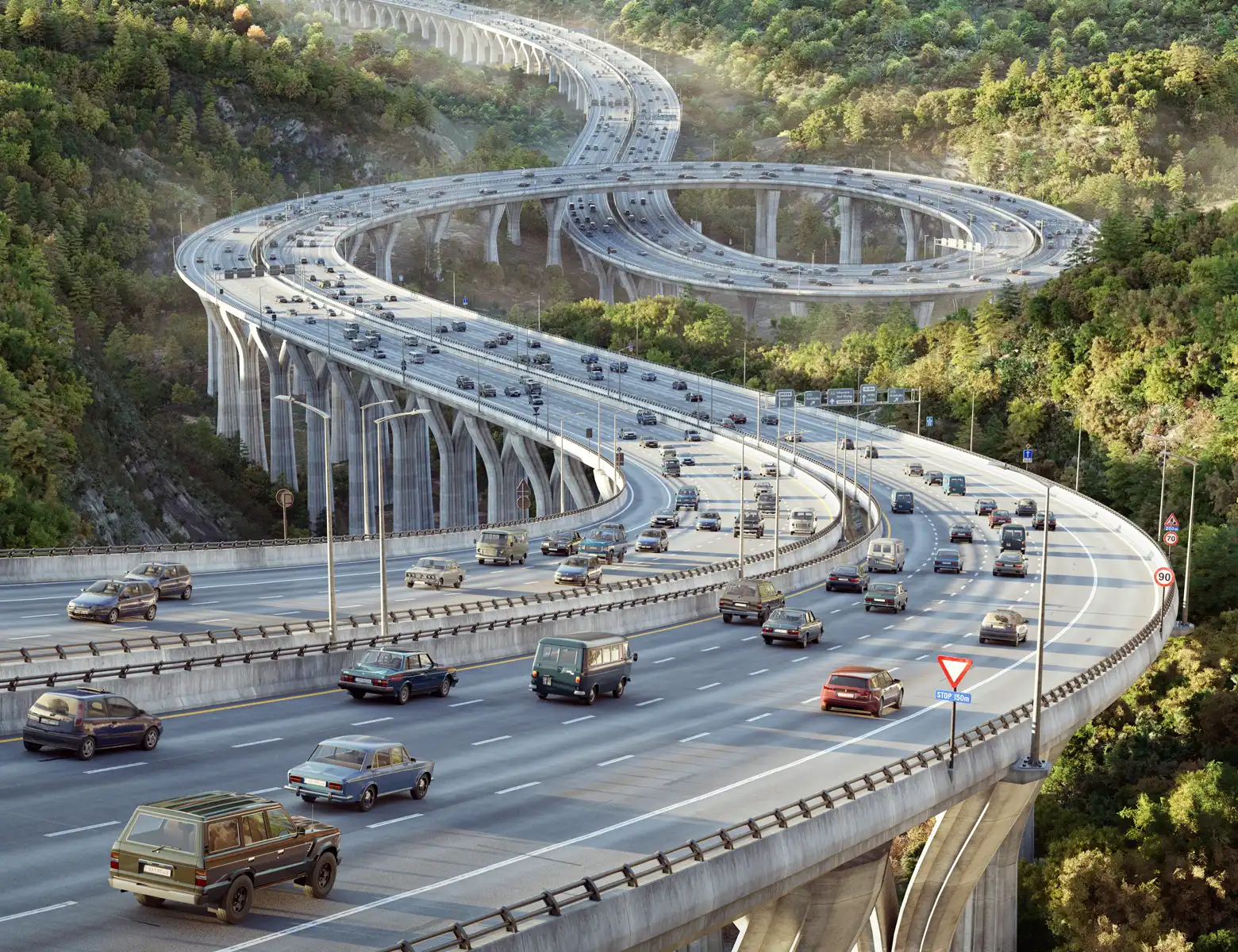
Animate your cars
Easily animate cars along a curve, using either your car models or ours.
Control speed, spacing, density, and direction to suit your needs.
Wheels rotate, and an optional low-poly driver is available.
Note: This is not a fully rigged simulation—cars do not interact with each other or the environment.
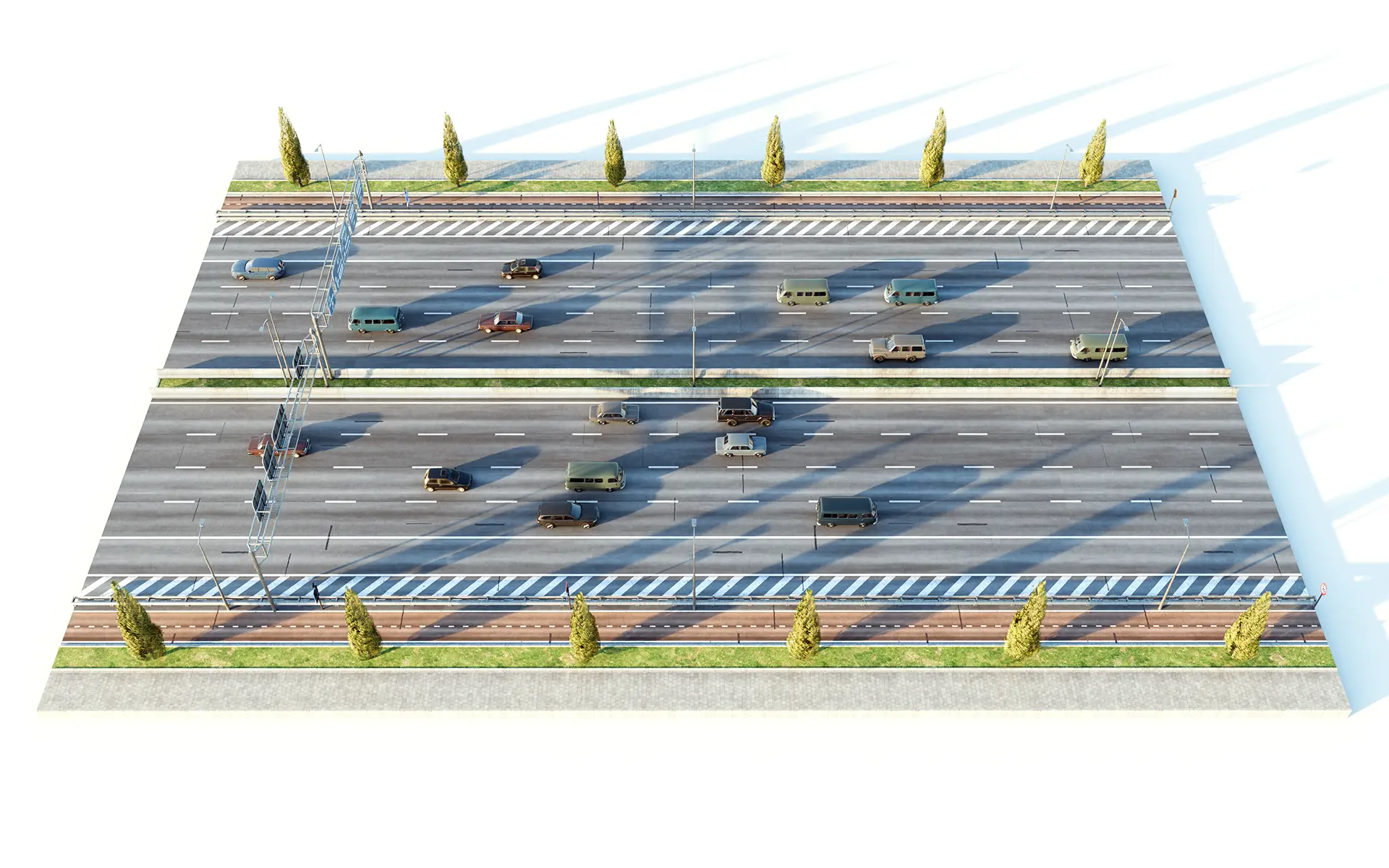
From 1 to 10 lanes
Choose the number of lanes that fit your project:
Single deck: 1, 2, 3, 4 or 5
Double deck: 2 x 2, 2 x 3, 2 x 4 or 2 x 5
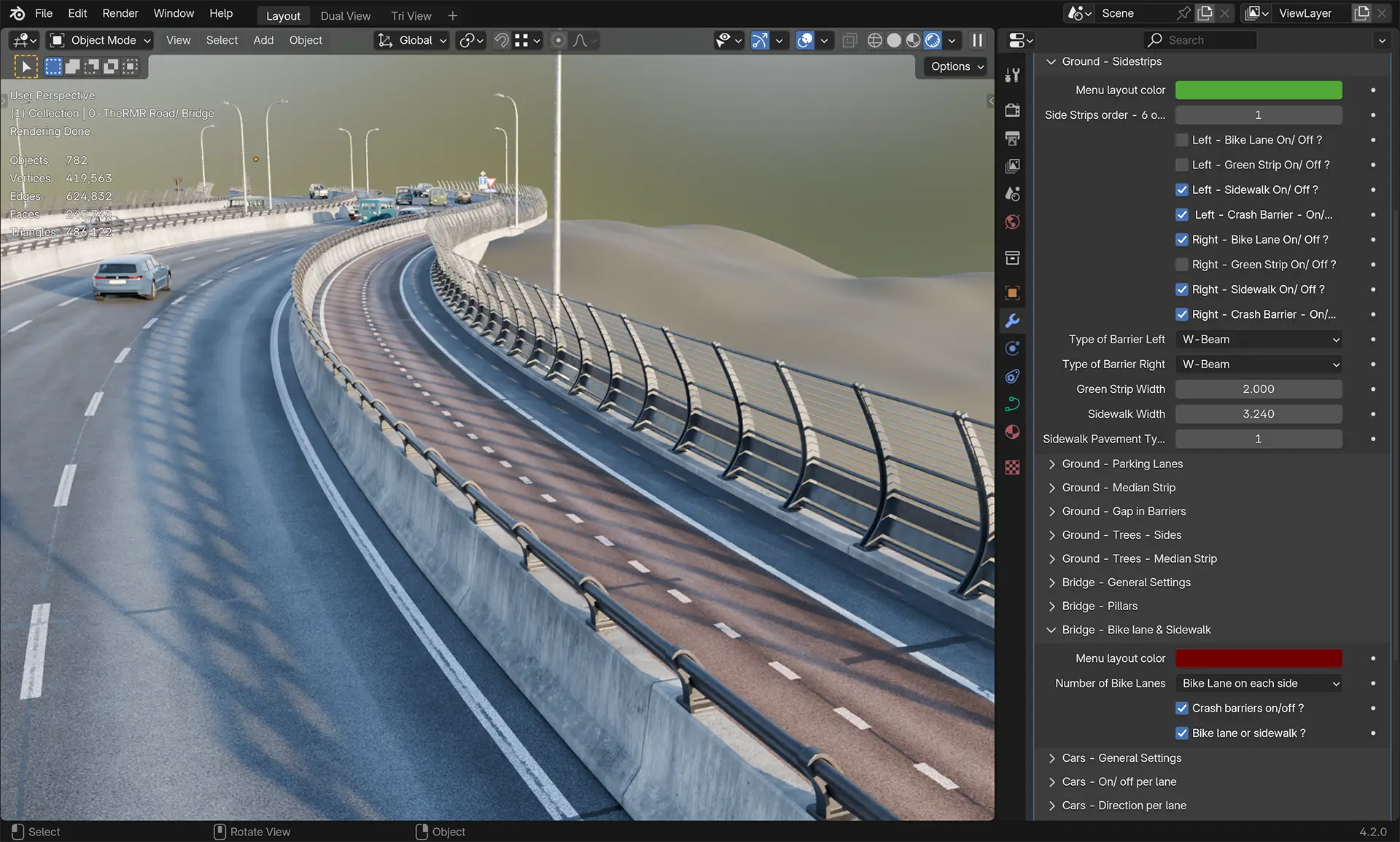
Bike Lanes
A unique feature of The Roads Must Roll! Bike paths can be on the ground or a bridge.
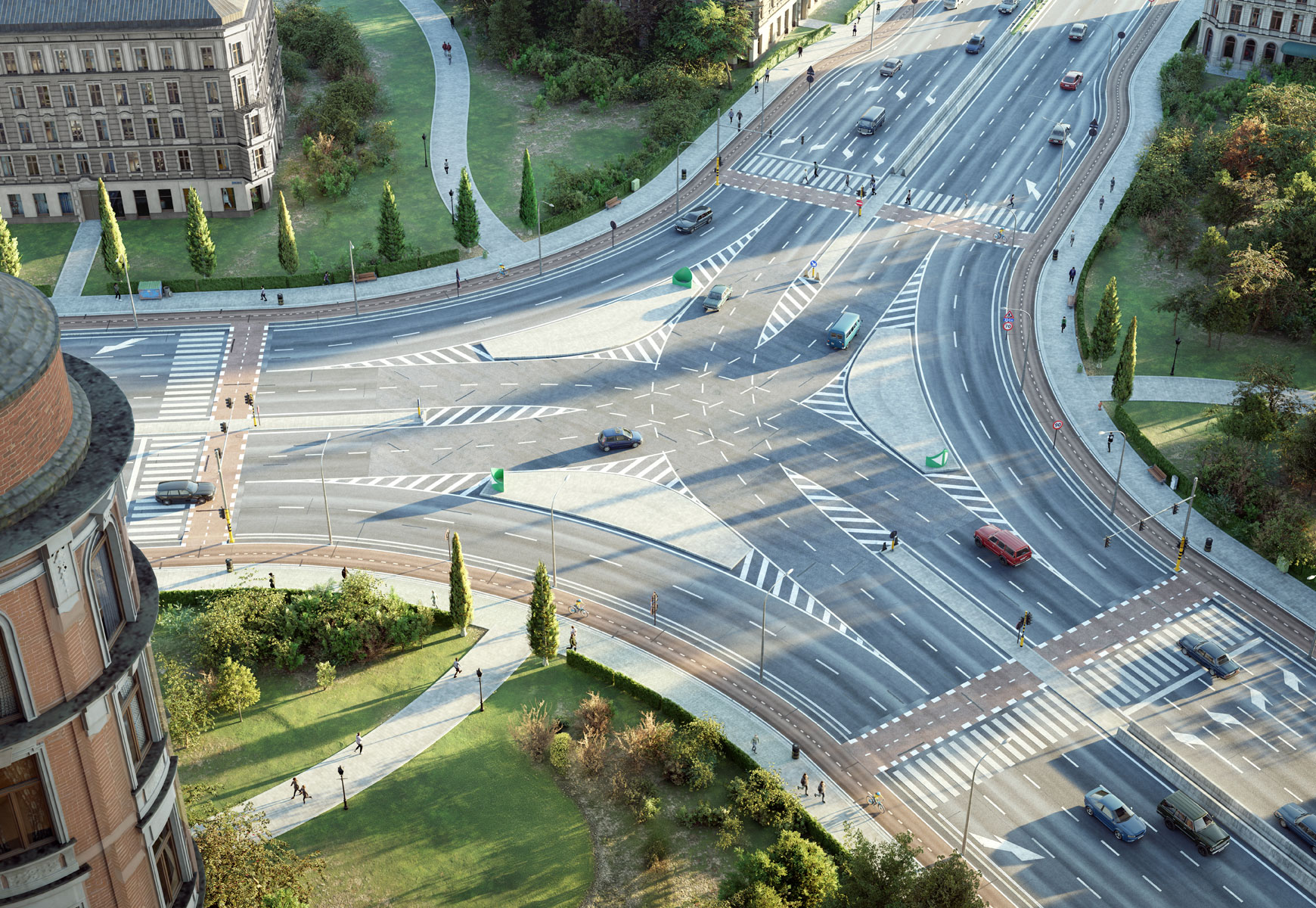
Create in minutes, not days
Freeing up more time for the creative aspects of your work.
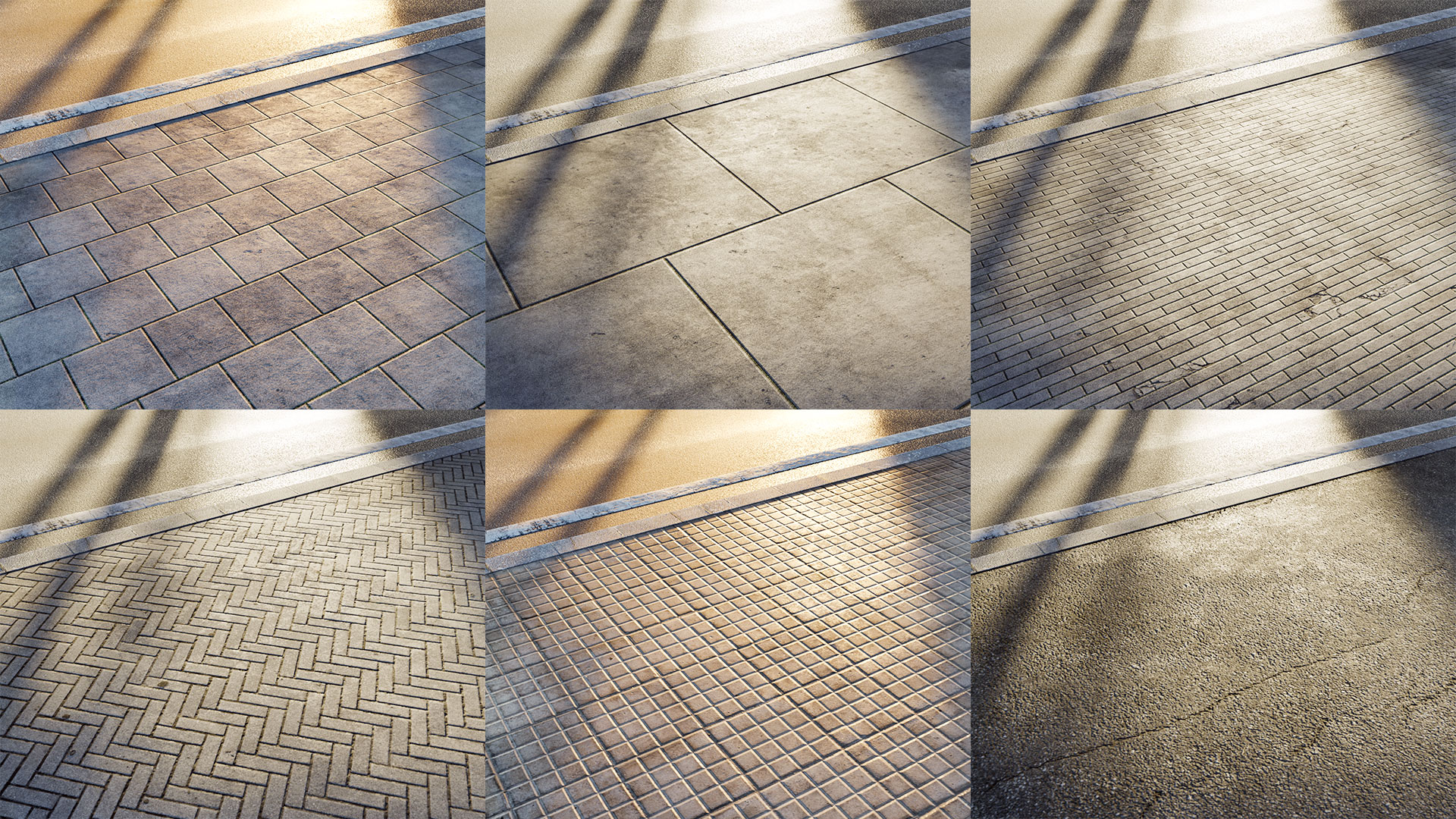
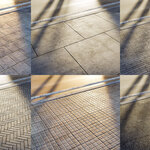
Many material options
✧ 3 asphalt materials
✧ 19 sidewalk materials
✧ 2 concrete materials
✧ 8 green strip materials
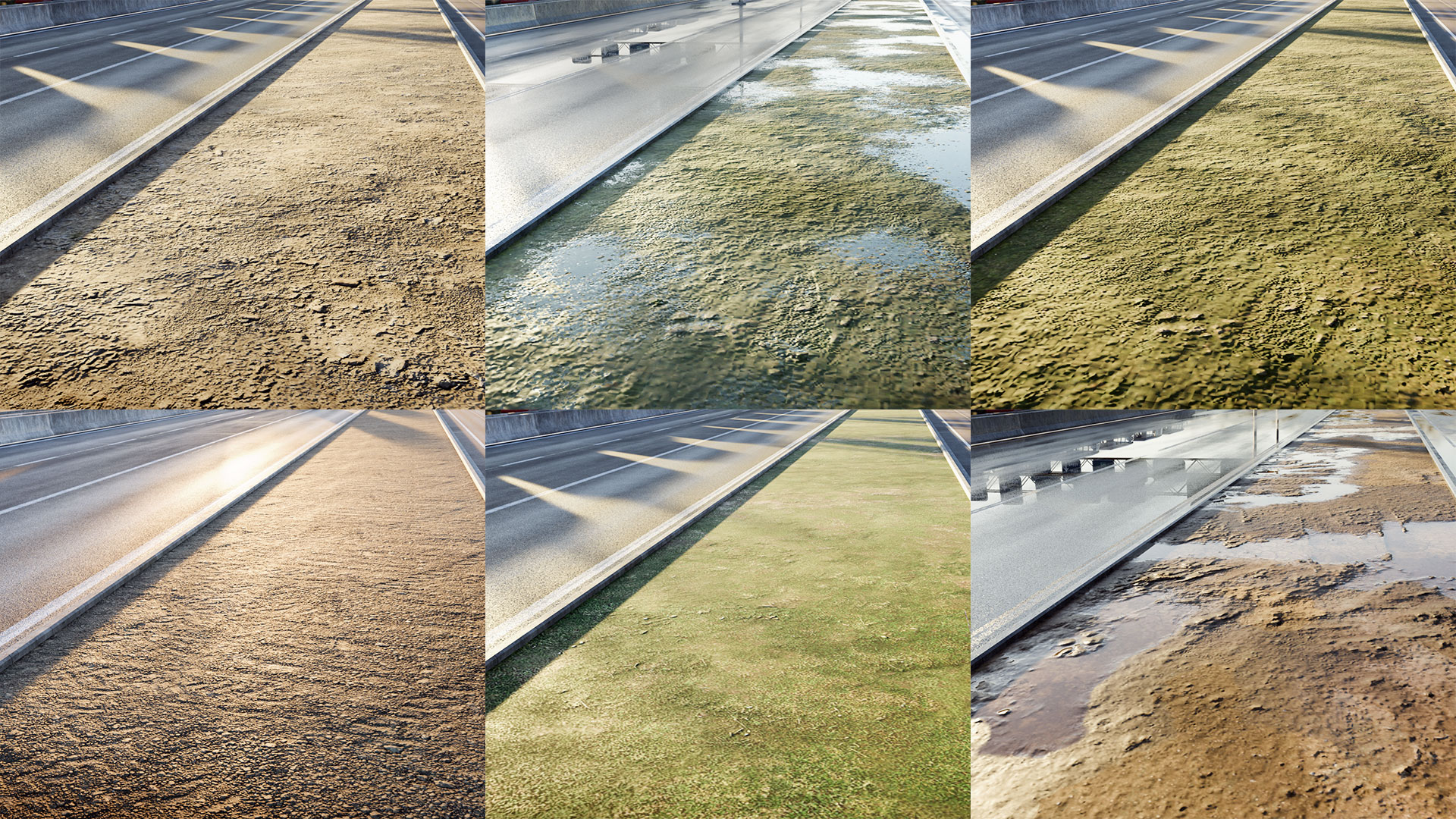
Only PBR materials
Explore a wide variety of material options and customizable settings.
Roughness, normal and other maps are included.
Easily add your own textures too!
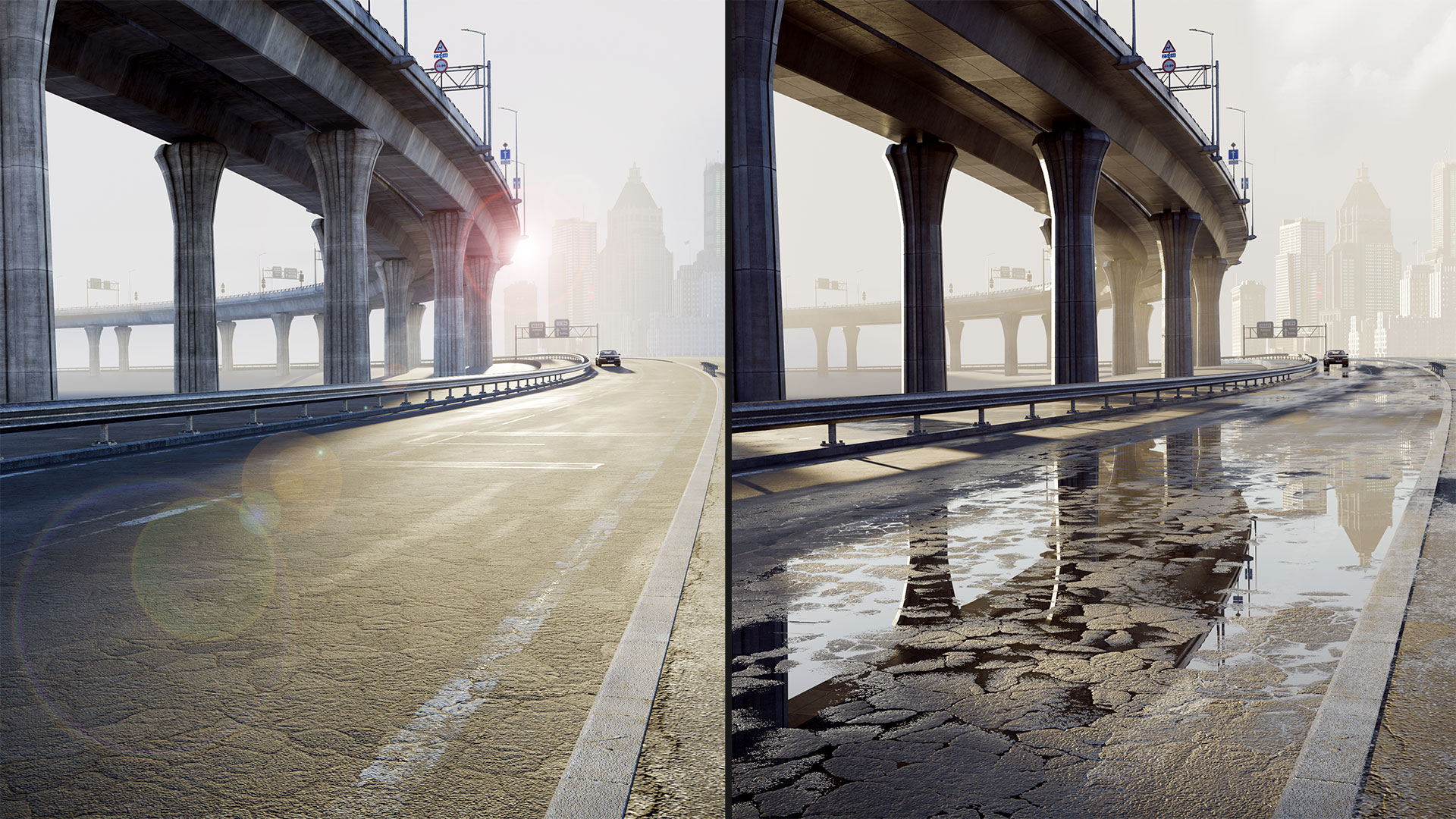
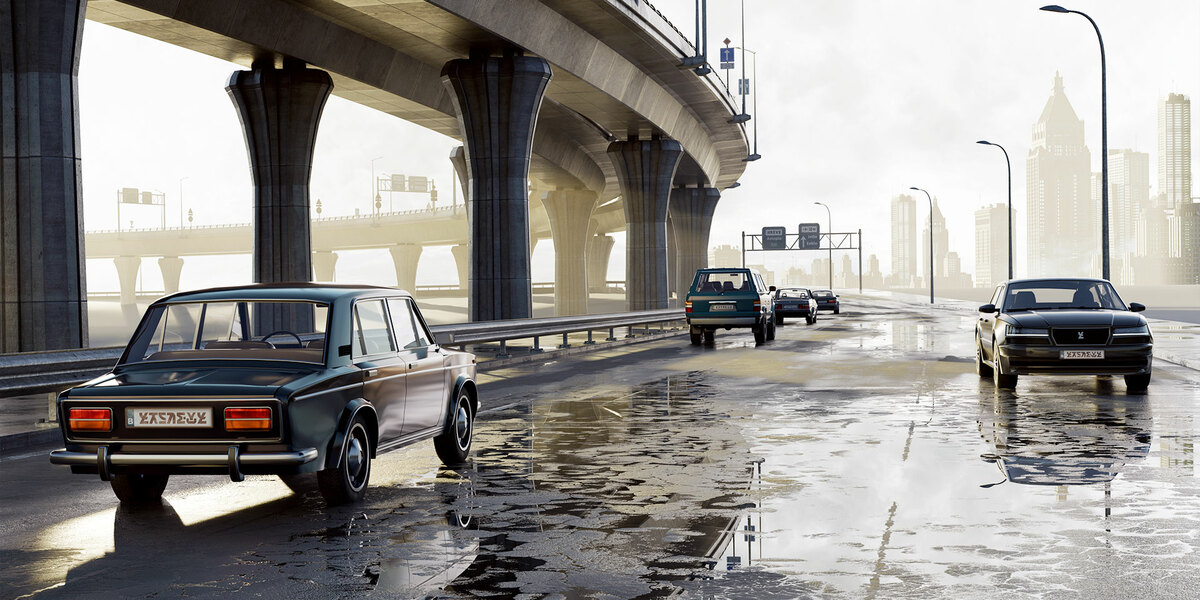
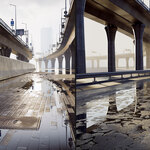
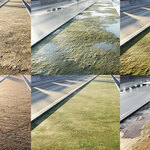
A splash of water
Instantly transform your scene with realistic water effects.
✧ Adjust the balance between dry and wet areas
✧ Set the roughness of the water layer
✧ Control the amount of puddles
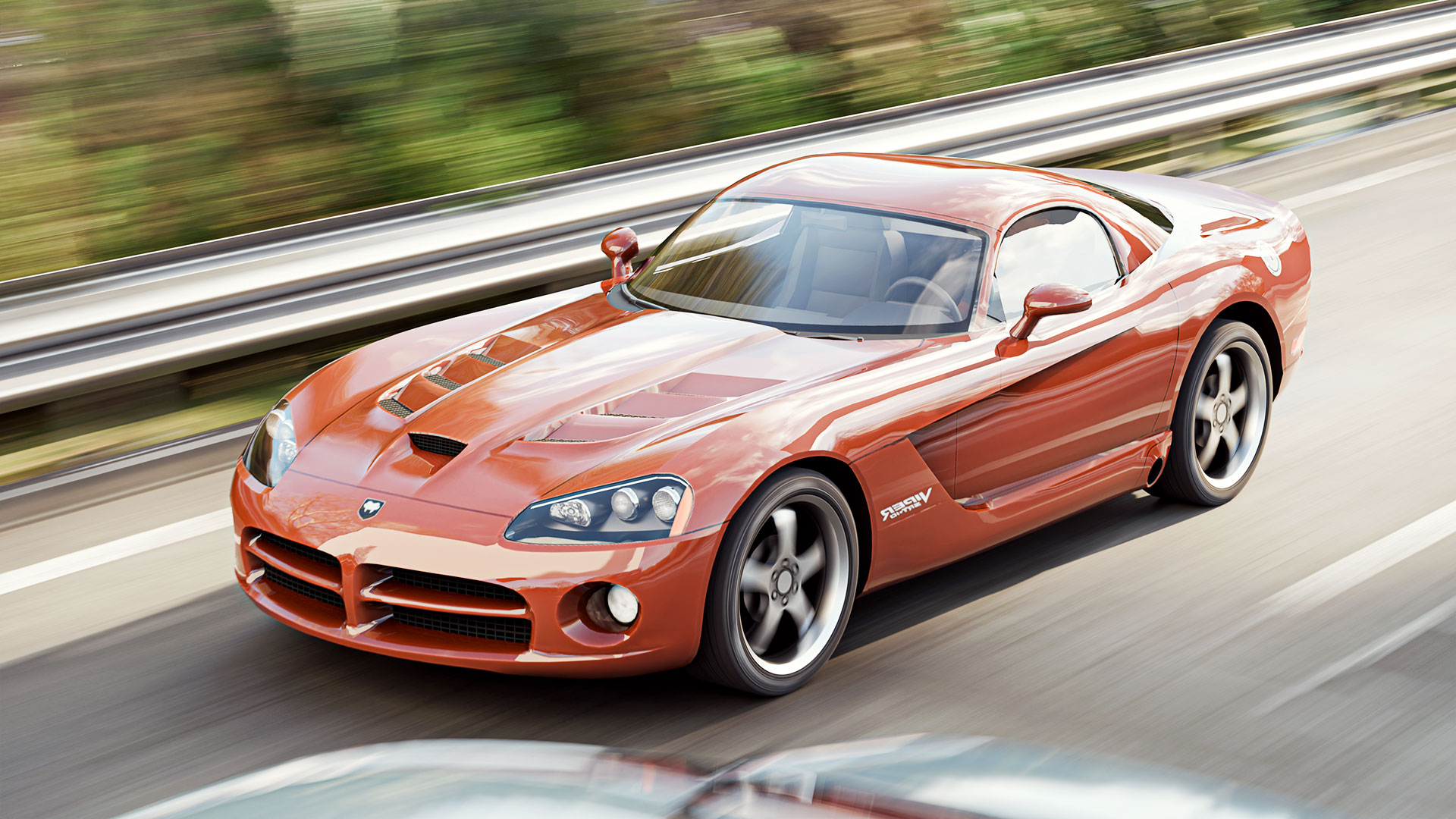
Motion Blur
Motion blur is essential for a professional workflow,
and I’ve spent a lot of time making sure it now works consistently.
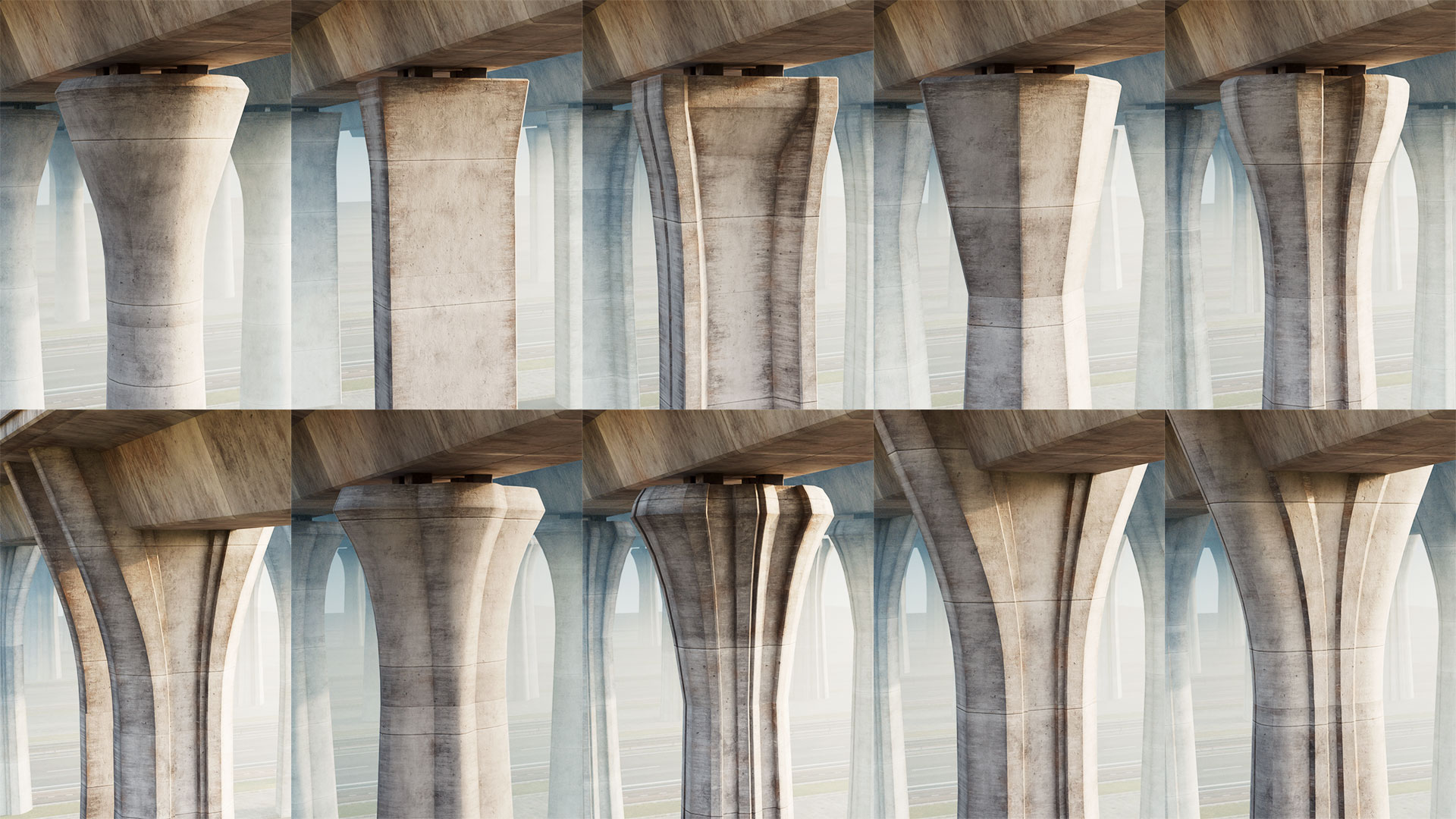
Built on the right pillar
Pick from 11 thoughtfully crafted pillar types
to elevate your bridge design.
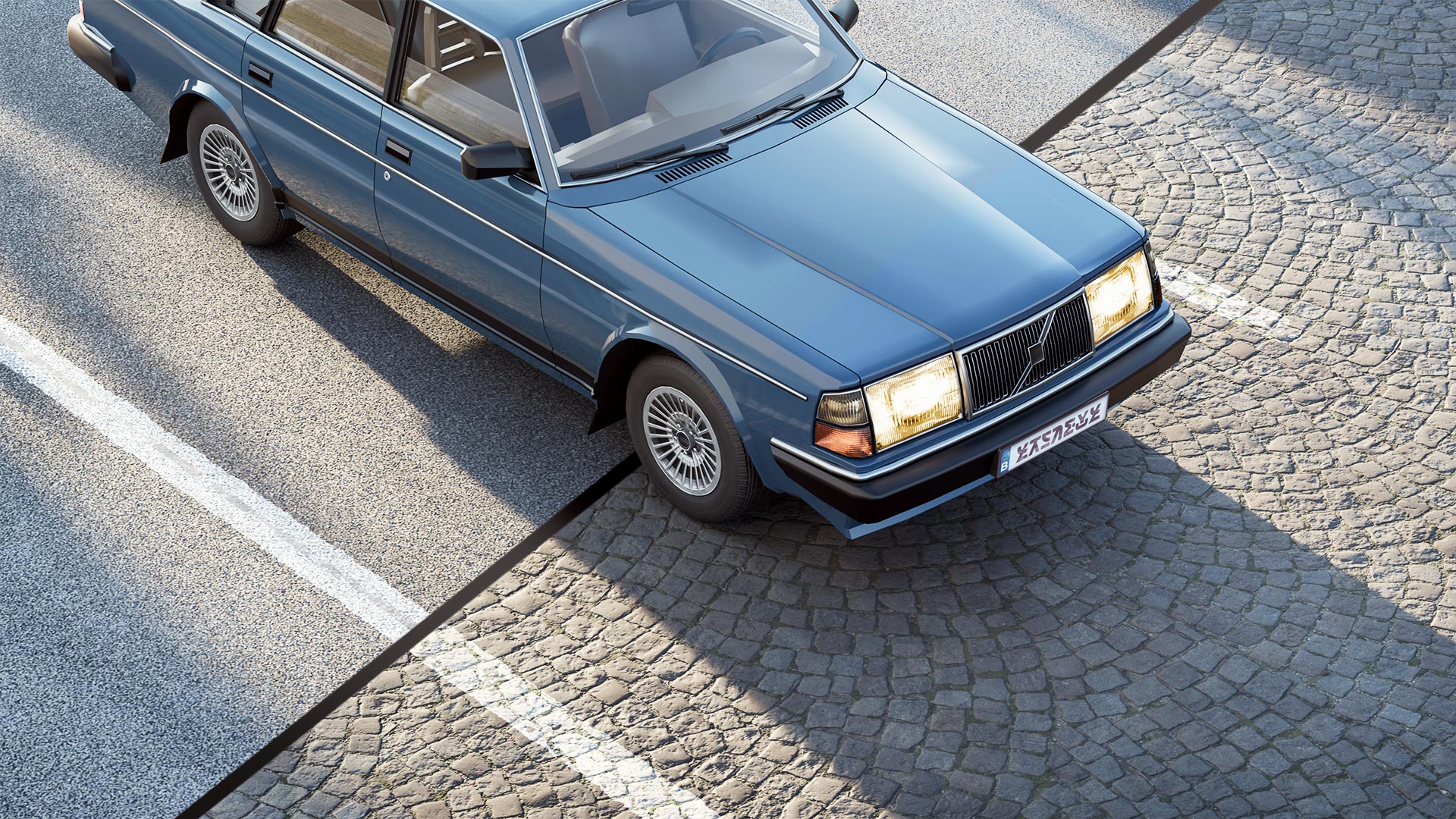
Add your own textures
Each main material offers 3 user slots,
with easy-to-follow steps for adding your own PBR textures.
We listen to you
Feel free to fill out our survey and vote for
the next features to be added to The Roads Must Roll.
Free updates for a year!
Additional exclusive assets might be added
for those who purchased a commercial license.
Check out more high-resolution renders at
TheRoadsMustRoll.com
Made for Cycles
"The Roads Must Roll" currently works with Cycles only, as not all materials seem to work with EEVEE.
Current Limitations
Conversion
While it’s possible to convert the road into a mesh and then export it to other software, there are currently some limitations.
For more details, please see the FAQ on our website
I can not give support for any other software then Blender.
All materials with road markings won't properly convert when you convert the object to a mesh. And most other materials are unlikely to successfully convert to another software package.
Material Preview in EEVEE
The Roads Must Roll is designed to be used with the Cycles render engine.
EEVEE is not supported.
Since the 'Material Preview' mode in the 3D viewport relies on the EEVEE render engine, it’s not supported at this time.
Traffic Simulation
You can easily animate vehicles, with adjustable parameters like the density of vehicles, their random seed, spacing, and speed. Traffic is based on a single curve. Wheels rotate, and an optional low-poly driver is available.
However, this is not a full traffic simulation, as vehicles do not interact with traffic lights, intersections, or each other. The vehicles are not rigged with a suspension system.
If you want to animate cars driving through an intersection, you will need to do this manually with the included 'Traffic Animation' procedural asset.
Custom Lane Width
Currently, the lanes are fixed at a width of 3.5 meters (11.48 feet).
Automatic Traffic Junction Creation
Everything included:
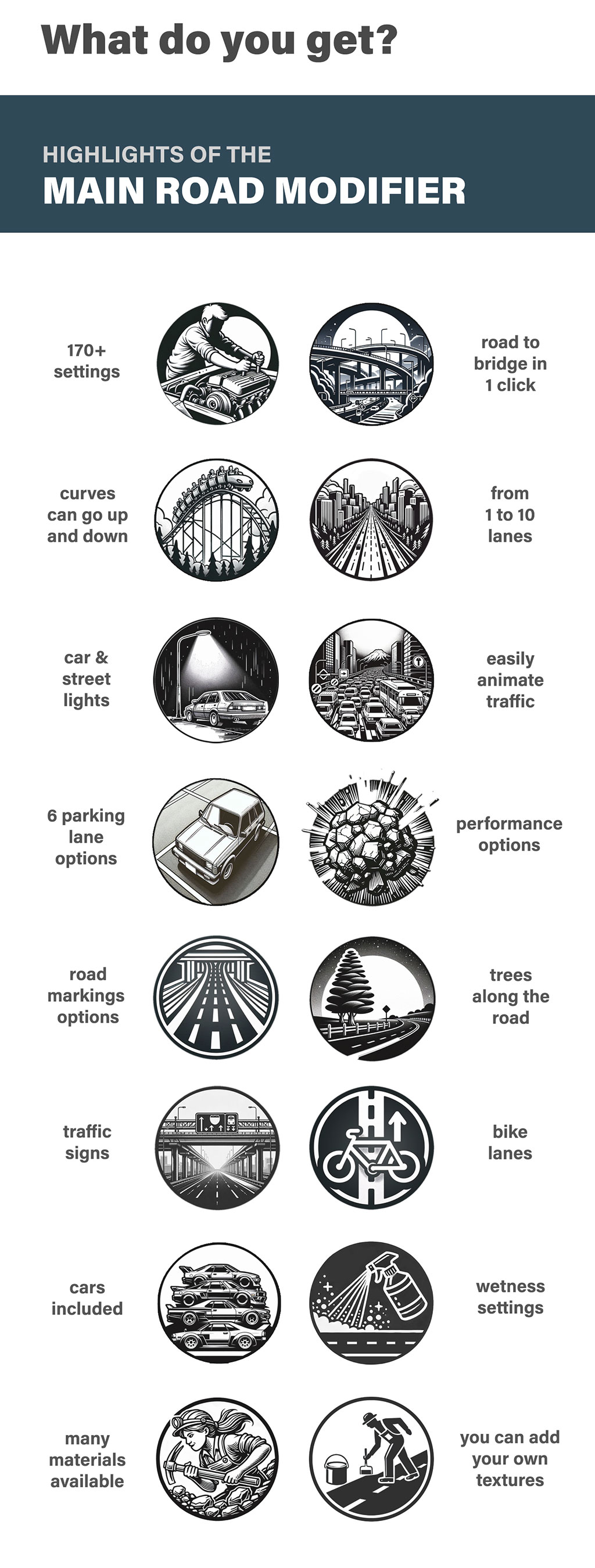
Main Road Modifier Highlights
- 170+ adjustable parameters, presented in a clear and structured way
- Switch between a ground road and a bridge with one click
- Roads can go up inclines and down declines
- Supports 1 to 10 lanes
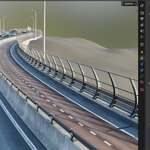
- Optional bike paths, both on the ground and on bridges
- Animate cars and traffic (not a full traffic simulation)
- Vehicle settings like low poly proxies, headlights intensity and a low poly driver
- Turn on car headlights and street lamps with a single click
- Choose from 6 different parking lane options
- Performance options with proxies for a faster viewport experience
- You can make all materials wet with a single click
- Multiple adjustable settings for the wetness and puddles
- For the 4 main surfaces you have multiple materials to choose from:
- 3 asphalt materials
- 19 sidewalk materials
- 2 concrete materials
- 8 green strip materials
- Use the 'User Material Slots" to use your own textures for the most important materials
- 11 types of bridge pillars
- Control road markings, including yellow stripe options
- Optional crosswalks and bike crossings
- Trees along the roadside
- Various streetlight options
- Overhead signs with customizable panels
- Roadside traffic signs
- Multiple crash barriers to choose from
- Pillars that adapt to your landscape
- Low poly cars available
- Use your own car collection
- Yellow lines option
- Green strips
- Sidewalks
- Optional: generate the white lines on the asphalt as geometry
- Can be rendered with motion blur
Procedural Assets Included
- Bike bridge based on a curve (3 different widths)
- Bike lanes/green strips/sidewalks based on a curve with optional trees
- 4 types of traffic lights with customizable lightboxes
- Crash barriers based on a curve (W-beam or concrete)
- Overhead signs (adjustable width; panels from 3 geographical regions)
- Traffic Animation (up to 10 rows of cars along a curve). This is not a full traffic simulation.
- Pedestrian and grass islands based on a curve
- Road markings (2 types of arrows, icons, words and numbers)
- Asphalt base surface (with or without stripes)
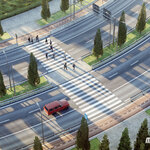
- Zebra/bicycle crossings based on a curve
- White/yellow lines, solid or dashed, on a curve
- Individual pillars
- Overhead pillars
- Traffic signs (for the moment only round)
- Split signs
Preset Traffic Junctions Included
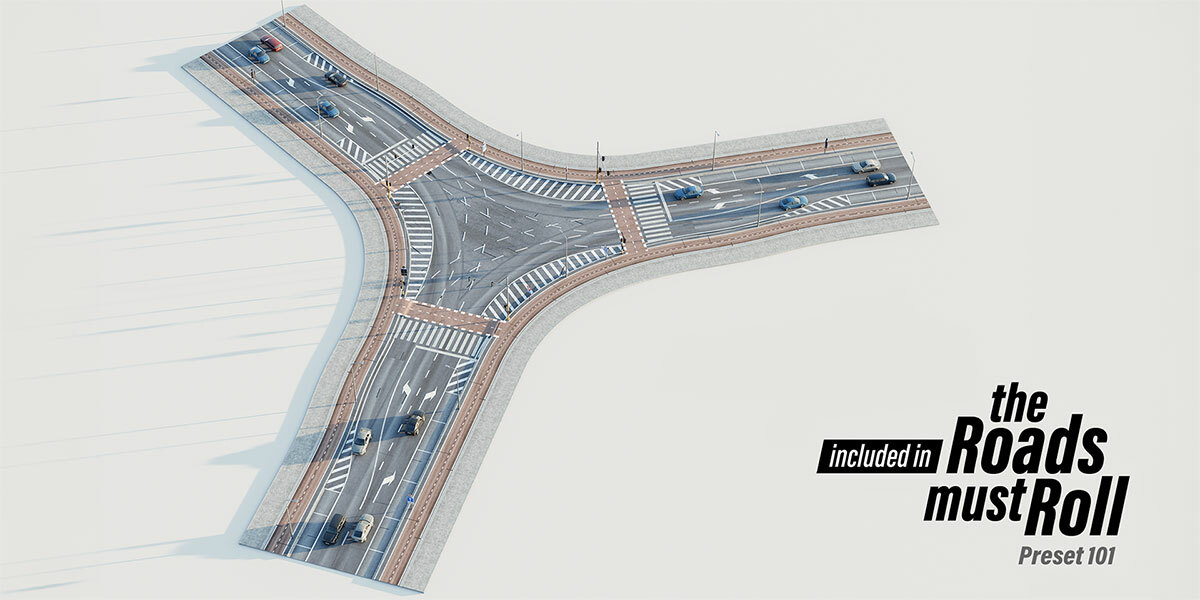
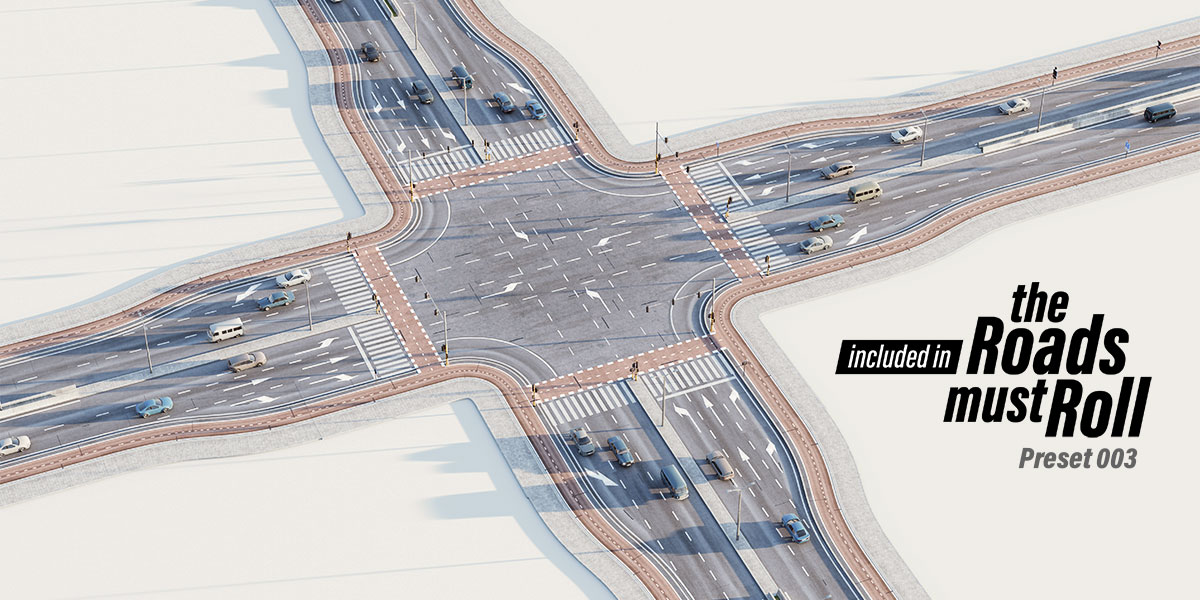
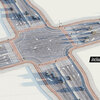
- 3 types of 4-way crossroads
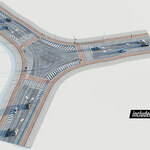
- 3 types of 3-way crossroads
- 2 types of roundabouts
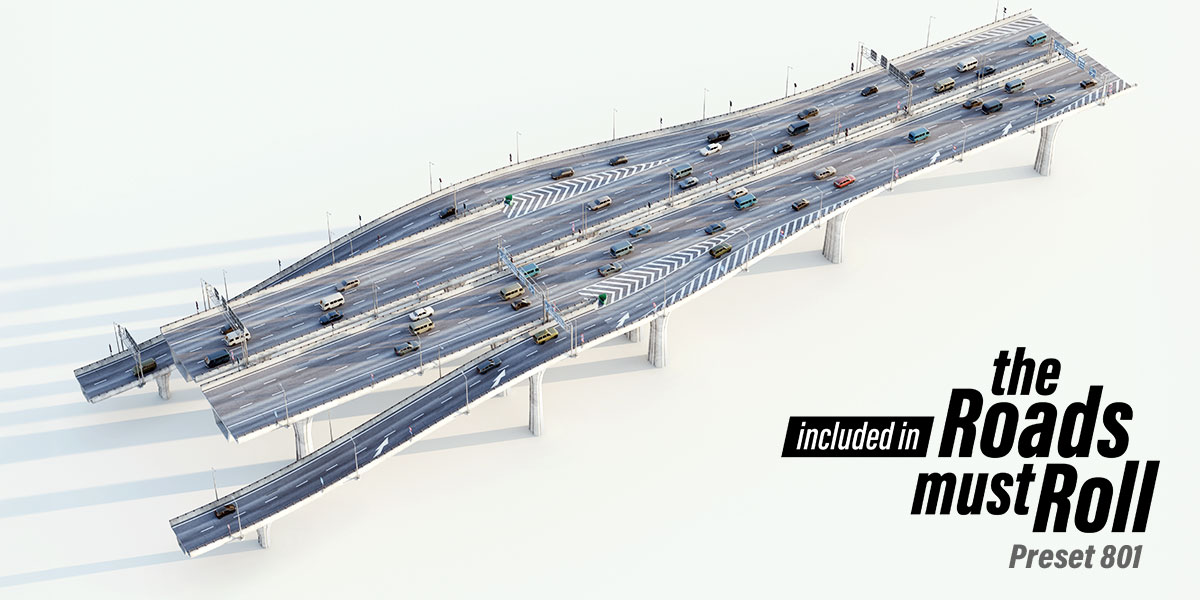
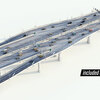
- 2 types of bridge on- and off-ramps
- 1 type of ground on- and off-ramps
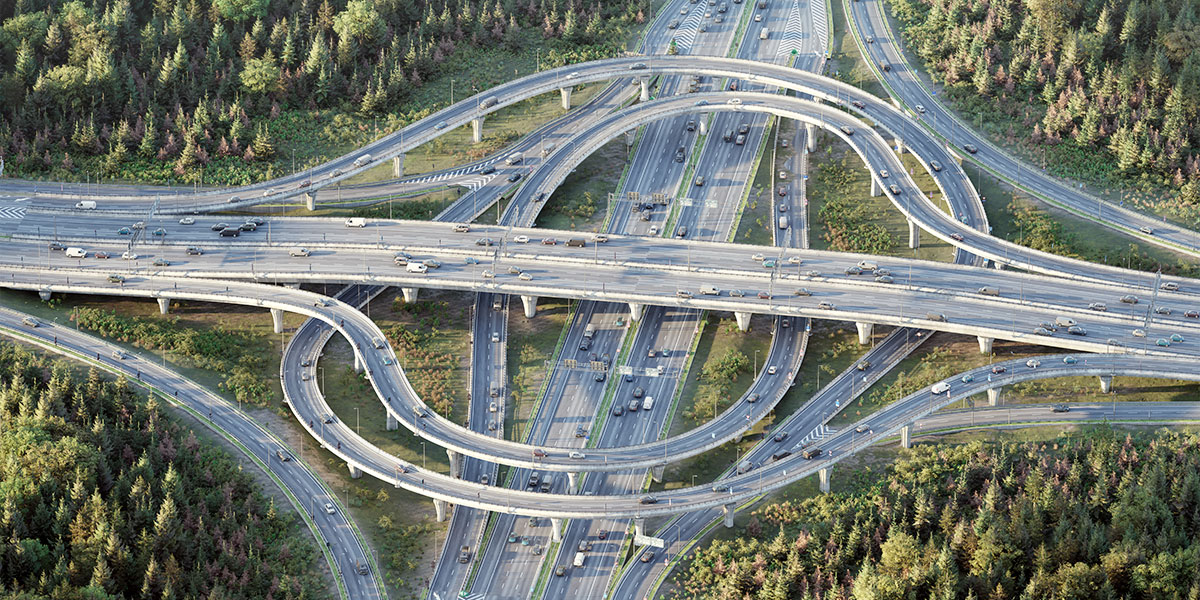
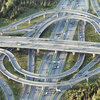
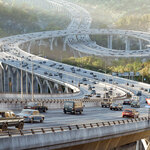
- 1 giant highway interchange
Vehicles Included
All Licenses
- Astopia Break I
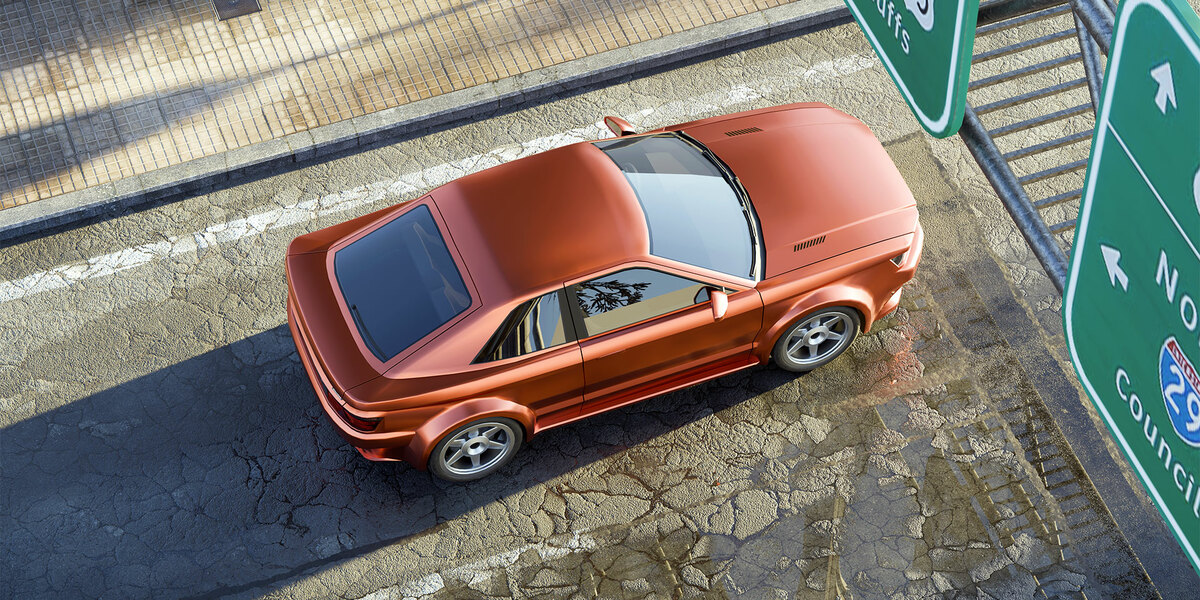
- Astopia Coupe I
- Fiat 238
- Lada 1500
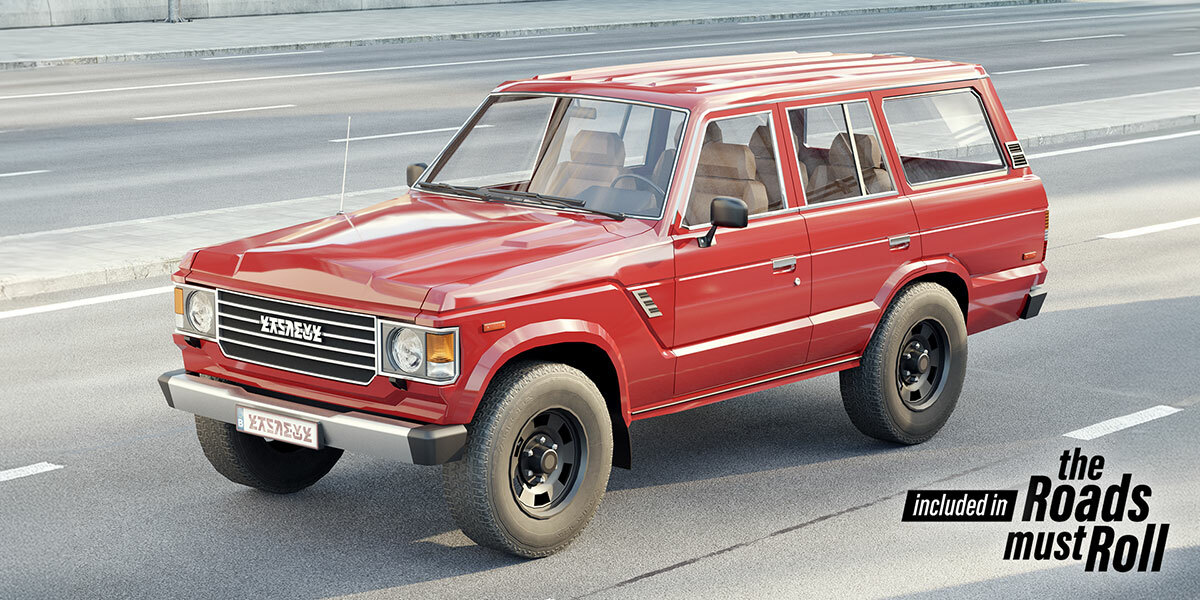
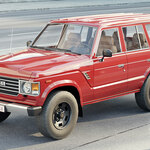
- Toyota Landcruiser FJ60
- Volvo 240
Small Studio License
Everything above plus:
- Mercedes R107
- Skoda Superb
- Sony Vision S-01
- Chevrolet Tahoe
- Honda Pilot
- Dodge Viper SRT-1
Business License
Everything above plus:
- Small Box Truck
- Peugeot Boxer Van
- Volvo FMX Tipper Truck
- Solaris Urbino 12 City Bus
- Mercedes Arocs Concrete Mixer Truck
- International Durastar Box Truck
What's New?
Upcoming: Version 1.60
Release date: to be announced
Performance Upgrade
Version 1.60 introduces a powerful new optional proxy system. Entire roads or bridges can now be displayed as lightweight viewport proxies while keeping the full high-poly version for final renders. This results in up to 10x fewer triangles, simplified materials, dramatically improved viewport performance, and much faster editing — even in Rendered View. Perfect for building large, complex road networks without slowdown.
Material Enhancements
Bike lanes, grass, dirt, and border materials have all been refined for improved realism and flexibility.
Curve and Object Improvements
Repeating objects along curves now maintain stable rotation, eliminating unwanted flipping. Curve resolution has been increased to ensure vehicles move smoothly through corners without visible swaying.
Expanded Tree System
Six new tree types have been added, each with three optional bark variations. High-poly versions are optimized for both Rendered View and production rendering, while optional low-poly versions provide additional viewport performance. Tree scale variance has also been improved for more natural distribution.
New Tree Grates
Seven new realistic tree grate options are now included, with two material options: corten steel and regular worn metal.
Procedural Weeds
Tree grates can now include procedural weeds. Choose from eight weed types, adjust four parameters, and combine two variations for natural results — all optimized for high viewport performance.
Version 1.50
1 June 2025
Small Studio License
-
Added 6 new fully integrated cars, including:
Night versions
Low-poly variants for better performance
Optional low-poly drivers
Rotating wheels
Randomized colors
Adjustable headlights and taillights
Business License
Includes all Small Studio additions
On top of the 6 additional cars, also 6 additional large vehicles with the same features as above. So 18 vehicles in total!
All Licenses
- Improvements & Fixes
Improved vehicle color brightness and variety
Enhanced headlights and taillights (now more visible behind glass)
New performance-optimized vehicle asset options
Many minor tweaks and corrections
- Asset Browser
-
New "ALL ASSETS" option: import everything at once as a collection
Prevents duplicate data generation
Important: After importing, uncheck "Instance" in the bottom-left popup window
Use
Shift + Dto duplicate assets
- Other
New installation video created
Version 1.40
25 March 2025
Major Updates
10 New Bridge Pillars – Choose from 10 new carefully designed pillar types for supporting bridges.
Motion Blur Now Works! – (Important! For Blender versions before 4.4: Do not enable 'persistent data' when using motion blur due to a known Blender bug.)
New Intersection Presets – Two roundabouts and a T-junction are now included.
New Procedural Asset – Create pedestrian and grass islands using a closed curve.
Low-Poly Proxies for Performance – Use low-poly proxies for vehicles and trees in the viewport while rendering high-poly versions for the final render, significantly improving performance.
Optimized Texture Workflow – Display low-resolution textures in the viewport while using high-resolution textures in the final render for better efficiency.
Traffic Modifier for Better Organization – All vehicle and traffic-related settings are now grouped into a separate modifier. (Do not change the order of modifiers.)
Adjustable Vehicle Light Intensity – Control the brightness of vehicle lights.
Separate Light Controls – The global 'lights on' setting has been removed. Instead, lampposts and vehicles now have independent light toggles in their respective menus.
Animated Vehicle Wheels – Wheels now rotate when vehicles move. (Note: Vehicles are not rigged with suspension.)
New Low-Poly Drivers – Option to add a low-poly driver inside vehicles.
Other Updates
Better Randomization Control – Adjust the random seed for 'pick vehicles' and 'distribution over curve' separately for more precise results.
Improved Traffic Control – More control over the number of vehicles on the road and their spacing.
Enhanced Low-Poly Vehicle Design – Improved models that can also be used in final renders for a stylized look.
5 New Light Intensity Options for Lamp Posts – More flexibility in lighting setups.
Customizable Traffic Light Poles – Adjust the color of traffic light poles.
Traffic Light Brightness Control – Set the intensity of traffic lights.
Optimized Concrete Materials – Improved material efficiency and appearance.
Better Installation Instructions – Updated text-based and video installation guide.
Lampposts Placement Control – Define the start and end points for streetlight distribution along a curve.
Version 1.30
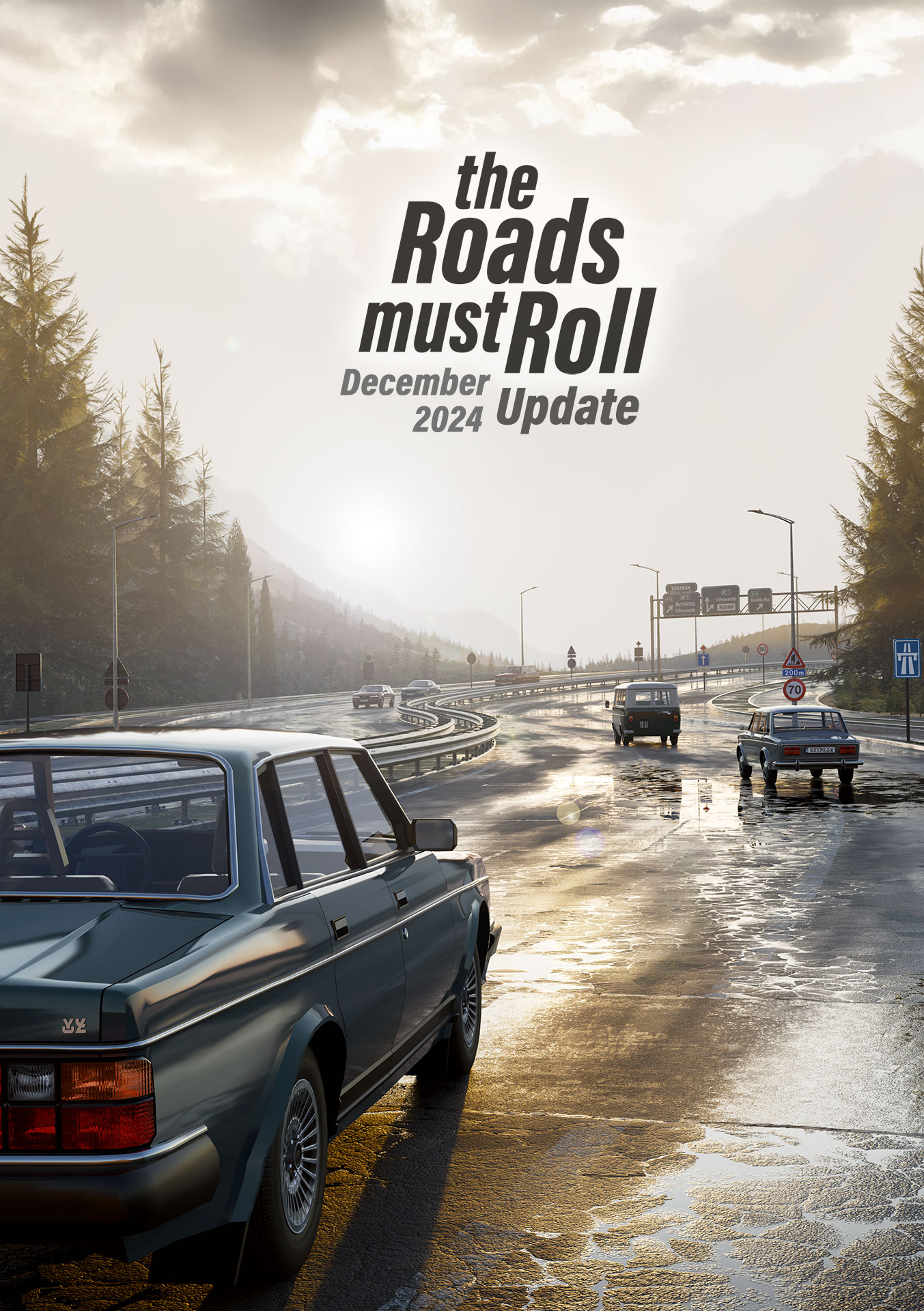
16 December 2024
- The option to have wet materials with adjustable puddles and other customizable settings
-
Expanded material options for all surface types
- 3 asphalt materials
- 19 sidewalk materials
- 2 concrete materials
- 8 green strip materials
- New sidewalk pavement options
- broken tiles percentage
- half-offset pattern optional
- dirty tiles optional
- utility covers optional
- Improved realism in materials
- New materials for damaged surfaces
- The ability to add your own textures
-
Continuous traffic flow on preset intersections (not yet a full simulation)
-
A new procedural asset for traffic: animate vehicles on an independent curve
- Numerous small menu improvements
- Performance enhancements for the fully procedural asphalt material
- Super texture resolution option
- Updated procedural assets
Version 1.22
27 September 2024
Version 1.21
22 September 2024
Resolved a minor issue where the diagonal bars on the overhead signs were disappearing.