The Surface Voronizer
 codesignprojects

Documentation
Included Files
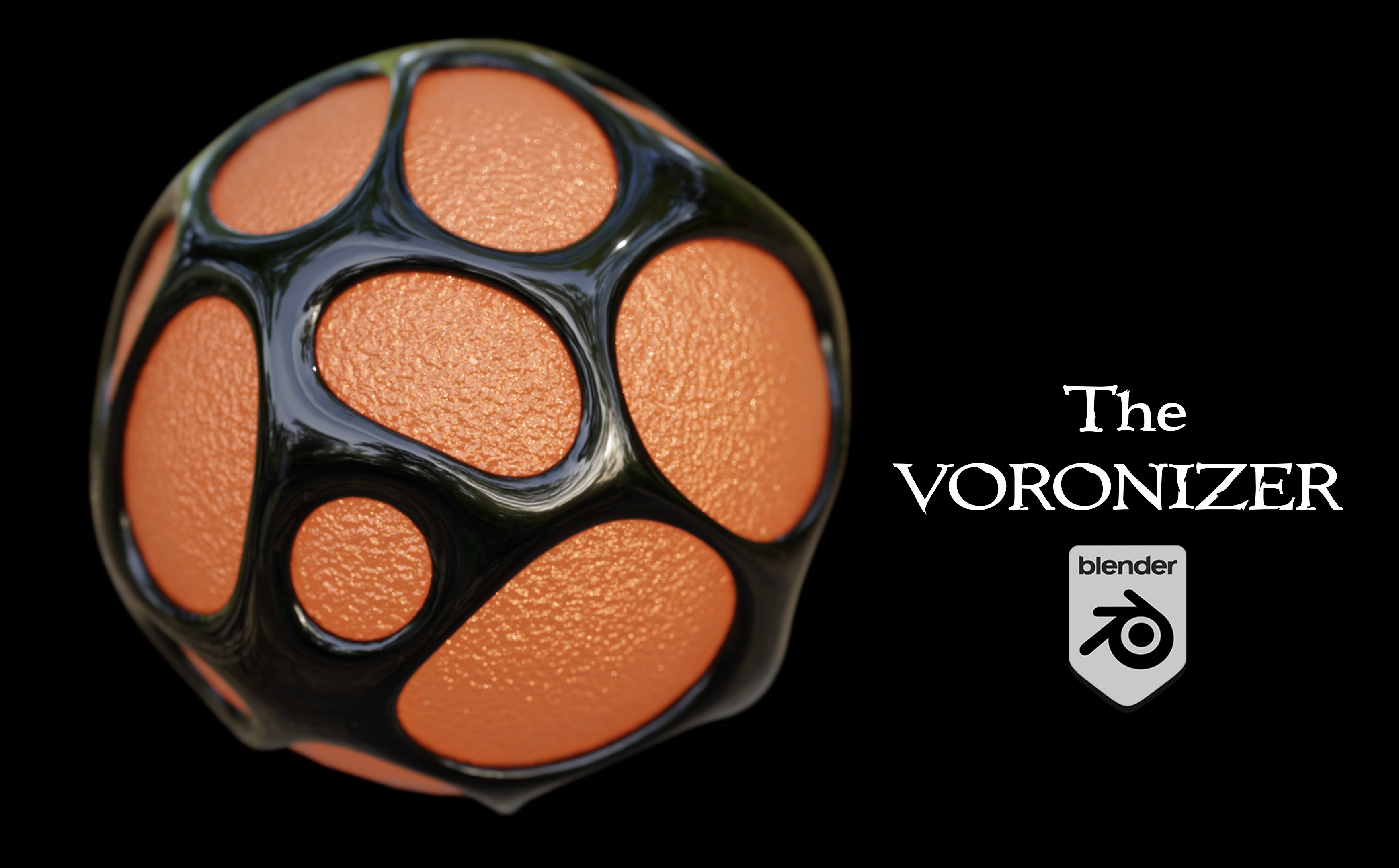
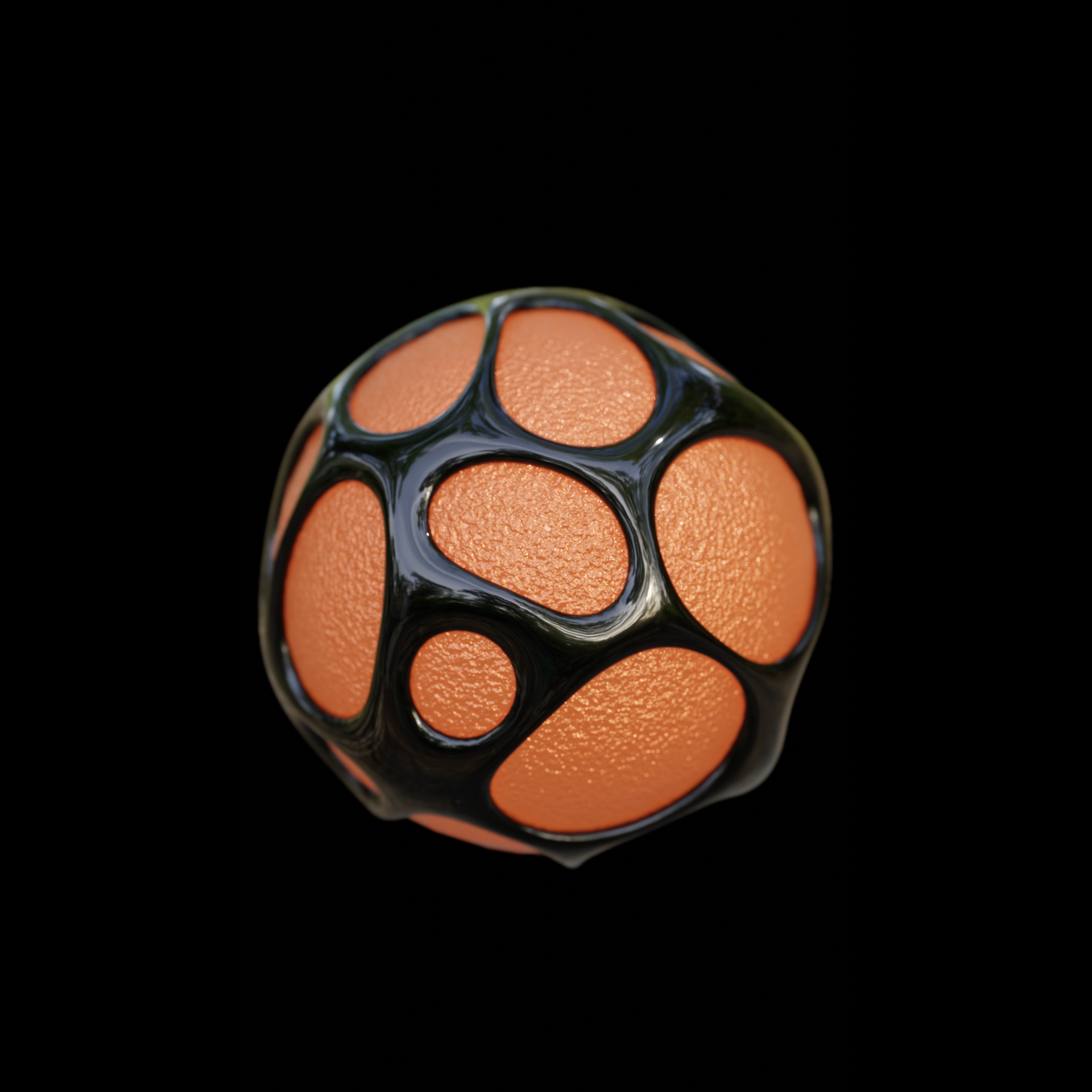
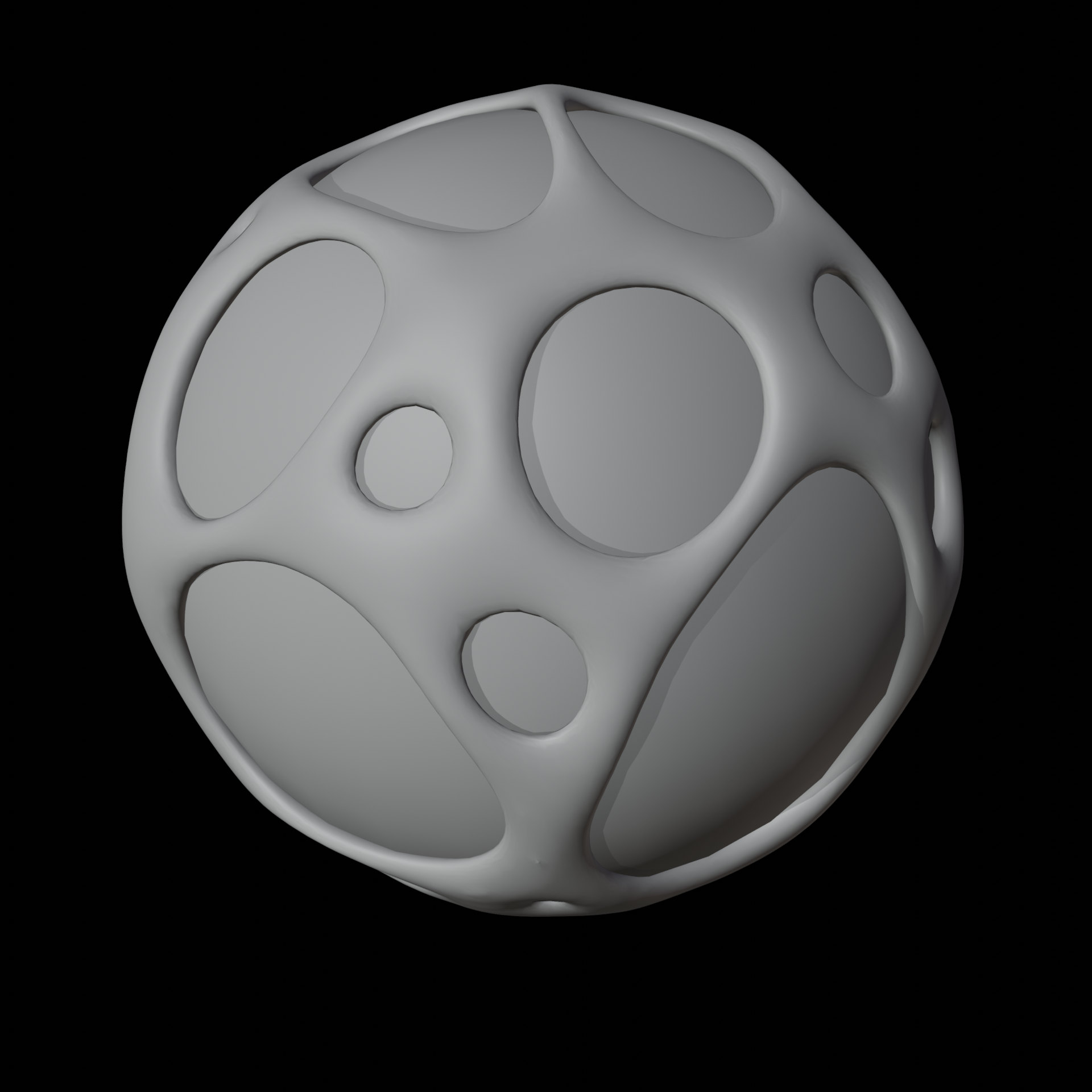
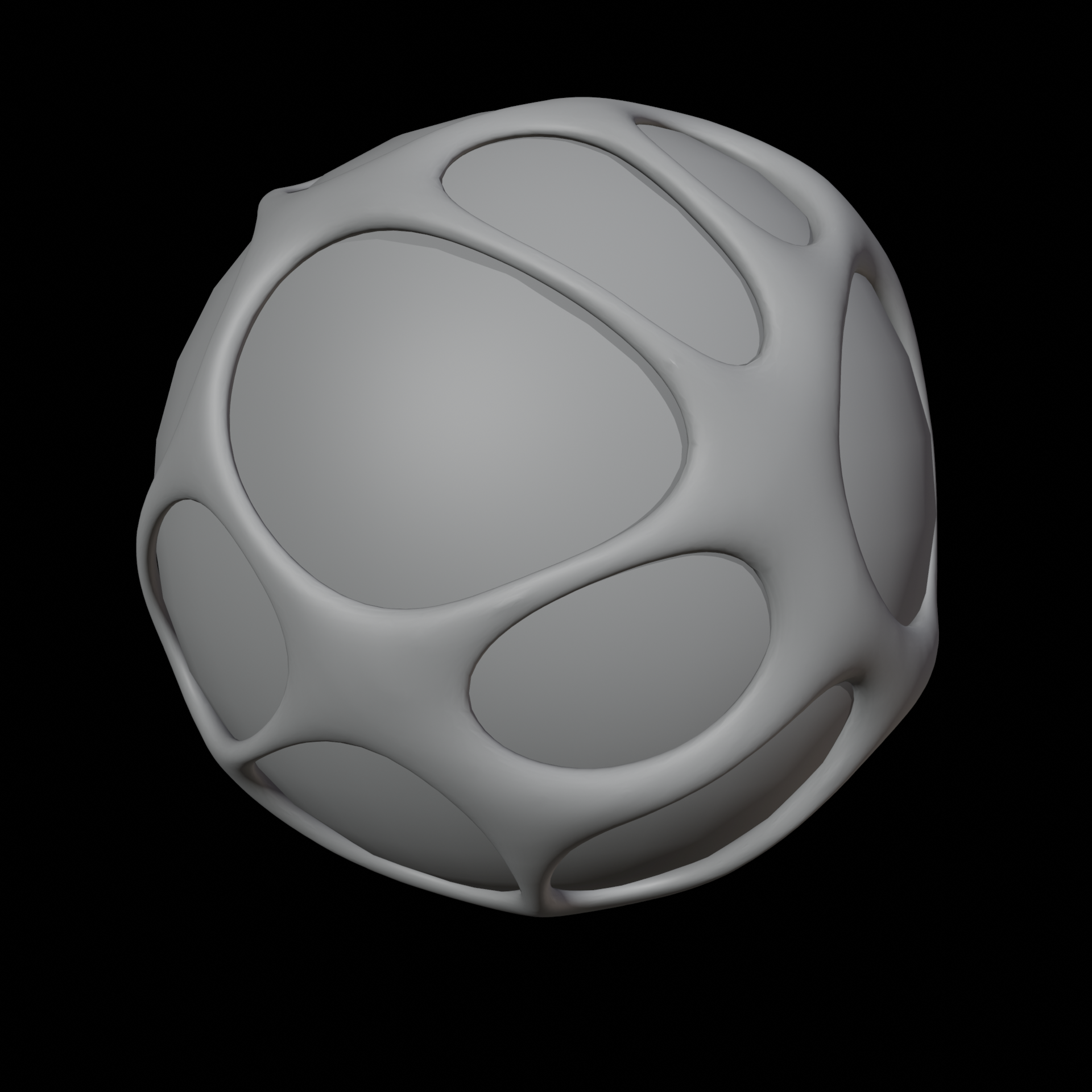
Static Example: The base setup configured for still renders and quick testing.
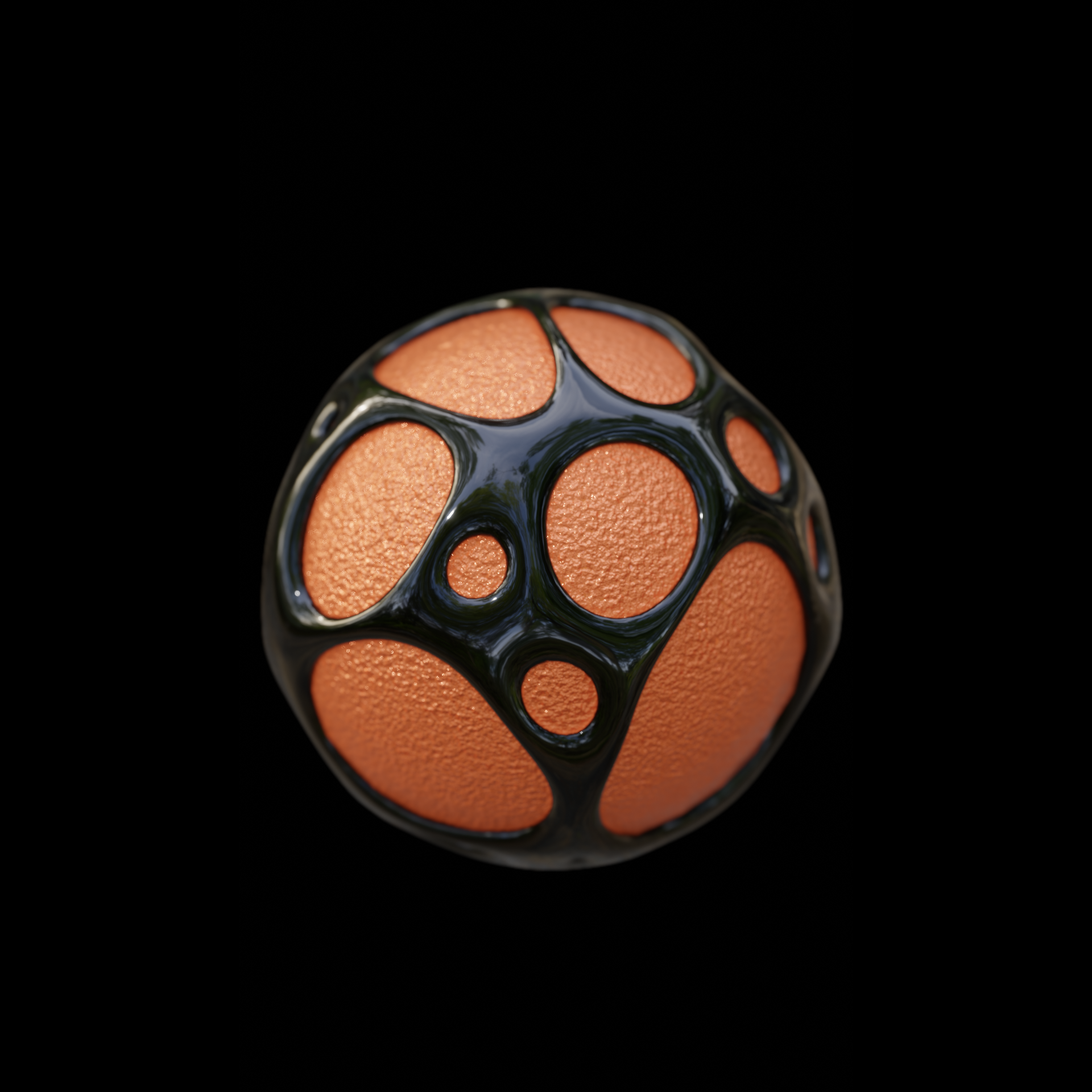
Animated Example: The identical node tree with pre-keyframed parameter values to demonstrate fluid shell animation.
How to Apply
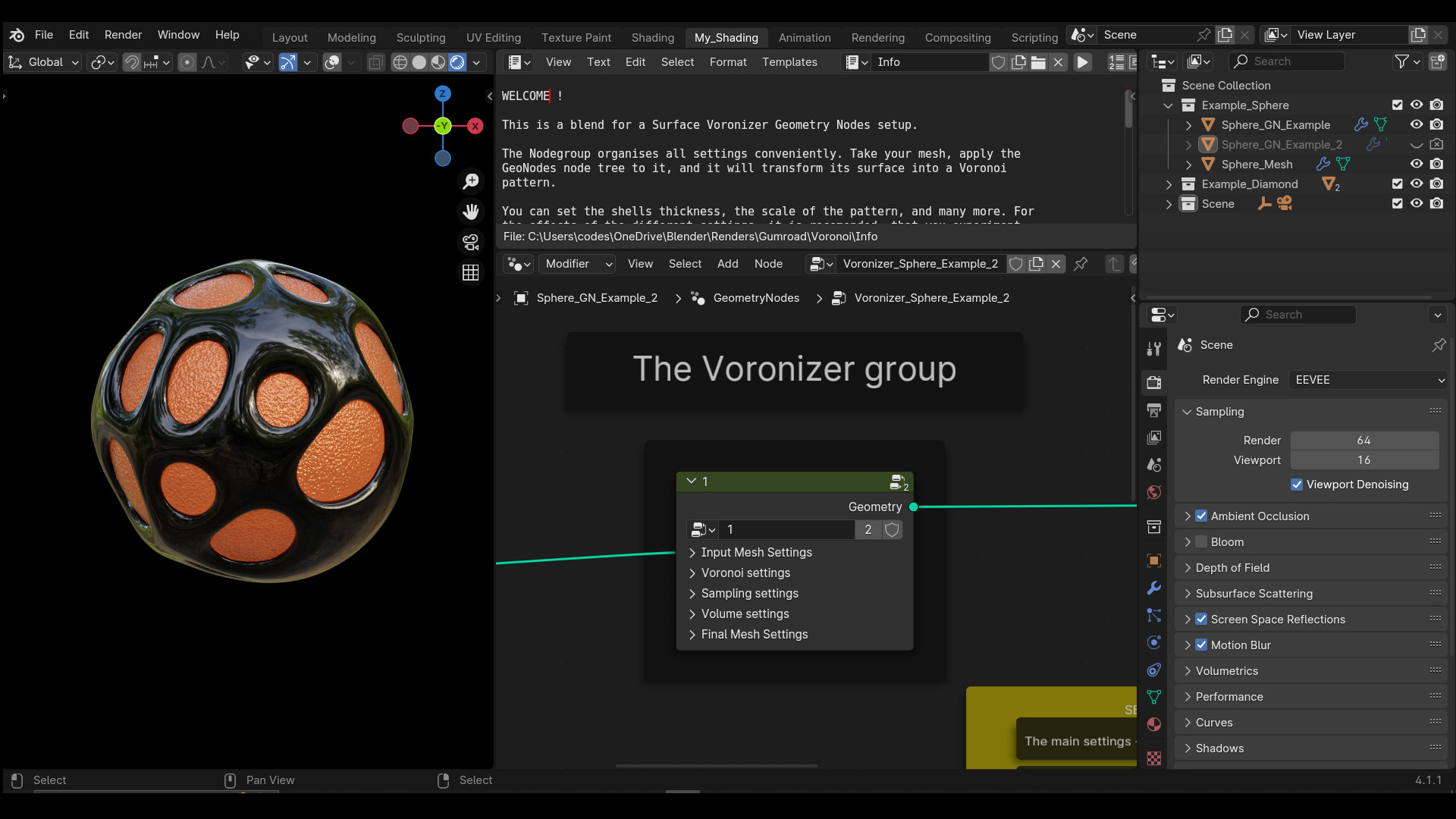
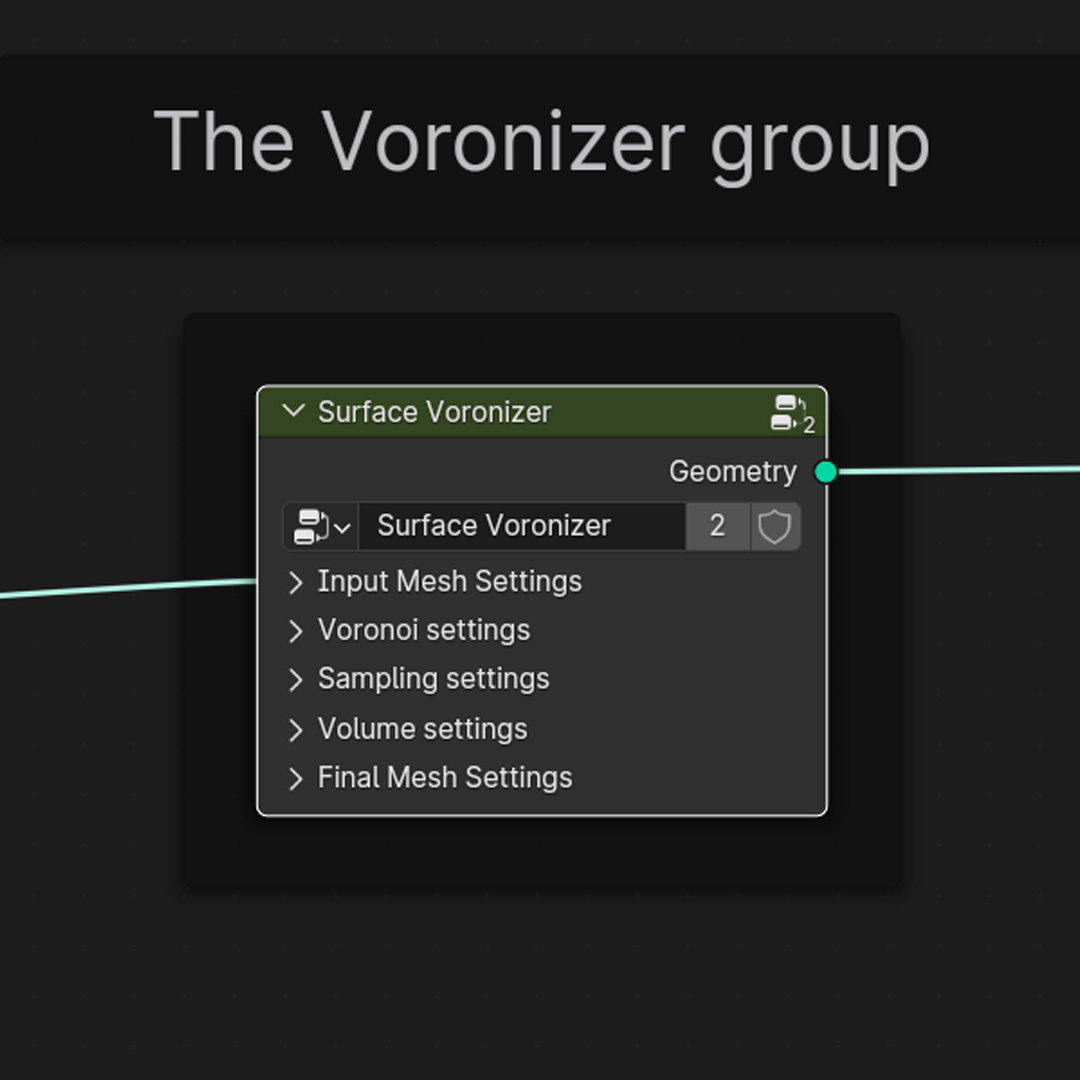
Open the file and inspect the node frames for internal notes, or append the Voronizer node group into your own project.
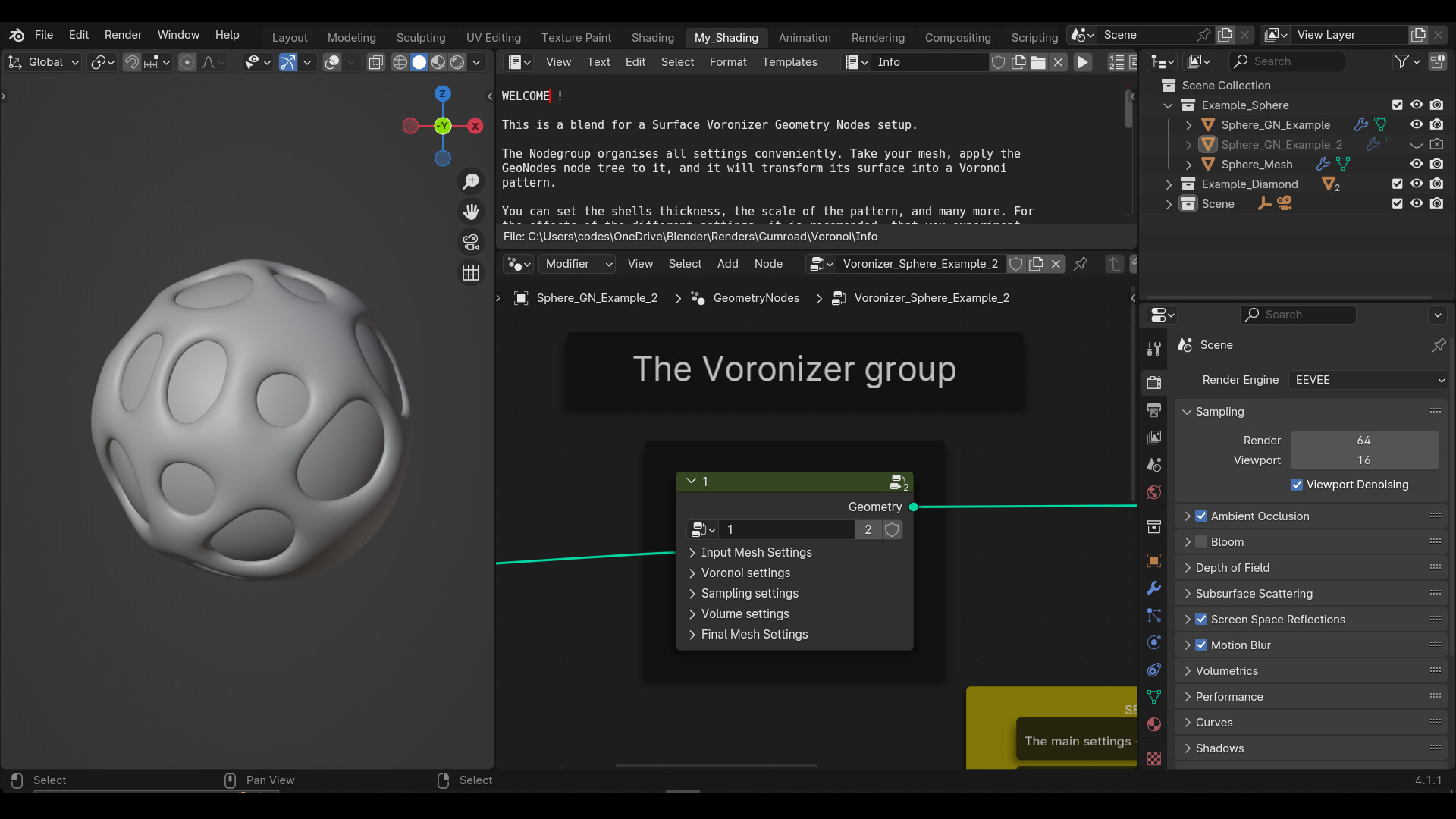
Select your target mesh, add a Geometry Nodes modifier, and assign the setup.
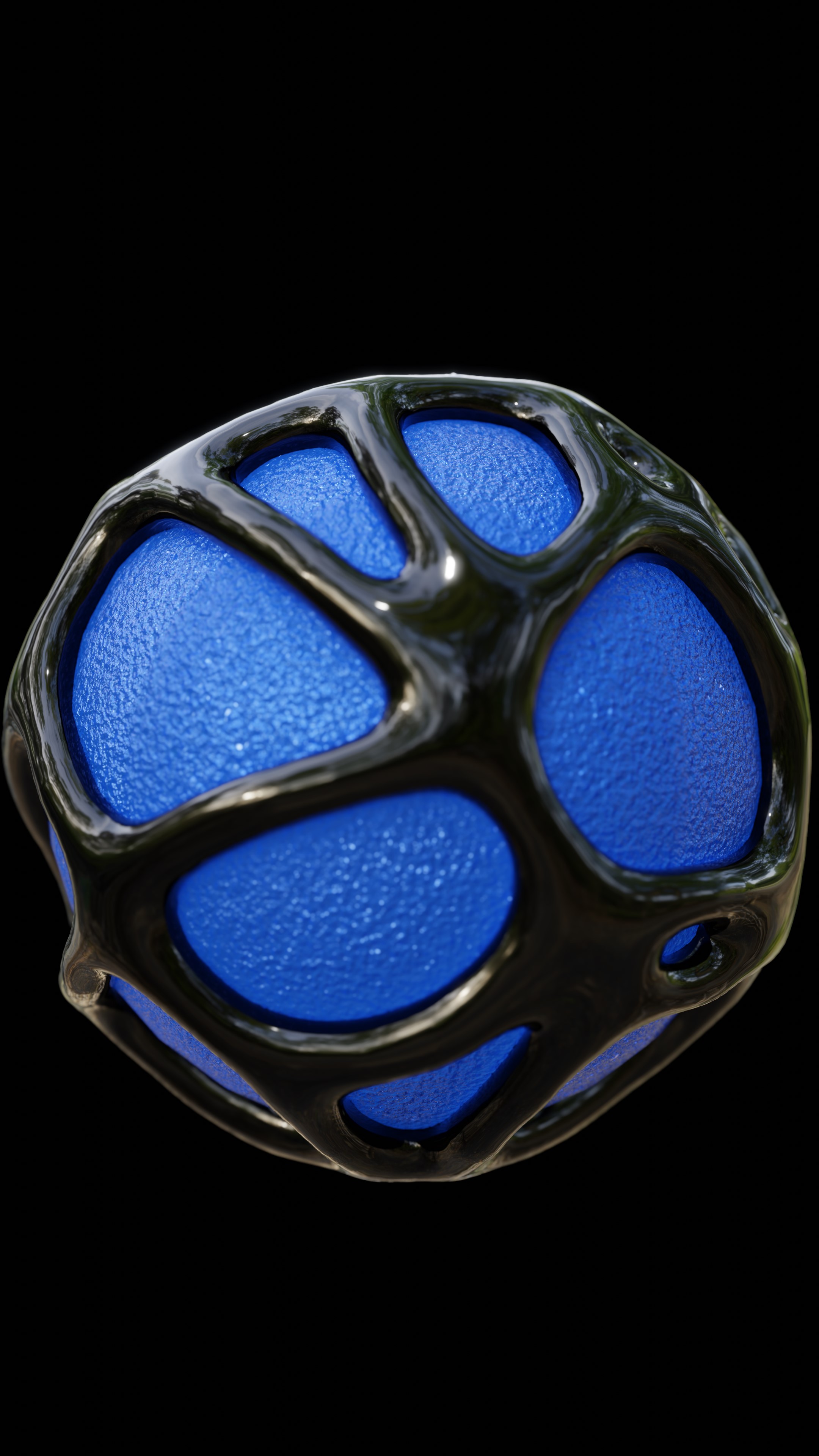
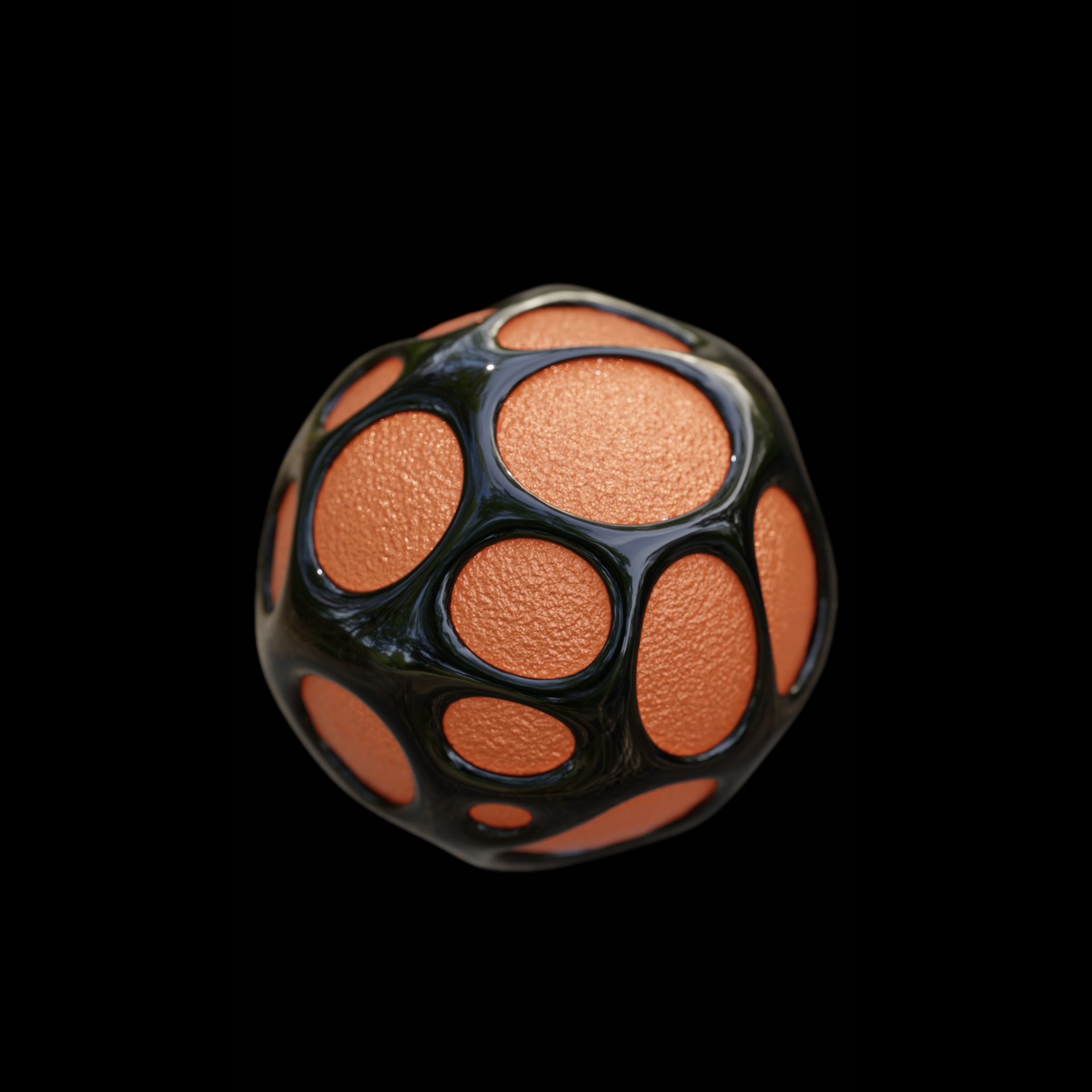
Layered Shell Workflow: Because the setup converts the input mesh directly into the Voronoi shell, duplicate your mesh first if you want an inner core. Scale the inner duplicate down slightly, and apply the Geometry Nodes setup to the outer duplicate.
Main Settings
The core look is controlled by the balance between three primary values on the group node:
Voronoi Thickness (Default: 0.5): Controls the width of the web structure. Lower smoothing values require less thickness.
Voronoi Scale (Default: 1.5): Controls the size and frequency of the Voronoi cells.
Smoothing Iterations (Default: 200): Smooths the meshed volume into an organic shell. Always adjust this alongside Voronoi Thickness.
Resolution & Volume Settings
Subdivision Level (Default: 5): Subdivides the base input mesh before point distribution.
Sample Point Distance (Default: 0.01) & Density (Default: 20000): Controls how densely points are scattered along the Voronoi pattern.
Volume Density (Default: 10): Strength of the generated volume before meshing.
Voxel Amount (Default: 100), Radius (Default: 0.1), & Size (Default: 0.03): Controls the resolution and radius of the Points-to-Volume conversion. Smaller voxel sizes yield sharper details at a higher performance cost.
Threshold (Default: 1.0) & Adaptivity (Default: 0.0): Controls the Volume-to-Mesh surface cutoff and polygon optimization.
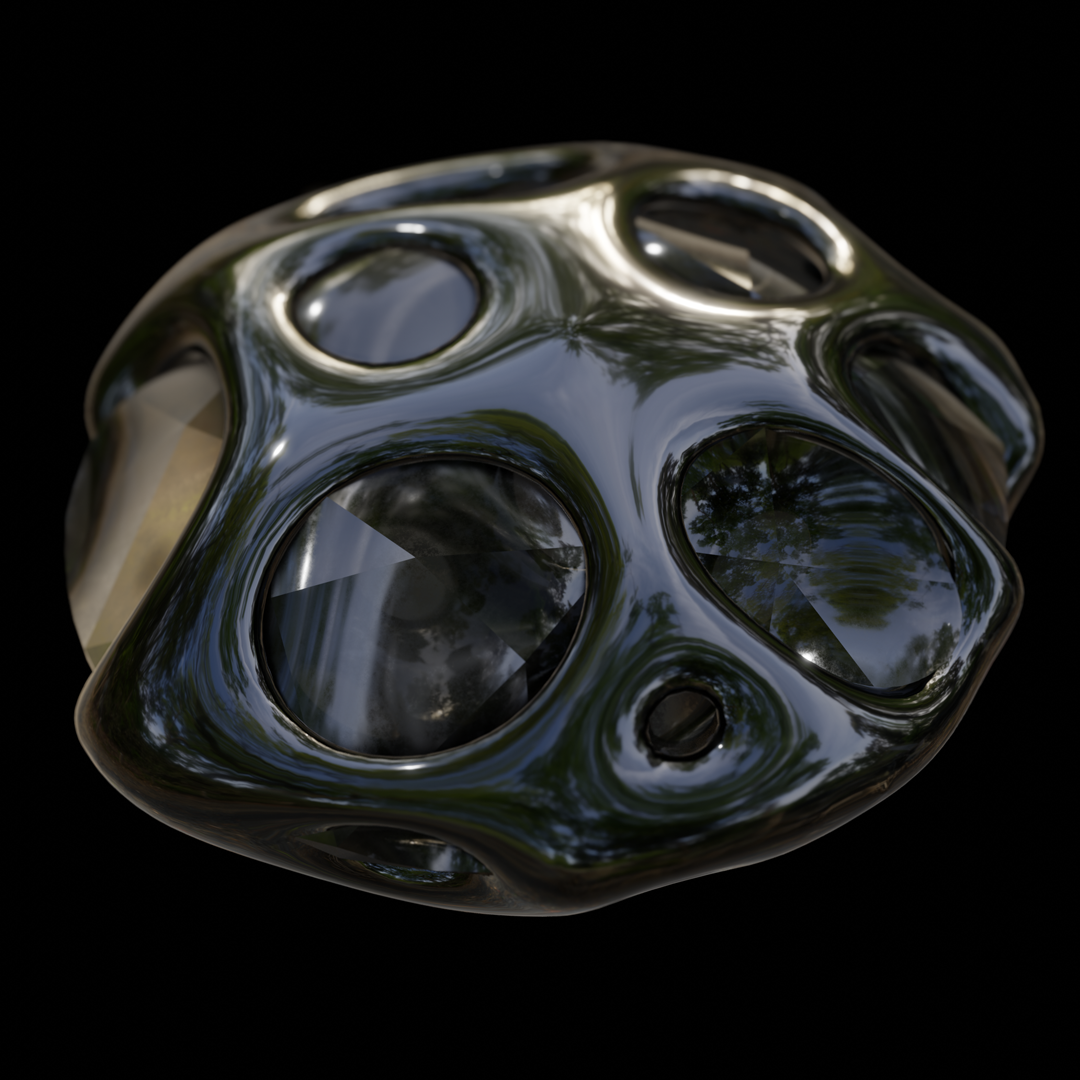
Material: Assigned via the Set Material node right after the main group (
Black_Voronoiby default).
Customizing the Core
Select the Voronizer group node and press Tab to open it. All nodes inside are ungrouped, labeled, and framed with explanations so you can change the base Voronoi pattern (e.g., 3D, 4D, Distance to Edge) or modify the core logic.
Have questions about this product?
Login to message
| Sales | 100+ |
| Rating | 1 ratings |
| Published | over 2 years ago |
| Blender Version | 3.6 - 5.3 |
| Render Engine Used | Eevee |
| License | Royalty Free |
Discover more products like this
mesh surface geometry nodes voronoi surface surface voronoi from mesh Generator voronoi shell motion graphics animated surface shell animated voronoi surface voronoi