The Surface Voronizer
 codesignprojects
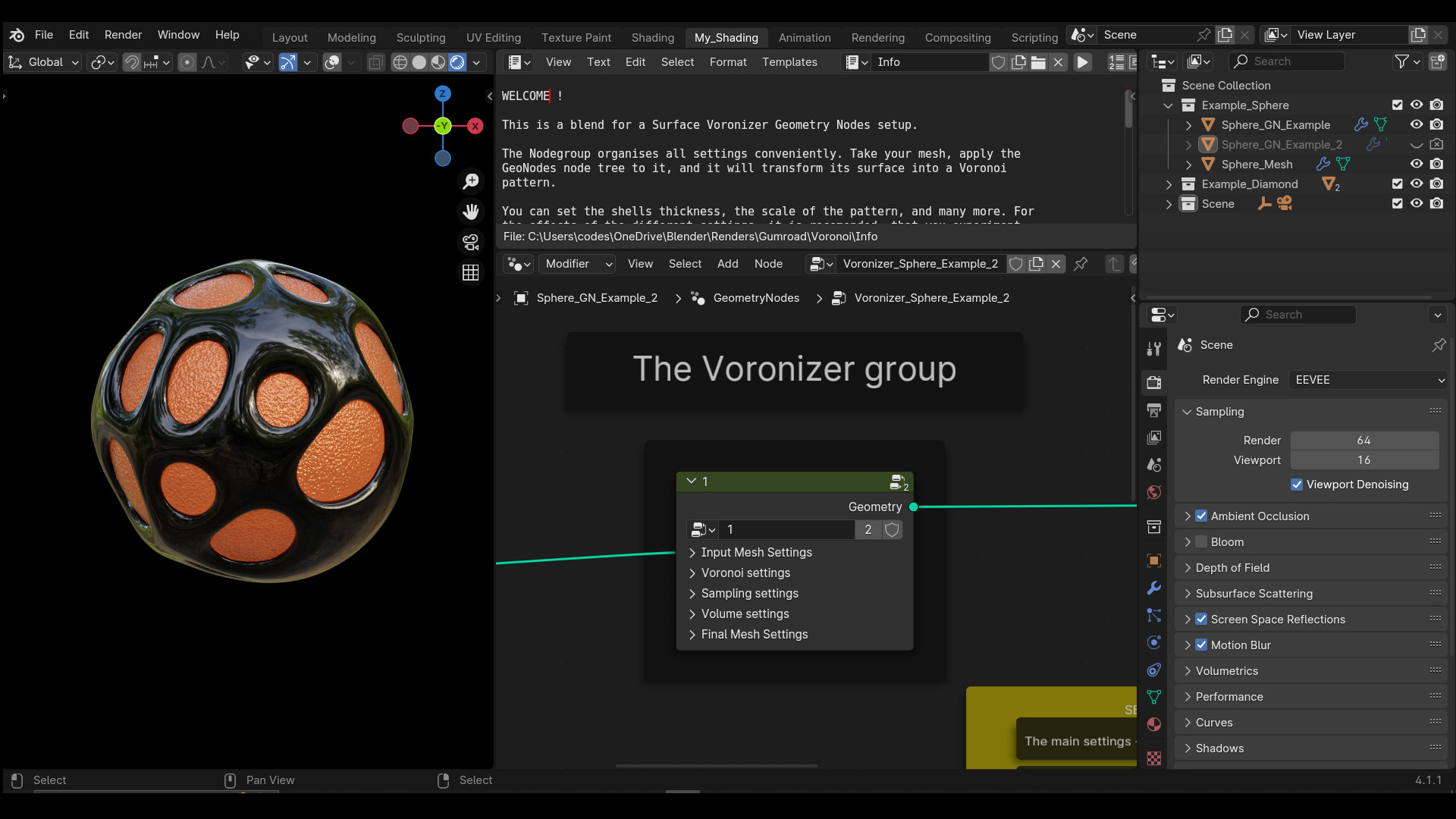
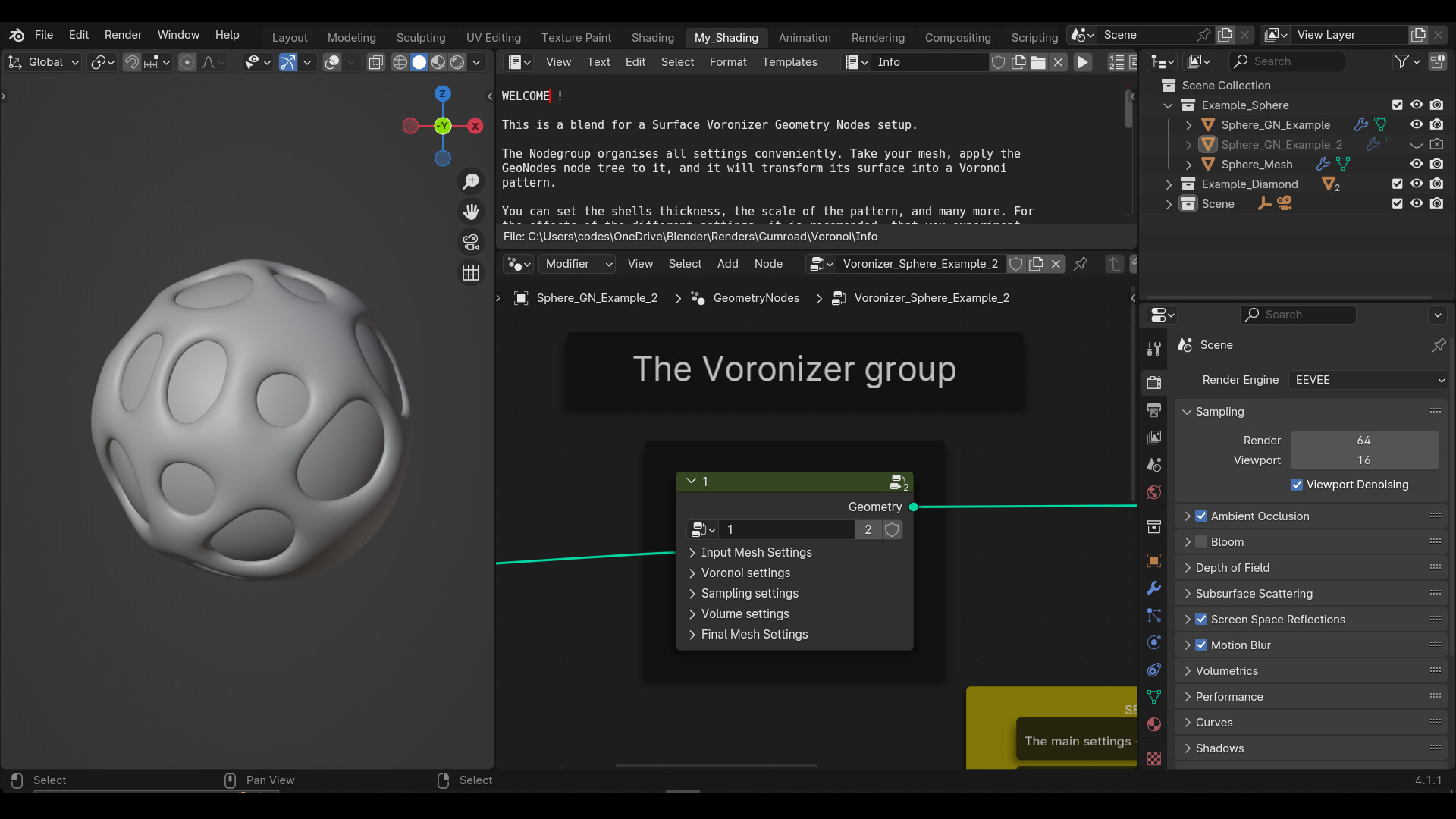
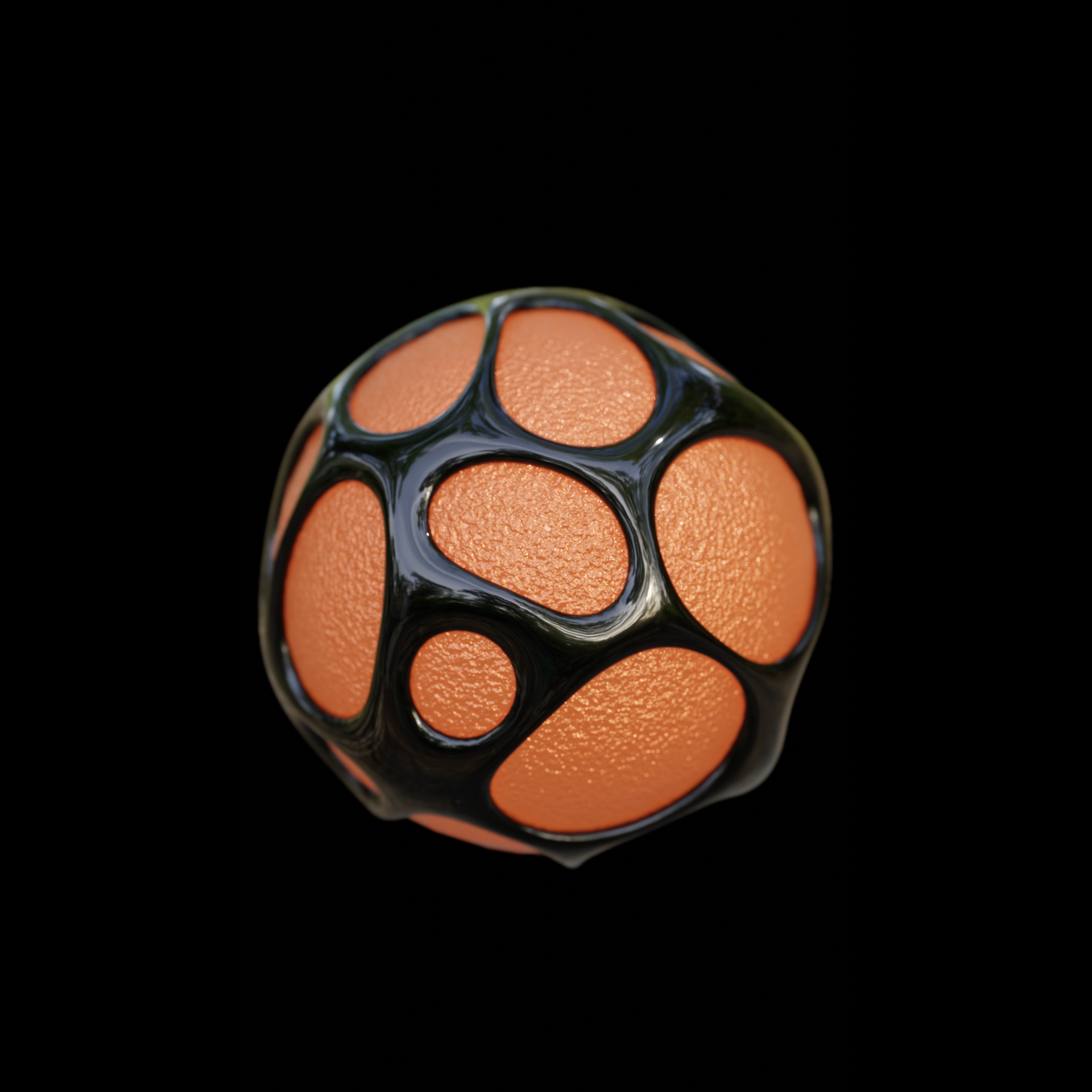
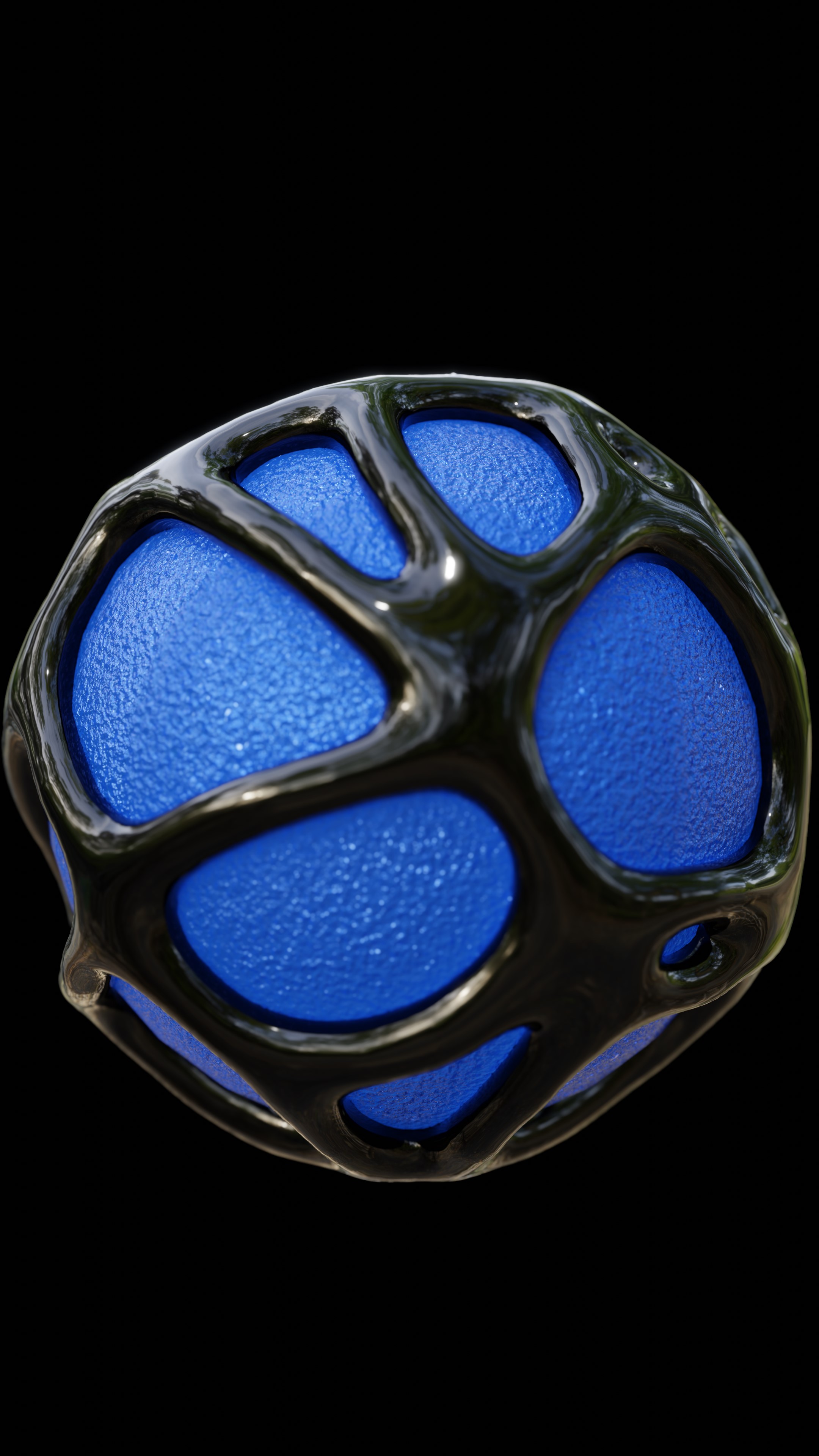
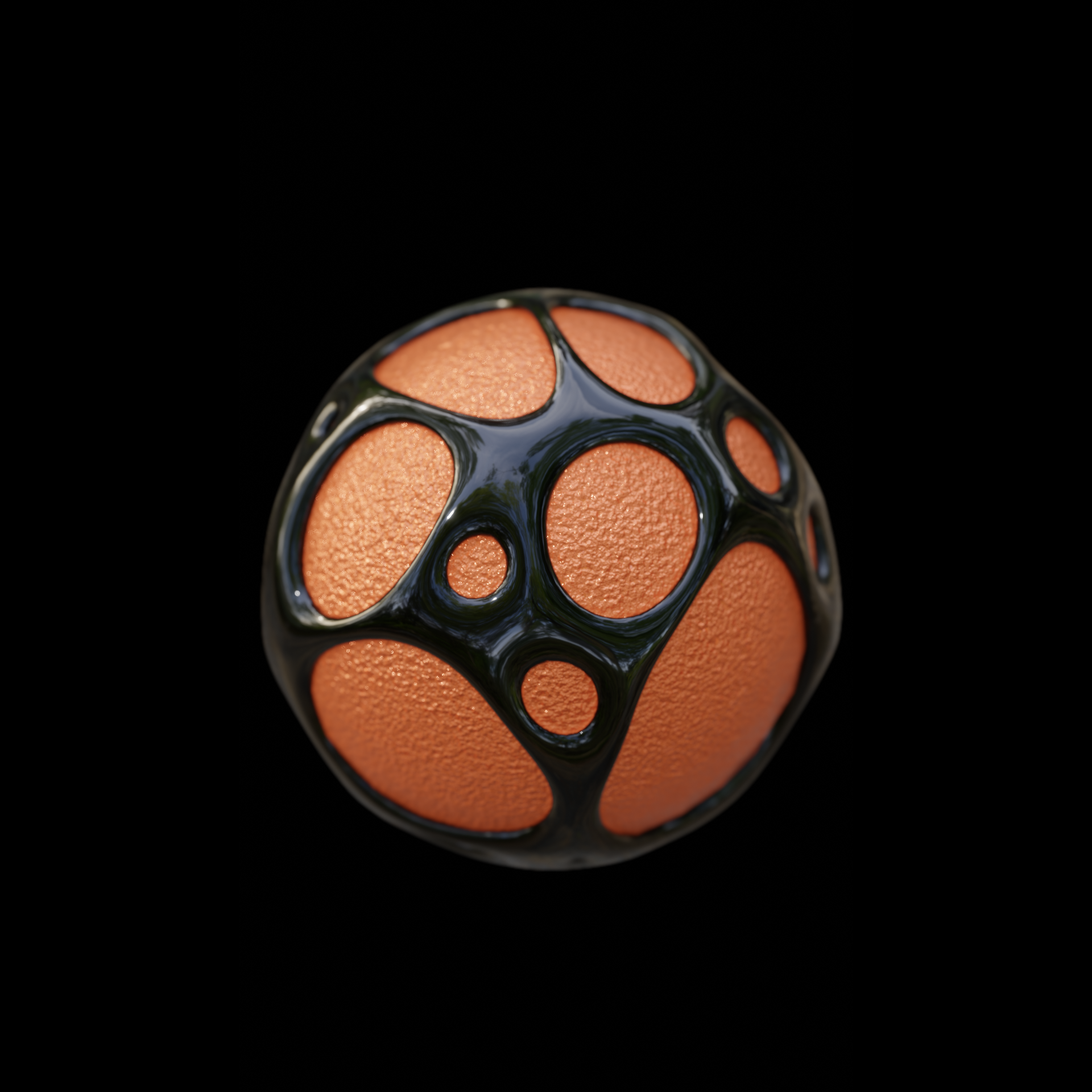
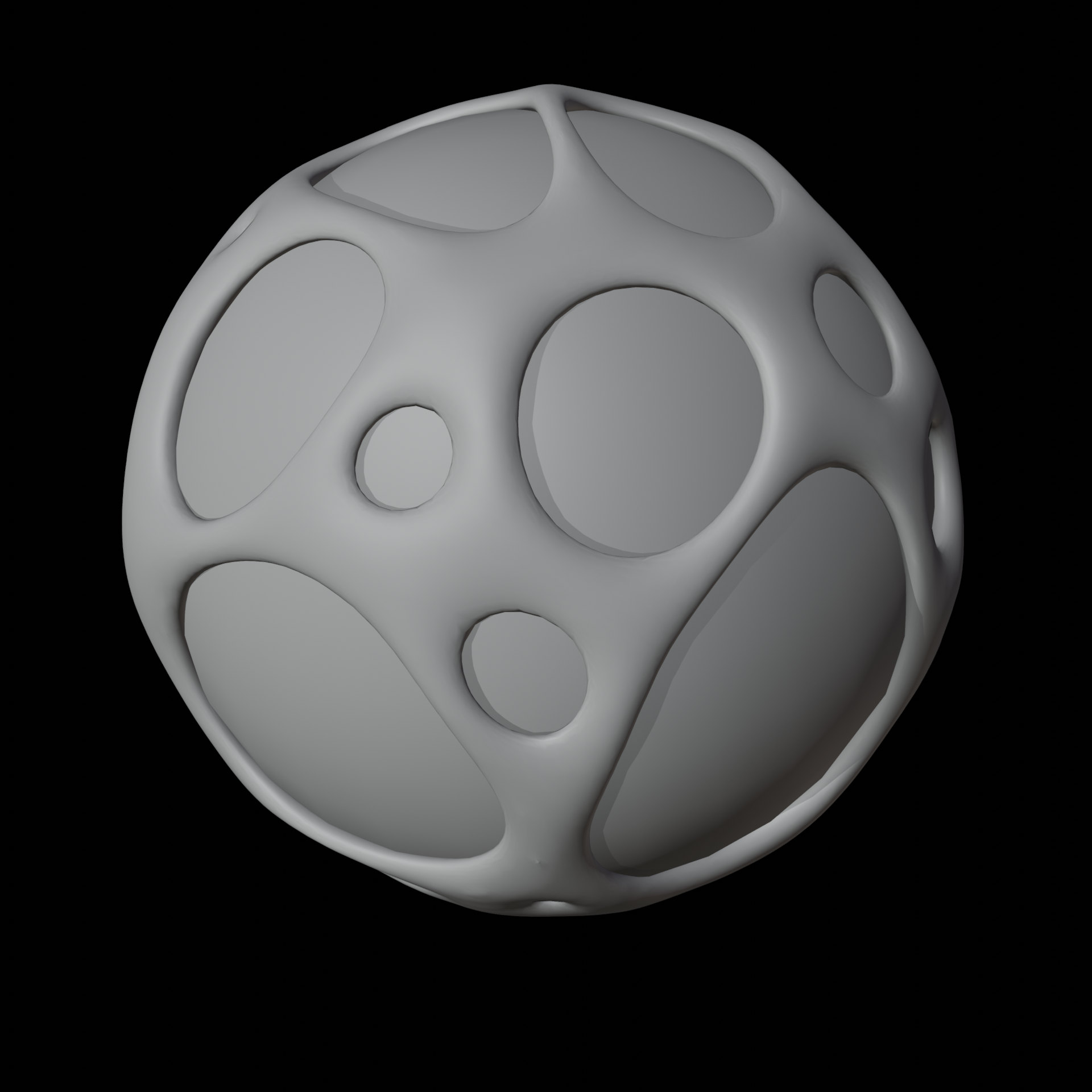
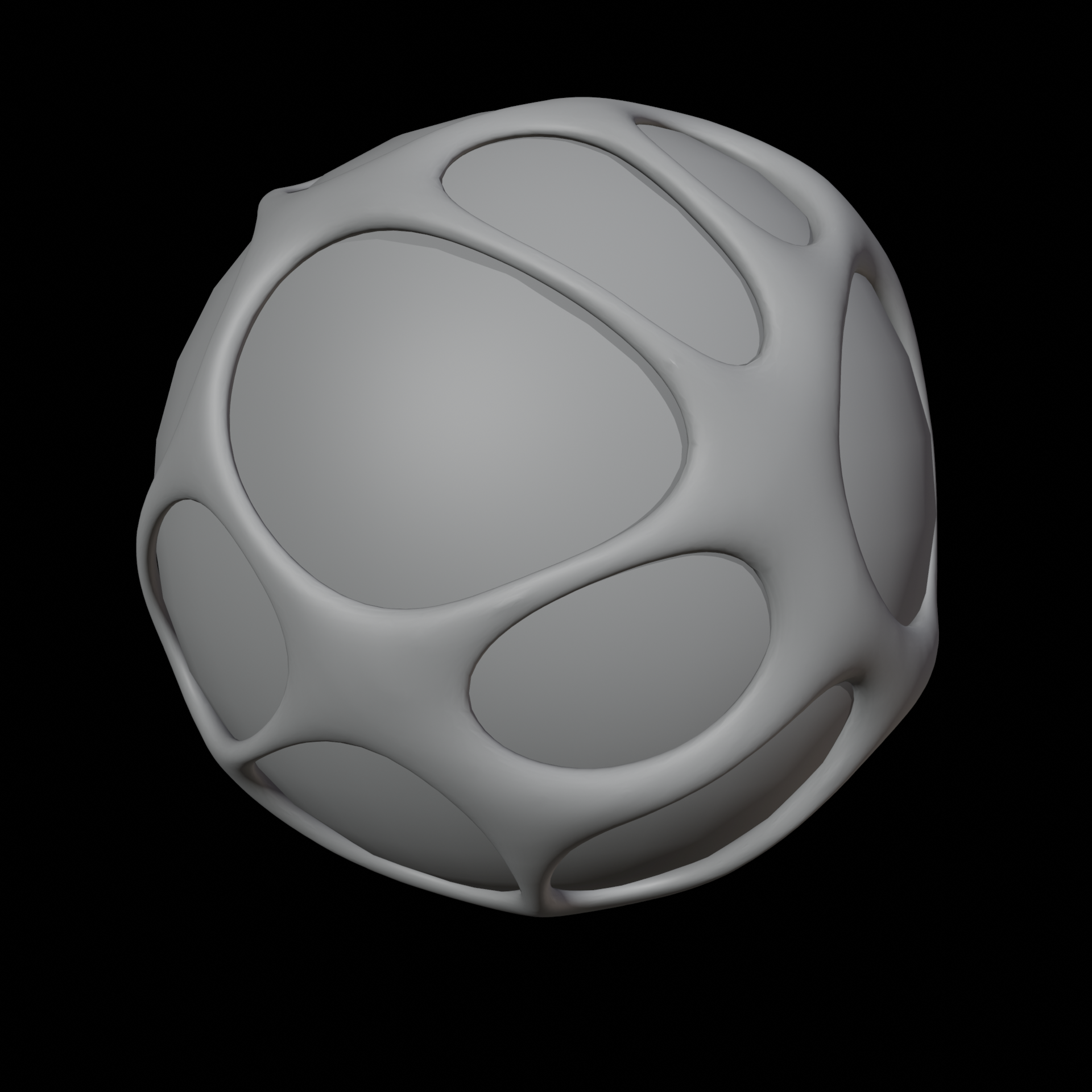

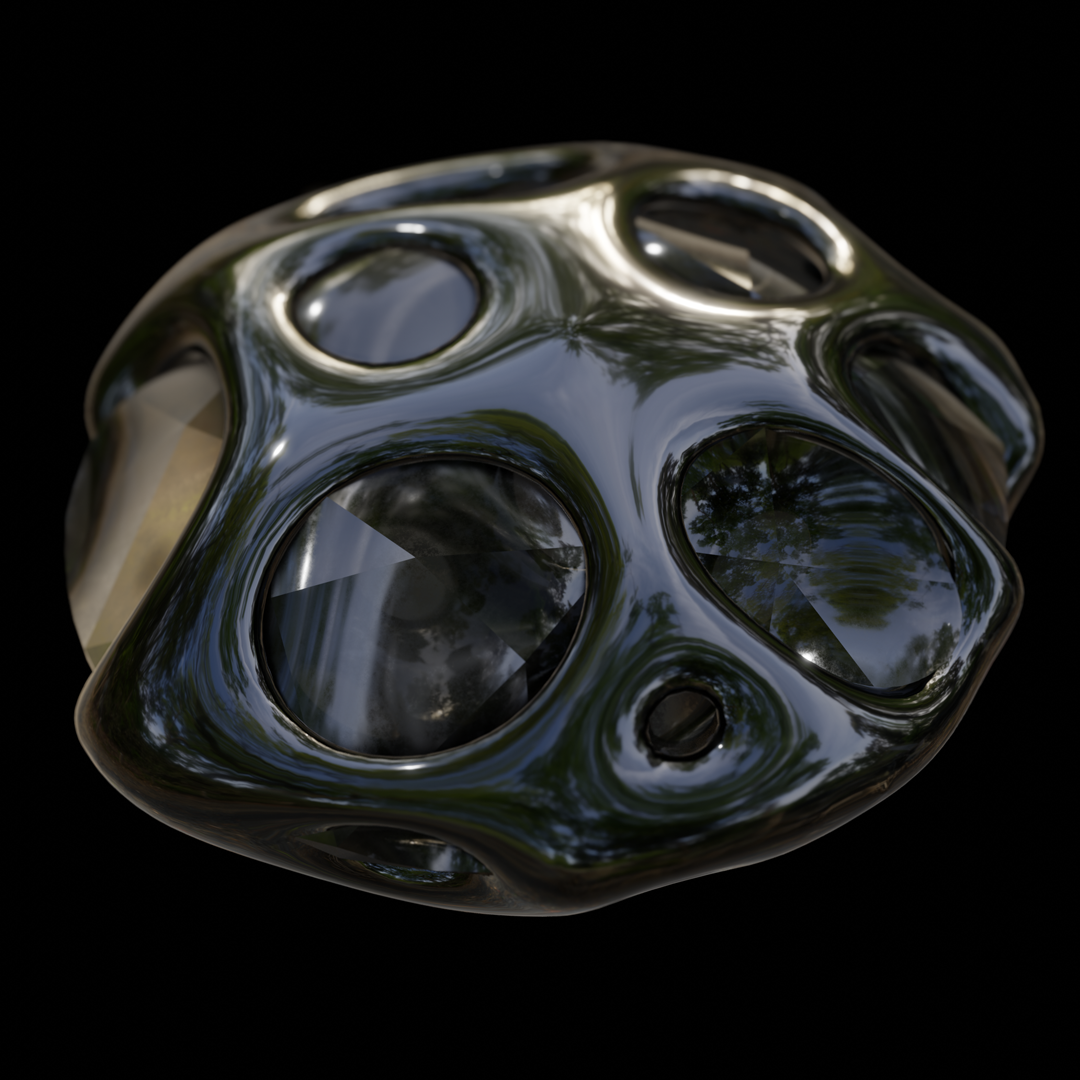
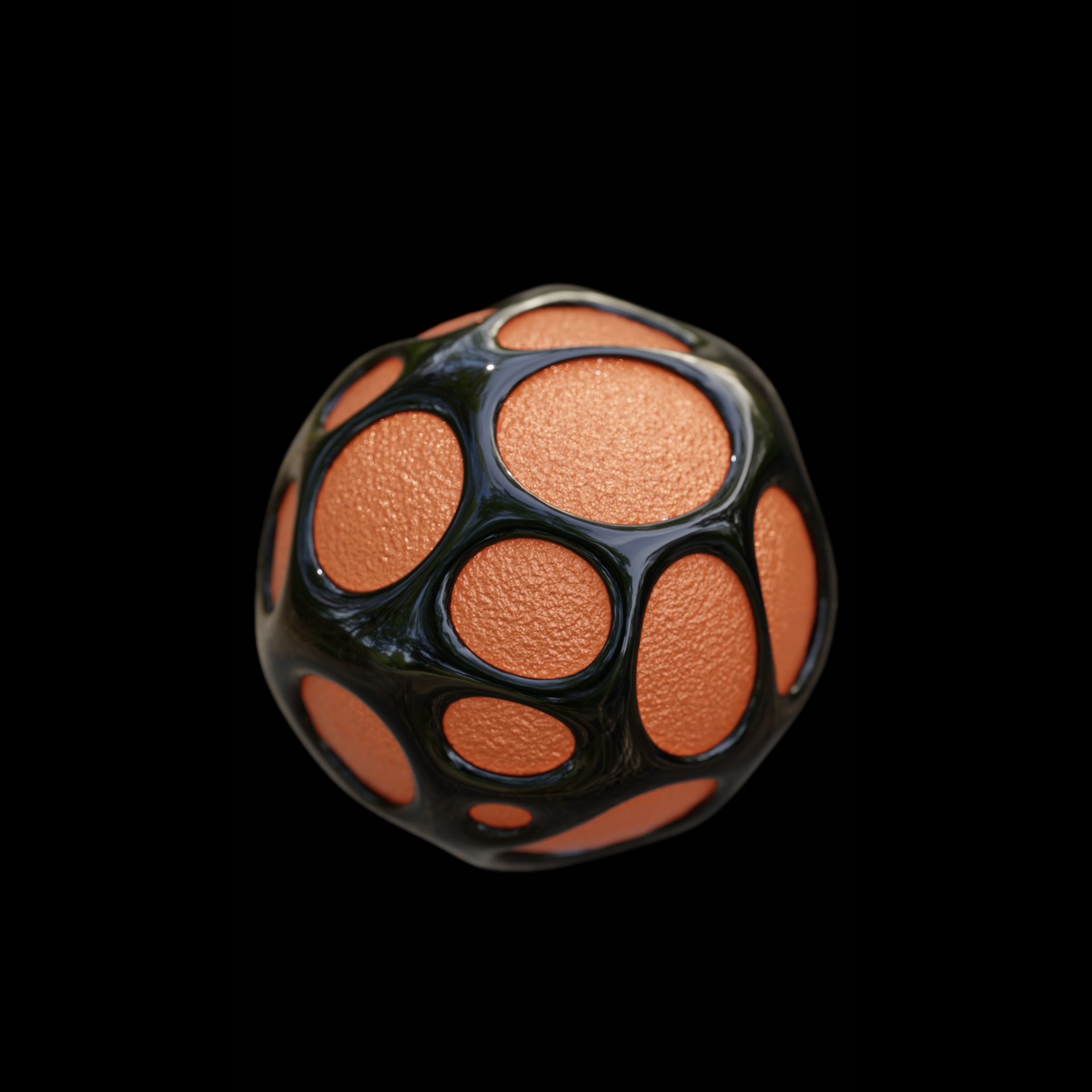
Where did my mesh go ? It disappeared when the Node Tree is attached !
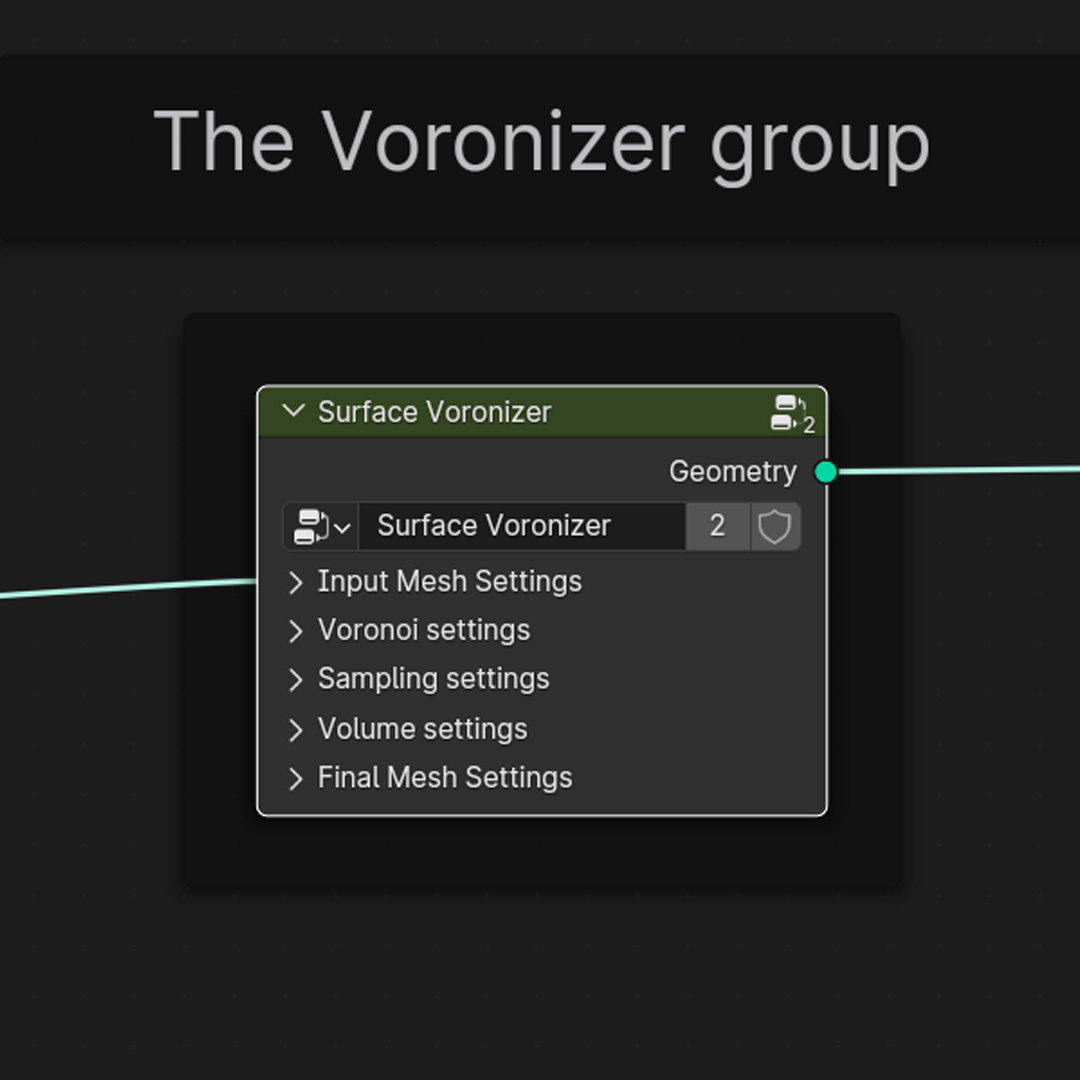
Dont worry, it is still there ! The input mesh itself is what is turned into the Voronoi Surface ! The best workflow is to duplicate the mesh, slightly scale one of them down, and attach the Node tree to the other !
How do I animate the effect?
Hover over any exposed parameter on the Geometry Nodes modifier (such as Voronoi Scale, Thickness, or internal 4D W values if exposed) and press I to insert a keyframe. Check the included animated example file to see how the keyframes are set up.
Why does my mesh disappear or look broken when I change the Smoothing Iterations?
Smoothing Iterations and Voronoi Thickness work together. High smoothing shrinks thin geometry, while low smoothing leaves thicker geometry bloated. If you lower the smoothing iterations, lower the Voronoi Thickness to match; if the shell vanishes at high smoothing, increase the thickness.
Have questions about this product?
Login to message
| Sales | 100+ |
| Rating | 1 ratings |
| Published | over 2 years ago |
| Blender Version | 3.6 - 5.3 |
| Render Engine Used | Eevee |
| License | Royalty Free |
Discover more products like this
geometry nodes surface voronoi from mesh Generator voronoi shell mesh surface animated surface animated voronoi motion graphics surface voronoi shell voronoi surface