The Wave Function - Traveling Spiral Along Any Curve in Geometry Nodes
 codesignprojects
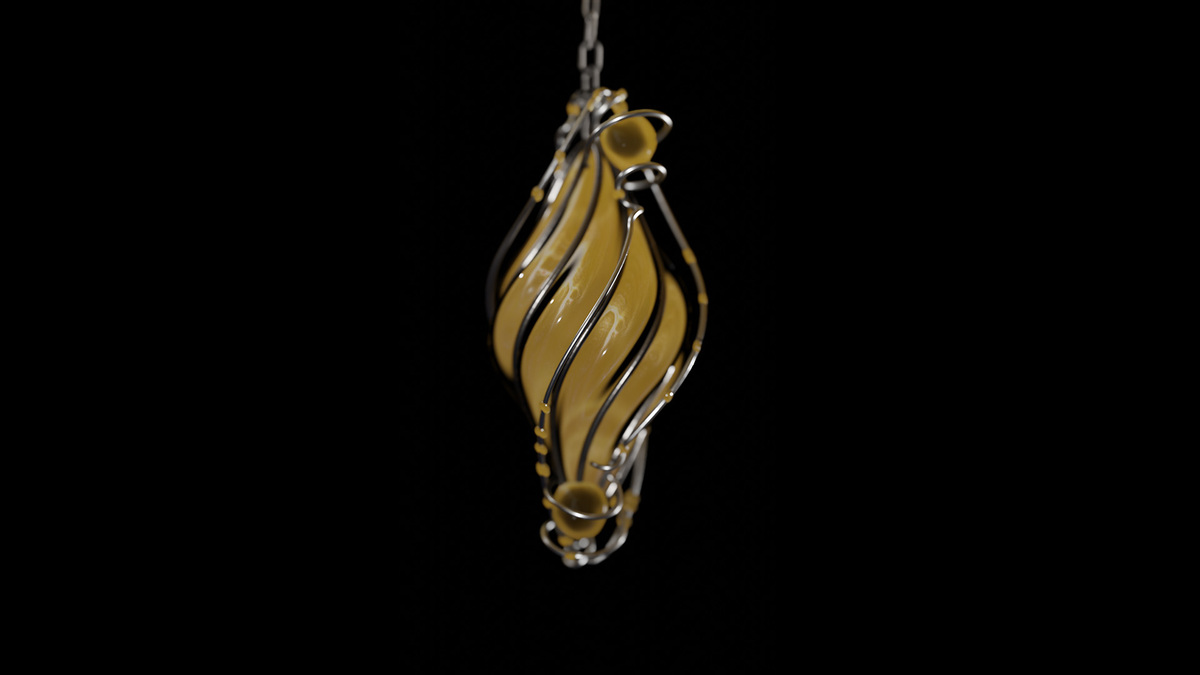
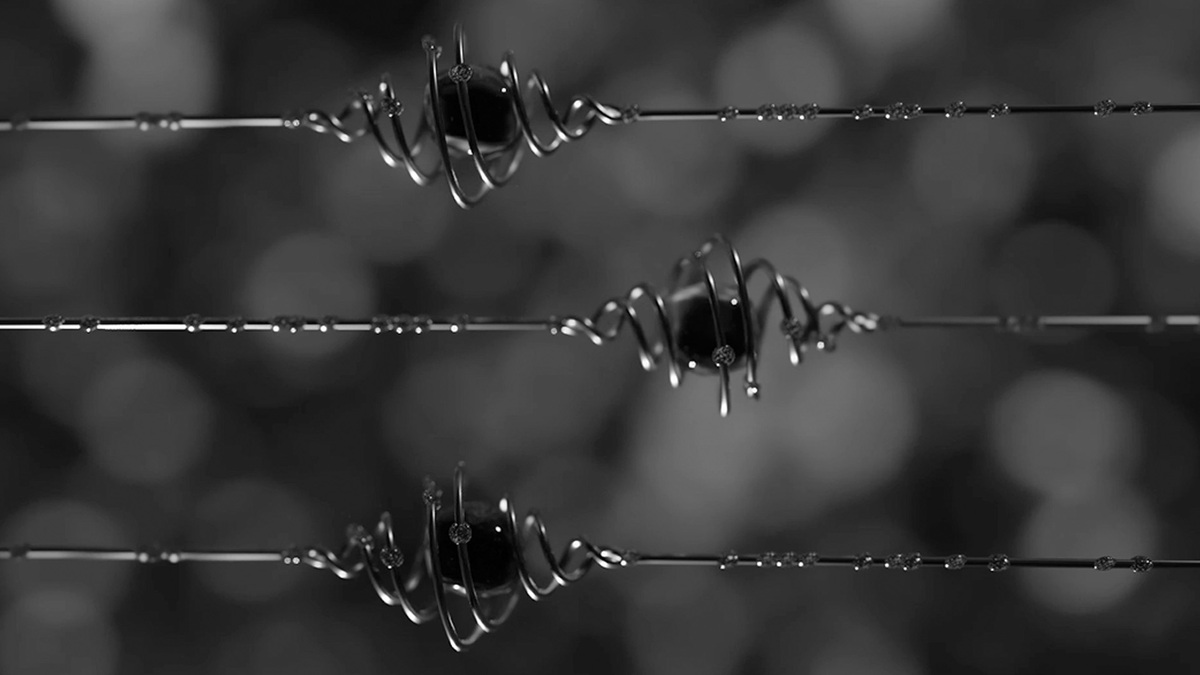

Can I use my own custom curves or paths?
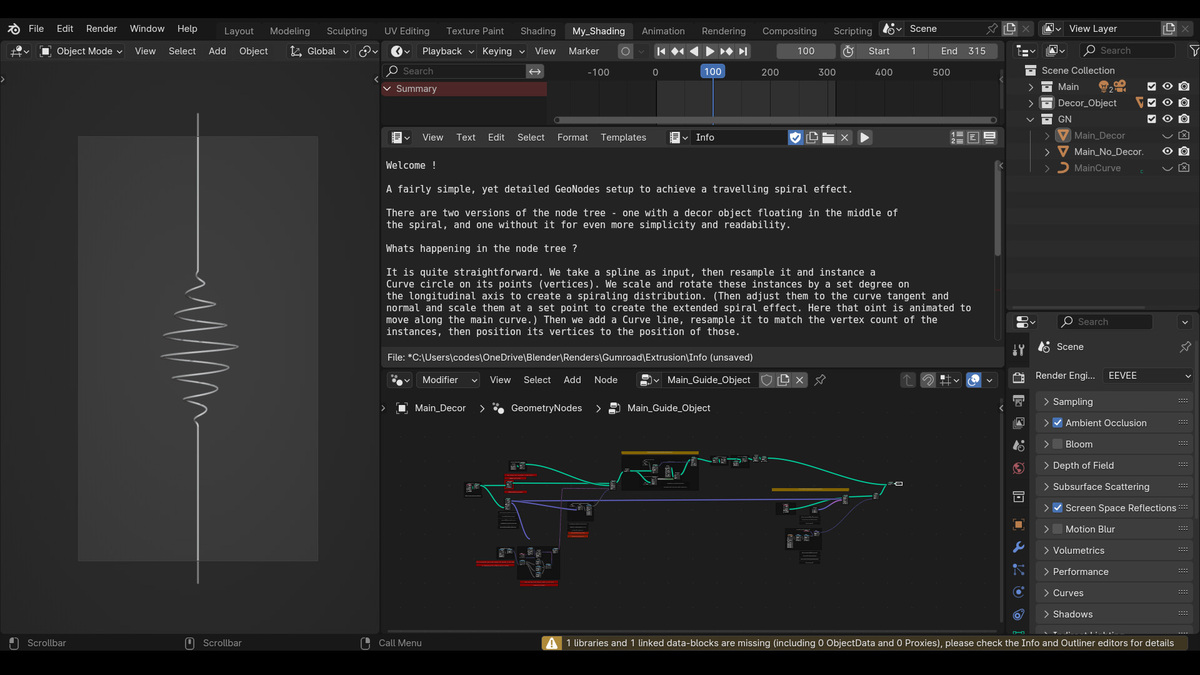
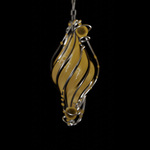
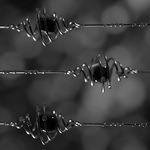
Yes, the setup is fully procedural and works with any standard Blender curve. You can draw a new Bézier, NURBS, or Poly curve directly in the viewport, or import an existing path, and the spiral will automatically adapt to its shape and length.
How do I animate the spiral moving along the path?
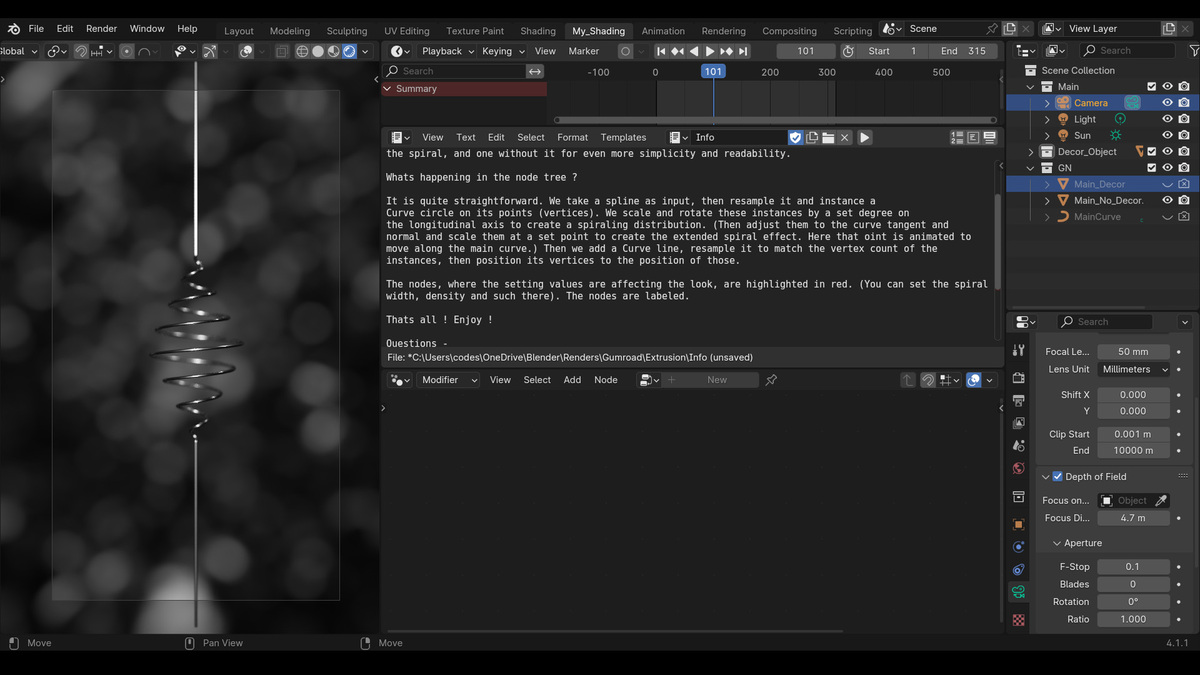
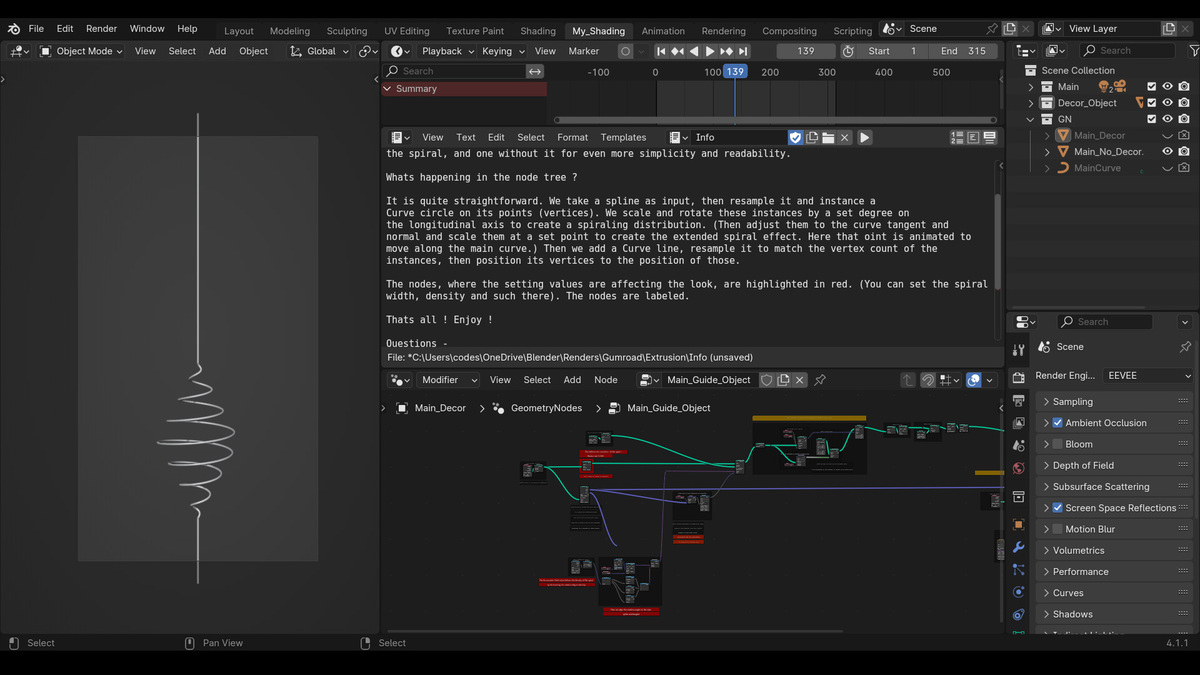
The movement is driven by a single sliding focal point. You can easily animate the spiral traveling down the wire by setting keyframes on the Sample Curve factor parameter, or by attaching a driver to control its speed and looping behavior over time.
Is it possible to adjust the tightness and thickness of the coils?
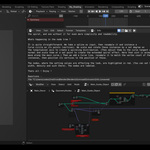
Absolutely. You can customize the visual style by tweaking the rotation degree in the Accumulate Field node to increase or decrease the coil density. Additionally, you can adjust the radius of the instanced circles to expand the spiral's width, and change the profile curve to make the actual wire thicker or thinner.
Does this work on closed loops or continuous shapes?
Yes, the geometry node tree includes a specific routing for continuous paths. If your base spline is a closed loop, simply check the Cyclic toggle on the base curve to ensure the spiral flows seamlessly around the entire shape without breaking at the seam.
Have questions about this product?
Login to message
| Sales | 10+ |
| Published | about 2 years ago |
| Blender Version | 3.6 - 5.2 |
| Render Engine Used | Cycles, Eevee |
| License | Creative Commons |
Discover more products like this
animated spiral curve to spiral move along a curve traveling spiral along spline spiral effect knot animated wave geometry nodes spiral parametric cool