 EdenWeby 3D



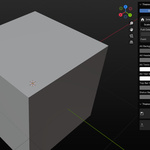
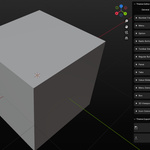
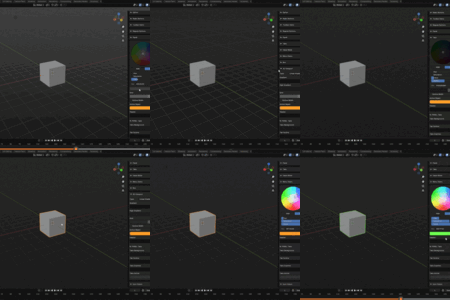
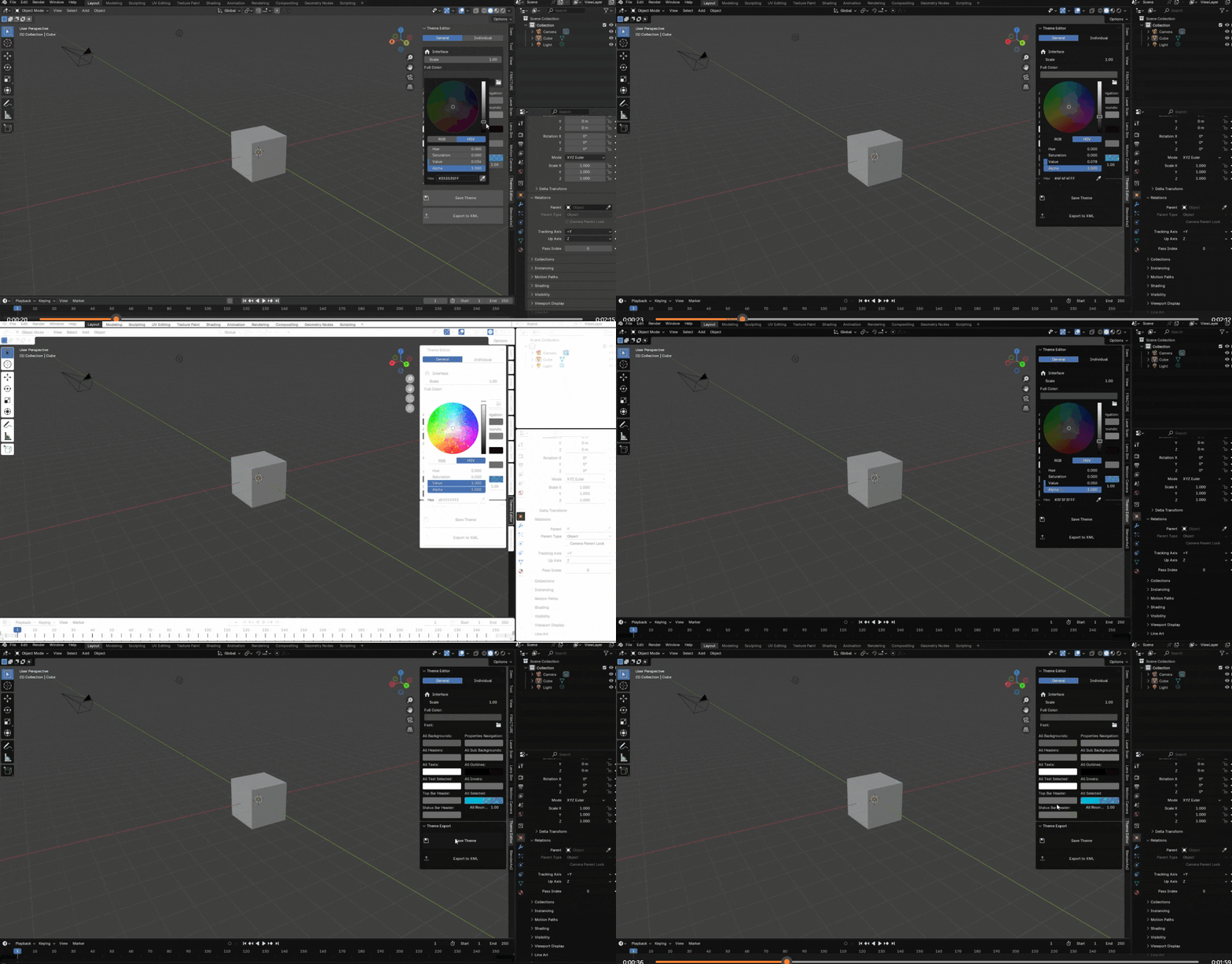
Creating custom themes in Blender can be a complex and time-consuming process, with numerous UI elements to customize and intricate color relationships to manage. Themify simplifies this process by providing an intuitive, organized interface for comprehensive theme customization.
Usage
- Access the Theme Editor from the 3D Viewport's sidebar
- Choose between General (global changes) or Individual (specific elements) tabs
- Adjust colors and properties as needed
- Save your theme or export it to share with others
Key Features
General Theme Controls- Full Color Control: Single-click application of colors across the entire interface
- UI Scale Adjustment: Easy control of interface scaling
- Custom Font Support: Ability to set custom UI fonts
- Global Color Management:
Individual Element Customization
Detailed control over specific UI elements, each with collapsible sections for most common ui interfaces
Special Features
- Icon Colors: Customizable colors for different types of icons (Scene, Collection, Object, etc.)
- Export Functionality:
- Save themes as Blender presets
- Export themes to XML format for sharing
- Real-time Preview: All changes are applied immediately for instant feedback
- Organized Interface:
- Two main tabs: General and Individual
- Collapsible sections for better organization
- Intuitive color pickers
- Clear labeling and grouping
Benefits
- Significantly faster theme creation
- More consistent theme appearance
- Better organization of theme elements
- Easy sharing of custom themes
- Professional-grade control over UI appearance
- No need to manually edit theme files
