Thumbhollow_horror_village
 Pratik Sonar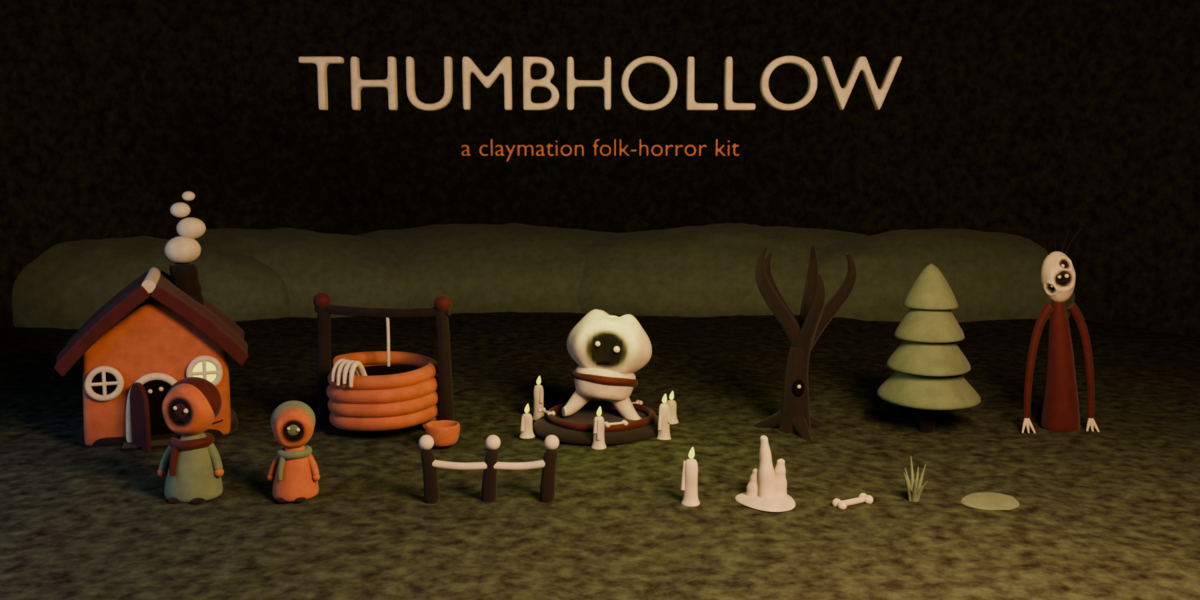

Getting started with Thumbhollow
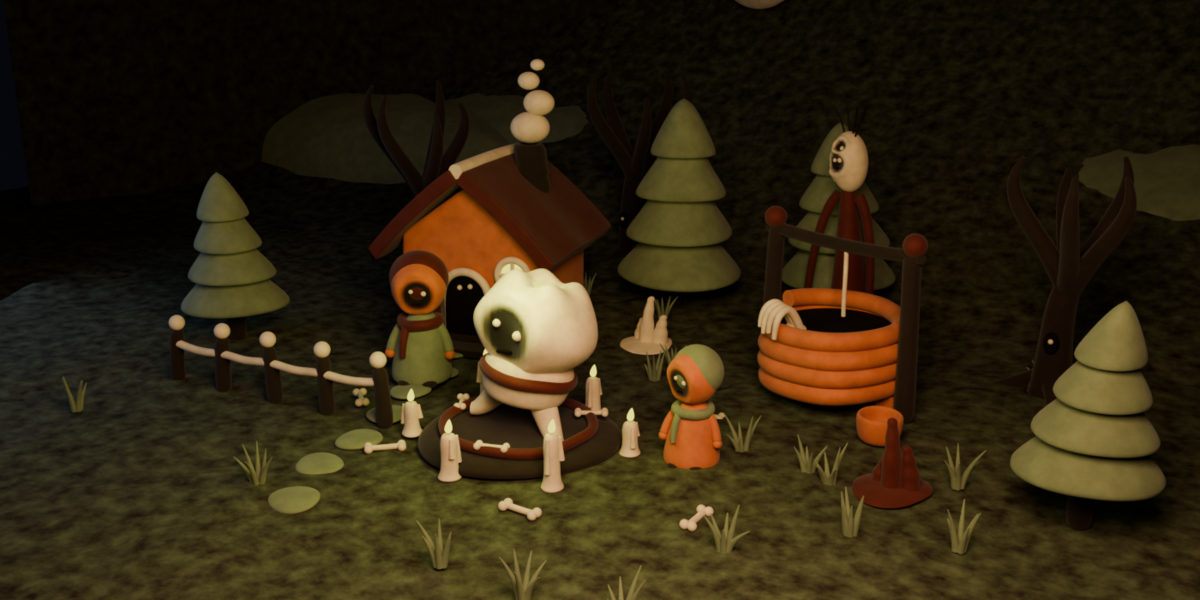
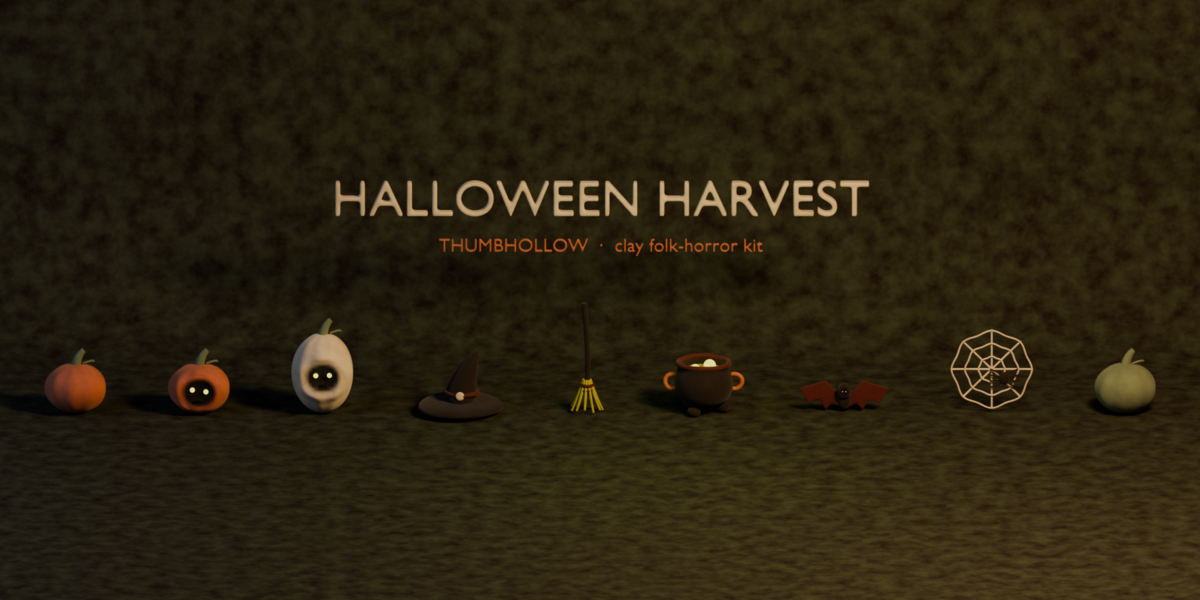
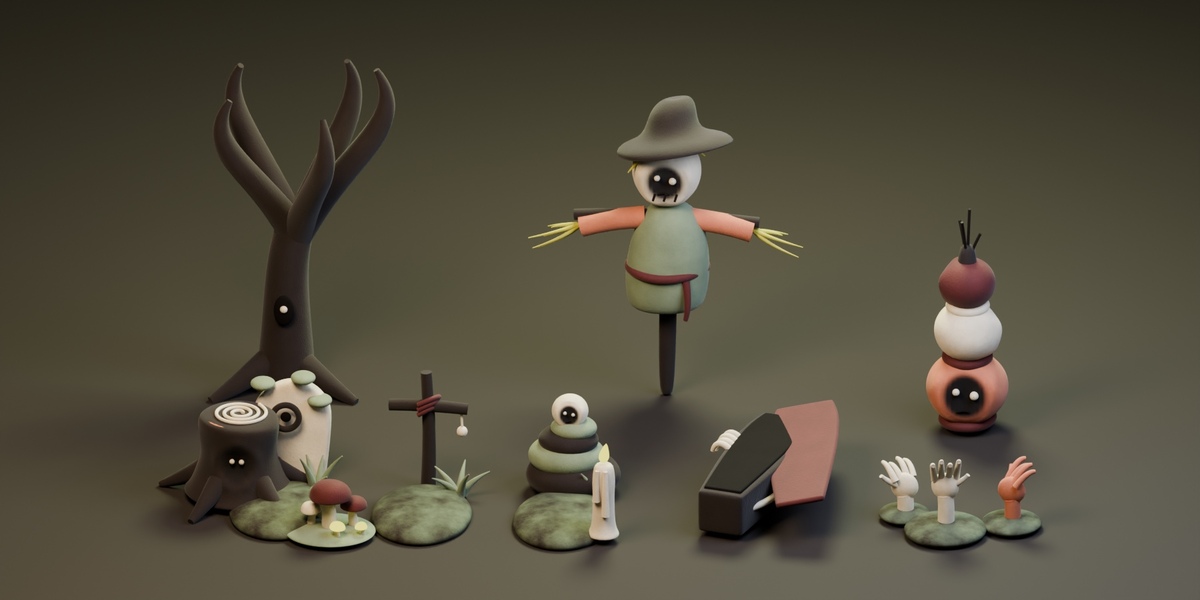
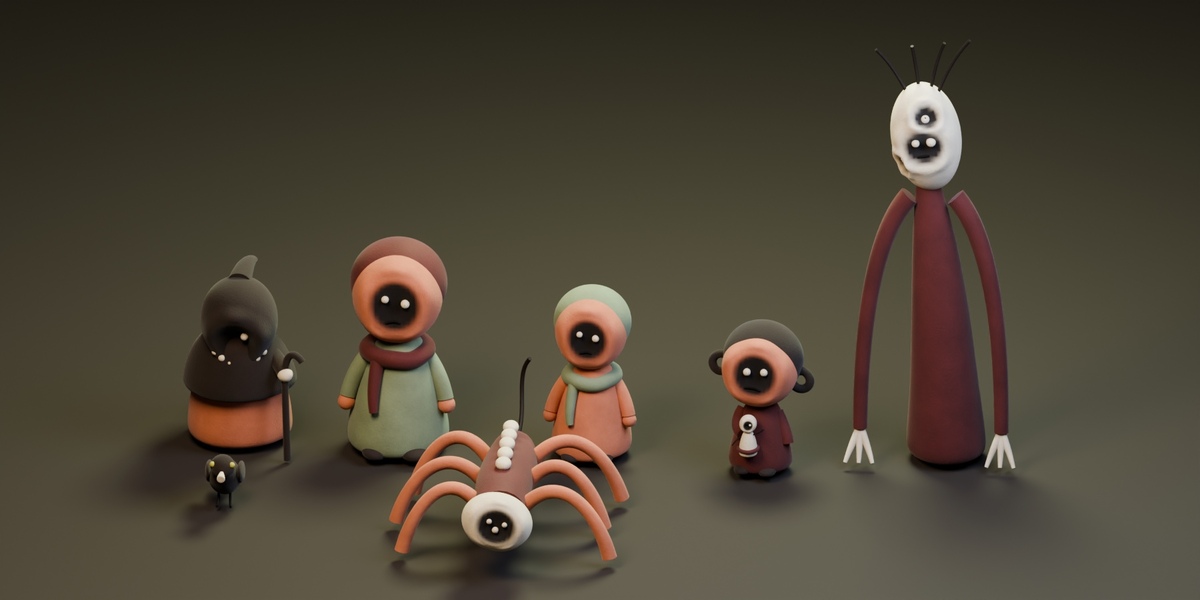
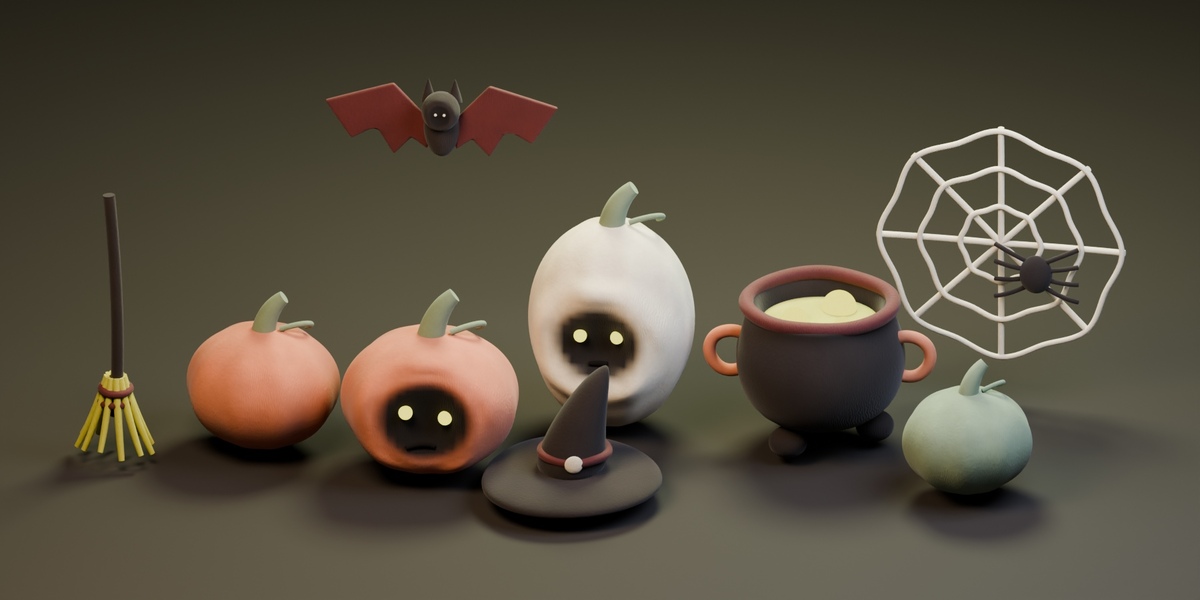
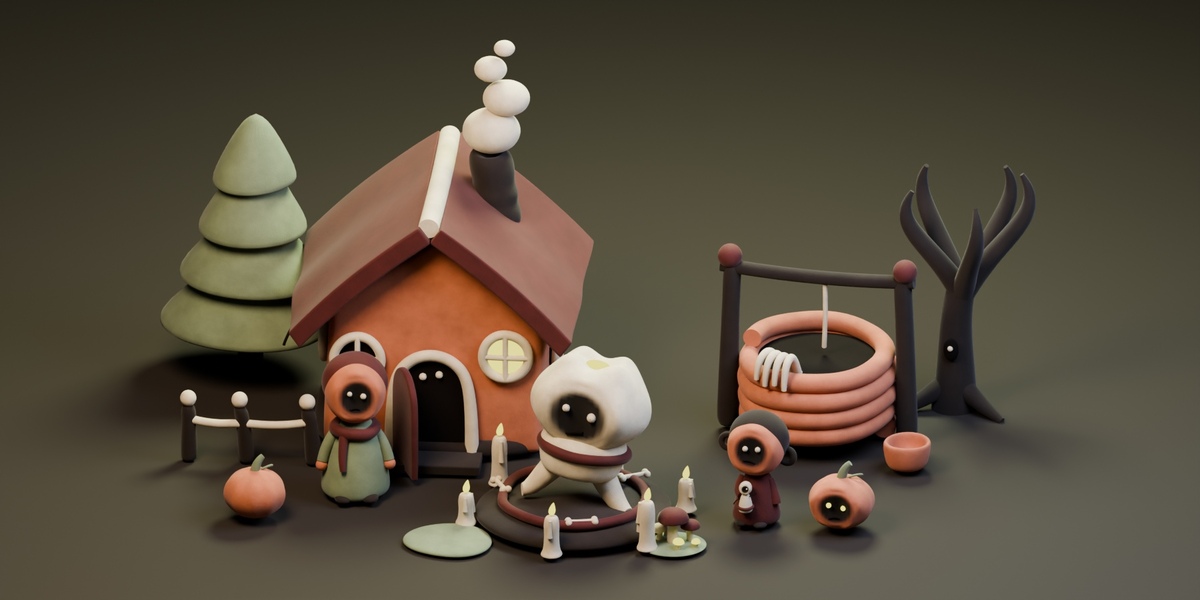
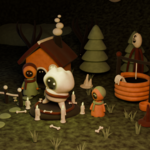
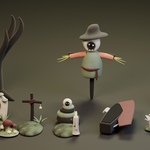
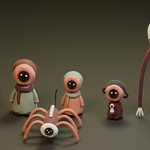
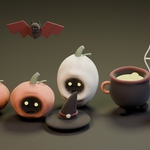
Thumbhollow includes 49 collection assets for building stylized clay Halloween and folk-horror scenes, organized into six categories: Village, Wilds, Graveyard & Ritual, Props, Pinchfolk, and Halloween Harvest.
Installation
- Download and extract the product ZIP to a permanent folder.
- Open Blender and go to Preferences → File Paths → Asset Libraries.
- Click + and select the extracted Assets folder containing
Thumbhollow.blend. - Name the library Thumbhollow.
- Open an Asset Browser editor and select the Thumbhollow library.
- Browse the categories and drag assets into your scene.
Editing assets
Choose Append as the Asset Browser import method when you want editable objects. If you import a collection instance, use Object → Apply → Make Instances Real before editing its individual parts.
Materials and rendering
The pack uses procedural clay materials and requires no external image textures. Use Cycles for the verified appearance. Your lighting, camera, and color management settings will affect the final result.
The product images use presentation lighting and staging.
Compatibility
Tested with Blender 5.2.2 LTS and Cycles. Earlier Blender versions and EEVEE have not been verified.
Included scope
Characters and creatures are static, unrigged models. The pack does not include animations, game-engine projects, FBX/GLB exports, baked texture sets, LODs, or collision meshes. Buildings are designed for exterior scene dressing.
Support
For help, contact me through the product’s Superhive support channel. Include your Blender version, the asset name, and a description or screenshot of the issue.
Have questions about this product?
Login to message
| Published | about 7 hours ago |
| Blender Version | 5.2 |
| Render Engine Used | Cycles, Eevee |
| Misc Data | Low-High-Resolution |
| License | Royalty Free |

Discover more products like this
scary creature clay 3d horror asset 3d-halloween night halloween 3D horror pack halloween asset 3D Horror dangerous 3D_Asset_Pack