 Layerform




How Do I Install the Add On?
Simple! Just go to Edit > Preferences > Add-Ons and top right select the dropdown saying "Install from Disk"
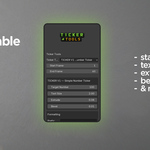
Install it, and then you simply press "N" in the viewport to bring up the Ticker Panel, delete everything in your scene (like you would a normal scene, delete that default cube!) and generate your scenes, then customise.
Alternatively we have included some example blend files, with the Fonts used (also created by us, and a Freebie for you!) packaged in the .zip.