Tidebone Altbau Room Generator
 Tidebone Studio
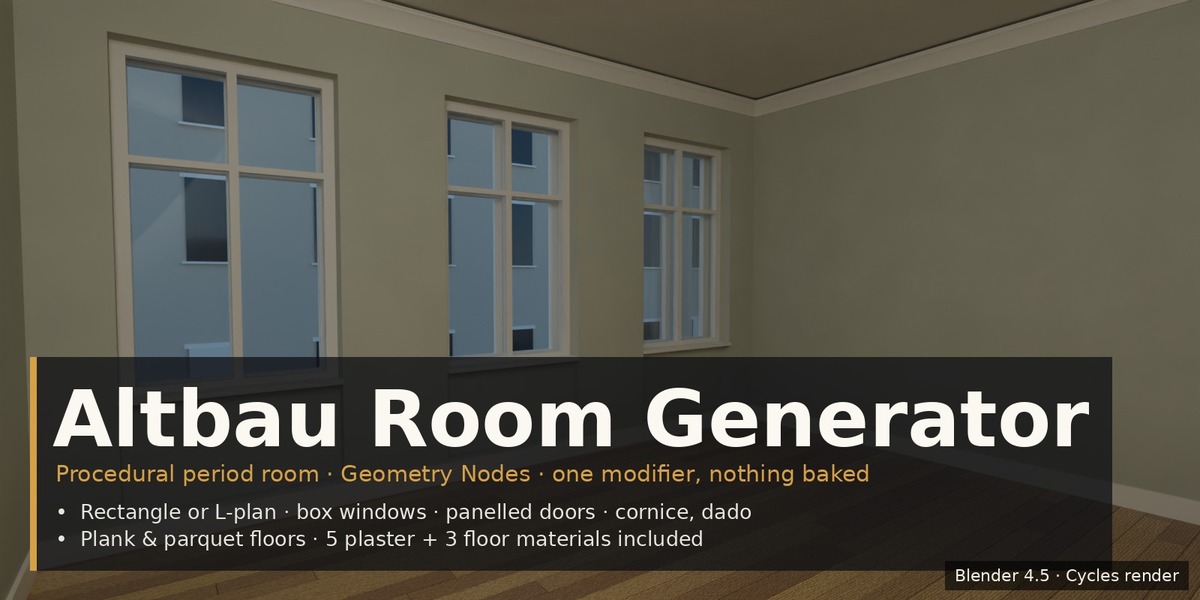
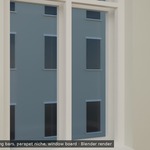
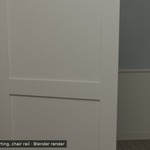
Requirements
Blender 4.2 LTS or newer. Tested headless with Blender 4.2.23 LTS, 4.5.14 LTS and 5.2.1 LTS (47 parameter cases each, 0 errors). Units: metres. Rendered and checked in Cycles; EEVEE and the Blender GUI were not tested.
Files
-
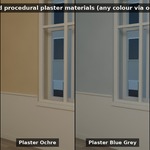
tidebone_altbau_room.blend– node group Tidebone Altbau Room (asset) + 10 materials -
blender_assets.cats.txt– asset catalog Tidebone / Altbau Room (keep next to the .blend) -
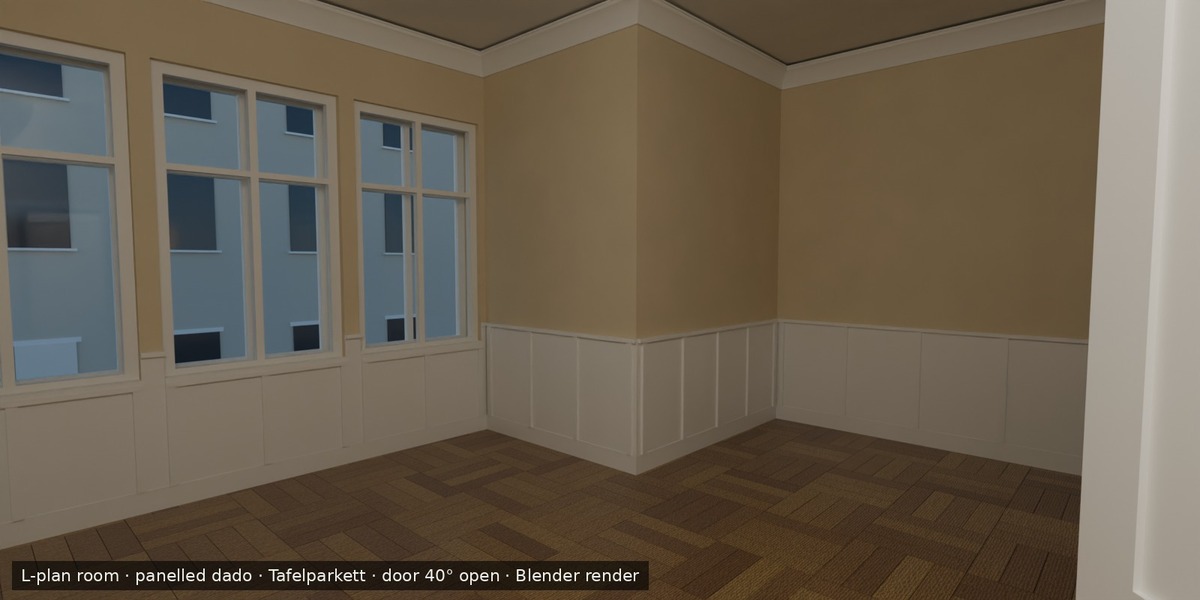
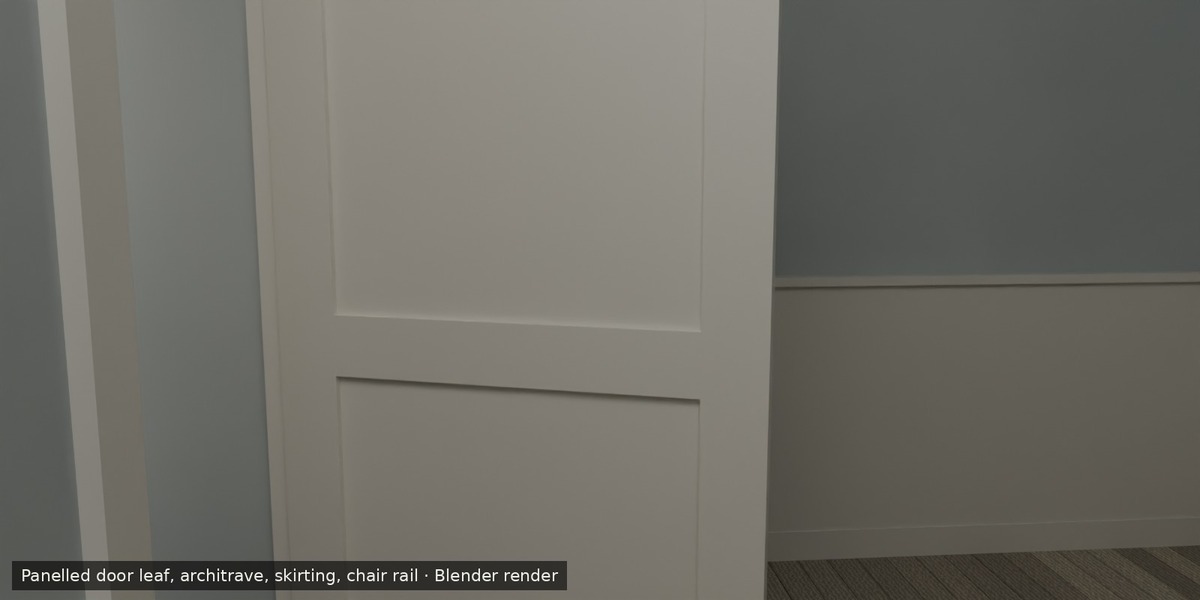
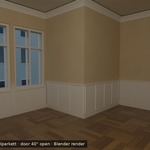
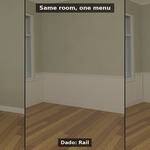
tidebone_altbau_room_demo.blend– demo scene: L-shaped room, panelled dado, parquet – open and press F12 - README.md, LICENSE.txt
Installation
Asset Browser (recommended): Edit > Preferences > File Paths > Asset Libraries → + → the folder with the .blend. Drag Tidebone Altbau Room onto an object.
Append: File > Append → tidebone_altbau_room.blend → NodeTree → Tidebone Altbau Room; add a Geometry Nodes modifier to a mesh object and select it. Append the materials from Material the same way.
Quick start
- Add a mesh object (a plane works; the input geometry is ignored unless Keep Input Mesh is ticked).
- Add a Geometry Nodes modifier, pick Tidebone Altbau Room.
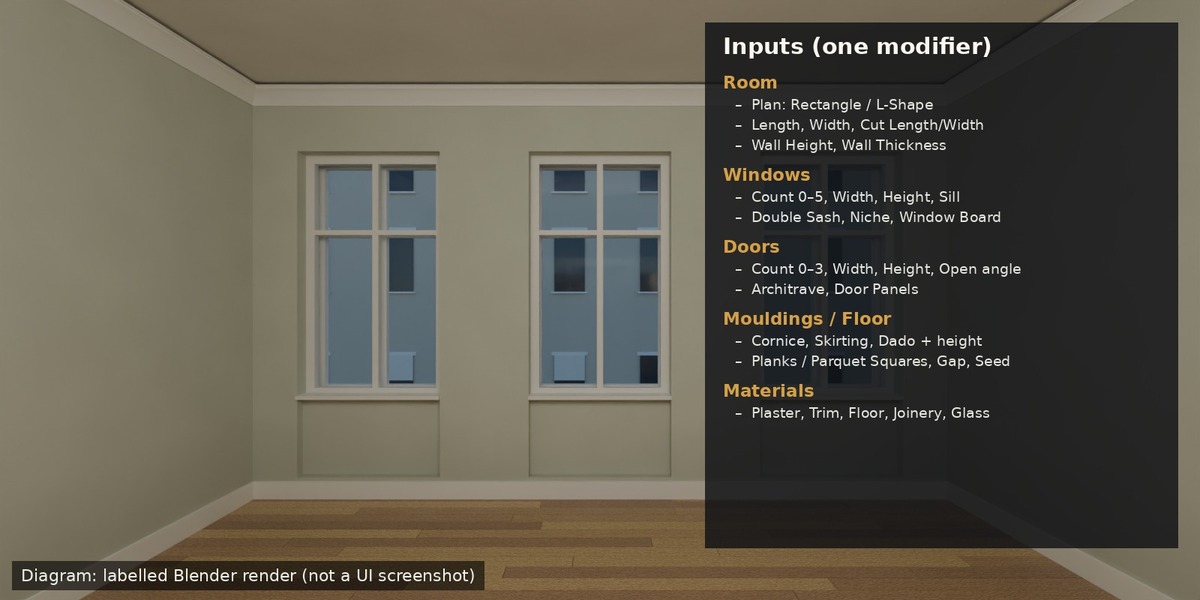
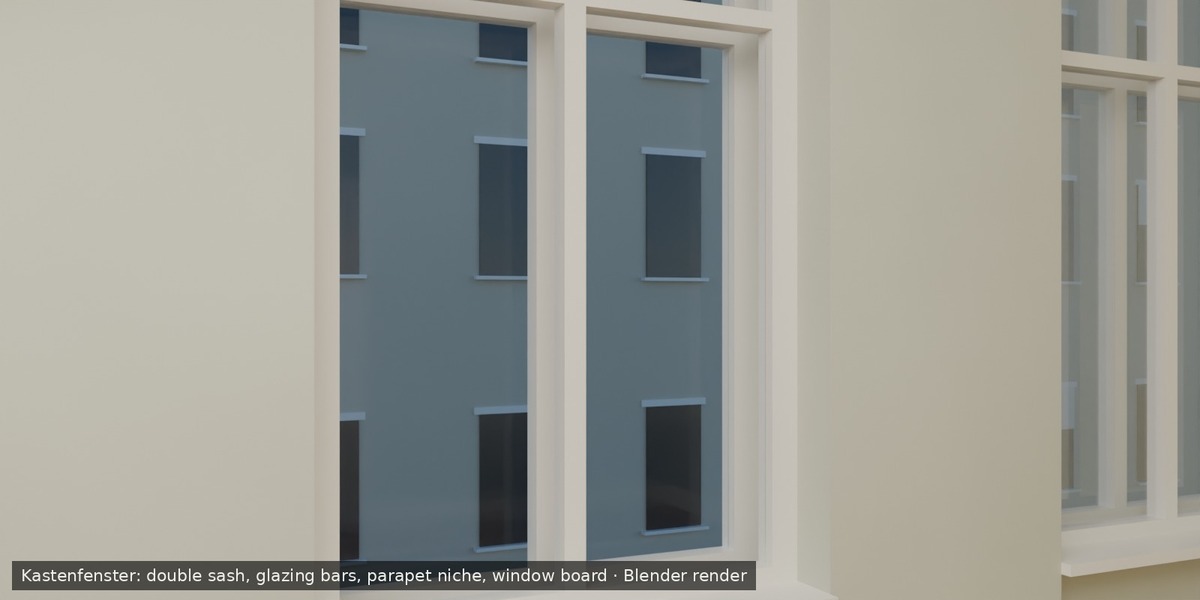
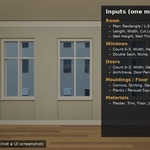
- Set Plan, Length, Width, Wall Height, Windows, Doors. Windows sit in the +Y wall, doors in the −Y wall.
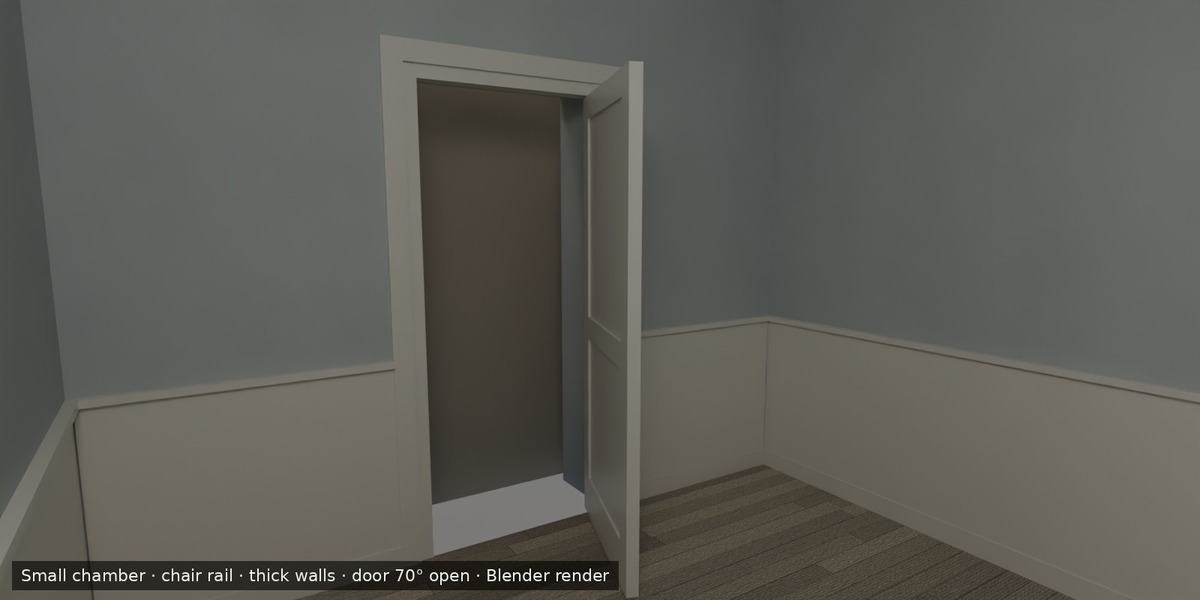
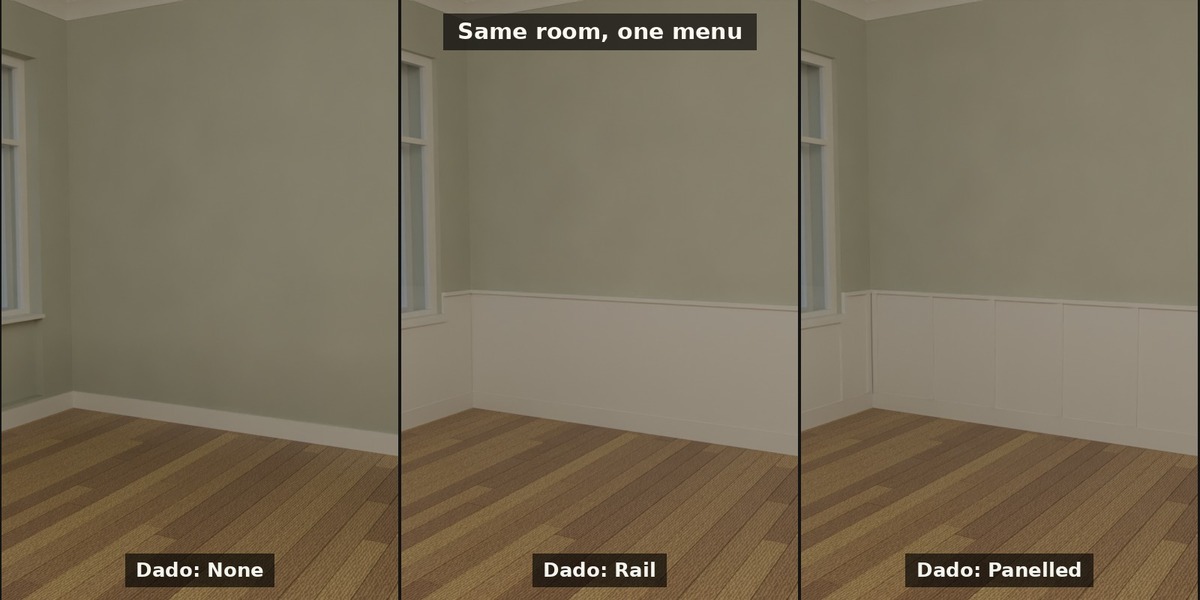
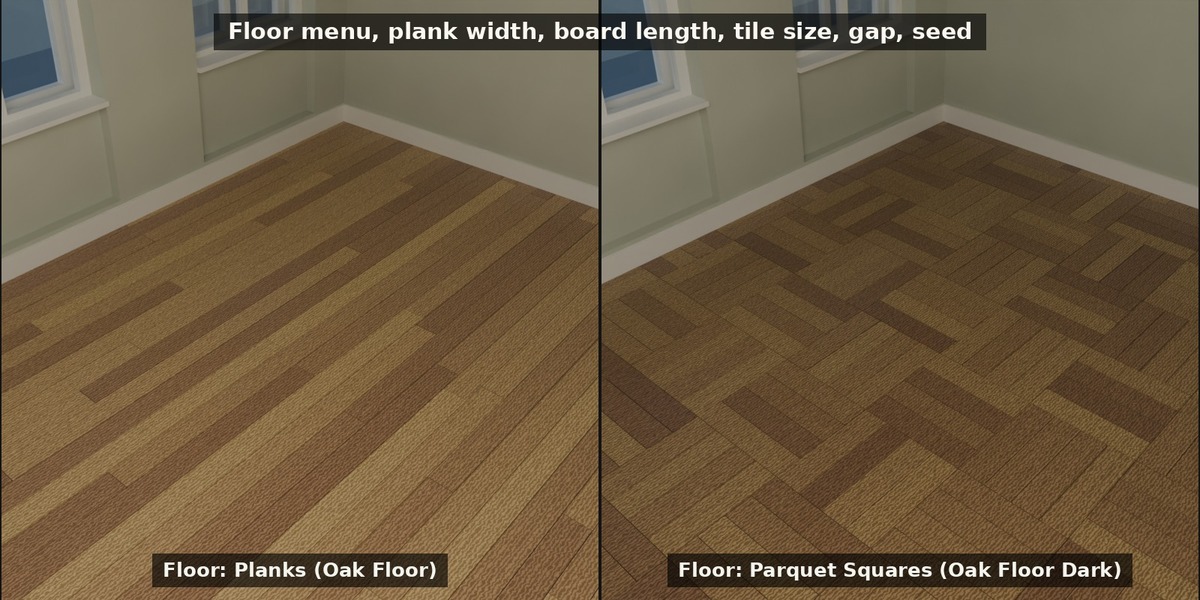
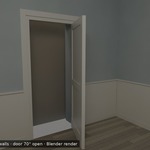
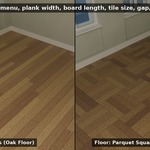
- Pick Dado, Floor, Cornice Size, Skirting Height. Open the door with Door Open.
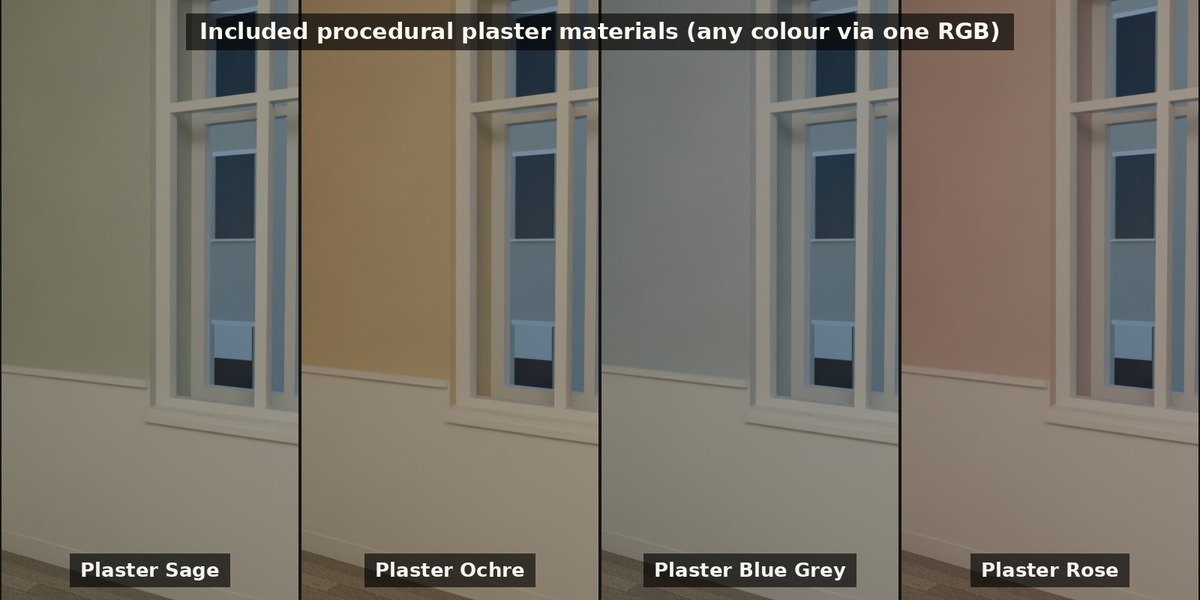
- Drop the included materials into the material inputs (Plaster, Trim, Floor Material, Joinery, Glass, Ceiling Material).
Polycount (Blender 4.5, realized)
Default room 5.2 × 4.4 m, 2 windows, 1 door, planks: 2,272 triangles · Parquet floor: 5,008 · Largest room 14 × 12 m, 5 windows, 3 doors: 9,880 · finest parquet (0.25 m tiles): 19,012.
Known limits
Windows only in the +Y wall, doors only in the −Y wall; five windows in the default 5.2 m room overlap (widen the room or narrow the windows); one cornice profile; not game-ready (apply and decimate).
Have questions about this product?
Login to message
| Published | about 18 hours ago |
| Blender Version | 4.2 - 5.2 |
| Render Engine Used | Cycles |
| License | Royalty Free |

Discover more products like this
Room Generator apartment geometry nodes parquet altbau ArchViz Interior architecture window procedural door cornice