Tidebone Cable Lite – Hanging Cable, Zip Cord and Twisted Pair Along a Curve (Geometry Nodes)
 Tidebone Studio
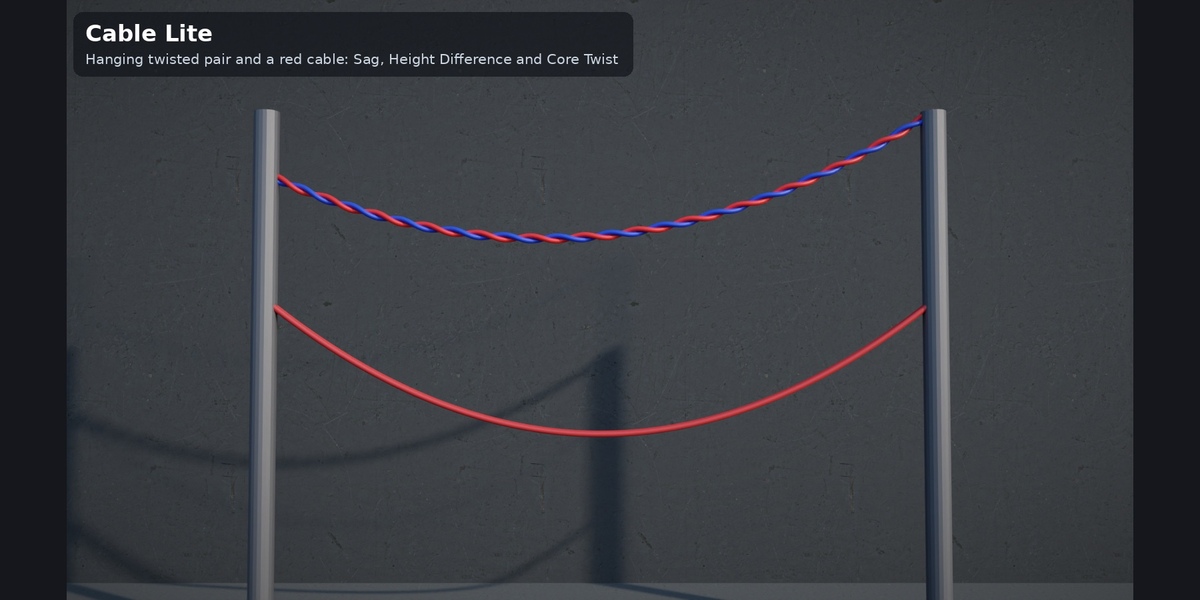
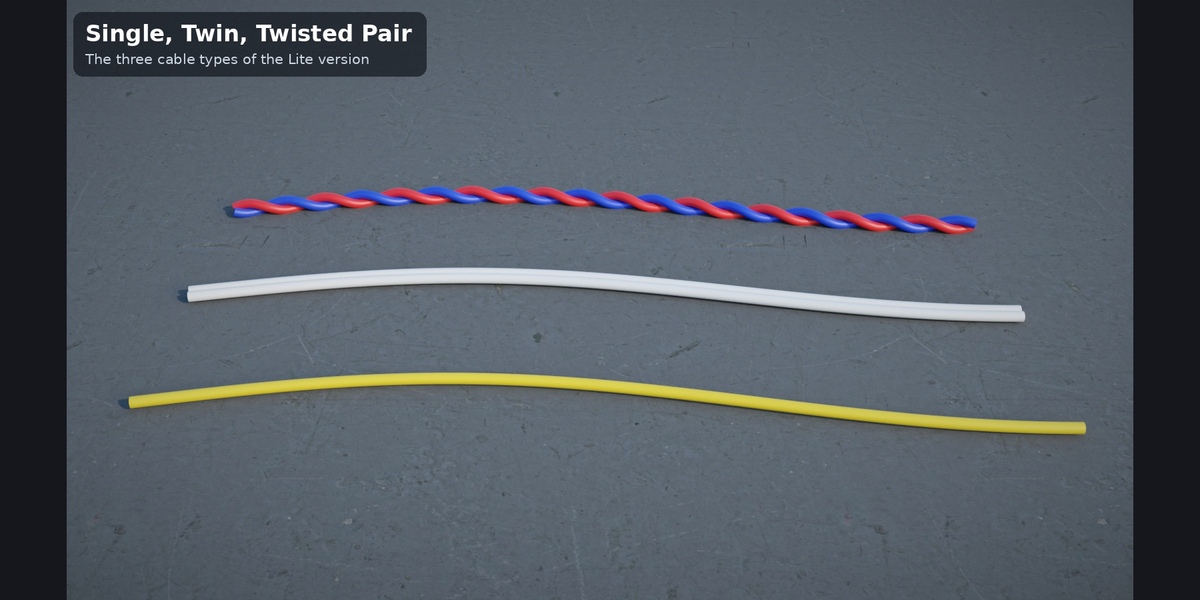
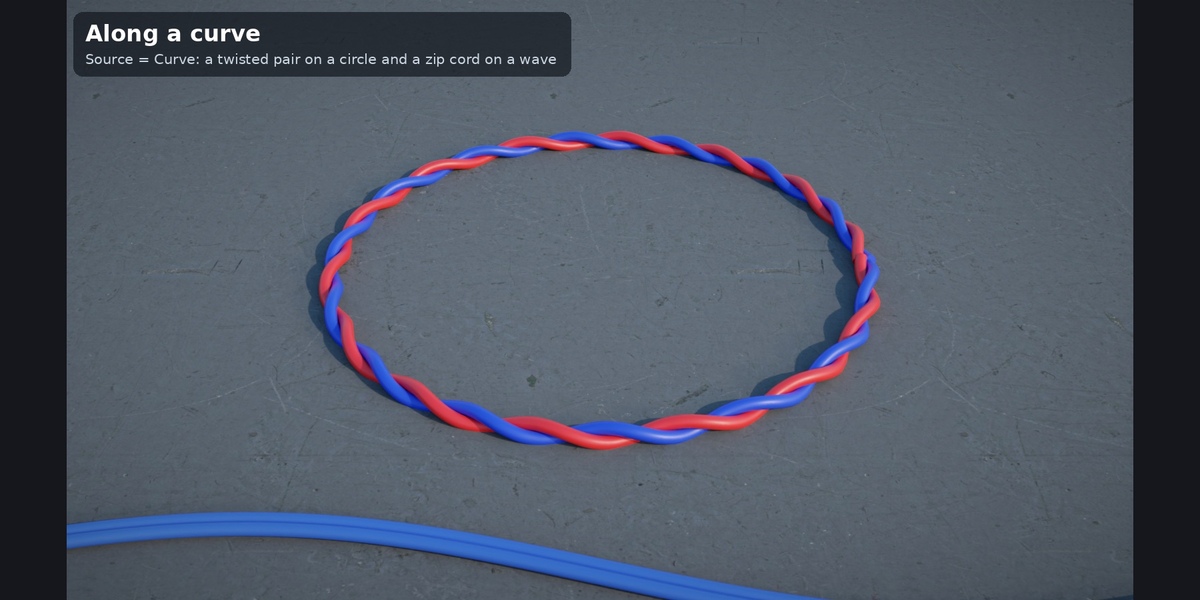
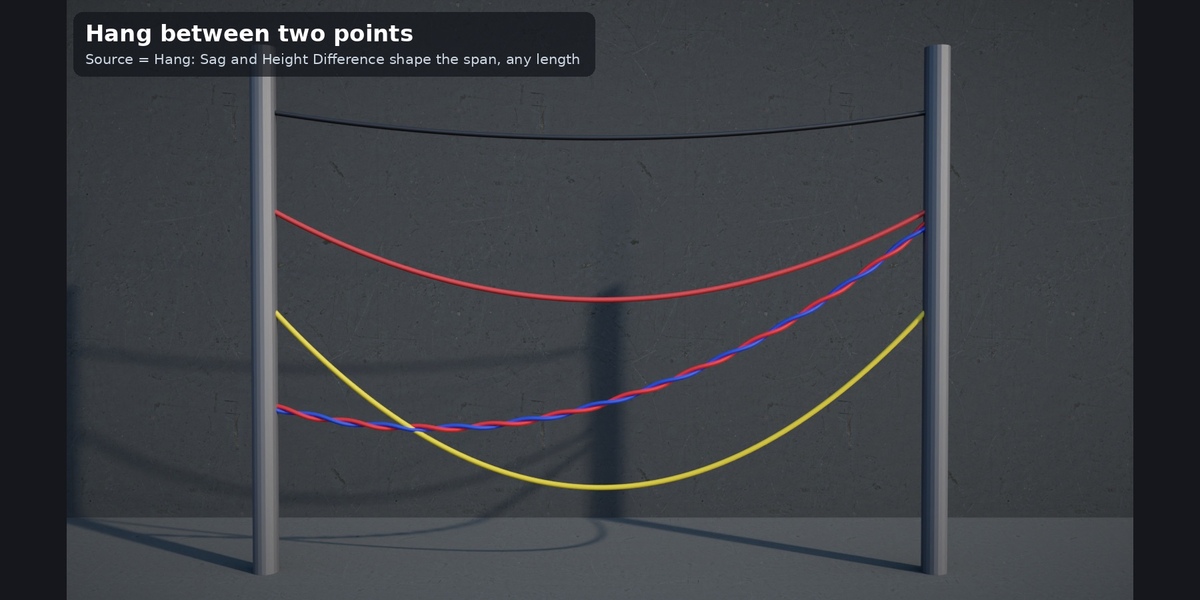
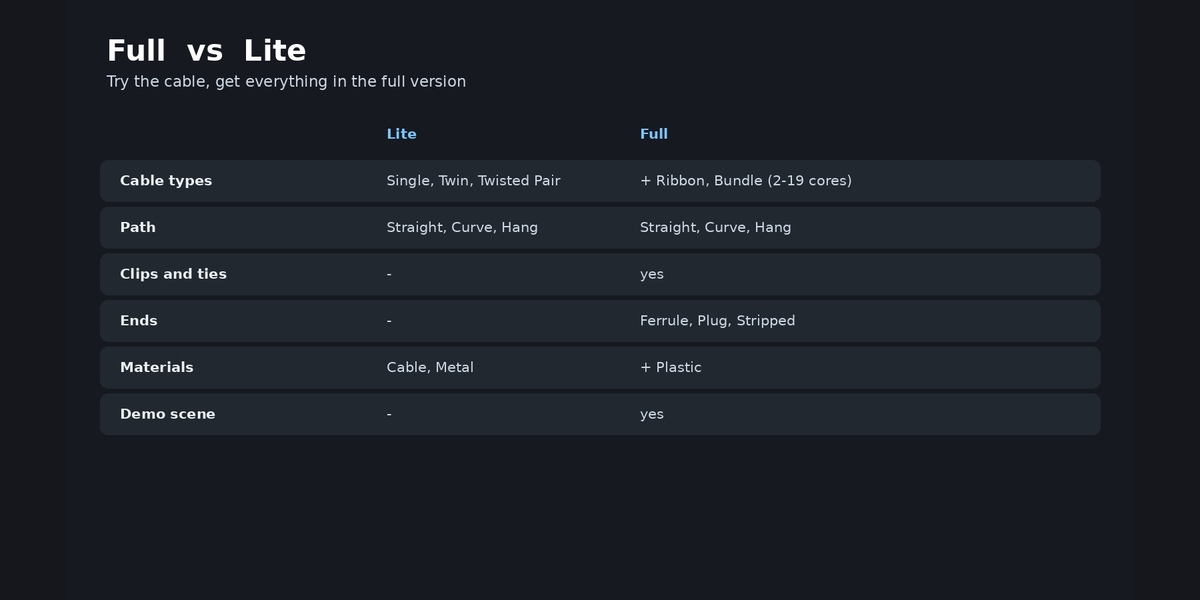
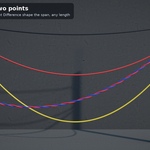

Quick start: add any mesh object (it is ignored) or a Curve object, add a Geometry Nodes modifier and pick Tidebone Cable Lite. Choose the Type (Single, Twin, Twisted Pair) and the Path (Straight, Curve, Hang), then set Length, Sag, Height Difference, Radius and Core Twist in the modifier panel.
For a cable along your own curve: put the modifier on the curve object and set Path = Curve. The README in the download lists every input.
Have questions about this product?
Login to message
| Published | about 20 hours ago |
| Blender Version | 4.2 - 5.2 |
| Render Engine Used | Cycles |
| License | Royalty Free |

Discover more products like this
procedural curve power line Wire twisted pair geometry nodes Cable