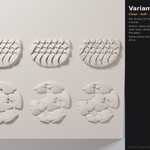
Creature Alpha Brushes - 220 Fur, Scales, Spots, Stripes & Feather Alphas + Blender Brush Library
 Tidebone Studio
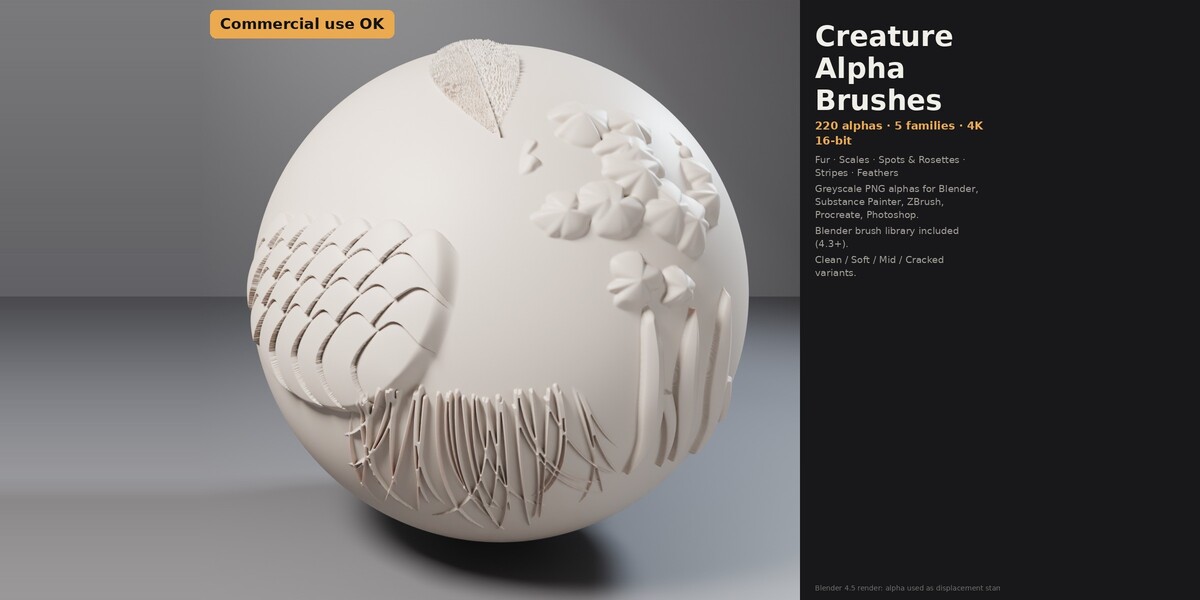
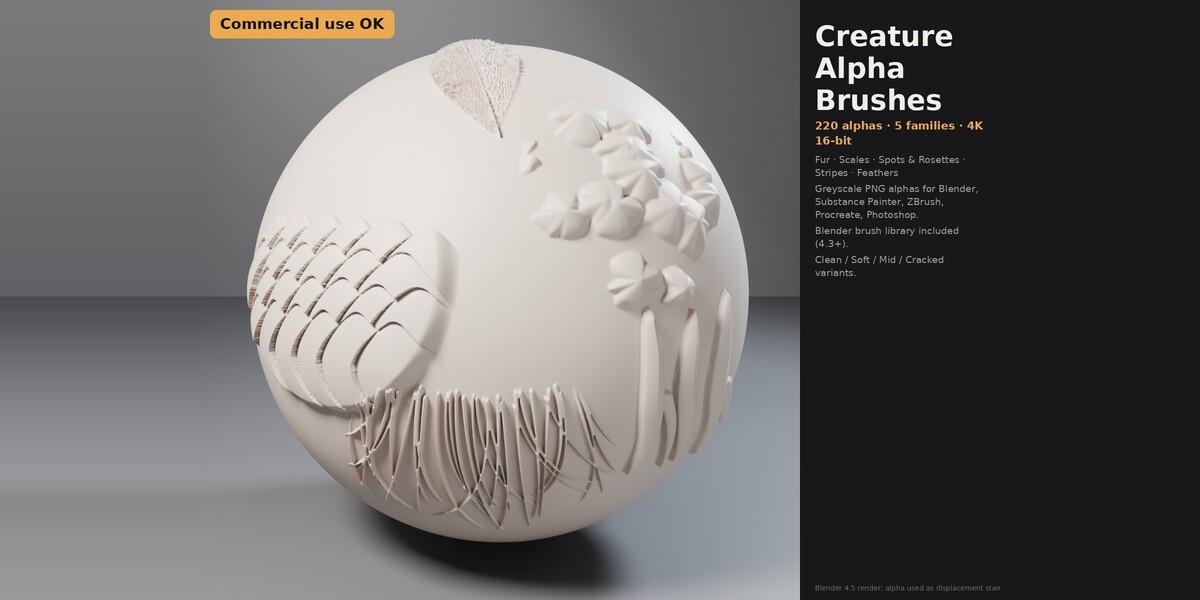
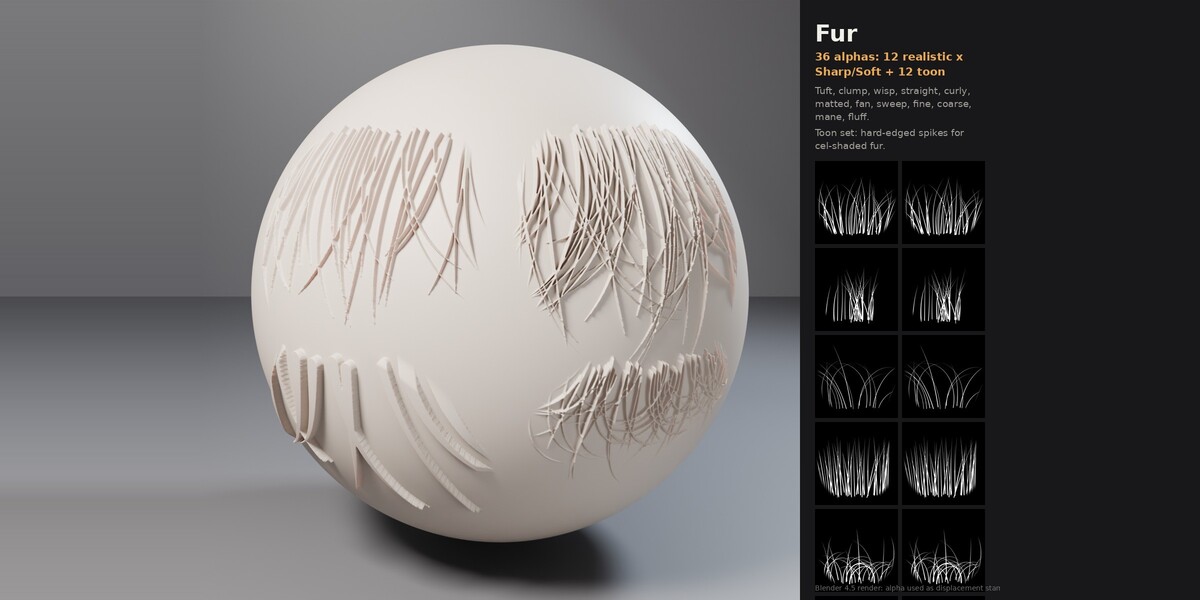
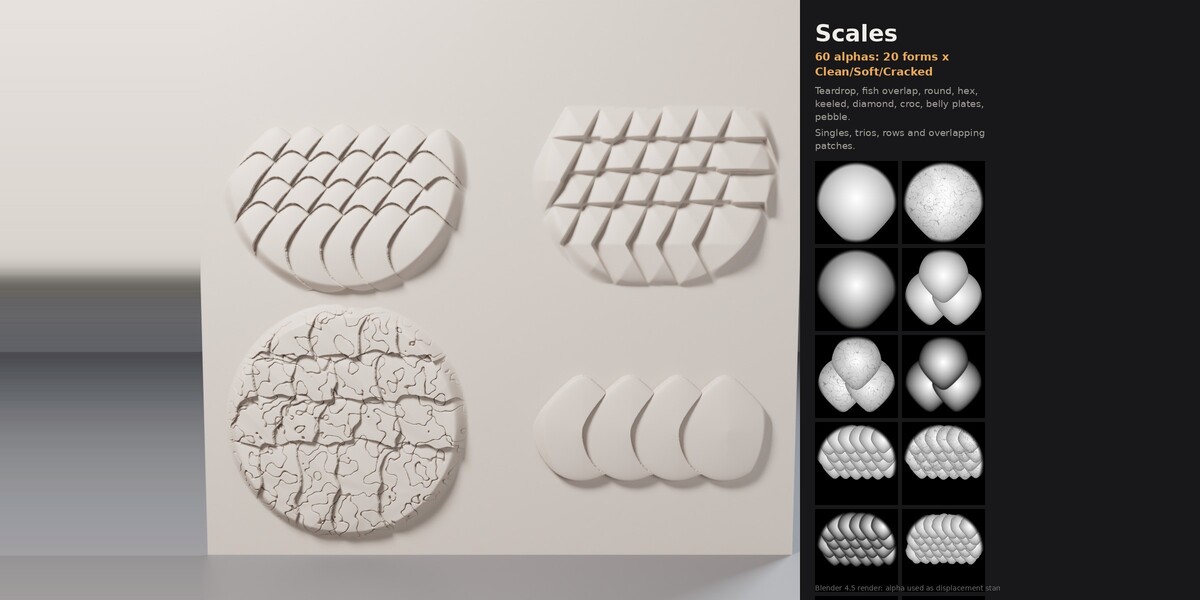
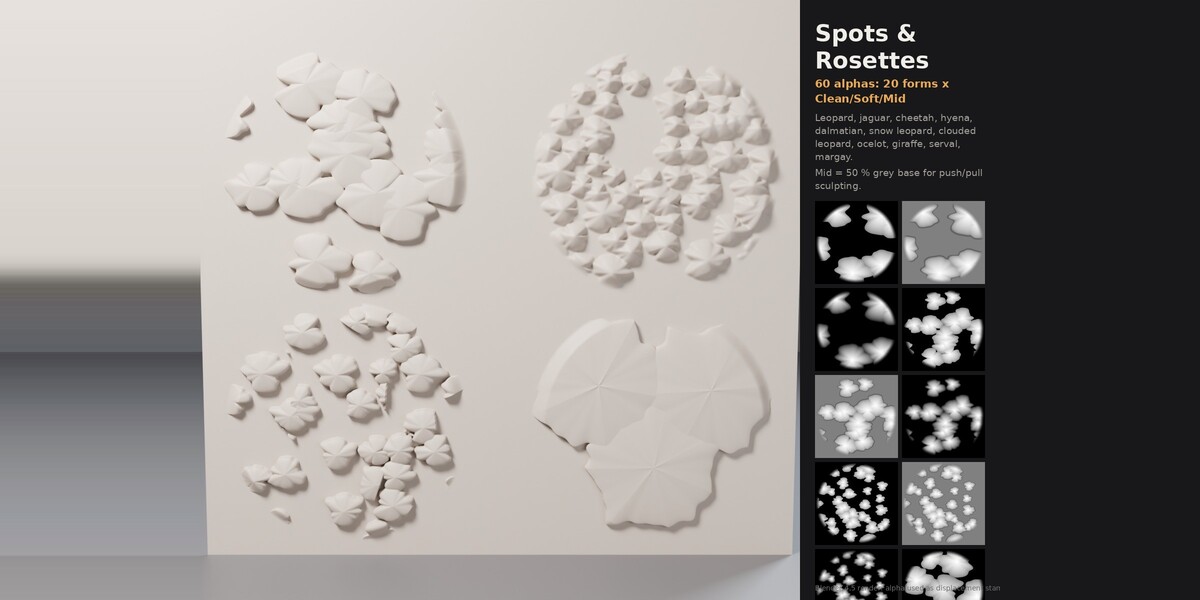
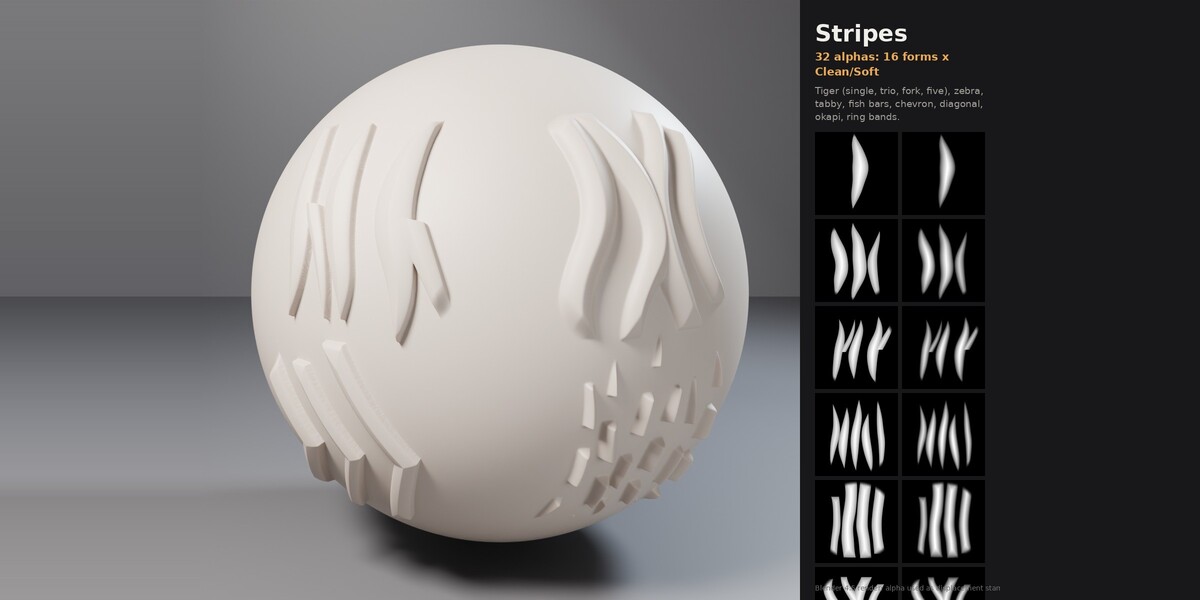
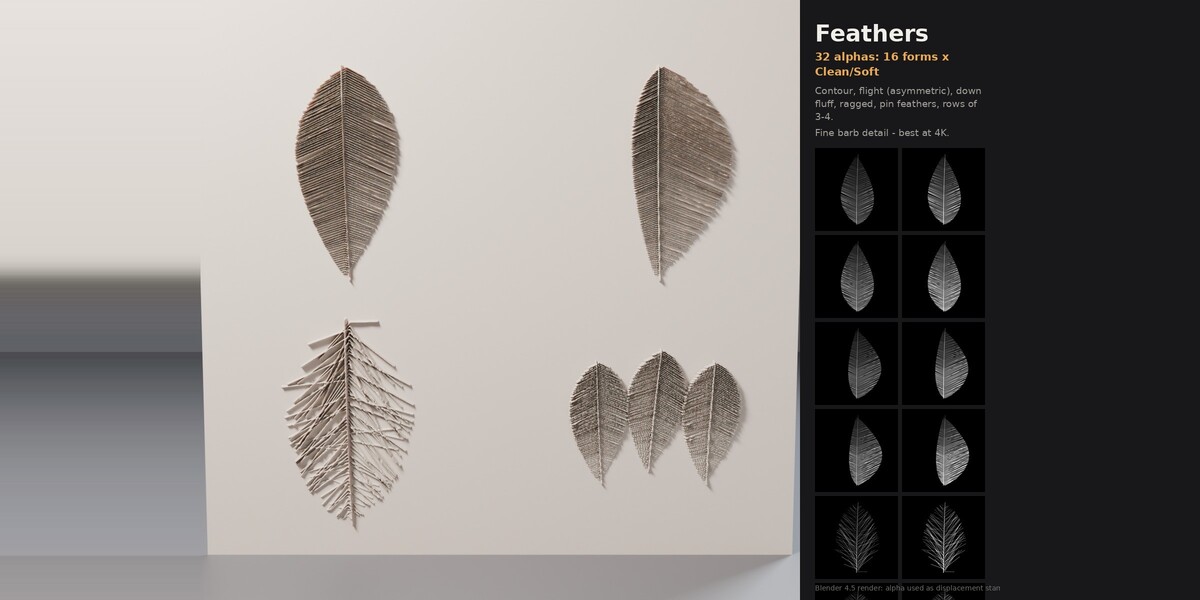
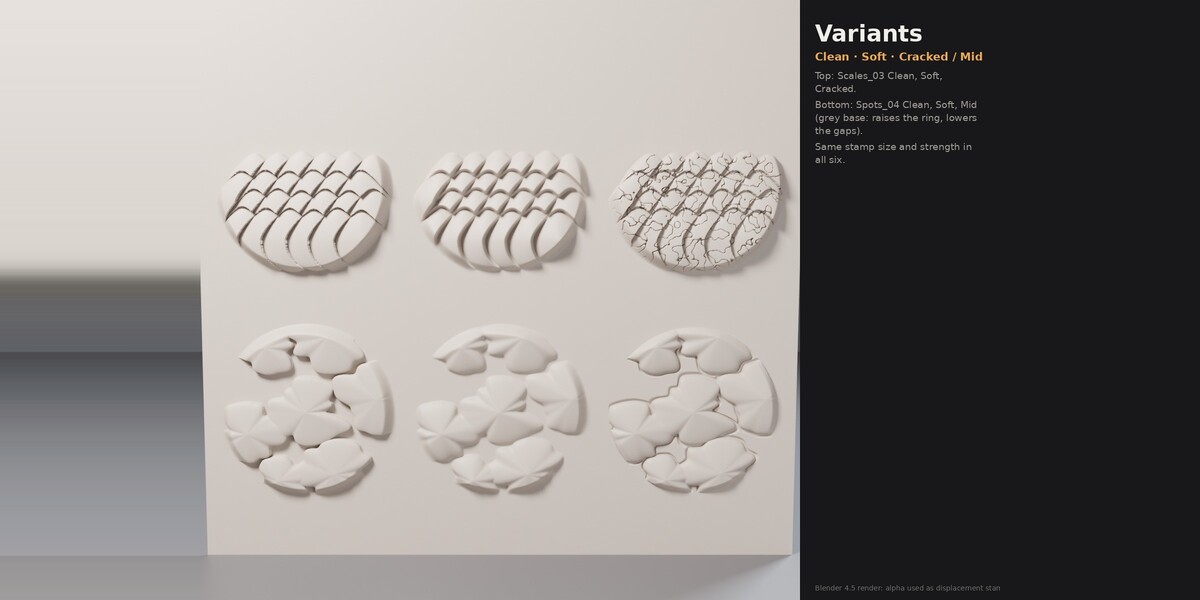
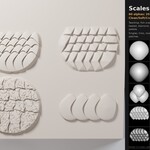
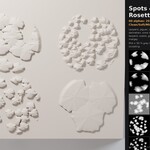
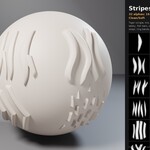
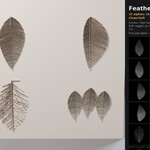
Requirements
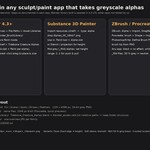
Any app that reads greyscale PNG as a brush alpha. Blender brush assets need Blender 4.3 or newer; the library was built and reopened headless in Blender 4.5.14 LTS (Blender 5.x UI not tested). Older Blender: use the PNGs directly.
Files
- Alphas_4K_16bit/<Family>/ - 220 files, 4096 px, 16-bit greyscale PNG (black = no effect, white = full height)
- Alphas_2K_8bit/<Family>/ - the same 220 alphas at 2048 px, 8-bit
- Blender_BrushLibrary/ - Tidebone_Creature_Alphas.blend + blender_assets.cats.txt: 440 brush assets (Sculpt + Texture Paint per alpha), linked relatively to Alphas_2K_8bit/ - keep the folder structure
- Contact_Sheets/, README.txt, LICENSE.txt
Download: 6 ZIPs (1 = Main: 2K set, Blender library, sheets, docs; 2-6 = 4K 16-bit per family). Unzip all into one folder.
Installation (Blender)
Edit > Preferences > File Paths > Asset Libraries > + > choose the Blender_BrushLibrary folder. In Sculpt Mode or Texture Paint open the Brush Assets shelf, catalogue "Tidebone Creature Alphas". Stroke is Anchored: click, drag to size, release.
Other apps
Substance 3D Painter: Import resources > type alpha, use in the Paint tool alpha slot (for _Mid files set height range -1..1). ZBrush: Alpha > Import, stroke DragRect. Procreate: Brush > Shape > Import (2K set). Photoshop/Krita: define a brush tip from the PNG. These imports follow each app's documented path and were not run by us.
Known limits
Stamps only - not tileable textures, no normal maps, no avatar- or UV-specific layouts. Feathers carry fine barb lines: use 4K for large stamps. Clouded-leopard singles and belly-plate rows are the stylised end of the set - check the contact sheets. 16-bit files are large (about 5 MB each).
Have questions about this product?
Login to message
| Published | about 23 hours ago |
| Blender Version | 4.3 - 4.5 |
| License | Royalty Free |

Discover more products like this
alpha brushes displacement Brush Library Feathers Scales Texture Paint creature stamp fur sculpt brushes vrchat avatar animal pattern