Tidebone Fence, Wall & Gate Bundle
 Tidebone Studio
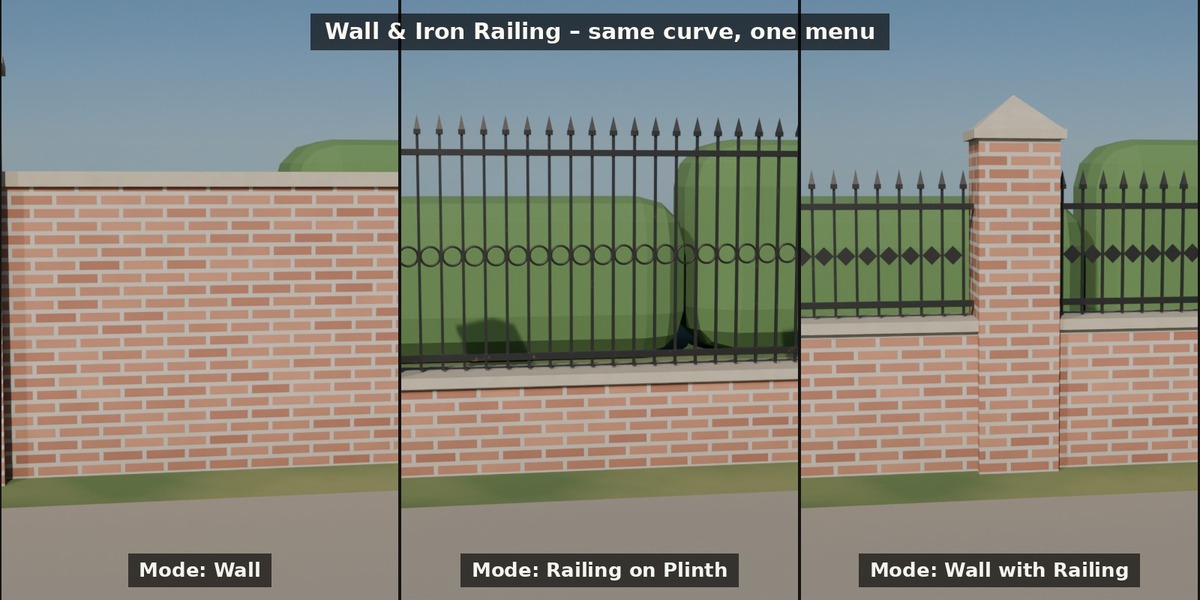
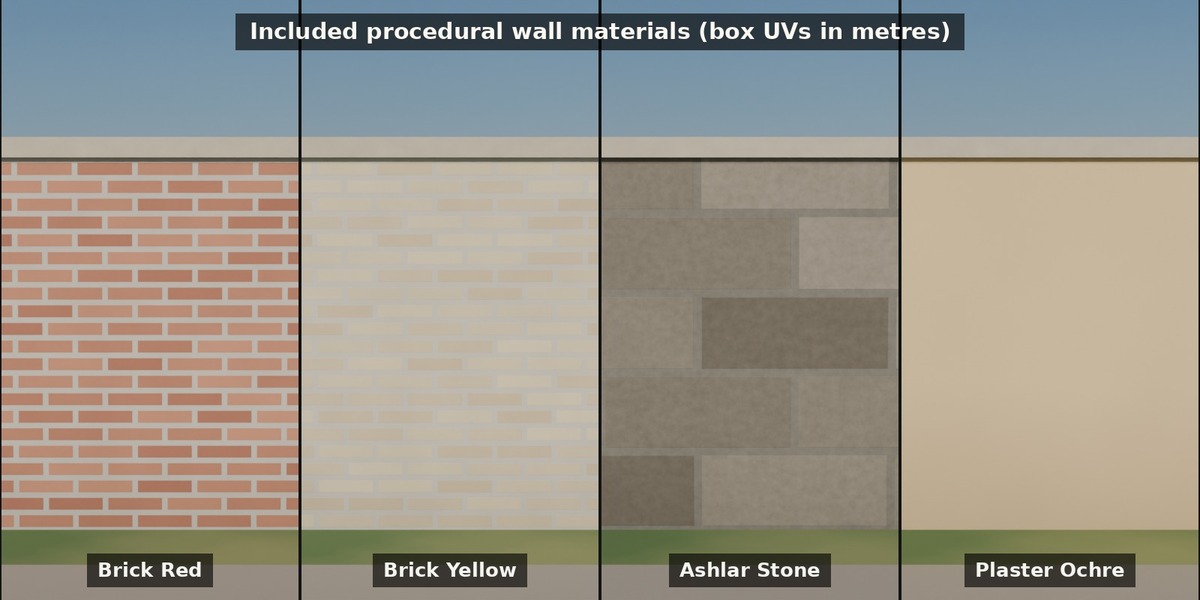
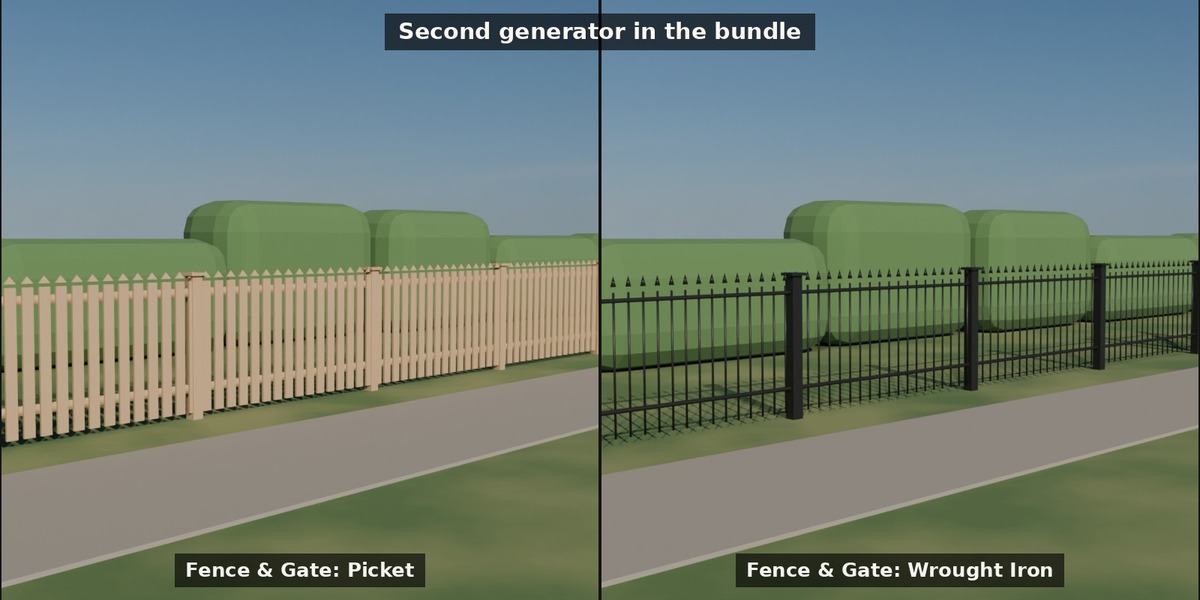
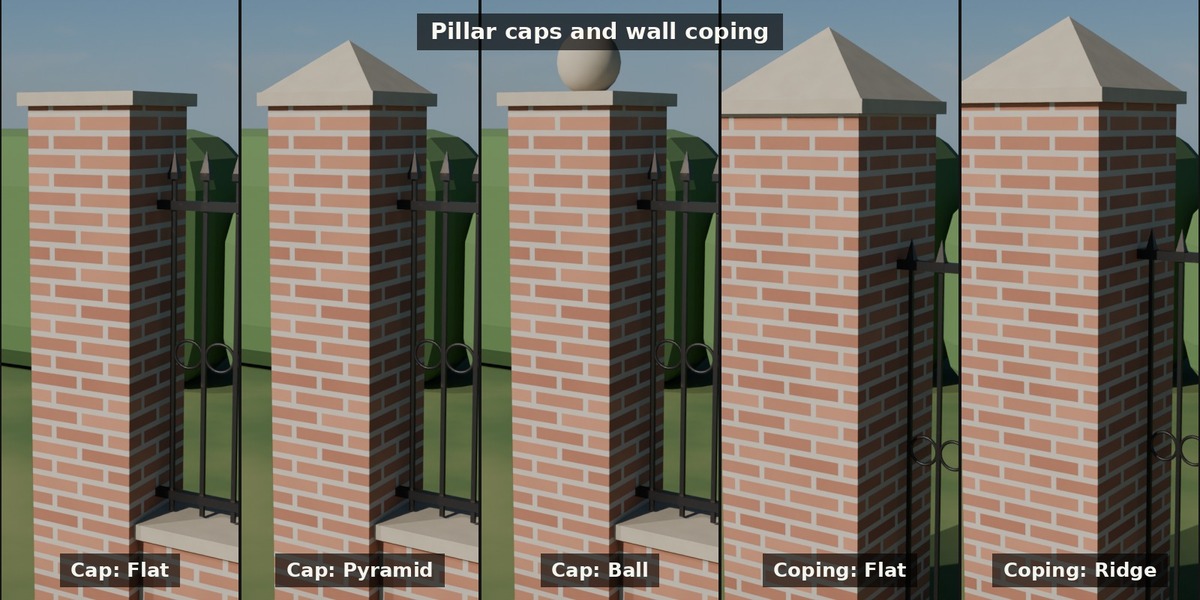
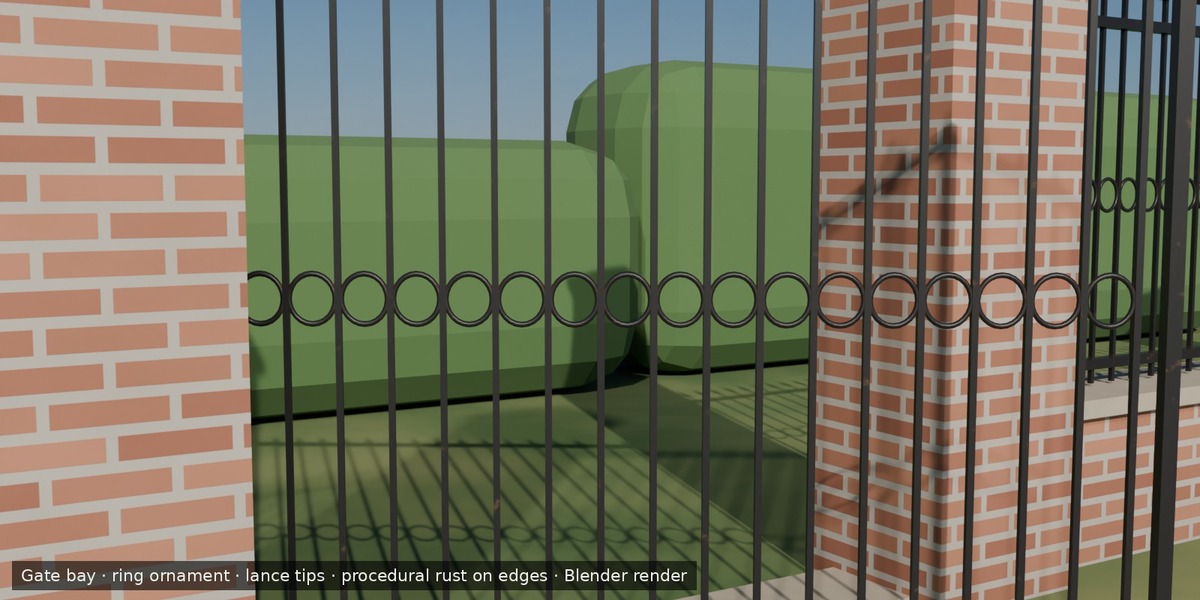
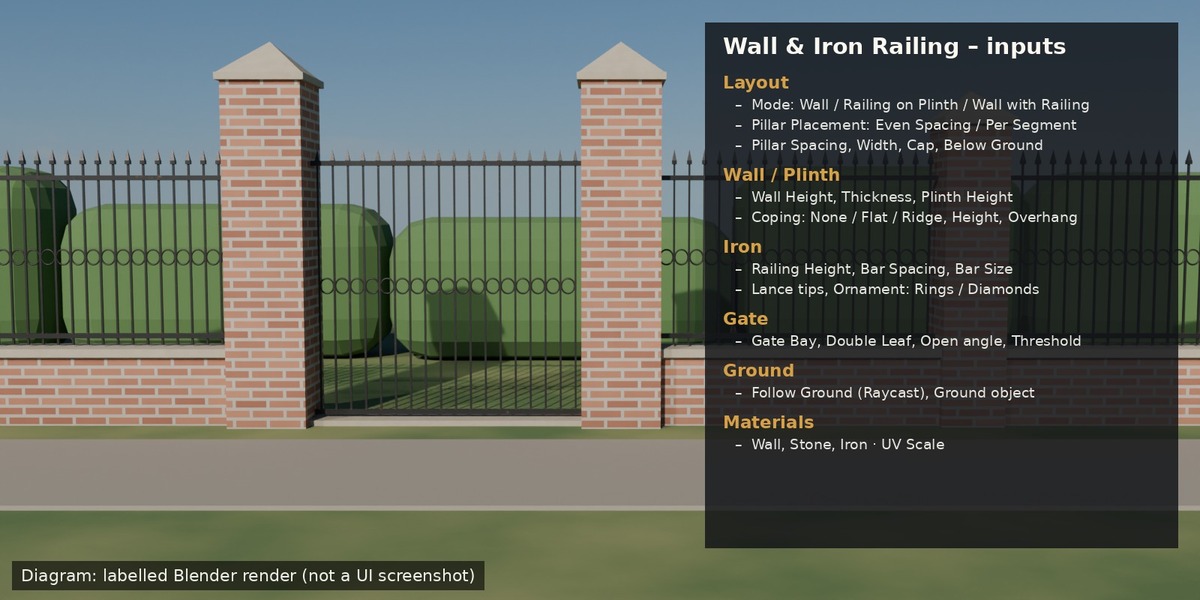







What's in the bundle
-
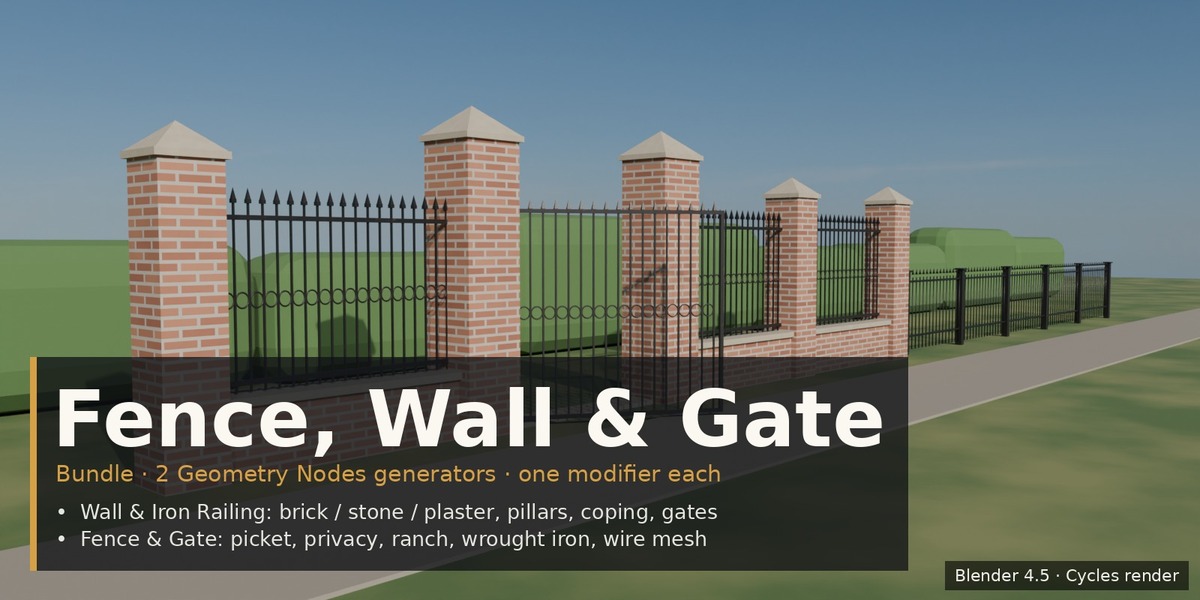
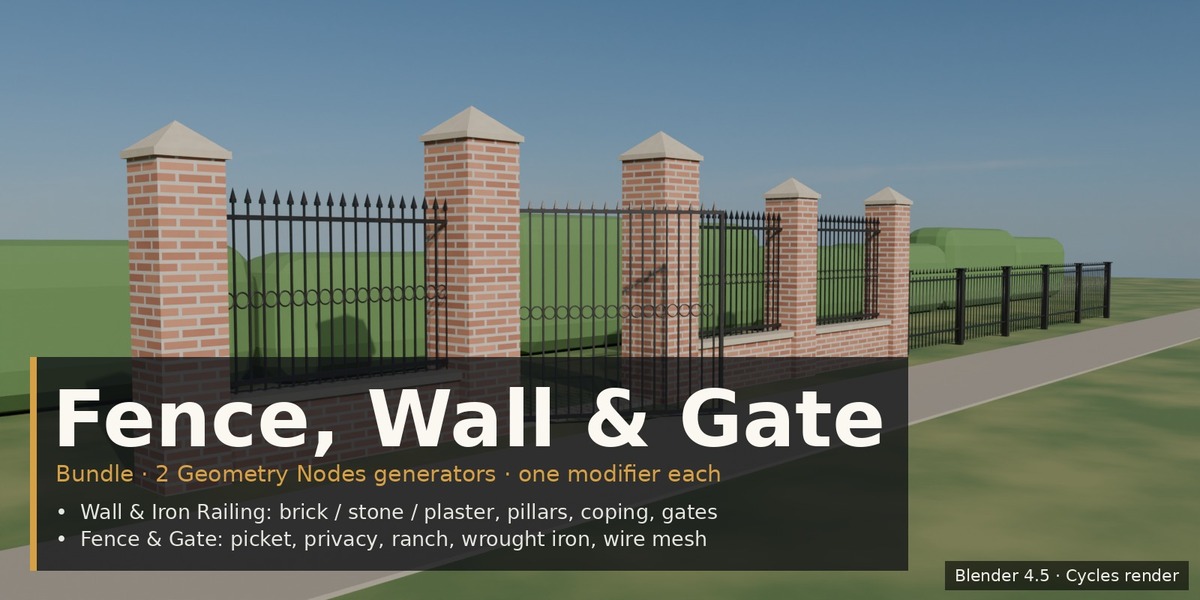
01_Fence_and_Gate/– Tidebone Fence & Gate v1.0: five fence styles (Picket, Privacy, Ranch, Wrought Iron, Wire Mesh) along a curve + matching single/double gate -
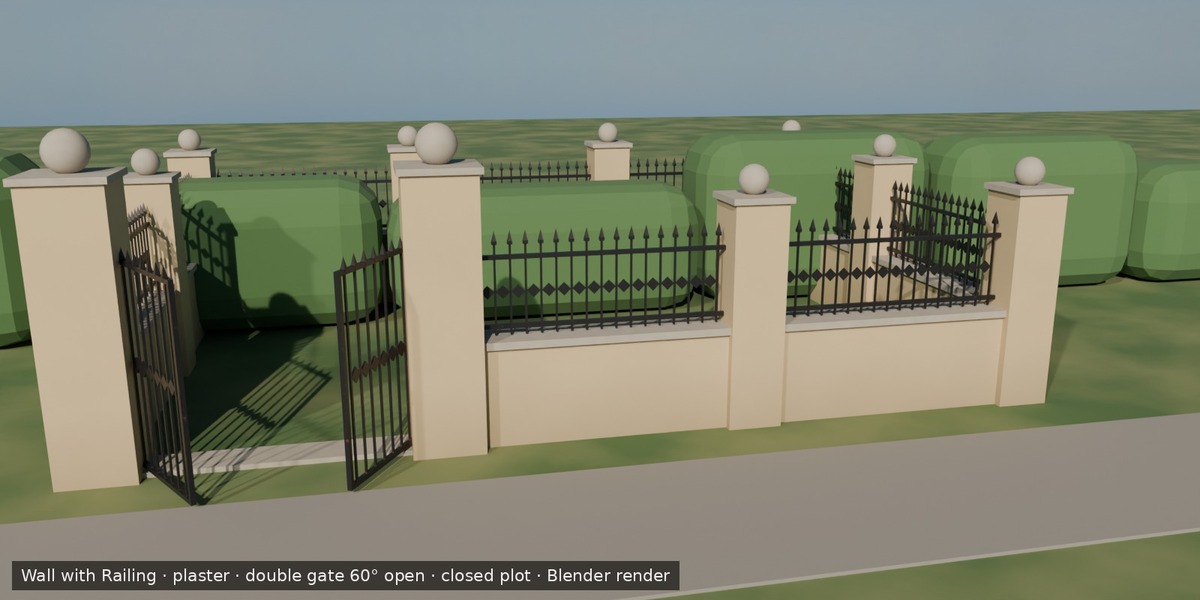
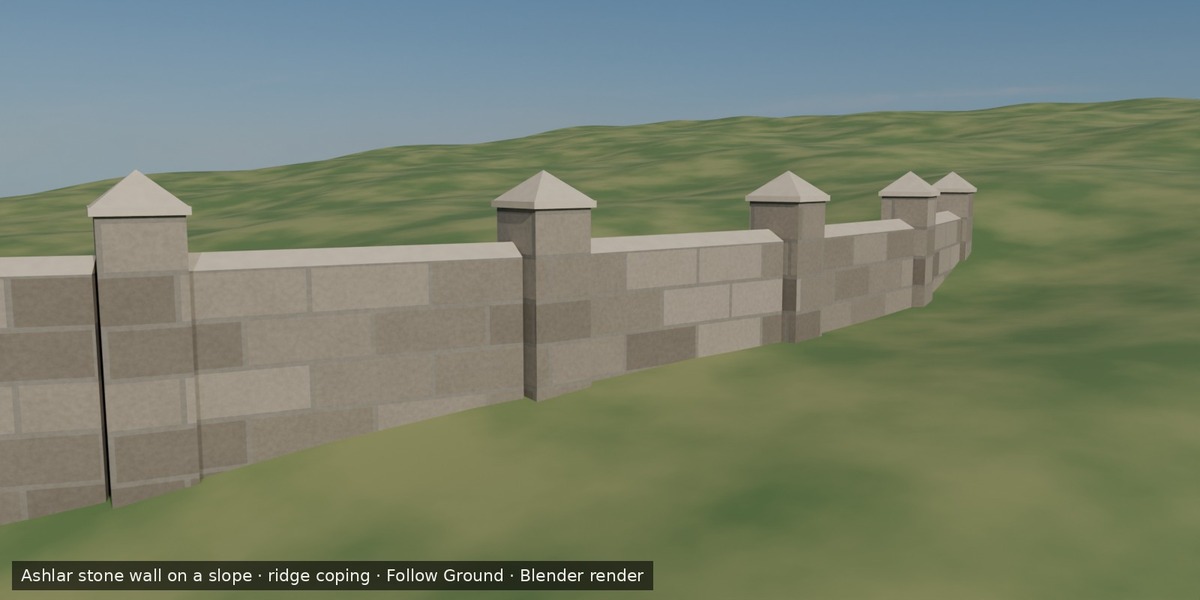
02_Wall_and_Iron_Railing/– Tidebone Wall & Iron Railing v1.0: brick/stone/plaster wall, railing on plinth or both, pillars, coping, spear tips, ornament, gate
Each folder is a complete product with its own README, license, asset catalog and demo scene.
Requirements
Blender 4.2 LTS or newer. Both generators tested headless with 4.2.23, 4.5.14 and 5.2.1 (Wall & Iron Railing 39 cases, Fence & Gate 37 cases per version, 0 errors). Units: metres. Rendered and checked in Cycles; EEVEE and the Blender GUI were not tested.
Installation
Asset Browser (recommended): Edit > Preferences > File Paths > Asset Libraries → + → each product folder. Drag the node group onto a curve object.
Append: File > Append → the .blend → NodeTree → the generator; add a Geometry Nodes modifier to a curve and select it. Append materials from Material and drop them into the material inputs.
Quick start – Wall & Iron Railing
- Add a curve (Add > Curve > Path; a poly spline gives the best corners). Add the Geometry Nodes modifier, pick Tidebone Wall & Iron Railing.
- Choose Mode, Pillar Spacing, Railing Height. Move curve points to route the wall; make the curve cyclic for a closed fence.
- For slopes tick Follow Ground and pick your terrain mesh in Ground.
- For a gate set Gate on and choose the bay with Gate Bay (0 = first); Double Leaf and Gate Open.
- Drop the materials into Wall Material, Stone and Iron.
Quick start – Fence & Gate
Same workflow: curve → Geometry Nodes modifier → Tidebone Fence & Gate → pick the Style, set Follow Ground and the gate. Details in the folder's README.
Polycount (Wall & Iron Railing, Blender 4.5, realized, 14 m run)
Wall mode: 8,178 tris · Railing on Plinth: 33,180 · Railing without ornament: 2,844 · Closed 24 m rectangle: 66,702 · Finest settings: 83,544. Bar spacing and ornament rings drive the count. Fence & Gate polycounts are in its README.
Known limits
One curve = one run, no T-junctions; one gate bay per object; Follow Ground steps the wall (no sloped bottom edge); rings and diamonds only (no scrolls); finest bar/ring settings overlap at millimetre scale; no chain-link; not game-ready (apply and decimate).
Have questions about this product?
Login to message
| Published | about 18 hours ago |
| Blender Version | 4.2 - 5.2 |
| Render Engine Used | Cycles |
| License | Royalty Free |

Discover more products like this
procedural gate architecture terrain brick wall modifier garden wrought iron fence geometry nodes railing