Zipper, Button & Snap Generator – Zippers With Interlocking Teeth, Sewn Buttons and Snap Fasteners Along a Curve (Geometry Nodes)
 Tidebone Studio
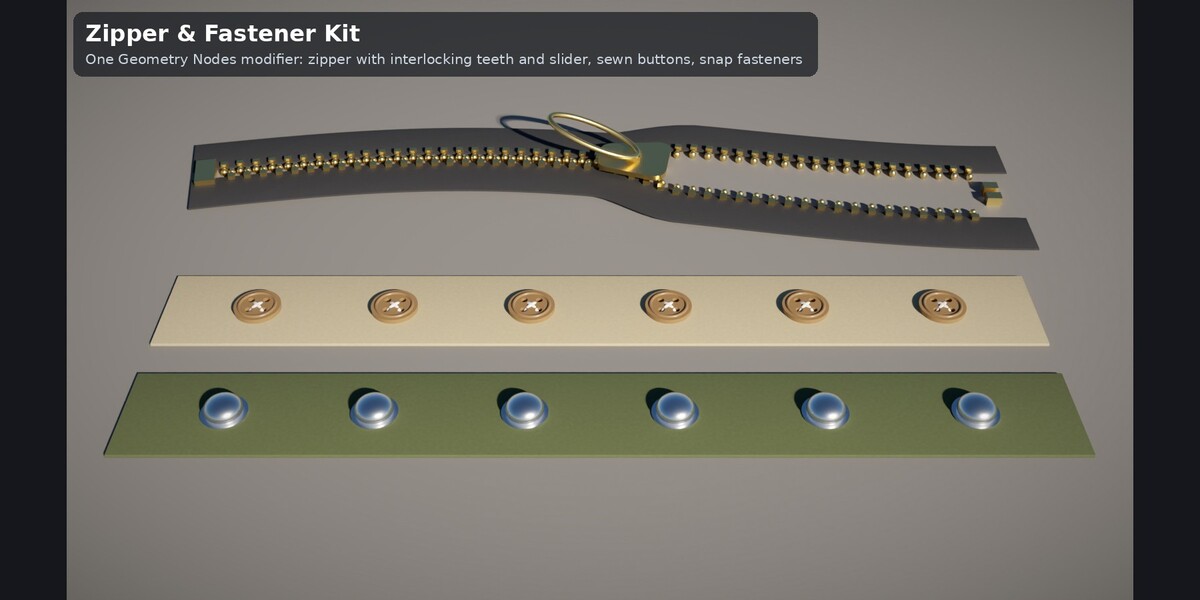
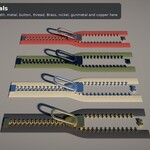
Installation
Asset Browser (recommended): Edit > Preferences > File Paths > Asset Libraries → + → the folder with the .blend. Pick the catalog Tidebone / Props and drag Tidebone Zipper & Fastener Kit onto a mesh or curve object.
Append: File > Append → tidebone_zipper_fastener_kit.blend → NodeTree → the group, then add a Geometry Nodes modifier and select it.
Quick start
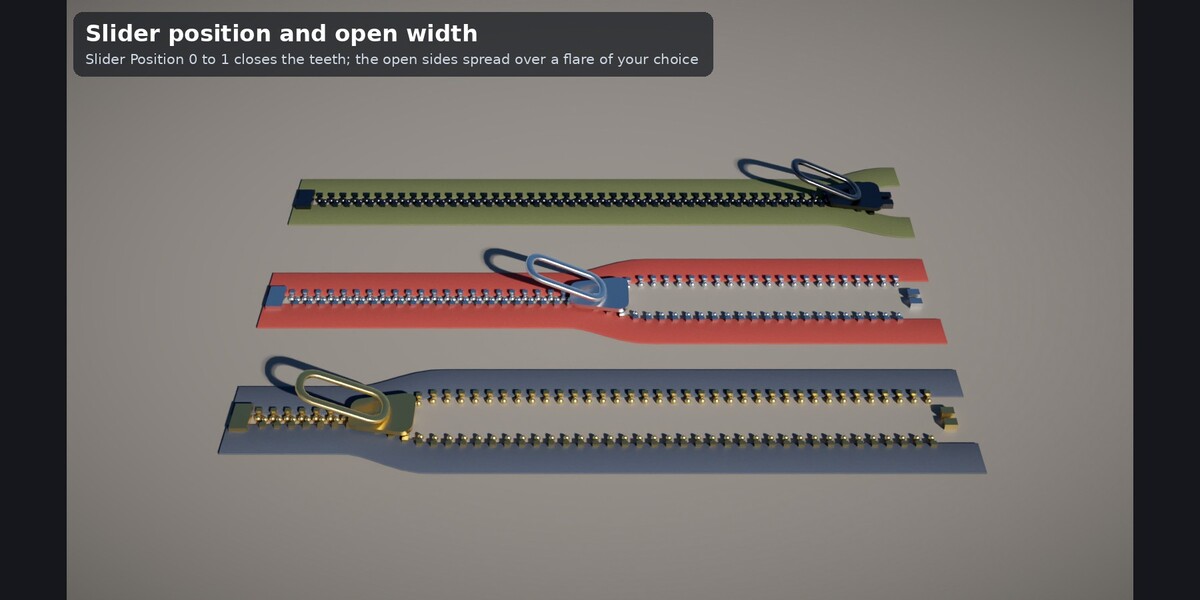
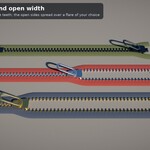
- Straight zipper: add any mesh object (its geometry is ignored), add the Geometry Nodes modifier, pick the kit. Set Length, Tape Width and Slider Position (0 = open, 1 = closed).
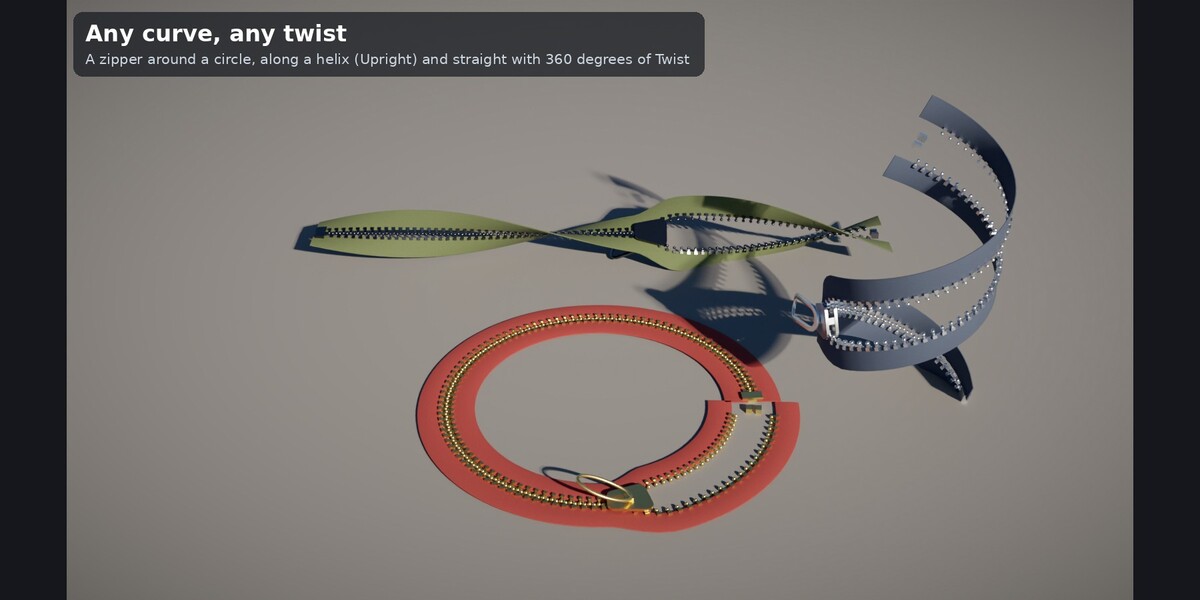
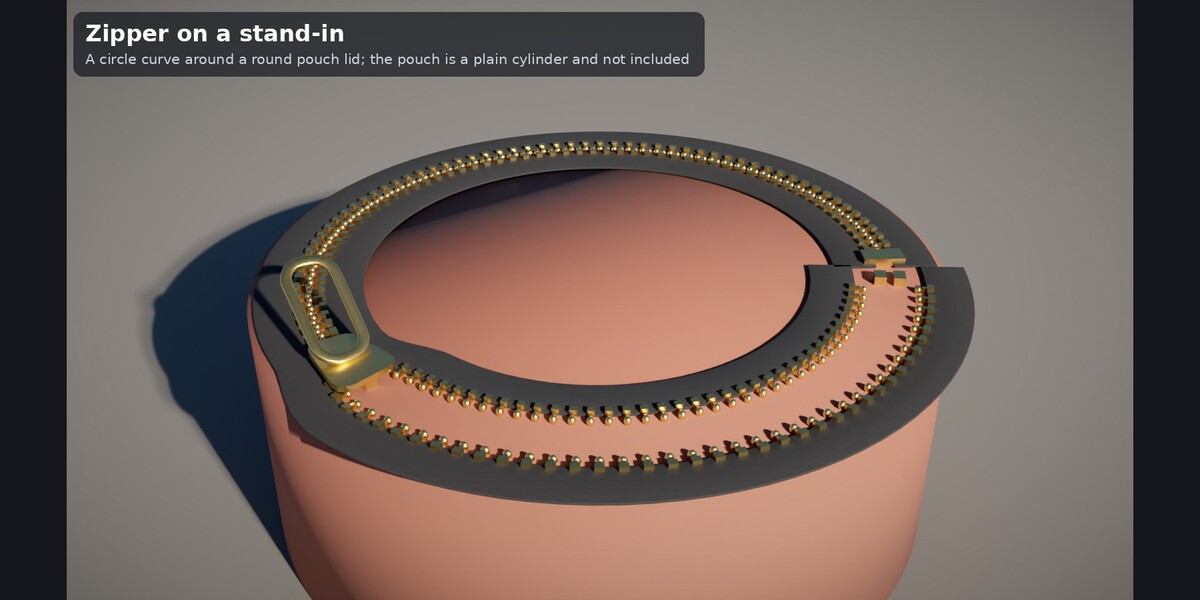
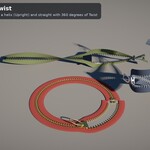
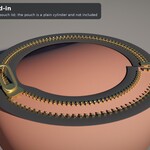
- Along a curve: add the modifier to a Curve object and set Source to Curve. Resolution (segments per metre) also resamples the curve.
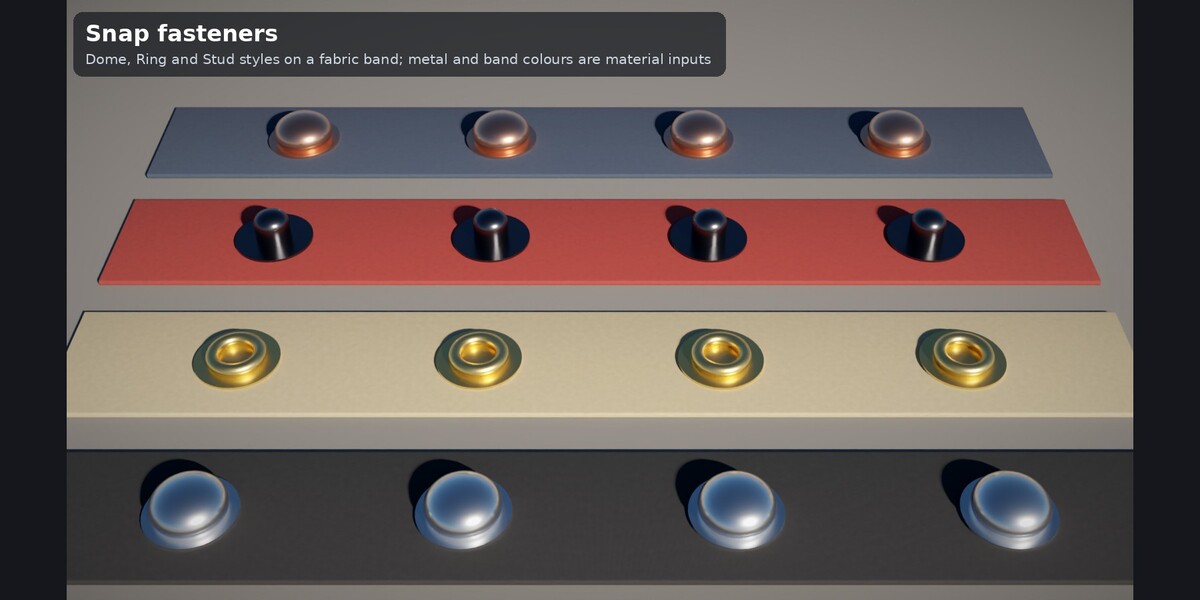
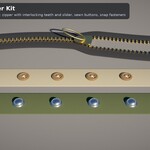
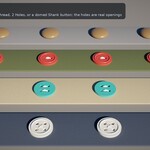
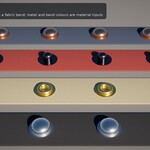
- Buttons or snaps: set Element to Buttons or Snaps. The row is centred on the path; Count is reduced if the length is too short.
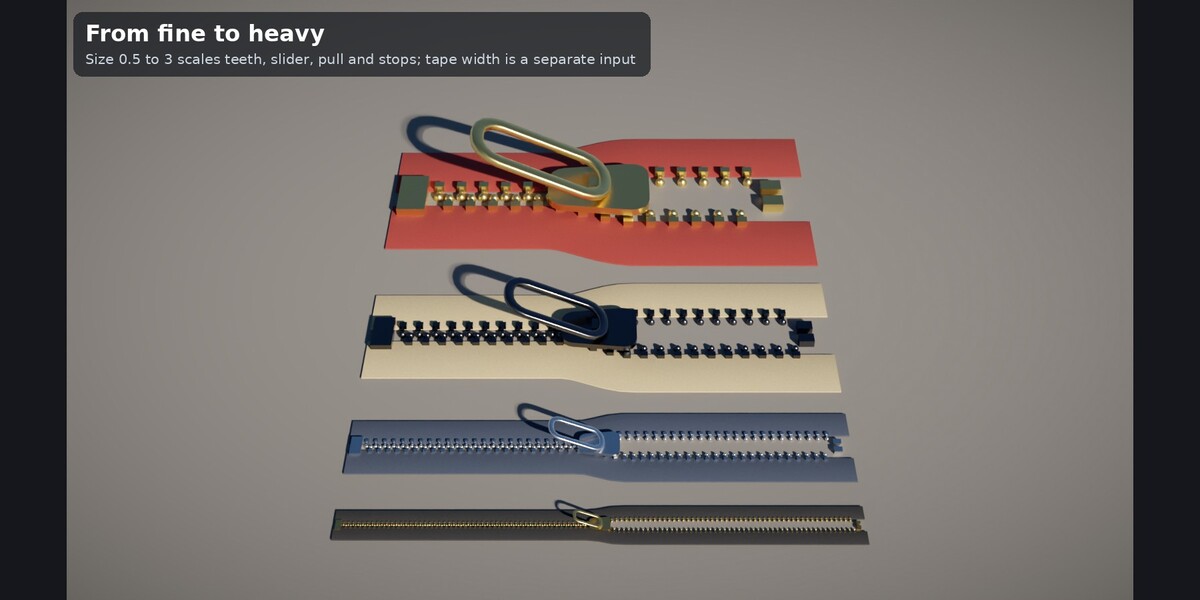
- Scale: Size 1.0 is roughly a #5 zipper (teeth pitch about 3.6 mm); use 0.4 to 3 and adjust Tape Width to match.
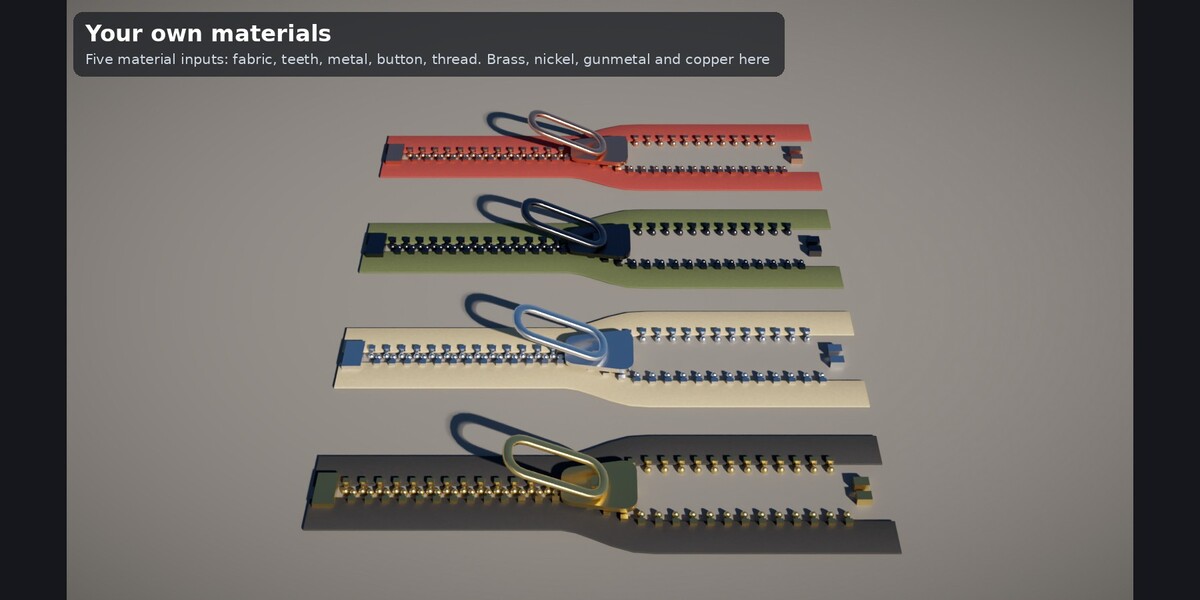
- Swap the five material inputs (fabric, teeth, metal, button, thread) for your own.
Inputs
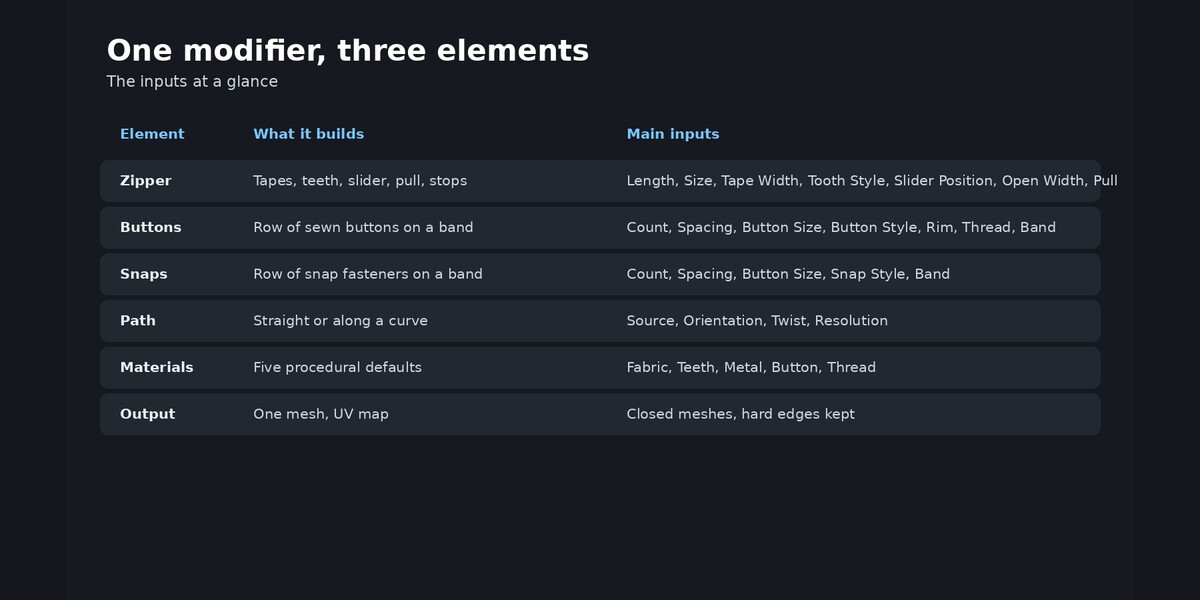
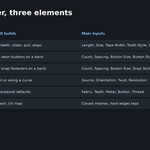
- Path: Source (Straight / Curve), Length, Orientation (Flat / Upright), Twist, Resolution
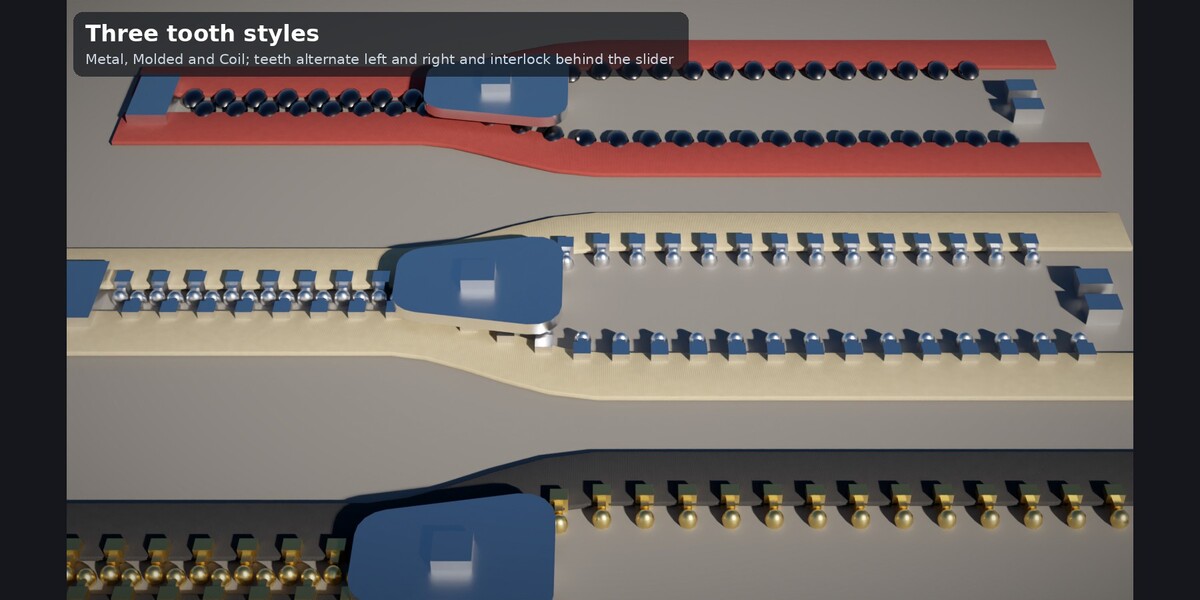
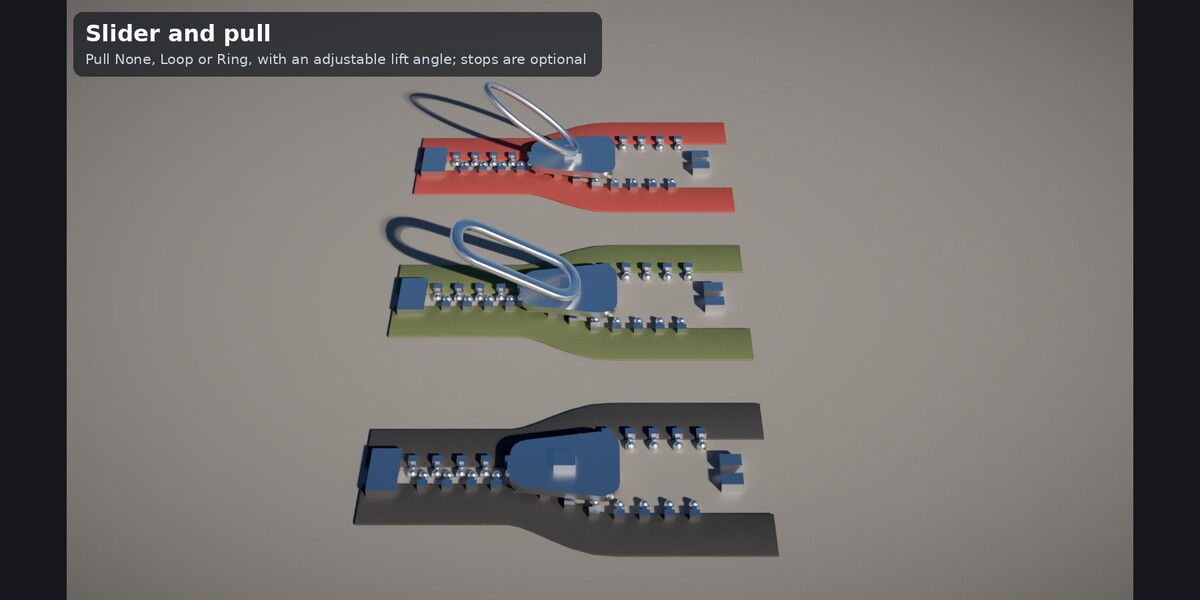
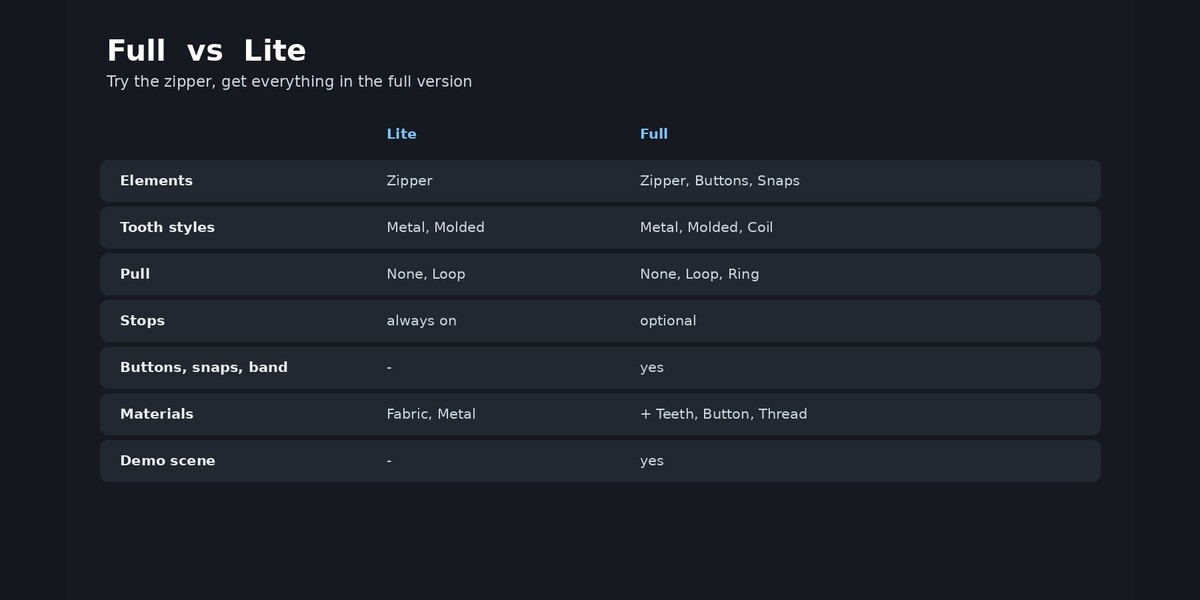
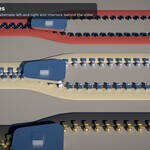
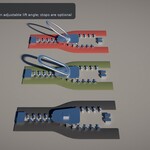
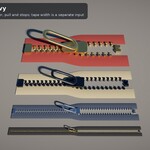
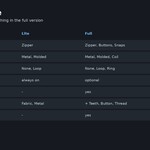
- Zipper: Tape Width, Size, Tooth Style (Metal, Molded, Coil), Slider Position, Open Width, Flare, Pull (None, Loop, Ring), Pull Angle, Stops
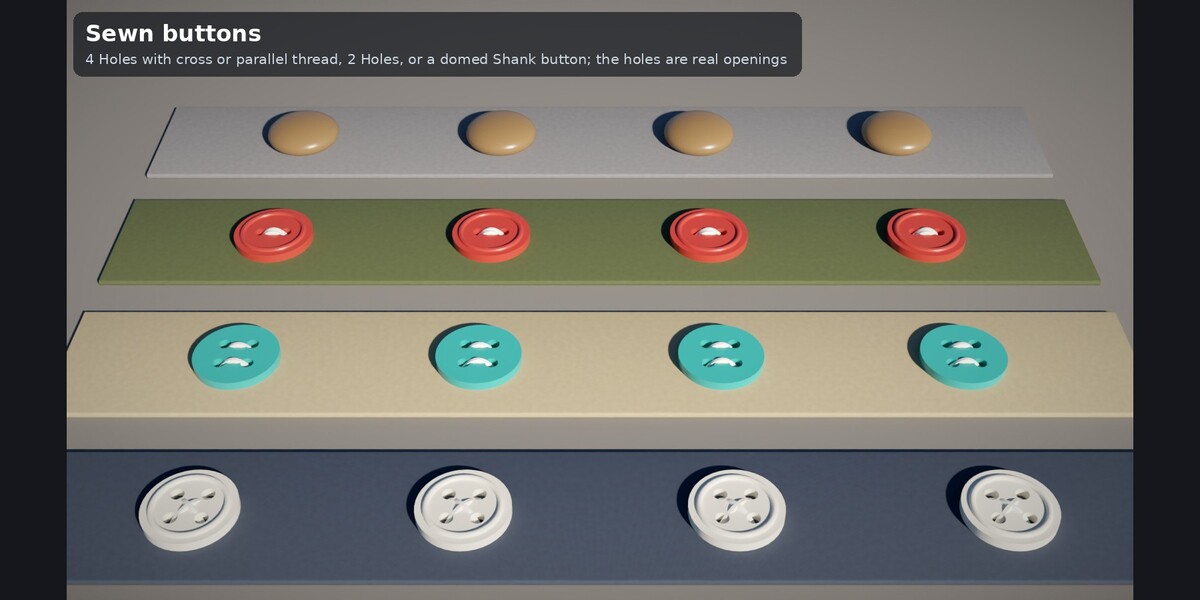
- Fasteners: Count, Spacing, Button Size, Button Style (4 Holes, 2 Holes, Shank), Rim, Thread (None, Parallel, Cross), Snap Style (Dome, Ring, Stud), Band, Band Width, Band Thickness
- Materials: five material inputs and UV Scale
Output: one realized mesh with a UV map and up to five materials. Requirements: Blender 4.2 LTS or newer (tested 4.2.23, 4.5.14, 5.2.1 – 130 cases each, 0 errors, closed meshes). The full README with origin table and polycounts is included in the download.
Have questions about this product?
Login to message
| Published | about 3 hours ago |
| Blender Version | 4.2 - 5.2 |
| Render Engine Used | Cycles |
| License | Royalty Free |
