Tidebone Zipper Lite – Zipper With Slider and Pull Along a Curve (Geometry Nodes)
 Tidebone Studio
Installation
Asset Browser: Edit > Preferences > File Paths > Asset Libraries → + → the folder with the .blend, then drag the zipper node group onto a mesh or curve object. Append: File > Append → the .blend → NodeTree → the group, then add a Geometry Nodes modifier and select it.
Quick start
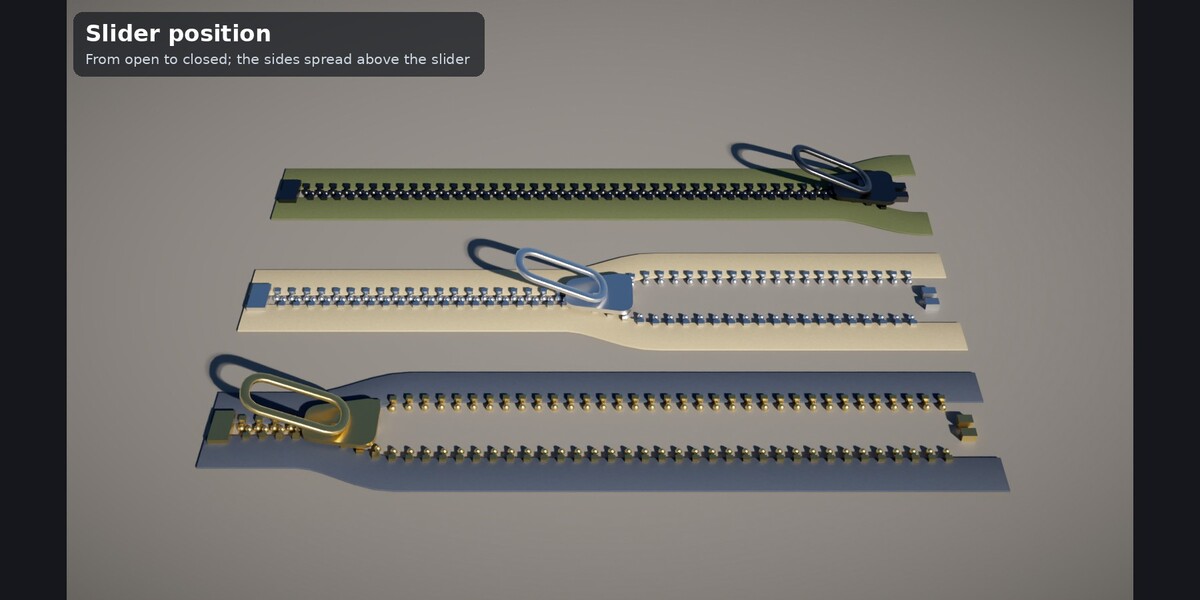
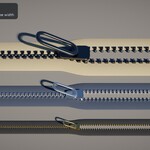
- Straight zipper: add any mesh object (its geometry is ignored), add the Geometry Nodes modifier, pick the group. Set Length, Tape Width and Slider Position (0 = open, 1 = closed).
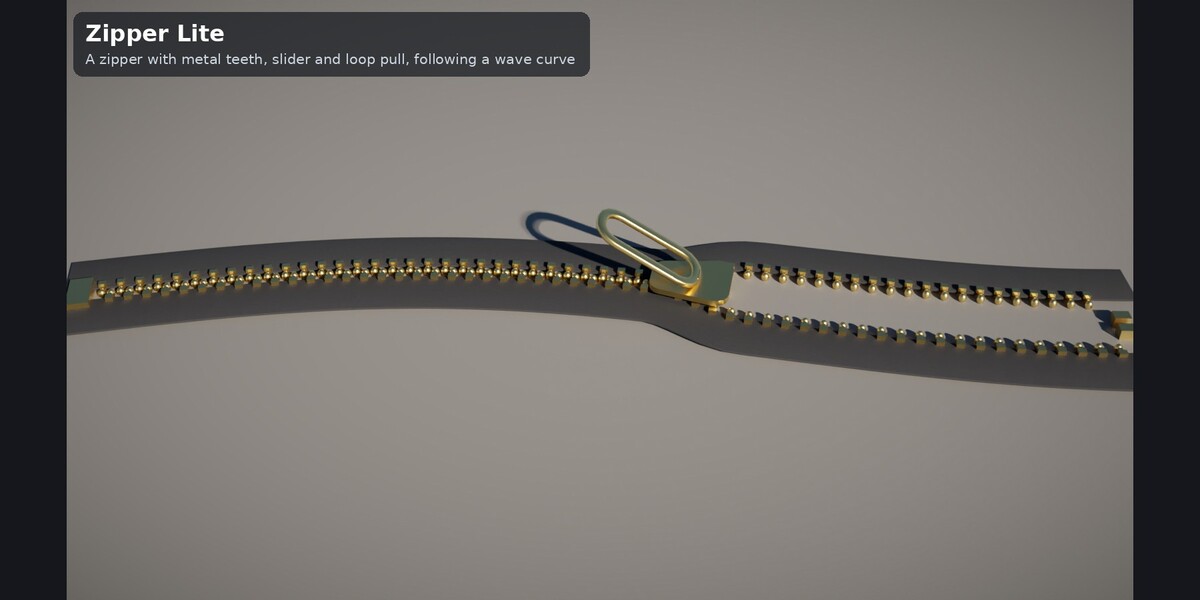
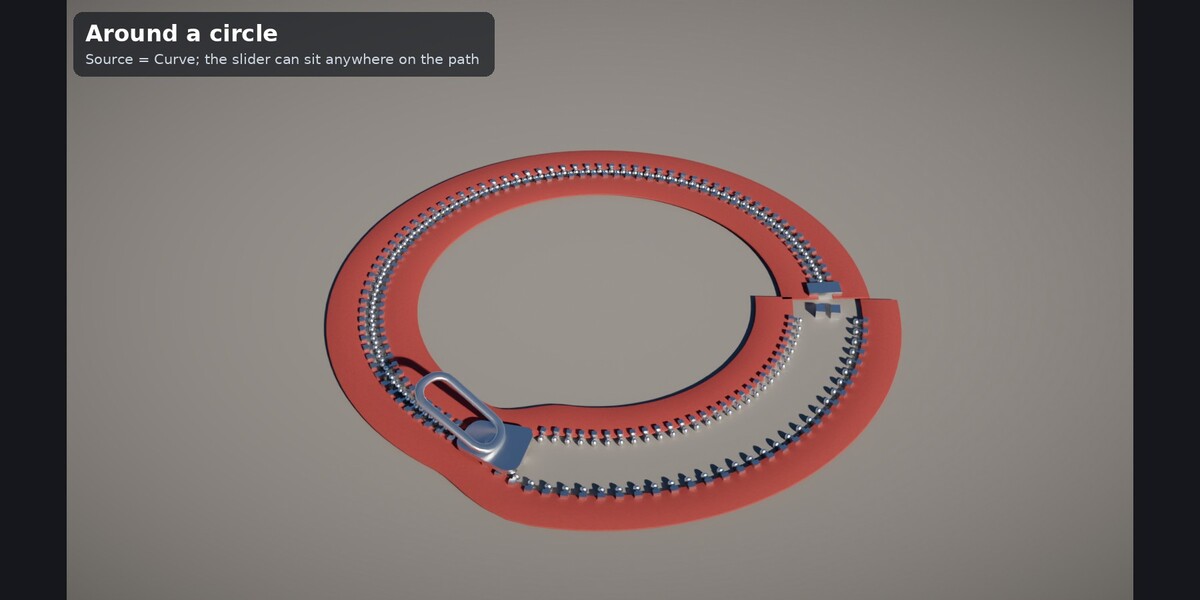
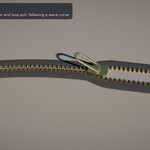
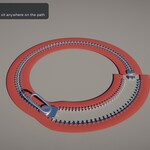
- Along a curve: put the modifier on a Curve object and set Source to Curve. Resolution (segments per metre) also resamples the curve.
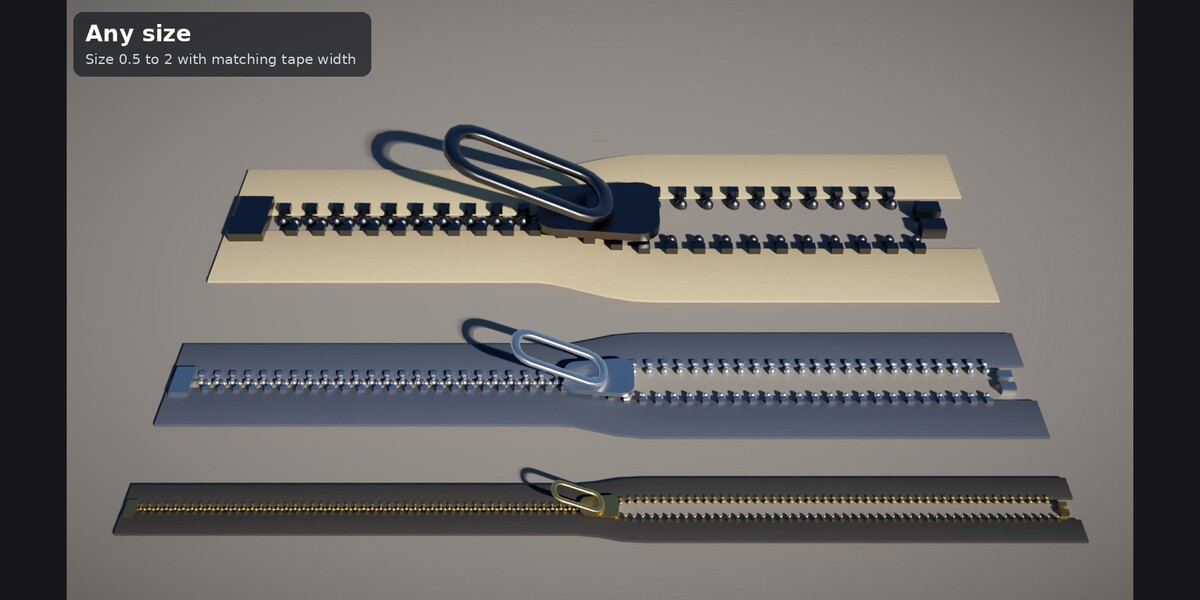
- Scale: Size 1.0 is roughly a #5 zipper; adjust Tape Width to match.
Inputs
- Path: Source (Straight / Curve), Length, Orientation (Flat / Upright), Twist, Resolution
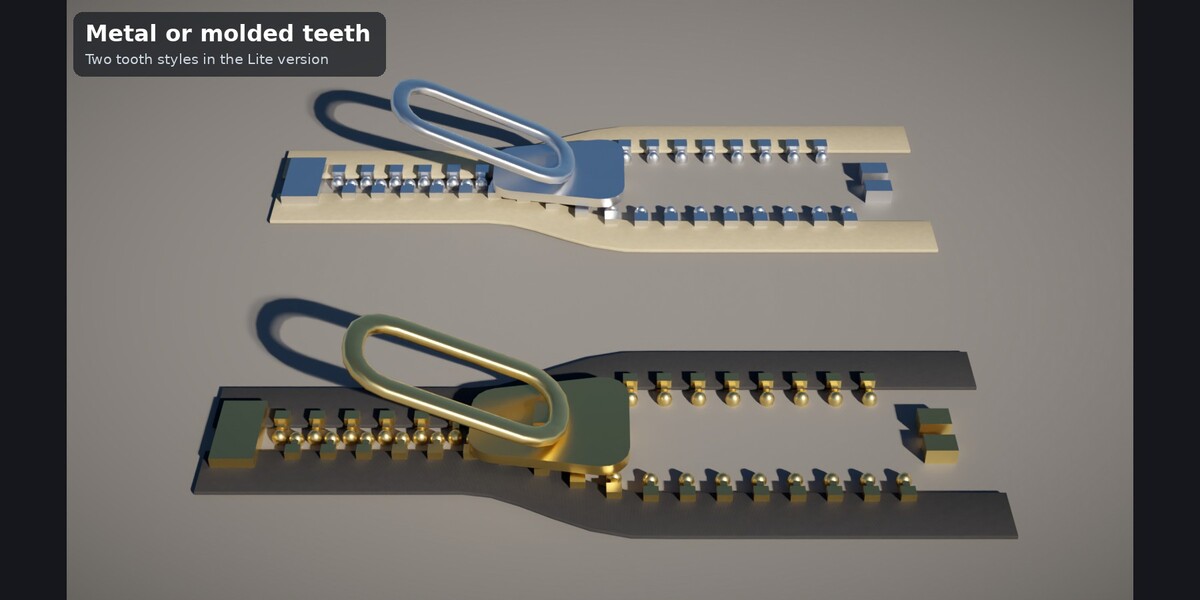
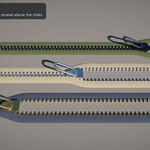
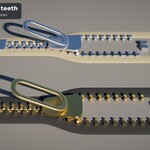
- Zipper: Tape Width, Size, Tooth Style (Metal, Molded), Slider Position, Open Width, Flare, Pull (None, Loop), Pull Angle, Stops
- Materials: procedural material inputs and UV Scale
Requirements: Blender 4.2 LTS or newer (tested 4.2.23, 4.5.14, 5.2.1). A README is included in the download.
Have questions about this product?
Login to message
| Published | about 3 hours ago |
| Blender Version | 4.2 - 5.2 |
| Render Engine Used | Cycles |
| License | Royalty Free |

Discover more products like this
fastener curve zipper costume zip procedural geometry nodes prop fabric clothing