 3dartbox
in




AB Tile Animator
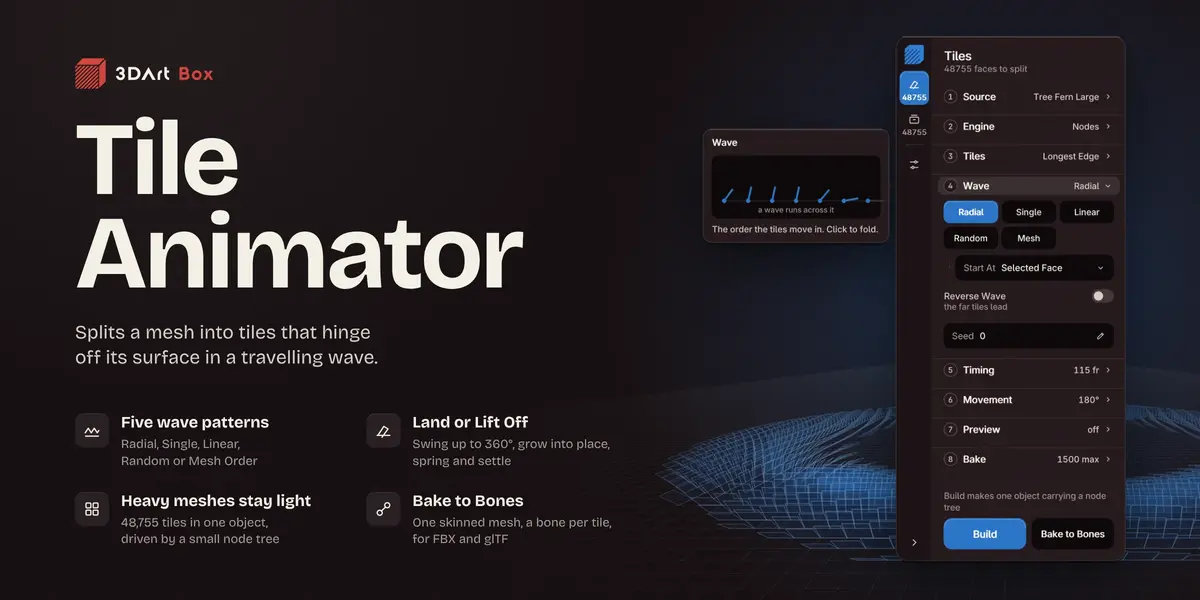
Splits a mesh into tiles that hinge off its surface in a travelling wave. Every tile turns on an edge of its own, so the model never comes apart. All from one card in the sidebar.
Four meshes, start to finish
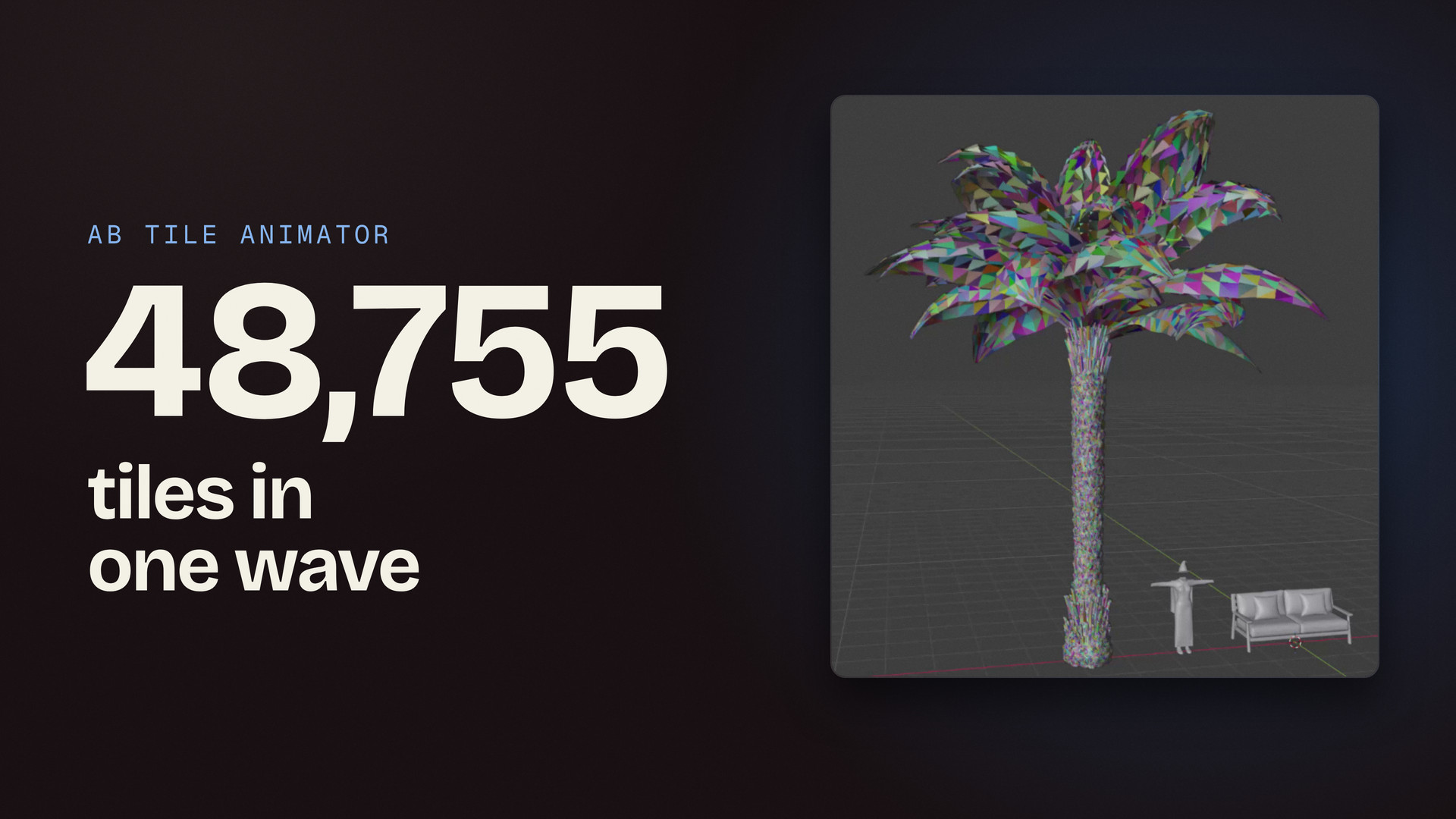
The video covers every step on the card with four meshes: a sunflower, sofa cushions, a costume and a 48,755-face tree fern. At the end the costume is baked to bones, exported as FBX and played in Unreal Engine.
Watch the wave while you tune it
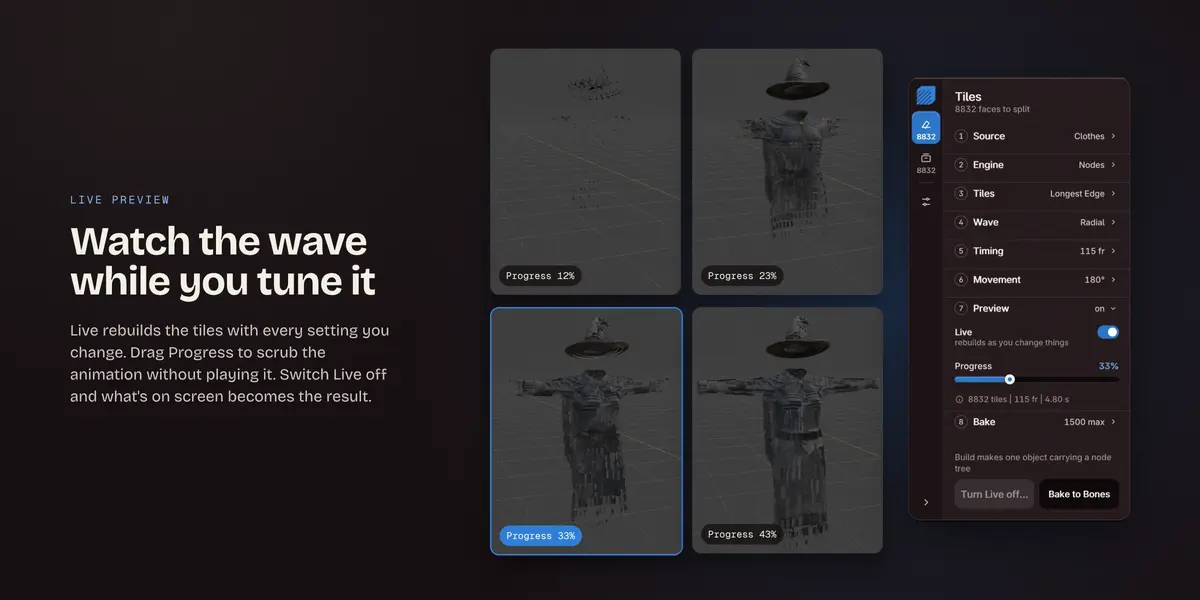
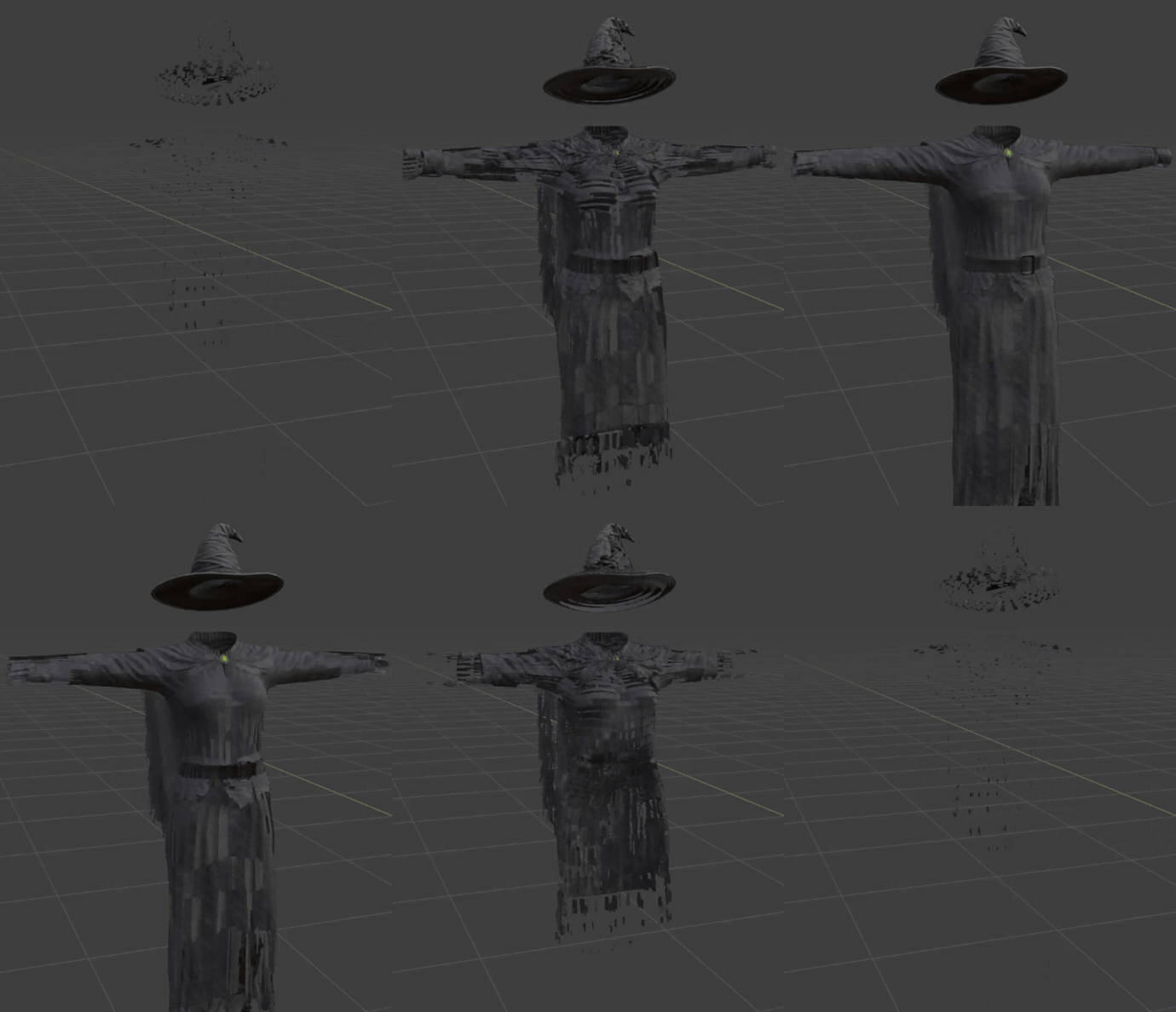
Live rebuilds the tiles with every setting you change, and Progress scrubs the animation without playing it. Switch Live off and what's on screen becomes the result.
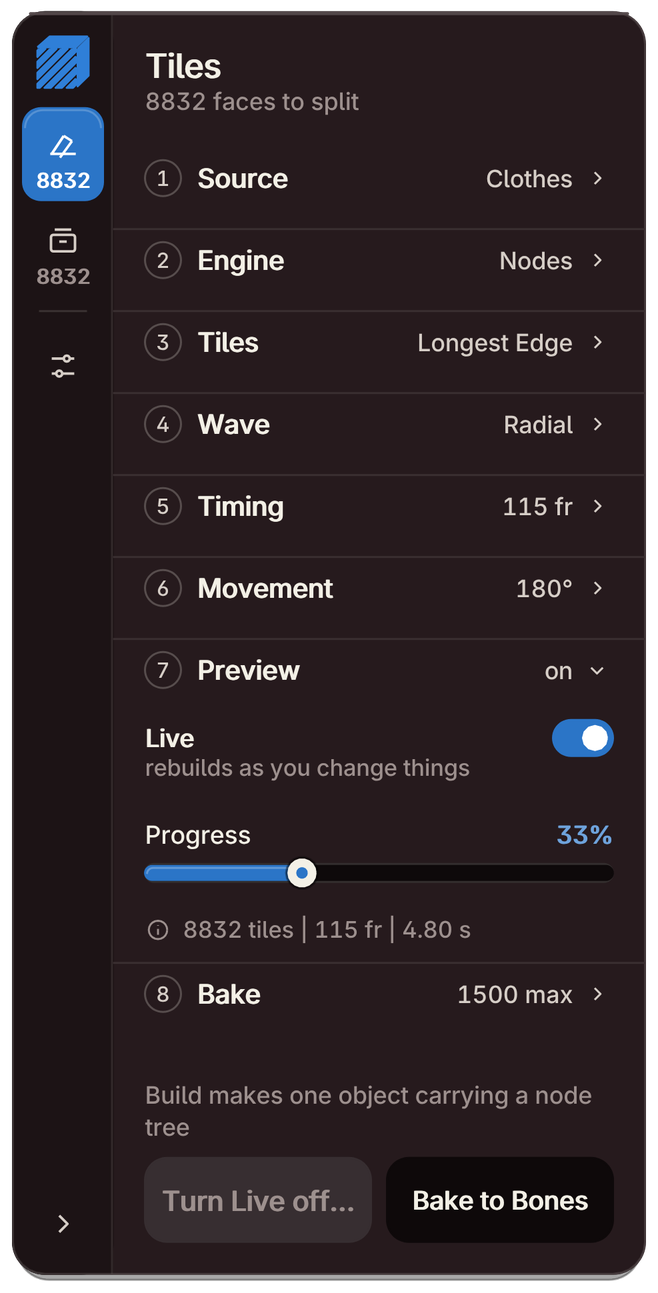 |
Dragging Progress on the 8,832-tile costume
 |
Start the wave from any face
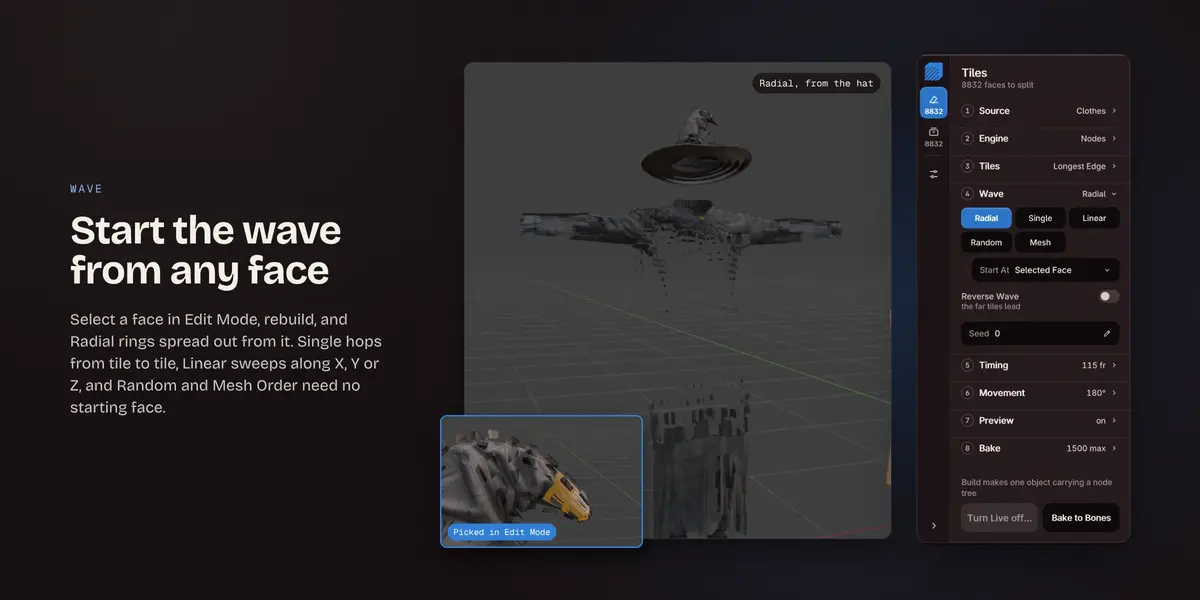
Select a face in Edit Mode, rebuild, and Radial rings spread out from it. Single hops from tile to tile, Linear sweeps along X, Y or Z, and Random and Mesh Order need no starting face. Reverse Wave turns the order around.
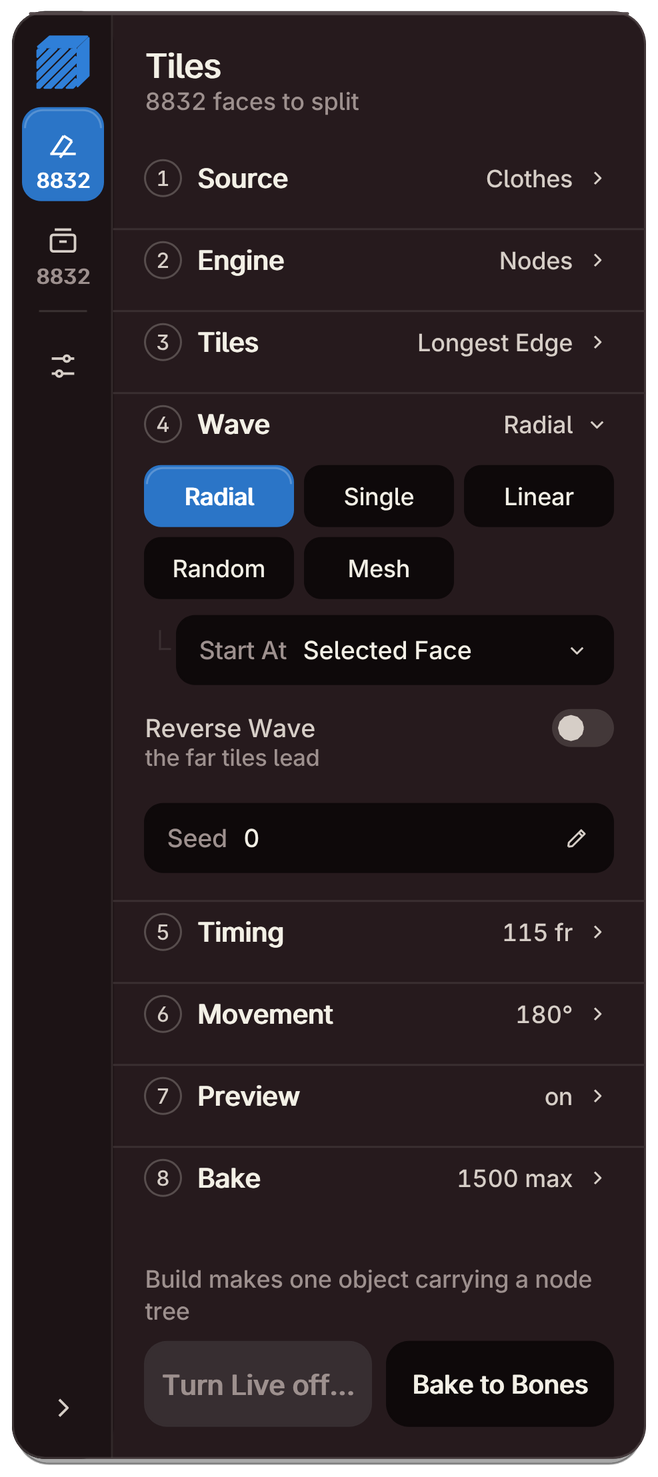 |
A Radial wave started from a face on the hat
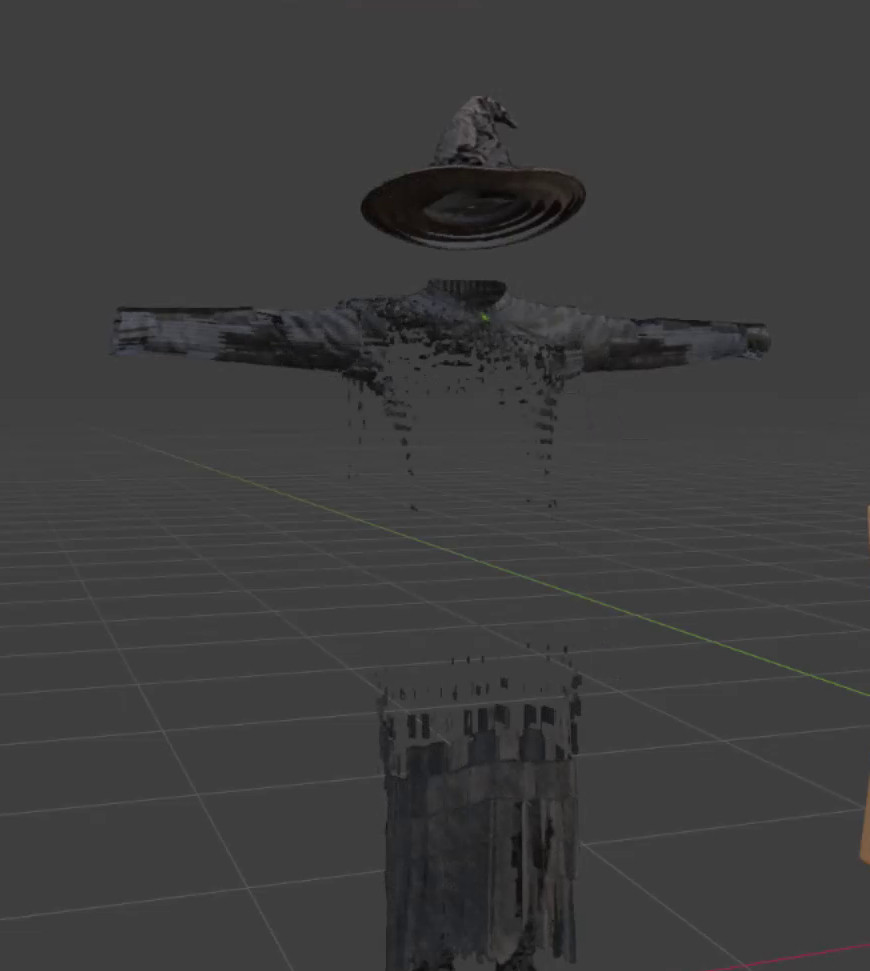 |
Swing, grow and settle
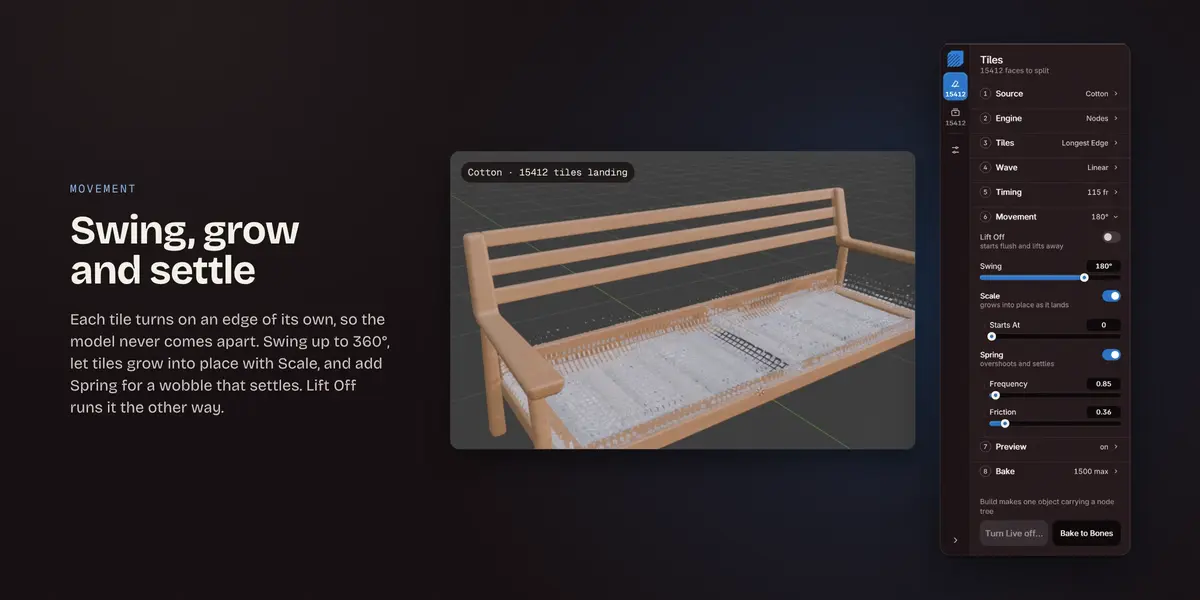
Each tile swings up to 360° on its hinge. Scale grows it into place, Spring adds a wobble that settles, and Lift Off sends the tiles away instead of landing them. Without Spring there are eleven interpolations to pick from, with their easing.
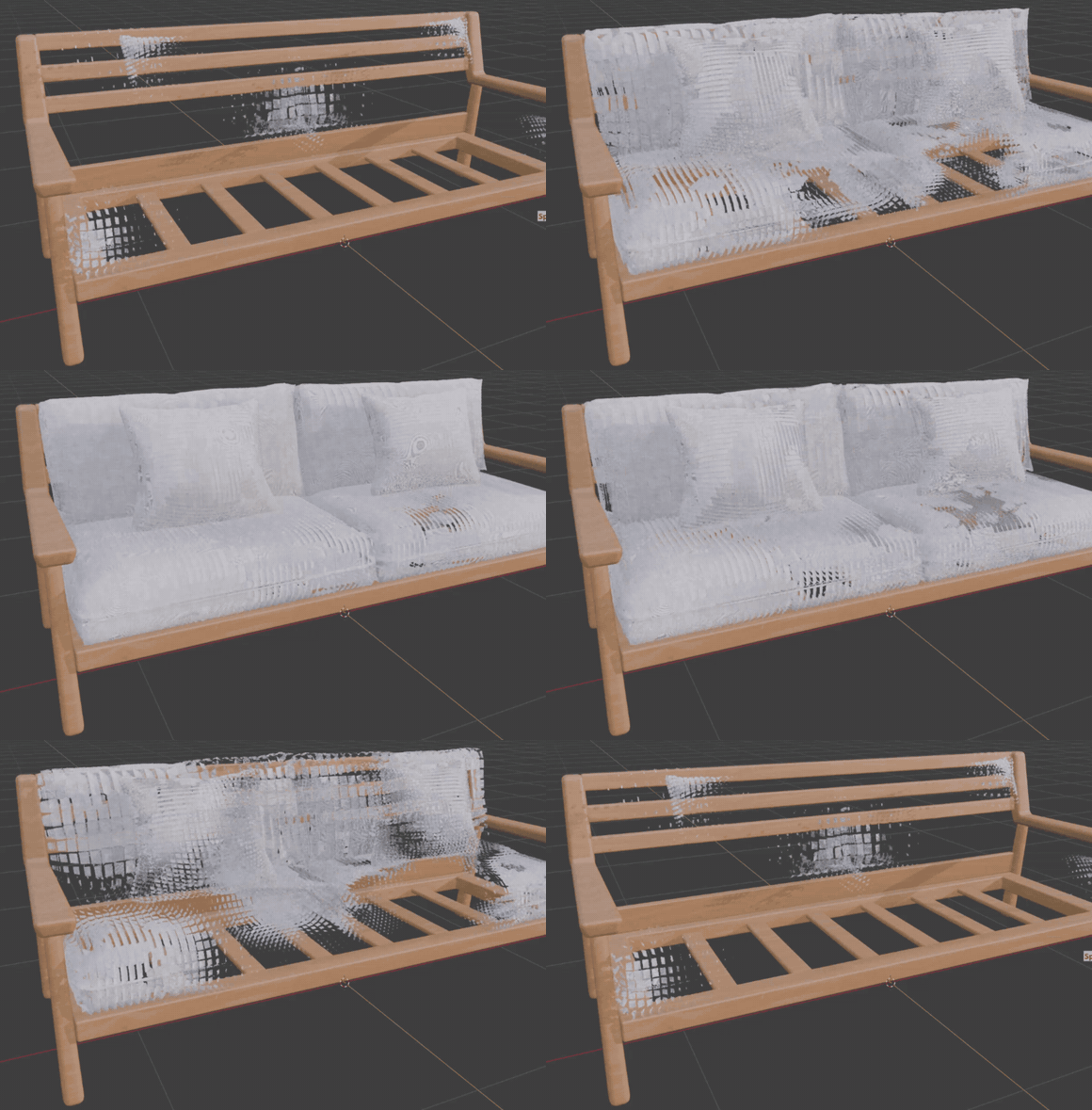
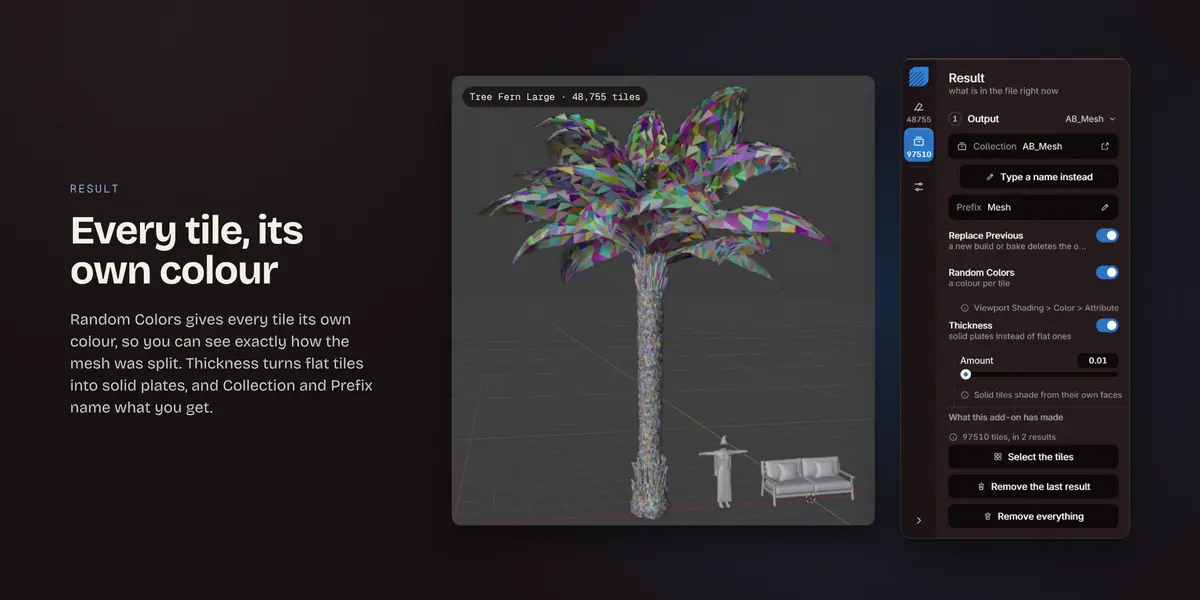
Every tile, its own colour
Random Colors gives every tile its own colour, so you can see exactly how the mesh was split. Thickness turns flat tiles into solid plates, and Collection and Prefix name what you get. The tiles keep the model's UVs and shading.
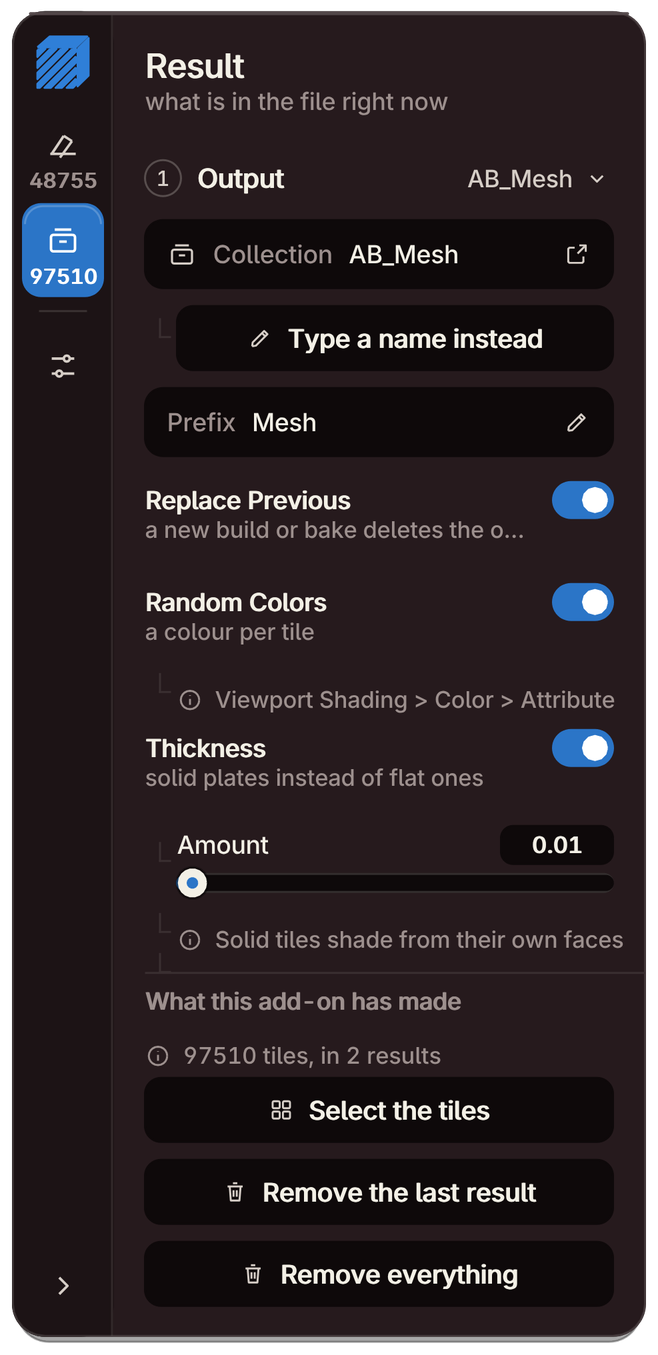 |
The tree fern, 48,755 tiles
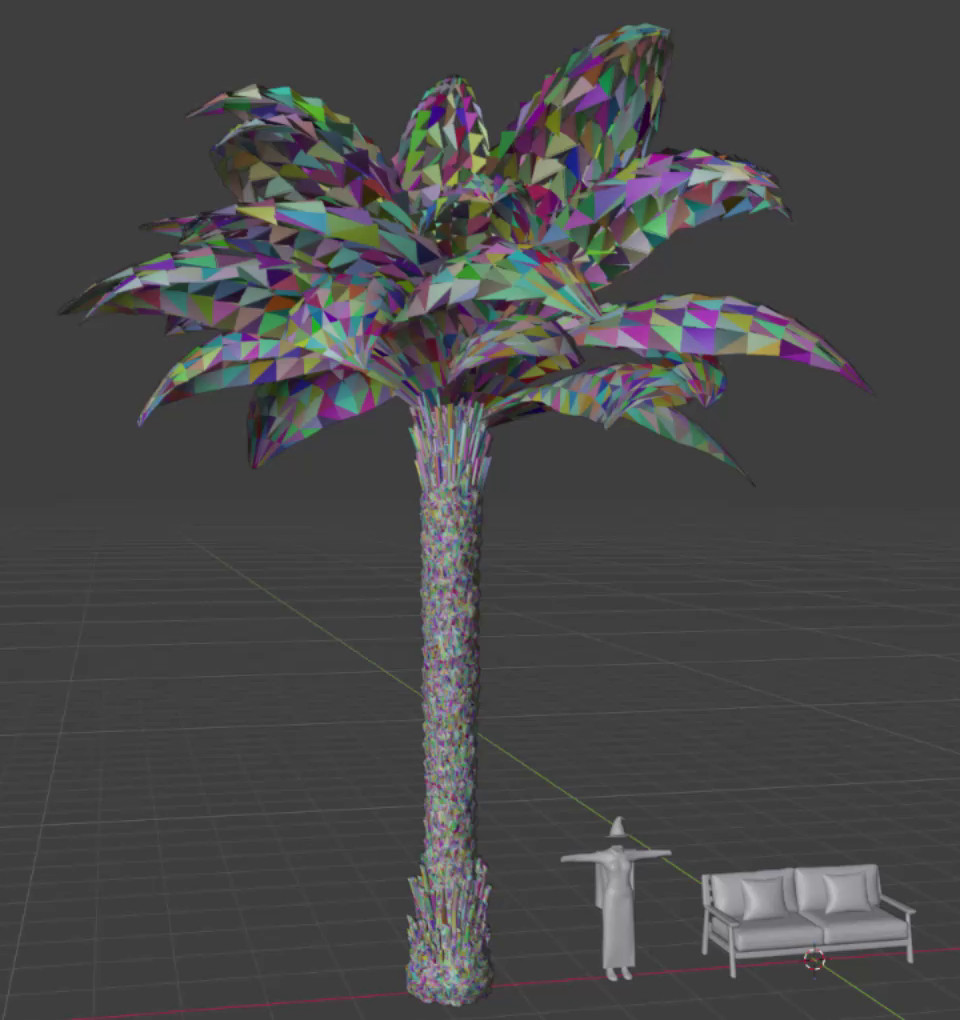 |
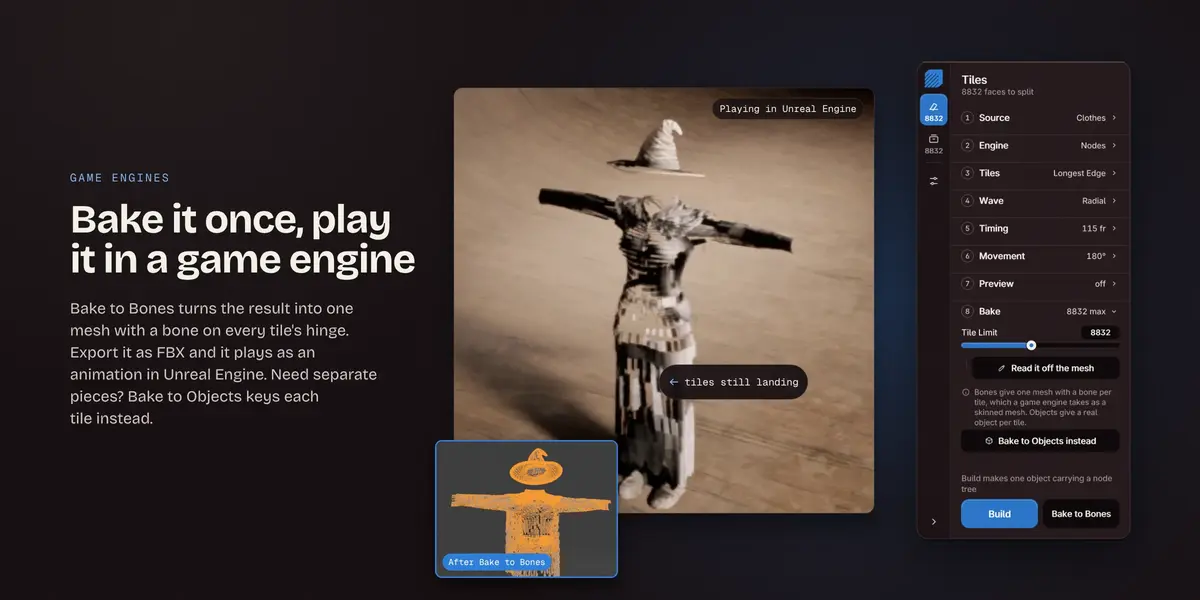
Bake it once, play it in a game engine
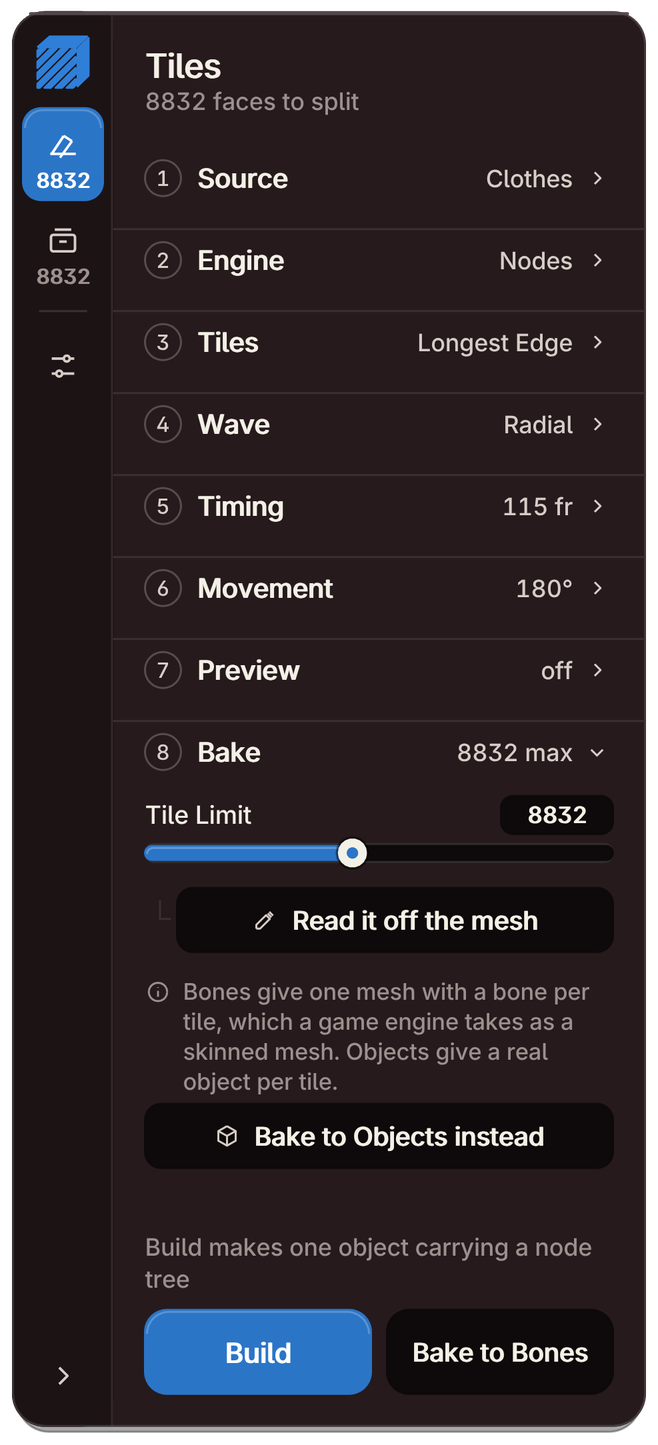
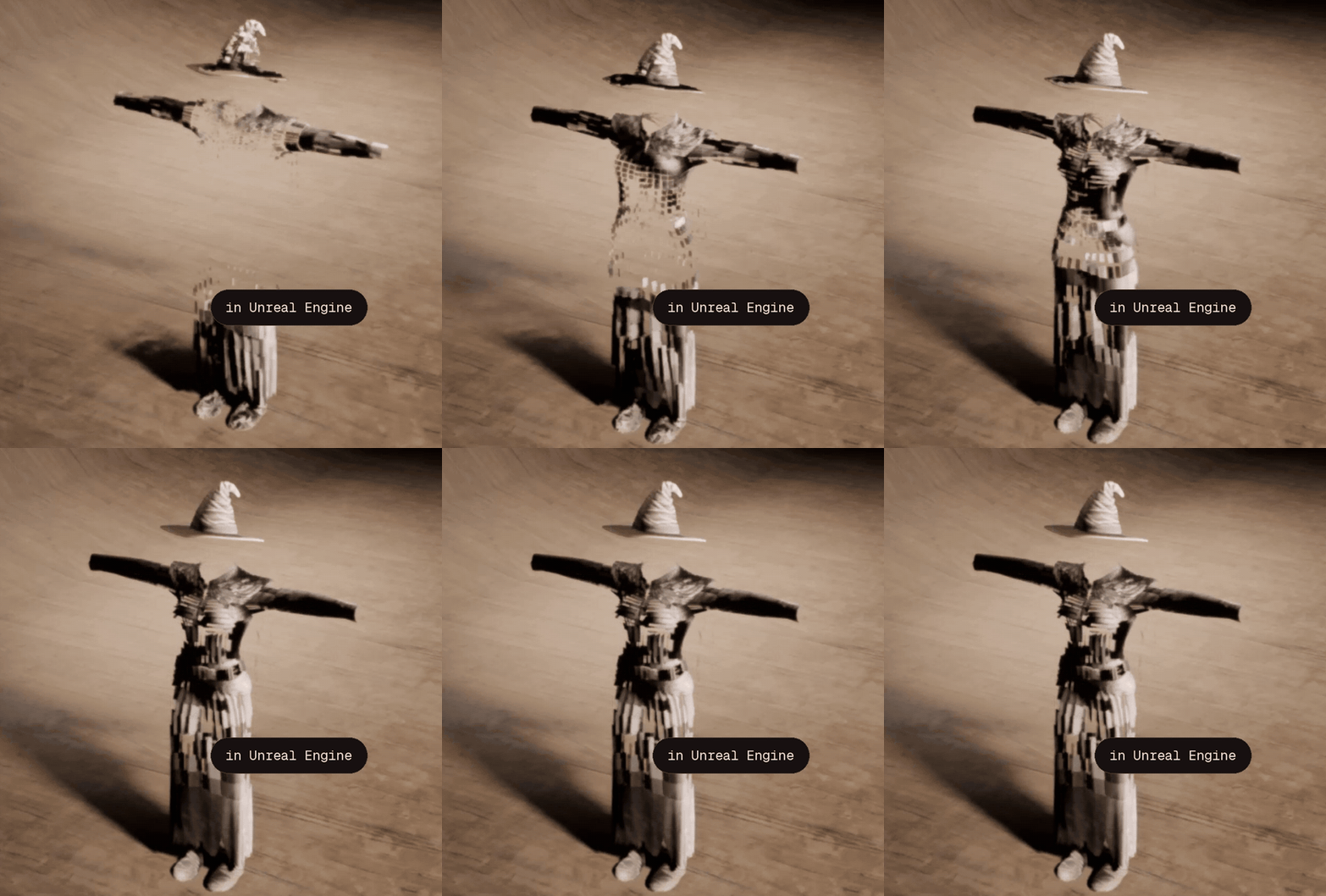
Bake to Bones turns the result into one mesh with a bone on every tile's hinge and the swing keyed on the bones. Export it as FBX and it plays as an animation in Unreal Engine. Bake to Objects keeps a real, keyed object per tile instead.
 |
The baked costume playing in Unreal Engine
 |
What is on the card
Eight steps on the Tiles tab, then the Result and Settings tabs.
|
Source
Pick a mesh from the list or use the selected one. Modifiers are read too, and Rebuild from the model reads it again after you edit it.
|
Engine
Nodes: one object and a small node tree, nothing keyed. Objects: a real object per tile with its own keyframes.
|
|
Tiles
A hinge per tile: Longest Edge, Shortest Edge, Aligned, Random or First Edge. Merge Flat Areas makes fewer, larger tiles.
|
Wave
Radial, Single, Linear, Random or Mesh Order, starting at the selected, lowest, largest or first face, with Reverse Wave and Seed.
|
|
Timing
By Delay or By Total, in frames or seconds, with Random Spread and Set Scene Range.
|
Movement
Swing, Lift Off, Scale and Spring, or eleven interpolations with easing and overshoot.
|
|
Bake
Bake to Bones or Bake to Objects, with a Tile Limit you can read off the mesh.
|
Card or classic panel
Settings swaps the card for a regular sidebar panel, and one button brings it back.
|
Included: AB_Tile_Animator.zip, installed with Install from Disk. The full guide is on the Documentation page.
Good to know
| The Objects engine and both bakes stop at the Tile Limit, 1500 by default, and build an evenly spread sample above it. Read it off the mesh sets the limit to the full count. The Nodes engine always builds every tile. |
| Game engines can't read a Geometry Nodes tree, so a Nodes result needs Bake to Bones or Bake to Objects before export. You export with Blender's own FBX or glTF exporter. |
| Editing the model changes nothing until you press Rebuild from the model, and Collection and Prefix are applied when the result is built. |
| It works on the .blend file you have open: Remove everything clears the results this add-on made in that file. |