Tile Gen
 AlexHappy



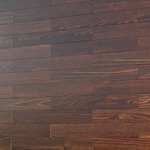
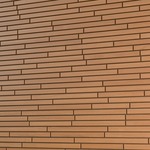

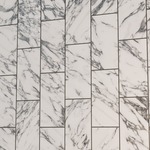
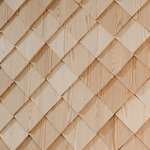
How do I install this addon?
- You need to put this file in any folder on your computer. Next, go to Blender -> Edit -> Preferences -> Asset Libraries
- To the right of the Asset Libraries field, click + and add the path to our folder where the file with the modifier is located.
- After that, the modifier will appear in the list of modifiers in the Generate section.
Have questions about this product?
Login to message
| Sales | 20+ |
| Rating | 2 ratings |
| Published | 3 months ago |
| Blender Version | 4.5 - 5.2 |
| Render Engine Used | Cycles, Eevee |
| License | Royalty Free |