 Kaan S.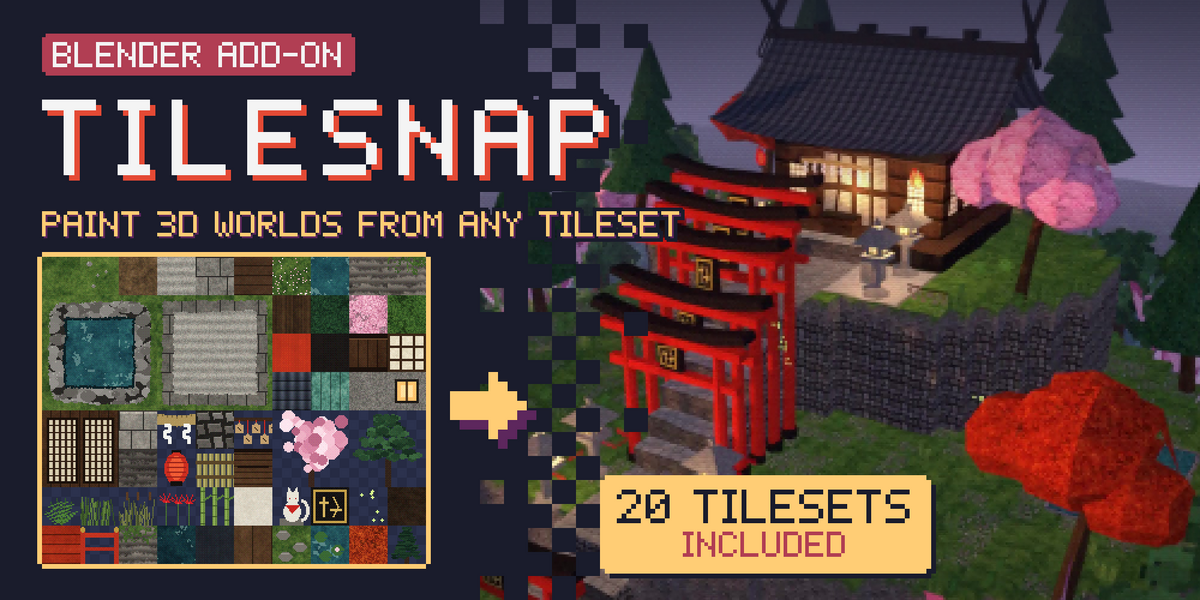
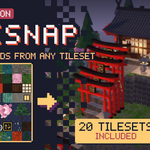

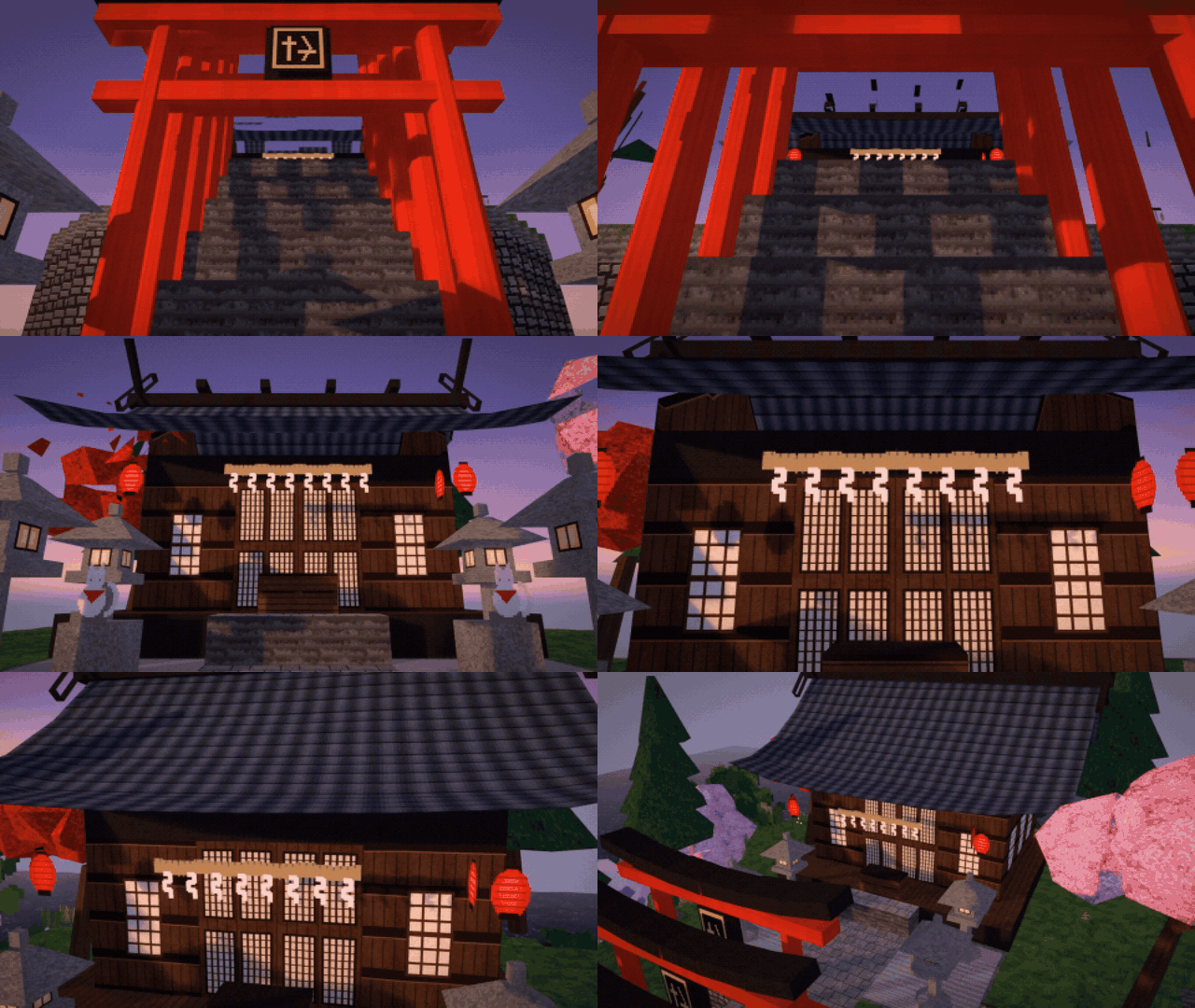
Pick tiles from your tileset image and click them straight into the 3D viewport. TileSnap builds real, textured geometry as you paint: no unwrapping, no manual modeling. Comes with 20 hand-made tilesets, so you can start building right away.


Build scenes the way you draw tile maps.
Tile-based modeling is the fastest way to make stylized, game-ready environments: dungeons, villages, shrines, pixel-art dioramas. TileSnap brings that workflow into Blender.
Tiles snap to the ground grid, continue across the edges of the tiles you already placed, stand up as walls or stack on top. Every click is real geometry with a pixel-perfect material, and every click can be undone.
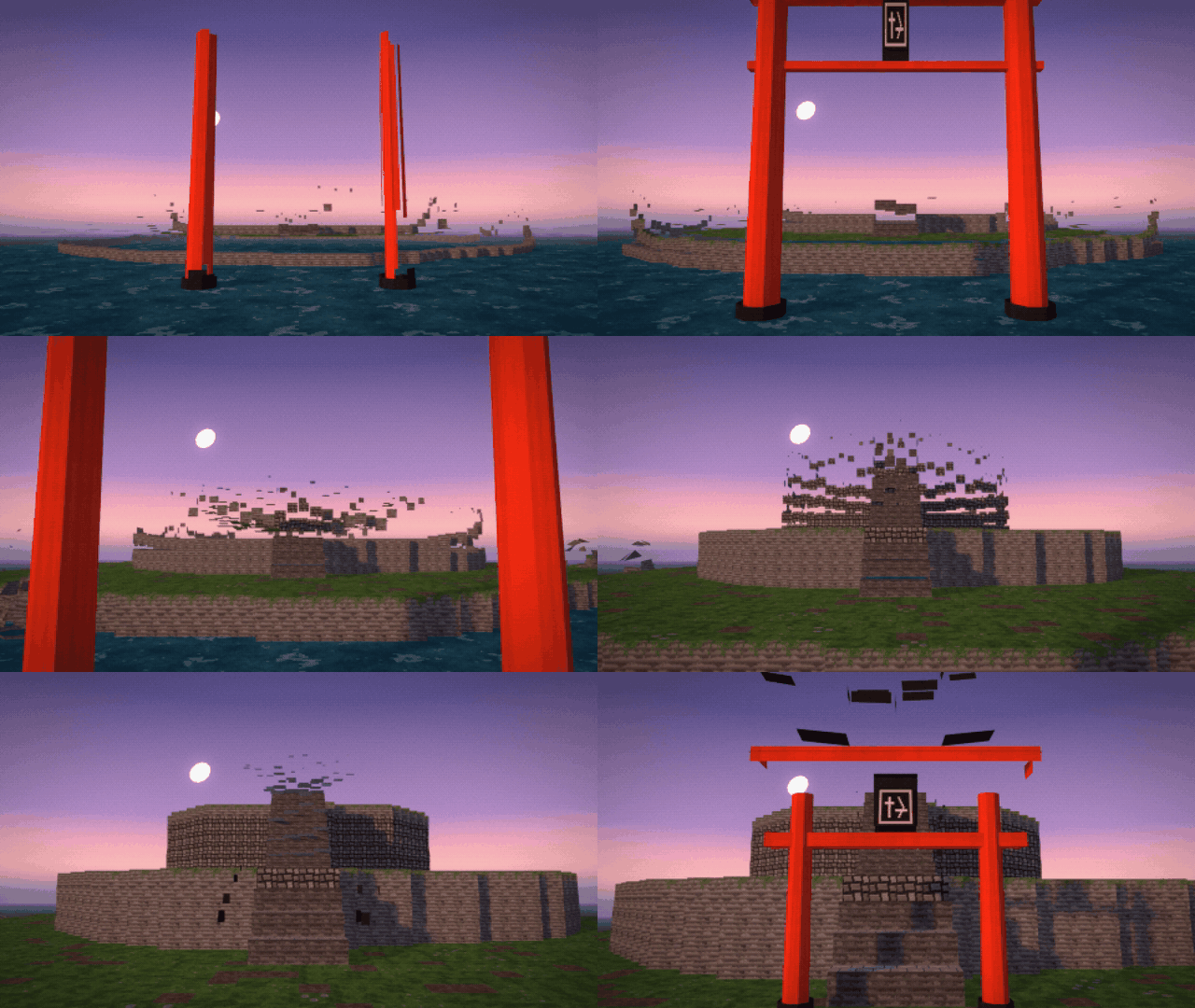

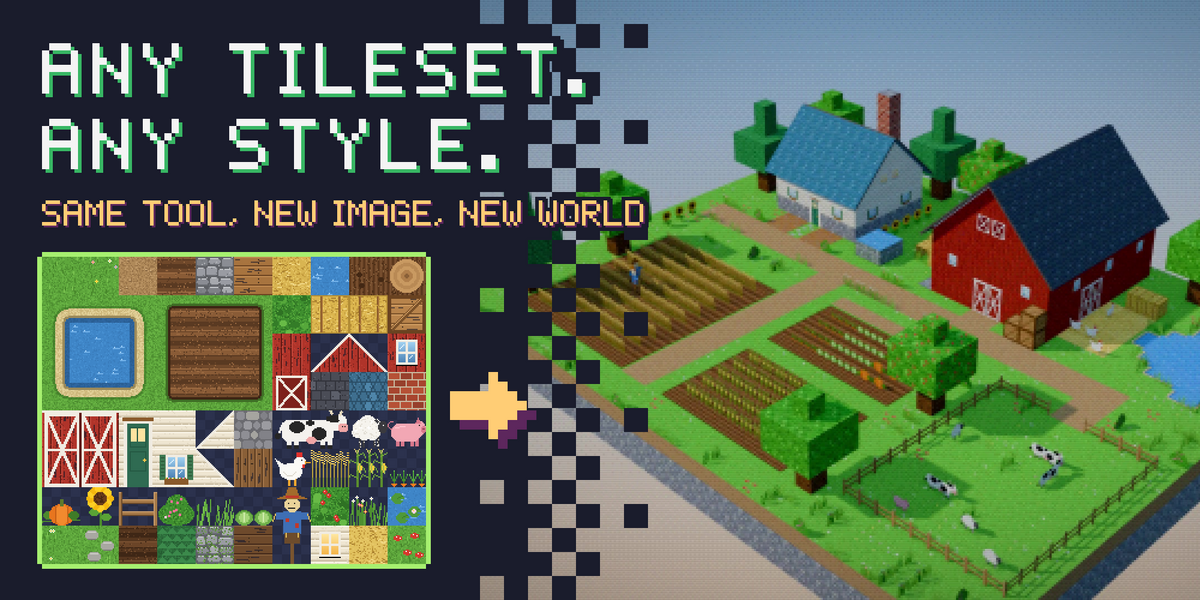
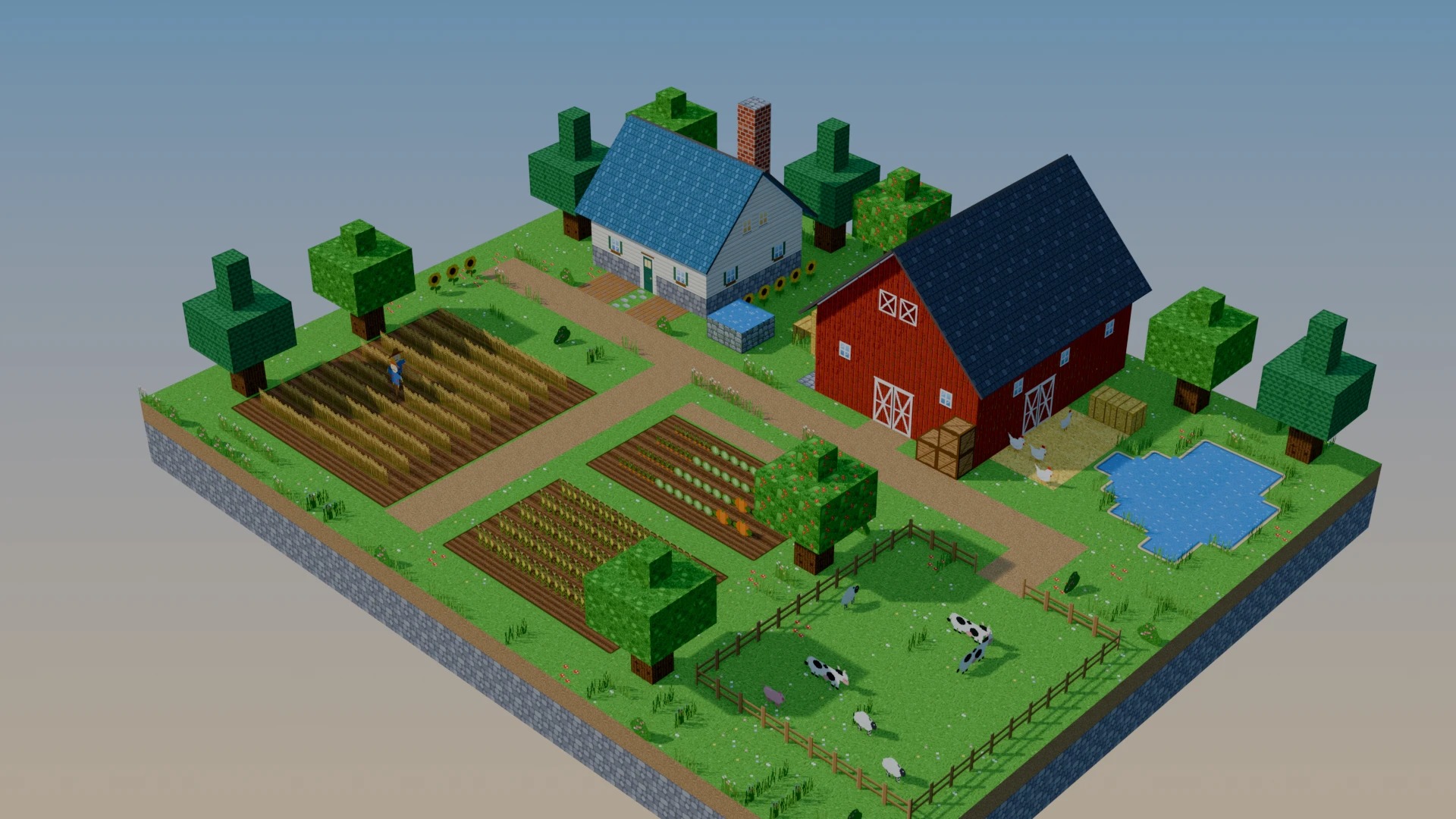
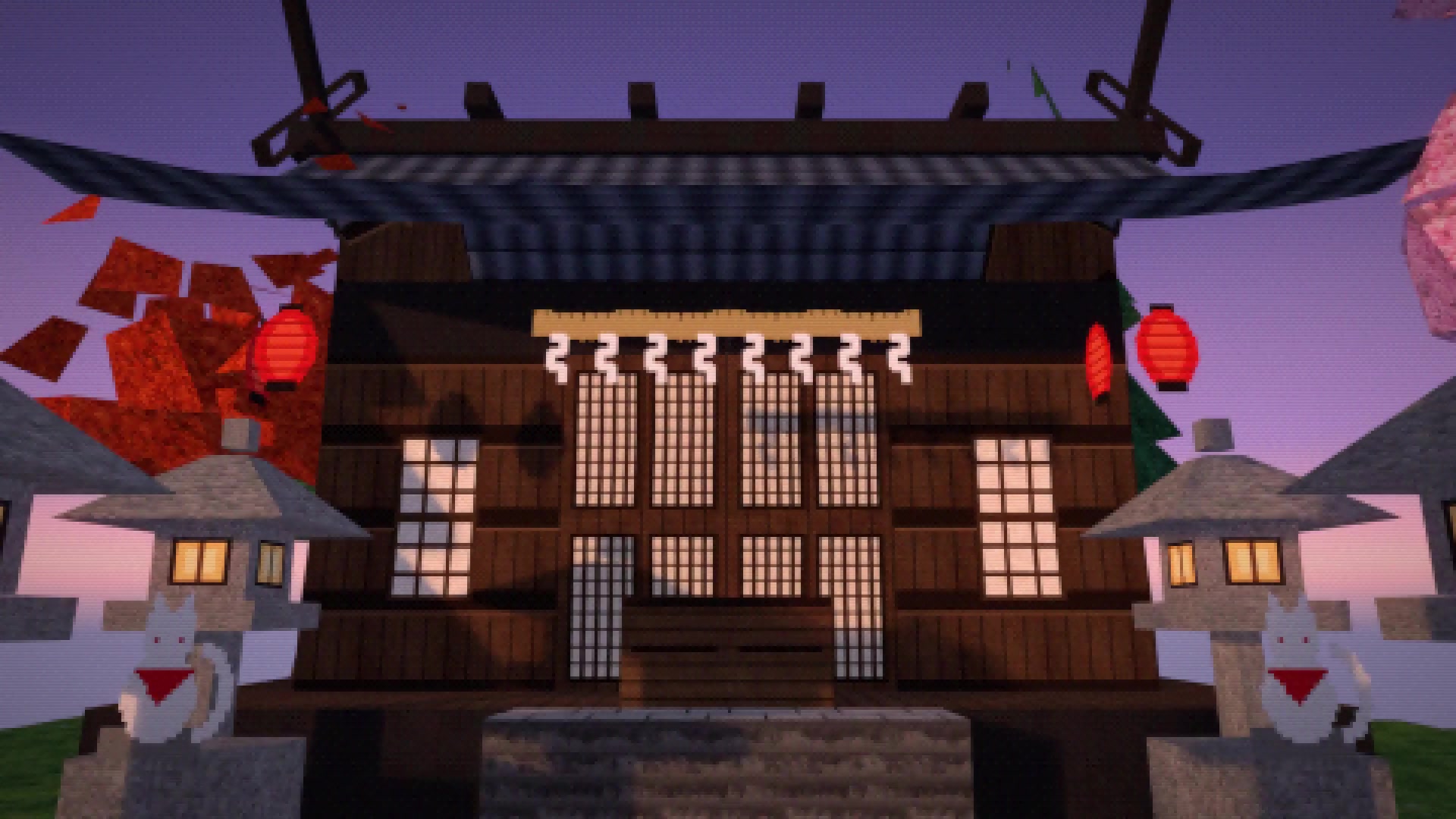
Sunny farms. Twilight shrines. Your world.
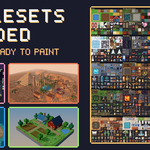
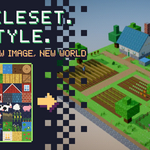
These are the actual tilesets behind the scenes on this page. Same tool, different image: swap the tileset and the whole look changes.
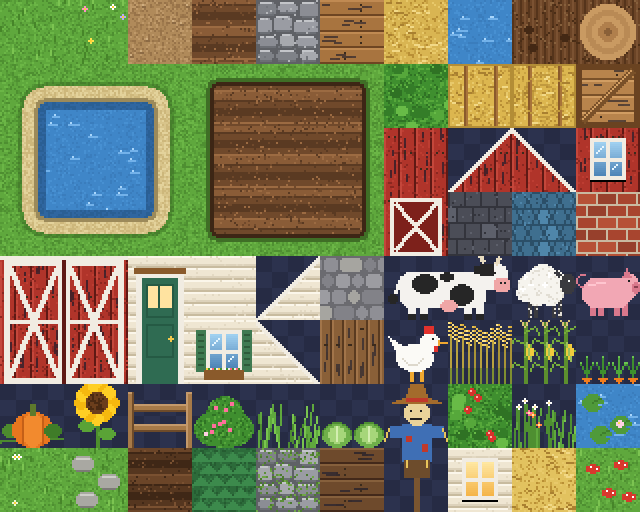

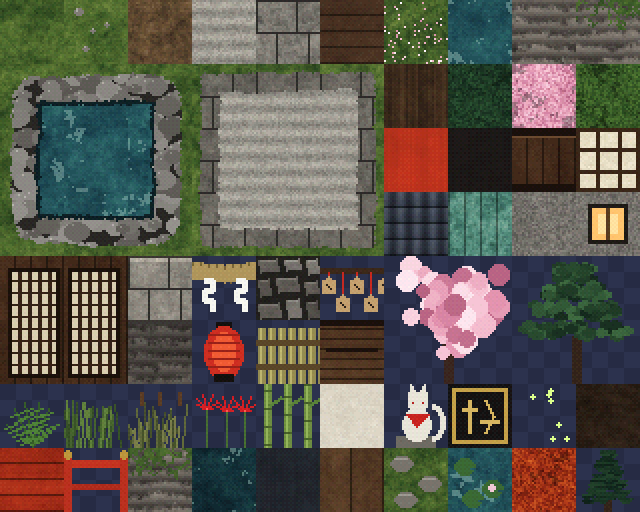
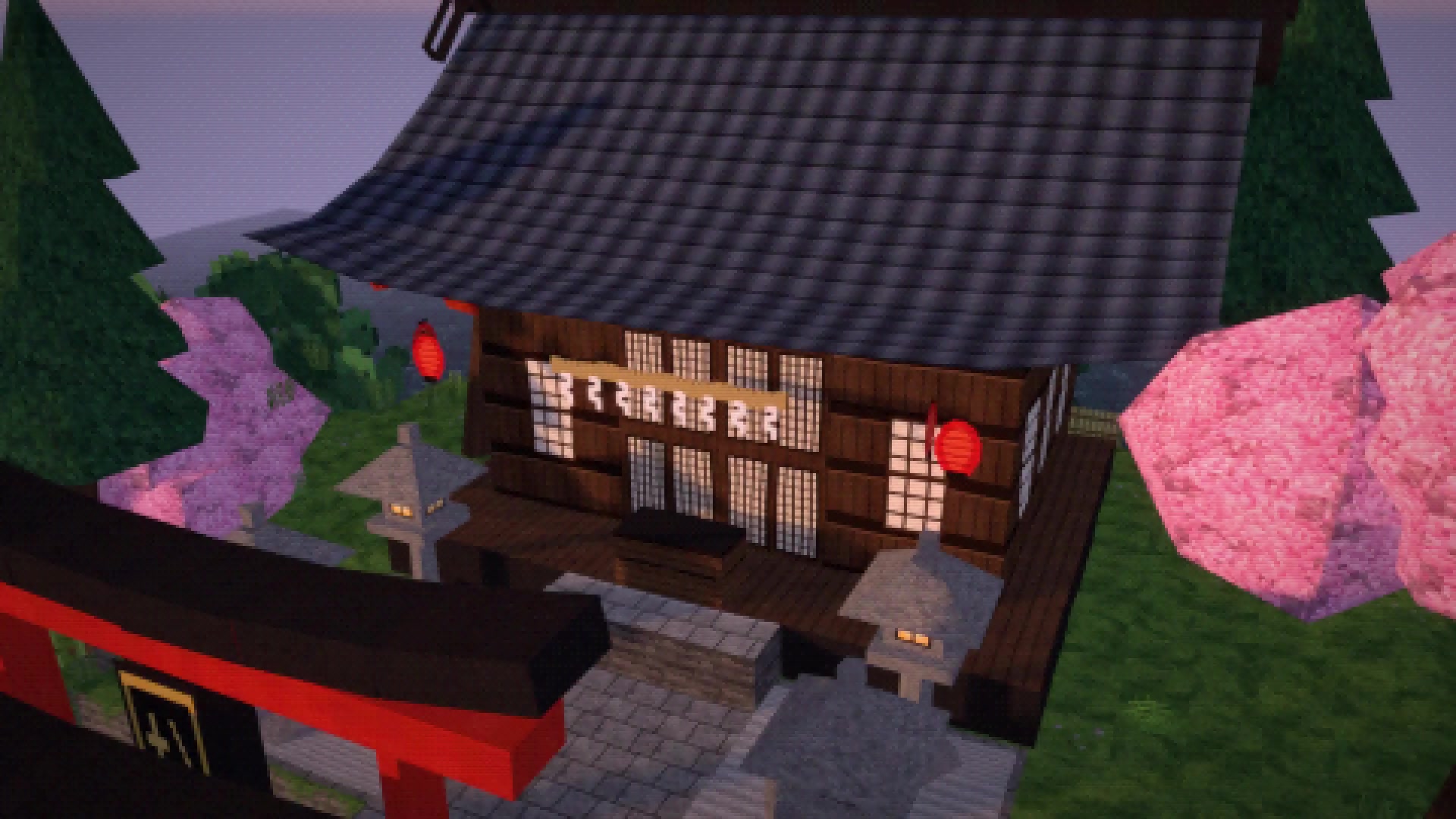

Start building the moment you install it.
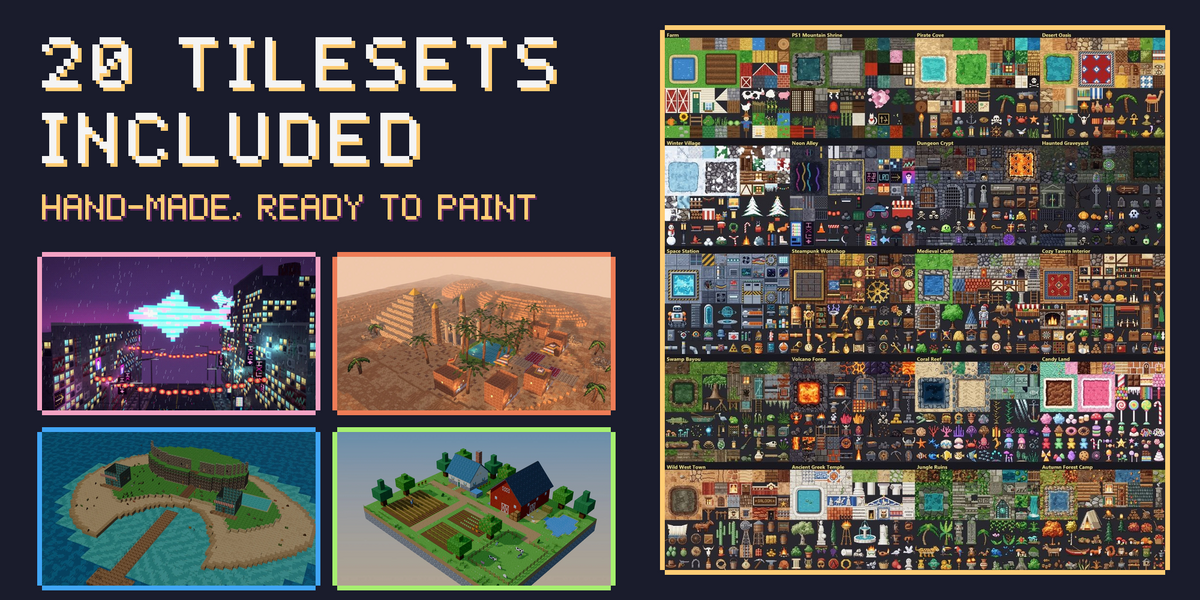
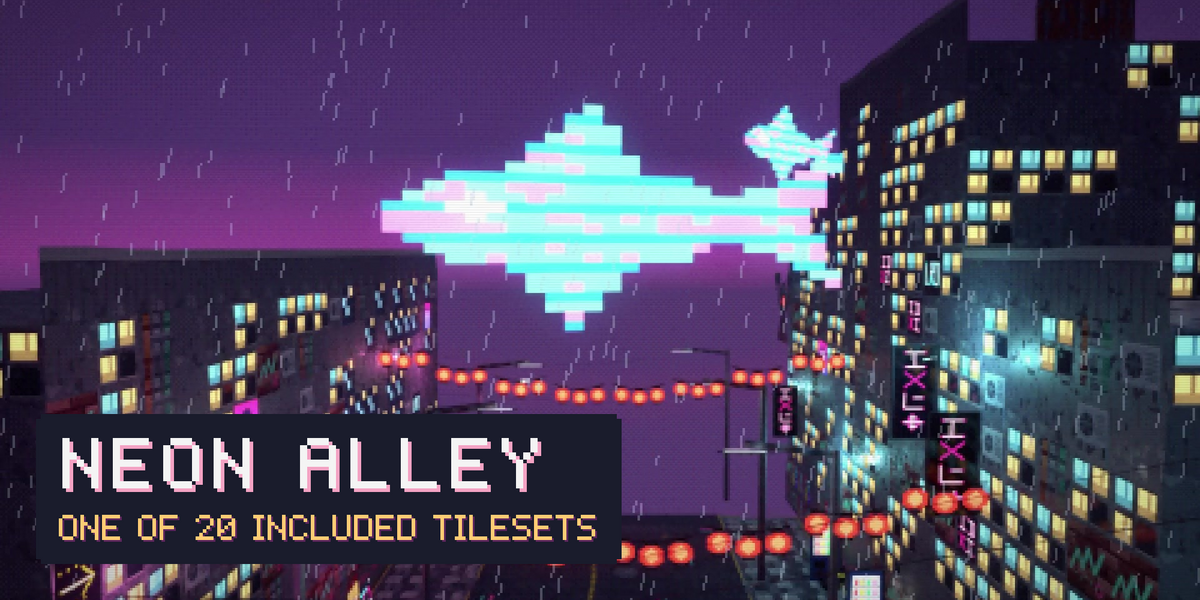
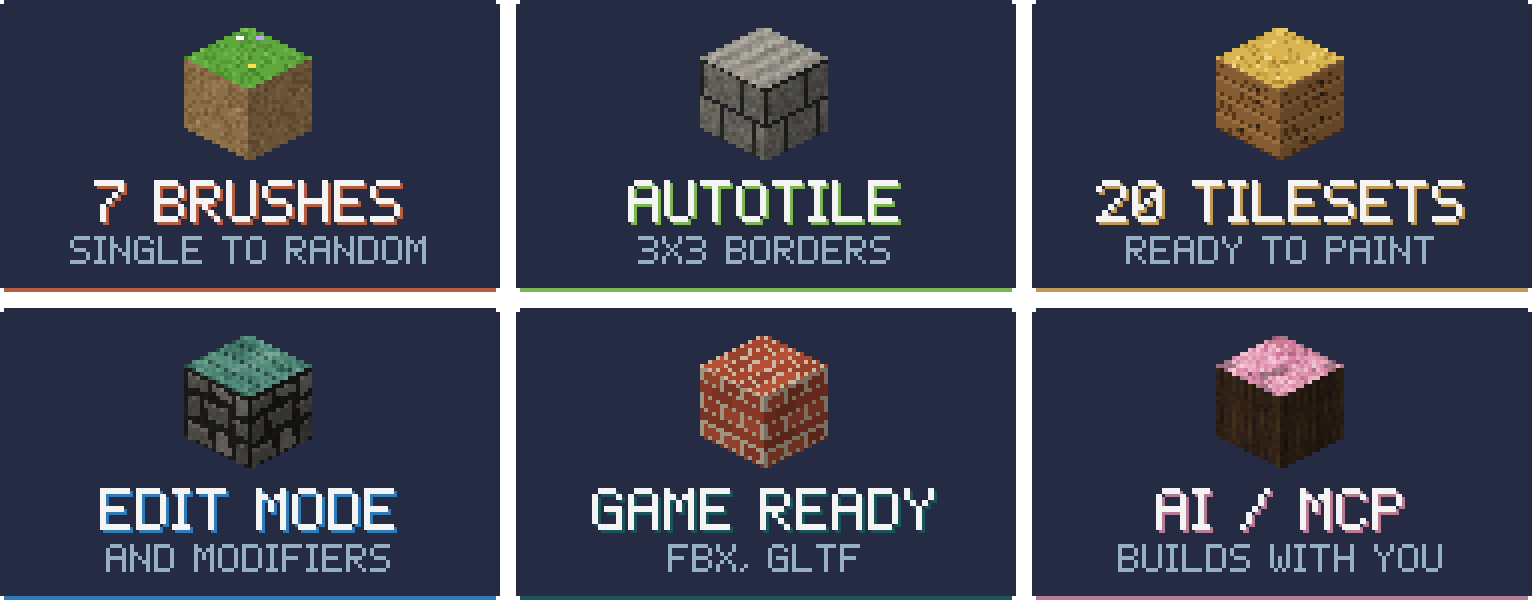
Twenty hand-made pixel-art tilesets come with TileSnap: farms and pirate coves, neon alleys and crypts, space stations, candy lands and more. Each one has ground, paths, 3 × 3 autotile blocks, walls, roofs and props, ready for whole scenes. Use them in personal and commercial projects.
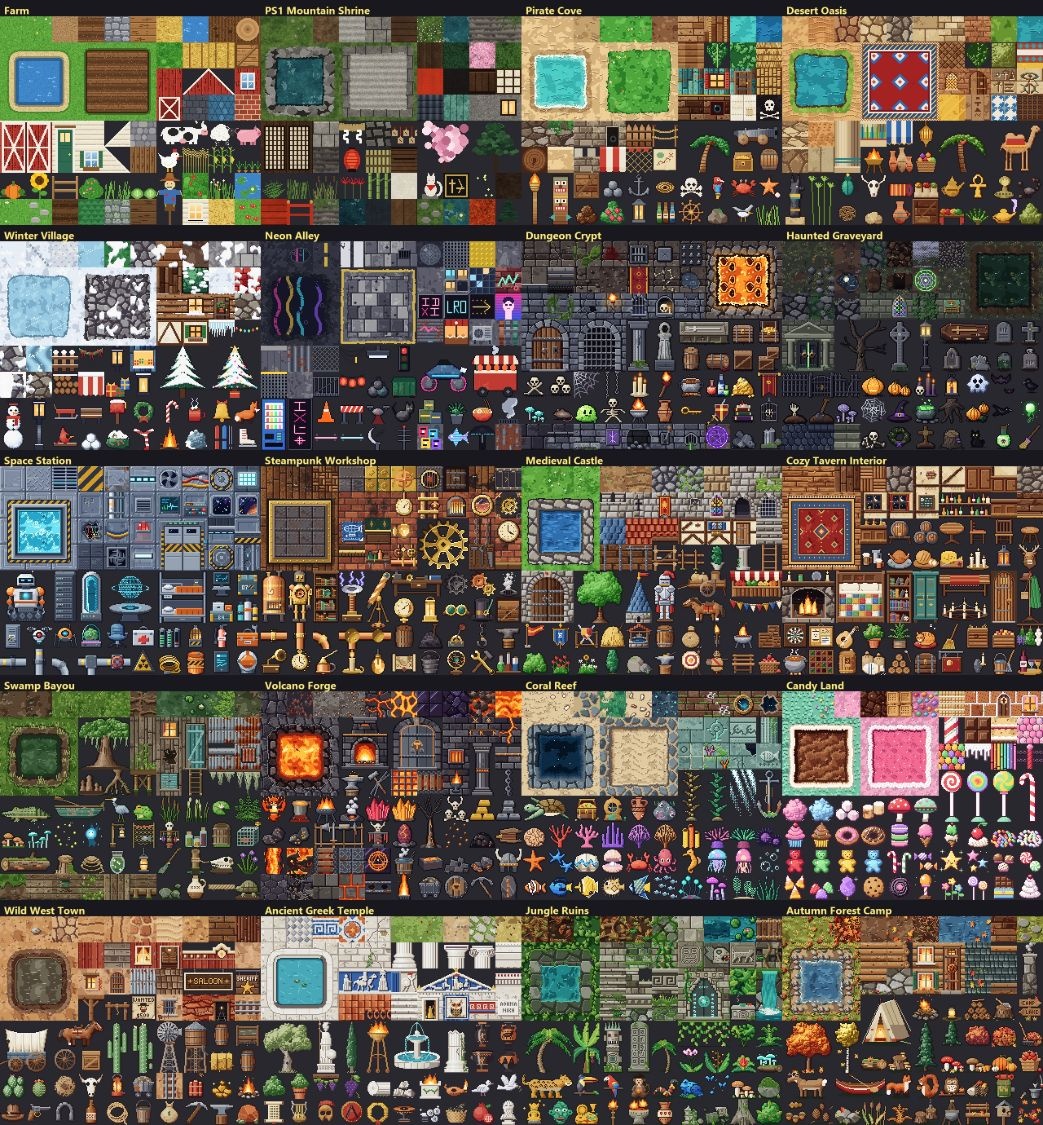
Made with the included tilesets:


From image to world in three moves.
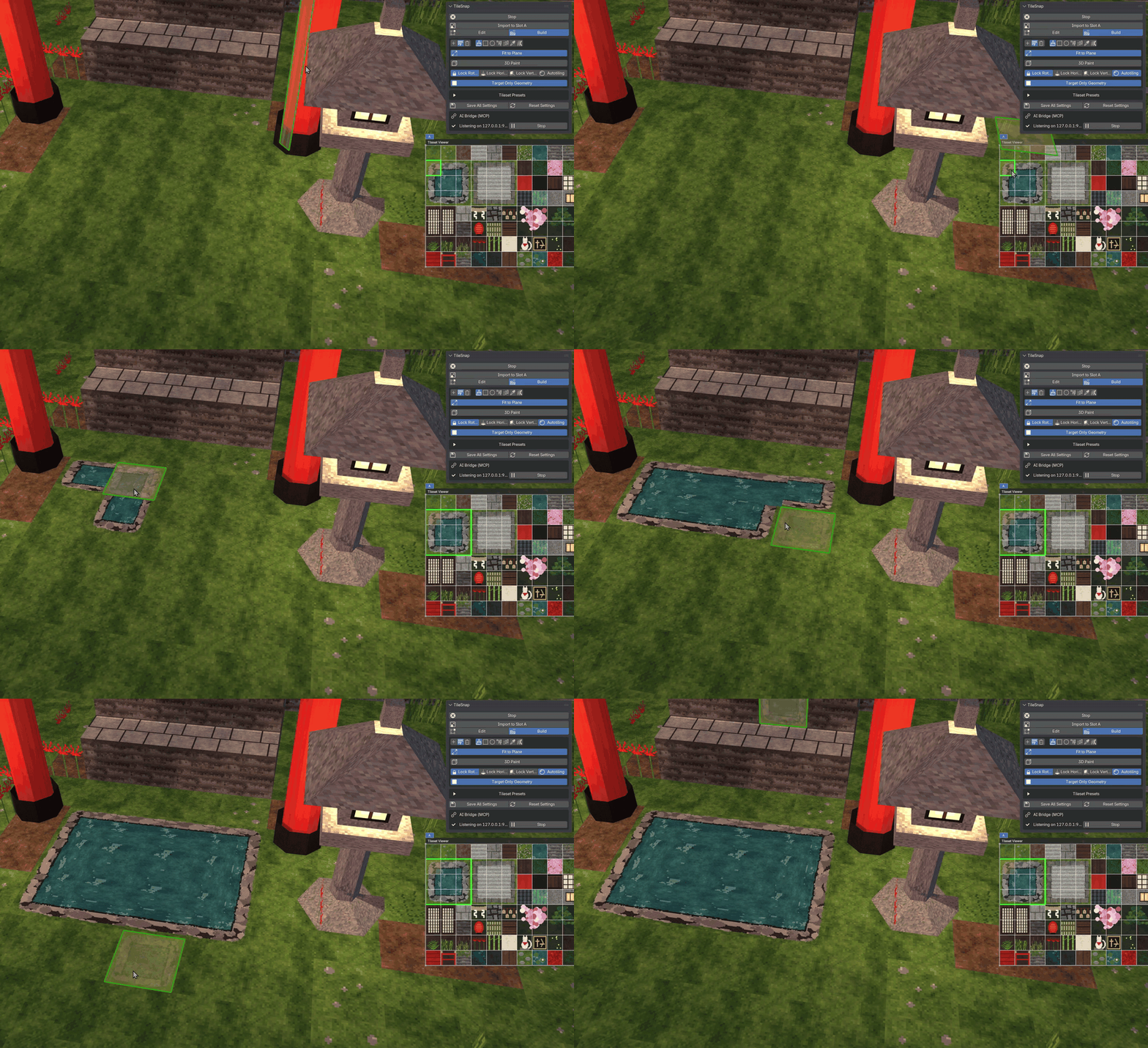

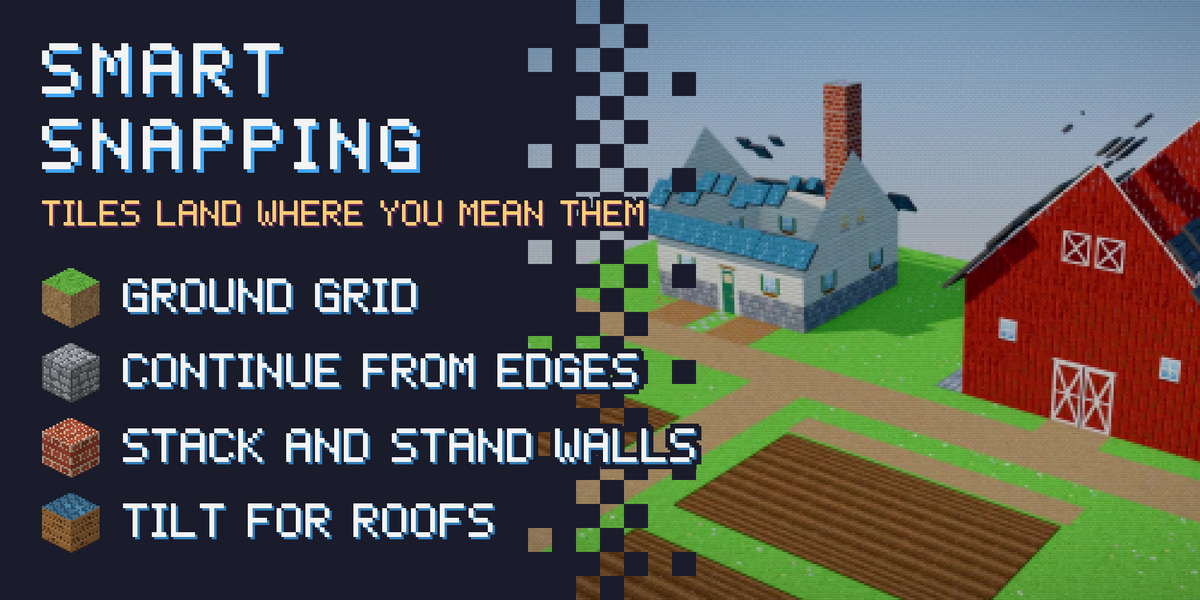
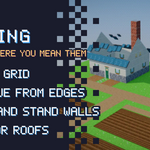
Tiles land where you mean them.
- ■ Ground grid — start anywhere on an empty scene.
- ■ Continue edges — new tiles extend from the edge under the cursor, without overlapping.
- ■ Stack and stand — place on top of tiles or stand them up as walls.
- ■ Locks — paint floors only, walls only, or keep a fixed orientation.
- ■ Rotate on the fly — turn the placement plane or the texture with the mouse wheel.
- ■ Tilt for roofs — tip tiles off an edge in angle steps for pitched roofs and slopes.
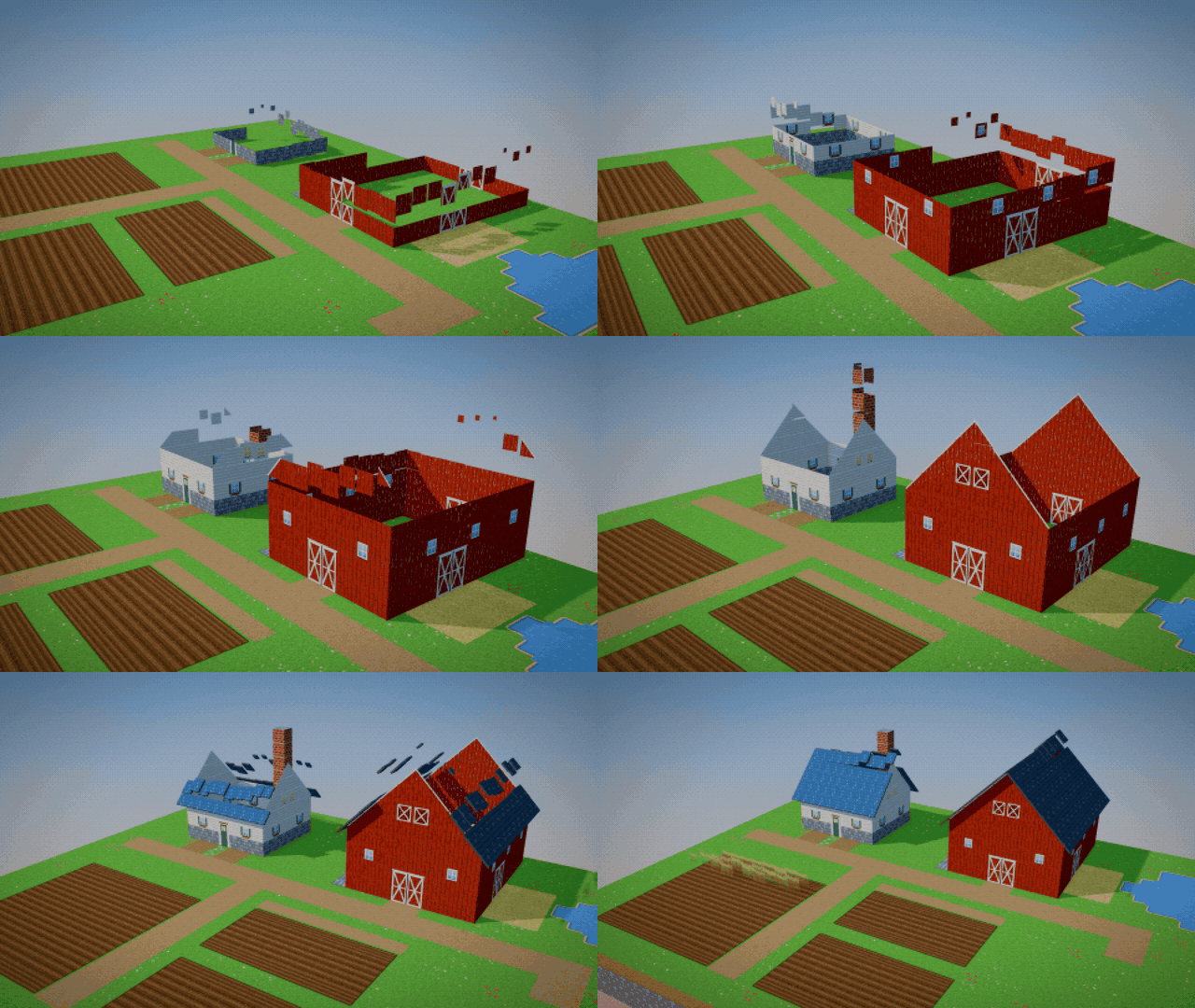

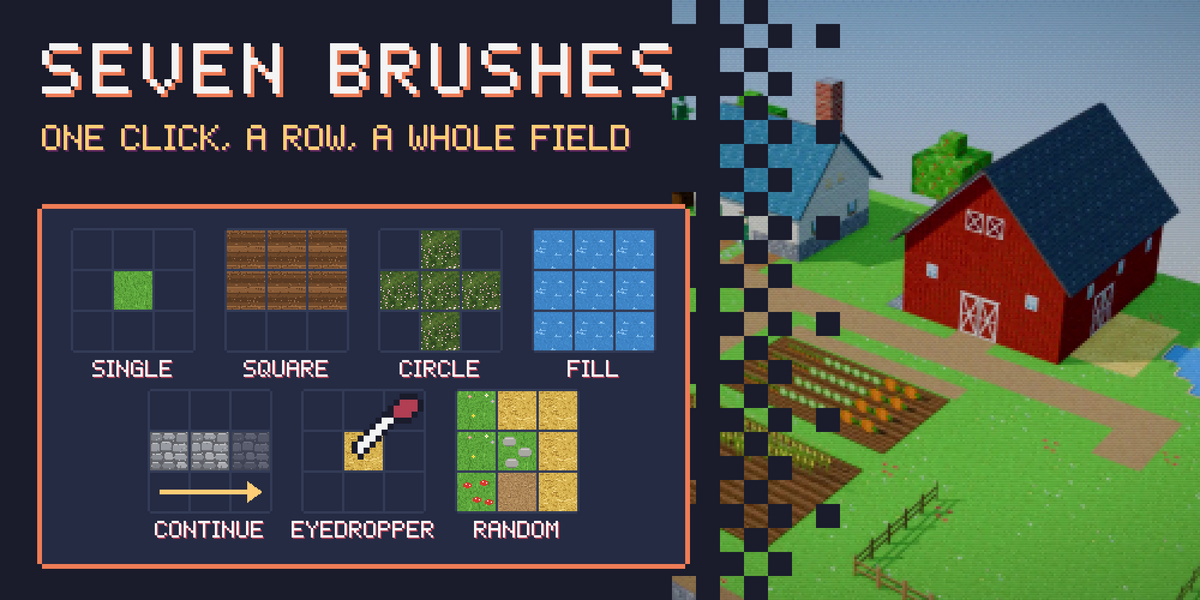
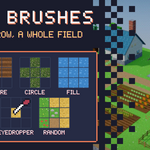
One click, a row, a field or a whole clearing.
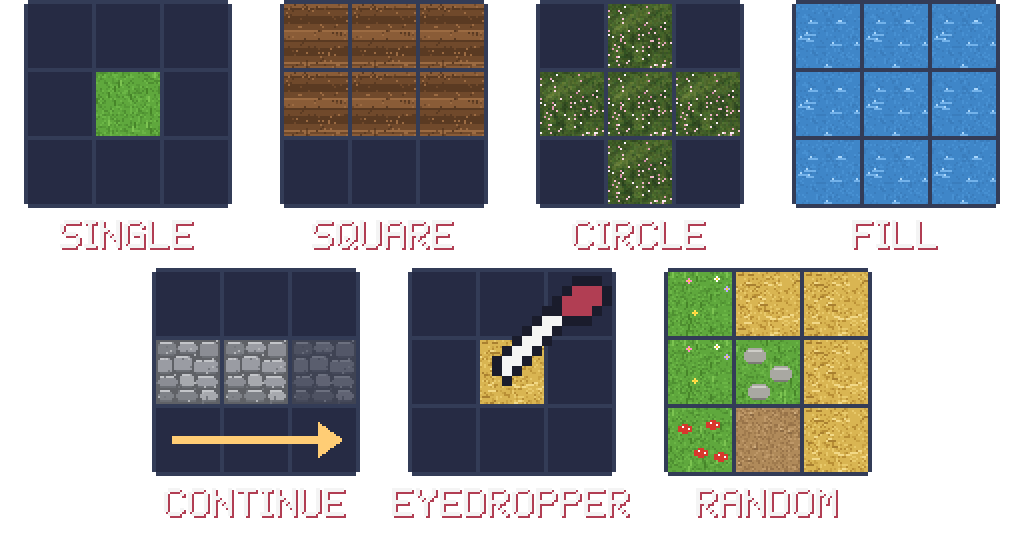
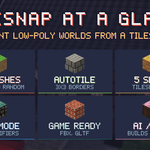
- ■ Single — one stamp per click; hold the button to keep painting.
- ■ Square / Circle — drag out a rectangle or a round patch of tiles.
- ■ Fill — flood-fill the empty area around the cursor.
- ■ Continue — extend a whole row of existing tiles in one click.
- ■ Eyedropper — click a placed tile to pick its cell and tileset.
- ■ Random — up to 10 cell slots, even from different tilesets, for natural variation.
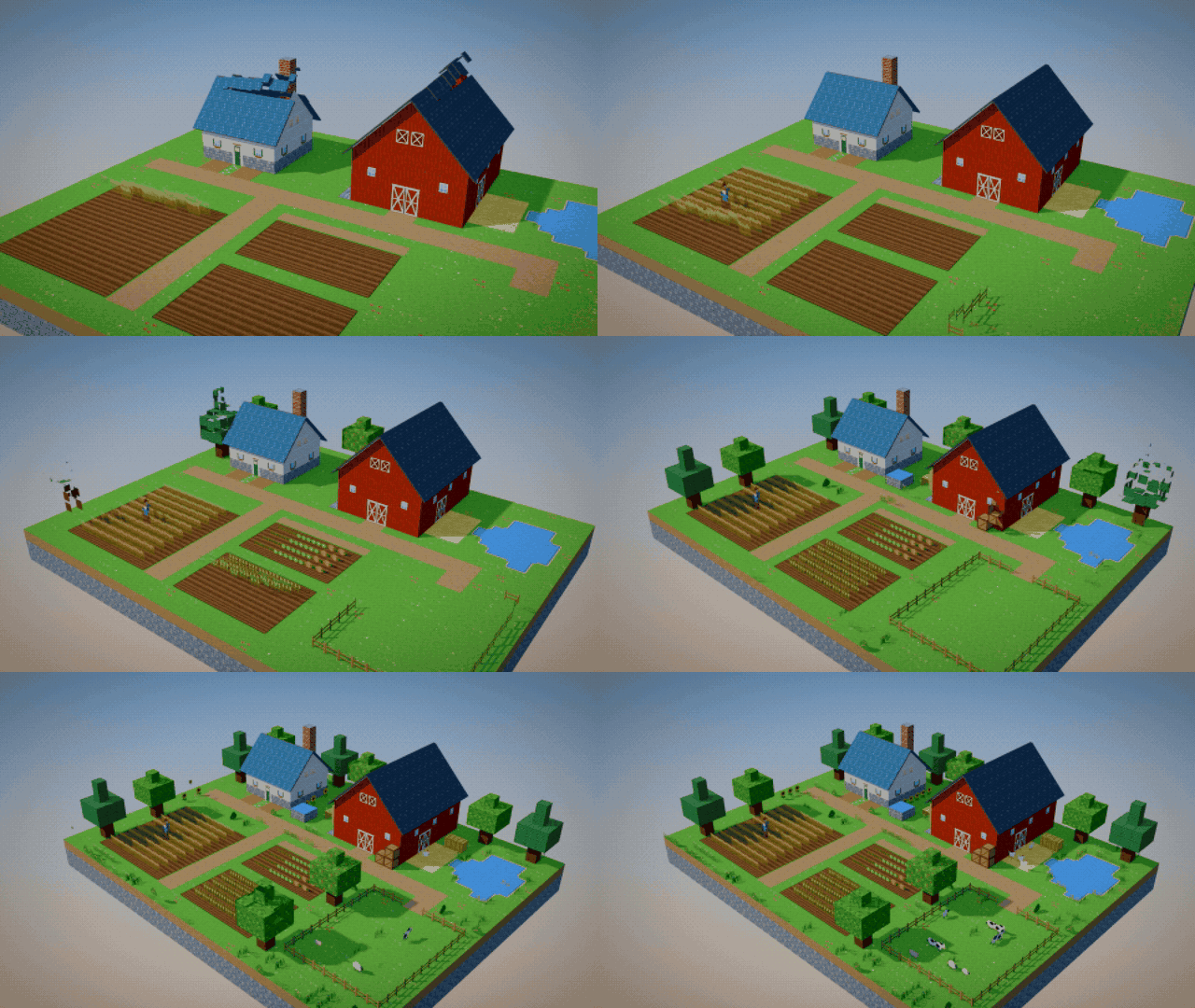

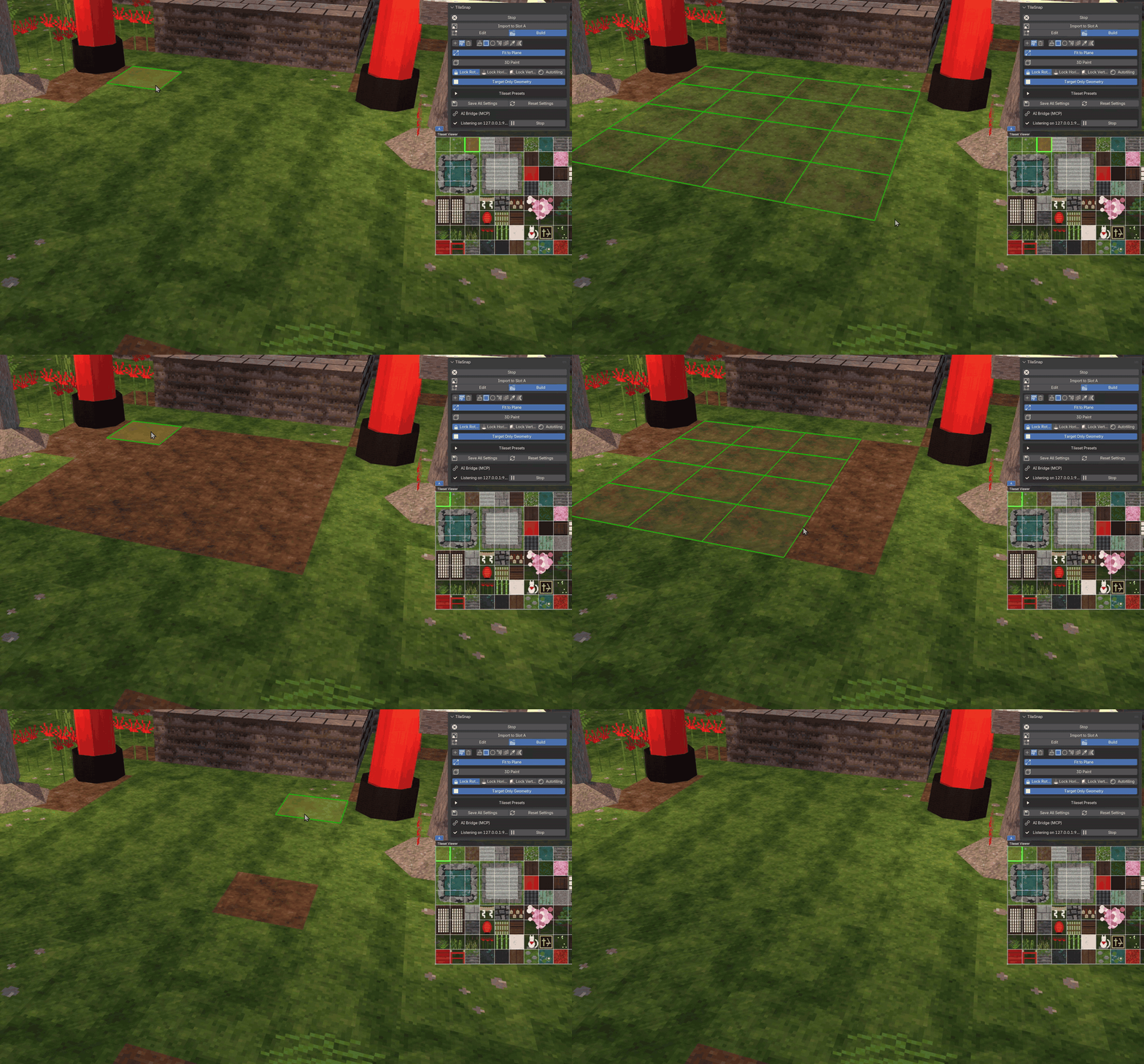
Place, repaint, delete.

Draw paths, not borders.
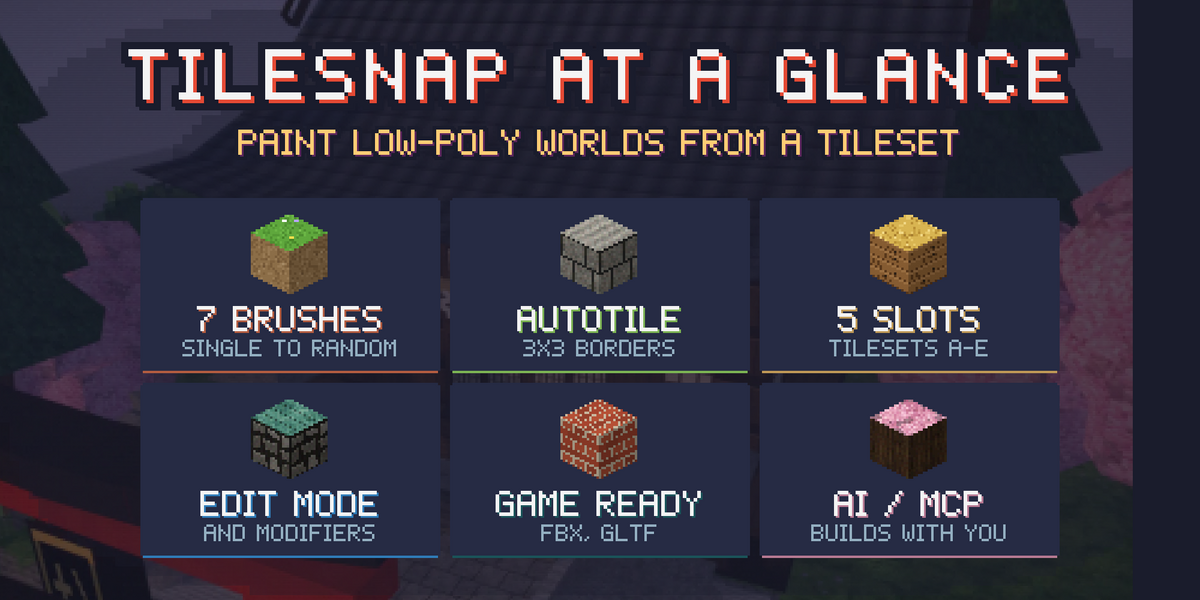
Select a 3 × 3 block of your tileset and switch on Autotiling. Border cells go on the open sides of what you paint, the center cell fills the inside, and neighbors update as the shape grows.
Roads, rivers, carpets and plateaus come out framed automatically.

Your tileset, right in the viewport.
- ■ Five slots (A–E) to switch between tilesets instantly.
- ■ Grid layout with columns, rows, cell size, offset and padding.
- ■ Per-cell edges you can drag for sheets that are not perfectly regular.
- ■ Presets to save a tileset setup and load it in any project.
- ■ Move and zoom the viewer anywhere over the viewport.

Clean meshes you can ship.
- ■ Tiles are welded into one mesh; double-sided walls keep their own faces.
- ■ One material per tileset with nearest-pixel filtering for crisp pixel art.
- ■ Works in Object and Edit mode, and on faces made by modifiers such as Mirror and Array.
- ■ Plain Blender geometry: export with FBX or glTF to Unity, Godot or Unreal.

Let your AI assistant build with you.
TileSnap includes an optional AI bridge and an MCP server. Connect Claude, Cursor or any other MCP client (local models too, for example through LM Studio) and describe what you want.
- ■ The assistant sees your tileset with every cell labeled.
- ■ It builds on the tile grid: floors, walls, rooms, buildings, autotiled paths.
- ■ It checks its own work with renders and fixes what looks wrong.
Off until you start it. Listens on your own computer only, runs nothing but TileSnap’s building commands, and every change is a normal undo step.
| BLENDER | 4.2 LTS and newer (extension) |
|---|---|
| PLATFORMS | Windows, macOS, Linux |
| TILESETS | Any image Blender can open, any cell size |
| INCLUDED | 20 hand-made tilesets |
| AI BRIDGE | Optional, localhost only, MCP server included |
| LICENSE | GPL |