 ZEG
ZEG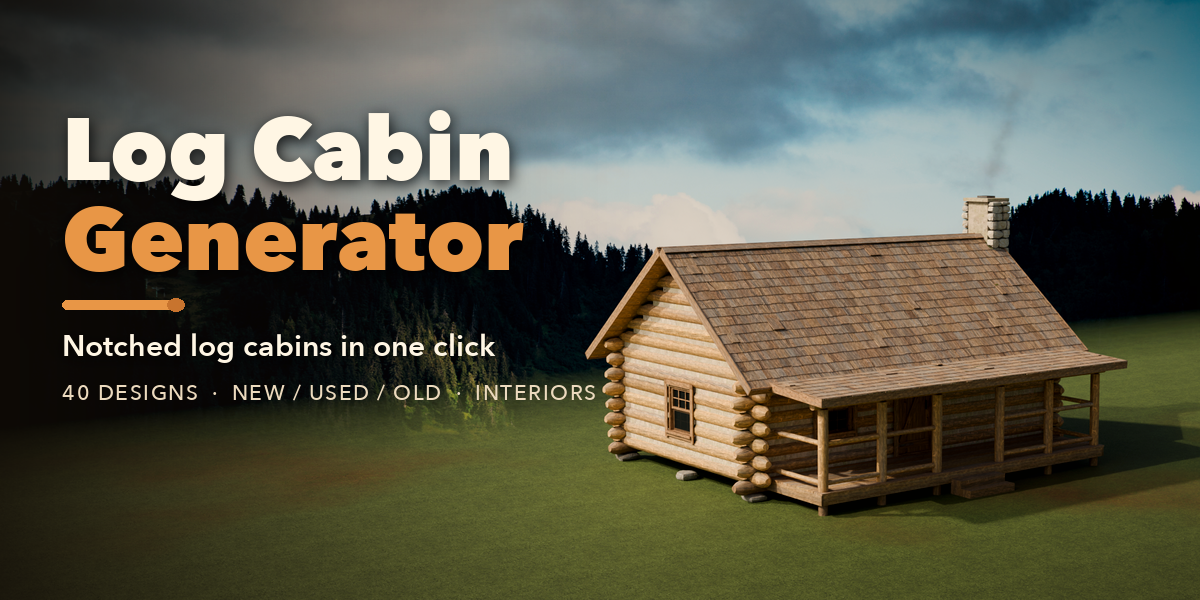
Installation
In Blender open Edit, Preferences, Get Extensions, then use Install from Disk and pick the zip.
Usage
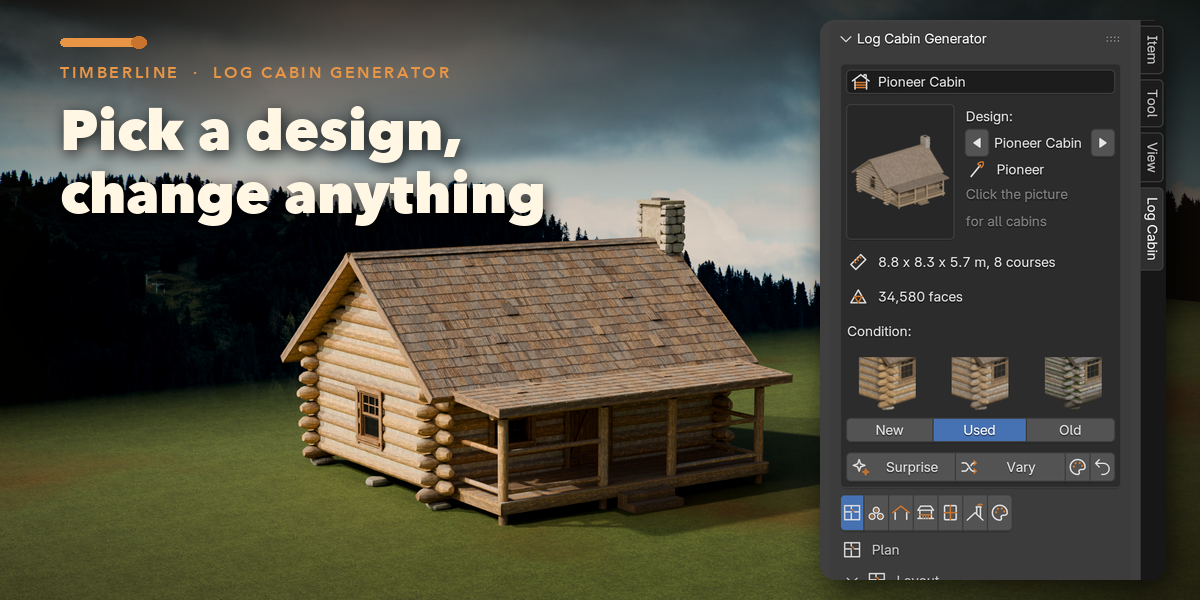
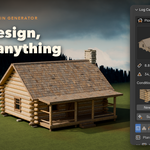
- Open the 3D Viewport sidebar (N) and the Log Cabin tab, or use Add, Mesh, Log Cabin.
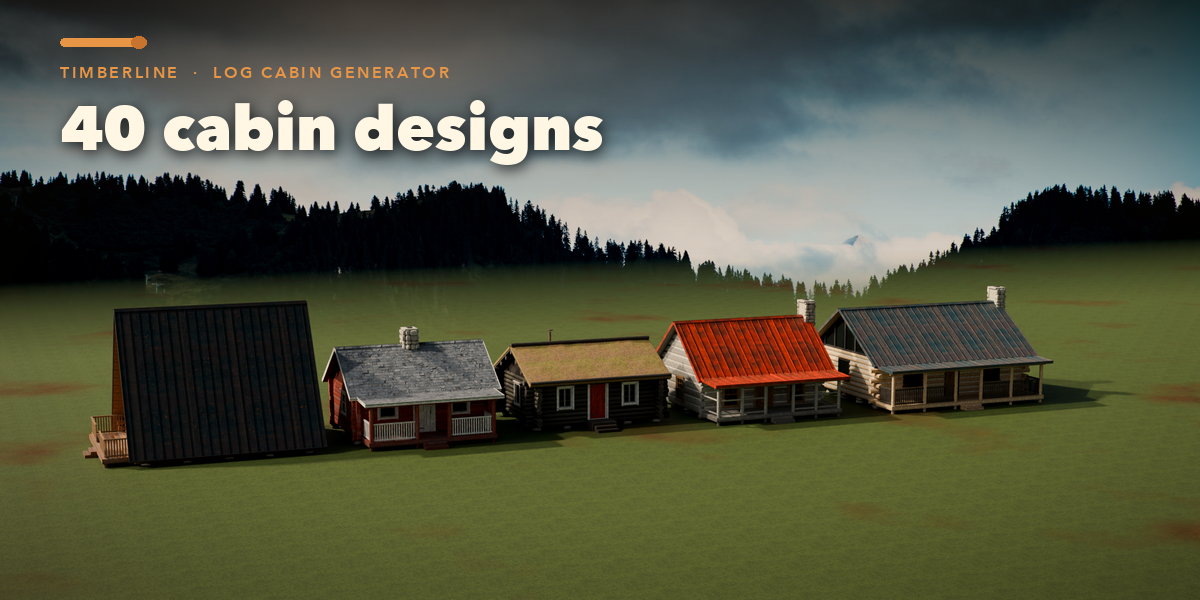
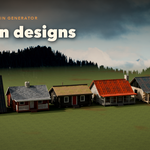
- Click a design picture to add a cabin at the 3D cursor.
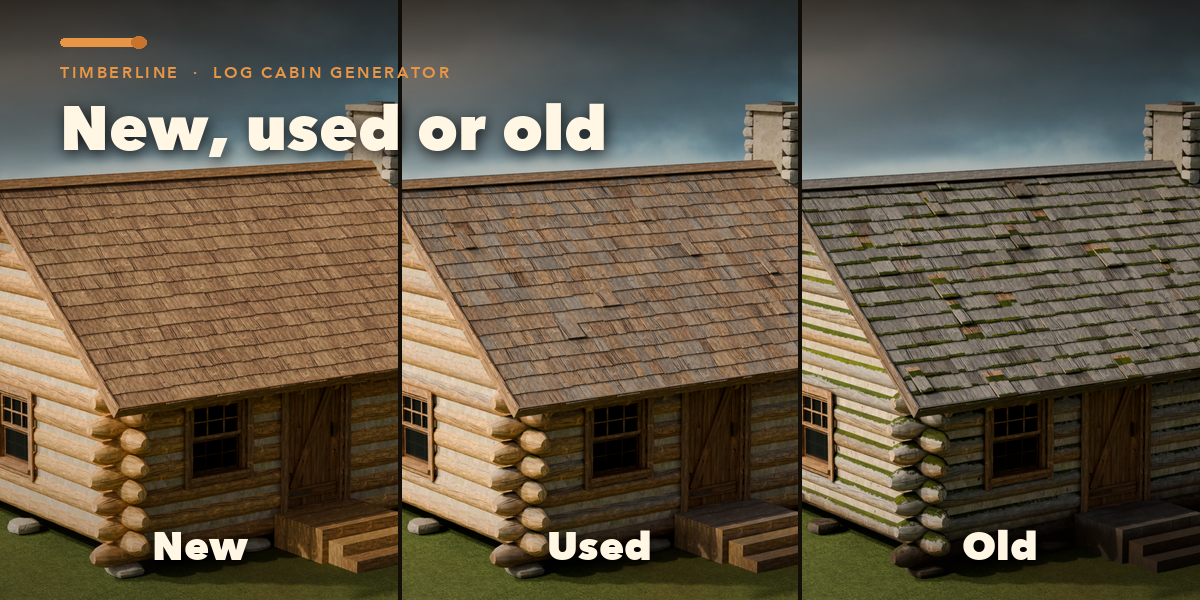
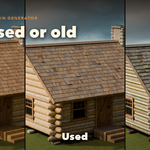
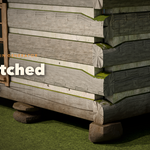
- Click New, Used or Old on the first card to age the cabin; fine-tune Weathering, Moss, Dirt and Damage under Finish, Age Details.
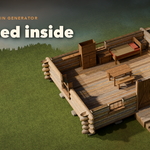
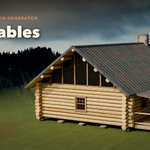
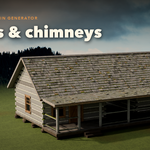
- With the cabin selected, change the Plan, Logs, Roof, Porch, Openings, Chimney and Finish tabs; the cabin rebuilds live.
- Use Surprise Me, Variation or Random Finish for quick variety, and Reset to Design to start over.
- Make Plain Mesh turns the cabin into an ordinary mesh for hand editing.
Have questions about this product?
Login to message
| Blender Extension Compatible | Yes |
| Published | about 20 hours ago |
| Blender Version | 4.2 - 5.2 |
| Extension Type | Add-on |
| Render Engine Used | Cycles, Eevee |
| License | GPL |

Discover more products like this
building a frame architecture chalet House cabin Generator rustic wood procedural Game asset log-cabin