 phamduyson
Time machine
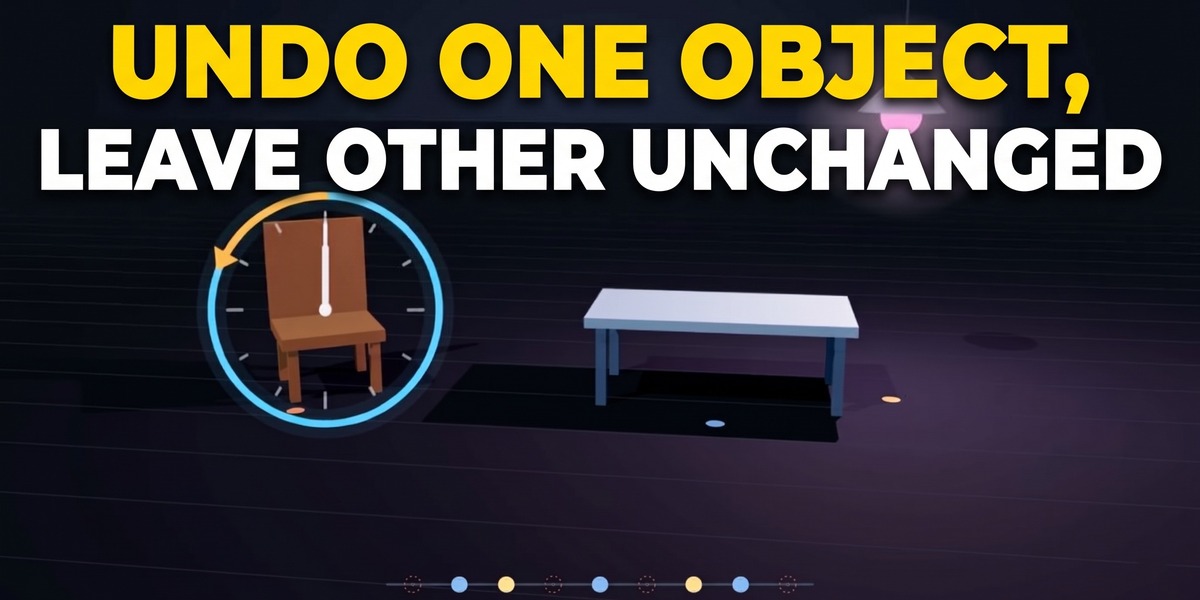
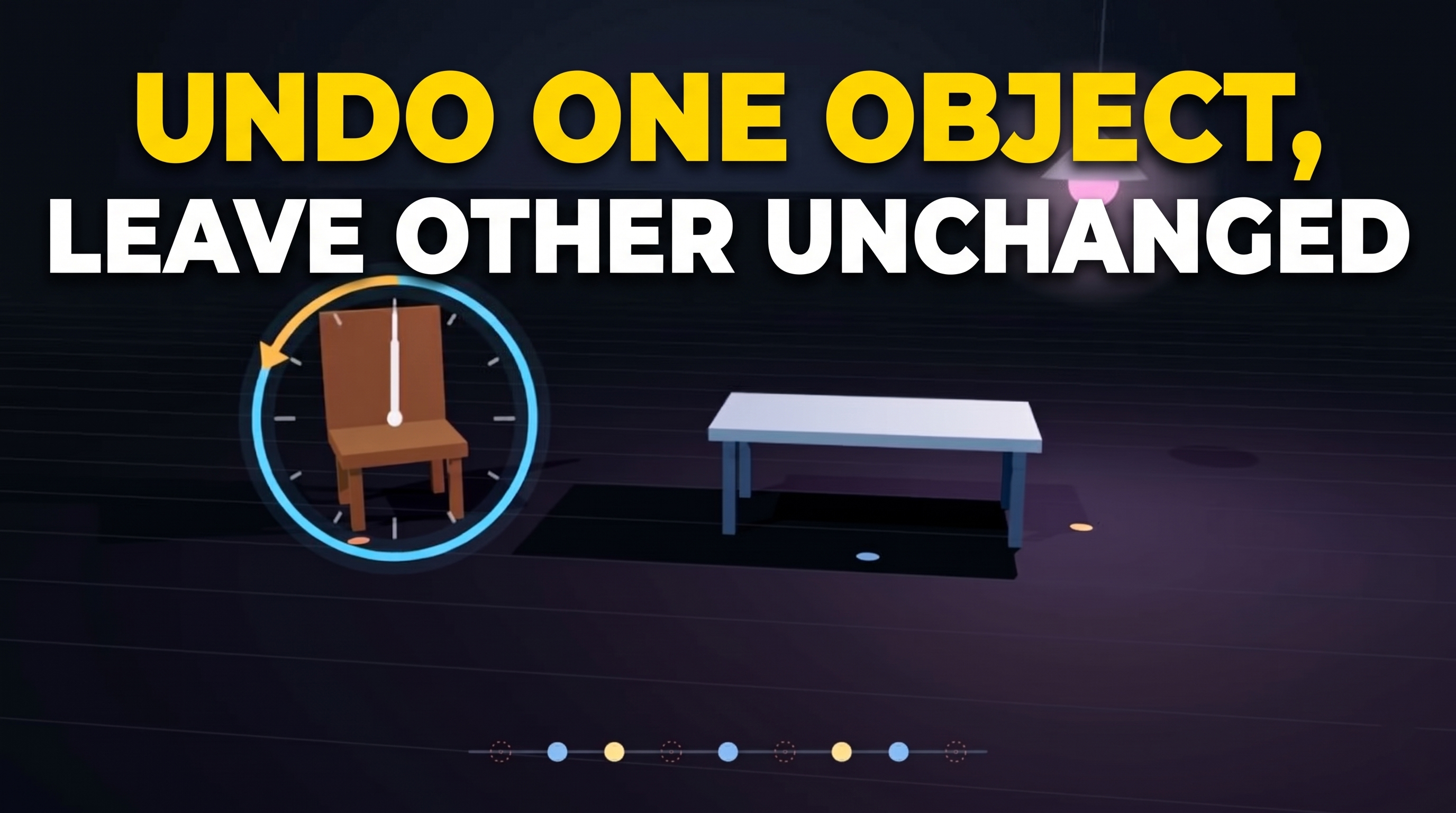
Undo one object, one area at a time. Keep everything else.
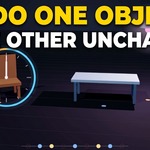
Blender's undo is global. You change the chair's material at 9:00, then spend 45 minutes moving it around, beveling the table and lighting the scene. Now you want the chair's old material back, and `Ctrl+Z` would throw away those 45 minutes too.
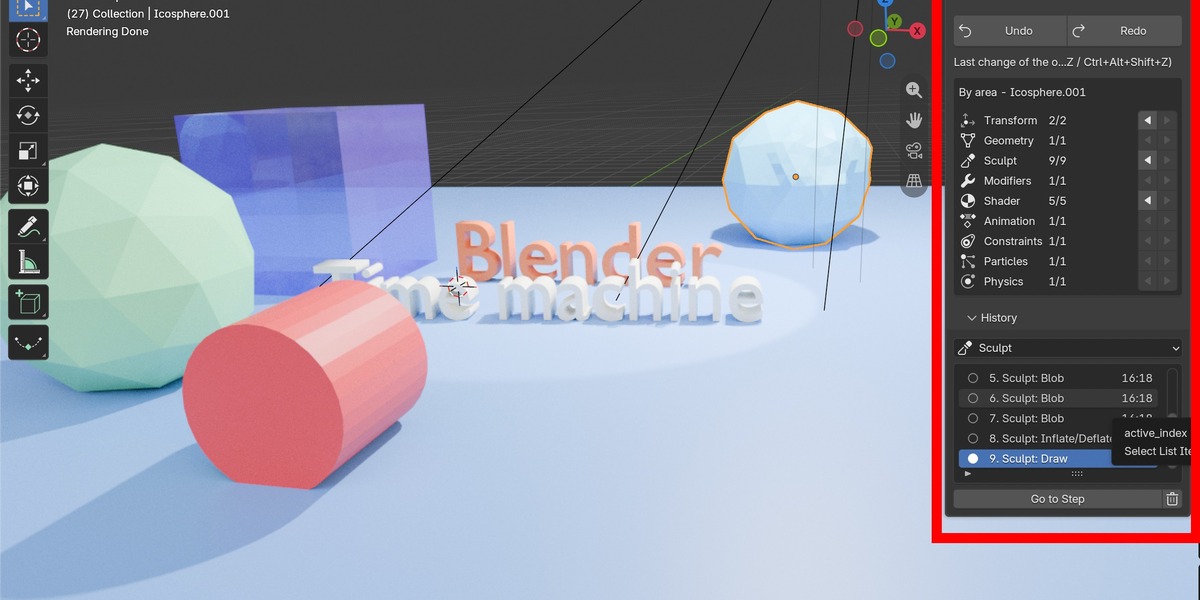
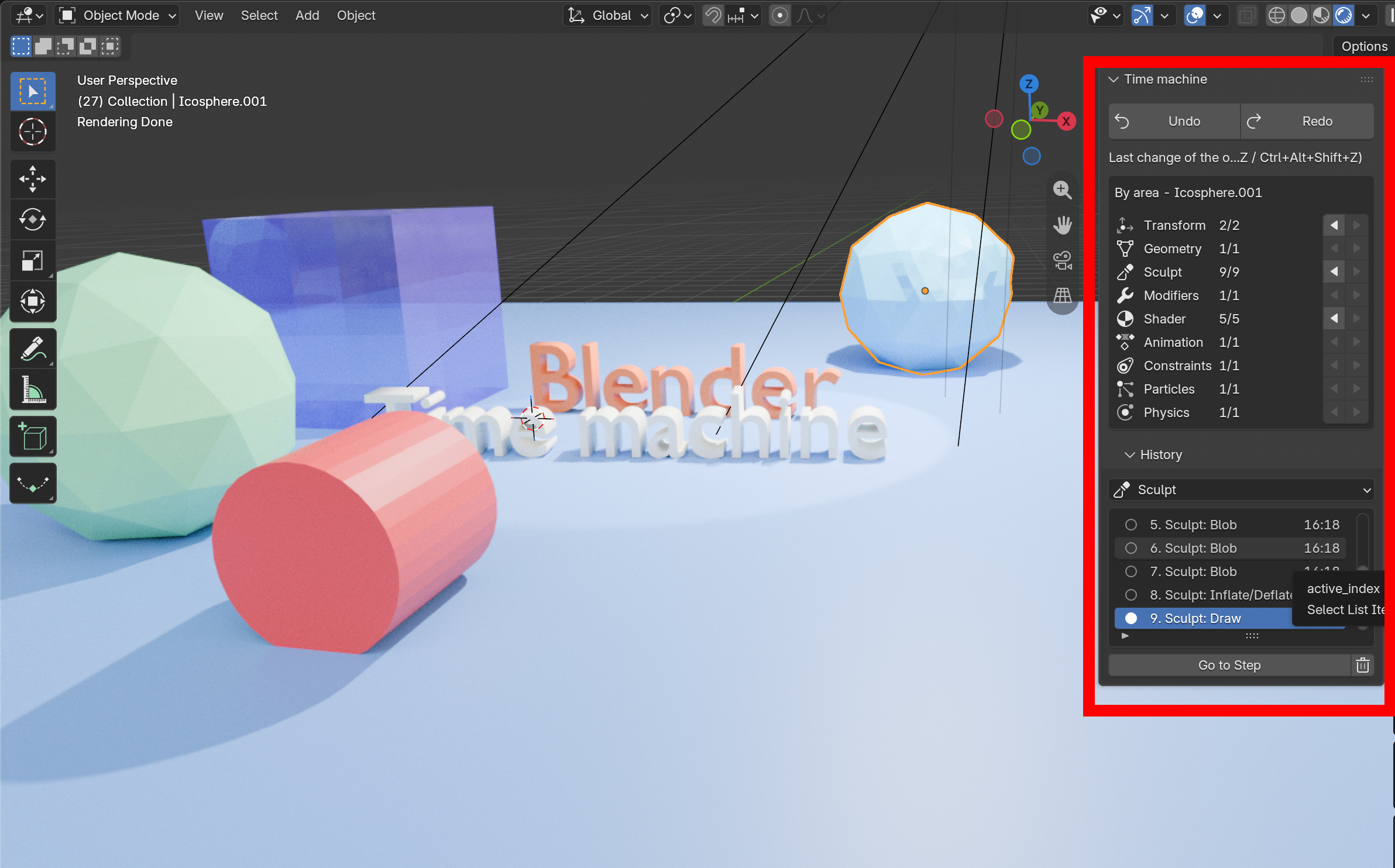
Time machine gives every object (meshes, lights, cameras, empties, curves, text...) its own undo history, split by area.** Select the chair, click **◀** on its **Shader** row, and only the material goes back. The chair keeps its new position and shape, and the table, the lights and everything else stay exactly as they are.
Separate tracks for every object
Two ways to undo
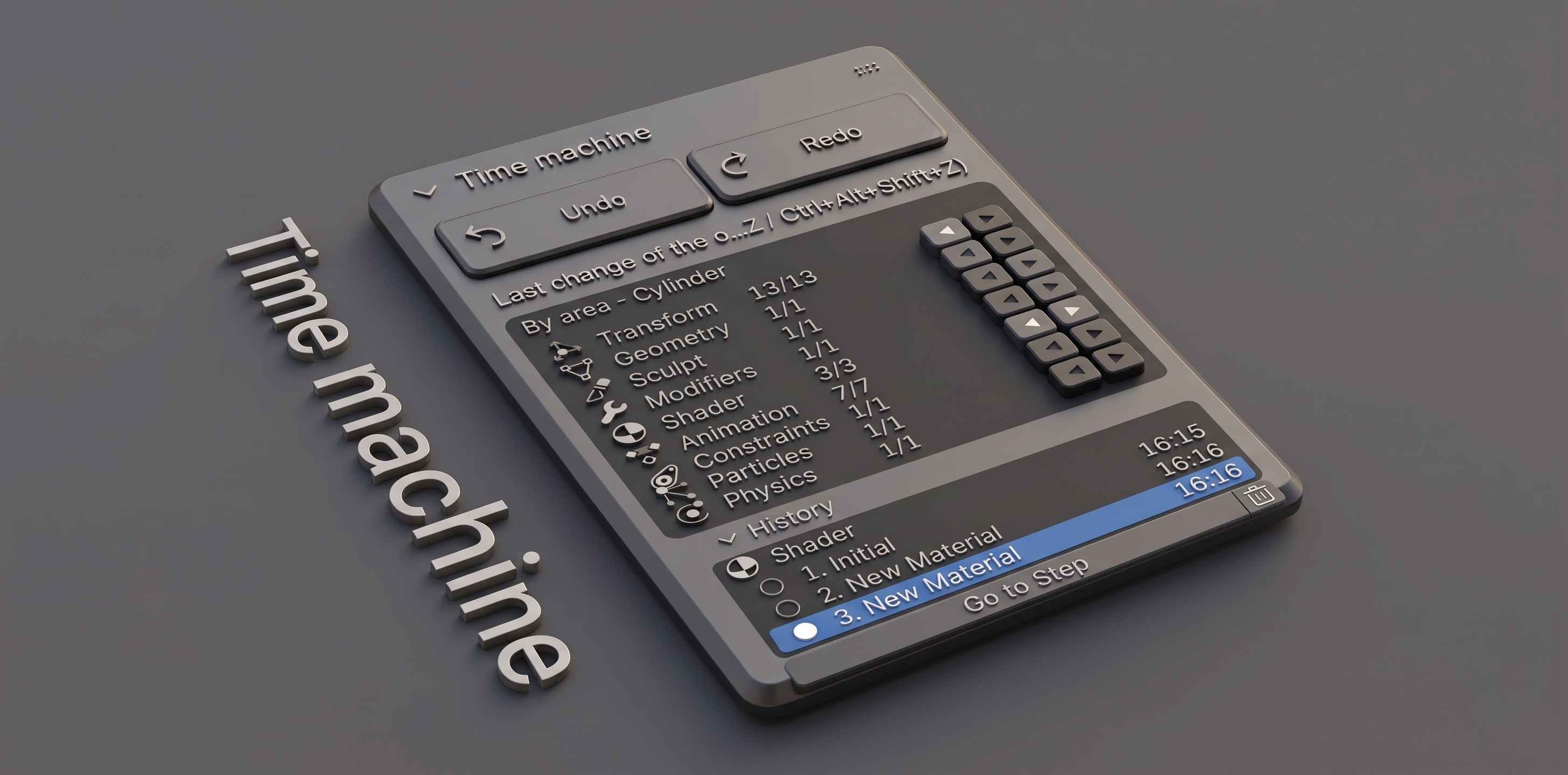
- Ctrl+Alt+Z : undo the most recent change of the selected object, whatever area it was in. **`Ctrl+Alt+Shift+Z`** redoes it.
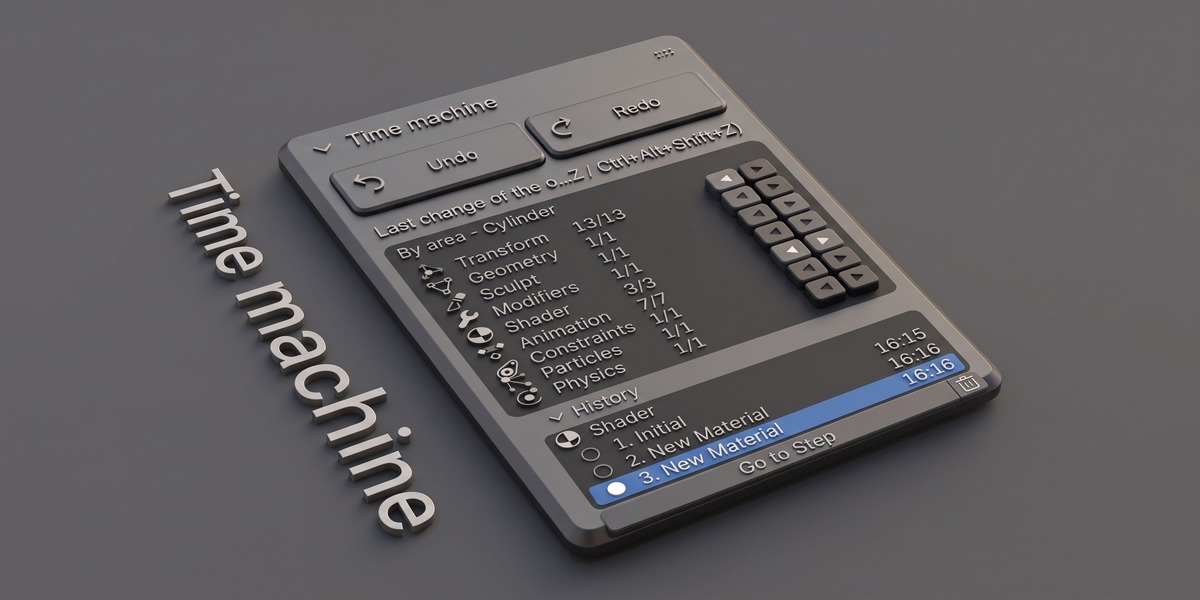
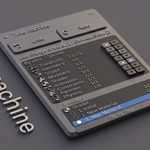
- ◀ ▶ per area : in the sidebar (N > Time machine) each track has its own undo and redo buttons. Hover a button to see exactly what it will undo.
Features
- Fully automatic: changes are recorded as you work, in Object Mode, Edit Mode and Sculpt Mode. Nothing to click, no snapshots to remember.
- Independent tracks: undoing the shader never touches the position, the mesh or the keyframes, and vice versa.
- Several objects at once: each selected object steps back through its own history.
- History saved in your .blend file: close Blender, come back tomorrow, the per-object history is still there.
- Smart recording: identical states are never stored twice, a slider drag is one step, selection changes and animation playback are ignored.
- You stay in control: turn tracks on or off and choose how many steps each track keeps.
- No dependencies, no internet, no special permissions. Drag and drop to install, one-click updates through Superhive.
Requirements
- Blender 4.2 LTS or newer (installed as an Extension)
- Windows, macOS and Linux
- Works with all object types: meshes get every track; lights, cameras, empties, curves and text get Transform, Animation, Constraints and their own settings track
License
GNU General Public License v3 or later. You receive the complete source code.