 Subframe

Which Blender versions are supported?
Blender 4.2 and newer, installed as an extension or as a legacy add-on.
Does it work with the Video Sequencer?
The Sequencer only knows whole frames, so Bypass Sequencer, on by default, ignores its strips during the render and restores them afterwards. Edit the finished sequence in the Sequencer or any editor.
Why is my background transparent?
Transparent Film is on by default. Turn it off under Options to render your world background.
What is the frame map for?
It records the scene time behind every output frame, so you can sync sound or match the retimed sequence back to the original.
Can it speed things up too?
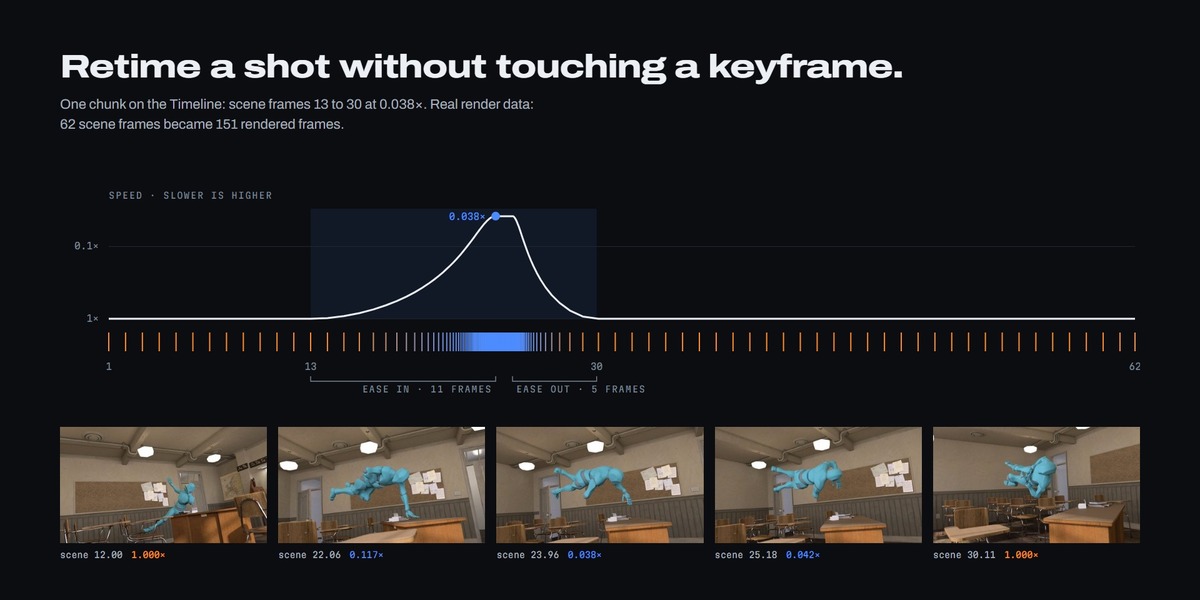
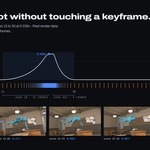
Yes. Speeds run from 0.001x to 10x, and one render can mix slow, normal and fast chunks.
Does motion blur work?
Yes. With Scale Motion Blur Shutter on, the default, the shutter follows the local speed, so blur shrinks as time slows, like footage from a high-speed camera.
Can I resume an interrupted render?
Yes. Turn off Overwrite Existing and render again; frames already on disk are skipped. If the chunks changed in between, TimeShift refuses rather than mix two setups.
What do I get, and how do I edit it?
An image sequence numbered from 00000 (beauty PNGs and EXR passes by default), plus a frame map. Import the sequence at your scene's frame rate.
Can I render on a farm or from the command line?
Not currently. TimeShift renders from an open Blender window, and command-line rendering (blender -b) is refused.
How much longer will my render take?
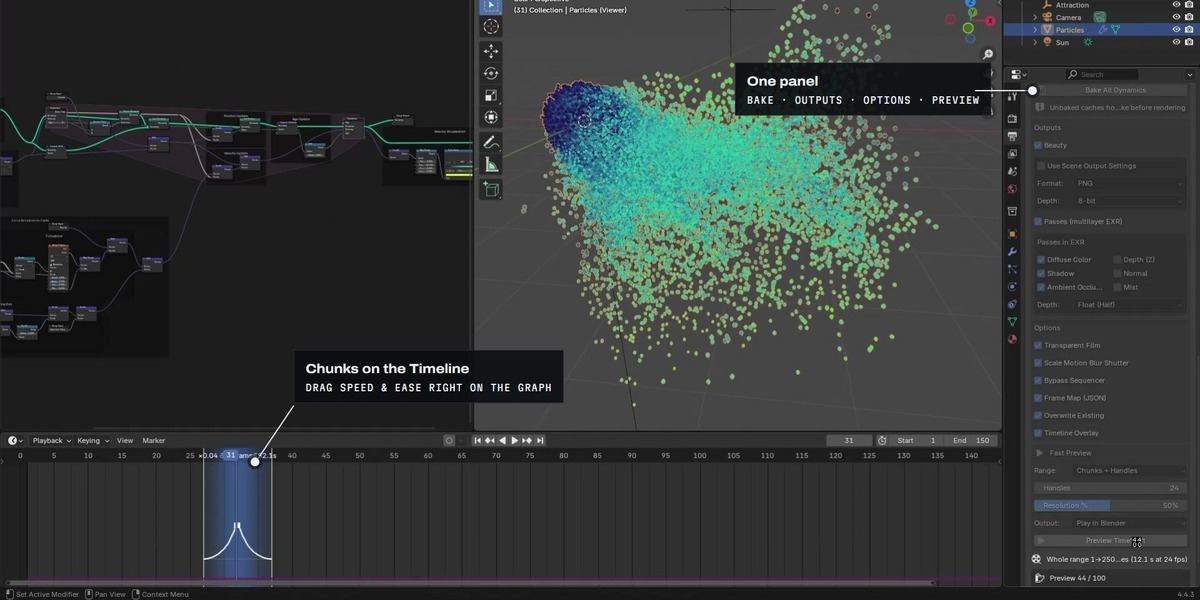
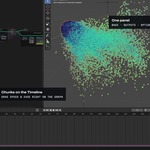
Render time grows with the number of output frames: a 20-frame chunk at 0.1 becomes about 200 frames. Check the estimate under the panel, and use Preview TimeShift to judge the timing first.
Why does my fluid or smoke stutter in slow motion?
Mantaflow caches hold whole frames and Blender does not interpolate them, so there is nothing to sample between frames.
Do I have to bake anything?
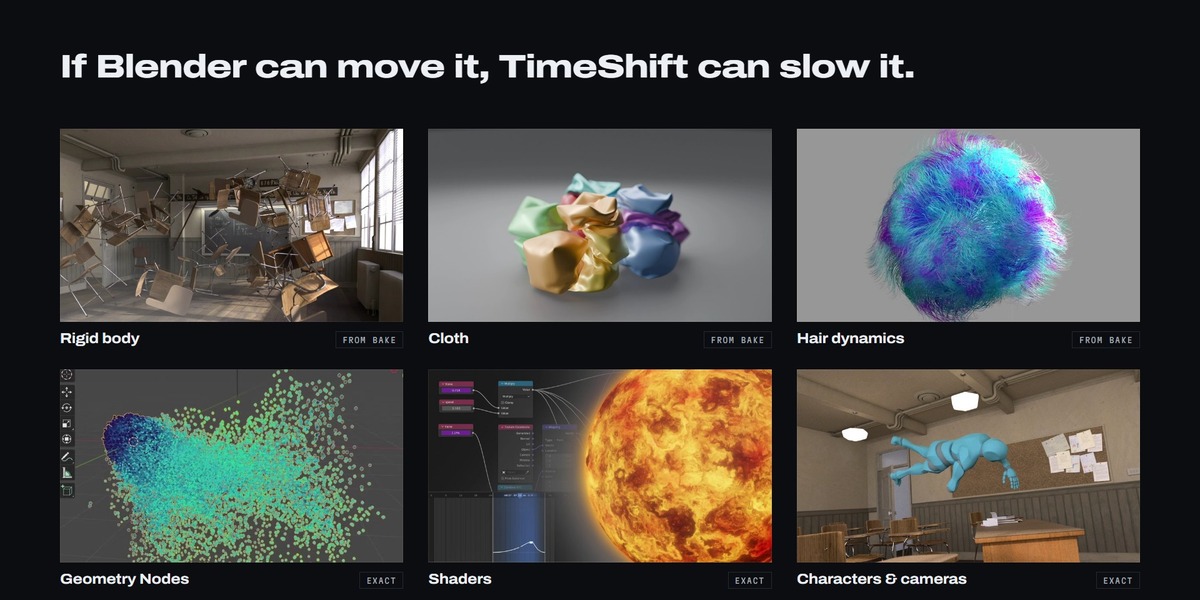
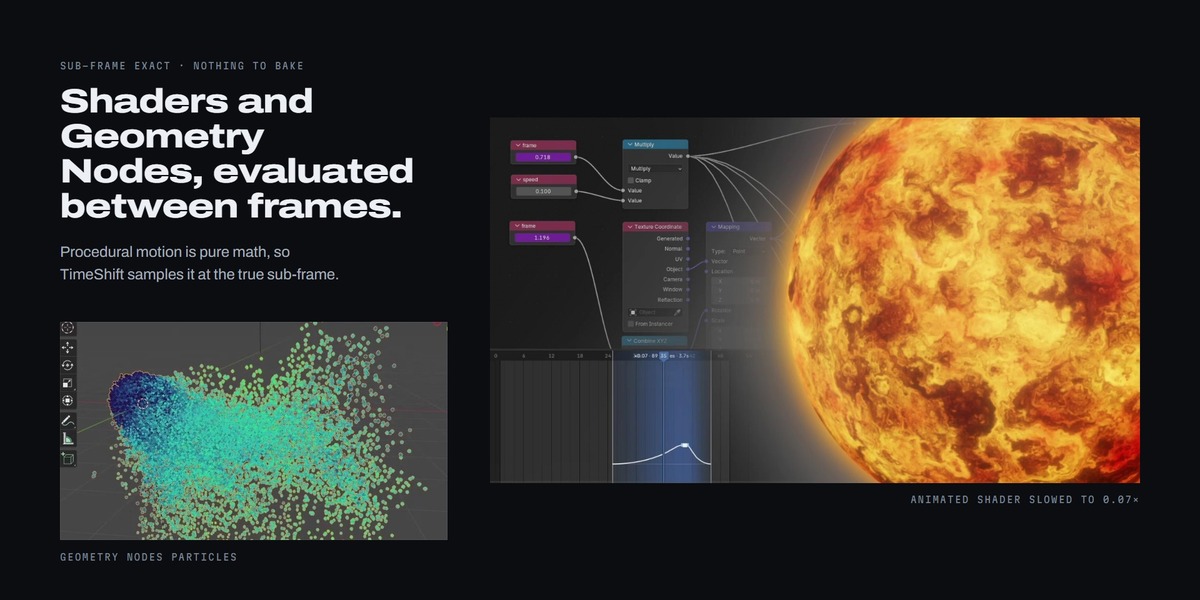
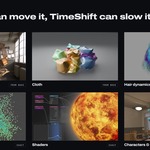
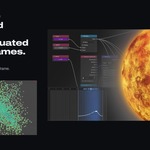
Only physics. Keyframes, drivers, Geometry Nodes and shaders are sub-frame exact with no bake. Rigid body, cloth, soft body, particles, hair and dynamic paint need one click of Bake All Dynamics.
Does it work with Cycles and EEVEE?
Yes, both. With Cycles, Persistent Data is enabled for the render to speed it up, then restored.
How is this different from Blender's Time Remapping?
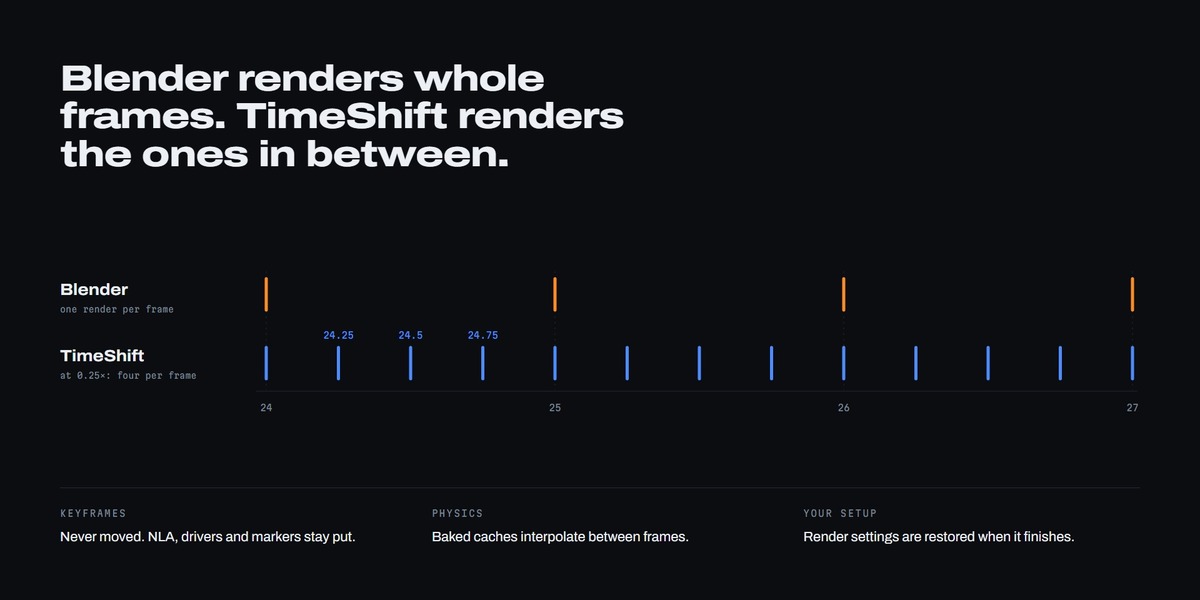
Time Remapping applies one ratio to the whole scene. TimeShift slows or speeds only the chunks you mark, ramps in and out of them, and leaves the scene settings alone. If both are active, their speeds multiply.
Does TimeShift change my keyframes or animation?
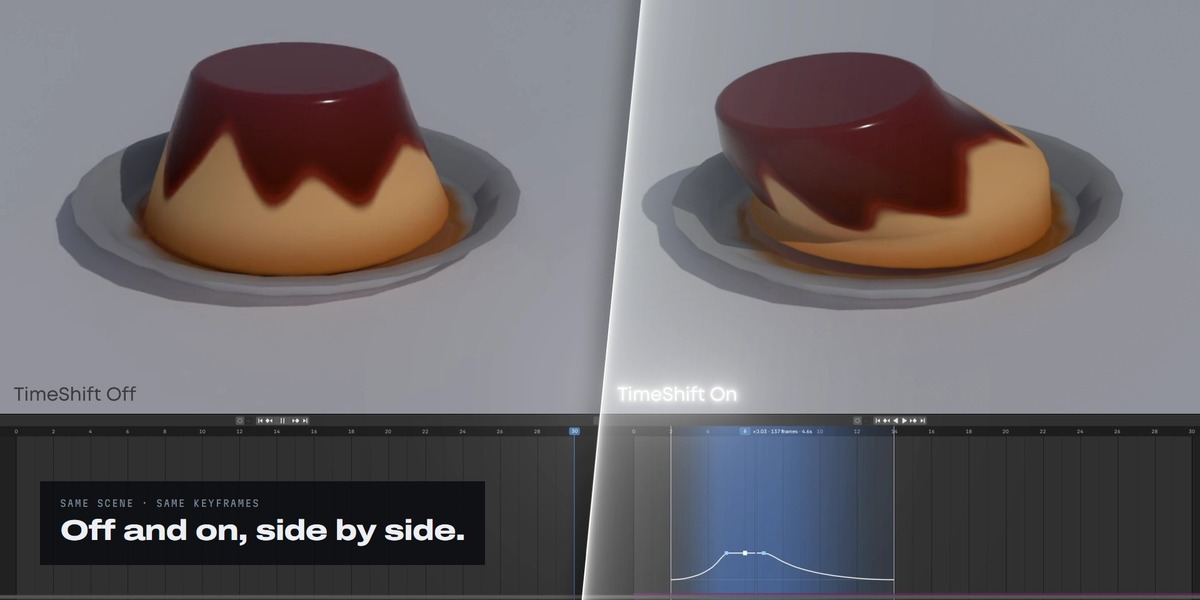
No. It only changes the times it renders at. Keyframes, NLA strips, drivers, camera markers and caches are never edited, and the render settings it changes are restored afterwards.
$19.99$14.99
Have questions about this product?
Login to message
| Blender Extension Compatible | Yes |
| Published | 3 days ago |
| Blender Version | 4.4 - 5.2 |
| Extension Type | Add-on |
| Render Engine Used | Cycles, Eevee |
| License | GPL |
Discover more products like this
sub-frame time-remapping slow mo speed ramp timelapse animation simulation Slow Motion fast motion Motion Blur bullet time Retime