 Subframe
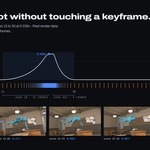

Preview fixes:
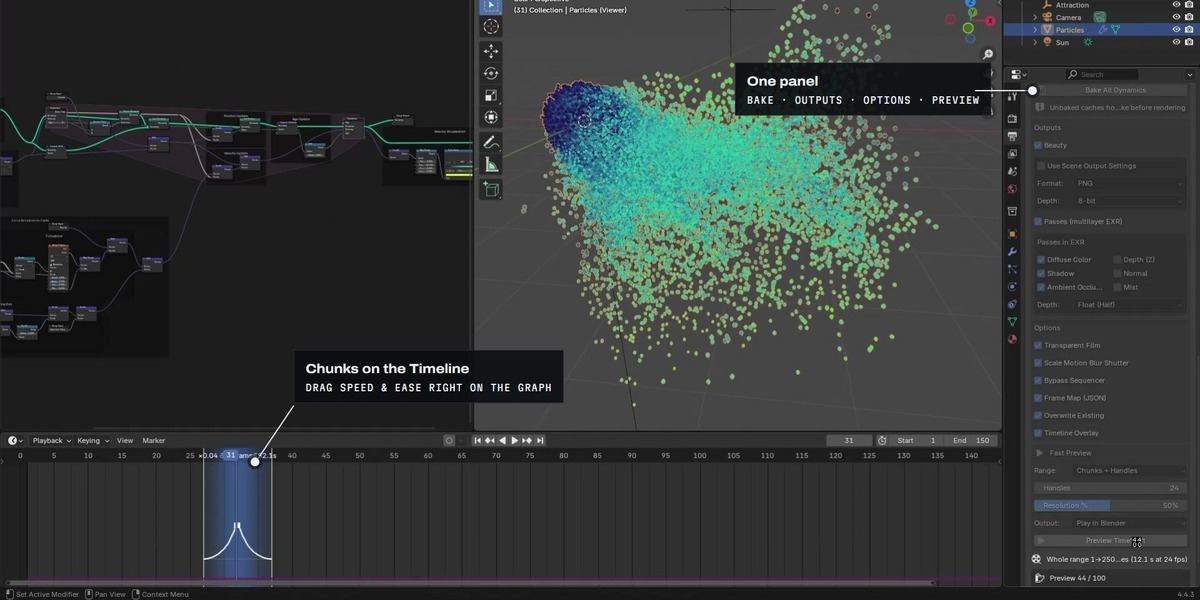
Play in Blender now plays every preview frame. It used to drop the last frame, skip frames when the scene's Frame Step was above 1, and play the wrong span when the Timeline's preview range was on.
Save MP4 now also plays the preview in Blender's animation player. The MP4 is still saved in the preview folder.
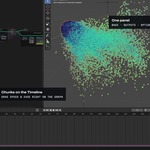
The TimeShift Chunks sidebar panels show the preview Output (Play in Blender, Save MP4, Save Frames) next to Range and Shading, so you can see what Preview will do before you click it.
Have questions about this product?
Login to message
| Blender Extension Compatible | Yes |
| Sales | 10+ |
| Published | 19 days ago |
| Blender Version | 4.4 - 5.2 |
| Extension Type | Add-on |
| Render Engine Used | Cycles, Eevee |
| License | GPL |
Discover more products like this
Retime Motion Blur Slow Motion sub-frame animation fast motion simulation timelapse slow mo speed ramp bullet time time-remapping