 Mezaphor


Organize, Manage, and Export Timeline Markers with Ease
After you watch the quick start video...this has a few more details: https://www.youtube.com/watch?v=J--peaD0eD0
v 1.3 adds video sequencer support (super useful) and a delete all markers button
v 1.6 Beta coming soon. Some super cool new features which open a lot of possibilities
Overview
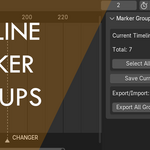
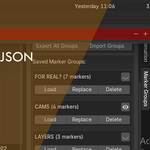
The Timeline Marker Groups add-on for Blender provides a powerful solution for organizing and managing timeline markers. Create named groups of markers, toggle visibility, export/import configurations, and streamline your animation workflow—all from a convenient panel in the Dope Sheet Editor.
Key Features
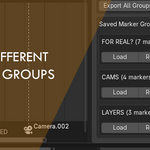
✔ Group Management – Save sets of timeline markers as reusable groups
✔ Visibility Toggle – Show/hide entire marker groups with one click
✔ Import/Export – Save groups to JSON files for sharing or backup
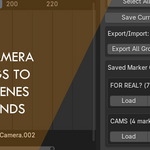
✔ Camera Binding Support – Preserve camera assignments in marker groups
✔ Non-Destructive Workflow – Edit groups without affecting existing timeline markers
✔ Batch Operations – Quickly select/deselect all markers
How It Works
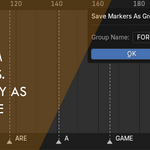
Save Marker Groups – Select markers in the timeline and save them as named groups
Load Groups – Restore marker sets with their original frame positions and camera bindings
Toggle Visibility – Temporarily hide groups without deleting them
-
Export/Import – Share marker configurations between projects or backup your setups
Installation
Download the
.zipfileIn Blender, go to Edit > Preferences > Add-ons
-
Click Install, select the
.zip, and enable the add-on
Where to Find It
📍Timeline or the 📍 Dope Sheet Editor → Sidebar → "Marker Groups" panel
Perfect for animators, previs artists, and anyone working with complex scene markers in Blender!
This description highlights the key features while keeping it concise and user-friendly. Let me know if you'd like any adjustments!
