 za studio


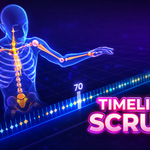
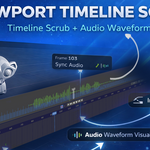
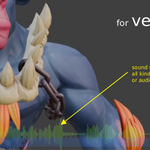
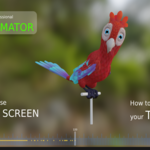
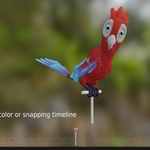
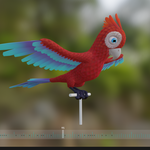
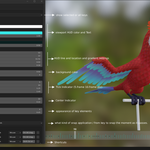
If you're a professional animator and enjoy working on a single screen, this is perfect for you. Simplify your life with a customizable viewport scrub that eliminates the need for a timeline.
Technical Features & Highlights
Viewport Keyframe HUD
Displays animation keyframes as a clear horizontal bar directly in the viewport during timeline scrubbing.
Context-Aware Filtering
-
Selected objects only (default)
-
Selected bones in Pose Mode (rig-aware)
-
Active animation layer only
-
Optional global mode: all keys including NLA
Blender 3.6 > 5.x Ready
Fully compatible with Blender 5.0+ Action Slots and modern animation data structures, while remaining backward-compatible with Blender 4.5.
Layer & NLA Friendly
Works seamlessly with animation layers and NLA-based pipelines, showing only relevant keys instead of cluttered timelines.
Minimal & Adjustable UI
Non-intrusive HUD design with adjustable opacity, spacing, and visibility options to fit different workflows.
Faster Animation Decisions
Reduces editor switching and keeps animators focused on timing, spacing, and motion directly in the viewport.
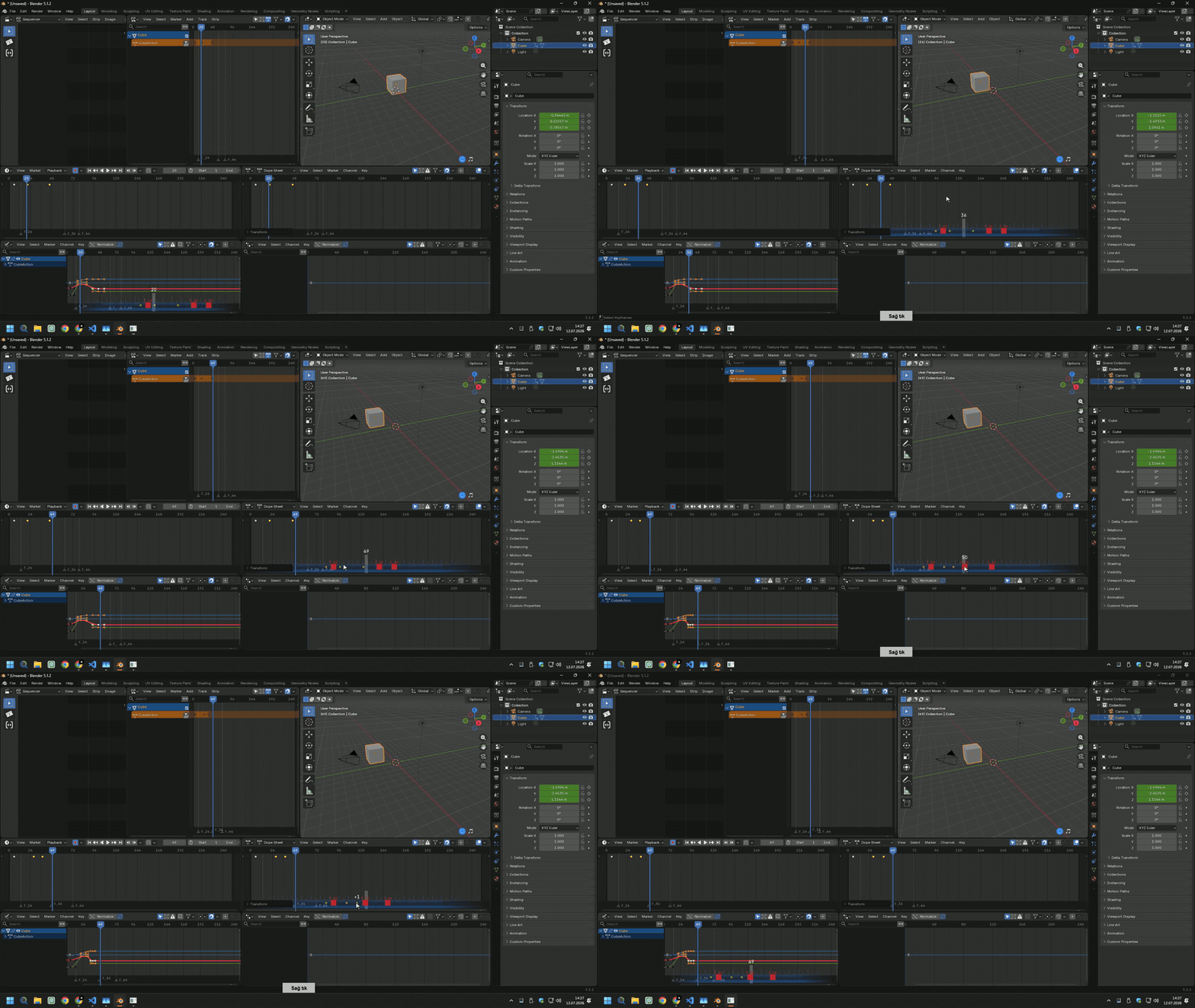
- Use mouse control in timeline, video sequencer, deopesheet, graph editor, NLA editor, Drivers,
- Add Marker and manage them on HUD.
- Keyframe management on HUD (new added)
- HUD Presets and create your own preset and save-remove
Use All Editors and Manage Keyframes and Markers
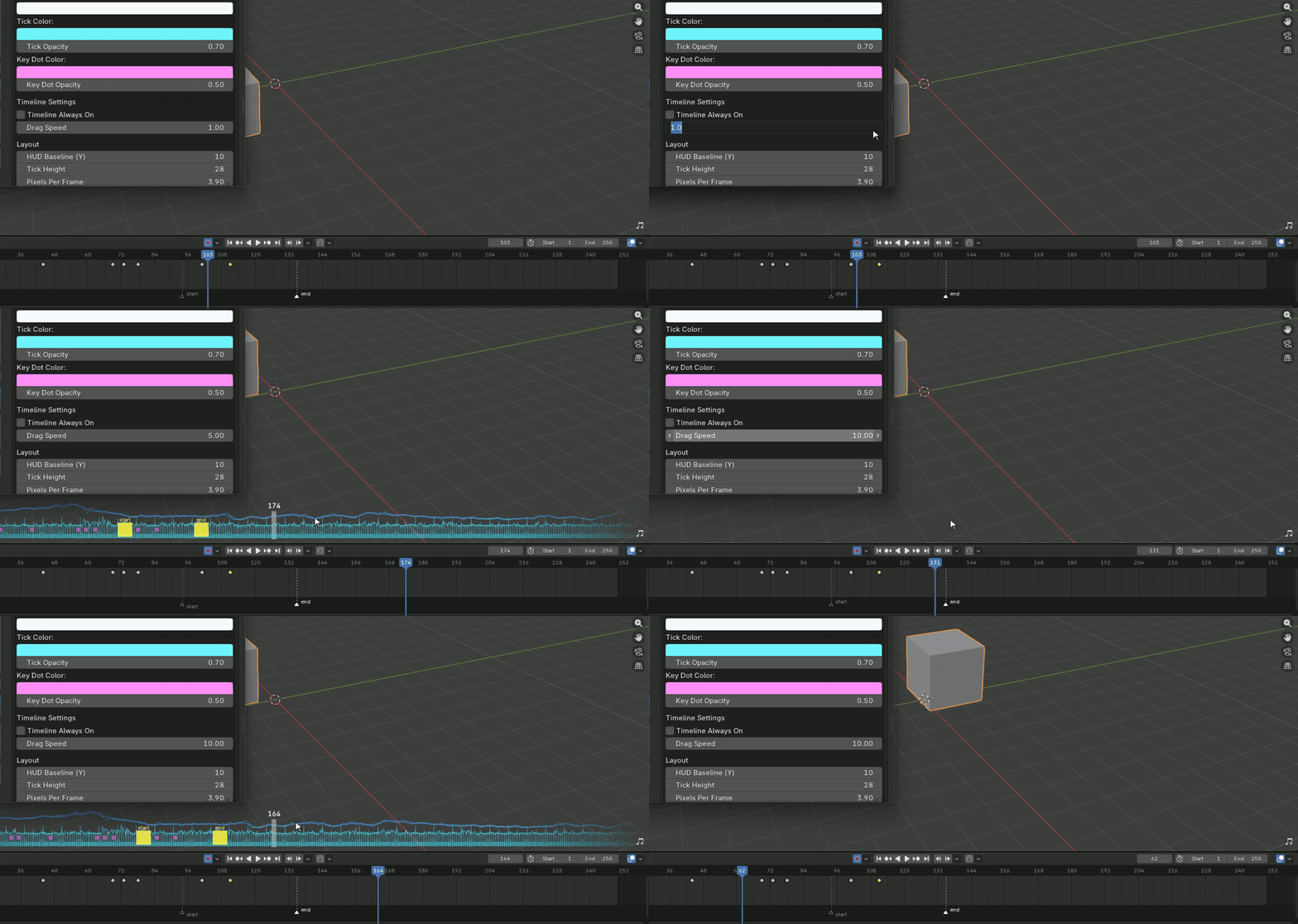
Drag Speed
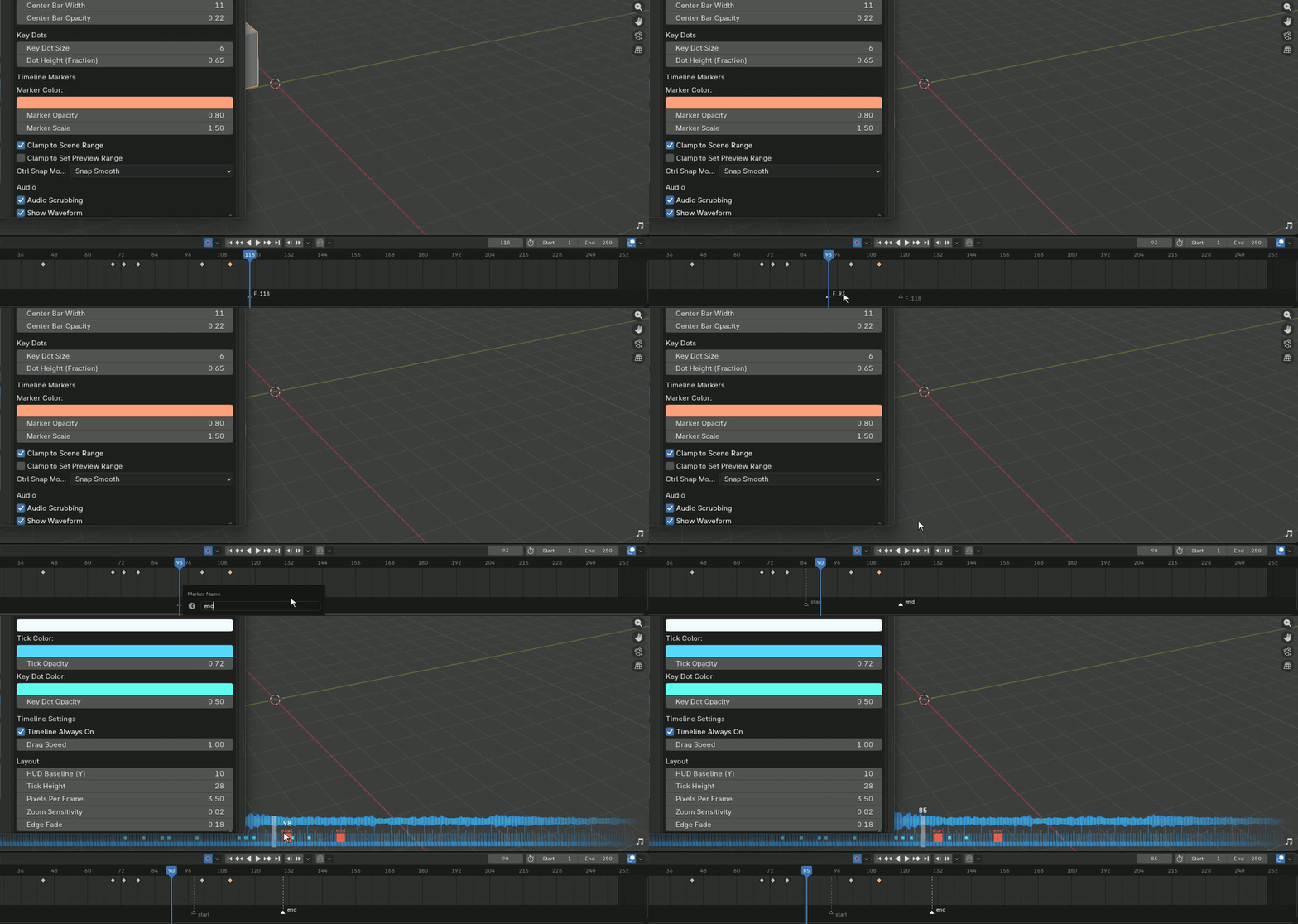
Marker :
You can manage your markers on HUD. You can move the marker by hovering your mouse over it and pressing Alt + right-click. It also displays the frame number, indicating your current frame. You can adjust the marker color and size in the preferences section.
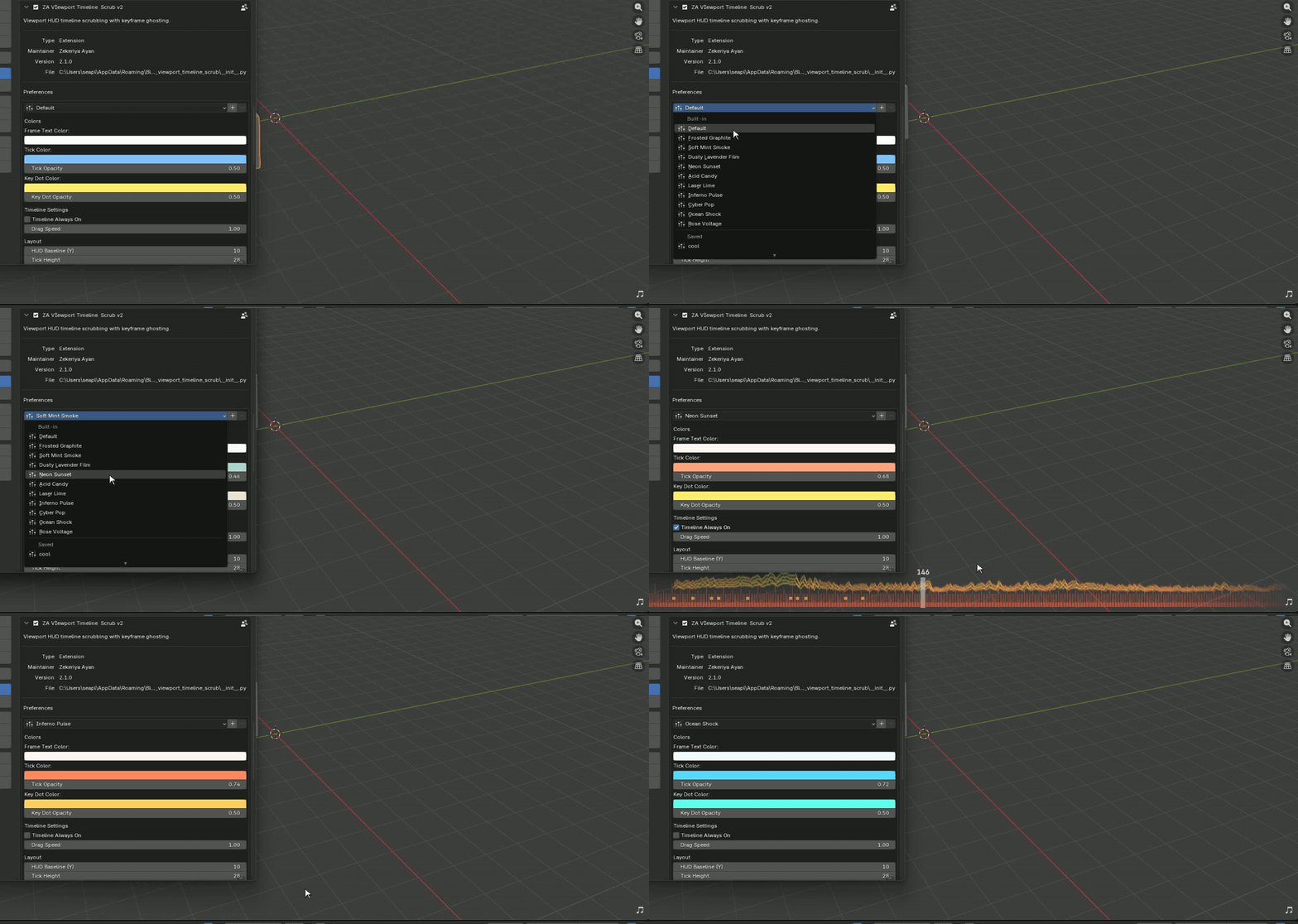
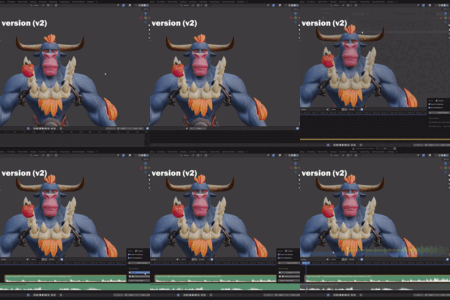
Presets (only in v2)
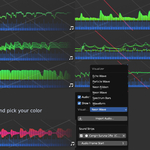
You can use great ready-made presets. Or you can create your own preset. Colors and options are fully customizable.
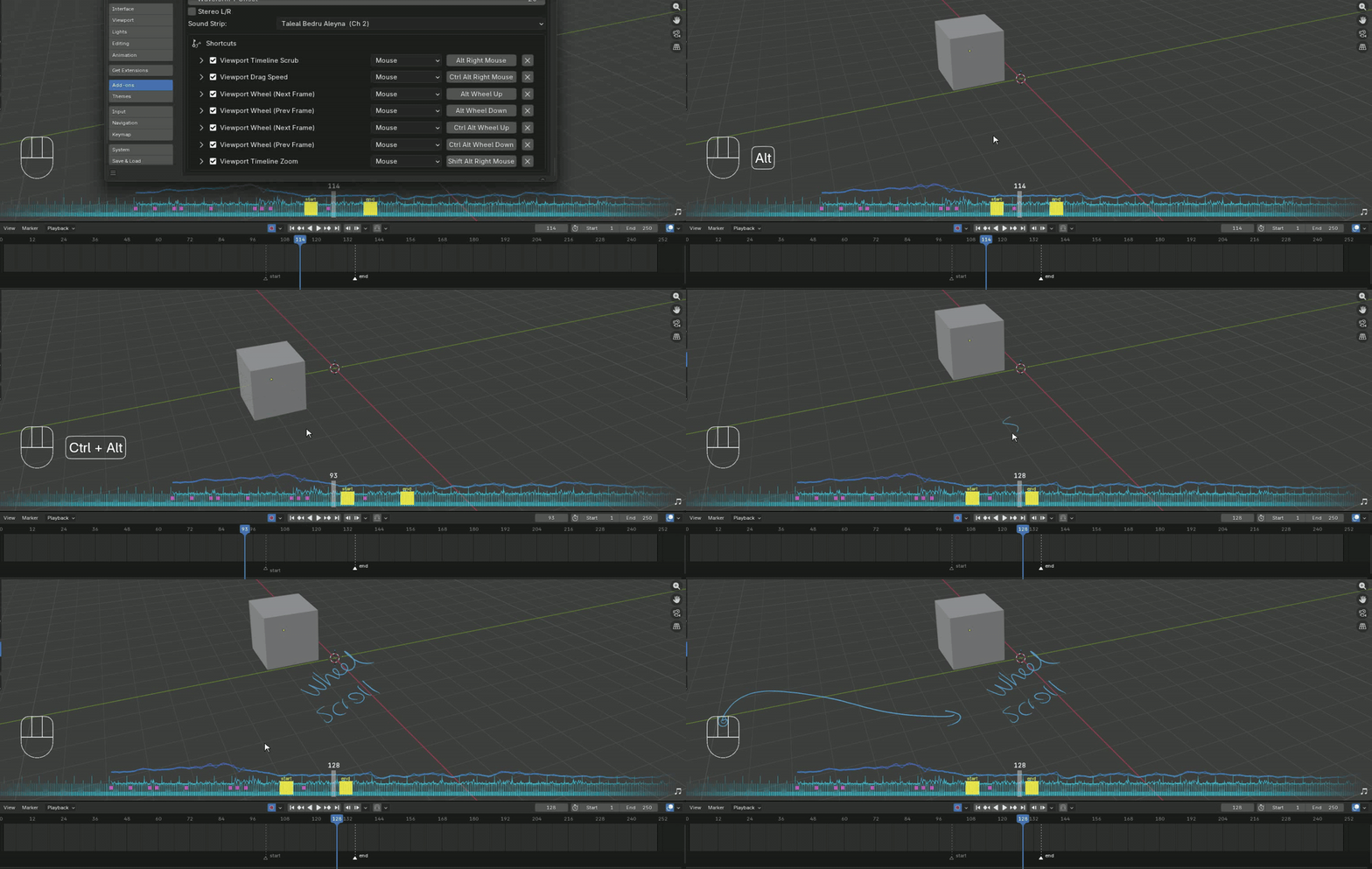
Choose alt + rbm or alt + mouse wheel. /// ctlrl + alt + mouse wheel (scroll up and down) will manage the drag speed.
Timeline HUD on off
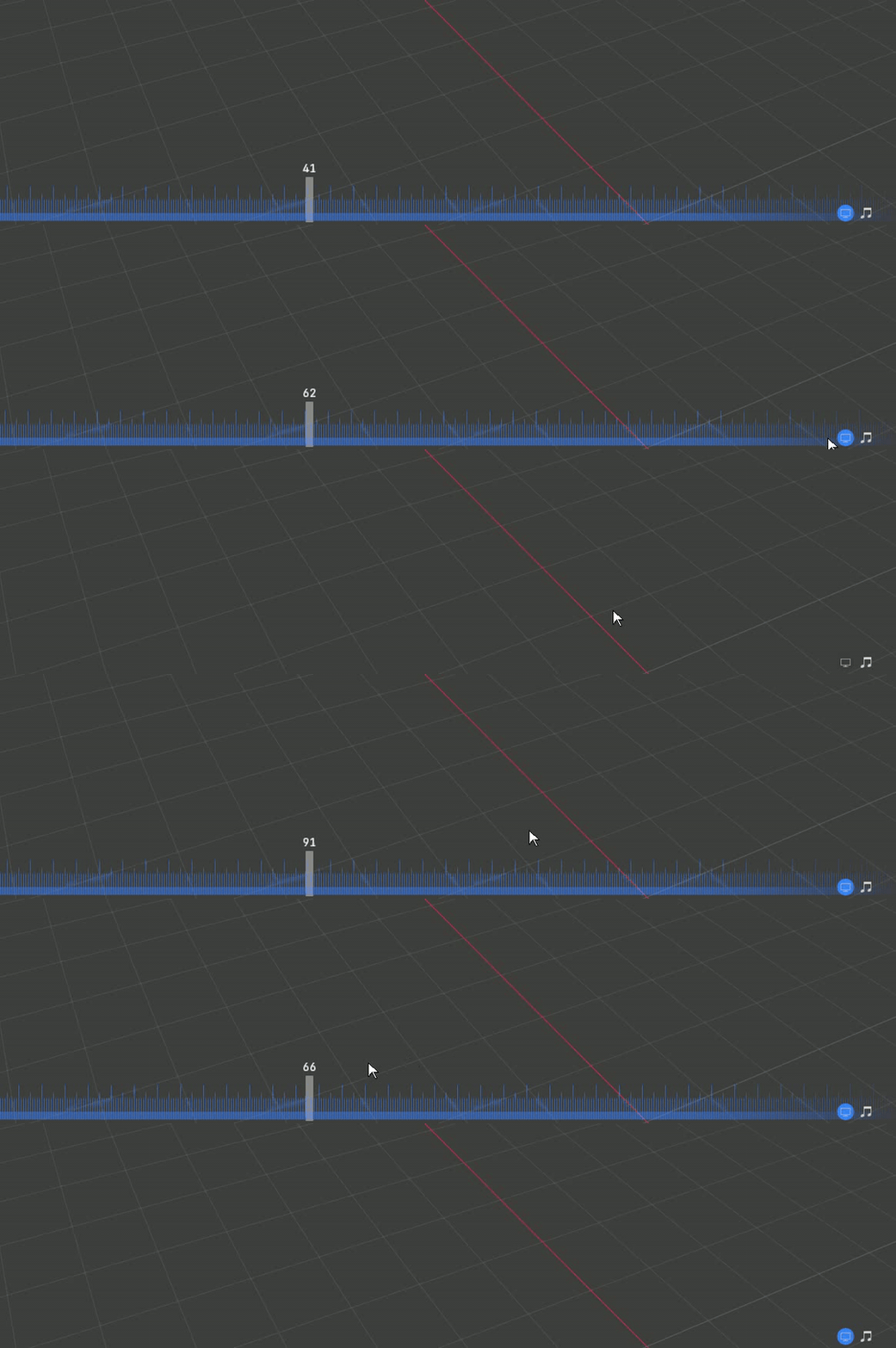
I add a button for Timeline HUD on off